

There is no official ChatGPT for Telegram. OpenAI's own ways to message ChatGPT outside its apps are 1-800-CHATGPT, by phone in the US and Canada, and WhatsApp in the European Economic Area. Every Telegram bot with "ChatGPT" or "GPT" in its name is built by someone else on the OpenAI API, and I won't link any of them here.
What you can do is build your own. Telegram is famously friendly to bots: you get a token from BotFather in a minute, and since May 2026 bots can stream replies and be tagged into any chat. Add an OpenAI API key (GPT-6 Luna starts at $0.10 per million input tokens) and you have a private ChatGPT in Telegram.
That's a great tool for you and your friends. Once AI starts doing work for a team, though, the hard part is deciding what it may do for whoever is asking. That's what eesel is built for: an AI teammate in Slack, Microsoft Teams, Google Chat, WhatsApp, Discord and email that acts on its own for your team, asks first where you tell it to, and gives outsiders public answers only. Codex or Claude Code can even set it up for you through the eesel CLI, loading your docs and asking test questions before anyone else sees an answer.
Why I get asked about this
I write about AI assistants for eesel, and "ChatGPT for Telegram" is one of those searches where the top results are mostly bots selling themselves. That's a problem, because a bot in your chat list sees every message you send it. You deserve a straight answer about which ones come from OpenAI (none) and what the official options are.
eesel has spent years letting an AI act inside teams' own tools. The lesson that carries over to Telegram is simple. Plugging a model into a chat app is the easy afternoon. Deciding who it answers, what it will do for them, and what it must never hand to a stranger is where the real work is.
Is there an official ChatGPT bot on Telegram?
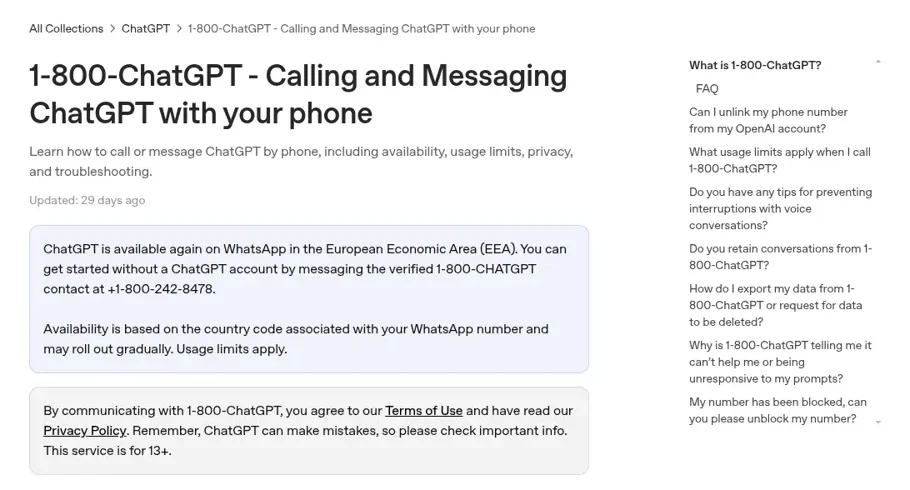
No. OpenAI's help center lists two ways to reach ChatGPT by phone or chat app. You can call 1-800-CHATGPT from a US or Canadian number for 30 free minutes a month. And "ChatGPT is available again on WhatsApp in the European Economic Area (EEA)", via the verified 1-800-CHATGPT contact. Telegram isn't mentioned in that article or in OpenAI's release notes.
So any "ChatGPT" in Telegram is a third-party app. Some are honest hobby projects, and some have been worse. Back in 2022 a user flagged one to OpenAI's own forum:
"It basically uses GPT-3 API on a Telegram chatbot including ads and links to "invest" in the project. It initially portrayed itself as an official OpenAI project"
My rule of thumb: if you can't tell who runs a bot, don't give it anything you wouldn't post publicly. If you want ChatGPT itself, use the ChatGPT app, which is free to start, $8 a month on Go and $20 on Plus (my ChatGPT pricing post has every tier). If you're in the EEA and like chatting in a messenger, the WhatsApp route is official.
What Telegram's own AI already does
Telegram has been shipping its own AI all year, and some of what people want from "ChatGPT for Telegram" is already built in. Per Telegram's blog:
| Date | Feature | What it does |
|---|---|---|
| January 2026 | AI summaries | Summarises long channel posts and adds a summary to Instant View pages |
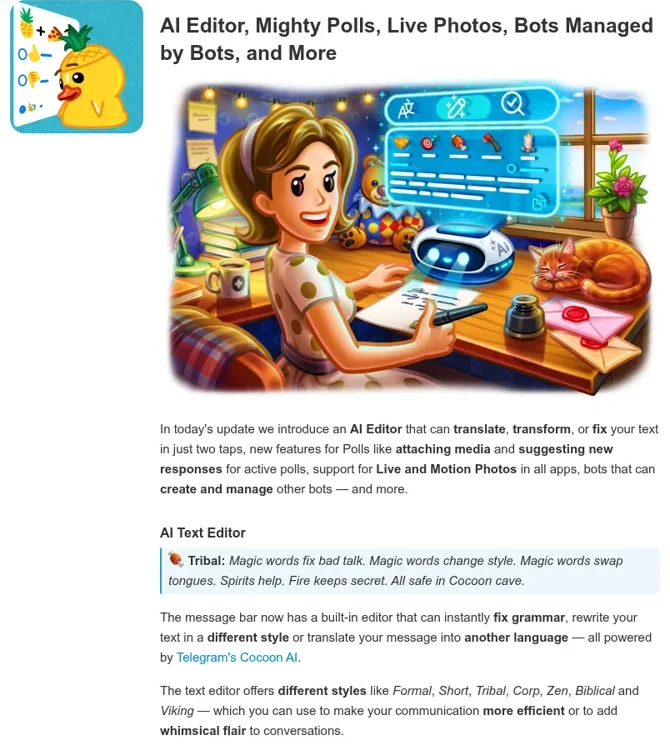
| March 31, 2026 | AI Editor | Fixes grammar, rewrites in a style (Formal, Short, Corp, even Viking) or translates, from the message bar |
| March 31, 2026 | Managed bots | Bots can create and manage other bots for you, "with no coding required" |
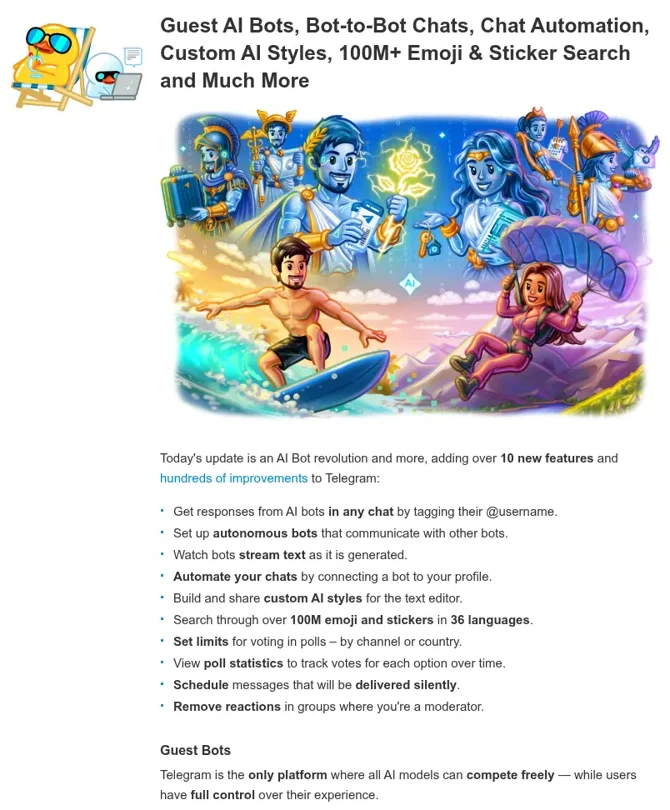
| May 7, 2026 | Guest AI bots | Tag an AI bot's @username in any chat and it replies there, even if it isn't a member |
| May 7, 2026 | Chat automation | Connect a bot to your profile so it can reply to messages on your behalf, in the chats you choose |
| June 11, 2026 | AI guardians | AI bots as group admins that screen join requests |
Telegram's built-in features run on its own Cocoon network. Telegram says requests there are "processed in a confidential environment with zero access to user data", and the summaries use open-source models. Nothing in Telegram's announcements ties these features to OpenAI.
The guest bot change is the one to notice if you build. Telegram calls itself "the only platform where all AI models can compete freely", and it made AI bots taggable anywhere. Privacy is scoped tightly: guest bots "only have access to the specific message they are tagged in and any replies to that message."
Why developers love building AI bots on Telegram
Telegram's bot platform is the reason this search exists at all. Developers on Hacker News keep saying the same thing:
"Telegram makes it SO easy. Bots are first class resources on Telegram and they make them so easy to use."

"I don't like Telegram for a host of reasons, but the bot architecture is second to none. Try creating a bot in Slack. You'll pull your hair out for hours. Same goes for Discord."
Anthropic noticed too. When it shipped Claude Code channels, Telegram was one of the three official chat apps, alongside Discord and iMessage. The Telegram plugin pairs one person's account with a bot, then pipes their messages into a Claude Code session on their own machine. My Discord Claude connector post walks through the same plugin on Discord.
Community projects like OpenClaw take that idea further (its Telegram setup is popular). OpenAI hasn't shipped an equivalent for ChatGPT, so on the OpenAI side you build it yourself.
How to build your own ChatGPT bot for Telegram
You need three things: a Telegram bot token, an OpenAI API key, and a small always-on service between them. A ChatGPT plan can't stand in for the key. ChatGPT Business's models and limits page lists "Reselling access or using ChatGPT to power third-party services" among what the Services Agreement prohibits, and API usage is billed separately.
- Create the bot. Message BotFather, send
/newbot, pick a display name and a username ending inbot, and copy the token. - Receive messages. Your service either polls Telegram for updates or registers a webhook URL.
- Call OpenAI. Send the message (plus recent history, if you want memory) to the model and get a reply.
- Reply, ideally streamed. Telegram's May update says bots "can stream responses as they are generated", so long answers appear as they're written.
- Decide who may use it. Check each sender's Telegram user ID against your own list before you spend a token on them.
OpenAI Codex can write most of this in an afternoon. The running cost is the API, from OpenAI's own pricing page.
| Model | Input per 1M tokens | Output per 1M tokens | When I'd use it |
|---|---|---|---|
| GPT-6 Luna | $0.10 | $0.50 | Quick answers for a few friends |
| GPT-6.1 Terra | $1.00 | $5.00 | Reading screenshots and photos people send |
| GPT-6.2 Sol | $2.00 | $10.00 | A bot that uses tools or searches your files |
| GPT-6.2 Astra | $8.00 | $40.00 | Rarely; long, hard tasks |
My OpenAI API pricing post explains token maths, and Telegram integrations with GPT-5 Pro shows an earlier build.
Before you add it to a group
A bot that only you talk to is simple. The moment it sits in a group, or you connect it to your profile with chat automation, it's answering people you didn't pick, and it answers them all with the same access.
That's where I'd slow down. Picture the bot in a group for a small agency: the founder asks it to summarise this week's client requests, a freelancer asks for the client's contract terms, and someone who joined from a public invite link asks for everyone's email addresses. A homemade bot gives all three the same answer unless you write the code that tells them apart, and then test it.
ChatGPT itself does have permission controls for the person using it. Connected apps can be set to Always ask, Allow read actions or Allow low-risk actions, per OpenAI's app permissions guide, and Business workspace agents ask before write actions by default. Those settings follow the ChatGPT user or the agent. They aren't built to change with which Telegram member sent the message, because ChatGPT isn't in the group.
Privacy deserves a thought too. Some people won't put work chat on Telegram at all:
"Unfortunately, Telegram is also a no-go from a security/data privacy perspective for many use cases."
That's a call for your team, but it's worth making on purpose, before a bot starts reading client threads.
When the AI works for a team, not just you
Here's where eesel comes in. eesel is an AI teammate that works in the apps a team already uses: Slack, Microsoft Teams, Google Chat, WhatsApp, Discord and email, where every agent has its own address. Anyone who talks to it there can ask for work, and it does that work inside your connected tools, from looking up an order to drafting a reply or pulling a report.
The difference from a homemade bot is that what it does depends on who is talking:
| Who's asking | What eesel does |
|---|---|
| A teammate in your Slack or Teams | Answers from your docs and history, and acts in your connected apps on its own where you've set actions to On |
| A named person you've given extra trust, like your ops lead | Gets the extra access you set for them, and approves held actions if they're an editor |
| A verified customer, for example on your WhatsApp Business number | Gets their own order details and nothing else |
| An anonymous visitor in your website chat bubble | Public answers only |
Under the hood, every action is On, Ask first or Off, per agent and per action, and you can set it in plain words ("look things up on your own, but ask me before any refund"), per eesel's actions and approvals docs. Ask first shows the exact action with Approve and Deny, in the dashboard, in the Slack thread the run started from, or by email, and only editors can approve. Actions and files marked Team only never run for someone outside your team.
It's proactive, too. Automations start work on a schedule, on an event in a connected app, or from a webhook, so the Monday summary or the follow-up on a stalled order happens without anyone asking. It learns from your docs, past work and Slack history, and corrections stick through memory.

The restaurant group Cactus Club Cafe is a good picture of the team side. Its internal IT agent handled 750 tickets in a month and ran 1,650 runbook and policy lookups, while a second agent audits the daily finance extract. That's the kind of shared work a personal chatbot in a messenger was never meant to carry. If internal questions are your main job, my internal knowledge base guide is a good next read.
Keep ChatGPT for your own work
None of this means giving up ChatGPT. It's a great assistant for your own writing, research and code, and my ChatGPT at work post covers where it fits. The two also connect. eesel apps are being listed in ChatGPT's app directory, and Codex can set eesel up from a repo with the eesel CLI.
If your community lives on Discord rather than Telegram, my ChatGPT for Discord post covers that server-side setup, and the best AI teammates roundup compares the field.
Try eesel as your team's AI teammate
If you searched for ChatGPT for Telegram because you wanted an AI in your chat app that does real work, eesel is that for your team, in the chat apps it already uses, with rules that change by who is asking. Start a free 7-day trial with 100 credits and no card; plans start at $299 a month for 500 credits on the pricing page, with unlimited agents and seats.
