If you've spent any time in tech circles in early 2026, you've almost certainly bumped into OpenClaw. It's an open-source AI assistant that gained popularity online, originally known as Clawd Bot, then Moltbot, before landing on its current name. It offers the possibility of a personal AI assistant that you control. It runs on your server, remembers your conversations, and connects to your life through apps like Telegram.
This guide will walk you through what you need to know about the Clawd Bot Telegram integration. We'll cover what it is, how it works, and some of the things you can do with it. We'll also cover the hidden costs, security risks, and technical setup that you should be aware of before diving in.
What is OpenClaw and the Clawd Bot Telegram integration?
What is OpenClaw? In short, it's an open-source, self-hosted AI assistant gateway. This means it's different from many other AI tools in a few important ways.
- You host it yourself: This means you run it on your own machine or a cloud server you pay for. The main advantage is that you have complete control over your data and privacy.
- It's always on: It's built to be a digital assistant that's constantly running in the background, waiting for your command.
- It remembers things: It can recall past conversations, which gives it context that many chatbots do not have.
- It's flexible: It isn't just one AI. It's a gateway that lets you connect to various large language models (LLMs) and other applications.
The project's creator, Peter Steinberger, changed the name a few times at the start. It was first Clawdbot, then Moltbot, and finally landed on OpenClaw to avoid any trouble with Anthropic (the company behind Claude). You'll still see all three names used, but they all refer to the same project.
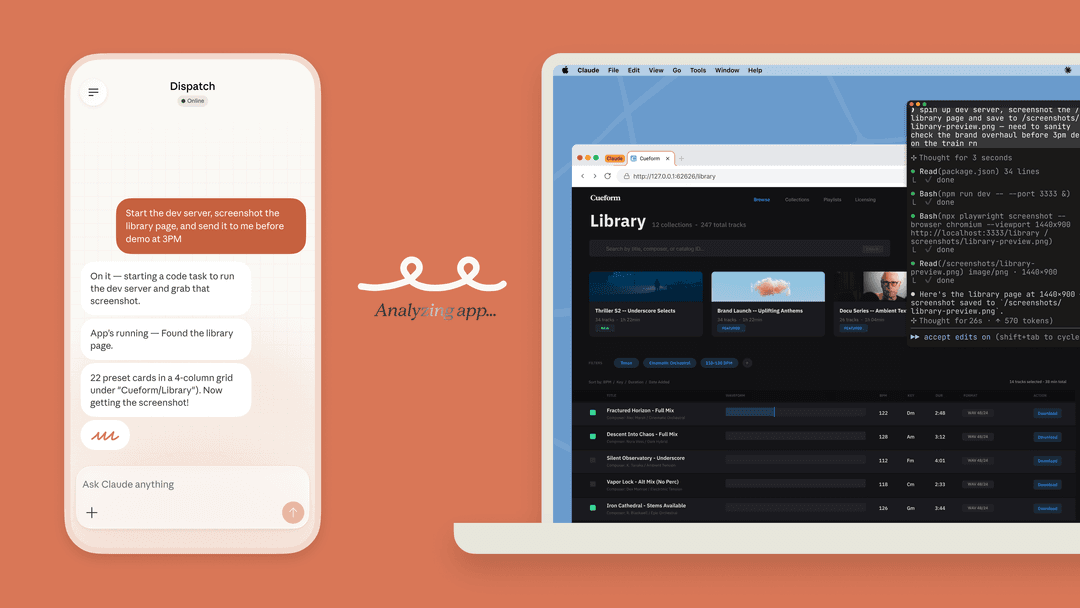
Telegram has become a popular way to interact with OpenClaw. The Clawd Bot Telegram integration turns the messaging app on your phone into a remote control for your personal AI.
How the OpenClaw Clawd Bot Telegram integration works
Getting OpenClaw up and running is not like installing a typical app. It is more like assembling a system from a few different components. For those who enjoy tinkering, it can be a weekend project.
Here’s a quick overview of the parts involved:
- The Server (Gateway): This is the core of the operation. The main OpenClaw software runs on a machine you control, like an old laptop or a cloud server.
- The AI Model: OpenClaw itself isn't the AI; it's a go-between. It connects to an LLM provider like Anthropic (for Claude) or OpenAI (for GPT) using their API to generate responses.
- The Interface: This is how you chat with your assistant. You can use Telegram, Discord, or WhatsApp to send messages to your server, which then passes them along to the AI model.
You can install it in a few ways: by downloading a stable release from the Git repository, using Docker, or finding a pre-made image from a cloud provider.
A common hosting method is using the AWS Free Tier, which provides a small server for free for the first 12 months. However, there can be hidden costs, like data egress fees ($0.09 per GB after the first gigabyte) and storage charges.
Other providers like DigitalOcean offer a 1-Click Deploy, which is simpler but costs at least $24 a month for the required Droplet.I'm concerned about AWS free tier having a catch associated with it. Meaning of Clawdbot installs stuff that goes over free limits, you won't know about it until you get a bill; I heard AWS is pretty unforgiving.

Powerful use cases for the Clawd Bot Telegram integration
While it takes some work to set up, OpenClaw can help you manage your digital life.
Reducing your cognitive load
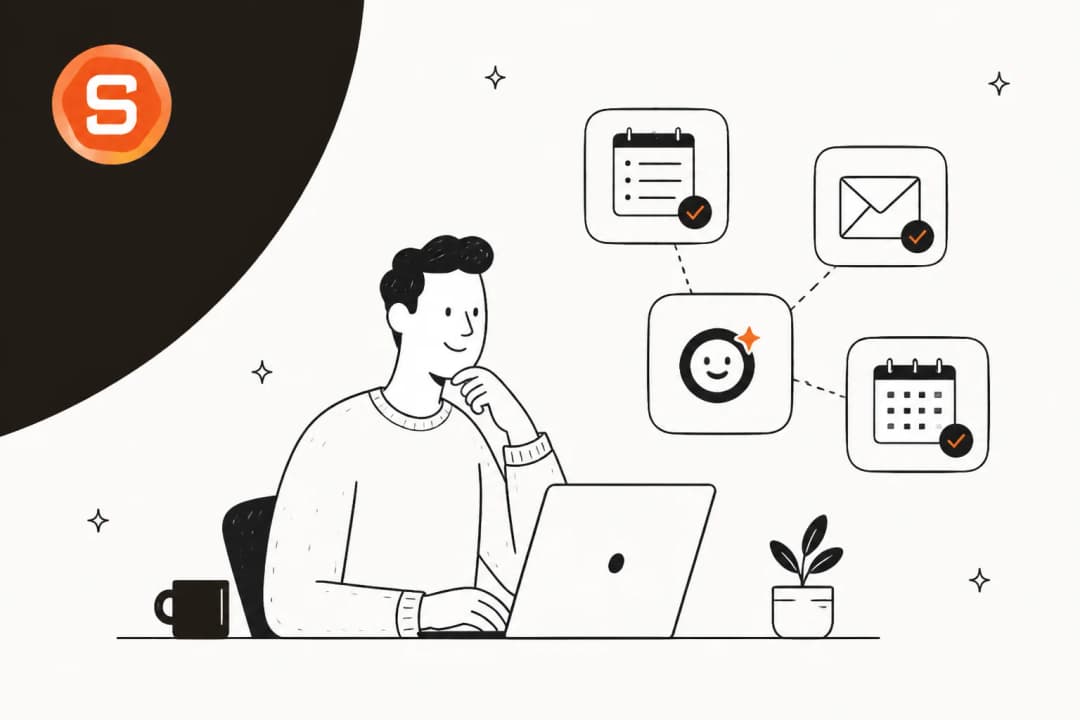
We all have a mental to-do list constantly running in the background: tasks, ideas, and links we mean to read later. This creates "cognitive load". OpenClaw can act as a system to offload that information. You can send your thoughts, links, and tasks into a chat with your assistant, where they are saved and organized for later.
Real-world examples
The Clawd Bot Telegram integration lets you build some useful workflows. Here are a few ideas:
- Automated Note-Taking: Forward an email or drop a link into your Telegram chat and tell it, "summarize this and save it to my 'Reading List' in Notion."
- Smart Scheduling: Ask your bot, "Find a 30-minute slot for a call with Jane next week and check my Google Calendar."
- Instant Research: Instead of managing multiple browser tabs, you can ask a complex question and get a detailed report with sources within your chat window.
- Daily Briefings: Set up a scheduled job, and your bot can send you a morning summary of your calendar, the weather, and your top priorities.
The hidden costs and risks of the Clawd Bot Telegram integration
OpenClaw is a powerful tool, but it comes with challenges. While it's a suitable project for hobbyists, these issues can make it a difficult choice for users who prefer a solution that works without significant configuration and maintenance.
The API cost trap
The OpenClaw software is free, but the AI models it uses are not. Every message you send makes an API call that costs money.
A common mistake is to use access tokens from a personal Claude Pro or Max subscription. This is against Anthropic's Terms of Service for this type of use and has resulted in many users having their accounts banned.
The correct way is to use a pay-as-you-go API key. However, this has its own considerations. Anthropic has spending limits that can automatically increase your potential bill as you use the service. It's not uncommon for users to incur surprise costs of hundreds of dollars per month.
If you use Moltbot the way it's marketed — as a proactive personal assistant managing email, calendar, messages, running tasks autonomously — you're realistically looking at $10-25/day, or $300-750/month on API costs alone.
Technical setup and maintenance
Setting up and maintaining OpenClaw requires some technical skill. You'll need to be comfortable with the command line, managing API keys, configuring servers, and troubleshooting issues.
Like everyone else, I jumped on the Moltbot hype train after the rebrand this week... It works, but nobody is talking about the default safety risks. I learned these the hard way in just 48 hours: 1. The 'Loop' Tax (The $120 Mistake) The agent got stuck in a retry loop... 2. The 'File System' Heart Attack I asked it to 'clean up my downloads folder,' and it tried to `rm -rf` a sub-folder I needed... 3. The 'Zombie' Mode It consumes significant RAM even when idle...
This makes it less suitable for non-technical users. For developers and tech enthusiasts, this can be part of the appeal. However, for a business looking for a dependable AI assistant, the required engineering time can be a significant consideration.
Critical security vulnerabilities
A poorly configured OpenClaw instance can be a security risk. One key rule is to never expose the gateway port directly to the internet. Doing so can create vulnerabilities.
There are known risks of open gateways being discovered and exploited, as well as prompt injection attacks. A malicious instruction hidden in an email you forward to your bot could trick it into deleting files or leaking your private API keys. To manage this properly, you need to set up security measures like private tunnels (using a tool like Tailscale), whitelist specific commands, and run everything in a sandboxed container.
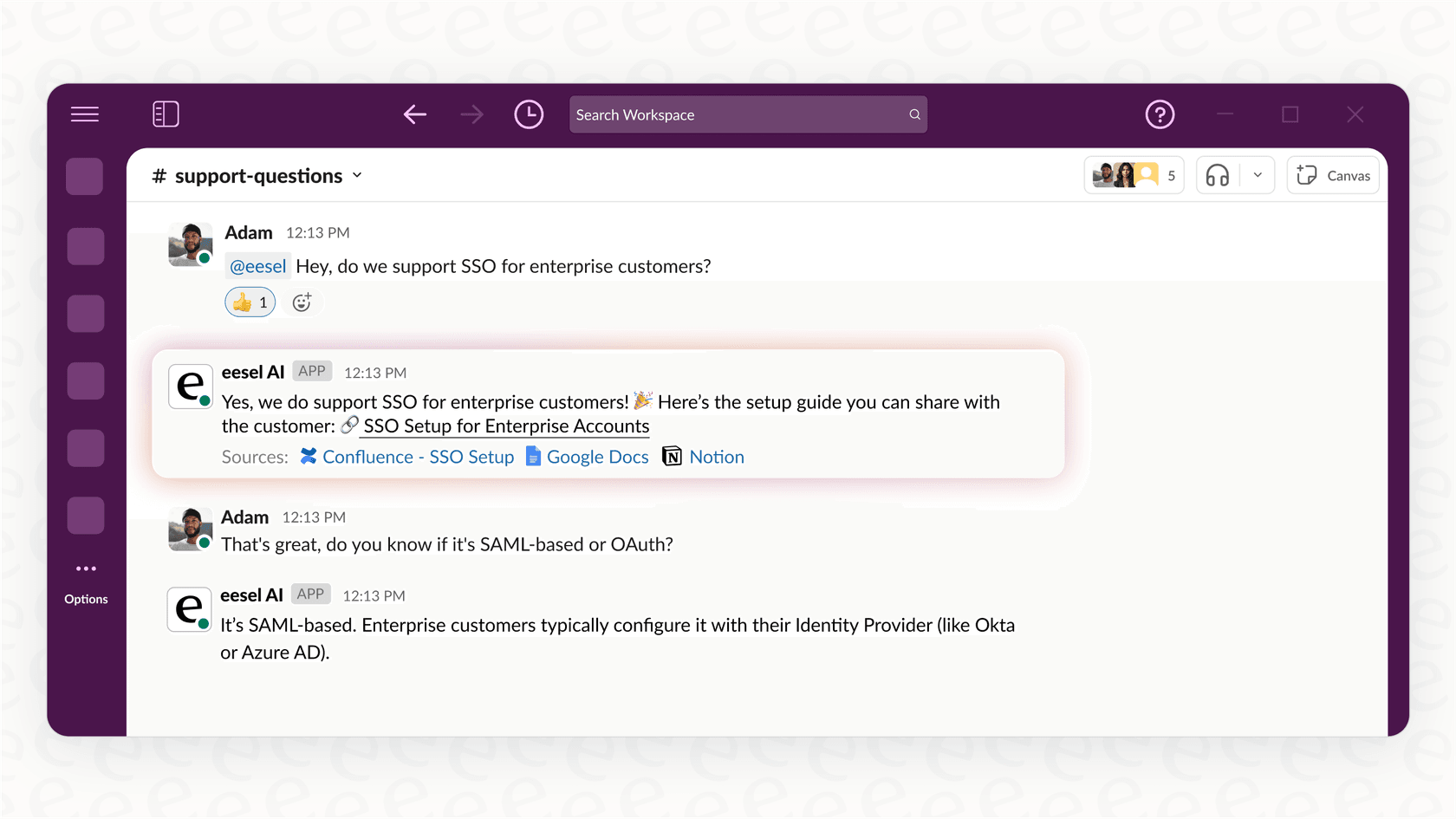
This level of security management can be complex for a personal project and may not be feasible for many businesses. Platforms designed for teams, like eesel AI's Internal Chat, are often built with security in mind. They offer features like data isolation and GDPR compliance, allowing you to connect to your company's Slack or Microsoft Teams and get secure answers from your internal knowledge without needing to be a cybersecurity expert.
OpenClaw (Clawd Bot) Telegram integration pricing explained
The total cost is not a single price but a mix of a few different expenses.
- Software Cost: The OpenClaw software is open-source and free.
- Hosting: This can be $0 if you use a spare computer or the 12-month AWS Free Tier, or it could be $5-24+ per month for a basic cloud server from a provider like DigitalOcean.
- AI Model API Usage: This is the most unpredictable cost. It's a pay-as-you-go model. For example, a model like Claude 3.5 Sonnet costs $3 per million input tokens and $15 per million output tokens. A fairly active user could spend $30-$150+ per month.
| Component | Estimated Monthly Cost | Notes |
|---|---|---|
| OpenClaw Software | $0 | Free and open-source. |
| Server Hosting | $0 - $25+ | Varies from using existing hardware to a cloud VPS. |
| API Usage | $5 - $150+ | Pay-as-you-go. Highly variable based on usage. |
It's important to remember that using a flat-rate consumer plan like the $20/month Claude Pro is a violation of the terms of service and can lead to account suspension.
You have to use a metered API key.'Cost $20/month claude subscription. free AWS server.' This is 100% against Anthropic's Terms Of Service they are confirmed banning for this, check X and the anthropic discord. Do not advise people to do this. Use an API key not the subscription oAuth token!
Is the Clawd Bot Telegram integration right for you?
OpenClaw is an interesting project that offers a customizable AI assistant, giving tech-savvy users a high level of control. For a developer or a hobbyist who enjoys building and configuring software, it can be a suitable project.
However, for non-technical users or businesses, there are significant considerations. It requires effort to set up securely and maintain. The API costs are unpredictable and require careful monitoring. It is a tool for builders, not a ready-made solution for a team.
For a visual walkthrough of the setup process, including connecting to Telegram and automating tasks with Notion, check out the video guide below. It provides a step-by-step look at what's involved in getting your own AI assistant running.
For teams that want the advantages of an AI assistant without the associated security risks and maintenance, a managed platform can be an alternative. eesel AI, for example, provides a secure AI teammate for companies. It learns from internal documents to provide answers inside Slack or Teams, with built-in enterprise-grade security and stability features. Managed platforms are typically designed for faster setup.