There’s a lot of talk about OpenClaw, the open-source AI assistant that’s had a few name changes (you might know it as Moltbot or Clawdbot). It's often pitched as a personal "AI employee" you can text on WhatsApp to control your computer, which sounds pretty cool.
But what does that really mean in practice? This guide will walk you through everything. We’ll cover what OpenClaw is, its main features, how you actually use it, what it costs, and importantly, the security considerations you can’t ignore. It's an incredibly powerful tool, but that power comes with some serious technical hurdles and risks. Let's get into it.
What is OpenClaw (formerly Moltbot and Clawdbot)?
OpenClaw is a free, open-source, self-hosted AI agent from developer Peter Steinberger. If you've been following its development, you've seen the name changes. It started as Clawdbot, switched to Moltbot after a trademark nudge from Anthropic (who make the Claude AI), and has now landed on OpenClaw.
<quote text="1. Clawdbot was too close to Claude so they had to change it.
Mold bot was a terrible name that had users and the space in general making jokes so they changed it again" sourceIcon="https://www.iconpacks.net/icons/2/free-reddit-logo-icon-2436-thumb.png" sourceName="Reddit" sourceLink="https://www.reddit.com/r/ClaudeCode/comments/1qr6jwz/comment/o2lx8fc/">
So, what does it do? Imagine it as a bridge between your phone's messaging apps (like WhatsApp, Telegram, Signal, or iMessage) and your computer. You install a program called a "Gateway" that runs in the background on your machine. When you send it a command like, "find that screenshot I took of the sales chart," the gateway shoots your request to an AI model. The AI figures out the right terminal commands to run on your computer, the gateway executes them, and the result pops up back in your chat.
Its main draw is privacy. Since it all runs on your hardware, your files and prompts stay on your machine, except for the text that goes to your chosen AI model's API. This gives you a level of control that's rare with most cloud-based AI tools.
Here’s a quick look at how a command gets processed, which you can see in the diagram below:
You send a message from WhatsApp, like "How much disk space do I have left?"
The message is picked up by the "OpenClaw Gateway" running on your computer (let's say a Mac Mini).
The gateway forwards the command to an AI model's API, like Anthropic's Claude.
The AI model returns the correct shell commands to check disk space.
The gateway runs those commands right there in your computer's terminal.
The answer is sent back to you on WhatsApp.
A flowchart detailing the six steps of how OpenClaw processes a command, from the initial prompt to the final action.
How to set up OpenClaw
Before you dive in, you should know that setting up OpenClaw isn't like downloading a normal app. You’ll need to be comfortable with the command line and have a basic grasp of how servers and APIs work.
It runs on macOS and Linux. If you're on Windows, you'll need to use the Windows Subsystem for Linux (WSL2) to make it work.
As for hardware, you could run it on your main laptop, but this is not ideal. For it to be useful, it needs to be on 24/7. That's why a dedicated, always-on machine like a Mac Mini or a Virtual Private Server (VPS) is the better choice. This also helps keep it separate from your personal machine, which is smart for security reasons we’ll cover in a bit.
Installation process overview
Getting OpenClaw installed kicks off with a single command you run in your terminal:
This script starts the installation. Once it's done, you’ll run the "openclaw onboard" command. This brings up a setup wizard in your terminal that guides you through the rest. You'll need to connect your own large language model by providing an API key from a service like Anthropic (for Claude), OpenAI, or Google. This is what acts as the "brain" for your agent.
After that, you'll connect your messaging channels. For WhatsApp, you scan a QR code, and for Telegram, you provide a bot token.
Technical setup vs a managed solution
As you can see, this whole process is built for a technical crowd. You need to be okay with managing API keys, working in the terminal, and thinking about server security.
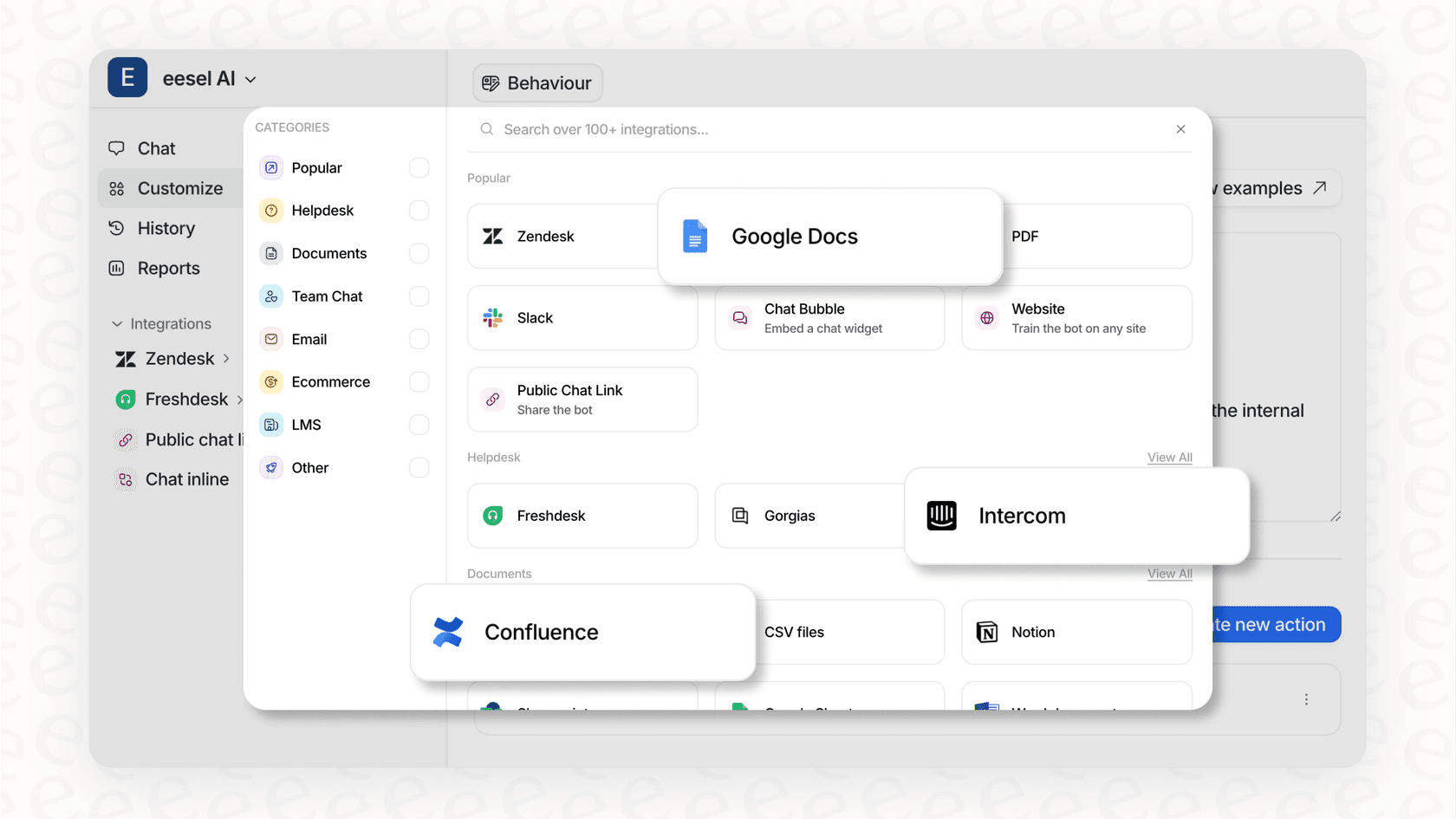
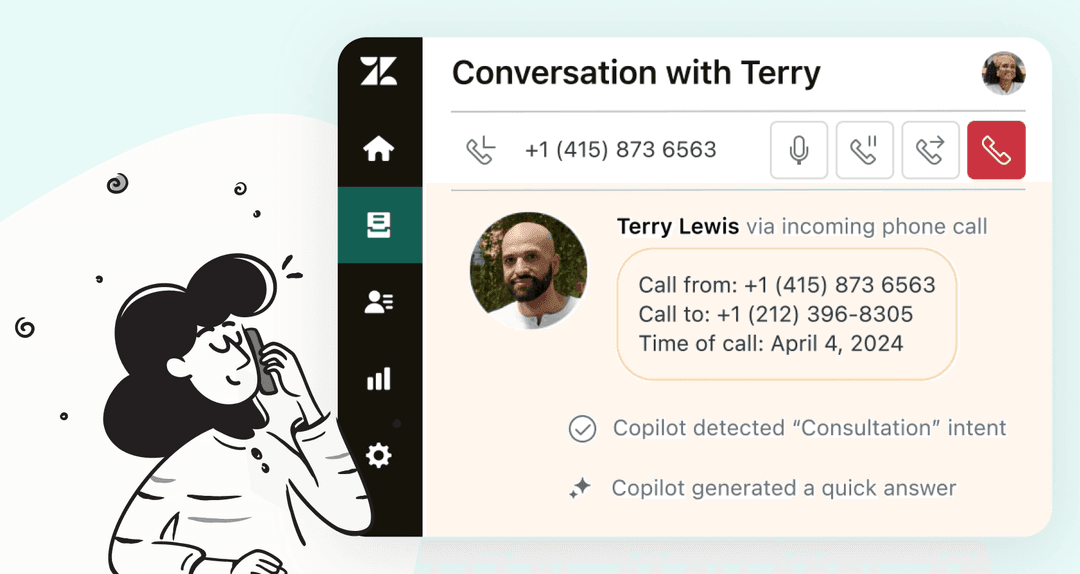
For business teams, this is usually where the idea stops. The time and expertise needed are pretty big hurdles. This is where platforms like eesel AI offer a different path. Instead of messing with servers and scripts, you "hire" an AI teammate. eesel connects to the tools you already use, like Zendesk, Slack, or Shopify, and learns from your data in minutes. No developer is needed, which means your team gets the benefits of AI without the technical headache.
An illustration of the eesel AI teammate, an alternative for businesses that don't know how to use Clawd Bot.
Core features and popular use cases
Once you have OpenClaw running, you can start using its real power. It’s all about automating tasks and getting info from your computer right from your phone, no matter where you are.
Interacting with your local machine
The most fundamental feature of OpenClaw is its ability to run shell commands on your computer. This opens up a world of possibilities.
For example, you could ask it to find a specific screenshot lost in a cluttered downloads folder. Or you could ask for a disk space report with Python-generated charts and get it sent to you as a PDF. The community has cooked up some wilder uses, like having the agent transcribe a voice message by stringing together tools like FFmpeg and the Whisper API. It’s like having a command-line pro on call 24/7.
Extending capabilities with skills
To make complex tasks simpler, OpenClaw uses "Skills." These are essentially pre-packaged scripts that teach your agent new tricks. The initial install comes with about 49 bundled skills covering everything from Apple apps (Notes, Reminders) and developer tools (GitHub) to smart home devices like Philips Hue and Sonos.
But the real fun is in the community contributions. There are directories like MoltDirectory with over 500 skills for almost anything you can think of, from controlling your Tesla to ordering groceries. And if you can't find a skill you need, you can build your own. You could create a custom skill that automatically resizes and watermarks images you send to it, for instance.
Proactive monitoring and persistent memory
OpenClaw isn't just reactive; it can be proactive. With features like "Heartbeats" (periodic checks) and "Cron jobs" (scheduled tasks), you can have your agent monitor things for you and take action when needed.
It also has a simple memory system. It uses markdown files like "SOUL.md" to define its personality and "USER.md" to remember things about you. This helps it keep context in conversations. Some developers are even building fascinating projects on top of this, like Moltbook, which is a kind of social network where different AI agents can interact with and learn from each other.
Security concerns to consider
OpenClaw's design comes with some major security risks. One expert even suggested it could lead to a future "Challenger disaster" for AI.
Its not secure, period. I mean.. if you know what you are doing and follow their documentation, you are pretty much safe.. but people just accepting everything through the installation process without reading anything... not Clawdbot fault.. everyone wants to jump on the hype train. Not secure because 'normal' users don't understand its power. In the first couple of hours when it came out nearly 2000 users exposed their api keys and sensitive data.
The official documentation says it perfectly: "Running an AI agent with shell access on your machine is… spicy." You are opening a direct line from the internet to your computer's command line.
The biggest threat here is "prompt injection." This is where a sneaky message, maybe hidden in an email or a document your agent reads, could fool the AI into running malicious commands. We're talking about commands like "rm -rf", which could wipe all your files, or others that could leak your private data. This isn't just a theory; in one test, an injected prompt tricked a bot into deleting a user's entire email inbox.
Mitigation strategies and best practices
The developers know about these risks and have built in a key security feature: sandboxing with Docker. This lets you run commands in an isolated "container," which limits the damage a bad command could do. You can set it to sandbox commands from group chats (""non-main"") or to sandbox absolutely everything (""all"").
Run OpenClaw on a separate machine that doesn't hold sensitive personal data.
Whitelist specific commands that you know are safe.
Create API keys with the least amount of permissions necessary.
On macOS, give your terminal app Full Disk Access to prevent remote commands from failing silently.
An infographic comparing the security risks of OpenClaw with the best-practice mitigation strategies.
Pro tip
On macOS, go to 'System Settings > Privacy & Security' and grant Full Disk Access to your terminal app *before* you start using OpenClaw. If a permission prompt pops up while you're away from your computer, the command will just fail without telling you why.
Is it right for your business?
These security risks suggest OpenClaw is better suited for personal projects rather than business-critical work involving sensitive data. The potential for unintended consequences is a significant factor for businesses to consider.
For business use cases, a managed AI solution like eesel AI provides an alternative built for a secure business environment. It includes features such as SOC 2 Type II compliance, data encryption, and role-based access controls. It also allows teams to simulate AI responses on past tickets before deployment, offering a controlled way to implement AI without direct shell access or the need to manage server security.
The eesel AI Agent provides a secure, managed solution for businesses looking to leverage AI without the security risks of direct shell access.
OpenClaw pricing
This part is pretty simple. The OpenClaw software is completely free and open-source under the MIT License. You can download it, change it, and use it without paying anything.
The actual cost is in using the large language model's API. Every time your agent "thinks," it's making an API call to a service like Anthropic's Claude, and you pay for that usage based on the amount of text processed (tokens).
The official docs give some rough monthly cost estimates:
Light usage: $10-30 per month
Moderate usage: $30-70 per month
Heavy usage: $70-150+ per month
A visual guide to OpenClaw's pricing, highlighting that the software is free while API usage incurs costs.
If you already have a Claude Pro or Max subscription, you can generate a special token to use your existing subscription for OpenClaw, which means you won't have to pay extra per token.
Is OpenClaw the right AI assistant for you?
OpenClaw is an amazing piece of tech. It’s a powerful, modern, and highly customizable AI agent that gives you incredible control and privacy for personal automation projects.
But it all boils down to a trade-off: you get all that power in exchange for a complicated setup and a big security responsibility. It's a fantastic tool for developers, hobbyists, and tech lovers who understand the risks and have the skills to manage them. For that crowd, it’s a great way to play with the future of personal AI.
For those who prefer a visual walkthrough, this video offers a great beginner's guide to OpenClaw (formerly Clawdbot), explaining the core concepts in just a few minutes.
This beginner's guide to OpenClaw explains the core concepts in just a few minutes.
However, for businesses looking to implement AI for customer service or internal support, the technical requirements and security risks are important considerations. These environments often require a solution that is secure, reliable, and user-friendly for the entire team. Instead of building an AI agent, think about hiring one. eesel AI is a secure, managed platform you can "hire" in minutes to handle support tickets, answer internal questions, and even act as an AI sales rep—all without writing code or worrying about server security.
Frequently Asked Questions
Is it difficult to learn how to use Clawd Bot for a non-technical person?
Yes, it can be. Setting up OpenClaw (formerly Clawd Bot) requires comfort with the command line, APIs, and server management. It's designed more for developers and tech hobbyists than for the average user.
What are the main security risks I should know about for how to use Clawd Bot?
The biggest risk is remote shell access. A malicious command, potentially hidden in a document or email (a "prompt injection" attack), could trick the AI into deleting files or exposing your private data. Using it on a dedicated machine and enabling sandboxing is highly recommended.
What does it cost for how to use Clawd Bot?
The OpenClaw software is free, but you have to pay for the AI model's API usage (like from OpenAI or Anthropic). Costs can range from $10 for light use to over $150 for heavy use per month, depending on how many commands you send.
What are some creative examples of how to use Clawd Bot?
Beyond simple file searches, people use it to transcribe voice memos, generate charts from data on their computer, control smart home devices, and even automate ordering groceries. The "Skills" system allows for nearly endless customization.
What do I need before I start to learn how to use Clawd Bot?
You'll need a computer running macOS or Linux (or Windows with WSL2), Node.js (version 22+), and an API key from an AI provider like Anthropic, OpenAI, or Google. An always-on machine like a Mac Mini or a server is also recommended.
If I'm a business, is learning how to use Clawd Bot a good idea for my team?
For most businesses, probably not. The technical setup and major security risks make it unsuitable for handling customer data or critical operations. A managed, secure platform like eesel AI is a much safer and more practical choice for a business environment.
Stevia Putri is a marketing generalist at eesel AI, where she helps turn powerful AI tools into stories that resonate. She’s driven by curiosity, clarity, and the human side of technology.