What real-time translation actually means in 2026
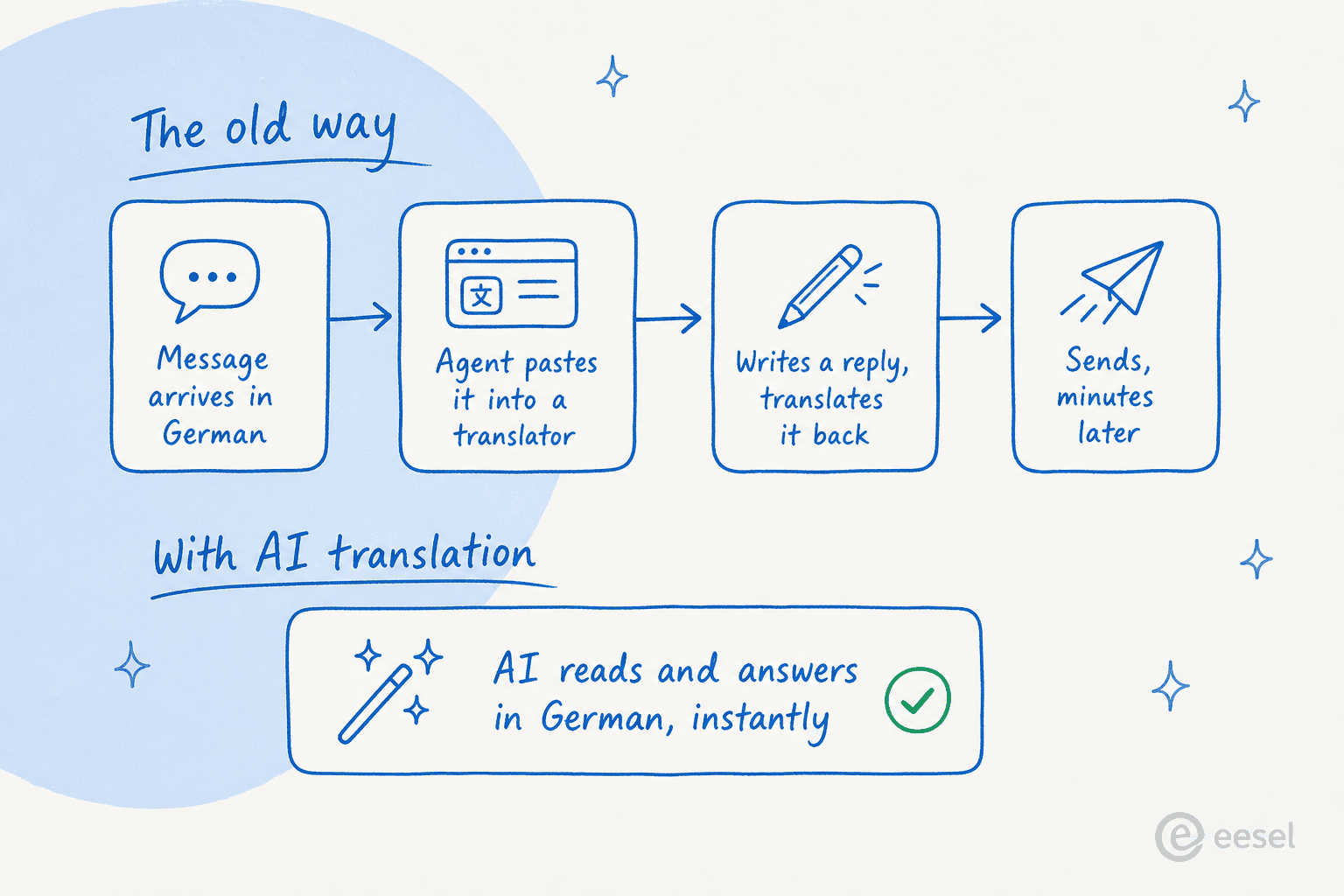
For years, "translation at work" meant one thing: paste text into Google Translate or DeepL, read the output, write your reply in English, then run it back through to translate it out. It worked, sort of, but it was slow, literal, and it had no idea what your business actually does. "Return" and "refund" came back as generic dictionary words, not the specific policy your company uses.
What changed is that the same large language models behind chatbots are now multilingual by default. They don't translate a sentence in isolation, they understand intent in any language and generate a fluent response in any other. The translation stops being a separate step and becomes a property of the system. That sounds like a small distinction, but in practice it collapses a four-step workflow into one, and it means the response can be informed by your knowledge base rather than a literal word swap.
That's the version of "real-time translation" worth caring about for a business. Not a better dictionary, but a system that can hold a useful conversation in a language nobody on your team speaks.
Where businesses are putting it to work
Three use cases have pulled ahead, and they map cleanly onto where companies already lose time to language.
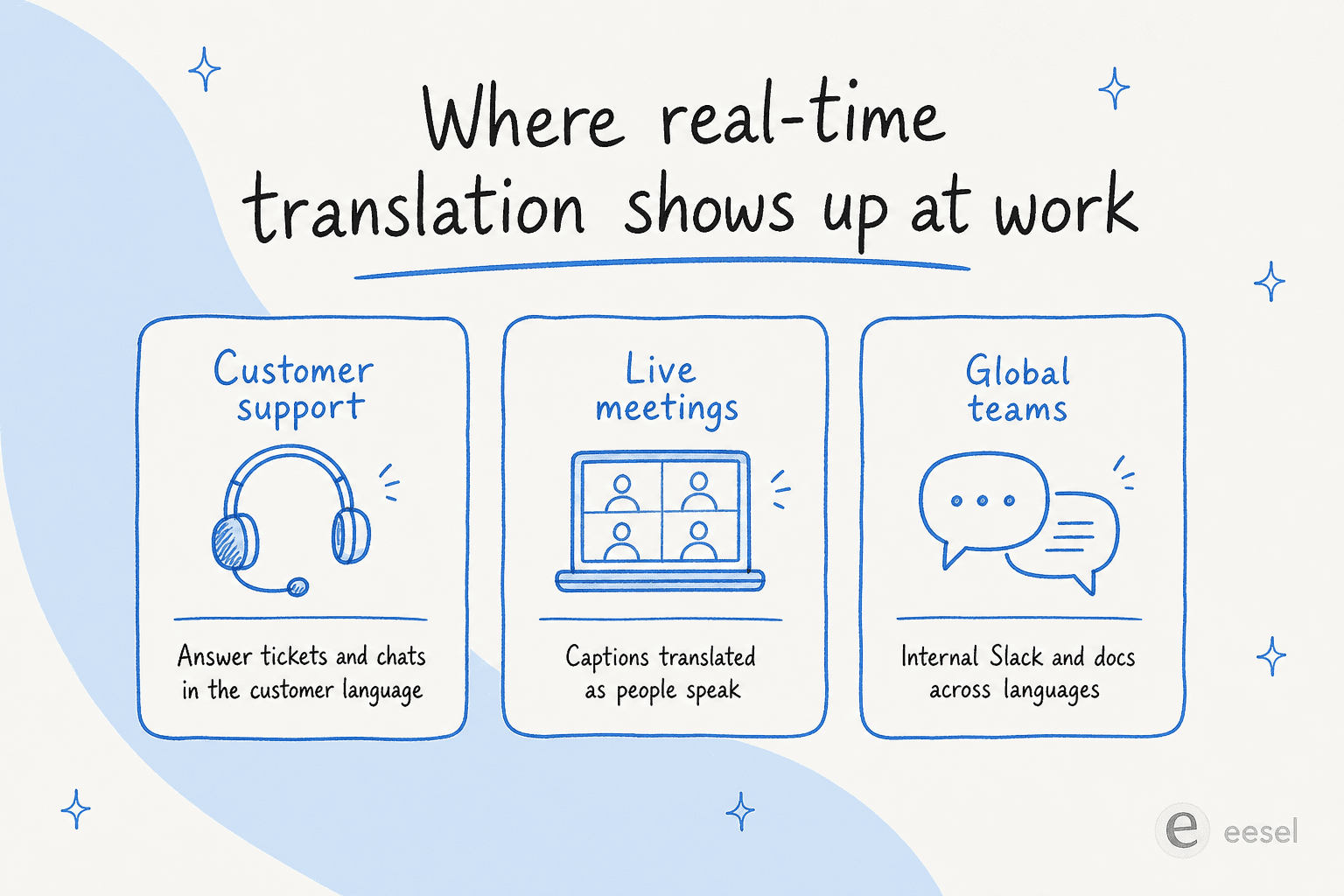
Customer support is the heavyweight. Any company selling across borders gets tickets in languages its agents don't read, and translated support has historically meant either hiring native speakers for every market or making customers struggle through English. This is where AI customer service does the most obvious work, and it's especially acute for Shopify and e-commerce stores that ship internationally, so it gets most of this post.
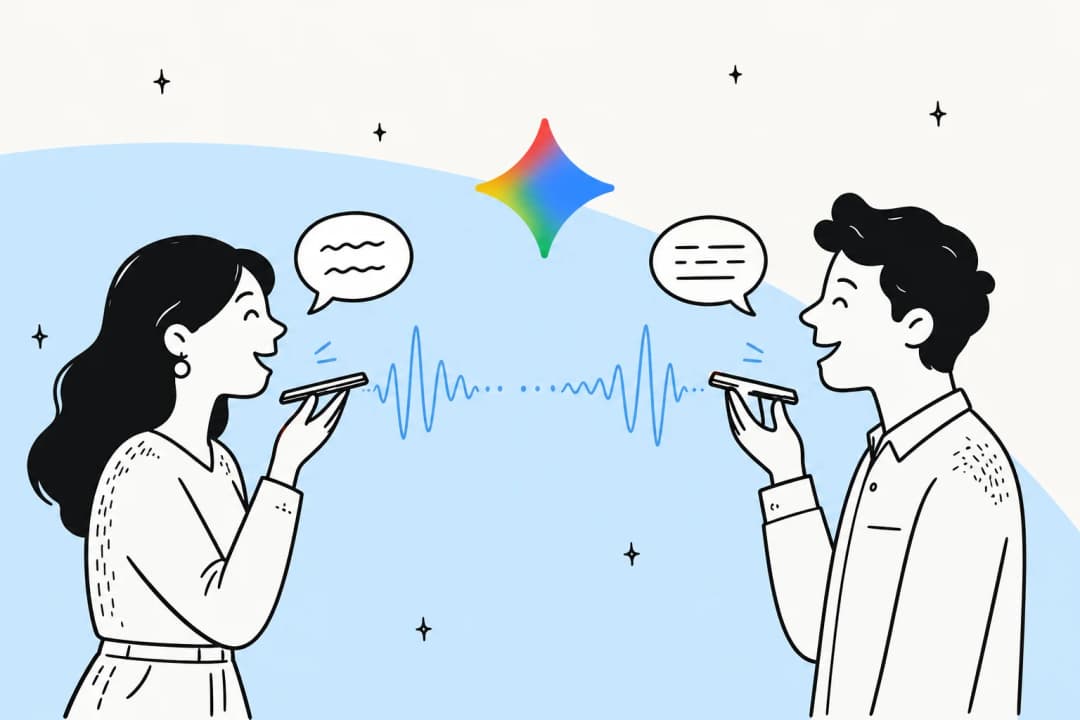
Live meetings are catching up fast. Real-time translated captions and transcripts in tools like Zoom, Microsoft Teams, and Google Meet mean a sales call or a standup can run across two languages without an interpreter on the line. The audio is still in the speaker's language, but the captions update as they talk.
Internal team comms is the quiet one. Distributed teams increasingly run AI translation over Slack messages, internal docs, and wikis so a question posted in Spanish gets a useful answer pulled from an English knowledge base. It's the same plumbing as customer support, just pointed inward.
The biggest use case: multilingual customer support
Here's the problem every growing company hits. You launch in a new market, tickets start arriving in that language, and you have three bad options: hire native-speaking agents (expensive, slow), force customers into English (bad experience, lost sales), or paste everything through a translator (slow, error-prone, and the reply still sounds robotic).
AI real-time translation is a fourth option, and it's the reason support automation has become a real option for international teams rather than just English-first ones.
How AI handles a support message in another language
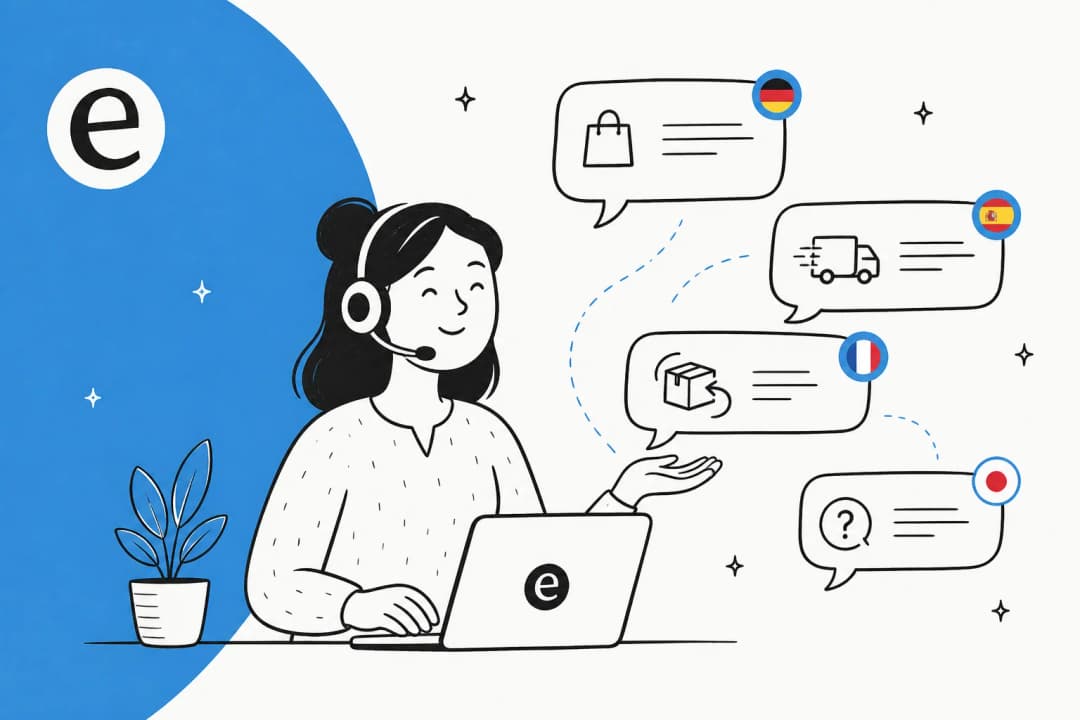
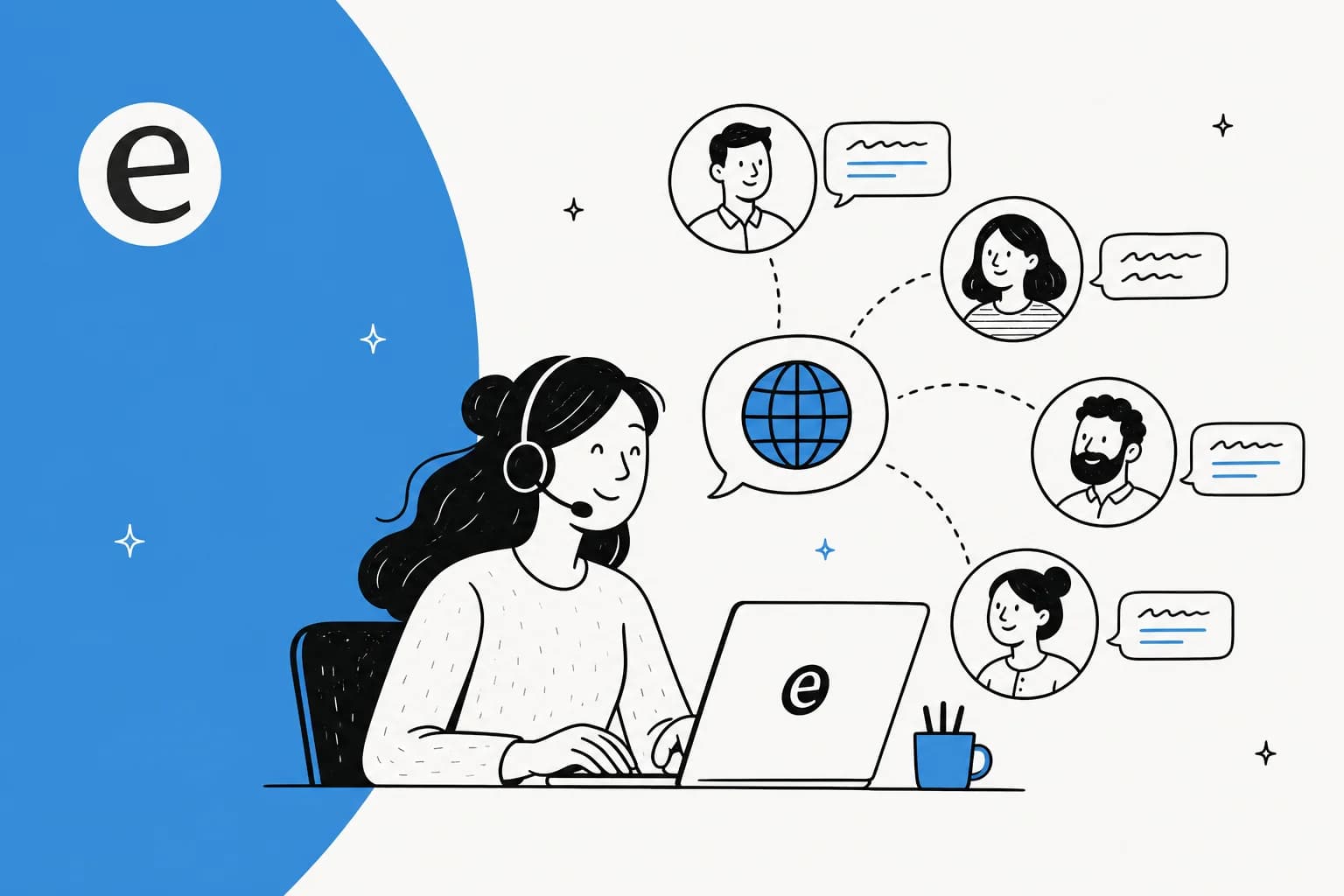
The mechanics are simpler than they look. When a message arrives, the AI detects the language, works out what the customer actually wants, searches your connected knowledge (help center, past tickets, internal docs), drafts an answer, and writes it back in the customer's language.
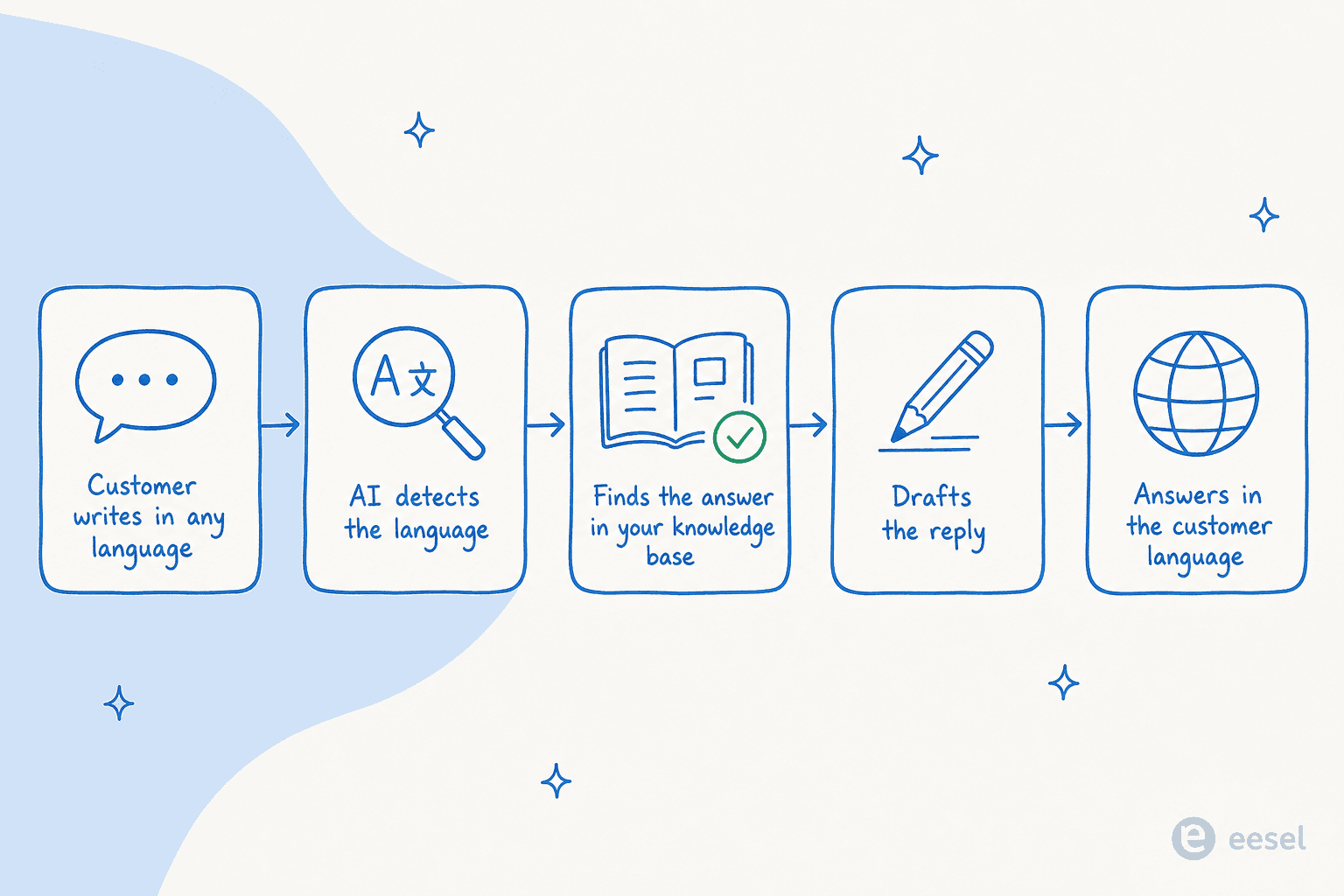
The important part is the middle. Because the answer comes from your documentation rather than a generic translation, the reply uses your actual policies, product names, and tone, not a dictionary's best guess. That's also why a strong knowledge base matters more than the translation itself: the AI can only be as accurate in German as your German-speaking customer needs it to be if the underlying answer is correct in any language.
Compare that to the old way, and the difference is mostly about steps removed.
What this looks like in production
This isn't theoretical. The most striking part of multilingual AI support is how often it works without anyone configuring a language at all. As the eesel team puts it:
A lot of people don't realise this works in all kinds of languages. We really need to make that front and centre.
the eesel team, on multilingual support being an under-appreciated strength
The proof is in the deployments. One German jewelry e-commerce brand running roughly 1,000 tickets a month had its agent handle German, English, French, Dutch, Spanish, Polish, Croatian, and Turkish without being prompted for any of them. A Spanish insurance brokerage ran 564 of its own real conversations through a custom agent in 48 hours on a free trial, all in Spanish. And the flagship: a German lending marketplace processes 100,000+ German-language tickets every month on a fully automated Zendesk agent, one of the largest deployments eesel runs.

What makes those numbers possible is that the AI trains on a company's own multilingual ticket history, so it learns how that business answers in each language rather than translating from an English template. It plugs into the helpdesk the team already runs, whether that's Freshdesk, Gorgias, HubSpot, or Front, and answers in whatever language the ticket arrived in.

Real-time translation in meetings and team chat
Support gets the headlines, but the meeting and team-chat side is where most people first feel the technology. Translated live captions in video calls have quietly become normal: the speaker talks in their language, and everyone else reads along in theirs. For sales and customer success teams running calls across regions, that removes a real barrier without the cost and scheduling of a human interpreter.
The internal version is closer to support than it looks. When a teammate posts a question in one language and an AI assistant for internal support answers it by pulling from an English-language wiki, that's the same pattern as a customer ticket: detect, understand, retrieve, respond in-language. It's the same engine behind any good AI helpdesk, just pointed at employees instead of customers. The same conversational AI that deflects customer questions can answer "how do I submit expenses?" in whatever language the employee asked.
The honest caveat for meetings specifically: live captions are good for following along and taking notes, but they are not a contract-grade record. For anything legal, medical, or financial, treat the transcript as a draft and confirm the important details.
Where it still goes wrong (and what to check)
This is the part most vendor pages skip, and it's the part that decides whether the rollout sticks.
Fluent is not the same as correct. Modern translation reads smoothly even when it's wrong, which is more dangerous than the clunky old output that obviously needed checking. A confidently-worded refund policy in French that quotes the wrong window is worse than no answer. The fix is the same control that makes any AI agent trustworthy: confidence-based routing, where the AI only auto-sends when it's sure and otherwise leaves a draft for a human.
Watch for leaks at the edges. In real deployments, the failure mode isn't usually a mistranslated sentence, it's untranslated plumbing: an internal UI label or an unfilled placeholder like a raw {{customer_name}} token slipping into a customer-facing reply in another language. It looks unprofessional and it's trust-destroying, so test your drafts in each language before going live, not just in English.
Your knowledge base is the ceiling. Because the answer is retrieved before it's translated, gaps in your documentation show up in every language at once. If a topic isn't covered well in your knowledge base, no amount of translation quality saves it. This is also why ticket triage and clean docs matter more than the language model you pick.
Roll out gradually. The teams that succeed don't flip every language to autopilot on day one. They run the AI in draft mode first, simulate it against past tickets to see how it would have answered, then grant autonomy language by language and topic by topic. A good live chat or helpdesk tool should let you stage that rather than forcing all-or-nothing.
Try eesel for multilingual support
If the support use case is what brought you here, eesel is built for exactly this. It learns from your past tickets and help docs, plugs into the helpdesk you already use, and answers in the customer's language across 80+ languages with no per-seat or per-language fee, just usage-based pricing from $0.40 a ticket. The differentiator most teams notice is the simulation mode: you can run it against your real historical tickets, in every language, and see exactly how it would have handled them before a single customer is affected.

You can start free with $50 of usage and no credit card, point it at your existing knowledge, and watch it answer a German, Spanish, or Portuguese ticket the same way it answers an English one. It works the same whether you're after customer service automation or free, lightweight coverage to start. Try eesel and run the simulation on your own backlog first.
Frequently Asked Questions
What is AI real-time translation for business?
How much does AI translation for customer support cost?
Can AI translate and answer support tickets without a human checking them?
How many languages can AI customer support handle?
Will AI real-time translation replace bilingual support agents?


Article by
Alicia Kirana Utomo
Kira is a writer at eesel AI with a Computer Science background and over a year of hands-on experience evaluating AI-powered customer service tools. She focuses on breaking down how helpdesk platforms and AI agents actually work so that support teams can make better buying decisions.