

The 30-second verdict
If you only read one section, this is it.
- What it is: OpenAI's new full-duplex voice models for ChatGPT, replacing Advanced Voice Mode as the default. For the full mechanism, read our GPT-Live explainer.
- Who it's for: anyone who already talks to ChatGPT hands-free, plus language learners and hands-busy multitaskers.
- The best part: the conversation feels continuous. You can interrupt, pause, and think out loud without it cutting in.
- The catch: no video or screen sharing at launch, no public API, and the "intelligence" is delegated to GPT-5.5, so it's a new interface, not a new brain.
- My rating: a strong upgrade for consumers, a wait-and-see for support teams. Free to try, so there's no reason not to.
What GPT-Live actually is (the short version)
GPT-Live is a new generation of voice models from OpenAI, announced July 8, 2026, built to make talking to AI "feel much more like having a real conversation." It now powers the default ChatGPT Voice experience.
You've probably used one of two older approaches. The original ChatGPT Voice was cascaded: three models chained together (speech-to-text → LLM → text-to-speech), which lost information and felt slow. Advanced Voice Mode was turn-based: one model, but it still waited for silence to decide you were done, so a pause or a passing bus could get read as "your turn's over." GPT-Live throws out the turn entirely. If you want the deep mechanism, the GPT-Live overview covers the full-duplex architecture and the GPT-5.5 delegation split. This review is about whether it's any good.
What it's like to actually use
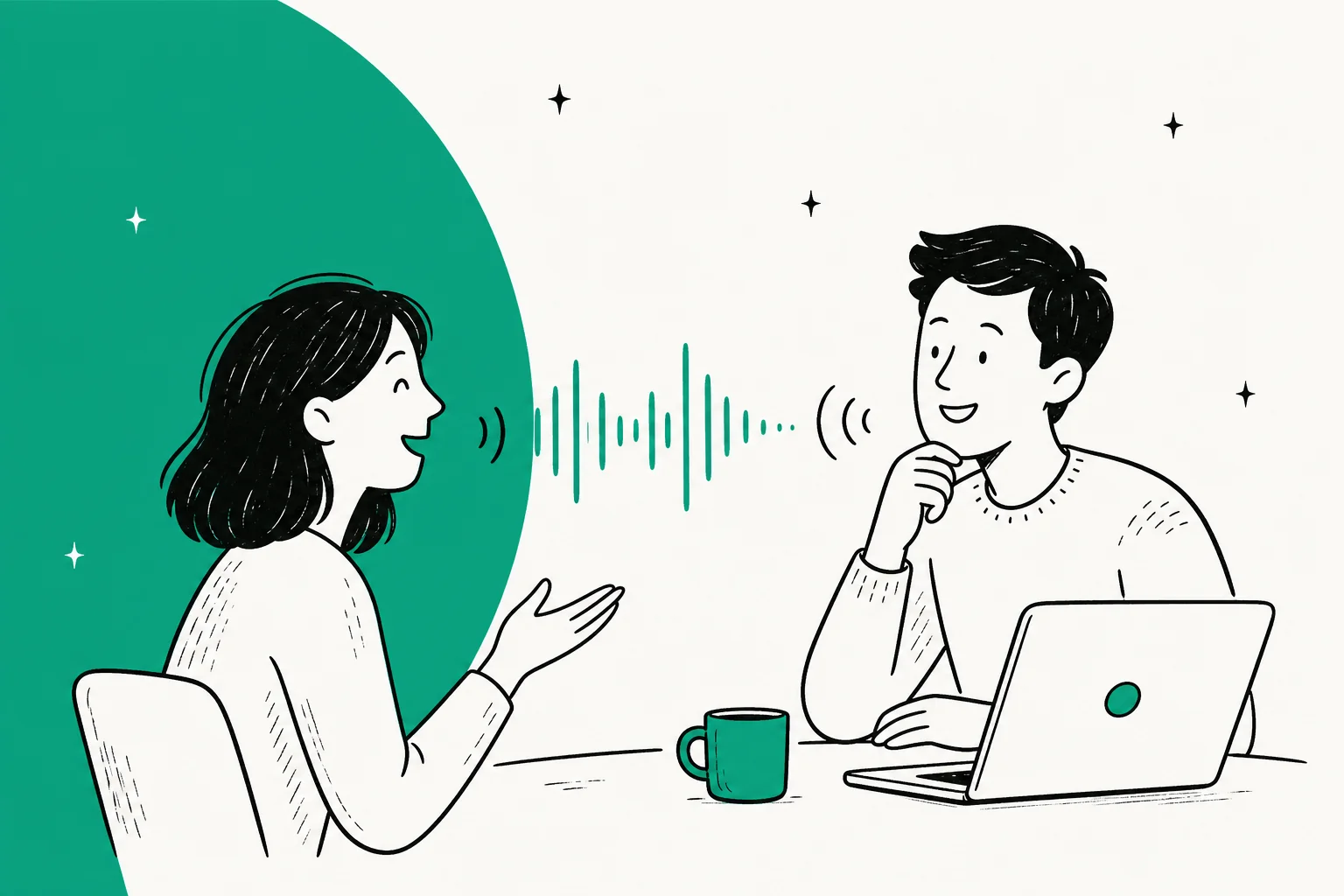
The first thing you notice is that the awkwardness is gone. Old voice AI made you speak in complete, uninterrupted sentences and then wait, like leaving a voicemail. GPT-Live lets you talk the way you talk to a person: trail off, correct yourself, cut in with "wait, no, the other one." It drops a "mhmm" while you're mid-thought and stays quiet when you clearly need a second.
That constant listen-and-speak loop is the whole product. It's the same shift the rest of conversational AI has been chasing, and OpenAI shipped it into an app 150M+ people already use weekly by voice. It's also the clearest answer yet to the "ChatGPT finally caught up to Gemini Live" line you'll see in any ChatGPT vs Gemini thread.
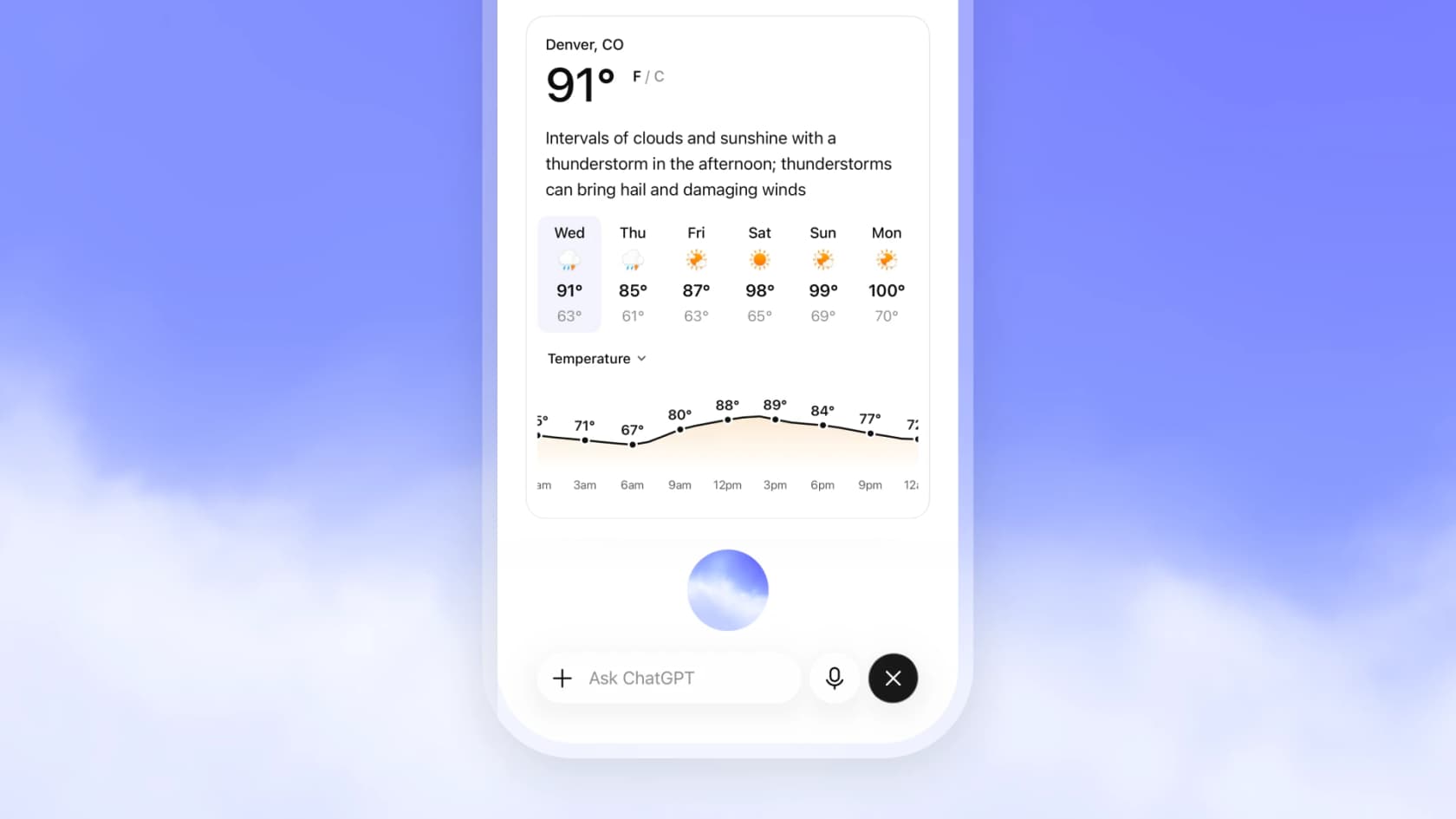
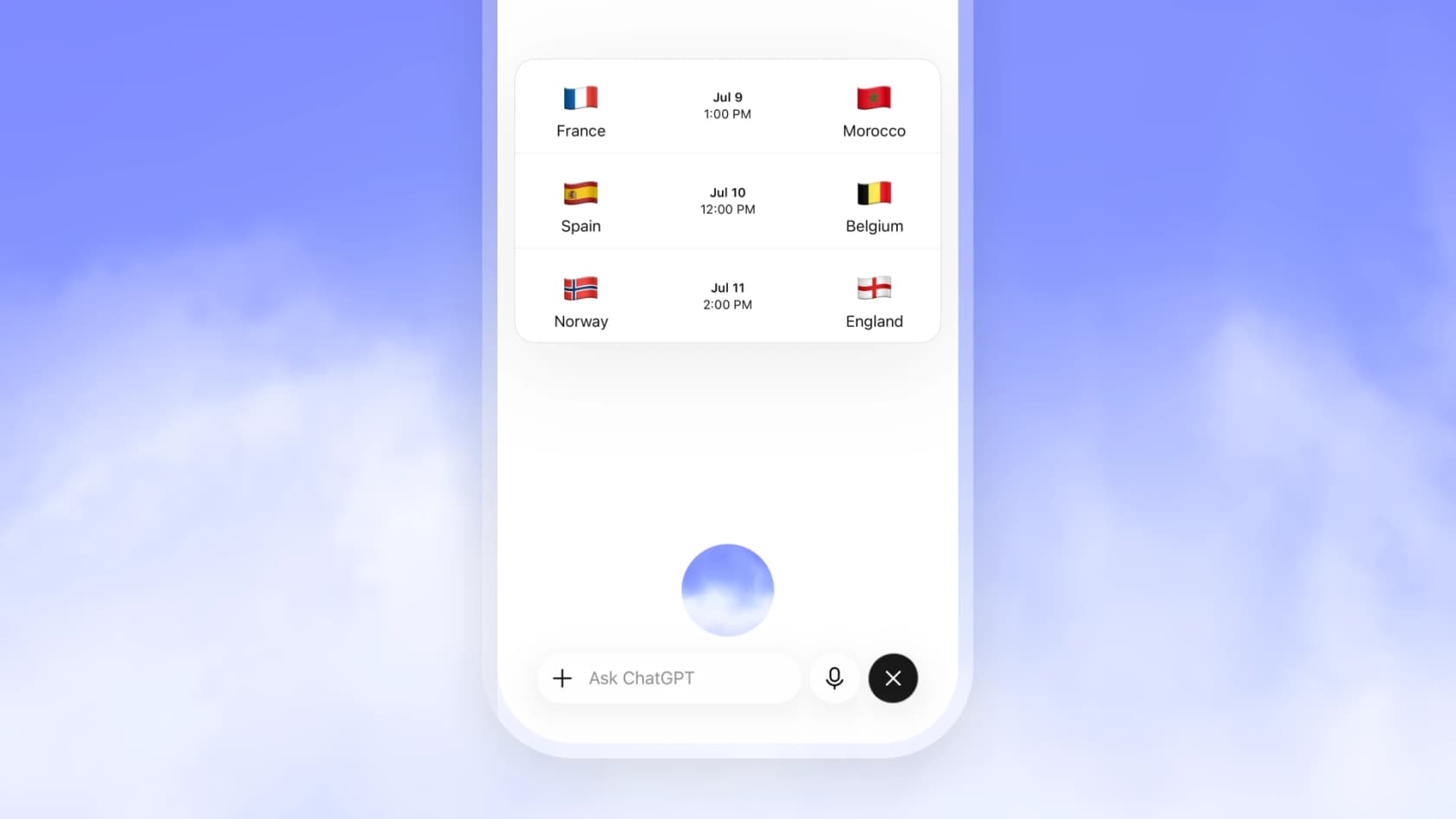
The on-screen visual answers are a nice touch, not just a gimmick, weather, sports, maps, and stocks show up as cards while it talks.
Do the benchmarks back up the hype?
Mostly, yes, and OpenAI was smart about what it measured. Instead of only raw accuracy, it built new human evaluations for the pleasantness and flow of a conversation. In 5–10 minute head-to-head chats, both new models were "strongly preferred" over Advanced Voice Mode (AVM):
| Model | Preferred vs AVM | Flow (mean/7) | Pleasantness (mean/7) |
|---|---|---|---|
| GPT-Live-1 | 75.7% | 4.96 | 5.19 |
| GPT-Live-1 mini | 69.2% | 4.33 | 4.47 |
| Advanced Voice Mode | (50% = parity) | 3.80 | 3.82 |
The reasoning jump is the more striking number, and it comes straight from the GPT-5.5 delegation. On GPQA (expert scientific reasoning) and BrowseComp (agentic web search):
| Model | GPQA | BrowseComp |
|---|---|---|
| Advanced Voice Mode | 45.3% | 0.7% |
| GPT-Live-1 mini | 74.9% | 31.6% |
| GPT-Live-1 (instant) | 76.5% | 35.1% |
| GPT-Live-1 (medium) | 81.7% | 60.6% |
| GPT-Live-1 (high) | 84.2% | 75.2% |
BrowseComp going from 0.7% to 75.2% is the delegation doing its job: the voice layer stays light, the heavy model does the search. The caveat every reviewer should keep in mind, these are OpenAI's own tests. They line up with my experience, but a vendor-run eval is a starting point, not proof. OpenAI also ran an internal telecom-support eval (τ³-Voice) where GPT-Live-1 led AVM on task success, which is the number I'd watch, because a full-duplex AI agent that can actually close a support ticket is a different product from a chatty demo.
Is GPT-Live worth it for you? A quick scorecard
The verdict really depends on who's asking. Pick the profile that fits you:
The pros and cons, plainly
What's good:
- The conversation feel. This is the reason to use it. Full-duplex turn-taking is a step change over Advanced Voice Mode.
- On-screen visual answers. Weather, sports, maps, and stocks as cards is a real quality-of-life win.
- Reasoning you can dial. Instant / Medium / High is a smart control, and the GPT-5.5 delegation means it can actually search and reason mid-call.
- It's free to try. GPT-Live-1 mini on the free tier means anyone can judge it themselves.
What's not:
- No video or screen sharing at launch. The single most-repeated complaint, and the reason Advanced Voice Mode is still around.
- The intelligence isn't new. The IQ is GPT-5.5's; the novelty is the interface. Worth knowing before you expect a smarter assistant.
- No public API. The piece that would matter for any business use case, phone lines, voice agents, is "coming soon" with no price.
- Confident wrong answers. Reviewers and I both hit these. A smoother voice raises the stakes on accuracy.
What it can't do yet
This is where the launch-day glow needs a cold read. Beyond the missing video and API, GPT-Live has real limits:
- Language gaps. It's optimized for the most popular ChatGPT languages; others may get a non-native accent or fluency gaps.
- Not in Business/Enterprise/Edu workspaces, Temporary Chats, the desktop app, Work, Codex, or custom GPTs at launch.
- Delegation latency. Because deep asks go to GPT-5.5 in the background, complex questions can lag, especially on High.
For developers itching to build on it, the API is the blocker. Until it lands, voice gets built on the existing audio and speech API wired into the Assistants API, and teams picking a model should still test on real cases, not launch demos, which is the whole point of comparing which LLM is best for support.
GPT-Live vs Advanced Voice Mode vs Gemini Live
The three-way question I keep getting. The short version:
- vs Advanced Voice Mode: GPT-Live wins on conversation, decisively. The only reason to keep AVM is video and screen sharing, which GPT-Live drops at launch.
- vs Gemini Live: this is the "ChatGPT finally caught up" matchup. GPT-Live edges ahead on visual answers and background reasoning delegation; Gemini Live still tends to win on language and country breadth. Both are full-duplex now, so it's closer than it was. Our ChatGPT vs Gemini piece has the wider comparison, and our roundups of conversational AI platforms and the best voice assistants put all three in context.
What people are actually saying
Early reaction has been mostly positive, and the interesting part is what people praise: the feel, not the IQ. A launch-day tally from Digg put it at 78% positive across 482 reactions, with critics pointing at latency and the occasional wrong answer.
The "walkie-talkie is dead" framing showed up everywhere:
"Old voice AI worked like a walkie-talkie. GPT-Live works more like a real conversation. It can listen and speak at the same time. So you can pause, interrupt, think out loud, or change direction without the whole thing feeling awkward."
The sharpest operators seized on the split, one model for talking, another for thinking:
"GPT-Live is not just a better voice mode. It is OpenAI separating two jobs: One model handles the human conversation. Another model handles deep thinking in the background... Voice was the interface. Now it is becoming the workflow."
And the developer read landed on the piece that isn't shipped yet, the API for voice agents and phone calls:
"This model and a smaller version — GPT-Live-Mini — will be available soon in the API, meaning anyone can build apps or agents using this conversational system, including to answer or make phone calls. For now there's no pricing."
My verdict for support teams
Here's my actual take, from working a live support queue rather than a lab.
GPT-Live is a real step for the interface, and I'm glad it shipped. Once the API lands, "call a support line and talk to an AI that doesn't feel like an IVR" gets much more plausible, and you can already see the shape of it in tools like Zendesk voice AI agents and Freshcaller voice agents.
But a review has to say what a demo won't. The thing that breaks support AI in production isn't clunky turn-taking, it's confidence. I've watched a smooth-sounding bot answer a customer wrong, and a more natural voice only makes a wrong answer sound more convincing. That's exactly why every eesel rollout gets simulated against a customer's historical tickets before it's allowed to answer anyone live. One CX lead put the whole thesis in a single line on a call with us:
"The AI will never be able to answer 100% of the questions, but if it tries and just answers 'sorry I don't know this,' I cannot go and check all my 7,000 tickets to see if the AI actually made a good answer, then the point is a little bit gone. I need an AI who is only handling the tickets that it's confident to handle and all the other ones, leave them alone."
a CX lead at a DTC brand handling ~7,000 tickets a month
That's the bar. So the practical win for a support team today isn't waiting on a voice API, it's automating the email and chat tickets that make up most of your volume, inside the helpdesk you already run. That's the job an AI helpdesk agent does now, and it's how the best customer service AI tools already earn their keep, well before anyone picks up a phone.

That's what I work with day to day. eesel is an AI for customer service that plugs into your existing stack (Zendesk, Freshdesk, Gorgias, Help Scout, and more), trains on your past tickets and help center, and then only auto-replies when it's confident, quietly leaving the rest for your team. Before it goes live, you can simulate it on thousands of your real past tickets to see exactly what it would have said. When GPT-Live's API does land, a model-agnostic AI agent for customer service is what lets you plug it in on evidence instead of hype. Try eesel free, no sales call needed.