The 8 best Kuse AI alternatives in 2026

Kurnia Kharisma

Katelin Teen
Last edited August 27, 2026

Why look for a Kuse AI alternative
First, credit where it is due. Kuse gets a lot right, and I want to be fair before I talk about where it falls short.
The infinite canvas (built on tldraw) is the part people fall for. You can throw a PDF, a YouTube link, a spreadsheet, and a pile of raw notes onto one board and then chat with the whole thing at once. Designers on Product Hunt describe it as mirroring how they already think, and the multi-file ingestion is the standout feature almost every reviewer mentions.
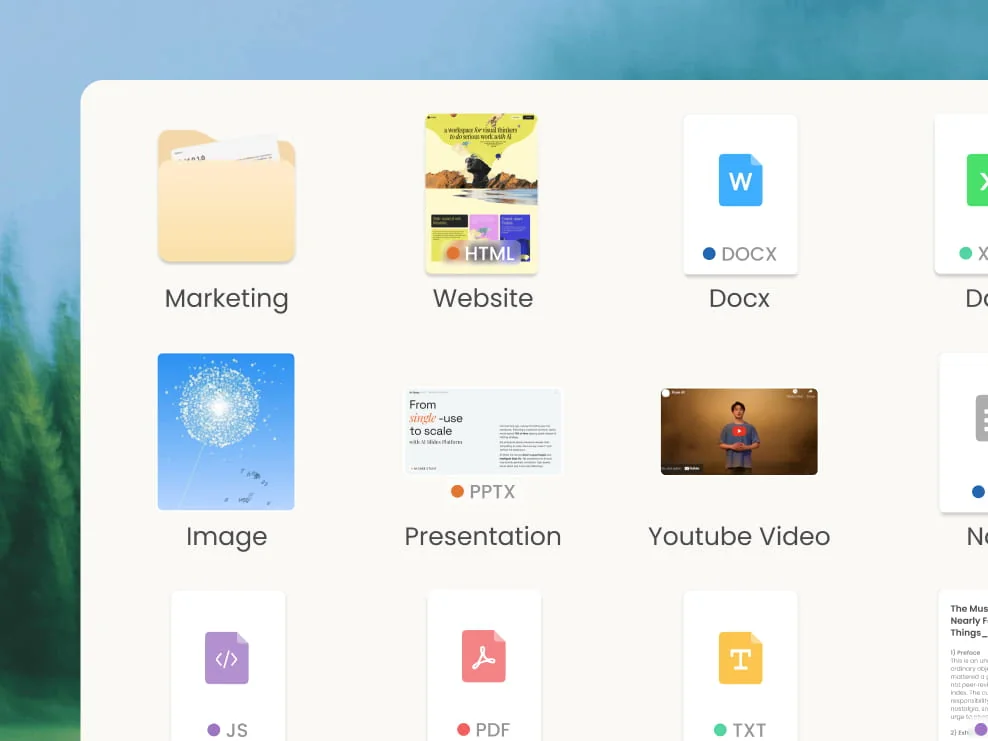
Reviewers also love that Kuse builds output only from the materials you give it, which several frame as the fix for generic-AI unpredictability:
"As a designer, I'm genuinely impressed! The library feature is a game changer. Being able to generate content only from my own materials solves the biggest problem with AI's unpredictability. You can really tell this was built by a team that deeply understands how designers think."
So why leave? A few reasons come up again and again:
- It is young, and it shows. The Product Hunt rating sits at 3.7/5, and the sharpest review flags real reliability worries (one user reported the model leaking its own system prompt). Small polish gaps, like limited font customization, stop it from fully replacing incumbent tools for some people.
- Credit pricing is hard to predict. Kuse bills in credits that are priced dynamically by task, and they do not roll over month to month. That is a familiar frustration: you cannot easily map a monthly bill to the work you actually did.
- It is a solo canvas, not a finished job. Kuse is superb at helping you research and assemble a deliverable. It is not built to own a recurring team job, log into your helpdesk, and close tickets, or publish a cited blog post on a schedule, without you steering each step.
- You may only need one slice of it. Most people reach for Kuse for one thing: decks, or research summaries, or a knowledge base. A specialized tool usually does that one slice better and cheaper.
That last point is the big one, so let me break down what Kuse actually bundles before we compare.
How Kuse actually works
Kuse markets itself as "one AI coworker," and under the hood that means three capabilities fused into a single canvas.
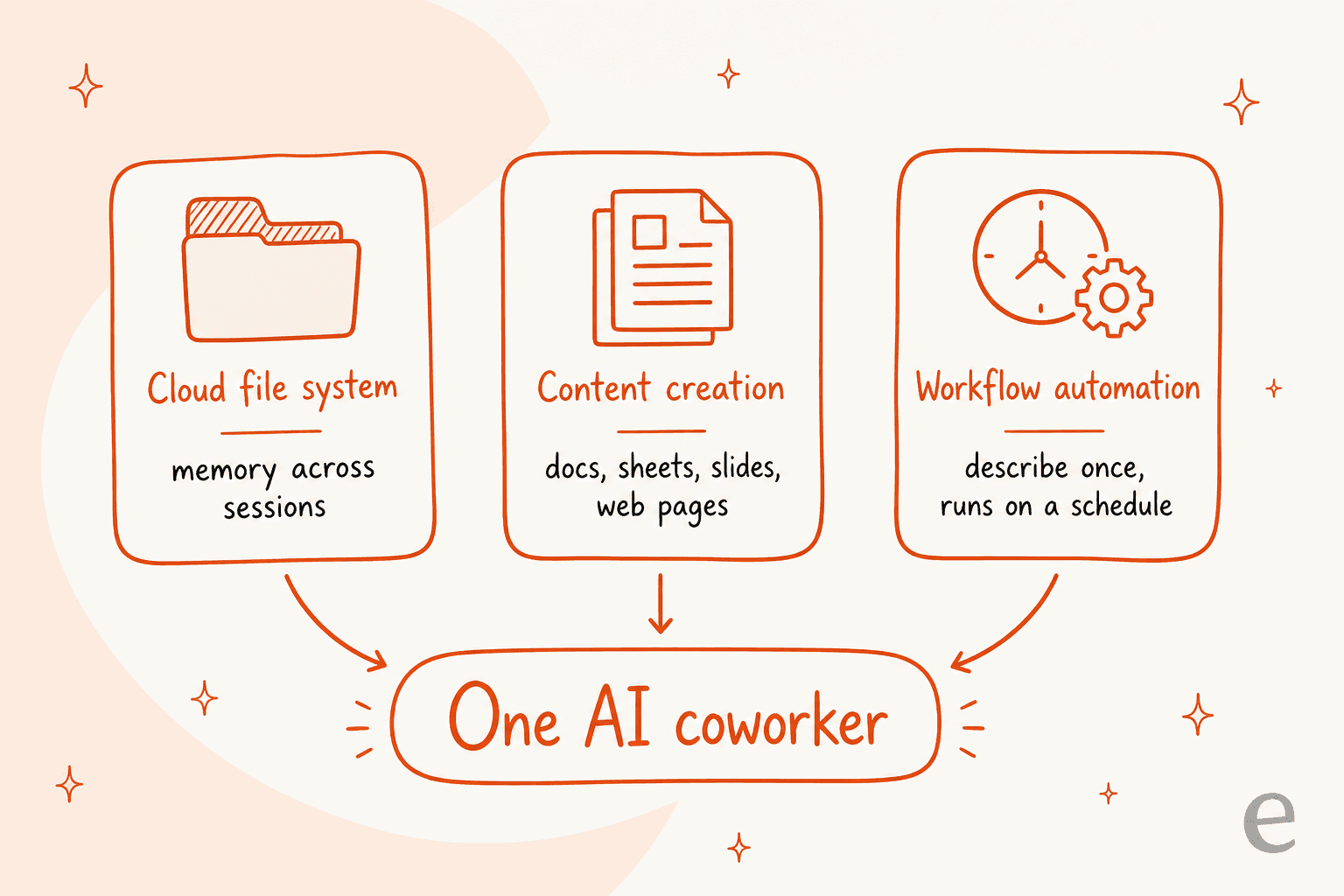
- A cloud file system with memory. Nested folders, semantic search, and context that carries across sessions. This is the "library" reviewers rave about.
- AI content creation. From your files and reference material, Kuse drafts documents, spreadsheets, slide decks, and no-code web pages.
- AI workflow automation. Describe a recurring task in plain language ("track competitors every morning"), connect an app or two, and Kuse builds and schedules it, with outputs landing back in your file system.
The workflow layer leans on roughly 15 connectors (Slack, Gmail, Notion, Salesforce, HubSpot, Jira, Google Suite, and more) and is assembled from reusable "Skills" like web research and data analysis.
That is a lot of surface area, which is exactly why the right alternative depends on which slice you care about. Someone who lives in the canvas wants a different tool than someone who just wants finished decks.
What to look for in a Kuse alternative
Before the list, here is the short checklist I use when weighing any of these tools:
- The job, not the feature list. Are you thinking (canvas), producing a deliverable (decks, docs), or trying to get a recurring job done? The answer decides everything.
- Pricing you can predict. Per-seat plans are simple but you pay for idle seats. Credit or usage plans scale with work but can spike. Know which one you are signing up for.
- Where your data lives. Does the tool ground answers in your own files, or generate from the open web? Kuse's whole pitch is the former; not every alternative matches it.
- Solo vs. team. Some tools are personal canvases. Others are built for a team to share knowledge, hand off work, and keep an audit trail.
- Does it finish the work, or just help you start it? This is the line between a tool you drive and a teammate you hire, and it is the one most comparison posts skip.
Kuse AI alternatives at a glance
Here is how the eight stack up. Prices are the entry paid tier (all monthly, USD) unless noted.
| Tool | Best for | Free tier | Paid from | How AI is priced |
|---|---|---|---|---|
| eesel AI | Getting a whole job done (support, content) | 100 free credits, no card | From $299/mo (500 credits), $4/blog post | Fixed monthly price, no per-seat fee |
| Notion AI | All-in-one team workspace | Yes (AI trial) | $10/user | Bundled into paid plans |
| ChatGPT | Raw generation + reasoning | Yes (GPT-5.6) | $8 (Go) / $20 (Plus) | Plan-tiered |
| Google NotebookLM | Grounded research from your sources | Yes (Google account) | Via Google AI Pro/Ultra | Plan-tiered |
| Coda | Docs + databases + automation | Yes | $12/Doc Maker (annual) | Included in paid tiers |
| Gamma | AI decks and one-page sites | Yes (400 credits) | $9/seat | Credit-metered per seat |
| Taskade | AI agents + team workflows | Yes (1 user) | $10 (10 users) | Credit-metered |
| Miro AI | Visual infinite canvas | Yes (3 boards) | $8/member | Pooled AI credits |
Now the detail, starting with the option that is a different shape from Kuse entirely.
1. eesel AI
Best for: teams that want a specific job finished end to end, not a canvas to operate.
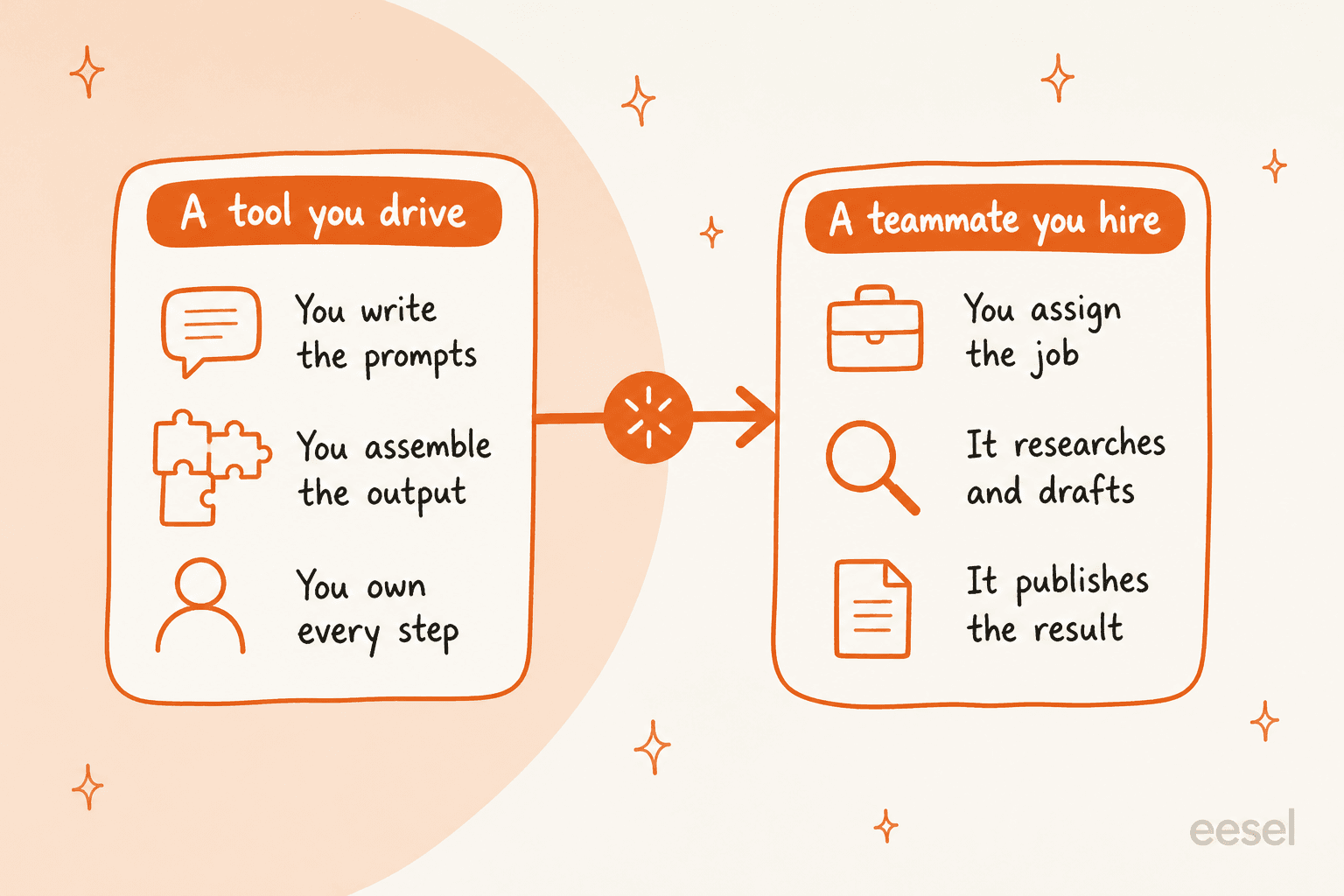
Here is the honest framing. Kuse gives you a brilliant surface to do knowledge work yourself. eesel takes the opposite approach: it sells AI teammates you hire for a defined job, and the teammate arrives already knowing the skills, integrations, and company context for that role. The current roster is an AI helpdesk agent and an AI blog writer, with an e-commerce agent alongside them.
I work on eesel, so take this section as the insider's pitch, but it is grounded in what the product actually does. We have spent years putting AI on live support queues and, more recently, on content, which is exactly the kind of "grounded from your own materials" work Kuse reviewers value, just pointed at finishing a job rather than filling a canvas.
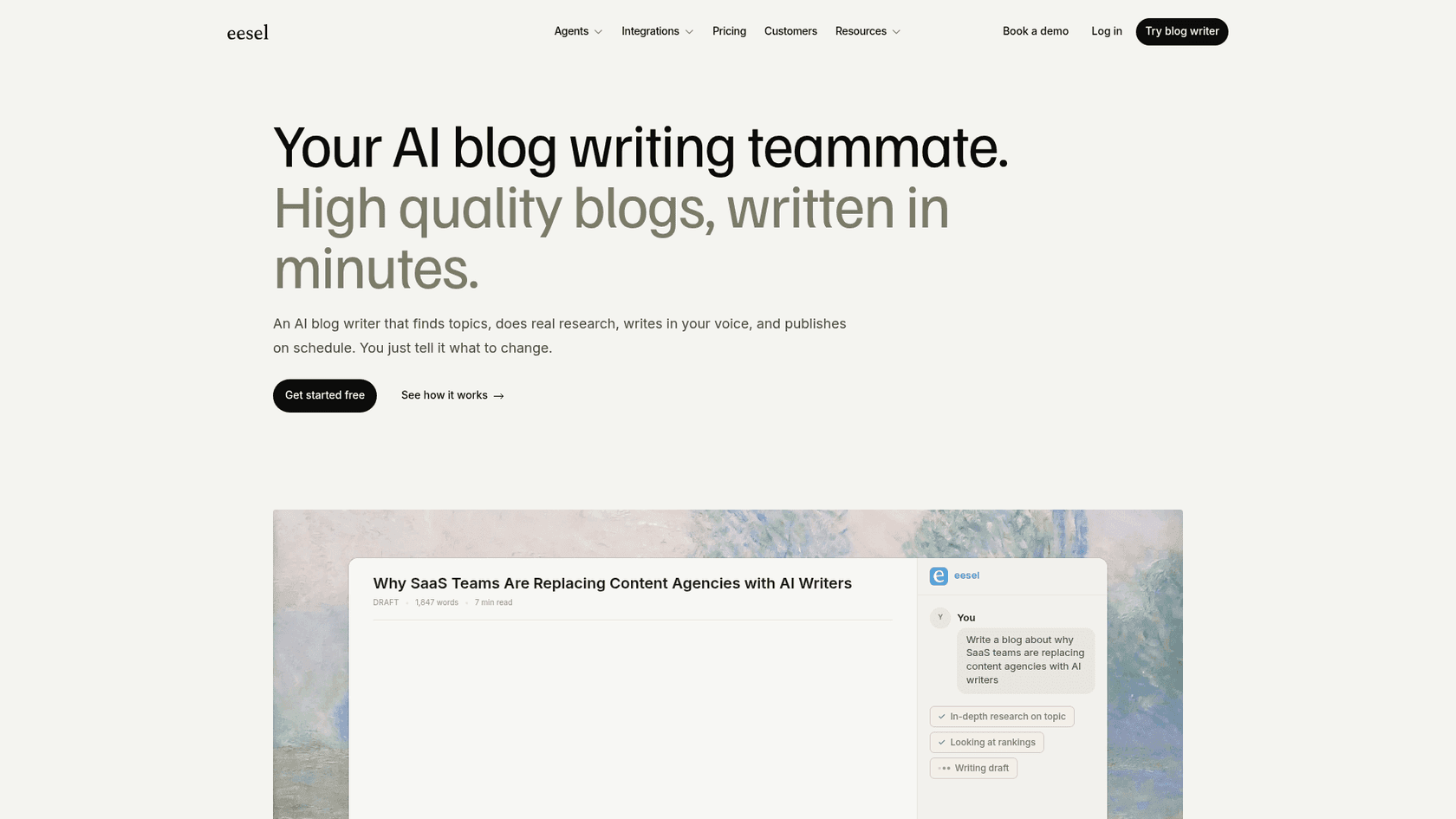
The blog writer is the closest parallel to Kuse's content side. Instead of prompting it, you assign it: it does real research (Reddit threads, primary sources, cited stats), writes at a claimed 94% voice match from day one, generates its own visuals, and publishes on schedule.
The helpdesk side is where the real numbers live. eesel learns from your solved tickets, not just your help center, works across 80+ languages, and runs behind confidence-based routing so low-confidence answers become drafts, not live replies. Gridwise, a real customer, put it plainly:
"In the first month, eesel is resolving 73% of our tier 1 requests. eesel offers easy Zendesk implementation and setup. Our team implemented and achieved results quickly during our 7-day trial."
Gridwise, via the eesel helpdesk agent page
Pros:
- Owns a whole job (support or content) rather than helping you assemble one.
- One fixed monthly price with no per-seat fee: from $299/month for 500 credits (1 credit per ticket or chat), $4 per blog post.
- Grounds answers in your own tickets, docs, and help center, the same "your materials" strength Kuse users like.
- A free plan with 100 credits, no card required.
Cons:
- Not a personal thinking canvas. If you want to sit and brainstorm visually, Kuse or Miro is the better fit.
- The roster is focused (support, content, e-commerce), so it will not build you an arbitrary spreadsheet the way Kuse will.
Pricing: from $299/month for 500 credits (1 credit per ticket or chat) and $4 per blog post, with no platform fee or per-seat fee. SSO, data residency, and HIPAA are available as add-ons.
Our take: if your Kuse wishlist was really "I want the deliverable finished, not a canvas to babysit," eesel is the pick. If it was "I want a space to think," keep reading.
2. Notion AI
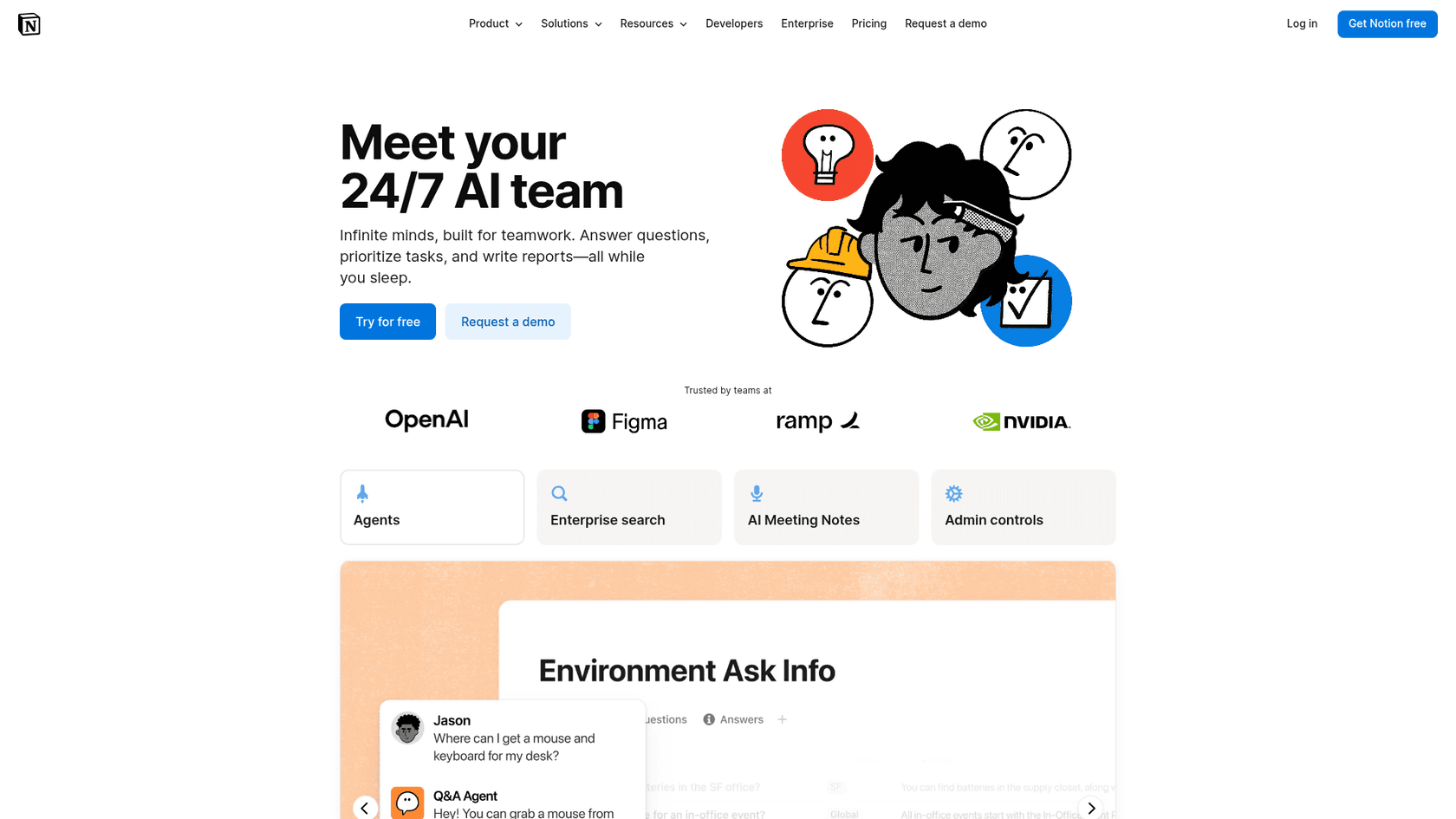
Best for: teams that want one all-in-one workspace with AI baked in.
Notion is the incumbent Kuse borrows from most obviously. Docs, wikis, databases, and projects live in one place, and Notion AI now searches across all of it, drafts content, and answers questions using your workspace as context. The big recent change: Notion folded AI into its paid plans instead of charging for it as a separate add-on.
Pros:
- The most mature all-in-one workspace, with a huge template and integration ecosystem.
- Databases and relational structure that Kuse's canvas does not really match.
- AI is now bundled into plans, not a surprise line item.
Cons:
- The canvas experience is nowhere near Kuse's; Notion is page-and-database, not freeform board.
- Power comes with a learning curve, and heavy AI use can push you to pricier tiers.
Pricing: Free plan with an AI trial; Plus at $10/user/month; Business (AI included) around $20-24/user; Enterprise is custom. See our Notion pricing breakdown for the full grid.
Our take: if you want a durable home for team knowledge and Kuse's canvas was a nice-to-have, Notion is the safe, comprehensive choice. Just do not expect the visual whiteboard magic.
3. ChatGPT
Best for: raw generation, reasoning, and one-off deliverables.
A lot of what Kuse does is orchestration on top of a language model. If you mostly want the model, ChatGPT with Canvas gives you a strong editing surface, file uploads, custom GPTs, and a huge tool ecosystem, without the credit math.
Pros:
- Best-in-class raw model quality and a massive plugin/tool ecosystem.
- Canvas gives you a real side-by-side editing view for docs and code.
- Simple plan-tiered pricing, no credits to track.
Cons:
- No persistent nested file system or shared team canvas like Kuse.
- Grounding in "only your materials" takes setup (Projects, custom GPTs); it is not the default.
- For customer-facing work, a raw model is not a governed agent. If you want ChatGPT answering tickets, see our note on ChatGPT customer service alternatives.
Pricing: Free with GPT-5.6; Go at $8; Plus at $20; Pro from $100; Team seats around $25-30; Enterprise custom.
Our take: the best value if you want the underlying intelligence and are happy to do the assembly yourself. It is the "raw ingredient" to Kuse's "assembled meal."
4. Google NotebookLM
Best for: grounded research and study from your own sources.
If the Kuse feature you love is "drop my sources in and chat with them," NotebookLM is the purest version of that idea. Upload PDFs, docs, and links, and it answers with citations back to the exact source passage, plus the well-known Audio Overview feature. It is powered by Google Gemini under the hood.
Pros:
- Excellent source-grounded answers with inline citations, the antidote to hallucination.
- Free with a Google account, which is hard to beat.
- Audio Overviews turn a pile of documents into a listenable summary.
Cons:
- It is a research notebook, not a deliverable factory; no slide/site generation or scheduled workflows.
- Sharing and team features are lighter than a true workspace.
Pricing: free with a Google account; higher limits come through a Google AI Pro or Ultra subscription.
Our take: the best free way to replicate Kuse's "chat with my sources" superpower. Pair it with a dedicated writing or deck tool for the output stage.
5. Coda
Best for: teams that want documents, databases, and automation in one surface.
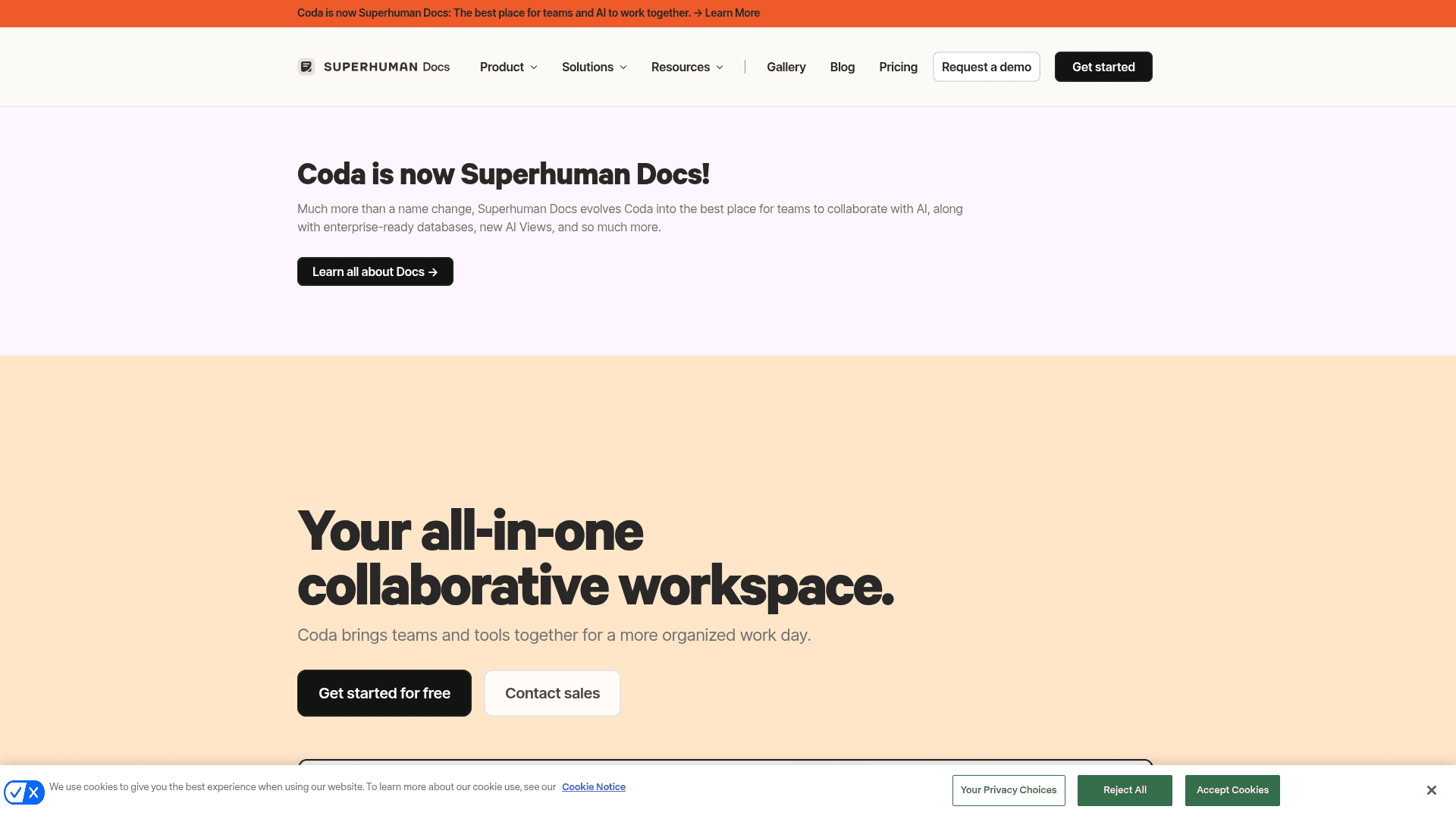
Coda blends docs, tables, and building blocks into interactive "docs" that behave like lightweight apps, with Coda AI layered on top for drafting and table work. Worth knowing: Coda was acquired by Grammarly, and its checkout and branding now run through the Grammarly/Superhuman family, so expect that ecosystem to shape its roadmap.
Pros:
- Uniquely strong at turning a doc into a structured, interactive tool.
- AI is included in paid tiers, and pricing is per "Doc Maker" (editors), not per viewer.
- Deep integrations via Packs.
Cons:
- Like Notion, it is structured pages, not a freeform canvas.
- The Grammarly acquisition adds some roadmap uncertainty.
Pricing: Free plan; Pro at $12/Doc Maker (billed annually, $15 monthly); Business at $33-40; Enterprise custom.
Our take: the strongest pick if your Kuse use was building trackers and structured docs, and you want a database engine Kuse cannot match.
6. Gamma

Best for: turning a prompt or a doc into a polished deck or one-page site.
If the main thing you used Kuse for was slides, Gamma does that one job noticeably better. Type a prompt or paste an outline and it generates a designed presentation, a webpage, or a document, with a design layer that is a real cut above.
Pros:
- Best-in-class AI deck generation and design output.
- One-page websites and docs from the same engine.
- Generous free tier to test with (400 credits).
Cons:
- Narrow by design: it is a presentation/site tool, not a knowledge workspace or canvas.
- Credit-metered per seat, so heavy generation adds up.
Pricing: Free (400 signup credits, 10 slides per prompt); Plus at $9/seat; Pro at $18/seat; Ultra at $90/seat. Full detail in our Gamma pricing guide, and if Gamma itself is not the fit, our Gamma alternatives post covers the rest.
Our take: the obvious swap if "make me a deck" was 80% of your Kuse usage. For anything beyond presentations, you will need a second tool.
7. Taskade
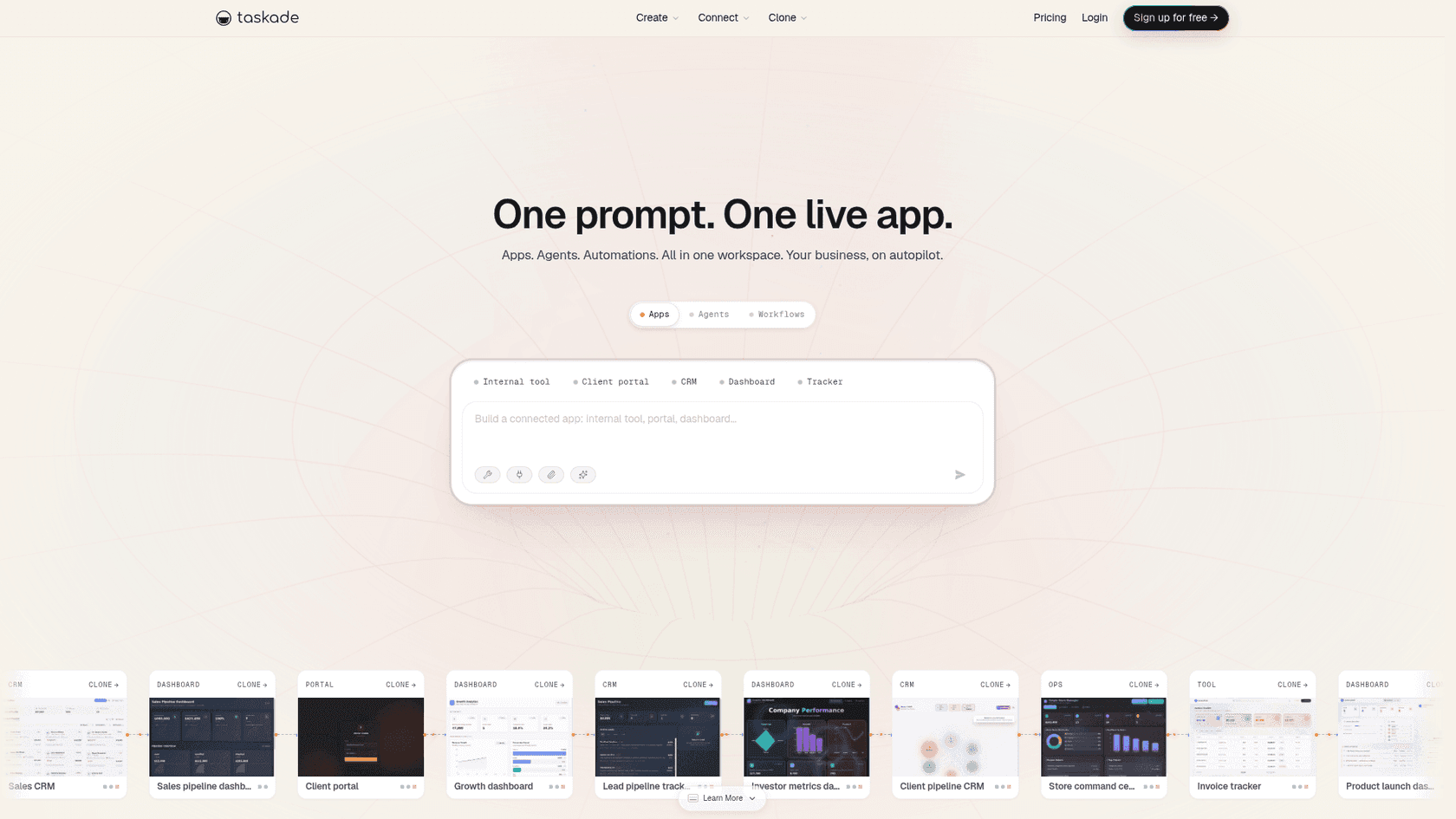
Best for: teams that want AI agents and workflows on a lighter, cheaper canvas.
Taskade is the closest analogue to Kuse's "canvas plus automation" combo at a lower price. It offers projects, mind maps, and a genuine AI agent layer you can point at tasks and workflows, with a whiteboard-style view.
Pros:
- AI agents and workflow automation built in, like Kuse's Skills.
- Multiple views (list, board, mind map) on the same data.
- Cheap: the paid plan covers 10 users for $10/month.
Cons:
- The canvas and generation quality are less refined than Kuse's or Gamma's.
- Credit-metered, and the free tier caps you at one user and three connected apps.
Pricing: Free (1 user, 6,000 one-time credits, 3-app cap); Pro at $10/month (10 users, 50k credits/month); Business at $25/month (unlimited users, 150k credits/month).
Our take: the value pick if you want Kuse-style agents and canvas thinking for a team without the premium price. You trade some polish for a lot of headroom.
8. Miro AI
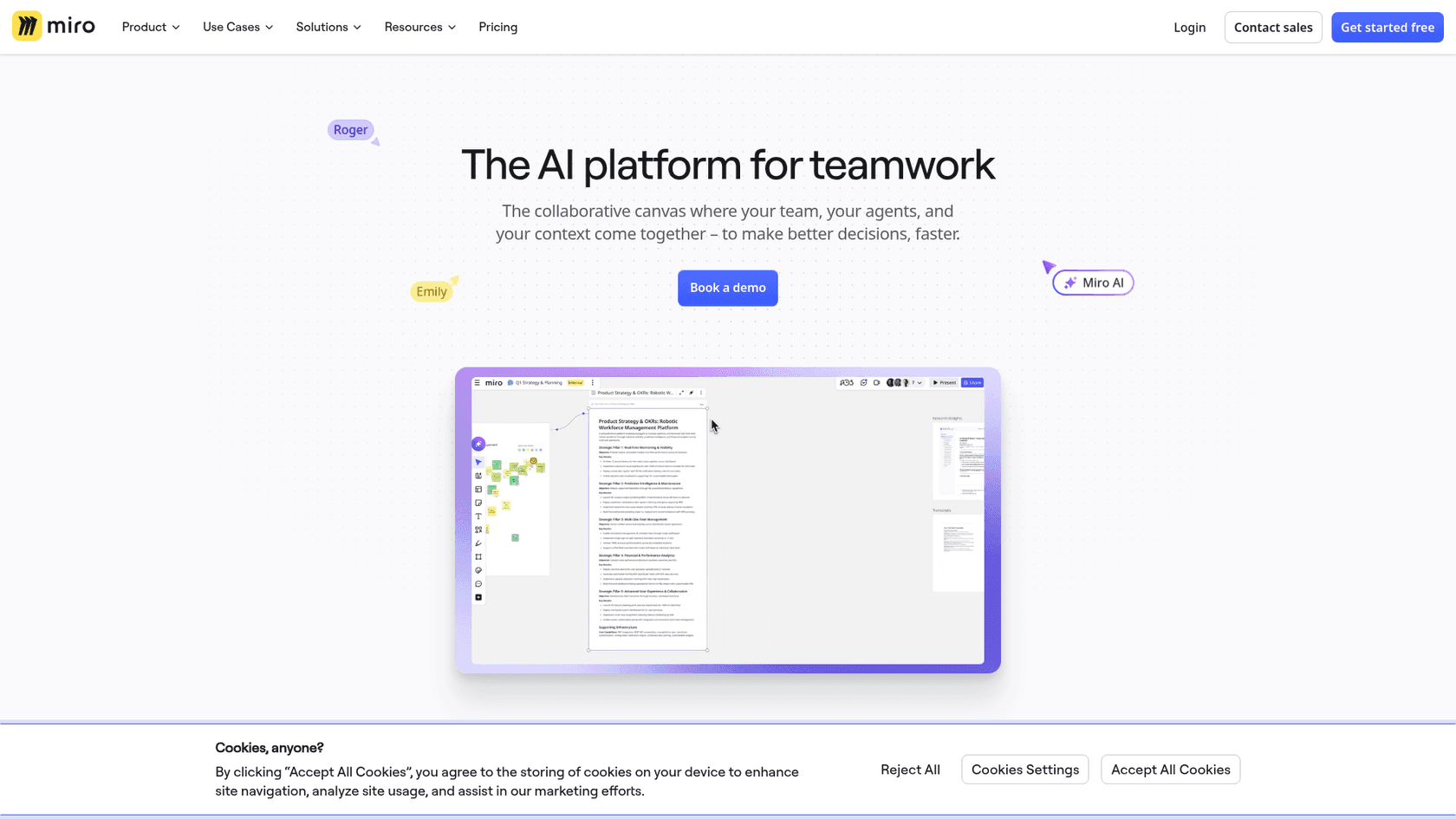
Best for: the visual, infinite-canvas thinking that made you like Kuse in the first place.
If the canvas is the reason you use Kuse, Miro is the most mature infinite whiteboard on the market, and Miro AI now adds diagram generation, clustering of sticky notes, summaries, and content generation directly on the board.
Pros:
- The gold-standard infinite canvas, built for real-time team collaboration.
- Enormous template library and integrations.
- AI features layered onto a board people already know.
Cons:
- It is a whiteboard first; document, sheet, and deck generation are not its strength.
- AI credits are pooled org-wide, so heavy use can drain the shared allowance.
Pricing: Free (3 editable boards); Starter at $8/member (25 AI credits); Business at $20/member (50 AI credits); Enterprise custom.
Our take: the truest "canvas" alternative here. If Kuse's board was the draw and the AI was a bonus, Miro is home.
How to choose your Kuse AI alternative
Strip away the feature lists and the decision comes down to one question: what do you actually need done?
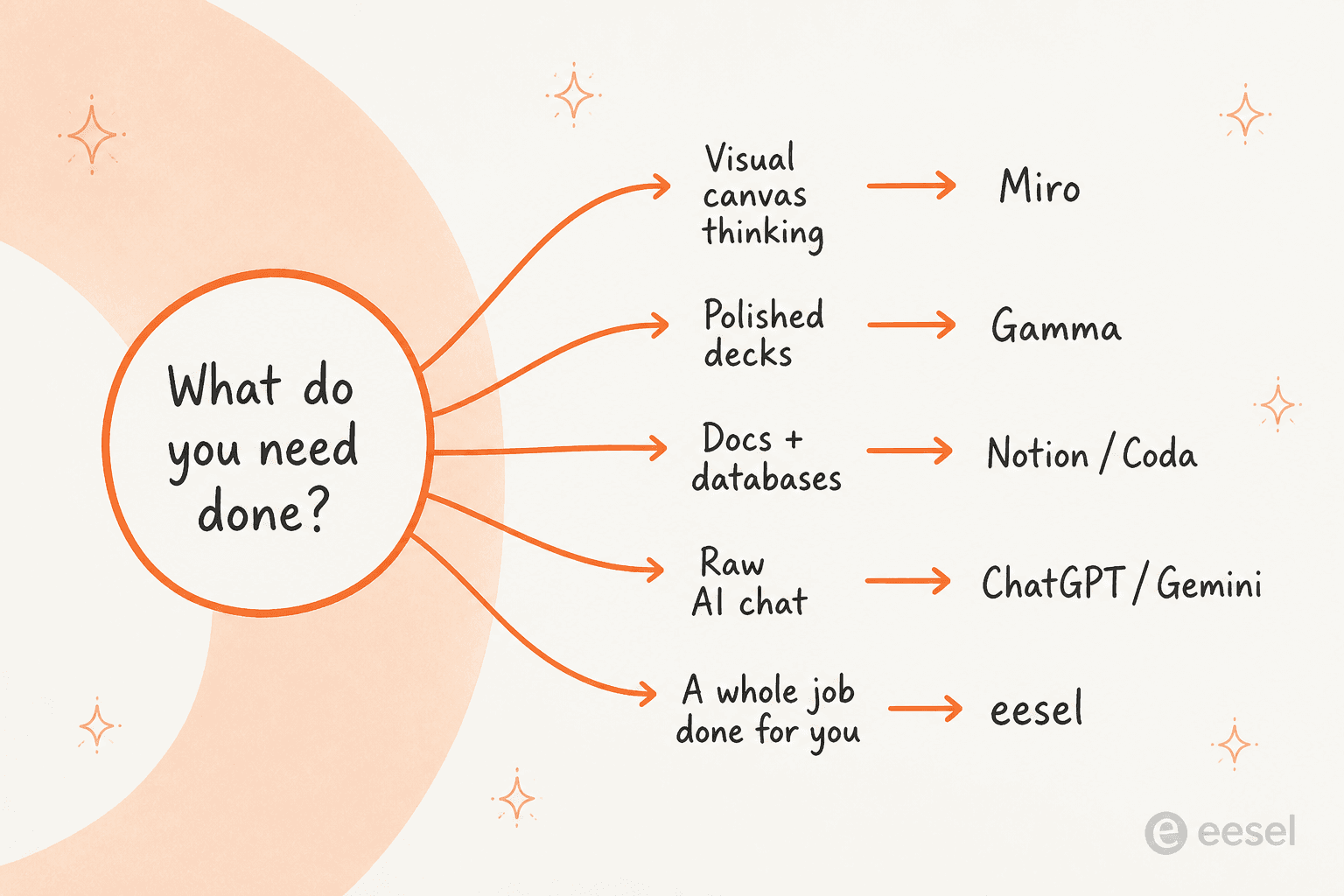
- Visual canvas thinking → Miro.
- Polished decks and one-page sites → Gamma.
- Docs plus databases for a team → Notion or Coda.
- Raw AI and grounded research → ChatGPT or NotebookLM.
- A whole job done for you → eesel.
Most people who churn off Kuse do so because they realized they only needed one of those things, and a specialist does it better. The one category Kuse (and most of this list) does not cover is the last one, which is worth its own moment.
Try eesel
Every tool above hands you a better surface to do the work. eesel is for the moment you would rather the work were just done.
If your Kuse workflow was really "research a topic and turn it into a published post," the eesel AI blog writer does the whole loop: it finds the topic, does cited research, writes in your voice, adds visuals, and publishes on schedule. If it was "answer the same questions over and over," the helpdesk agent learns from your past tickets and resolves them, with transparent pricing: one fixed monthly price, 1 credit per ticket. You can try eesel free, with 100 credits, no card required.