Cloudflare Kitesurf alternatives: 10 agent browsers compared in 2026

Rama Adi

Katelin Teen
Last edited August 24, 2026

What Kitesurf actually is
Cloudflare shipped Kitesurf back in August 2026, as a browser with basically the human parts taken out. No tabs, no themes, no extensions, no pixel-perfect rendering to speak of. It's the opposite of a consumer product like Aside, the kind that adds AI onto a browser people actually look at. The engine itself is built in Rust, compiled down to WebAssembly, running inside V8 isolates on Workers. HTML and CSS parsing comes from Blitz and Firefox's Stylo, rendering from Blitz and Parley, and JavaScript eval() runs on the Boa engine underneath.
The benchmark numbers are Cloudflare's own, measured across a 14-URL corpus against a warm pool:
| Task | Kitesurf | Chromium | Delta |
|---|---|---|---|
| CPU, screenshot | 380 ms | 1,173 ms | 3.1x less |
| CPU, HTML extraction | 229 ms | 877 ms | 3.8x less |
| Memory, screenshot | 57.8 MiB | 271.0 MiB | 4.7x less |
| Memory, HTML extraction | 39.4 MiB | 273.7 MiB | 7.0x less |
| Wall time, screenshot | 1,148 ms | 637 ms | 1.8x slower |
| Wall time, HTML extraction | 820 ms | 472 ms | 1.7x slower |
Compatibility is further along than "12 weeks old" would suggest, honestly. Cloudflare reports passing more than 215,000 Web Platform Tests, with DOM at 97%, HTML at 96%, Selection at 99%, SVG at 97%, XHR at 95% and URL at 83%. TodoMVC across five frameworks, Wikipedia, Hacker News, and much of the Cloudflare dashboard itself, all of it renders fine.
You get to it by adding browser=kitesurf onto a Browser Run CDP endpoint or a Quick Action, so Puppeteer, Playwright, chrome-remote-interface and MCP clients all keep working unchanged. There's a public playground too, in case you want to poke around before writing any code.
The three things it dropped
This is the part that actually decides whether you need an alternative at all. Cloudflare lists three unsupported categories, and each one happens to map onto a different vendor's whole business:
- Video playback and WebGL. No canvas-heavy apps, no map tiles rendered in the GPU, no video scrubbing.
- Bot-challenge handshakes with real TLS fingerprints. Kitesurf does not try to look like a person, and Cloudflare is explicit about it. From the Browser Run FAQ: "Browser Run requests are always identified as bot traffic by Cloudflare." Requests even carry
cf-biso-request-idandcf-biso-devtoolsheaders so origins can identify them. - Ten-minute authenticated sessions that need persistent state. Browsers time out after 60 seconds of inactivity, and
keep_alivestretches that to 10 minutes maximum.
That third one is the one I keep running into, honestly. At eesel I crawl customers' knowledge sources for a living, and a login-gated help center is a recurring ask, common enough that I treat it as custom work each time instead of a checkbox item. One buyer, a motion-control hardware vendor whose help center sat behind a login, needed exactly that before they could evaluate anything else. A browser that can't hold a session past ten minutes doesn't solve that problem, no matter how little memory it's using.
A Cloudflare engineer confirmed the posture directly on Hacker News:
"We will open source soon. You can block today, Kitesurf doesn't try to hide."

The other thing worth flagging, before you pick anything off this list, is that the sandbox is protecting the wrong direction for most agent work. Somebody in the thread put it better than I could:
"The V8 isolate guards the wrong half of this imo. It stops the agent's code from escaping the sandbox, but the risky part of a browser agent isn't code escaping, it's that it reads untrusted pages and then acts on them."
That's true of every product below, not just Kitesurf. Isolation bounds what an agent is allowed to run, not what a page can talk it into doing anyway. If you've read my notes on preventing hallucinations, the shape of this problem will feel familiar.
The 10 Cloudflare Kitesurf alternatives at a glance
| Tool | Engine | Entry price | Per browser hour | Proxy | Free tier | Max concurrency | Stealth / CAPTCHA | Self-host | Best for |
|---|---|---|---|---|---|---|---|---|---|
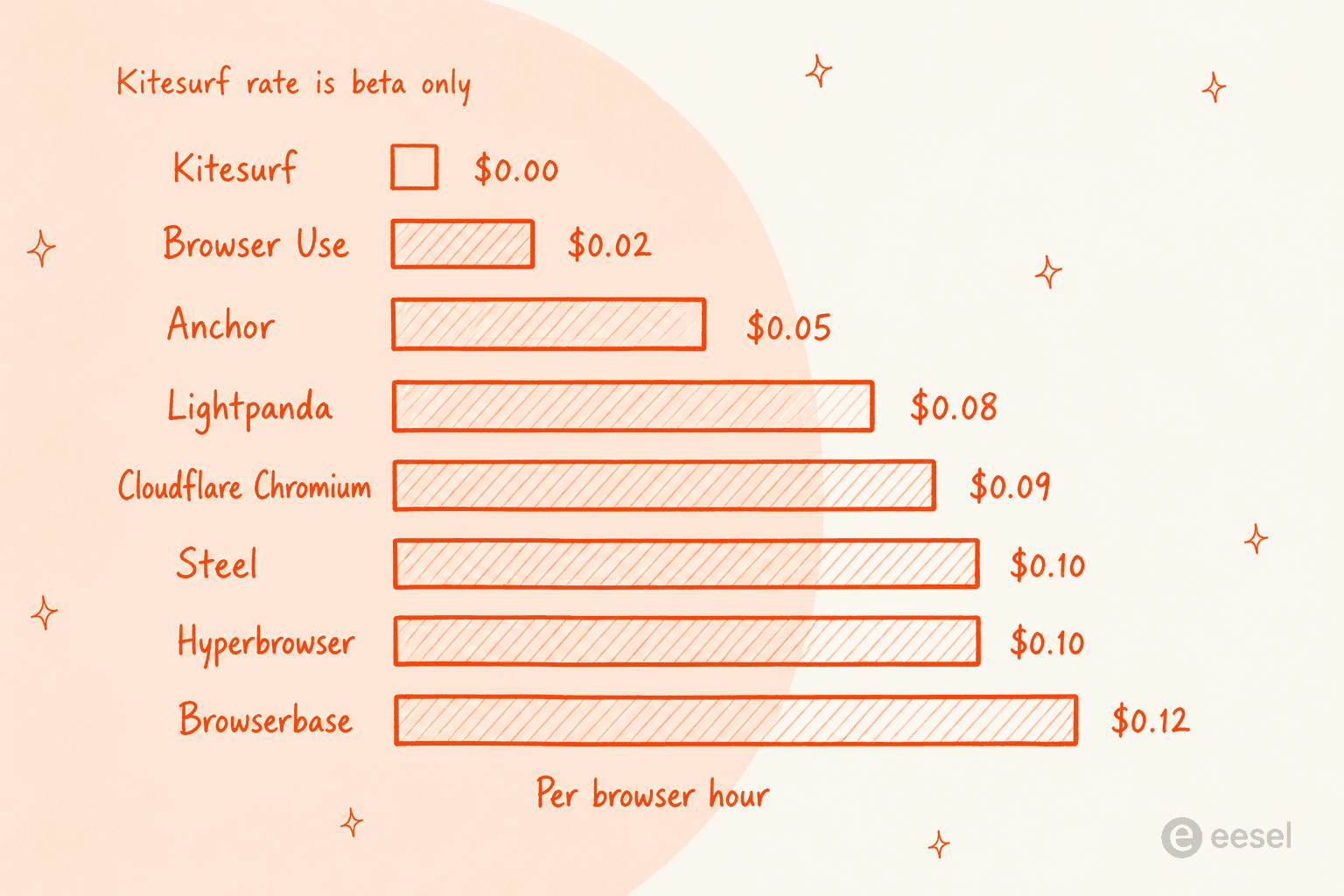
| Cloudflare Browser Run | Chromium | Workers Paid | $0.09 | None managed | 3 browsers, 10 min/day | 200 | No | No | Same API, full Chromium |
| Lightpanda | Zig, from scratch | $0 | $0.08 (Builder) | Bring your own | 10 hrs, 5 sessions | 30 (Builder) | No | Yes, open source | The other non-Chromium engine |
| Browserbase | Chromium | $20/mo | $0.12 | $12/GB | 1 hr, 3 browsers | 250+ (Scale) | Yes | No | Stealth plus an agent layer |
| Steel | Chromium | $0 + usage | $0.10 | $10/GB | $30 one-time credit | 1,000+ (Enterprise) | Enterprise only | Yes, open source | Open source with a managed option |
| Browser Use | Chromium | $0 + usage | $0.02 | $5/GB | 10 tasks/mo | 500 (Scaleup) | Yes | Library is open source | The cheapest published hour |
| Browserless | Chromium | $25/mo | Unit-based | 6 units/MB | 1,000 units | 100 (Scale) | Yes, 10 units/solve | Enterprise licence | Long sessions, unit billing |
| Anchor Browser | Chromium | $50/mo | $0.05 | $8/GB | $5 credits/mo | 500+ | Yes, Growth and up | Enterprise only | Logged-in, compliance-heavy work |
| Hyperbrowser | Chromium | $30/mo | $0.10 | $10/GB | 5,000 credits | 1,000+ | Yes | No | Simple credit maths |
| Bright Data | Chromium | $8/GB | Not metered | Included | Trial | Not published | Yes, built in | No | Sites that fight back |
| Playwright | Chromium, Firefox, WebKit | $0 | Your compute | Yours | Everything | Your infra | Whatever you build | Yes, Apache 2.0 | Full control, full ops |
What it actually costs at your volume
Hourly rates are the number every vendor leads with, and also the number that matters least, since plan floors and proxy bandwidth are usually what dominates the bill. It's the same shape as the cost of an AI agent more generally, where the sticker rate ends up being the smallest line on it. Put in your real monthly numbers below and watch the ranking change.
Two things fall out of that pretty much immediately. Proxy bandwidth swamps browser hours the moment proxies get turned on, and vendors that bring their own proxy pricing down to zero win any workload that doesn't need one. Concurrency is the other one, not volume, that's what actually pushes you onto a bigger plan.
1. Cloudflare Browser Run on Chromium
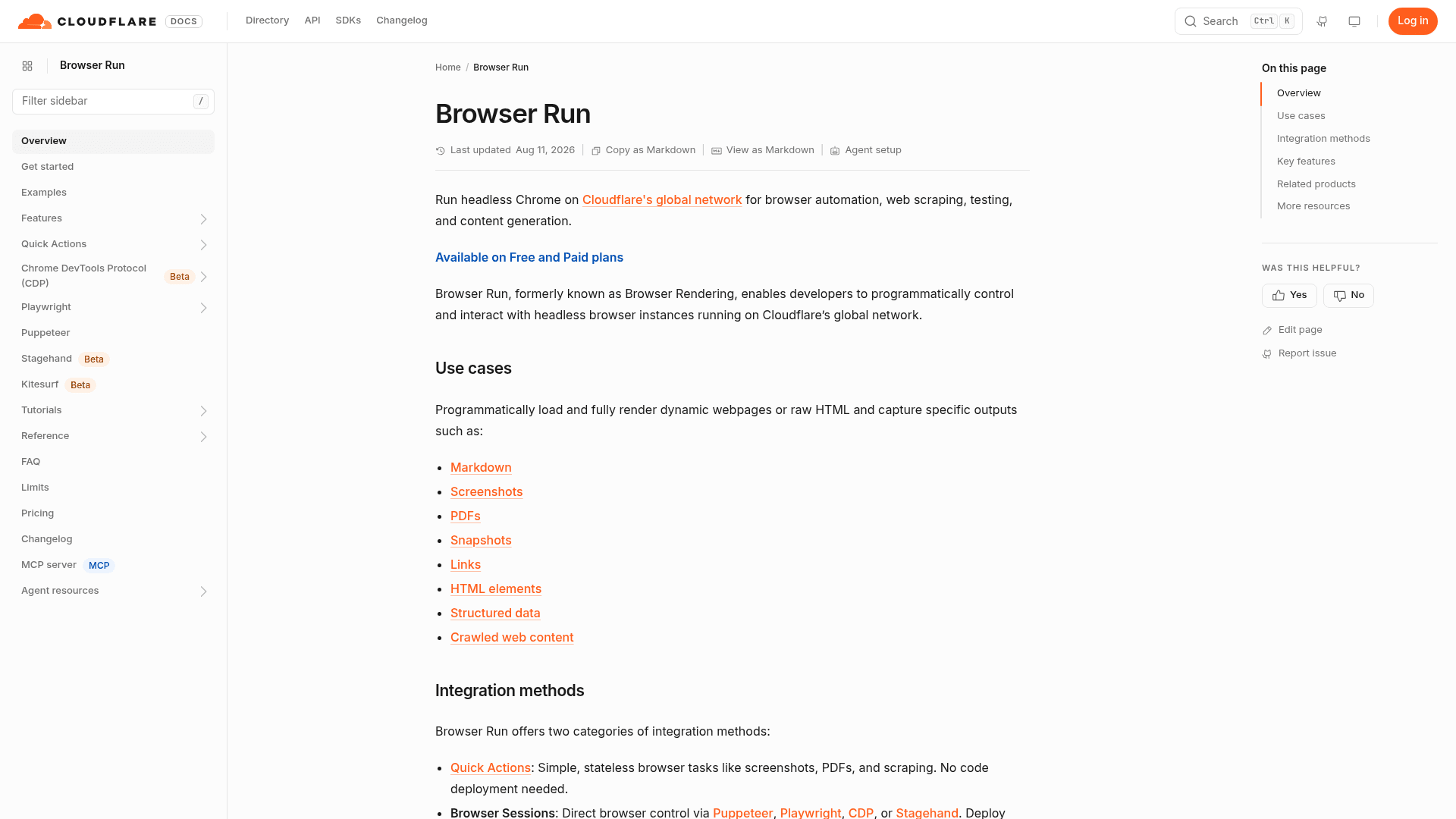
What it is. The sibling product, and honestly the first alternative anybody should try. Browser Run is headless Chrome running on Cloudflare's network, with Kitesurf just a query parameter sitting on that same endpoint. Drop browser=kitesurf and you're back on Chromium, zero code changes needed.
Strengths. Full Chromium means WebGL, video and pixel-accurate screenshots all just work. The Quick Actions API covers screenshots, HTML extraction and PDFs without you writing a line of Puppeteer. Paid concurrency runs up to 200 browsers, with new instances spinning up at three per second, plenty for most crawl fleets.
Limits. No managed proxy, no stealth layer, and the same bot-identification posture Kitesurf has, so hostile origins block it just the same. Browsers still time out after 60 seconds idle, with a 10-minute ceiling via keep_alive. The Free plan is more of a toy really: three concurrent browsers, one new instance every 20 seconds, and 10 minutes of browser hours a day.
Pricing. Workers Paid includes 10 browser hours and 10 concurrent browsers each month, then $0.09 per additional hour and $2.00 per additional concurrent browser on top of it. Quick Actions get charged the same way, as browser hours.
Verdict. If Kitesurf's compatibility gaps end up biting you, flipping one query parameter is a two-minute test to run. Start here before shopping around, especially when the rest of your workflow automation already lives on Workers anyway.
2. Lightpanda
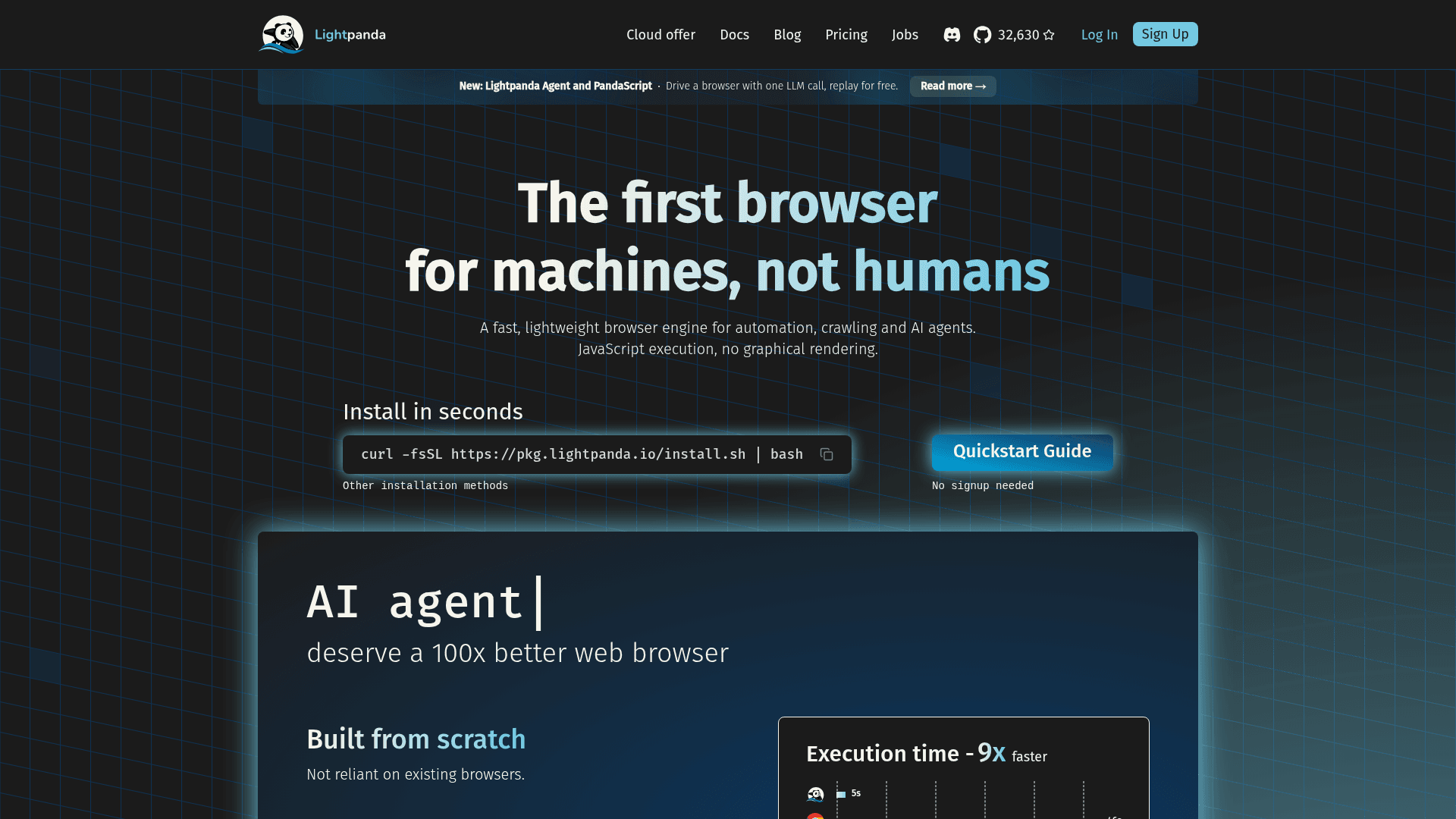
What it is. The only real peer to Kitesurf on this whole list. Lightpanda is a browser engine written from scratch in Zig, headless by design with no graphical rendering whatsoever, built by a team that used to scrape millions of pages a day and simply got tired of paying Chrome's tax on it.
Strengths. It's open source and installs with a single curl command, so you can benchmark it against your own targets before spending a cent. Its published comparison, running chromedp over 933 real pages on an EC2 m5.large, puts it at 5 seconds against Chrome's 46 and 123MB peak memory against 2GB. It speaks CDP, so Puppeteer and Playwright connect without changes, and the cloud offer even lets you pick Chrome or Lightpanda per job. For bulk crawling that feeds into an index, that combination is hard to beat, and my note on AI search engines covers what happens downstream from there.
Limits. No graphical rendering means no screenshots or PDFs, not the way a Chromium product delivers them anyway, so the Quick Actions use case is basically out. There's no managed proxy and no stealth layer either, so you'll be bringing your own on both counts. Concurrency tops out at 30 on the published Builder plan, well under what most other vendors here are offering.
Pricing. Explorer stays $0 forever, with 10 browser hours a month and 5 concurrent sessions. Builder runs $19/month for 300 hours, then $0.08/hour, and 30 concurrent sessions. Enterprise adds on-premise and private cloud options on top.
Verdict. The closest thing to a Kitesurf you can actually run yourself today, and 300 hours for $19 is the best-value block anywhere on this page. Pick it when memory is the bottleneck and the targets aren't fighting back.
3. Browserbase
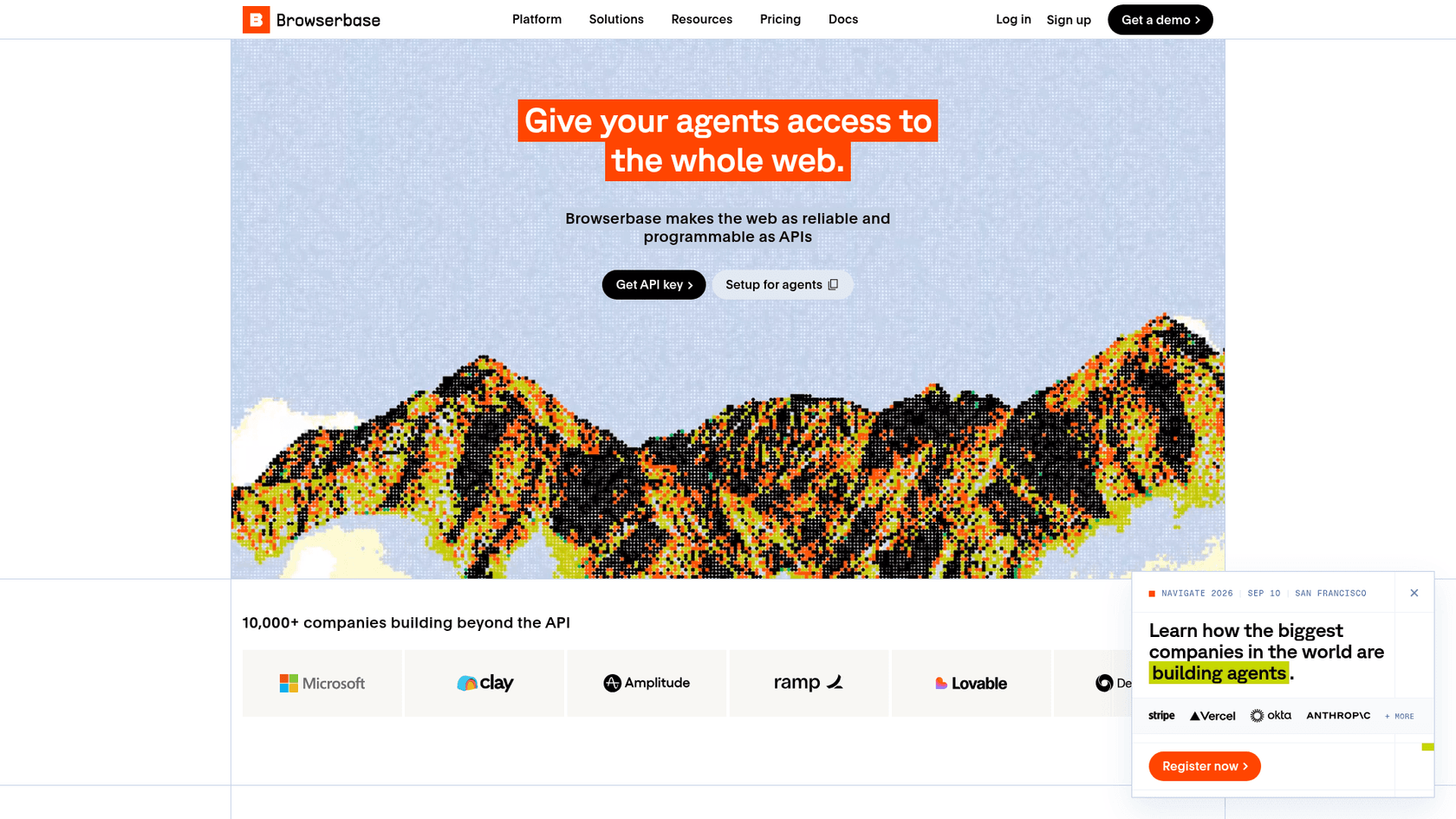
What it is. The best-known managed browser for agents, and the one most agent frameworks tend to integrate first. It sells browser infrastructure plus an agent layer stacked on top, with search and fetch endpoints metered on their own.
Strengths. Auto CAPTCHA solving is available from the $20 Developer plan already, not stuck behind an enterprise call. Scale adds advanced stealth mode and verified agents, plus HIPAA BAA, DPA and SSO. The free tier even ships $5 in model tokens, so you can run an agent end to end without wiring up your own key first.
Limits. It carries the highest published entry hourly rate on this page at $0.12, only dropping to $0.10 on the $99 Startup plan. Proxy bandwidth runs $12/GB on Developer, the most expensive here. Free gives you 1 browser hour and 3 concurrent browsers, which reads more like a demo than an actual trial. Advanced stealth stays Scale-tier only, so the strongest anti-bot posture needs a sales call first.
Pricing. Free is $0. Developer runs $20/month for 100 browser hours, 25 concurrent, 1GB proxies. Startup is $99/month for 500 hours, 100 concurrent, 5GB proxies and 30-day retention. Scale is custom, starting from 250 concurrent browsers.
Verdict. The safe default when you want stealth, agents and infrastructure from a single vendor and aren't optimising for the last cent. Compare it against the best AI agents if the agent layer's really what you're after.
4. Steel
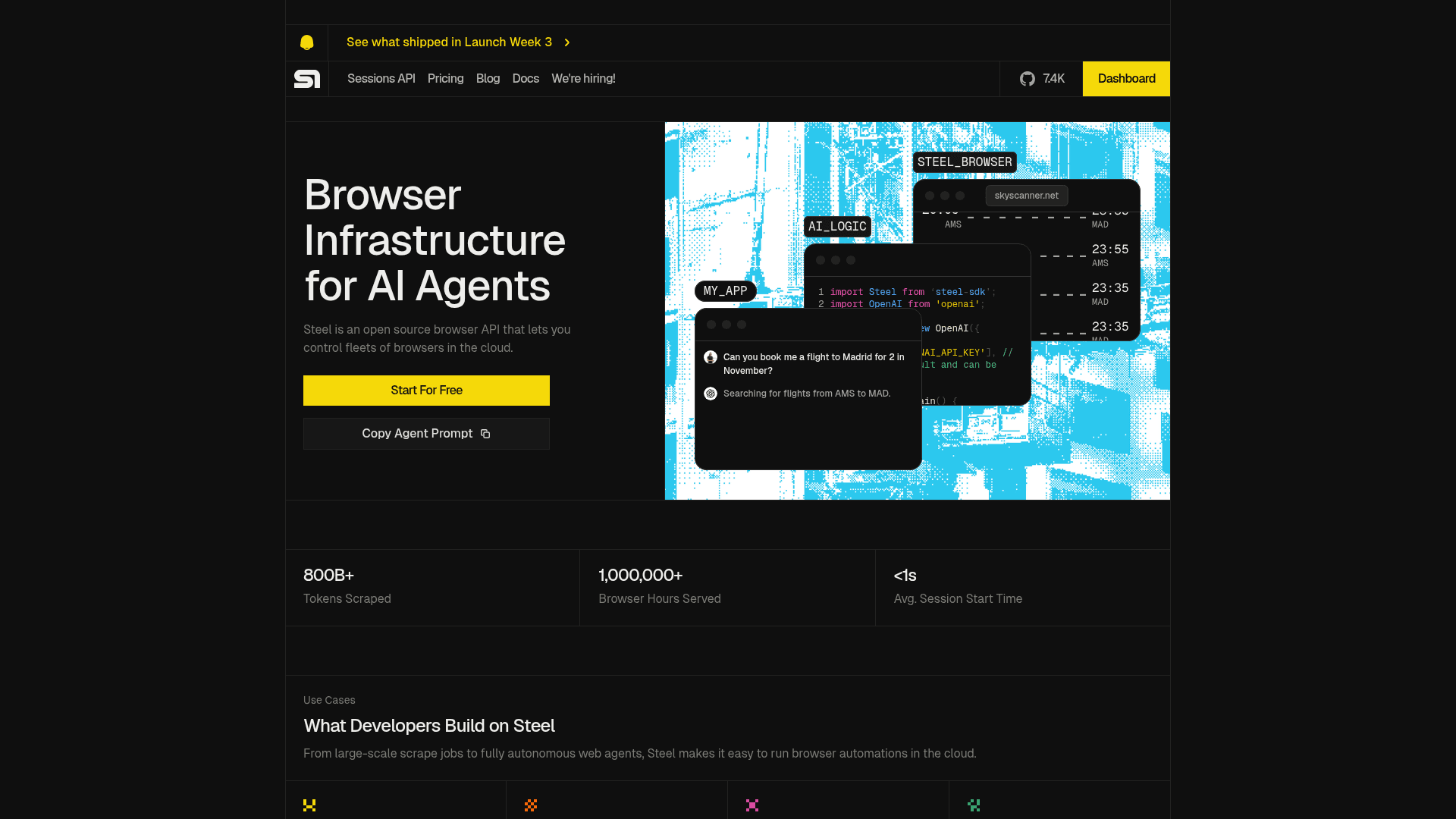
What it is. An open source browser API with a managed cloud layered on top, aimed squarely at agent builders. It publishes a full rate card too, which is rarer than it really should be.
Strengths. The pricing page is the most complete of anyone on this list: browser hours, proxy bandwidth, CAPTCHA solves and browser-tool calls each get a named rate at every tier, billed by the minute and rounded up. Enterprise sessions run up to 24 hours, by far the longest here, and reserved browser pools are on offer too. Self-hosting is real here, not just a marketing line.
Limits. Scale sits at a $250/month floor before usage even starts, steep next to a $20 or $30 entry point elsewhere. Stealth Browser is Enterprise-only, so the two published tiers can't really fight anti-bot systems at all. Launch caps sessions at 15 minutes, and requires a $10 paid deposit before you can use CAPTCHA solving or Steel proxies, since free credits don't count toward verification.
Pricing. Launch is $0 plus usage, with $30 in one-time credits valid for 90 days, 10 concurrent sessions, $0.10/hour and $10/GB. Scale is $250/month plus usage, with $100 in monthly credits, 100 concurrent, $0.08/hour and $6/GB. Dedicated IPs run $5 each per month.
Verdict. The pick when you want the option to self-host later without a rewrite, and you'd honestly rather read a rate card than book a call. Useful too if the browser's feeding into a RAG pipeline you also control.
5. Browser Use
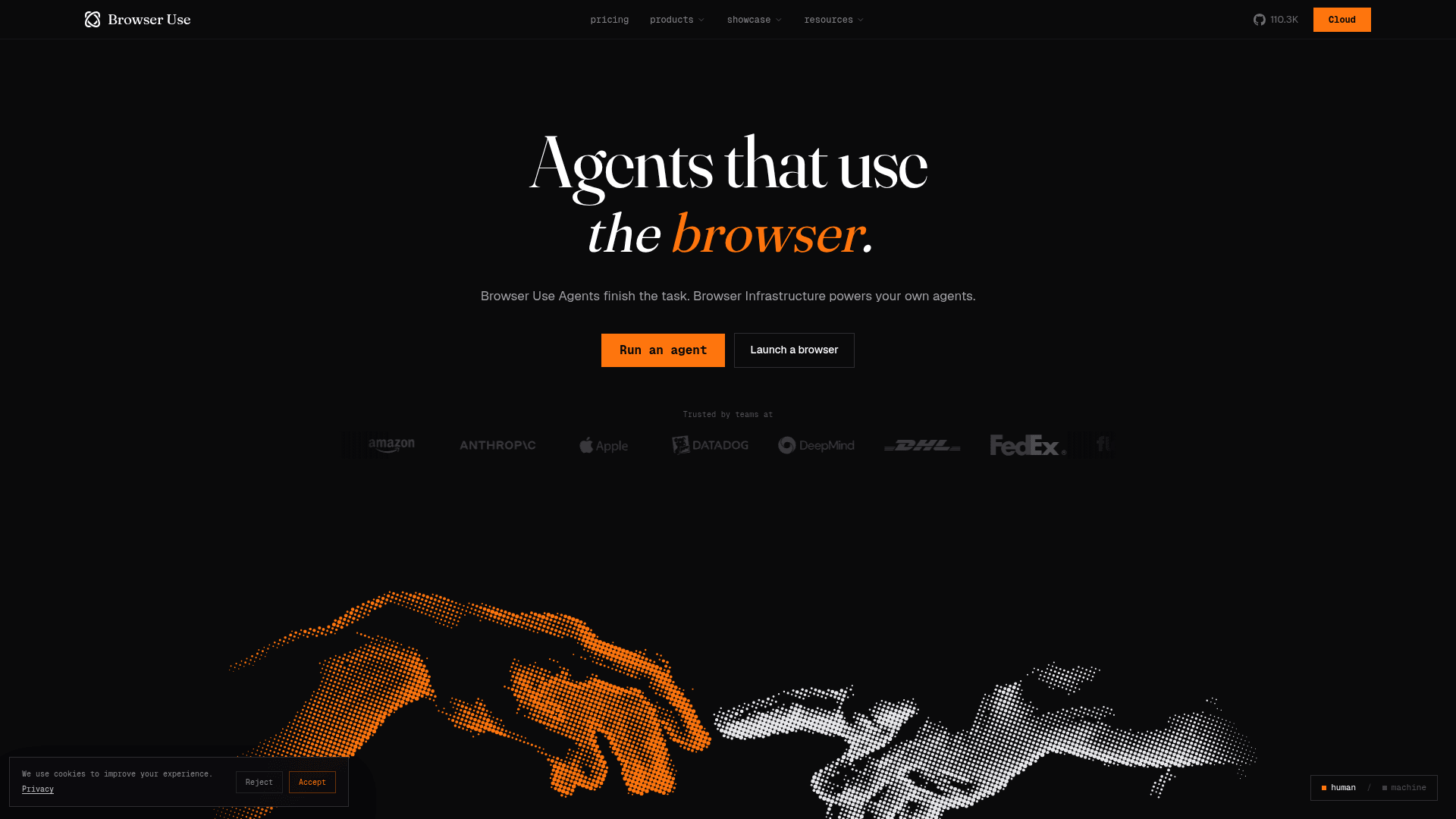
What it is. Best known as the open source agent library, now also selling the browser sitting underneath it. The infrastructure's reachable by SDK, REST, CDP, or its own Browser Harness.
Strengths. $0.02 per browser hour is the cheapest published rate anywhere on this page, billed per minute, with advanced stealth included from the $29 Dev plan already. Proxy runs $5/GB, half what Anchor charges for the same thing, and proxyless egress is $0.20/GB. The agent API prices tokens at a flat 1.2x over provider rates across the frontier models, Claude Opus 5 included, or you bring your own key and just pay a 0.2x orchestration fee instead. Its own BU 2.0 model runs $0.60 in and $3.50 out per million tokens.
Limits. Credits are use-it-or-lose-it monthly allowances, not a pool that carries over, so a quiet month is money you just lose. The free tier gives 10 agent tasks and 3 concurrent sessions, only rising to 10 after a top-up. That 1.2x markup on model tokens adds up to real money at agent volumes though, where step count multiplies every call, the same trap I cover in my Qwen-UI-Agent alternatives breakdown.
Per-token rates on the underlying models move fast too. Check my GPT-5.6 pricing page before budgeting out an agent fleet.
Pricing. Free stays $0. Dev is $29/month, including $29 of credits and 25 concurrent. Business is $299/month, 200 concurrent. Scaleup is $999/month, 500 concurrent and $4/GB proxy. Annual billing gets you two months free.
Verdict. The cost winner for pure browser hours, and the one to beat if your agent stack's already Python. If it's the agent layer you want rather than the browser, look at AI agent examples first instead.
6. Browserless
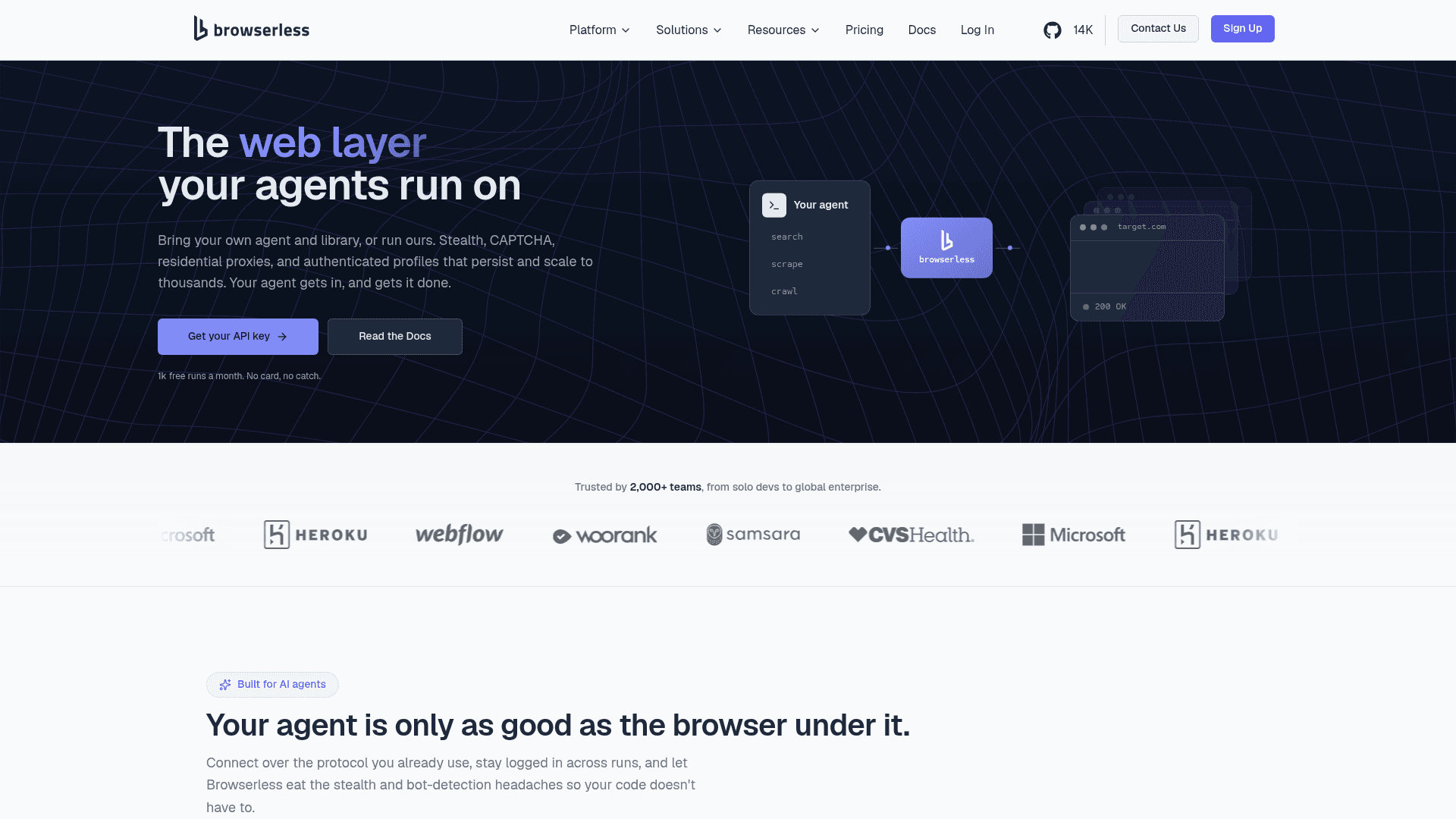
What it is. The veteran of this whole list, predating the agent wave by years now. It bills in units instead of hours, which makes it hard to line up against everyone else, but easy enough to reason about once you're actually inside it.
Strengths. Session length is where it really wins: 60 minutes on Scale against Cloudflare's 10-minute ceiling, which makes long logged-in flows actually practical. Enterprise includes a commercial self-hosting licence plus GPU infrastructure. CAPTCHA solving costs 10 units per successful solve, so you're only paying when it actually works, and proxy is metered at 6 units per MB residential and 2 units per MB datacenter.
Limits. The unit model makes comparing across vendors hard, so budgeting takes an actual pilot rather than a spreadsheet exercise. Headline prices are annual-billing figures with a 30% discount already baked in, so monthly ends up costing more. The free tier caps sessions at one minute and two concurrent browsers, not much to work with.
Pricing. Free is $0 for 1,000 units. Prototyping runs $25/month for 20,000 units and 15 concurrent. Starter is $140/month for 180,000 units and 40 concurrent. Scale is $350/month for 500,000 units and 100 concurrent, with overage running $0.0015 to $0.0020 per unit depending on the tier.
Verdict. The right answer whenever sessions need staying open for half an hour or more, precisely the case Kitesurf rules out entirely.
7. Anchor Browser
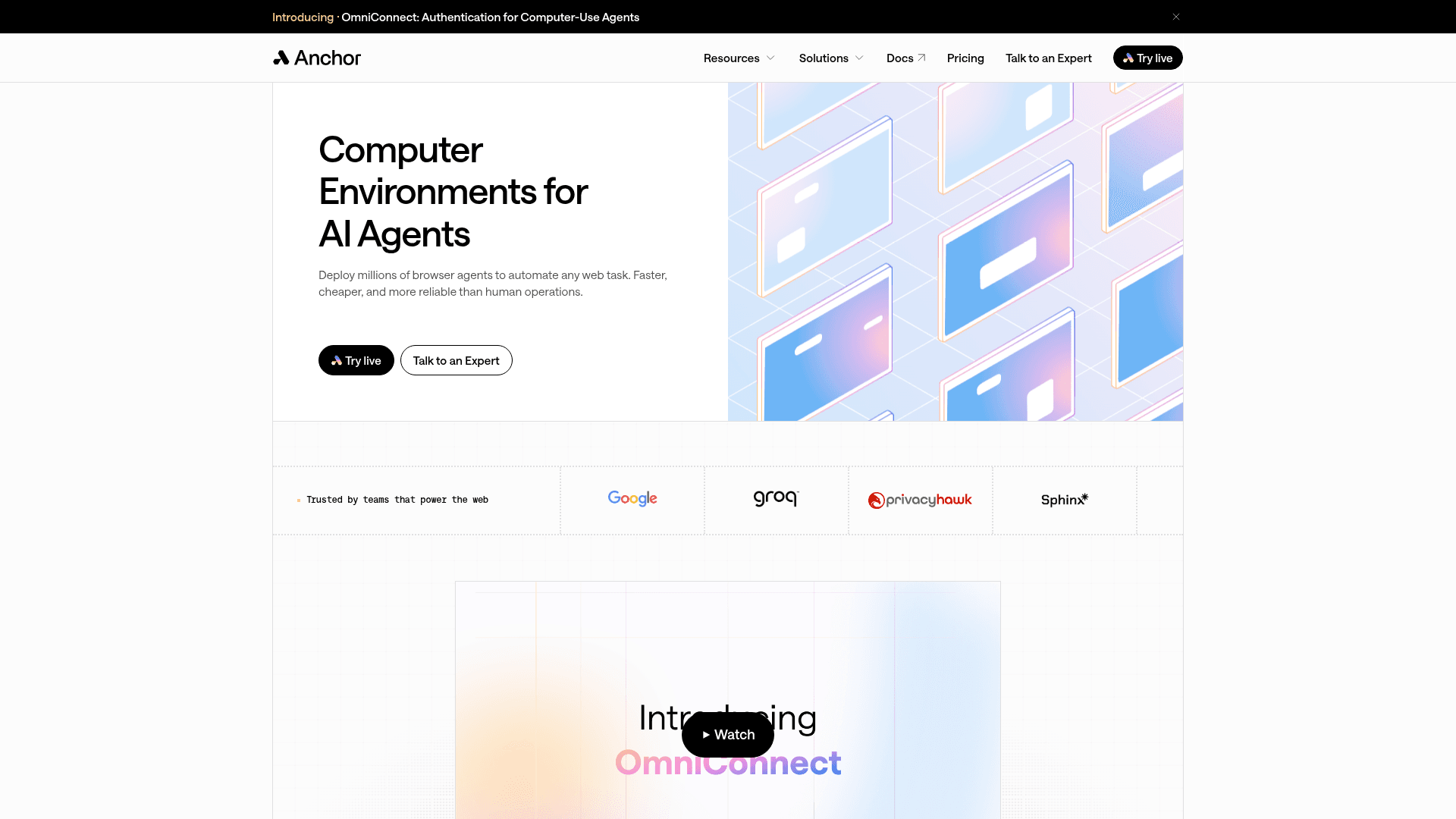
What it is. Positioned around authenticated, compliance-heavy automation rather than plain crawling. Its distinguishing feature is managed authentication, exactly the gap Kitesurf leaves wide open.
Strengths. Authenticated browsers and automated CAPTCHA bypass start right on the $50 Starter plan. Growth adds Cloudflare verified browser agents, the sanctioned route through Cloudflare-protected origins rather than a spoofing attempt, plus SOC2 Type 2, ISO 27001 and GDPR, and regions across the US, EU, Asia and Australia. Enterprise adds HIPAA, BAA, RBAC, zero data retention and on-premise deployment on top. Browser hours run $0.05, second cheapest on this page.
Limits. The jump from Starter to Growth is $50 to $2,000 a month, quite a canyon, with full stealth, code execution and bring-your-own-proxy all sitting on the far side of it. Anchor's own proxy costs $8/GB, above both Steel and Hyperbrowser. AI tasks bill per step at $0.01 to $0.10 depending on model tier, capped at 120 steps per task on Free and Starter, and that pricing structure only took effect on 21 August 2026.
Pricing. Free gives you $5 in credits a month and 5 concurrent. Starter is $50/month, 25 concurrent. Growth is $2,000/month, 200 concurrent. Infrastructure meters run $0.01 per browser created, $0.05 per browser hour, $8/GB proxy and $0.20/GB egress when you're bringing your own.
Verdict. The strongest fit when the work sits behind a login and the buyer's a security team. That price canyon between Starter and Growth is really the thing to model before committing to anything.
8. Hyperbrowser
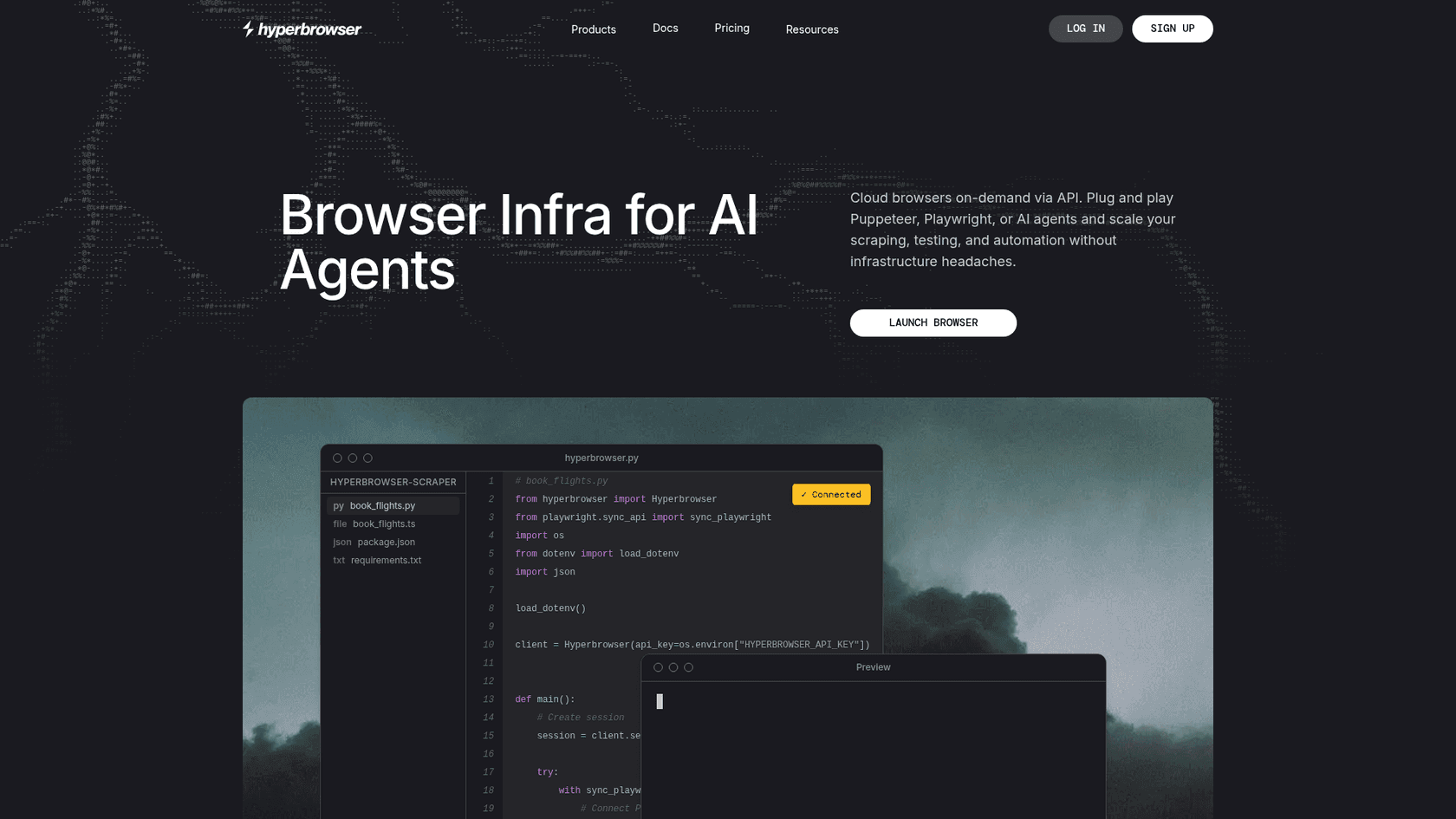
What it is. A managed Chromium platform with maybe the simplest pricing model here: one credit equals $0.001, and every meter converts into credits at a published rate.
Strengths. The credit maths is easy enough to check yourself, 100 credits an hour for a browser and 10,000 per GB of proxy, and API requests come free with no rate limits on paid plans. Sessions bill per second rather than per minute too. Auto CAPTCHA solving, basic stealth and residential proxies all land together on the $30 Startup plan, and Enterprise reaches 1,000+ concurrent with HIPAA and SOC 2.
Limits. The free tier gives one concurrent browser, the tightest limit on this page, so parallel testing needs a paid plan from day one. At $0.10 an hour it sits toward the expensive end, five times what Browser Use charges for the same Chromium. Ultra stealth stays Enterprise-only, and the mid-tier stealth is just described as basic.
Pricing. Free is $0 with 5,000 credits and 1 concurrent. Startup is $30/month with 30,000 credits and 25 concurrent. Scale is $100/month with 100,000 credits and 100 concurrent. Enterprise is custom, with volume discounts available.
Verdict. Pick it when you want to predict the bill without needing a spreadsheet for it. The rate isn't the cheapest, but it's the easiest to forecast, and that matters most for a small team, the same logic behind my AI agents for small business picks.
9. Bright Data Scraping Browser
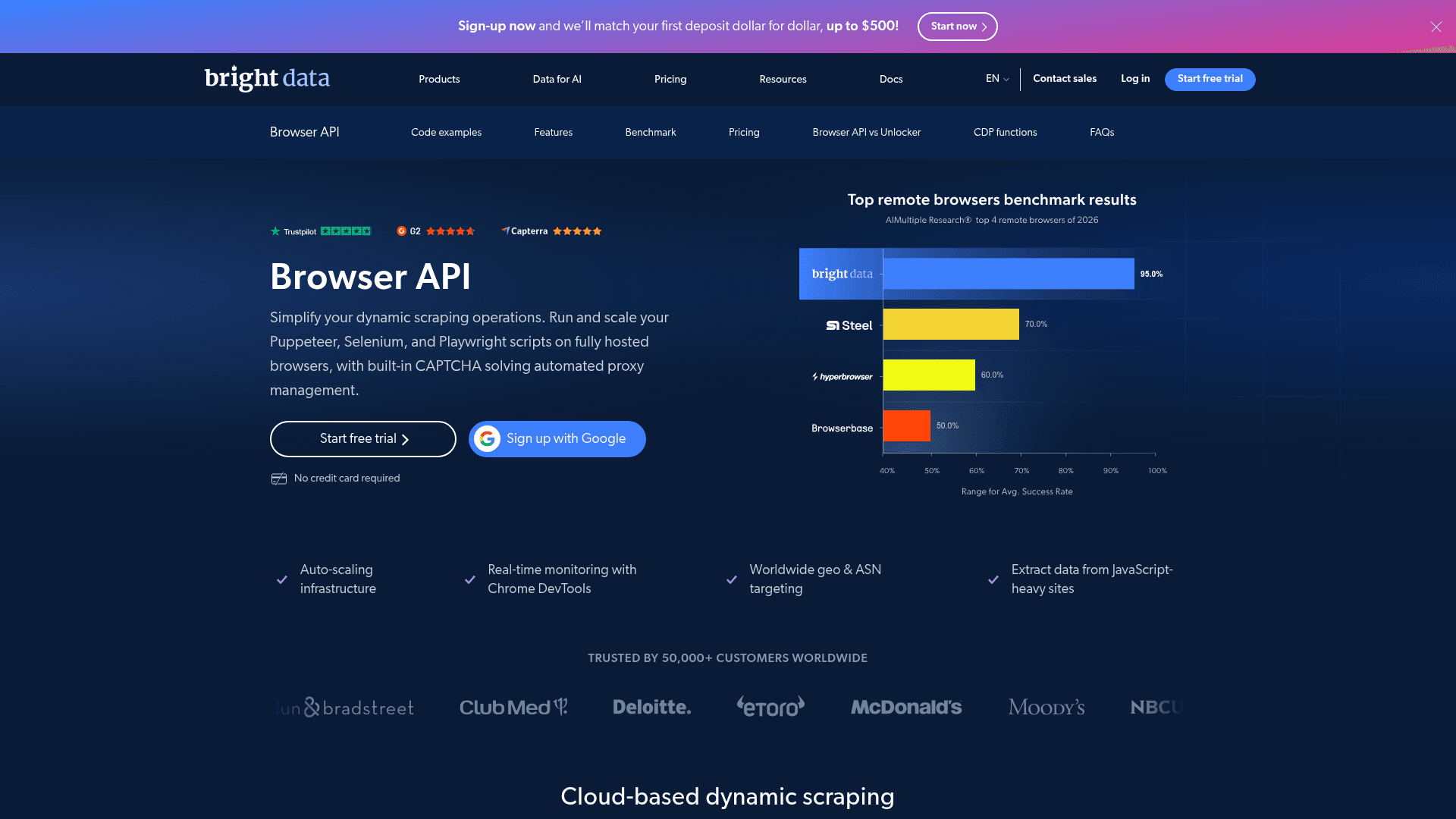
What it is. Not really a browser vendor, if we're honest about it. It's an unlocking service with a CDP endpoint bolted on the side, aimed at sites that actively fight automation.
Strengths. Website unlocking, CAPTCHA solving, JS rendering, proxy rotation and fingerprint adjustment are all handled under the hood, not something you have to configure yourself. This is the only product on the whole page whose entire premise is the thing Kitesurf explicitly refuses to do. The rate drops as volume goes up, from $8/GB pay-as-you-go down to $5/GB at the top published tier.
Limits. Billing runs per gigabyte of traffic, with no hourly rate and no published concurrency figure, so a heavy page costs the same no matter how fast you process it. Meaningful discounts only start at a $499/month commitment. The proxy-first posture is the whole point, but it also means you're buying an anti-bot product whether your targets need one or not.
Pricing. Pay-as-you-go is $8/GB. Starter is $499/month for 71GB at $7/GB. Professional is $999/month for 166GB at $6/GB. Enterprise Plus is $1,999/month for 399GB at $5/GB.
Verdict. Reach for it only once a target has already blocked you twice over. For cooperative sites it's honestly the most expensive way to fetch a page anywhere on this list.
10. Playwright, self-hosted
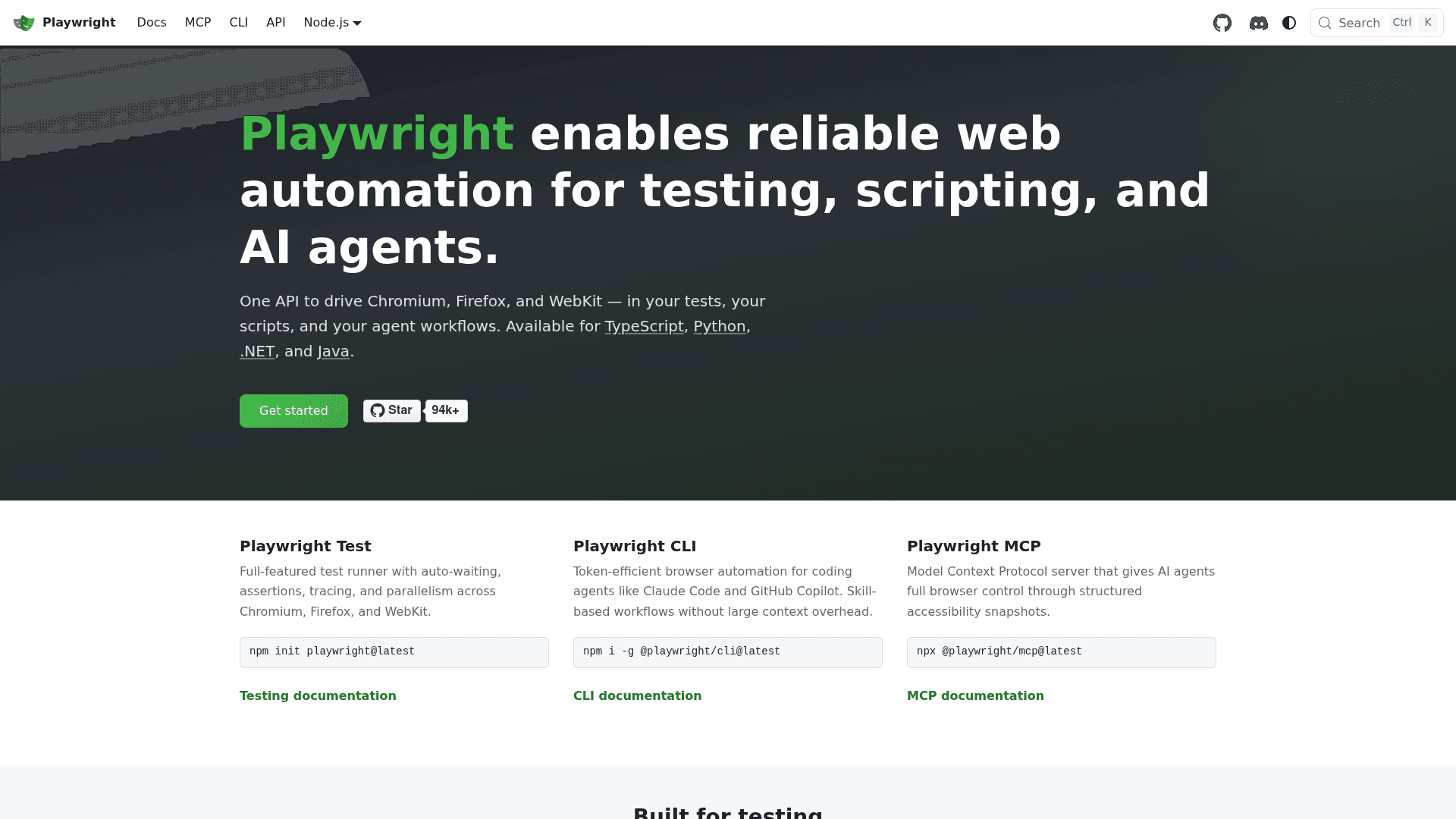
What it is. The baseline every vendor above is quietly pricing itself against. Apache 2.0, drives Chromium, Firefox and WebKit, and it runs anywhere you can run a container.
Strengths. Zero licence cost and no per-hour meter means at very high volume nothing here can compete on raw price. You get all three engines too, not just Chromium, which matters when cross-browser correctness is the goal. Sessions last as long as your own process does, no 10-minute ceiling and no idle timeout imposed by anyone else. Every managed vendor above speaks Playwright anyway, so this doubles as your exit path too.
Limits. You own all of it: autoscaling, warm pools, crash recovery, memory ceilings, proxy rotation, fingerprint management and CAPTCHA handling. That's the engineering the $0.02 to $0.12 an hour elsewhere is actually paying for, and Chromium's memory profile is exactly the 271 MiB per screenshot that Kitesurf set out to escape. There's no stealth layer in the box either.
Pricing. Free. Your compute bill is the whole cost of it, and at low volume a managed plan almost always ends up cheaper than the ops time it saves.
Verdict. Correct at either end of the curve, a prototype nobody's paying for yet, or a fleet big enough to justify its own platform team. Everything in between is what the vendors above exist to serve instead.
How I would choose
Three questions, in order, and the hourly rate isn't one of them.
Does the target need Chromium? If it renders in WebGL, plays video, or you need a screenshot that matches what a person actually sees, Kitesurf and Lightpanda are both out, and you're choosing among managed Chromium vendors instead. If not, the rewritten engines are 4.7x to 7.0x lighter, and that gap only compounds across a fleet.
Does the target fight back? If a site throws CAPTCHAs or TLS-fingerprint challenges at you, no amount of engine efficiency is going to help. That's Bright Data's whole product, Browserbase's Scale tier, Anchor's Growth tier, or Steel's Enterprise plan. Kitesurf doesn't even try, and Cloudflare says as much right in the docs.
Does the session need to stay logged in? Ten minutes is the Cloudflare ceiling. Browserless gets you up to 60 minutes and Steel Enterprise all the way to 24 hours. Anchor sells managed authentication as an actual feature rather than a workaround.
Answer no to all three, and Kitesurf is a rational free option today, with Lightpanda as the version you can actually run yourself. Answer yes to any one of them, and the browser was never really the interesting decision to begin with.
And if the agent you're building is meant to do a job rather than just fetch a page, the browser is a detail, nothing more. My pieces on AI teammates and the AI employee framing are about that layer instead.
One caution on Kitesurf specifically, one that came up on Hacker News and is worth weighing: the Blitz engine underneath it describes itself as pre-alpha, right in its own README.
"The Blitz Github page says: 'Blitz is currently in a pre-alpha state.' .. 'we would not yet recommend building apps with it.' Is it a good idea to already build something on top of Blitz?"
Fair question, that. Cloudflare is operating it as a service rather than asking you to ship it yourself, and Blitz's author has said Cloudflare intends to upstream its patches, so the pre-alpha label describes the library, not the hosted product. It's still a reason though to keep that Chromium fallback just one query parameter away.
When the answer is not a browser at all

Here's the pattern I see most often at eesel. Somebody wants an AI agent to answer support questions, decides it needs to read the help center, and starts pricing out browser infrastructure. Then they find out the help center sits behind a login, sessions keep timing out, and three weeks later they're debugging a crawler instead of shipping an actual answer.
Support data almost always has an API sitting behind it somewhere. Tickets come straight out of Zendesk, and out of Freshdesk much the same way. Articles live in Confluence.
Conversations sit in Slack, orders in Shopify. None of it needs a rendered page at all.
eesel connects straight to those sources, learns from your past tickets and your knowledge base, and answers back in your own voice, no browser in the loop and nothing that needs staying logged in. It behaves like an AI ticketing system that already read through your whole archive.
The part that matters more than the plumbing is this: you can point it at last month's real tickets and watch what it would've replied, before it ever touches a live conversation. That simulation is why I don't just ship a bot and hope for the best. Free to try, and no rate card with a per-hour meter anywhere on it.
If your agent's job is the open web, pick something off the list above. If its job is your helpdesk though, you're solving a connection problem, not a browser problem. My roundup of ticket automation tools and the guide to self-service with AI both start from that same assumption.
If you're comparing the agent itself rather than the plumbing underneath it, start with the best AI for customer service and the rules for agent handoff.
Where the agent browser market is going
Two things worth watching here. First is standards: several people on the Kitesurf thread argued for WebDriver BiDi over CDP, since CDP is a Chrome-shaped protocol that every non-Chromium engine now has to go reimplement from scratch. Blitz has a CDP implementation in progress, with BiDi on the list too, but nothing's shipped yet.
Second is the genuinely awkward position Cloudflare's put itself in, running both the bot wall and a bot at the same time. One commenter framed it pretty bluntly:
"It's pretty bizarre to see them going from being the bot protection platform to differentiating on the kinds of bots they'll block, because now they're facilitating the exact kind of bot automation they made their name protecting against."
Cloudflare's answer, for now, is that Kitesurf identifies itself and doesn't even try to hide, a defensible line as long as it actually holds up. Anchor's Cloudflare verified browser agents point at where this probably lands: agents that declare who they are and get let through on purpose, rather than an arms race over fingerprints. That's the same direction the rest of the AI agent ecosystem seems to be drifting toward, and it's a better outcome than everybody paying for CAPTCHA solves forever.
If you're tracking the model layer alongside the infrastructure too, my breakdown of DeepSeek V4 Flash covers what's actually driving the per-step cost of these agents.
On the cheaper end, Kimi K3 is next worth pricing out. So is Grok 4.6. And OpenAI Astra covers the containment side of that same question.
Frequently Asked Questions
What are the best Cloudflare Kitesurf alternatives in 2026?
How much does Cloudflare Kitesurf cost?
Is Kitesurf actually a browser?
Can Kitesurf get past Cloudflare's own bot protection?
cf-biso-request-id and cf-biso-devtools headers so origins can spot them. Kitesurf's own docs also list bot-challenge handshakes with real TLS fingerprints as unsupported. If getting through a bot wall is the job, that is a stealth vendor's job, not Kitesurf's. Anchor's Growth plan sells Cloudflare verified browser agents as the sanctioned route instead.Which agent browser is cheapest per browser hour?
Is there an open source Cloudflare Kitesurf alternative?
Do I need an agent browser for customer support automation?
What is the concurrency limit on Cloudflare Browser Run?
keep_alive stretches that to 10 minutes maximum. That 10-minute ceiling is why long logged-in sessions are listed as unsupported.

Article by
Rama Adi
Rama is a software engineer at eesel AI with two years of experience writing about B2B SaaS, AI tools, and customer support technology. Based in Bali, Indonesia, he brings a developer's perspective to product comparisons — cutting through marketing copy to what the integrations and APIs actually do.