ChatGPT for Shopify customer support: 4 ways to add AI in 2026

Kurnia Kharisma

Katelin Teen
Last edited September 4, 2026

First, what "Shopify customer support" actually means
I have spent years watching AI go live on real support queues, and Shopify volume has a shape you can set your watch by. In one sales call, a DTC brand on Gorgias and Shopify told me they wanted AI to auto-resolve half their email volume, and it was the same three things over and over: where-is-my-order, subscription changes, and basic product questions. A multi-brand operator handling 500-plus tickets a day described the exact same mix: refunds, unsubscribes, order tracking.
So when you go shopping for "ChatGPT for Shopify," the real question is not "can it chat." Every option can chat. The question is whether it can look up this shopper's order, check this product's stock, and follow your return policy. That is what turns a novelty into a customer service tool.
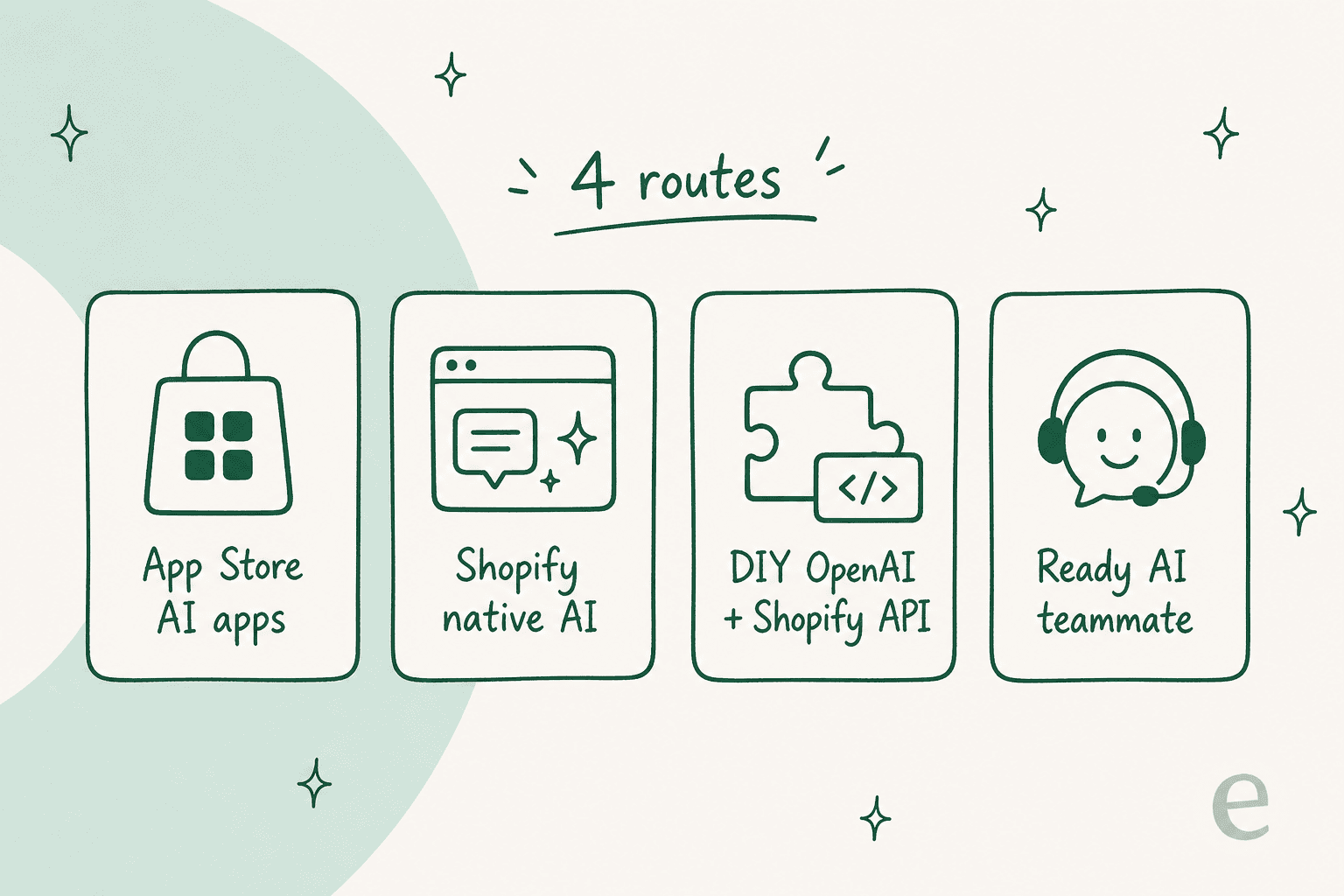
Here is the map of the four routes before I walk each one.
Route 1: An App Store app that wraps ChatGPT
This is the fastest path. Open the Shopify App Store, search "AI chat," and you will find dozens of apps, many of which are a thin front-end over the OpenAI API. Some ask you to paste your own OpenAI key; others bundle the model cost into a monthly fee. Plenty are rebrands of the same Tidio-style chatbot under the hood.
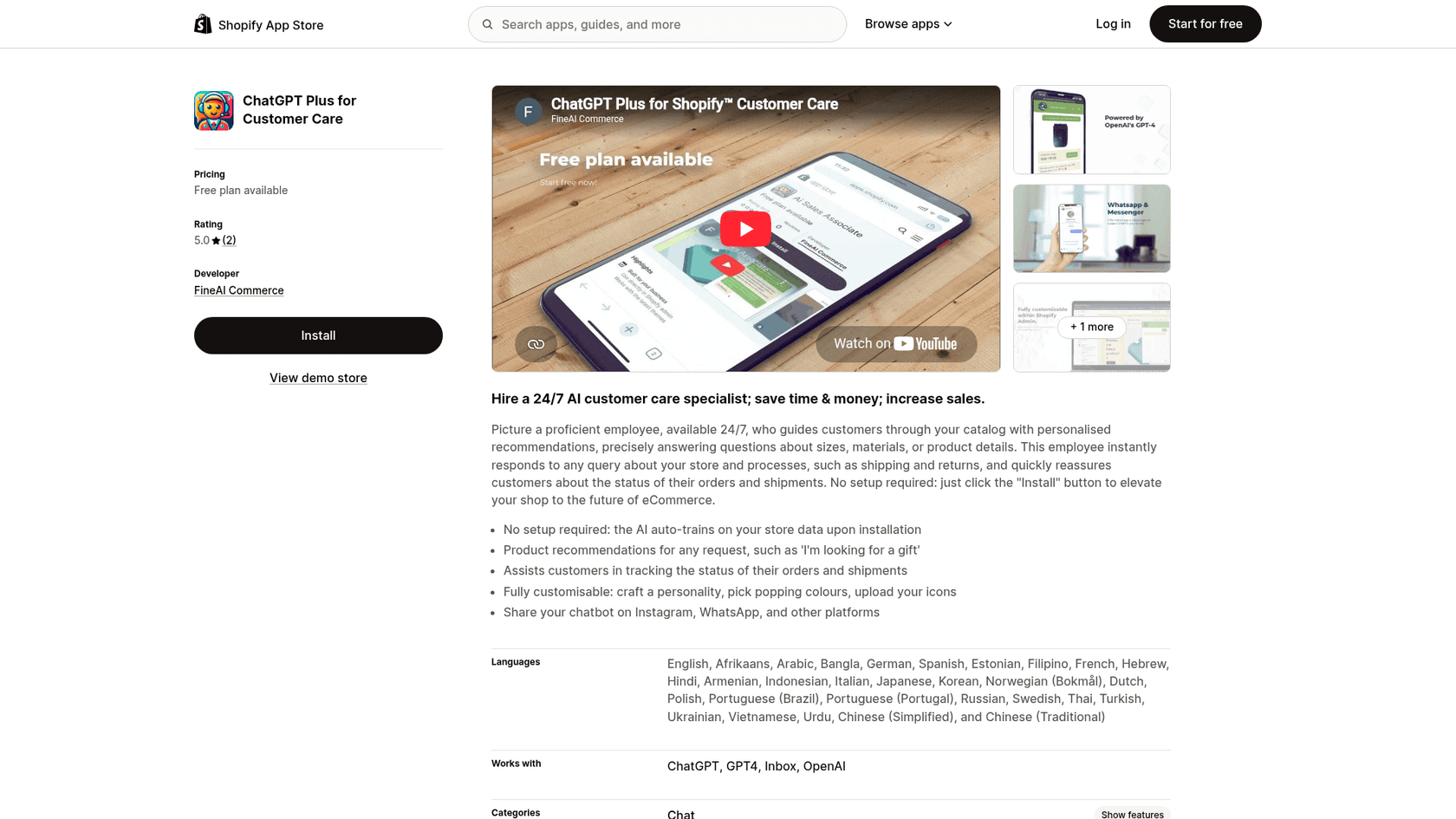
What it does well. Setup is quick. Most of these apps crawl your storefront, ingest your product pages, and put a chat bubble up in a few minutes. For pre-sale questions ("does this come in blue?"), a catalog-aware wrapper is fine.
Where it stops. Pricing usually starts around $29 per month and climbs with usage. More importantly, a lot of these apps read your website but not your orders. So they can talk about products all day and then fall apart the moment a real customer asks about a shipment. If you go this way, the one spec to check before you install is whether the app connects to live Shopify order data or just your public pages.
For a broader look at this category, my roundup of the best AI chatbots for Shopify and the best live chat apps for Shopify stores both go deeper, and I rank the field again in my best e-commerce chatbot guide.
Route 2: Shopify's own native AI (Inbox + Sidekick)
Shopify ships two different AI tools, and people mix them up constantly, so let me split them.
Shopify Inbox is the shopper-facing one. Shopify now calls it an "AI sales associate for your online store." It is free, it learns from your catalog, policies, and store content, and it can recommend products and answer FAQs right in the storefront chat. It carries a solid 4.6 rating across 5,799 reviews.
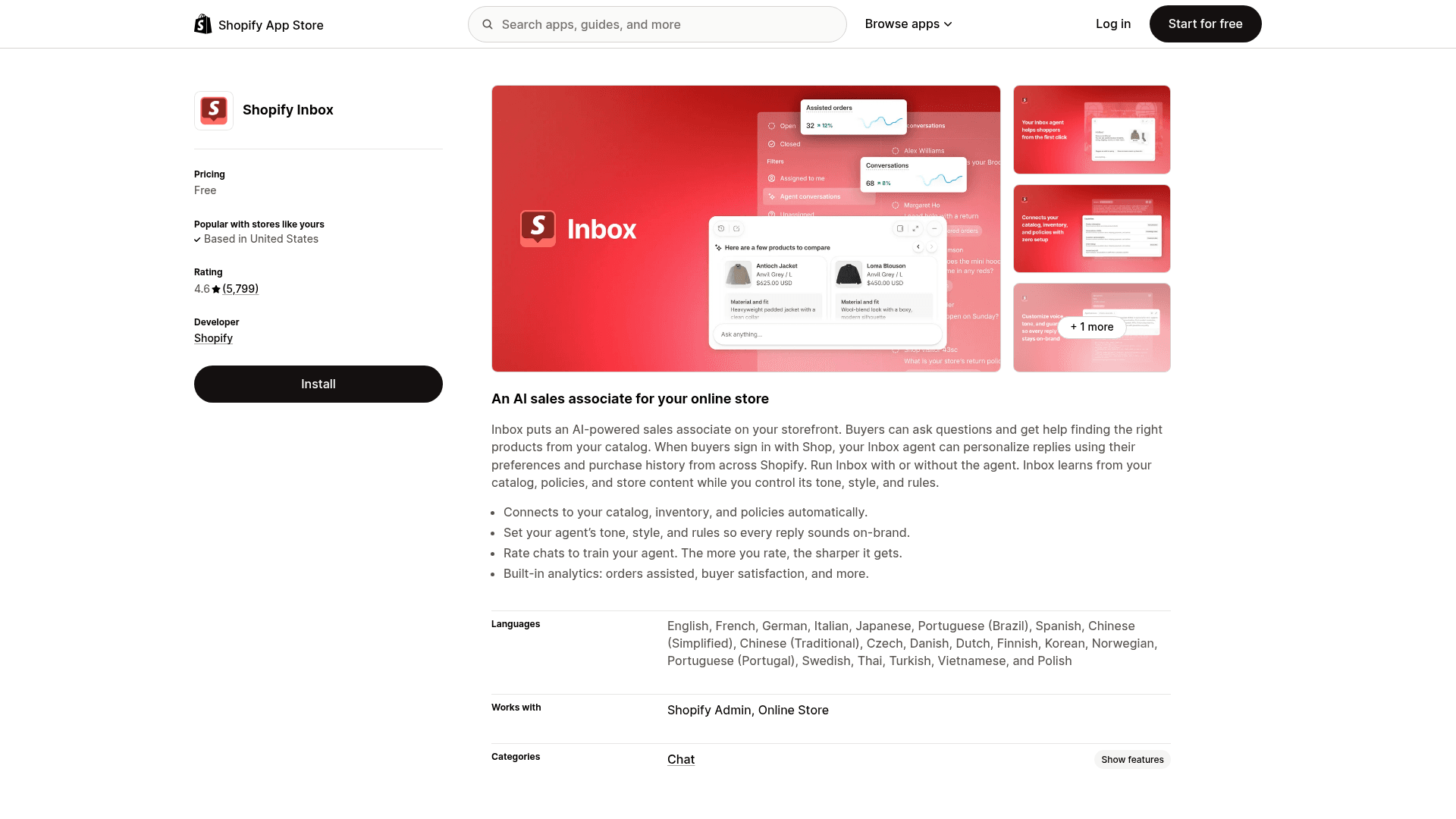
Two honest limits, both from the current listing. First, richer personalization (pulling a shopper's own purchase history) is gated on the buyer signing in with Shop. Second, Inbox lives on your storefront and email; it does not reach into a separate helpdesk or into WhatsApp, SMS, and social. A recent wave of reviews flagged an August 2026 update that briefly forced customer sign-in before a chat could start. Shopify responded within weeks by adding a name-and-email option so shoppers can start a chat without a full sign-in, which is a fair fix.
Sidekick is the other native AI, and it is for you, not your customers. It is the assistant behind the purple glasses icon in your admin. Sidekick writes product copy, builds collections, and can now write ShopifyQL queries and even create customers. It is included in your plan at no extra cost. It is a great store-operations helper, but it is not answering a shopper's return question at 2am. Keep the two straight: Inbox faces shoppers, Sidekick faces the merchant.
Route 3: Build it yourself on the OpenAI API
If you have engineering time, you can wire the OpenAI API directly to Shopify's Admin and Storefront APIs, or to Shopify's newer Storefront MCP server, and get real catalog and order data into the model's context. This is the route with the highest ceiling and the highest cost of ownership.
What you get. Total control. You choose the model, you write the retrieval, you decide exactly when the bot escalates. There is even a commerce angle here: Shopify products now surface inside ChatGPT itself through OpenAI's shopping features, so shoppers may meet your catalog before they ever reach your store. Those ChatGPT agents are a sales surface, though, not a support desk.
What you own. Everything else. Prompt engineering, hallucination guardrails, escalation rules, order-lookup plumbing, and every bit of maintenance when Shopify or OpenAI ships a breaking change. I build software for a living and I still would not spin this up just to answer WISMO tickets. The math only works if AI support is a core product you are shipping, not a job you want done.
Route 4: Hire a ready-made AI teammate
The fourth route splits the difference. Instead of a shallow wrapper or a from-scratch build, you connect an AI teammate that already knows how to do Shopify support and plugs into the tools you run. This is the category eesel AI sits in, so let me be specific about what that looks like rather than wave vaguely at the product.
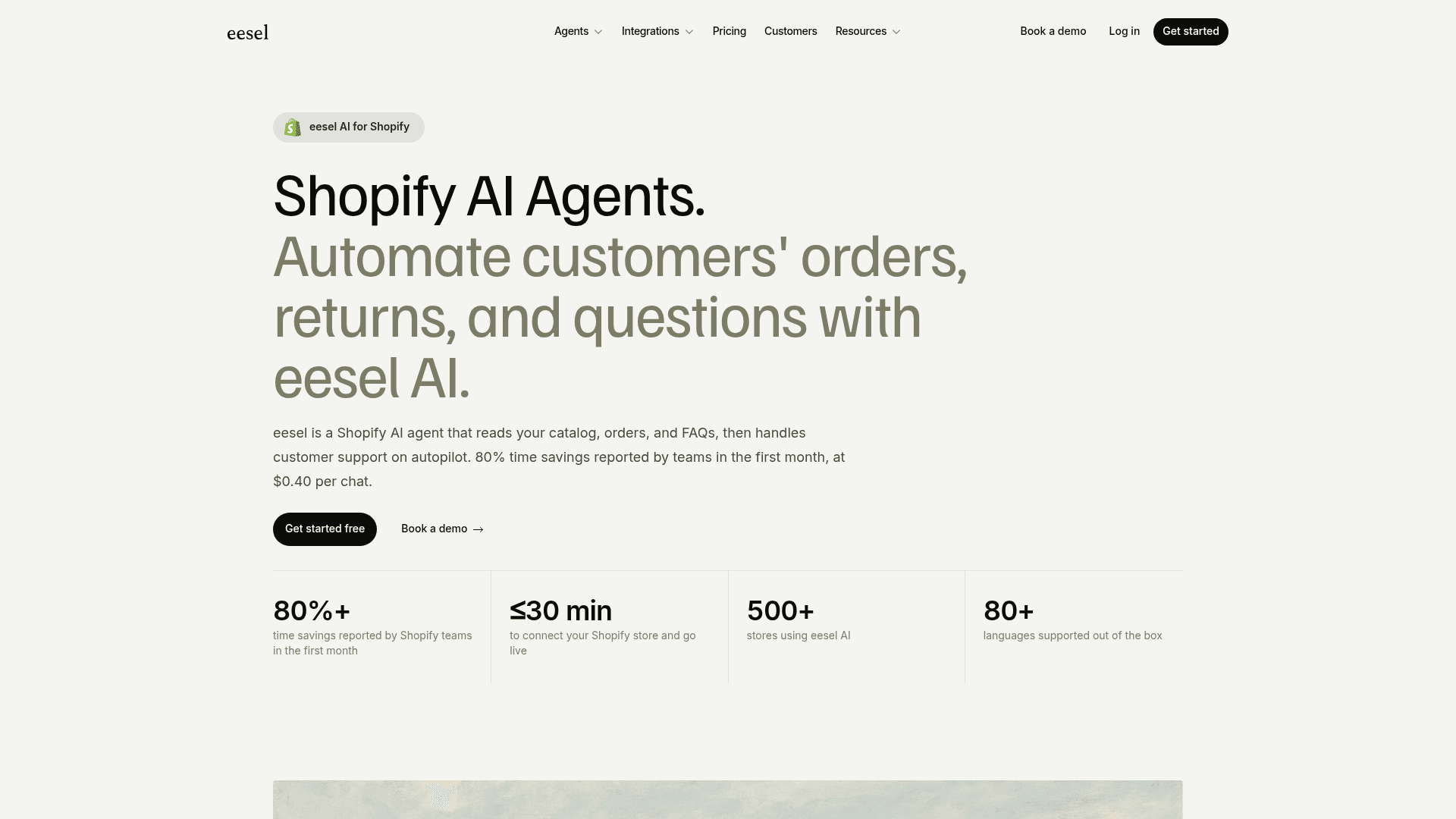
You connect your Shopify store and it syncs your catalog, policies, order data, and FAQs, no manual training. It handles order tracking and returns against live data, answers product questions, and escalates the rest with full context. Pricing is from $299 a month for 500 credits (1 credit per chat, however long) with no platform fee and no per-seat charge.
Crucially, it is not locked to the storefront: the same teammate joins Zendesk, Freshdesk, and Gorgias, plus Slack and your website, so one agent covers every channel.
The results teams report track with that. Tulipy, a multi-brand gardening retailer, connected Shopify to Zendesk and now resolves about 90% of WISMO and stock questions automatically across four brands, with zero seasonal temp hires. As their director, Mateusz Golda, put it:
"Finally, AI software that suits our needs. Easy to connect to Shopify, easy to prompt, and it learns from our articles."
The scar that made me paranoid about order data
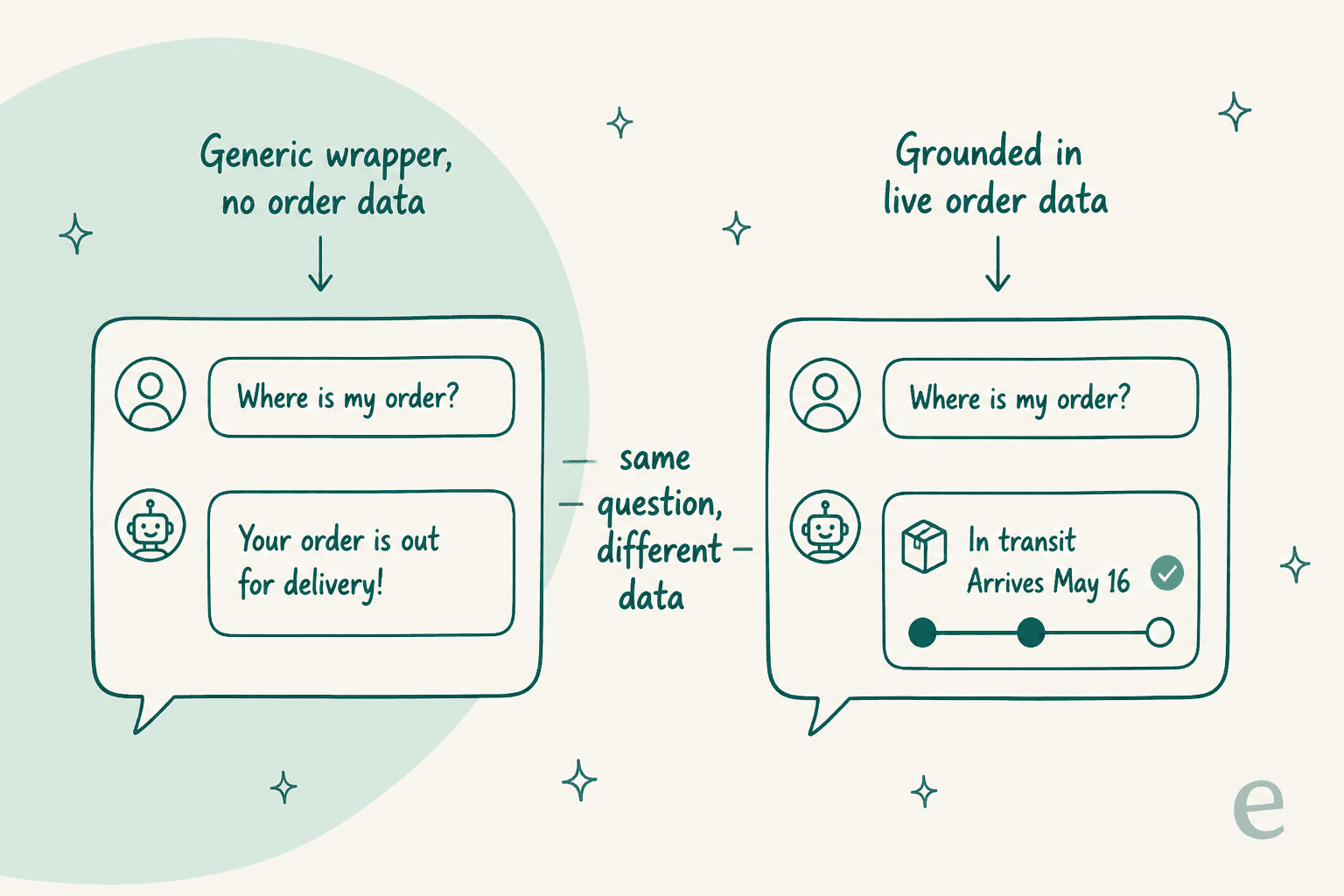
Here is why I keep hammering the live-data point. In a three-way AI bake-off with a European e-commerce brand, one competing bot confidently told shoppers it stocked products it did not carry, because the store's knowledge base said "we support all models" and the bot took that literally. A generic wrapper does the same thing with shipping: ask "where is my order?" and it will cheerfully invent a status because nothing connects it to the actual order. I watched this exact class of overconfident answer burn a rollout early on, which is why eesel routes low-confidence questions to a human draft instead of a live guess, and why you can simulate the agent on your past tickets before it ever replies to a customer.
Which route fits you?
Before the comparison table, here is a quick way to narrow it down. Answer where you actually are.
The four routes, side by side
| Route | Best for | Setup effort | Reads live order data | Works beyond storefront | Starting cost |
|---|---|---|---|---|---|
| App Store wrapper | Pre-sale product chat | Minutes | Varies by app | Rarely | ~$29/mo and up |
| Shopify Inbox | Free storefront chat | Minutes | Limited, Shop sign-in | No (storefront + email) | Free |
| DIY OpenAI build | Teams shipping AI as product | Weeks+ | Yes, if you build it | Only what you build | API tokens + eng time |
| eesel AI teammate | WISMO, returns, full helpdesk | Under 30 min | Yes | Yes, every channel | From $299/mo (500 credits) |
The pattern is easy to read once it is laid out. Free and fast trades away depth; full control trades away your engineering time. A ready teammate is the middle path when support volume, not novelty, is the problem you are solving.
How to actually pick
If I were setting this up for a Shopify store today, I would sort by volume and channel, not by which tool has the flashiest demo.
- Low volume, storefront only? Turn on Shopify Inbox. It is free and it is already there, and it beats bolting on more live chat software you do not need yet.
- Growing volume, mostly pre-sale? A catalog-aware App Store app is fine, as long as it reads live inventory. On Gorgias, my Gorgias AI review covers its native agent.
- WISMO and returns are eating your team? You need live order access and a real escalation path, ideally in the helpdesk you already use. That is where a ready teammate earns its keep.
- Shipping AI support as your own product? Build it on the API and own the whole stack.
The one rule that cuts across all four: make it prove itself on your real tickets before it talks to a customer. Whether that is a staged rollout, a supervised drafting mode, or a simulation over your ticket history, never flip an AI tool live on a Shopify queue and hope. The overconfident-answer failure mode is real, and shipping surveys and satisfaction scores are how it shows up as churn.
Try eesel for your Shopify support
If routes one through three all leave you patching order lookups and hallucination guardrails yourself, that is the exact gap route four closes.
eesel works like a new hire that plugs into your Shopify store and helpdesk in a few minutes, learns your catalog, policies, and past tickets, and starts handling WISMO, returns, and product questions on autopilot. You can simulate it on your own historical tickets first, so you see the resolution rate before it ever replies live. It is free to try with 100 credits, and paid plans start at $299 a month for 500 credits (1 credit per chat) with no per-seat fee.
