Why SaaS support breaks differently
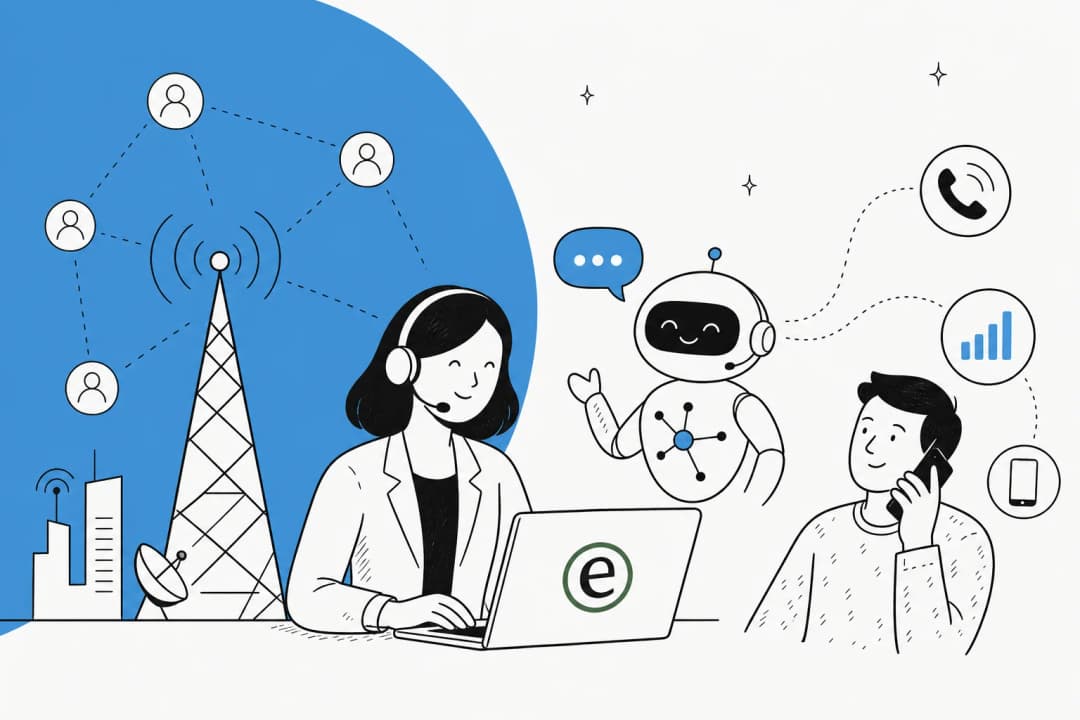
Every support team thinks their tickets are special. SaaS teams are actually a bit right. Three things make the job different from, say, an e-commerce inbox.
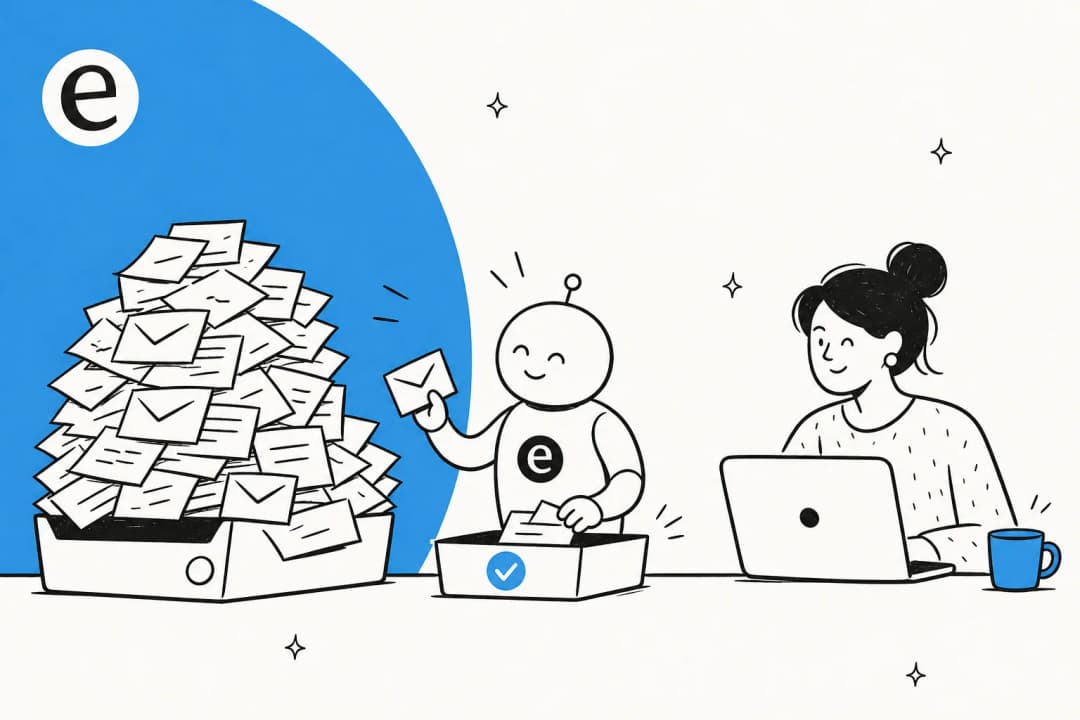
First, the ticket-to-headcount ratio is brutal. SaaS companies grow signups faster than they grow support headcount, on purpose, because that's the whole margin story. One of our customers, Yellowdig, put the squeeze better than I could:
"As a fast-growing startup with a small team, our customers far outnumber our employees. It's crucial that we have robust self-service solutions as well as tools to supercharge the efficiency of our client-facing teams."
Jon Miron, Director of Support & Operations, Yellowdig
Second, the questions skew technical and documented. A huge chunk of SaaS tickets are "how do I do X in the product" or "why did this setting do that", and the answer usually already exists in your help center, your changelog, or a ticket you answered last Tuesday. That's the good news: it means the answer is findable, which is exactly what an AI agent is good at. The bad news is the remaining slice is hard, and getting it wrong erodes trust fast.
Third, it's churn-adjacent. A frustrated shopper abandons a cart; a frustrated SaaS user cancels a subscription and tells their team why. The cost of a confidently-wrong answer is higher here, which is why I'm allergic to any tool that resolves everything at all costs.
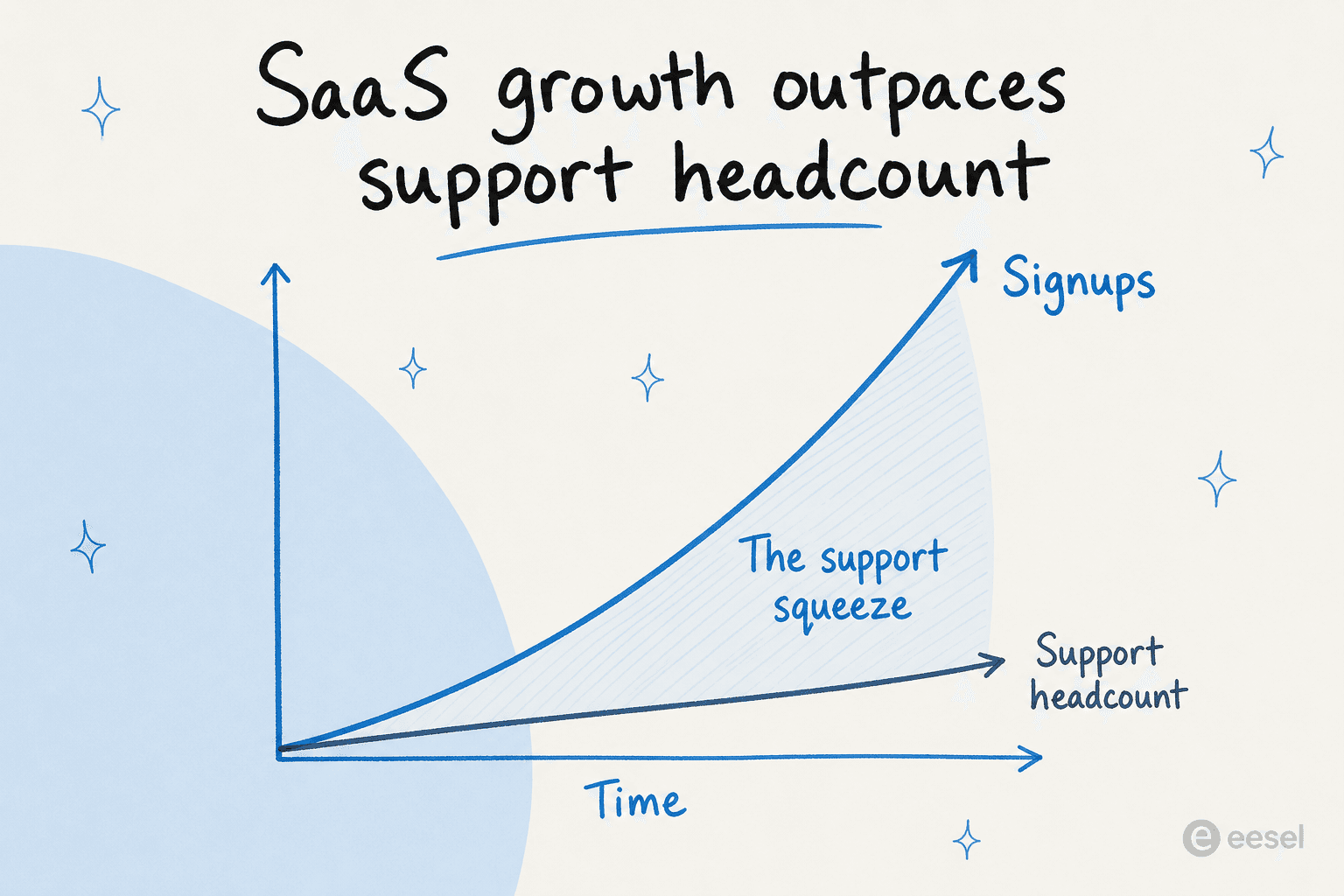
This is the real reason SaaS teams reach for AI customer service earlier than most. It's not a headcount-replacement fantasy, it's that the volume curve and the headcount curve diverge the moment product-led growth kicks in. We wrote a whole scaling guide for startups on this, because it's the single most common situation we see.
What "AI customer service" actually means here
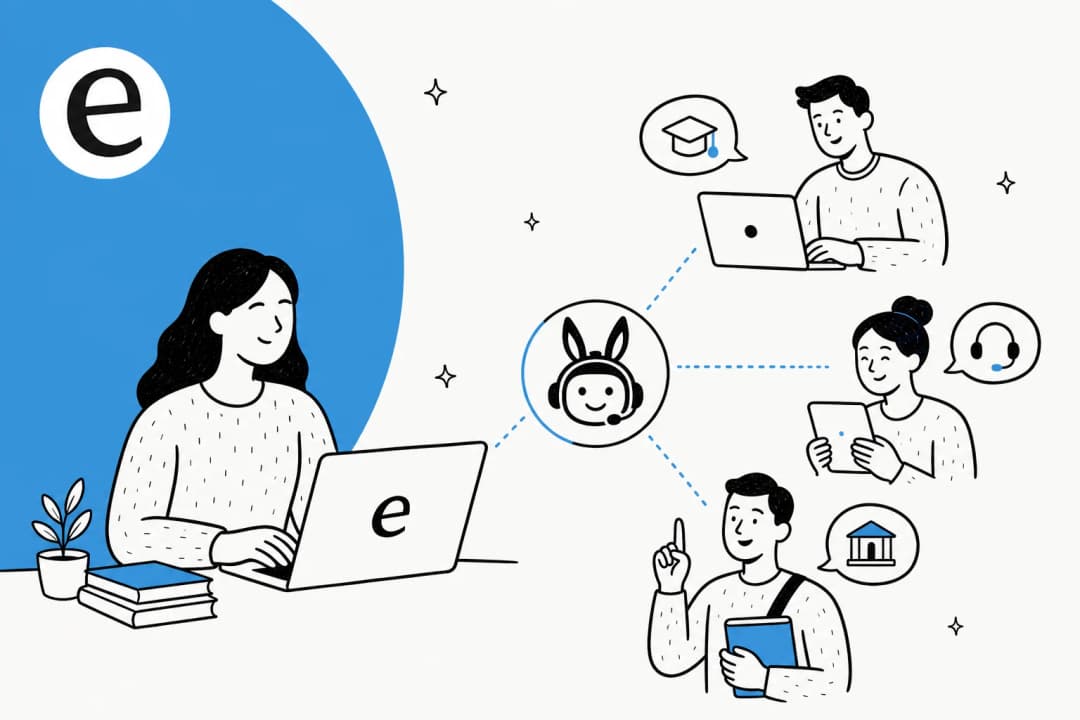
The phrase gets used for everything from a canned-response macro to a fully autonomous agent, so let me be specific about the three jobs that matter for SaaS.
- Deflection / resolution. The agent answers the customer directly for the questions it's confident about, end to end, so the ticket never reaches a human. This is where the ticket deflection numbers come from.
- Copilot drafts. For everything else, the agent writes a suggested reply that your human agent reviews, edits, and sends. This is the safest place to start, and most teams we work with start here.
- Triage and routing. Before anyone touches a ticket, the AI tags it, sets priority, and routes it to the right person or queue. Quiet, unglamorous, and a massive time saver. If you've never looked at support ticket triage, it's the easiest win to start with.
The thing that ties all three together is the knowledge source. A SaaS agent is only as good as what it learned from, and the best ones learn from your solved tickets, not just your help-center articles. That distinction matters more than any feature checkbox, because a help center tells the AI what you wrote down, while past tickets tell it how your team actually answers.
"We use it to be the first responder to our Helpdesk tickets in Jira. It essentially acts just like an agent would."
Jason Loyola, Head of IT, InDebted
How the AI decides what to answer
Here's the part the marketing pages skip, and it's the part I care about most as someone who'd be cleaning up the mess.
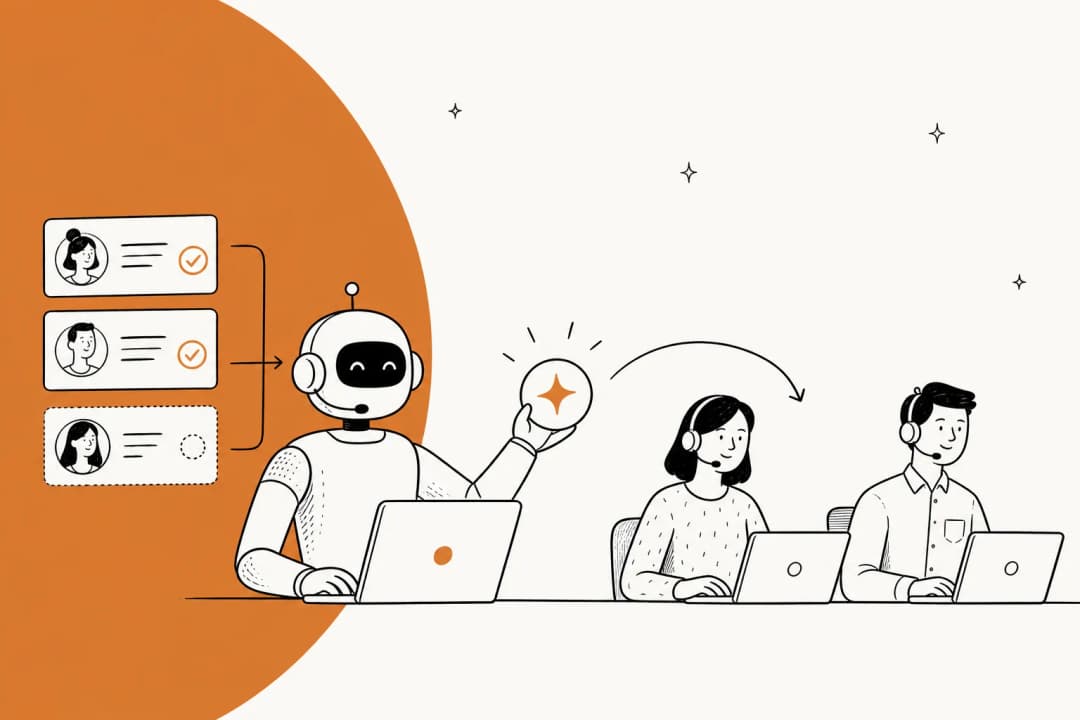
A decent SaaS support agent doesn't just generate text. It runs a loop: read the incoming ticket, search everything it knows (past tickets, help docs, connected tools), and then make a routing decision based on how confident it is. High confidence and the topic is in-scope, it answers. Low confidence, it backs off, drafts a reply for a human, or escalates cleanly. This is called confidence-based routing, and it's the single feature I'd refuse to buy without.
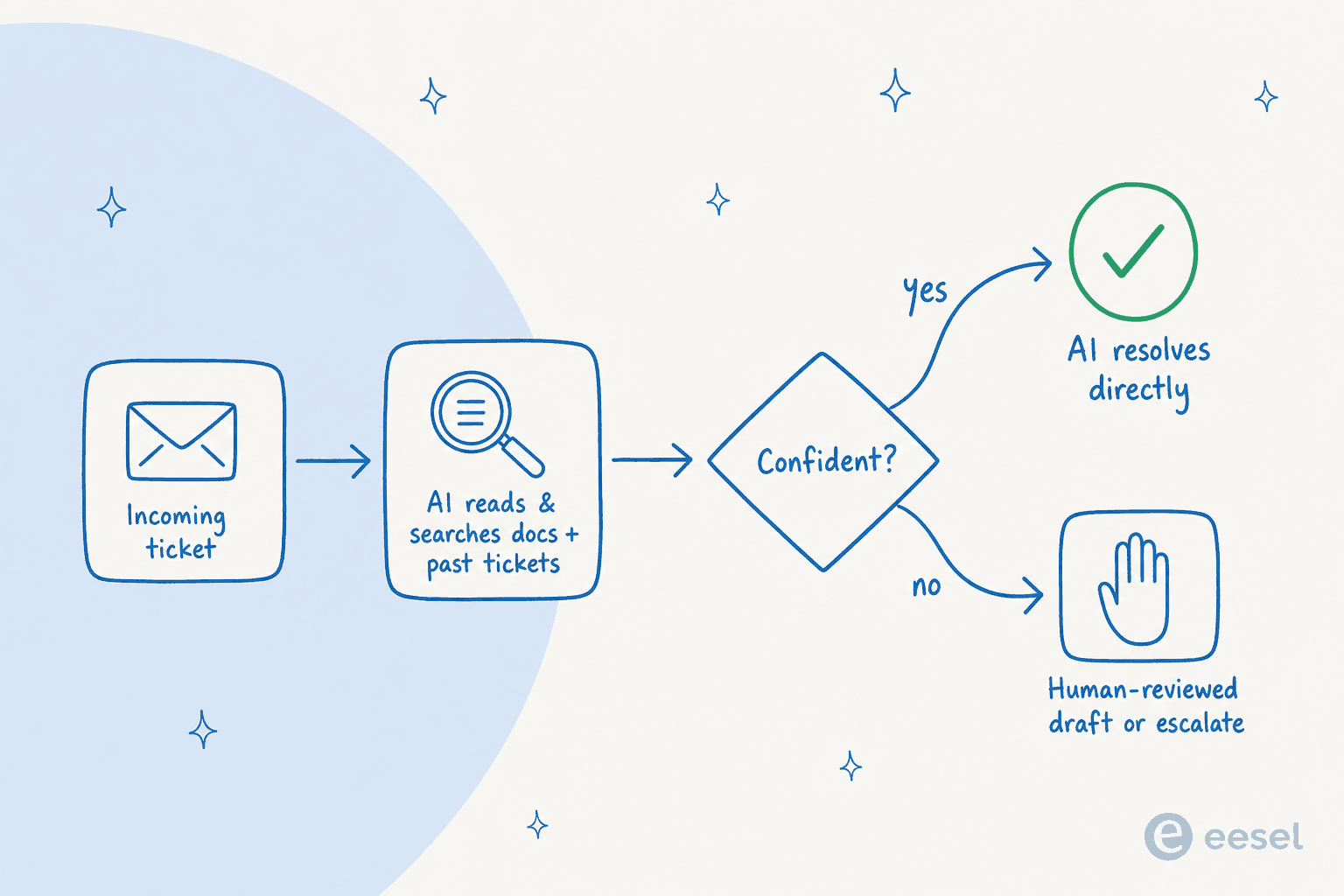
I keep coming back to a line from a CX lead we talked to who ran a few thousand tickets a month. She said the AI will never answer 100% of questions, and she didn't want it to. What she needed was an AI that only handled the tickets it was confident about and left the rest alone, because she couldn't go back and audit thousands of answers to catch the bad ones. That's the whole game. An agent that answers everything is worse than useless in SaaS, because the 10% it gets wrong are the 10% that churn.
The way you de-risk this before launch is simulation: run the agent against your last few thousand real tickets and read what it would have said, by topic, before a single customer sees it. You find the gaps, fill them, and re-run. We built simulation into eesel precisely because we got tired of "trust us, it's accurate" being the only assurance on offer. In one German jewelry retailer's trial on real Zendesk traffic, that approach surfaced 93% triage accuracy and 100% spam detection before go-live, alongside an honest 7% factual-error rate that told the team exactly which categories to keep human-reviewed.
What it actually delivers (the numbers)
I'm wary of resolution-rate claims, because they're easy to inflate. So here are ones from real SaaS-shaped customers, with their context attached.
Gridwise, a gig-economy driver-analytics app running on Zendesk, is the one I quote most:
"In the first month, eesel is resolving 73% of our tier 1 requests... Our team implemented and achieved results quickly during our 7-day trial. Responses are simple to fix and adjust."
Kim Simpson, Gridwise
A few others, briefly: InDebted, a fintech, runs eesel as the first responder on Jira tickets and reported 15% deflection on the way to a 55% target; Recordpoint, a data-governance SaaS, leans on past-ticket training for accurate drafts; and Tactiq's agents draft replies without anyone digging through Notion, Google Docs, or the help center first. Different products, same pattern: automate the documented majority, keep humans on the rest.

If you want the broader benchmark math rather than single-customer anecdotes, our analysis of how much AI saves walks through the cost-per-ticket model in detail.
What to look for before you buy
If you only check five things, check these. They're the ones that separate a tool that survives contact with a real SaaS queue from one that gets switched off in week three.
| What to check | Why it matters for SaaS | Red flag |
|---|---|---|
| Confidence-based routing | The AI must skip what it isn't sure about, not guess | "It answers everything" |
| Trains on past tickets | Docs alone miss how your team actually replies | Help-center-only ingestion |
| Simulation before launch | See what it'd say on real tickets before customers do | "Just turn it on" |
| Fits your existing helpdesk | You shouldn't rip out Zendesk, Jira, or Freshdesk to add AI | Forced platform migration |
| Pricing that tracks usage | SaaS volume swings with signups; per-seat punishes growth | Per-resolution surprise bills |
That fourth row matters more than people expect. Your helpdesk is where your team already lives, so the AI should layer on top of it, not replace it. eesel connects to 100+ integrations including Zendesk, Freshdesk, Gorgias, HubSpot, Jira Service Management, and Salesforce Service Cloud, so you keep your stack and bolt the agent on.
On security, SaaS buyers tend to have a real procurement gate: GDPR, EU data residency, SOC 2, sometimes HIPAA for healthcare-adjacent products. Ask early, because it's a common deal-killer late. (We integrate with the helpdesks above, so weigh our take on them accordingly, and check the free options too if you're just getting started.)
Build it yourself, or buy?
Every technical SaaS team has this debate, usually in a Slack thread that starts with "we could just wire up the Claude API ourselves." You can. The question is whether you want to own it forever.
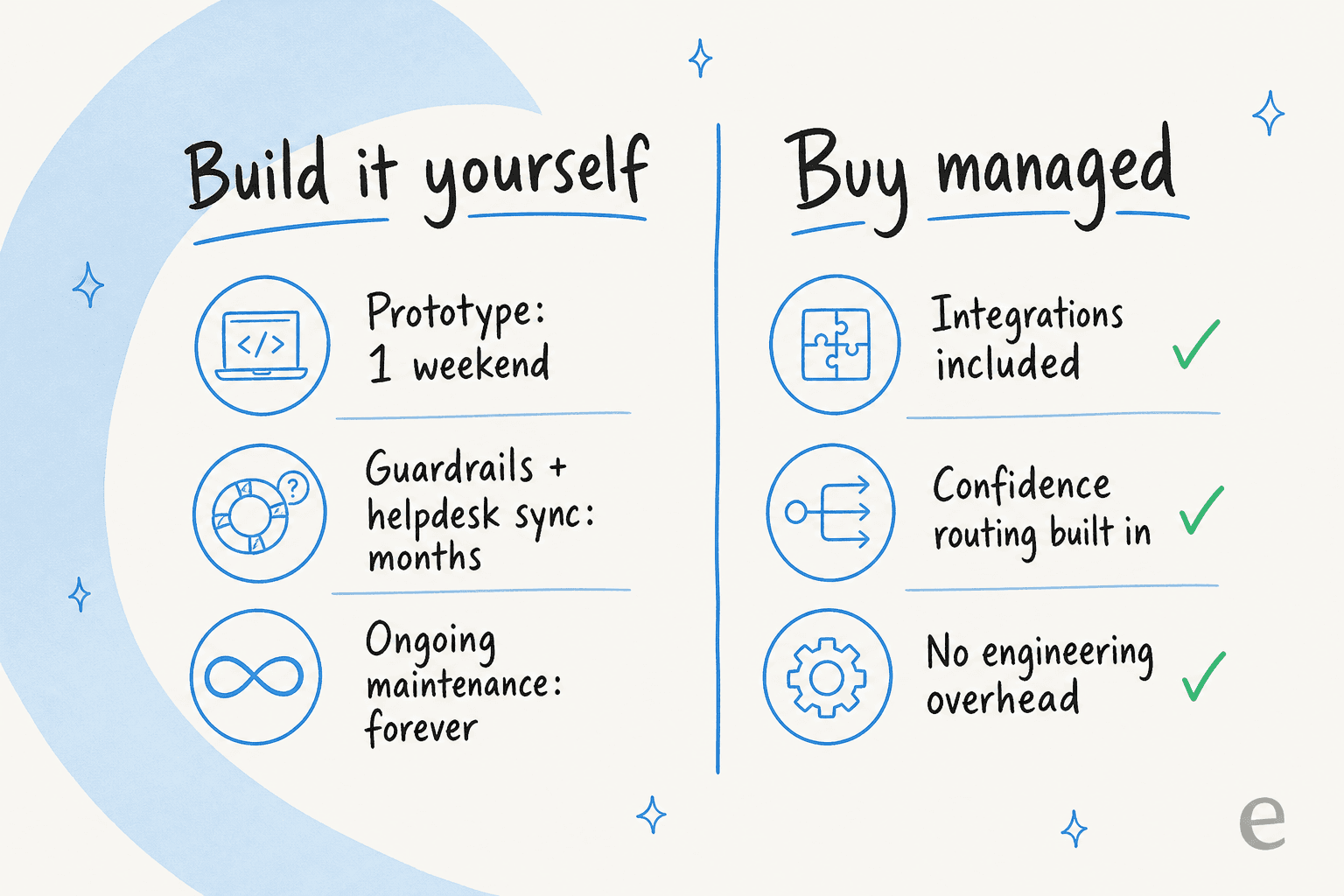
The honest version: building a prototype is a weekend. Building the parts that make it safe for real customers, confidence routing, helpdesk sync, a way to test changes, knowledge ingestion that handles your scattered docs, and then maintaining all of it as your product changes, is a standing engineering commitment. One of our customers, GENERAL BYTES, a crypto-hardware company with a 300-plus article knowledge base, summed up why they chose buy:
"We could try to write our own LLM application but we didn't want to invest our time into that. We wanted something that we would not have to maintain."
Karel, GENERAL BYTES
I'd put it this way: build it if AI support is your product. Buy it if your product is something else and support is a cost center you want to run lean. For most SaaS teams, the second is true, and the build-versus-buy cost maths out in favor of buy once you price in an engineer's time.
What it costs
Pricing is where SaaS teams get burned, because the billing unit is doing a lot of quiet work. Per-seat pricing punishes you for growing your team. Per-resolution pricing can produce a scary bill in a high-volume month. eesel runs on flat, usage-based pricing, which tends to map cleanly to how SaaS volume actually behaves.
| Plan | Price | What you get |
|---|---|---|
| Free trial | $50 in free usage + 2 blog generations, no card | Try it on real tickets |
| Usage-based (PAYG) | From $0.40 per ticket/conversation | No per-seat fee, no platform fee, no minimum |
| Annual commit | 25% off (commit ≥$300/mo for the year) | Same features, lower rate |
| Enterprise | $1,000/mo platform fee + usage | SSO, HIPAA/BAA, higher KB limits, dedicated SE |
The thing I'd flag: "light" tasks like dashboard lookups are free, a regular ticket or chat is $0.40, and a heavy task (a full blog draft) is $4. So your support bill scales with support work, not with how many people you hire. The full breakdown lives on the pricing page, and our cost savings guide shows worked examples at different team sizes.
Try eesel for SaaS support
eesel is an AI helpdesk agent built for exactly this: it learns from your past tickets and docs, runs in simulation against your real history before it goes live, and uses confidence-based routing so it only answers what it's sure about and cleanly hands off the rest. It sits on top of the helpdesk you already use, and it bills by usage rather than per seat, so it doesn't punish you for scaling. If you want to see what it'd say on your own tickets, the 7-day trial runs against your real history.

Frequently Asked Questions
What is AI customer service for SaaS?
How much does AI customer service for SaaS cost?
Can AI handle technical SaaS support tickets?
Should we build our own AI support agent or buy one?
How do I stop the AI from giving customers wrong answers?


Article by
Riellvriany Indriawan
Riell is a designer and writer at eesel AI with about two years of experience researching CX platforms, AI chatbots, and helpdesk software. She combines her design background with a sharp eye for how these tools actually look and feel in practice — making her comparisons unusually visual and user-focused.