"Auto-reply" actually means two different things
This trips people up, so let's be precise. When a vendor says "AI auto-reply," they could mean one of two very different things.
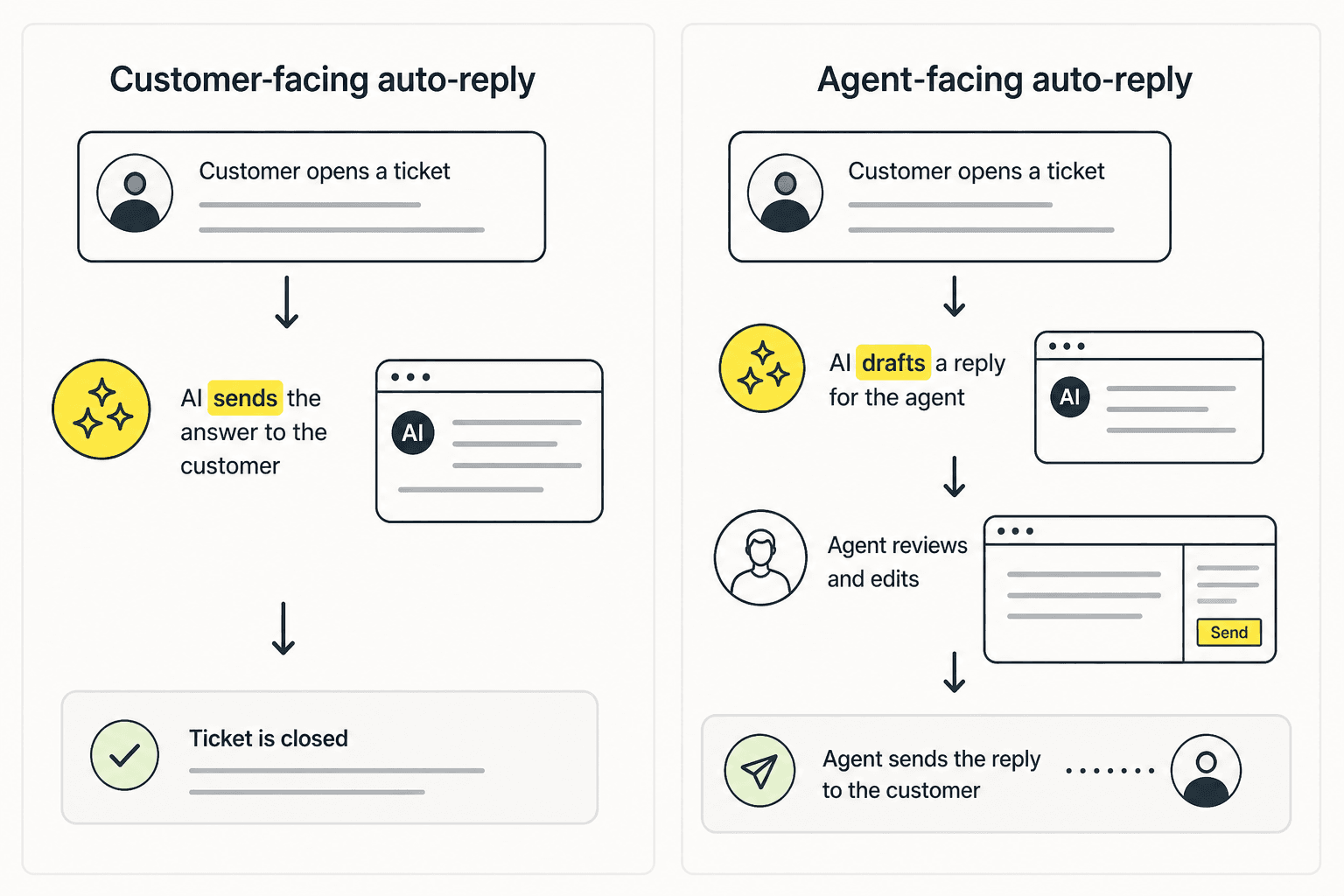
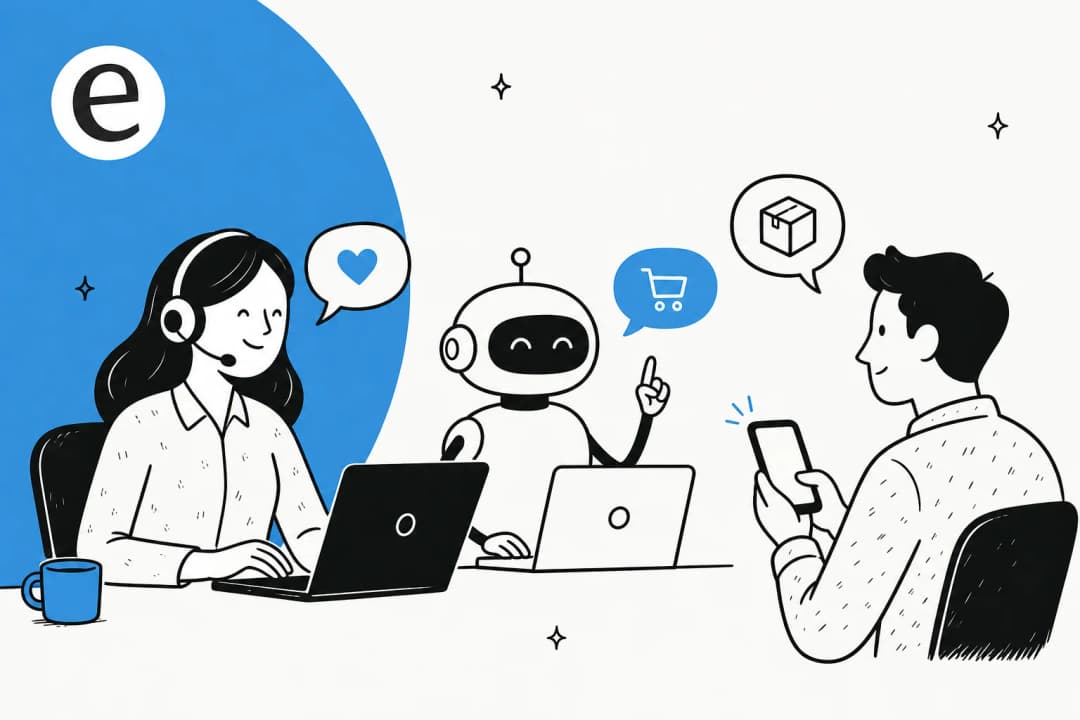
Customer-facing auto-reply is the AI sending its answer straight to the customer and, ideally, closing the ticket. Agent-facing auto-reply is the AI writing a draft that a human agent reads, tweaks, and sends. The first saves the most time and carries the most risk. The second is slower but safer. Kustomer does both, under two different product names, and knowing which one you're turning on is the whole game.
Kustomer's native auto-reply: Concierge and Envoy
Credit where it's due, Kustomer is an AI-native platform and this is its home turf. The pitch is "the only CX platform where AI runs on context, not guesswork," and the context part is real: because Kustomer is built on a customer-centric data model rather than a ticket-centric one, the AI sees the full 360-degree customer timeline when it replies.
Concierge is the customer-facing half: autonomous deflection and end-to-end self-service across chat, email, SMS, WhatsApp, and voice, with confidence thresholds and human oversight built in. Envoy is the agent-facing copilot: it suggests replies, surfaces knowledge, drafts summaries, and updates records, framed explicitly as augmentation rather than replacement.
The proof points are genuine and worth respecting. Kustomer reports 70% of all chat conversations fully automated at Vuori, 98% of WhatsApp conversations AI-powered at Aplazo, and Terra Kaffe scaling 4X while holding a 90s CSAT. For high-volume consumer brands handling tier-1 deflection at scale, that's a serious auto-reply engine.
One honesty note, because it matters: Kustomer's homepage advertises a "5.0 rating from 500+ G2 reviews," but the actual G2 seller page aggregate is 4.4 out of 5 from 555 reviews. 4.4 is a good score. The 5.0 claim is cherry-picked, so weigh the marketing accordingly.
How AI auto-reply actually works under the hood
Whichever flavour you use, the mechanism is the same loop, and understanding it is how you keep it from embarrassing you.
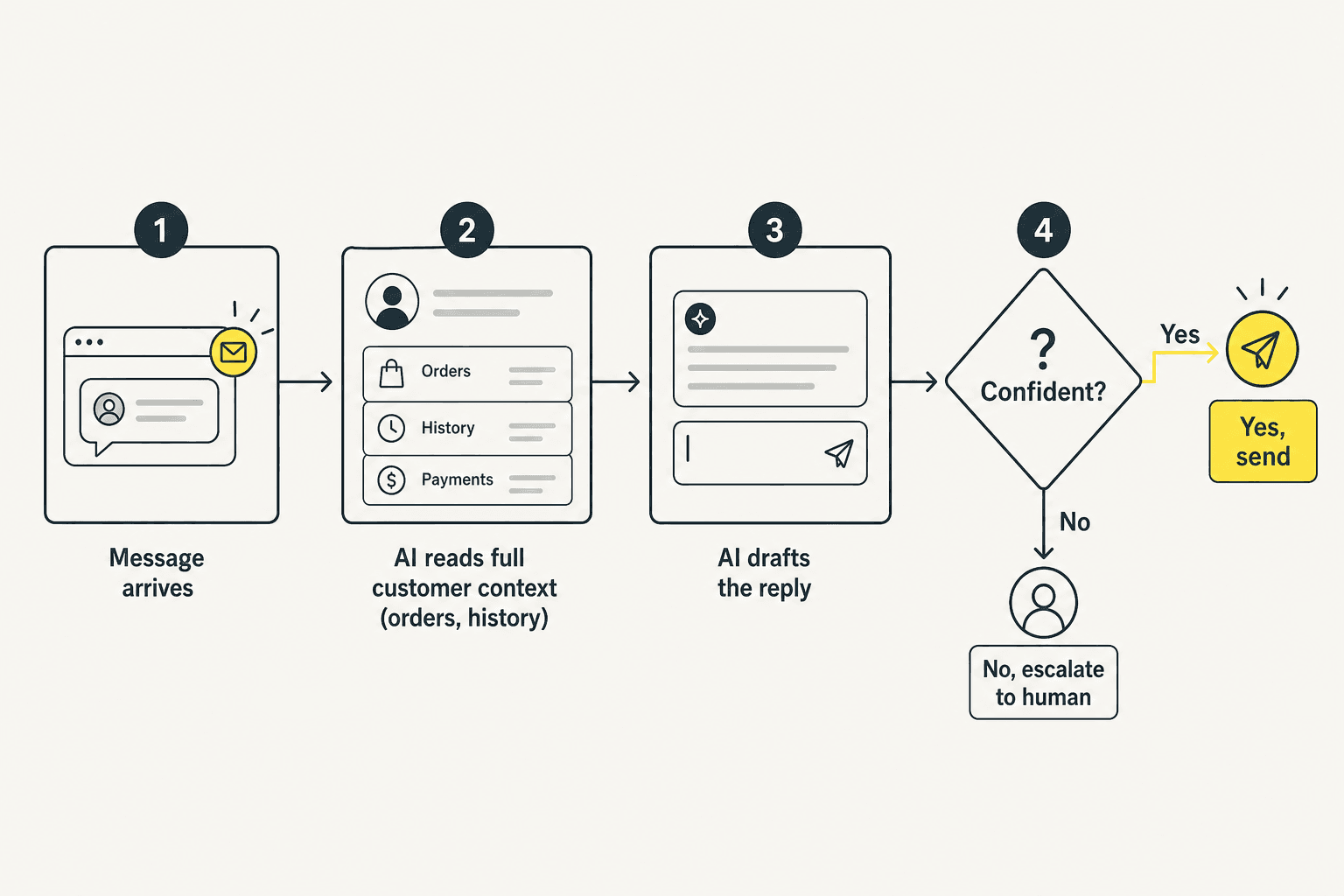
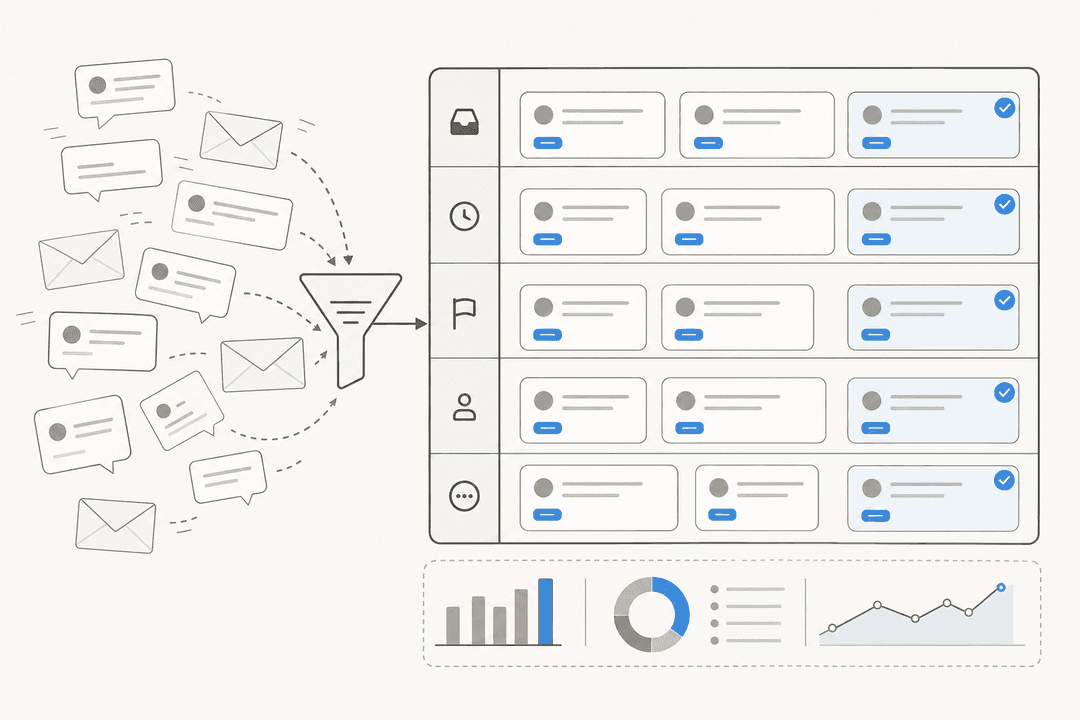
A message arrives, the AI reads the relevant context and knowledge, it drafts a reply, and then, critically, a confidence check decides what happens next. High confidence, it sends (or surfaces the draft). Low confidence, it escalates to a human instead of guessing. That confidence gate is the single most important setting in the whole system, because the failure mode that actually hurts isn't "the AI couldn't answer," it's "the AI answered wrong, confidently, and a customer believed it." A good deflection setup lives or dies on that threshold.
Keep control: the trust ramp
The biggest objection I hear from support leads isn't "does it work," it's "I'm not letting AI reply to everything." That's the right instinct, and the answer is to ramp.
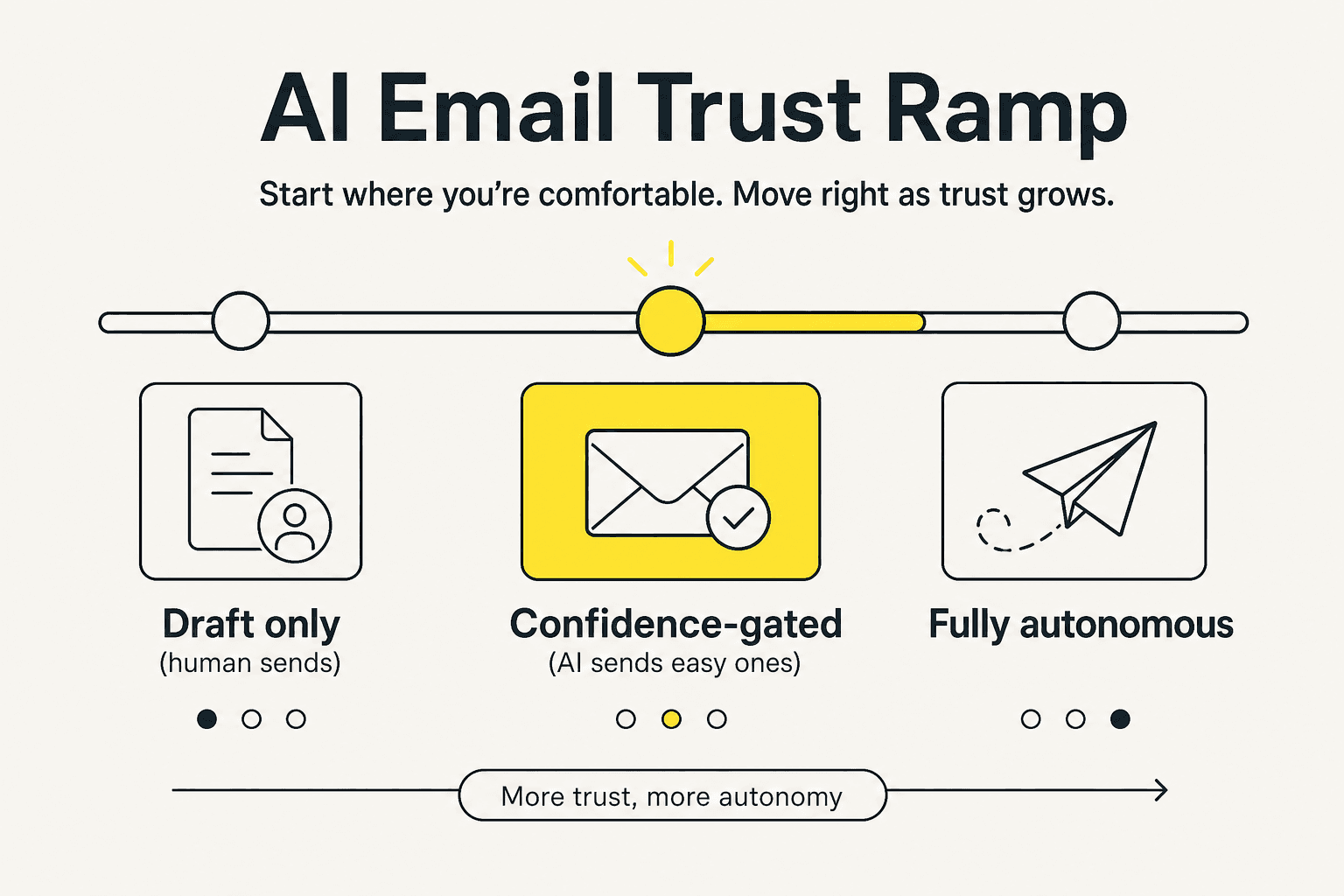
Start in draft-only mode, where every reply waits for a human. Once you trust the quality, switch on confidence-gated auto-send for the easy, repetitive tickets and leave the rest for agents. Only then, and only for the ticket types it's proven on, go more autonomous. This mirrors the way I'd configure any AI auto-reply rule: earn the autonomy, don't assume it. The teams that get burned are the ones who skip straight to "AI handles everything."
A more controllable, transparent approach
Kustomer's auto-reply is strong, but two things give teams pause: the quote-only pricing makes it hard to know what you'll actually pay until you're in a sales cycle, and as an all-in-one platform it expects you to live inside Kustomer.
If what you want is the auto-reply pattern, drafts and confident auto-sends, but with more control and clearer costs, that's the gap eesel AI is built for. The differences that matter for auto-reply specifically: it trains on your own past tickets so the drafts sound like your team from day one, it ships a simulation mode so you can see exactly how it would have replied to thousands of historical tickets before going live, and it's pay-as-you-go with public per-task pricing rather than a sales call. It runs on the major helpdesks it integrates with, so it's worth a look if you're also weighing Kustomer alternatives.
Try eesel
If you like the idea of AI auto-reply but want to prove the accuracy before it touches a customer, eesel AI lets you run a simulation against your real past tickets, see the resolution rate and exact draft replies, then turn it on confidence-gated for the ticket types you trust.

It's transparent pay-as-you-go pricing with $50 of free usage to start, no sales call required. Try eesel and see what controlled auto-reply looks like on your own tickets.
Frequently Asked Questions
What is Kustomer AI auto-reply?
How much does Kustomer AI auto-reply cost?
Is Kustomer's AI auto-reply accurate?
Can I control what the AI sends automatically?
What's the alternative to Kustomer for AI auto-reply?


Article by
Riellvriany Indriawan
Riell is a designer and writer at eesel AI with about two years of experience researching CX platforms, AI chatbots, and helpdesk software. She combines her design background with a sharp eye for how these tools actually look and feel in practice — making her comparisons unusually visual and user-focused.