The 8 best HubSpot Breeze Customer Agent alternatives in 2026

Kira

Katelin Teen
Last edited October 14, 2026

Why teams look past Breeze Customer Agent
I build AI support agents for a living, so I will say the fair thing first: HubSpot's Customer agent is a genuinely good product if you are already a HubSpot shop. It is grounded in your CRM data, it graduates from human-approved actions to autonomy as you build trust, and it lives inside a platform 306,000 customers already run. If that describes you and your volume is low, you may not need this post at all.
The trouble starts with two specifics that only show up once you are inside the billing.
The first is the credit meter. The Customer agent runs on HubSpot Credits, and a resolution costs 50 credits, which is about $0.50 at HubSpot's $9 per 1,000 credits overage rate. That sounds cheap until you do the division. Professional includes 3,000 credits a month, and those credits are shared across the Customer agent, the Data agent, and other Breeze actions.
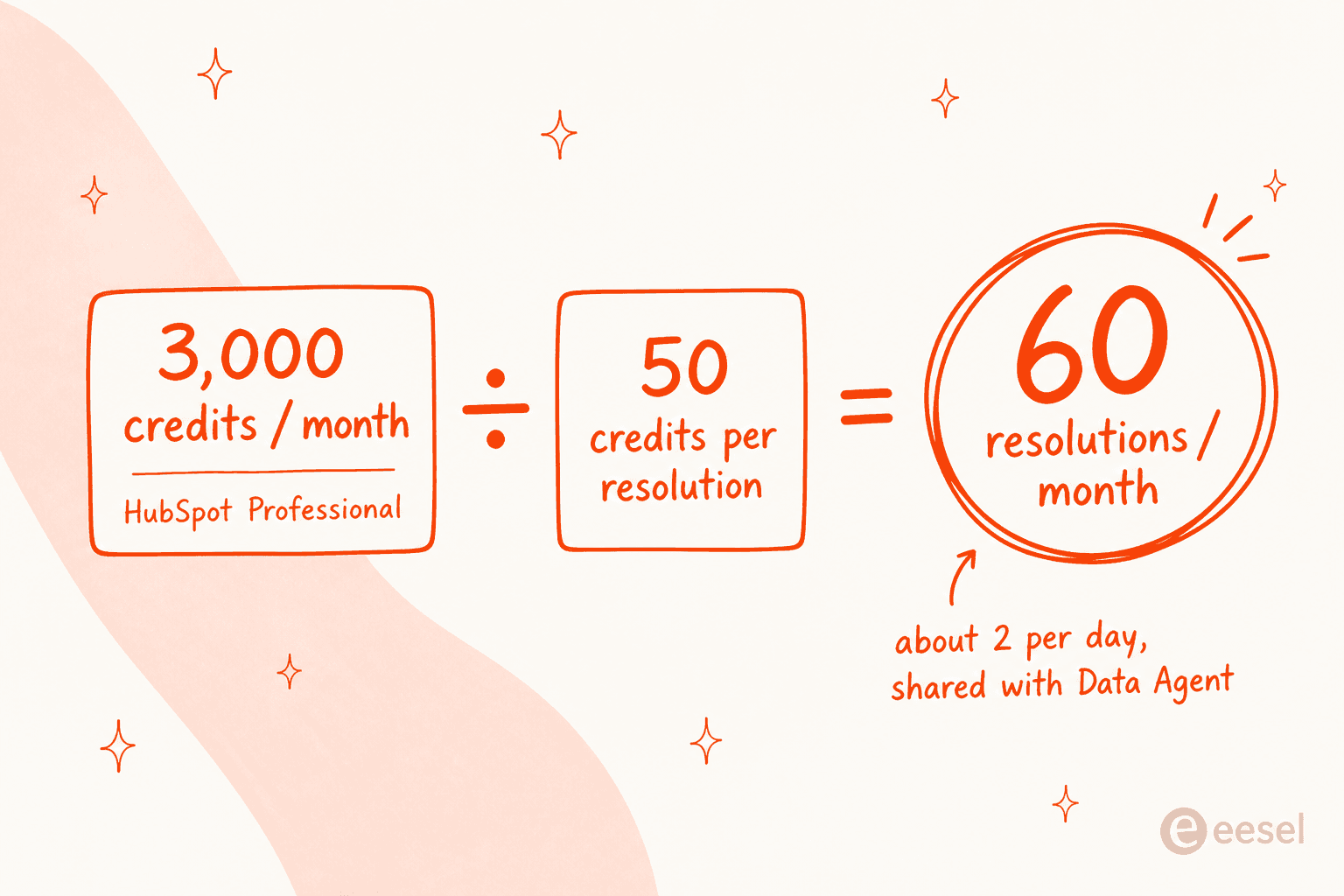
So a Professional plan buys you roughly 60 resolutions a month, about two a day, before the agent needs more credits. Credits do not roll over, and automatic credit top-ups are the default rather than an opt-in, so a busy week quietly costs more. There is also a sharp edge worth knowing: a "resolution" is counted when the agent replies citing a source and no human steps in within 72 hours. The status freezes at 72 hours, so an unhappy conversation still bills, and if you run out of credits the agent silently stops taking new conversations across every channel until the reset.
The second reason is scope. Breeze is Professional-and-Enterprise-only, and it assumes you have bought the whole HubSpot Service Hub stack, with its required onboarding fees ($1,500 on Professional, $3,500 on Enterprise) and annual commitments. If HubSpot is genuinely your CRM and helpdesk, fine. If you adopted HubSpot for sales and are now being nudged into a full support platform just to get AI, that is a big commitment for one feature.
Reviewers say the quiet part out loud. The product itself rates well, 4.4/5 on G2 across 2,900+ reviews, but the recurring complaint is cost and gating.
"Additionally, pricing has become difficult to justify compared to alternative solutions in the market. The Knowledge Base page customization options are also quite limited, especially for companies that want more flexibility in branding and user experience."

And on the lock-in that comes with the platform commitment:
"We got the startup "90% discount" from Hubspot but what they don't tell you is that it's 5 users plan which you are locked in to. Then they lock you on to min 5 users for sales for the next two years where you are spending up to $500 per month which you cannot break out of."

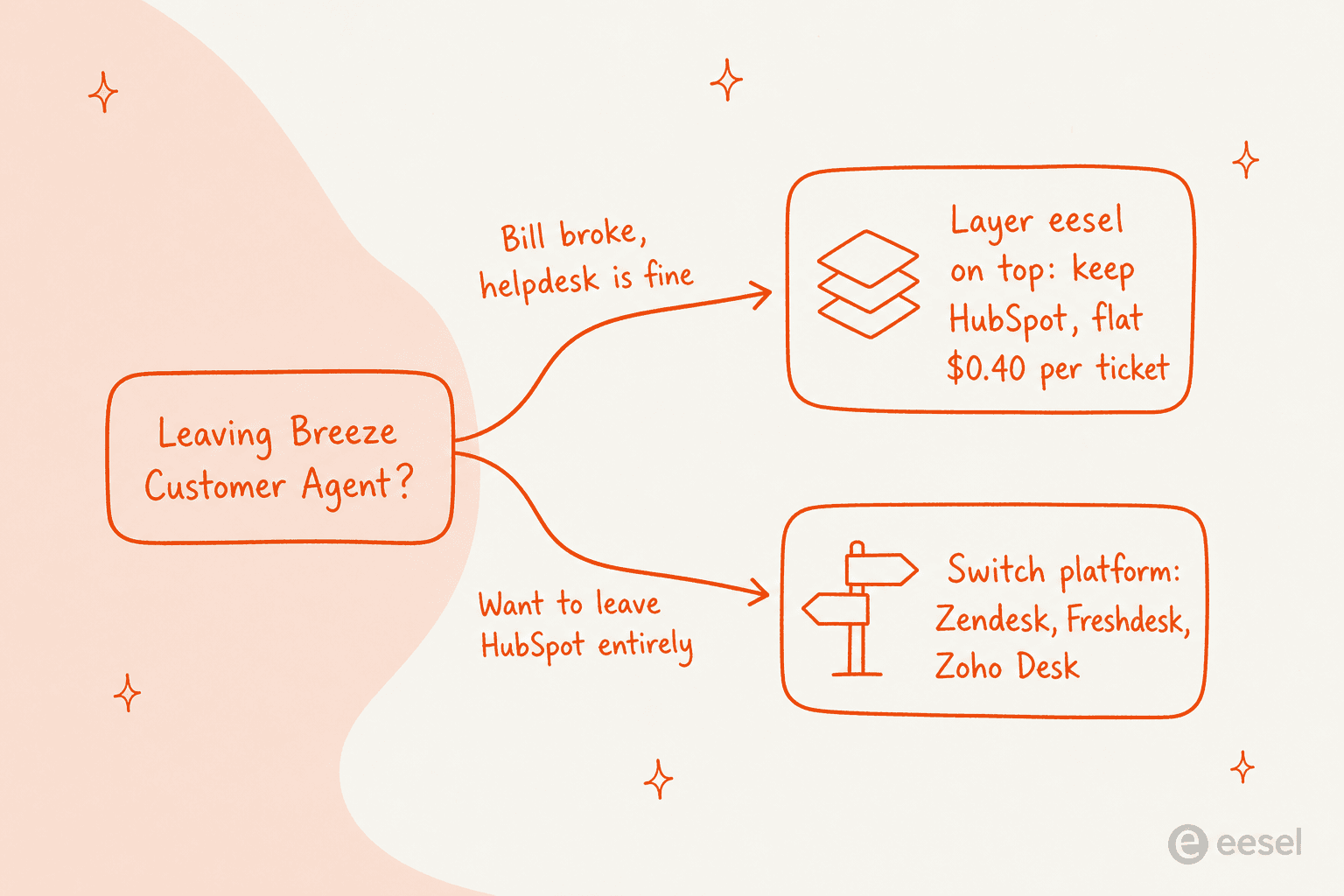
The good news is that "leaving Breeze" splits cleanly into two very different projects, and most people pick the harder one by mistake.
How I compared them, and what to look at
I sorted these on the dimensions that actually decide the bill and the risk, not the marketing checklist:
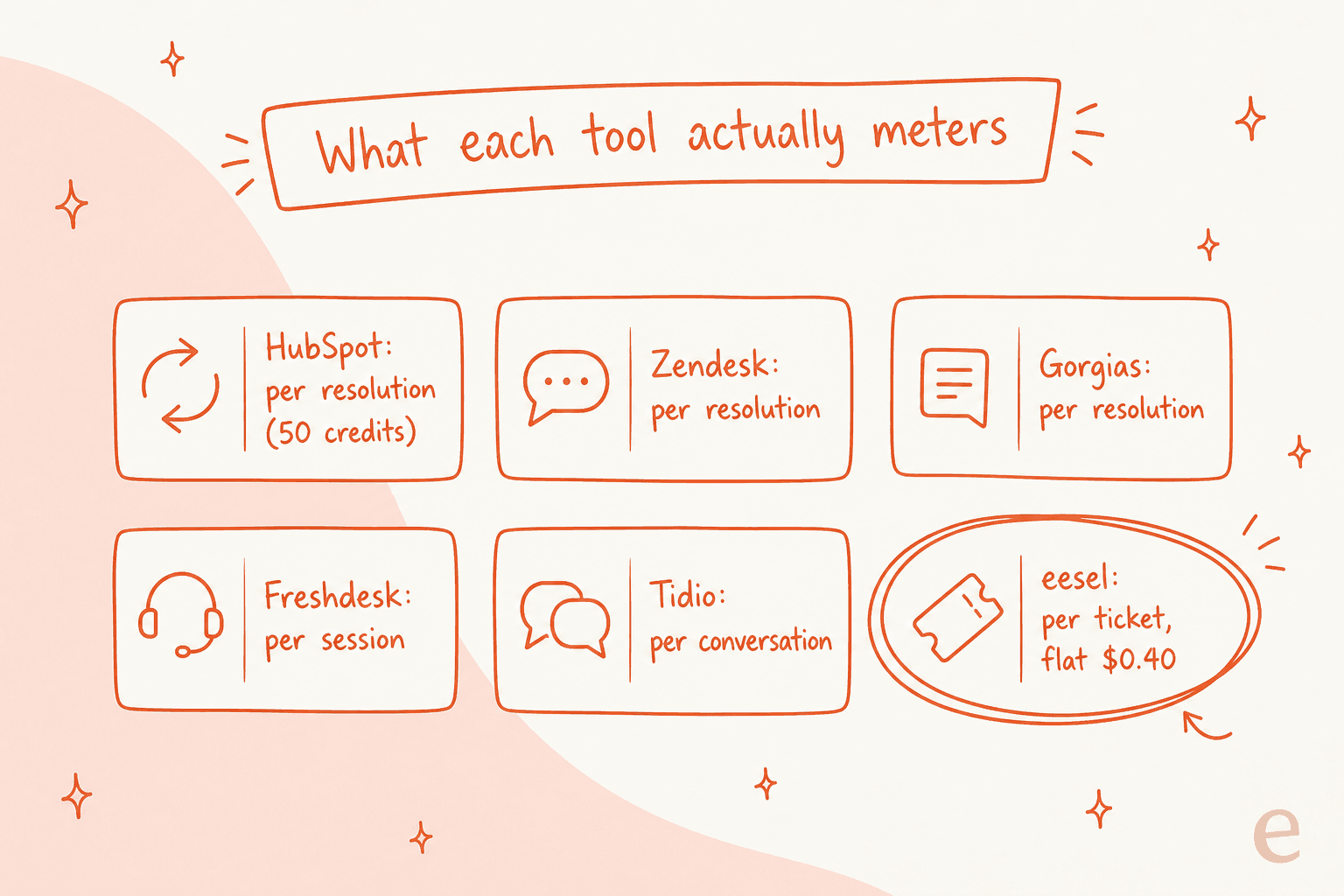
- The billing unit. This is the one people miss. "Per resolution", "per conversation", "per session", and "per ticket" are not the same thing, and a cheaper-looking per-unit rate can cost more once you know what triggers it.
- Whether AI is a layer or a platform. Some of these let you add AI to the helpdesk you already run. Others mean a migration.
- Seat fees on top of the AI. Most native tools charge per agent and per AI unit. That combined number is the real cost.
- Testing before go-live. Can you see how the AI would have handled your real past tickets, or do you flip a switch and hope?
Here is the thing the per-unit prices hide. The meter itself differs from tool to tool, so a like-for-like comparison has to start there.
The 8 best HubSpot Breeze Customer Agent alternatives at a glance
| Tool | Best for | AI pricing | Billing unit | Seat fee on top? | Native helpdesk | Test on your tickets? |
|---|---|---|---|---|---|---|
| eesel AI | Keeping HubSpot, replacing the AI | From $299/mo (500 credits) | 1 credit per ticket or chat | No seat fees | Layers on yours | Yes, full simulation |
| Zendesk AI | Enterprise-scale support | $1.50 / $2.00 per resolution | Automated resolution | Yes, $55-$115+/agent | Yes | Sandbox |
| Freshdesk Freddy | Value, email-first teams | $0.49/session or $29/agent Copilot | Session (agent) | Yes, from $19/agent | Yes | Sandbox |
| Help Scout | Simple human inbox | $0.75 / resolution | Resolution | Yes, $25-$75/user | Yes | Limited |
| Zoho Desk Zia | Budget CRM-suite teams | Included per tier | Bundled | Yes, from $14/user | Yes | Sandbox |
| Salesforce Service Cloud | Enterprise Salesforce shops | ~$2 / conversation | Conversation | Yes, from ~$165/user | Yes | Sandbox |
| Gorgias | Shopify / ecommerce | $0.90 / resolution | Resolution | Yes, from $10/mo | Yes | Sandbox |
| Tidio Lyro | Small chat-first sites | $0.50 / conversation | Conversation | Yes, from $24.17/mo | Yes | Limited |
1. eesel AI - best for keeping HubSpot and just fixing the AI

Most alternatives assume you want to replace HubSpot. eesel starts from the opposite assumption: your helpdesk is fine, the AI economics are the problem, so keep the first and swap the second. It is an AI helpdesk teammate that plugs into HubSpot Service Hub (and Zendesk, Freshdesk, Gorgias, and more), learns from your help center and past tickets, and resolves the front line, without you rebuilding anything.
Features. eesel's HubSpot integration reads tickets, drafts and sends replies, updates ticket properties, moves pipelines, and uses live CRM contact data. It trains on your existing help center, past tickets, and connected sources like Confluence or Google Docs. The differentiator I would lean on is the simulation: before go-live, it replays your real historical HubSpot tickets, scores each answer against what your team actually sent, and shows you where it is confident and where it should stay quiet.
Pros. No per-seat fee and no credit meter, so the cost is one fixed monthly price that stays predictable as volume climbs. You keep HubSpot intact, so there is no migration. And the simulation answers the "will it get things wrong?" fear before a customer is ever exposed to it, which is the exact scar that makes native rollouts risky. In our own experience running AI on live queues for years, the thing that quietly gives wrong answers is the thing you did not test against your own tickets first.
Cons. eesel is an AI layer, not a full helpdesk, so if you do not already have a ticketing tool you will still need one underneath. And it is a newer name than Zendesk or Salesforce, so it lacks their decade of enterprise brand recognition.
Pricing. One fixed monthly price, from $299 for 500 credits, with 1 credit per ticket or chat, no per-seat charge and no separate charge for interactions that get billed twice elsewhere. You start on a free plan with 100 credits, with no credit card and no sales call.
Our take: if the thing you are frustrated with is the credit math and not HubSpot itself, this is the least disruptive fix on the list. It is also the only option here that lets you test against your real tickets before committing. Pick it if you want AI on the HubSpot queue you already run; skip it if you specifically want to leave HubSpot's helpdesk behind.
2. Zendesk AI - best for larger teams that need enterprise depth
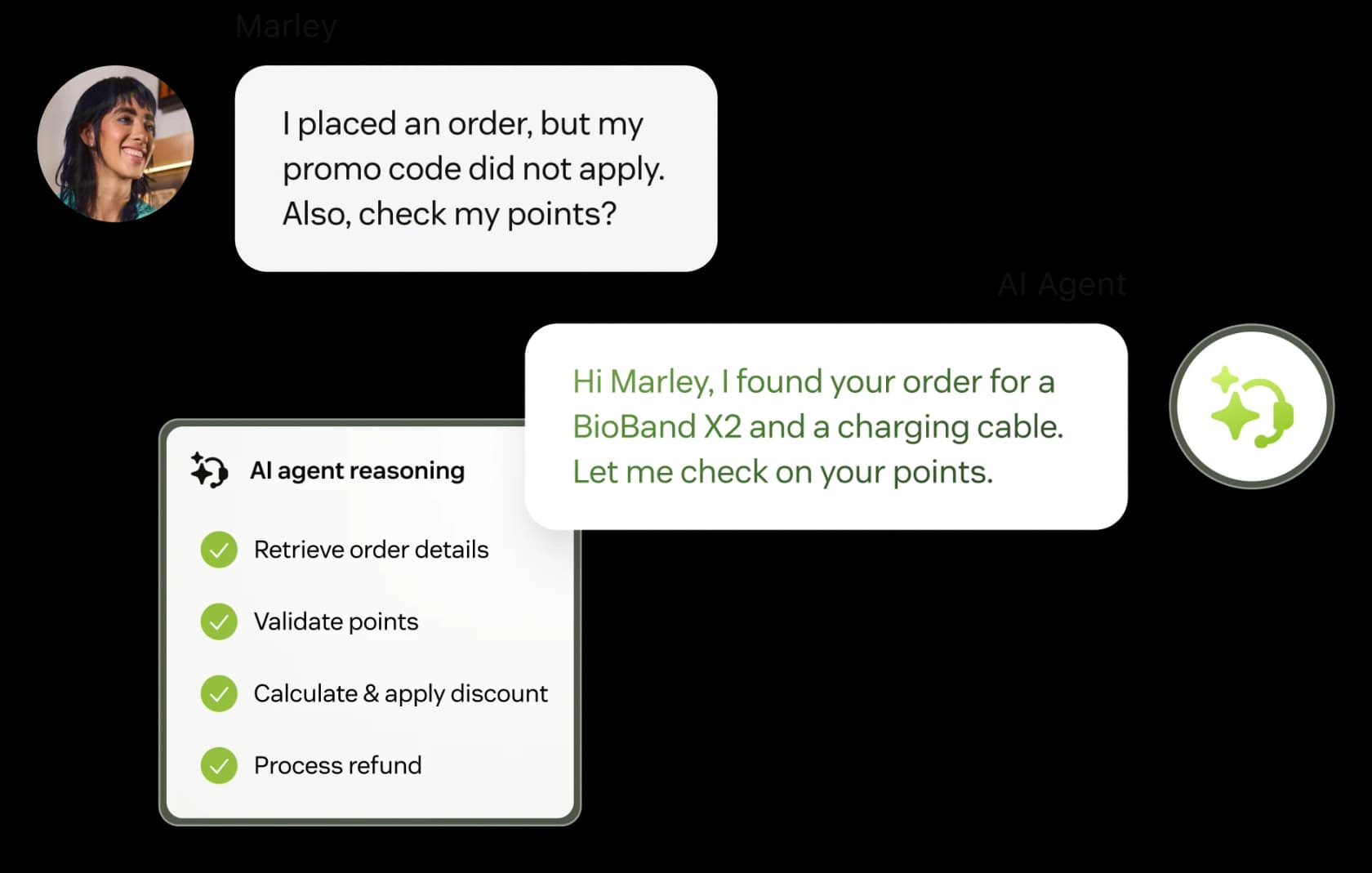
If you want to leave HubSpot for a support-first platform with serious scale, Zendesk is the obvious enterprise pick. Its AI agents are mature, its reporting is deep, and it is built for large, multi-channel operations.
Features. Zendesk AI agents resolve tickets across email, chat, and messaging, with agent-assist copilot features for your human team and a large app marketplace. Unlike HubSpot, Zendesk publishes its automated-resolution rate openly, which makes budgeting a little more honest.
Pros. Genuine enterprise depth, wide channel coverage, and a well-documented AI resolution model. For teams already running thousands of tickets a day, the platform scales without drama.
Cons. You pay twice: a Suite seat and a per-resolution AI charge. Suite Team is $55 per agent and Suite Professional $115, and anything above that is sales-quoted. It is also a full migration off HubSpot, not a layer. One e-commerce operator I heard from had tried Zendesk's native AI and found it "expensive and inadequate" for what they needed, which is a common refrain once the per-resolution meter meets real volume.
Pricing. Suite Team $55/agent, Suite Professional $115/agent (annual), plus automated resolutions billed at roughly $1.50 to $2.00 each depending on plan. Enterprise tiers are quote-only.
Our take: the right call for a large support org that wants a support-native platform and has the budget for seats plus usage. Overkill, and expensive, for a small team that just wanted to escape HubSpot's credit meter.
3. Freshdesk Freddy - best for value and email-first teams
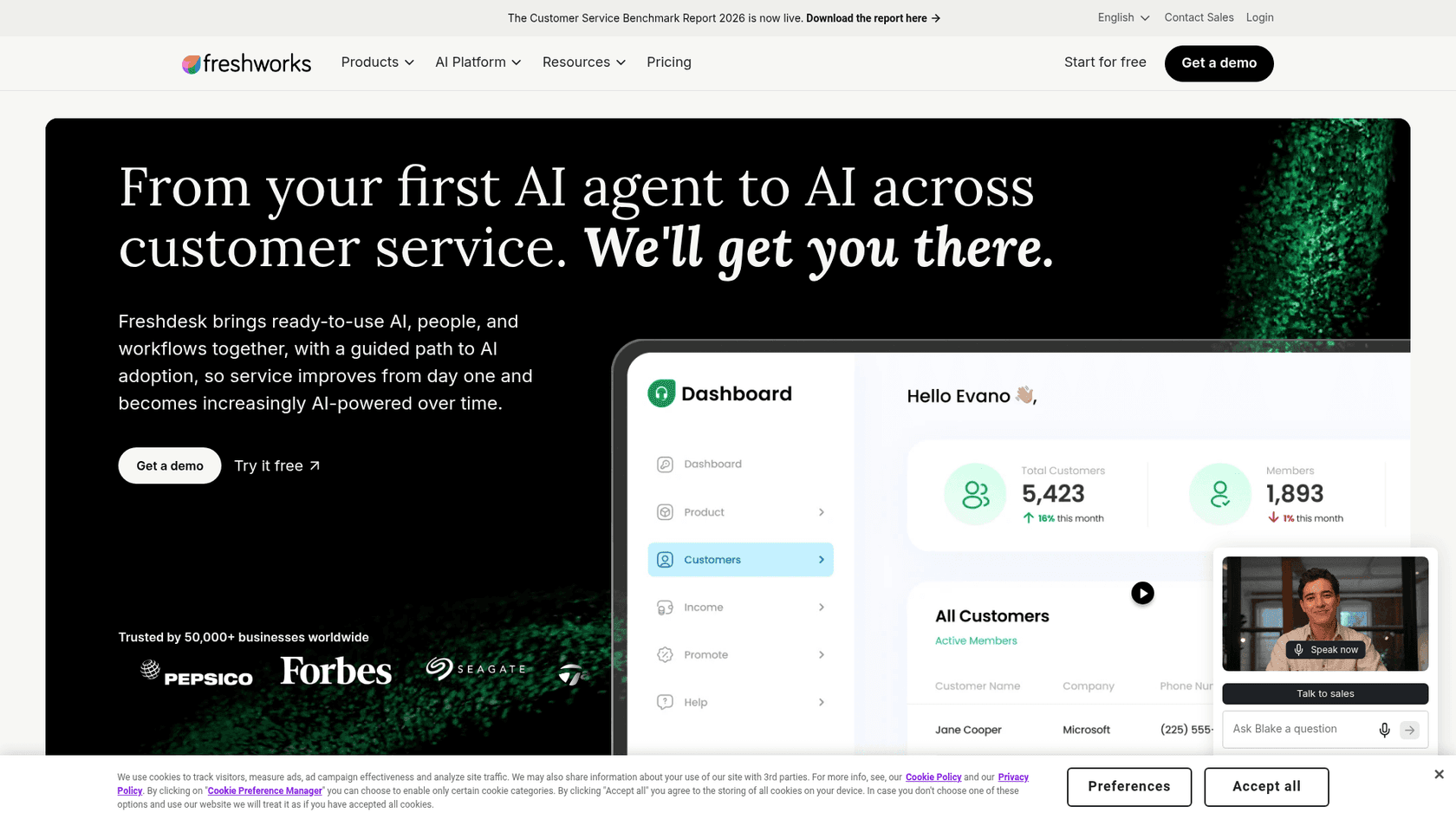
Freshdesk is the value-focused ticketing platform, and its Freddy AI is a reasonable way to get automation without HubSpot's premium. It is a good fit if your support is mostly email and you want a proven, affordable core.
Features. Freddy comes in two shapes: the Freddy AI Agent, which auto-resolves customer conversations, and Freddy AI Copilot, which drafts and assists your human agents. Freshdesk's ticketing core is solid, with portals, knowledge base, and routing.
Pros. Cheap to start, at $19 per agent on standalone Freshdesk. The Copilot add-on is a flat $29 per agent, which is easy to budget if you mainly want agent assistance rather than full deflection.
Cons. The Freddy AI Agent is metered separately at $49 per 100 sessions (about $0.49 a session) on the Omni suite, and a "session" is a 24-hour window rather than a clean resolution, so the unit is fuzzier than it looks. A support team I know tested Freddy and preferred a more precise agent for accuracy, which tracks with Freddy being a generalist rather than a specialist.
Pricing. Standalone Freshdesk: Growth $19, Pro $55 per agent. Freshdesk Omni: Growth $29 with the Freddy AI Agent at $49/100 sessions; Copilot $29/agent on Pro and up.
Our take: a strong budget migration target for email-first teams. Just model the session meter carefully, because a busy channel racks up sessions faster than resolutions.
4. Help Scout - best for a simple, human-feeling inbox
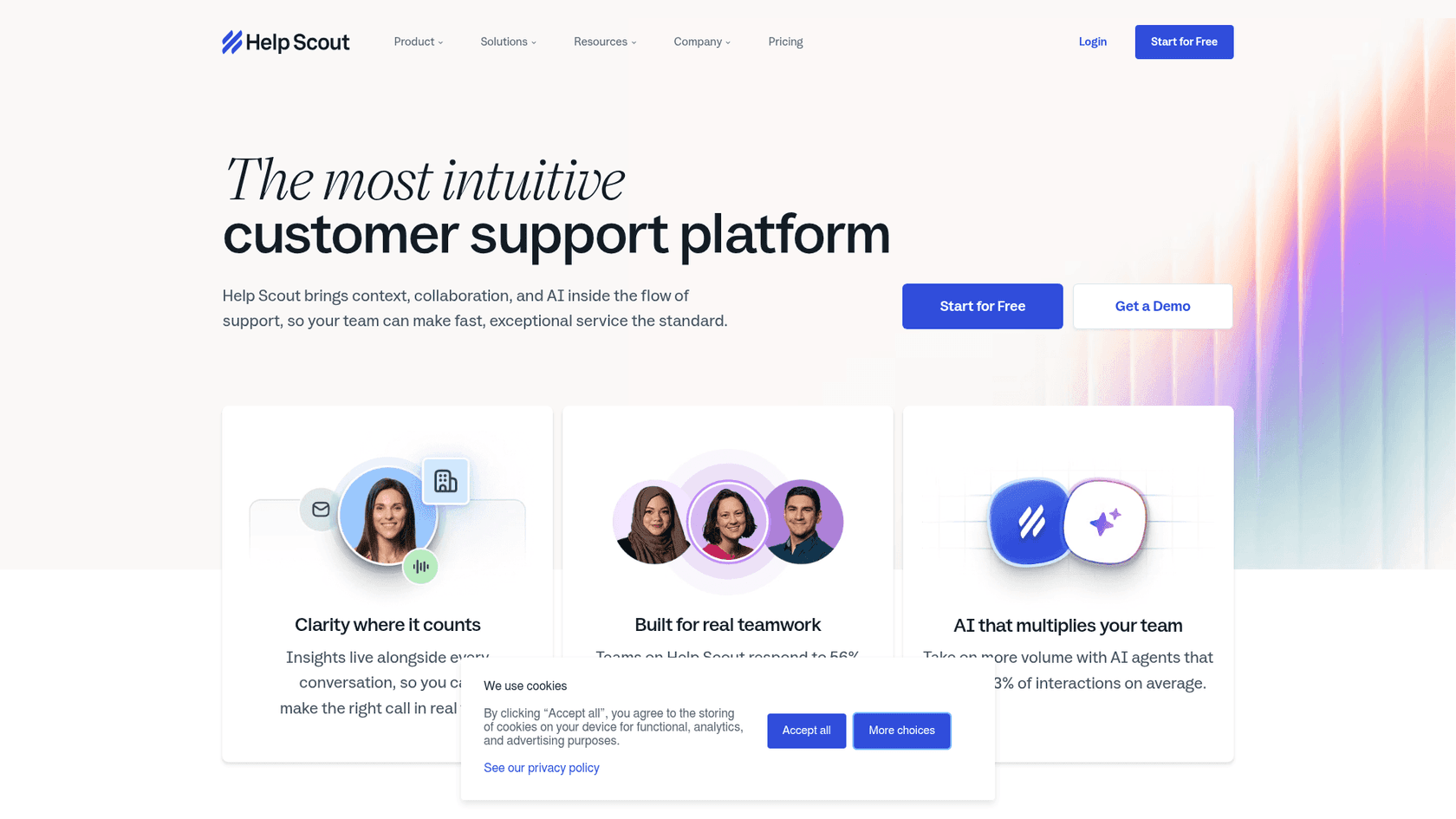
Help Scout is the tool for teams who want support to feel personal rather than industrial. It is a clean shared inbox with a light, tasteful AI layer bolted on, and it is the anti-HubSpot in terms of complexity.
Features. AI Answers resolves customer questions from your knowledge base, AI Drafts writes replies for your agents to approve, and the whole thing sits in a genuinely pleasant inbox with a built-in knowledge base and Beacon widget.
Pros. Easy to adopt, human in tone, and the AI billing is transparent: AI Answers is $0.75 per resolution, and AI Drafts is unlimited on the Plus tier and up. No credit pool to track.
Cons. It is not built for heavy automation or complex routing, so a high-volume operation will outgrow it. Seats are billed on top of the AI: Standard $25, Plus $45, Pro $75 per user per month.
Pricing. Standard $25, Plus $45, Pro $75 per user/month (annual), plus AI Answers at $0.75/resolution as the only usage-metered line.
Our take: a great landing spot for a small team that found HubSpot too heavy and wants something warm and simple. If you need aggressive deflection at scale, look higher up this list.
5. Zoho Desk Zia - best for budget teams in a CRM suite
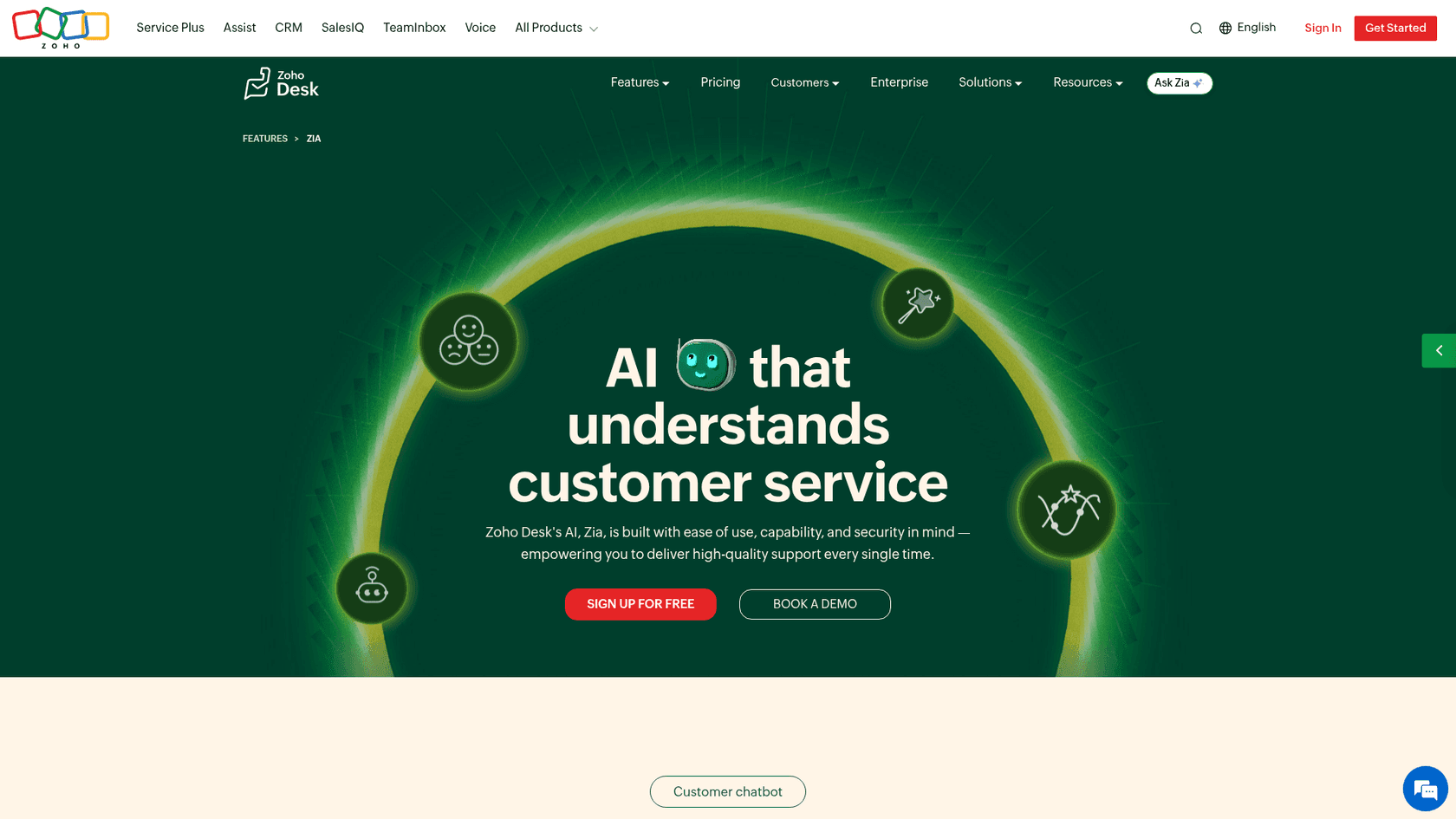
If part of what you liked about HubSpot was the CRM-plus-support bundle, but not the price, Zoho Desk is the value alternative. Its AI, Zia, plus the Answer Bot, handles self-service and agent assistance, and the whole Zoho ecosystem sits well below HubSpot's price.
Features. Zia surfaces answers, flags sentiment, and powers an Answer Bot for customers and agents. The knowledge base auto-translates into 40+ languages, and a multi-brand help center lets you run separate portals per brand.
Pros. Genuinely cheap seats, from $14 per user, and deep integration with the rest of Zoho's CRM and business apps. If budget is the driver, it is the most affordable full platform here.
Cons. The deepest AI (Zia Actions, the Zia dashboard and the pre-built Desk AI agents) is reserved for the Enterprise tier ($40/user), so the most advanced automation sits behind the top plan. The Answer Bot starts on Standard, but on that tier generative AI runs through your own OpenAI API key rather than a native model (the native Zia model starts on Professional).
Pricing. Express $7, Standard $14, Professional $23, Enterprise $40 per user/month. The native Answer Bot arrives at Enterprise.
Our take: pick Zoho Desk if budget is the deciding factor and you want a CRM suite without HubSpot's premium. Just know the best AI is gated to Enterprise, so price the tier you actually need.
6. Salesforce Service Cloud - best for enterprise Salesforce shops
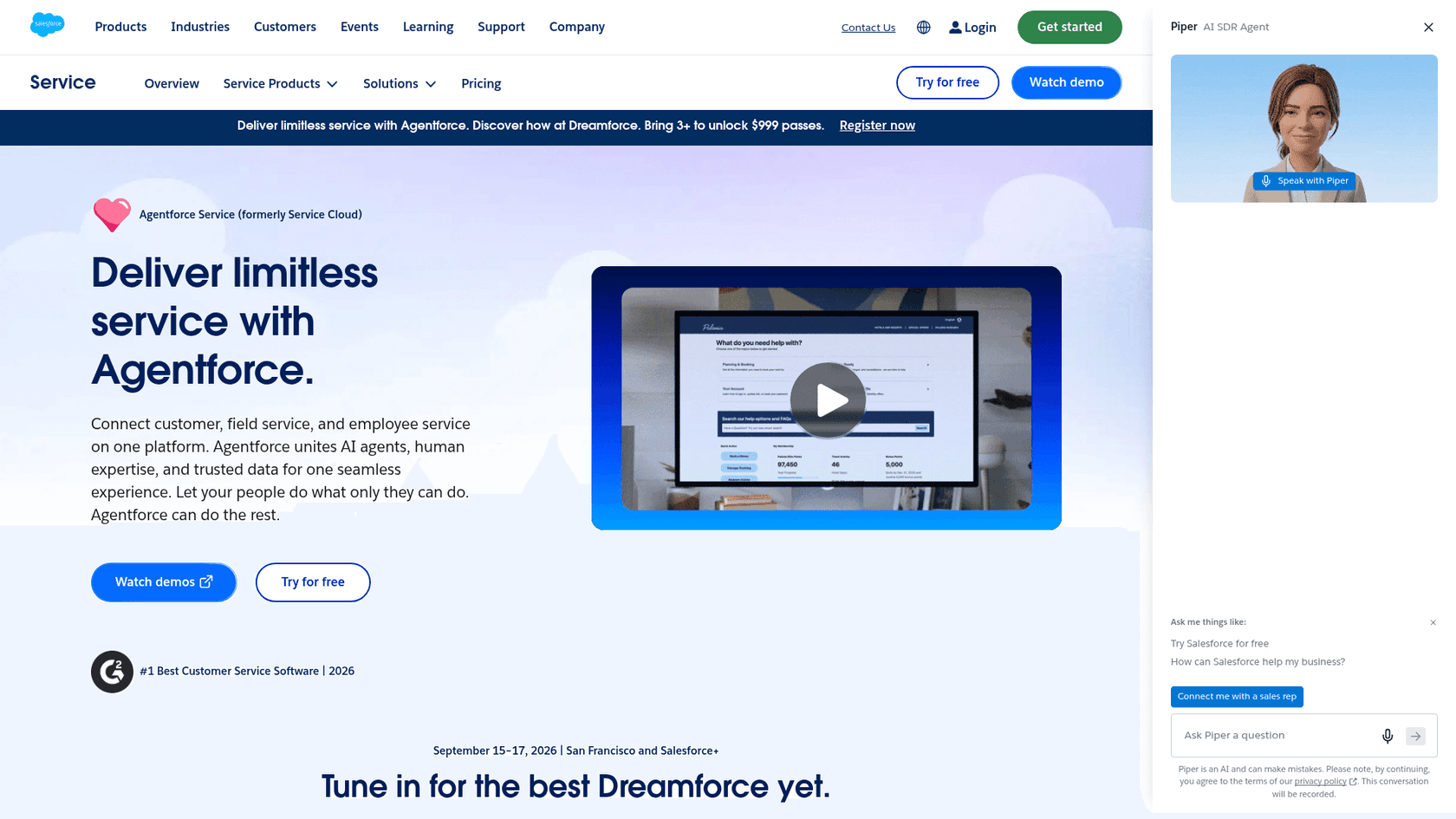
For enterprises that would rather standardize on Salesforce than HubSpot, Service Cloud with Agentforce is the heavyweight option. It is the deepest, most configurable platform on this list, and the most expensive.
Features. Agentforce is Salesforce's autonomous AI agent, grounded in your CRM data and the Data Cloud, with a builder for custom actions and topics. Service Cloud itself brings omnichannel case management, deep automation, and the full Salesforce ecosystem.
Pros. Unmatched depth and configurability, and if you already run Salesforce CRM, the data grounding is genuinely powerful. It is built for the largest, most complex support operations.
Cons. Agentforce is metered at roughly $2 per conversation on top of Service Cloud seats that themselves start around $165 per user per month, so this is the priciest route here by a wide margin. It also needs real implementation work, so it is not a quick swap.
Pricing. Service Cloud Enterprise from ~$165/user/month, with Agentforce billed at ~$2 per conversation (or via consumption-based Flex Credits).
Our take: the right answer only if you are already a Salesforce enterprise and want AI native to that stack. For everyone leaving HubSpot to save money or effort, this is the wrong direction.
7. Gorgias - best for Shopify and ecommerce stores
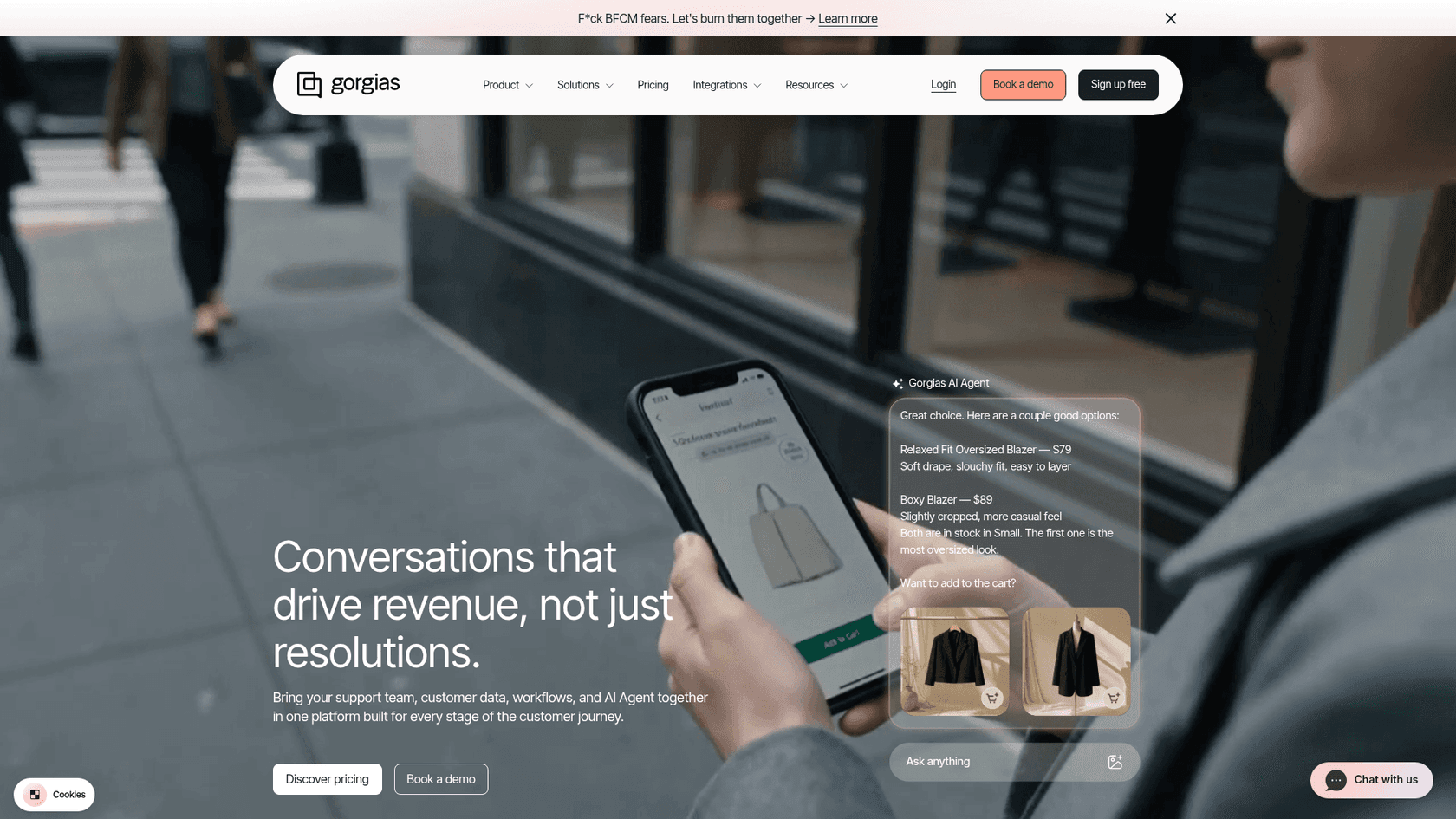
If your support is really ecommerce support, Gorgias is purpose-built for it in a way HubSpot is not. Its AI Agent handles Shopify order actions like refunds and address changes natively, which is exactly where a generalist agent struggles.
Features. The AI Agent resolves conversations and takes real Shopify actions, backed by an ecommerce-first helpdesk with revenue attribution and macros tuned for stores.
Pros. Deep Shopify and ecommerce integration, and an AI that can actually do things (process a refund, edit an order) rather than just answer. For a store, that is the difference between deflection and a dead end.
Cons. It is not a general B2B support tool, and the AI Agent is metered per resolution: $0.90 per resolved conversation on annual plans ($1.00 monthly), on top of a seat plan. See the best Gorgias alternatives if you want to compare within that niche.
Pricing. Starter from $10/mo (50 tickets), Basic from $50/mo (300 tickets), with the AI Agent at $0.90/resolution annual.
Our take: the clear pick if you run a Shopify store and left HubSpot because it was never built for order actions. Not the tool for a software or services support team.
8. Tidio Lyro - best for small, chat-first sites
For a small business whose support is mostly live chat on the website, Tidio and its Lyro AI agent are the gentlest, cheapest place to start. It is the least enterprise tool here, and that is the point.
Features. Lyro answers customer questions from your knowledge base, hands off to humans cleanly, and pairs with Tidio's live chat and Flows automation builder. It can be added to other help desks too, not just Tidio's own.
Pros. Very affordable and quick to set up, with a clear per-conversation price and a free tier to try it. Lyro is sold standalone at $0.50 per conversation, and Tidio publishes a guaranteed resolution rate on its top tier.
Cons. It is built for smaller volumes and simpler questions, so it lacks the depth and CRM grounding a larger operation needs. Billable conversations and Lyro conversations are separate meters, which takes a minute to model.
Pricing. Free $0, Starter $24.17/mo (annual), Lyro AI Agent from $32.50/mo at $0.50 per conversation.
Our take: a smart, low-risk start for a small chat-first store or SaaS. If you are handling real ticket volume across channels, you will want something with more depth.
So which HubSpot Breeze Customer Agent alternative should you pick?
Come back to the fork, because it decides everything.
If your HubSpot helpdesk works and only the AI economics broke it, do not migrate. Layering eesel on top keeps your CRM, pipelines, and history, swaps the credit meter for one fixed monthly price, and lets you test on your own tickets first. That is the least disruptive fix and, for most people reading this, the right one.
If you actually want to leave HubSpot Service Hub, match the platform to your shape: Zendesk or Salesforce for enterprise scale, Freshdesk or Zoho Desk for value, Help Scout for a simple human inbox, Gorgias for Shopify, and Tidio for a small chat-first site.
The one move I would not make is switching CRMs just to escape a credit meter. That trades a pricing problem for a migration project, and the teams I see happiest six months later are the ones who fixed the actual problem, not the whole stack.
Try eesel on top of HubSpot
If the product you are frustrated with is Breeze's credit math and not HubSpot itself, eesel is built for exactly this moment. It plugs into HubSpot Service Hub in a few minutes, learns from your help center and past tickets, and resolves the front line on one fixed monthly price (from $299 for 500 credits), with no per-seat fee and a simple credit count (1 credit per ticket or chat) with an optional overage cap you set.
The part that answers the "will it get things wrong?" worry: before you go live, eesel runs a simulation against your own historical HubSpot tickets, scores each answer against what your team actually sent, and shows you exactly where it is confident and where it should stay quiet. You start free until you have used $50, with no credit card and no sales call. It is the least risky way to find out whether a cheaper AI can carry your front line before you ever think about leaving HubSpot. Try eesel.