9 best multilingual live chat software tools for 2026

Kurnia Kharisma

Katelin Teen
Last edited September 18, 2026

What "multilingual live chat" actually means
Before the tools, the reframe that saves you a bad purchase. Vendors all print "multilingual support" on the pricing page, but they mean different things, and the gap between them is the gap between "our widget says Hola" and "our AI resolved a refund in Portuguese at 2am."
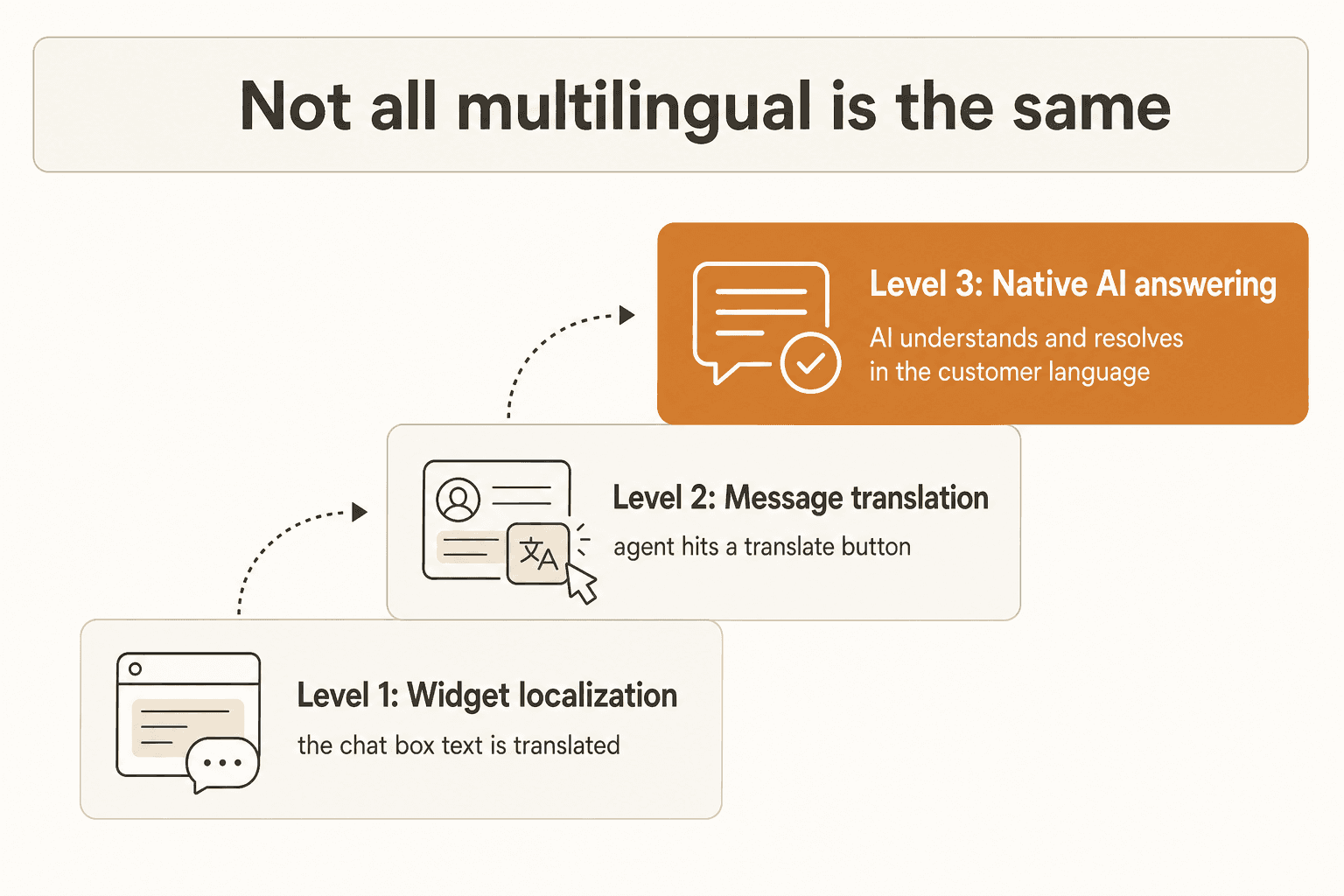
- Level 1: widget localization. The chat box's own text (the greeting, the "send" button, the offline message) renders in the visitor's language. This is cosmetic. It does nothing for the actual conversation. Almost every tool here does it, and it is the cheapest thing to build.
- Level 2: message translation. An agent hits a translate button, or the tool pipes messages through something like Google Translate, so a human who only speaks English can read and reply to a French customer. Useful, but it is still a person doing the work one message at a time.
- Level 3: native AI answering. An AI agent detects the language, understands the question, and generates the answer in that language straight from your help content, with no human and no macro. This is the level that actually scales, and it is where the fewest tools genuinely land.
When you read "60+ languages" or "50+ languages" below, always ask which level. A 48-language widget with English-only agents is a Level 1 tool wearing a Level 3 badge.
How multilingual live chat actually works
Under the hood, a modern multilingual chat flow is short. The value is in doing each step well, not in the number of steps.
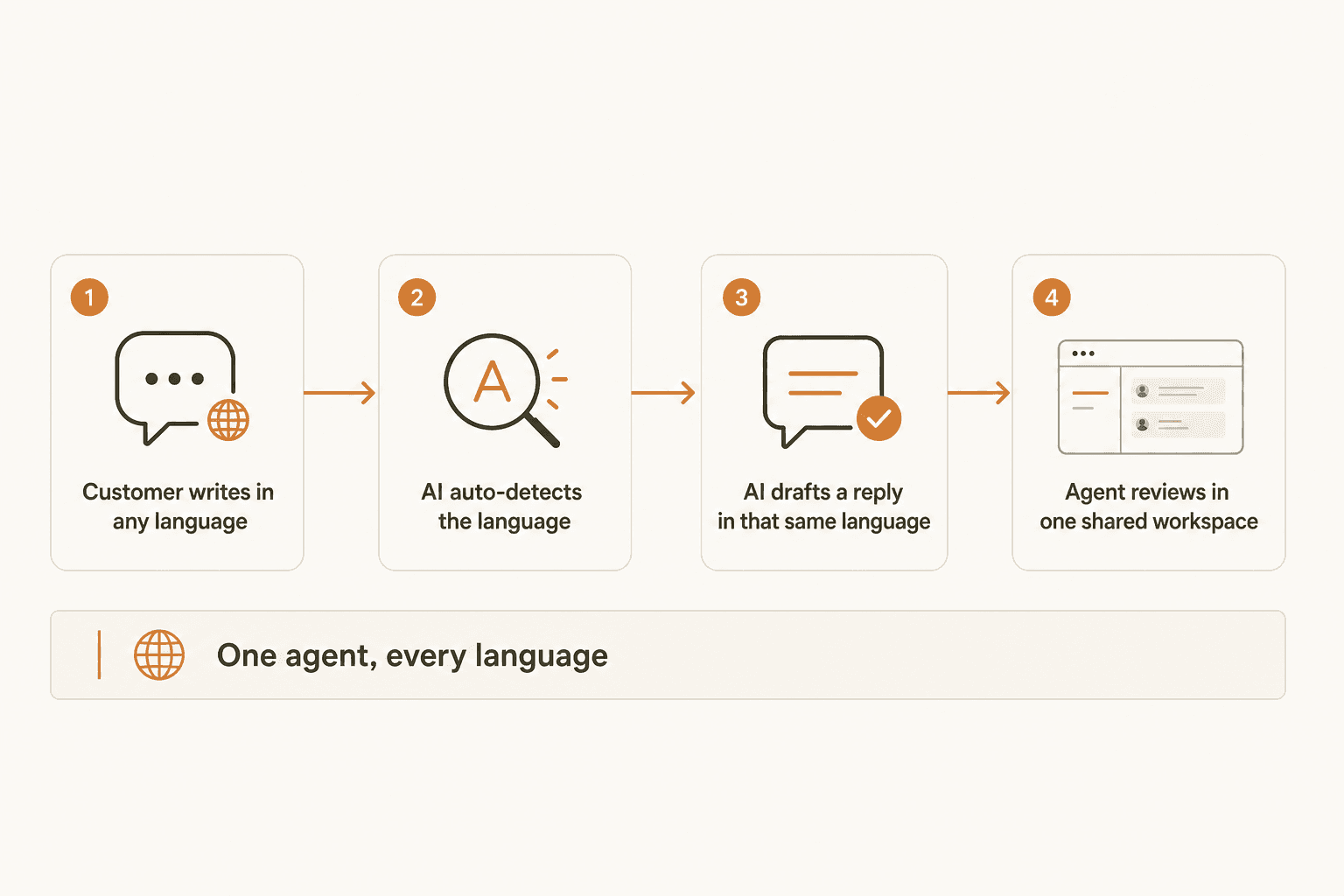
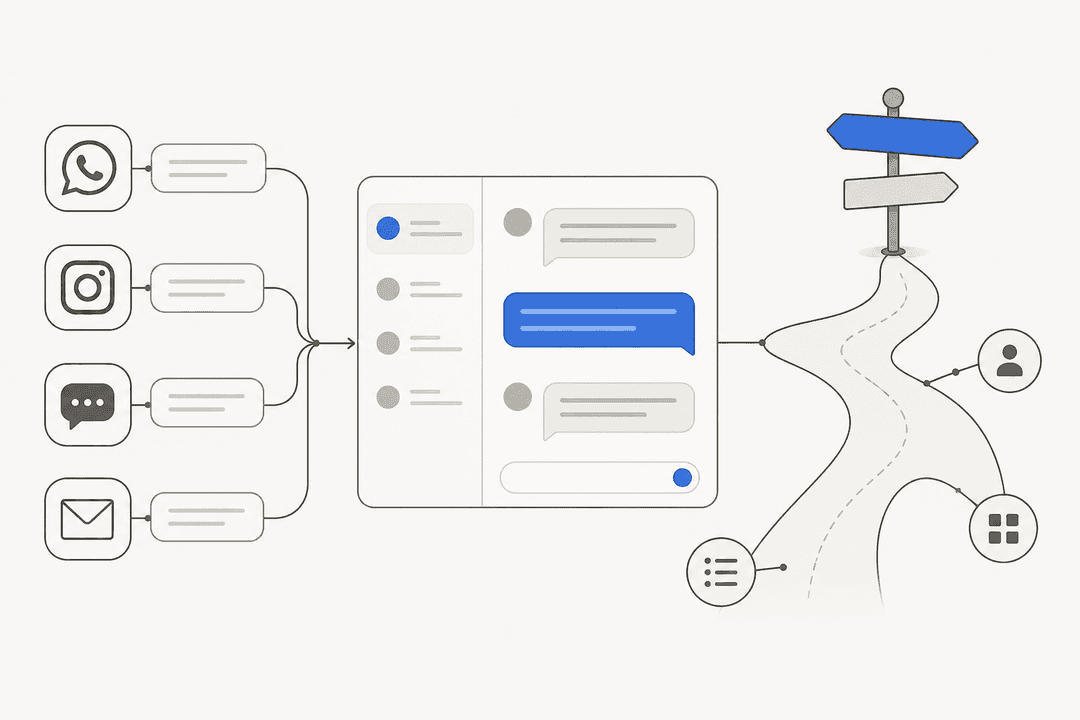
A customer writes in whatever language they think in. The system detects it (from the message itself, the browser locale, or the customer profile). An AI agent then pulls the answer from your knowledge base and drafts a reply in that same language, and a human agent reviews everything from one shared inbox rather than juggling a separate queue per language. The tools differ on how much of this is automatic versus how much a human has to drive, which is the deflection rate conversation in disguise.
The part buyers underestimate is accuracy. A wrong answer in a language your team cannot read is a silent failure. On our own rollouts we have watched a confident-sounding bot leak untranslated placeholders and internal UI text into a German draft reply, which is trust-destroying for the end customer, and it is exactly why every eesel rollout is simulated against historical tickets first. Whatever you pick, insist on testing before going live.
What to look for in a multilingual live chat tool
A quick checklist before the reviews, so the table below reads faster:
- Which level of multilingual it really hits (see above). Native AI answering beats a localized widget.
- How languages are staffed. Native-speaker agent groups do not scale the way one AI does. This is the cost of human agents versus AI, in one decision.
- Whether AI resolution is metered separately. Many tools price the helpdesk one way and the AI another (per resolution, per session, per conversation). Read both lines.
- Whether it fits your existing stack so you do not have to migrate helpdesks just to get better languages.
- How you test accuracy before customers see it.
The 9 best multilingual live chat tools for 2026 at a glance
| Tool | Best for | Multilingual approach | Languages | Native AI answering | Live chat on free tier | Starting price |
|---|---|---|---|---|---|---|
| eesel AI | Adding multilingual AI to your current helpdesk | Native AI answering, learns from past tickets | 80+ | Yes | Free plan (100 credits) | From $299/mo (500 credits) |
| Chatim | Small teams wanting flat-price multilingual chat | Site-trained AI replies in the visitor's language + UI localization | Multiple (not published) | Yes (Pro and up) | Yes (free plan) | $0 / $9 Starter |
| Chatwoot | Open-source and data control | UI localization + Google Translate + Captain AI | 50+ | Yes (Captain, paid) | Yes (Hacker plan) | $0 self-host / $19 cloud |
| Crisp | Built-in real-time translation | LiveTranslate + Multilingual AI | 50+ | Yes (paid tiers) | Yes (free widget) | $0 / $45 Mini |
| Zendesk | Enterprise omnichannel | Dynamic content + AI agents | 40+ content | Yes (per resolution) | No (14-day trial) | $55 Suite Team |
| Freshchat | AI agent across many languages | Freddy AI Agent | 60+ | Yes (session-metered) | Website chat only | $0 / $19 Growth |
| Tidio | SMB and ecommerce | Lyro, content-driven | "dozens" | Yes (per conversation) | Yes (limited) | $0 / $0.50 per Lyro chat |
| Gorgias | Shopify and ecommerce | OpenAI-based AI Agent | Not published | Yes (per resolution) | Yes (all plans) | $40 Starter |
| LiveChat | Widget localization + native-speaker teams | UI localization + agent-group routing | 45-48 | No (needs add-on) | No (14-day trial) | $19 Starter |
Prices are the current 2026 published figures; AI features are often billed on top of the base plan, so check each tool's section for the full picture.
1. eesel AI, best for adding multilingual AI to the helpdesk you already have

I will be upfront that this is our product, so read the rest of the list to keep me honest. But eesel AI exists for one specific situation: you already run a helpdesk and you do not want to migrate just to get real multilingual coverage. It layers an AI agent on top of Zendesk, Freshdesk, Gorgias, Front, and HubSpot, learns from your solved tickets and help docs on day one, and then drafts or auto-sends replies in the customer's language.
Multilingual support. eesel answers in 80+ languages out of the box, and crucially it is trained on your own multilingual ticket history, so it picks up the phrasing your customers actually use rather than a generic translation. This is squarely Level 3: native answering, not a translate button. The proof is in production, not the brochure. Smava runs it on 100,000+ German tickets a month, and Gridwise saw it resolve 73% of tier-1 requests in the first month. On a smaller scale, Billwerk uses it for live chat self-serve and Ecosa runs it for Zendesk live-chat automation.
Pricing. One fixed monthly price, from $299/month for 500 credits, with a free plan of 100 credits and no per-seat fee. One credit covers a ticket or chat no matter how many messages it takes, so multilingual volume does not multiply your bill the way per-message tools can.
The catch. eesel is not a helpdesk itself. If you do not already have one (or a website you can embed a chat widget on), you want one of the all-in-one tools below first, then eesel on top. And like any AI, its answers are only as good as the content you feed it, which is why I would not skip the simulation step.
Verdict: the best pick if you want native, multi-language AI answering without leaving your current stack. Skip it if you need a standalone chat widget with a built-in inbox from scratch, and start with Chatwoot or Crisp instead.
2. Chatim, best for small teams that want multilingual chat at a flat price
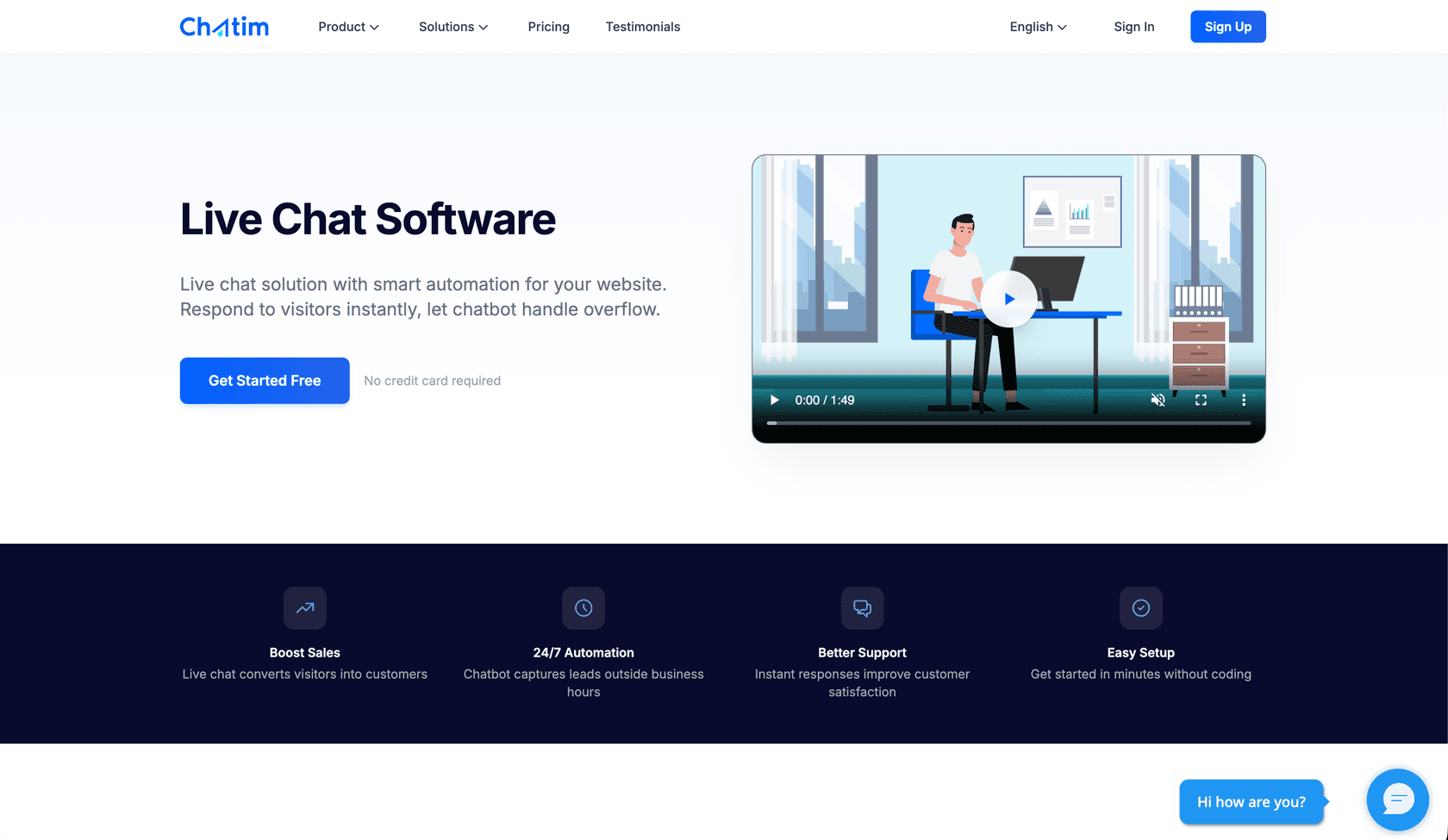
Chatim is a live chat widget with chatbot flows and an AI chatbot in one inbox, built for small businesses. There are no per-seat and no per-chat fees on paid plans, so adding a second support language doesn't mean adding a second bill.
Multilingual support. Chatim AI is trained on your own site. You point it at URLs or a sitemap, or add entries by hand, and it replies to visitors in the language they write in. The widget and dashboard are available in multiple languages. For markets where chat isn't the default channel, the same widget carries WhatsApp, Telegram and Messenger contact buttons, so visitors can use the app they already use. Rule-based chatbot flows can be built per language for lead capture and booking, and hand off to a human agent when needed.
Pricing. The free plan is $0 and includes live chat, chatbot flows and contact buttons. Paid plans run Starter $9, Pro $29 and Ultimate $59 per month, all with unlimited chats and unlimited team members. Chatim AI is included from the Pro plan up, and Pro has a 14-day trial.
The catch. Chatim is a website chat tool, not an omnichannel helpdesk. WhatsApp and Messenger are contact buttons that open those apps; they do not feed a unified inbox. The AI starts at the Pro tier, and AI usage limits depend on the plan, so high-volume support desks should check the pricing page first.
Verdict: pick Chatim if you are a small team serving visitors in a few languages and want live chat, bot flows and AI answers at a price that doesn't grow with headcount. If you need every channel and language routed through one enterprise inbox, look further down this list.
3. Chatwoot, best for open-source and data control
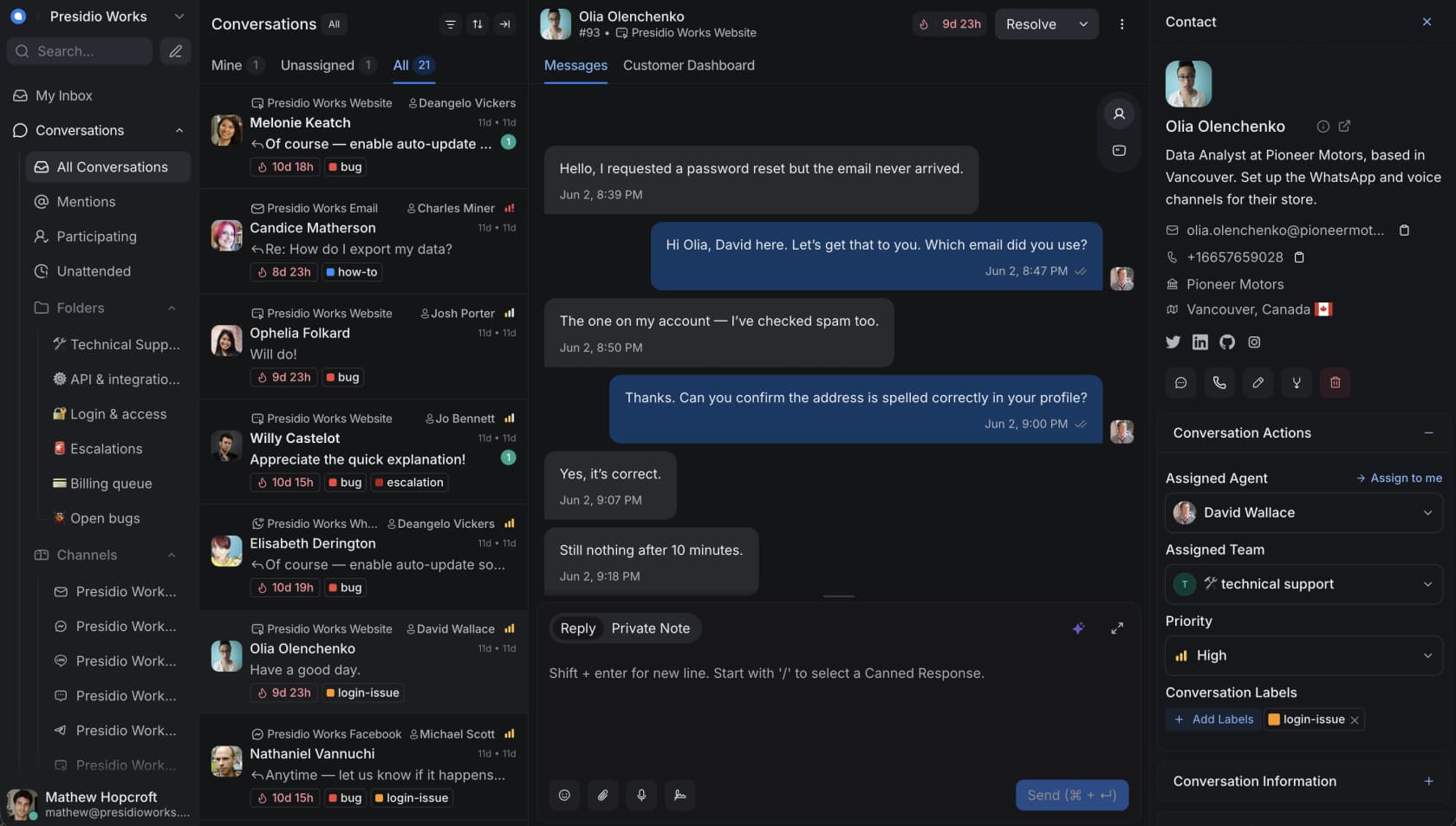
Chatwoot is the open-source omnichannel helpdesk, with 15,000+ businesses, a 4.5+ rating on G2, and 34k stars on GitHub. Its structural differentiator is that you can self-host it and own every byte of customer data, which is why privacy-conscious and EU teams reach for it. There is a lot to like on the Chatwoot AI side too.
Multilingual support. This is genuinely strong and, unusually, it spans all three levels. The dashboard and widget localize into 50+ languages including right-to-left support, and that is included on every plan, even the free Hacker tier. For message translation, there is a Google Translate integration that translates conversations inline. And its AI, Captain, is marketed under "speak your customer's language" and can reply natively, with a translate button built into the agent copilot.
Pricing. Self-hosted Community edition is $0. Cloud plans run Hacker $0 (up to 2 agents, 500 conversations/month), Startups $19, Business $39, and Enterprise $99 per agent/month. Captain AI is metered in credits (0 on Hacker, 300/500/800 on paid tiers, then $20 per 1,000).
The catch. Self-hosting is a real total cost of ownership: you own upgrades, storage, and security. And Captain AI is not available on the free Community edition, so the best multilingual AI sits behind either the cloud plans or a paid self-hosted tier. Worth weighing against the Chatwoot alternatives.
Verdict: the best open-source multilingual option, full stop. Pick it if data residency matters or you have the engineering to self-host. Skip it if you want zero infrastructure work.
4. Crisp, best for built-in real-time translation
Crisp is an all-in-one, EU-hosted messaging platform trusted by 10,000 companies including Air France and Decathlon. Of every tool here, it treats translation as a first-class, built-in feature rather than an afterthought, which is why it earns this slot. Our full Crisp AI review goes deeper.
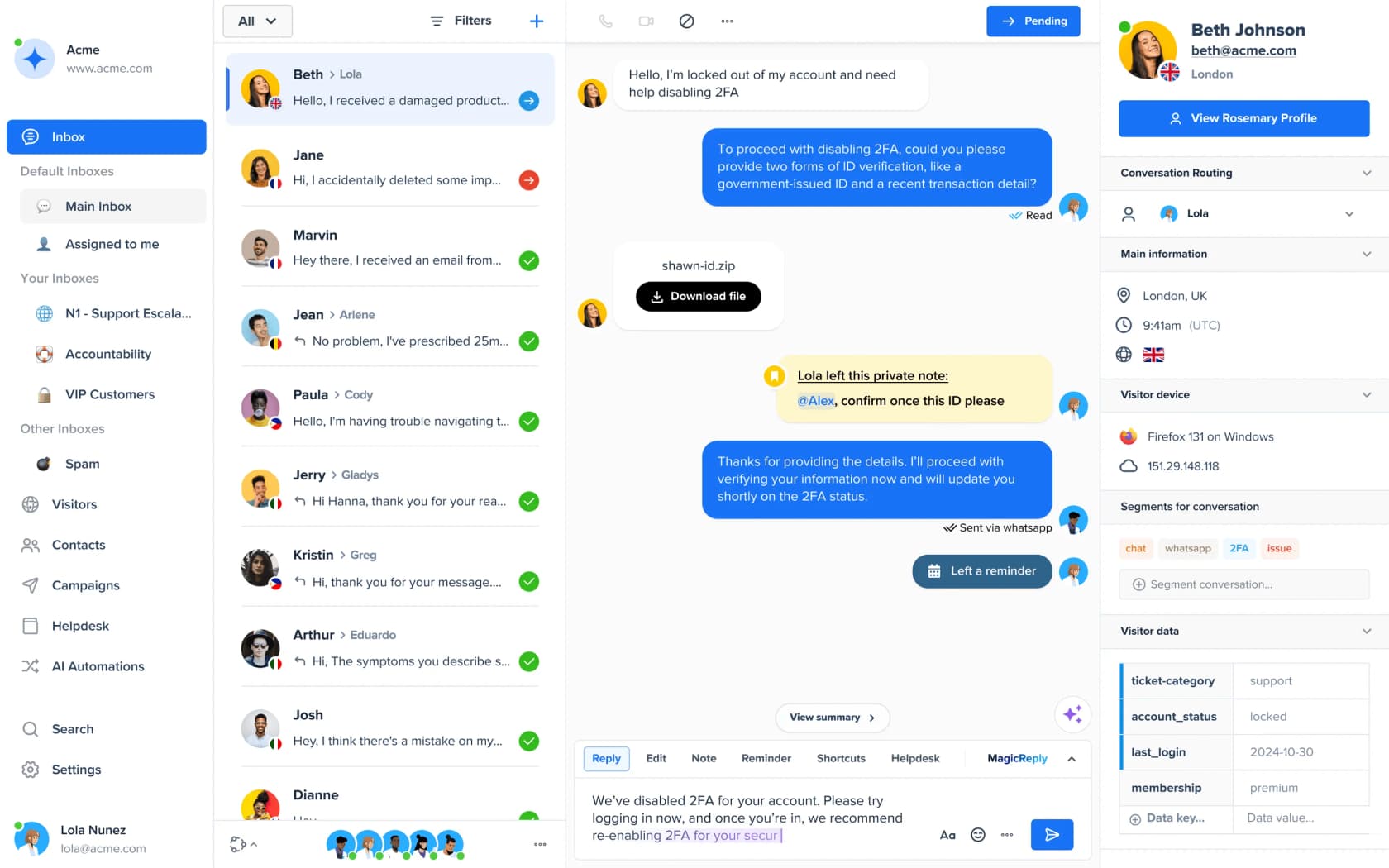
Multilingual support. Two distinct built-in features do the work. LiveTranslate translates chat-widget messages in real time across 50+ languages, so an English-speaking agent and a Japanese customer each read their own language (classic Level 2, done natively rather than bolted on). Multilingual AI extends that translation across every connected channel, not just the web widget. There is also a multilingual help center. The screenshot above shows the payoff: one inbox, customers flagged by country, all handled together.
Pricing. Free $0 (website chat widget included), then Mini $45, Essentials $95, and Plus $295 per month, priced per workspace rather than per agent, which is unusual and can be a bargain for bigger teams. The free plan ships no AI credits, so translation and AI live on the paid tiers. See the full Crisp pricing breakdown.
The catch. The exact plan gating for LiveTranslate versus Multilingual AI is not cleanly published, so confirm which tier you need before committing. And the AI answering, while real, is newer than its translation features. If Crisp's AI is the deciding factor, look at the Crisp AI alternatives too.
Verdict: the cleanest built-in real-time translation on this list, and a strong value at the workspace price. Pick it if agent-side translation across many channels is your core need.
5. Zendesk, best for enterprise omnichannel
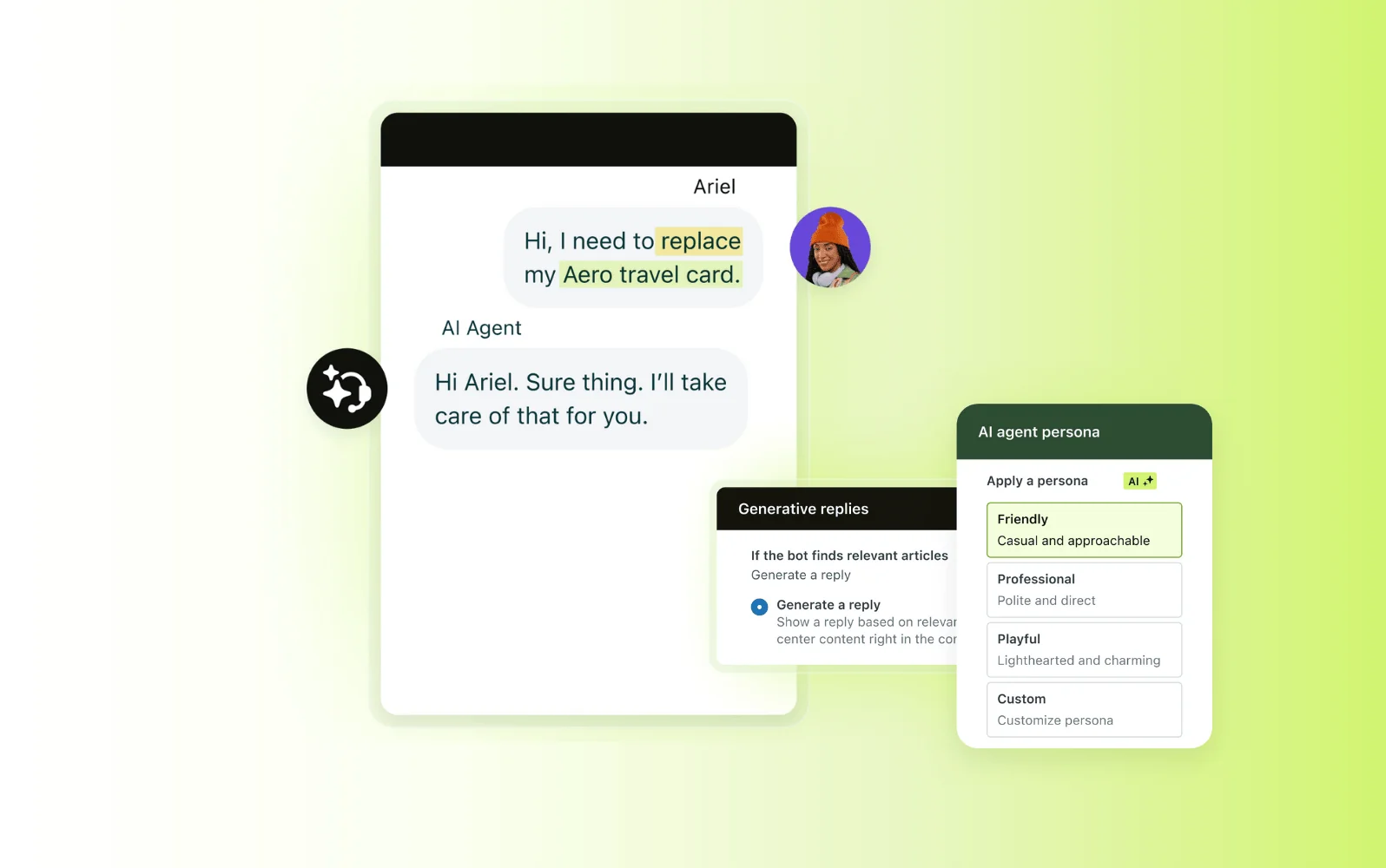
Zendesk is the enterprise default, built around a unified agent workspace that pulls live chat, voice, email, and social into one place, with 1,700+ integrations. If you are already deep in Zendesk, our Zendesk AI agents guide and the rundown of Zendesk AI capabilities are worth a read.
Multilingual support. Zendesk handles languages in three layers: dynamic content (reusable snippets it swaps to the user's language automatically in macros and auto-replies), language detection that localizes the widget and help center (Guide supports 40+ content languages), and its AI agents that converse in the customer's language. It is comprehensive, but it is also configuration-heavy: dynamic content is admin-built, not automatic.
Pricing. Here is the gotcha most buyers miss. Live chat and messaging do not start at the entry Support tier; they start at Suite Team, $55/agent/month, with advanced AI at Suite Professional ($115). On top of the seat price, Zendesk AI agents are billed per Automated Resolution, so heavy multilingual automation volume adds cost beyond the per-agent fee.
The catch. Multilingual is powerful but gated to mid and higher tiers and needs real setup work, and the usage-based AI billing means your bill scales with success. For smaller teams that is a lot of platform.
Verdict: the safe enterprise pick if you need omnichannel scale and can staff the configuration. Skip it if you are a small team that just wants languages handled without a project plan.
6. Freshchat, best for an AI agent across many languages
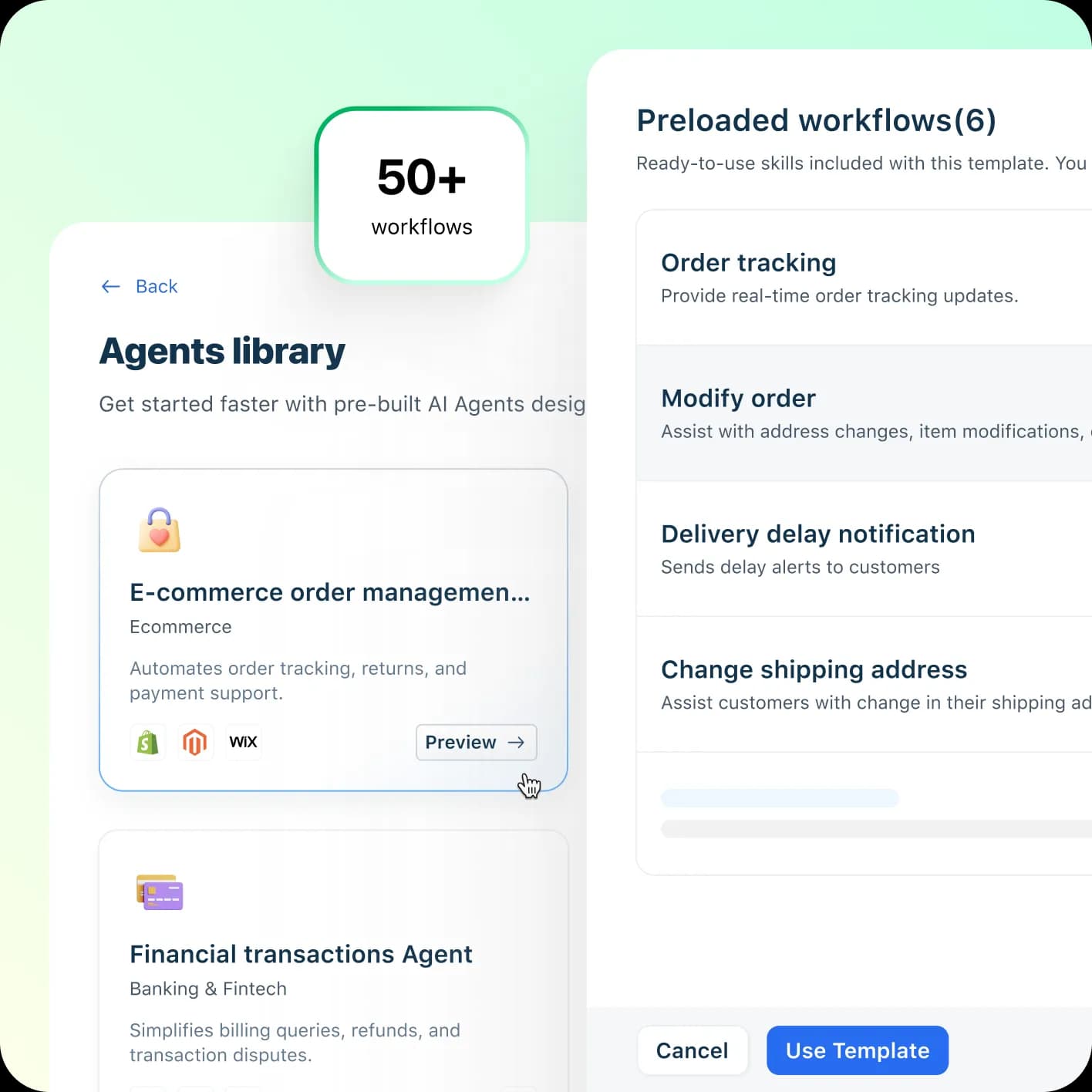
Freshchat is Freshworks' messaging product, the conversational front end of the Freshdesk Omni suite, trusted by 74,000+ businesses including Klarna and MakeMyTrip. Its headline multilingual number is the biggest here. If you are comparing it to the ticketing side, see Freshchat vs Freshdesk messaging.
Multilingual support. The Freddy AI Agent speaks 60+ languages and, per Freshworks, resolves up to 80% of queries end to end. That is native AI answering, and 60+ is a genuinely large published count. There is also a separate "multilingual conversations" row for human chat in the pricing matrix, though its exact plan gating is not clearly published.
Pricing. Free $0 (up to 10 agents, website chat and email only), Growth $19, Pro $49, Enterprise $79 per agent/month. The important line: Freddy AI Agent is session-metered ($49 per 100 sessions after 500 free), so multilingual AI answering consumes sessions and carries a direct usage cost. The Freshdesk AI agent session consumption mechanics are worth understanding before you scale it, and Freshchat pricing has the full grid.
The catch. The 80% and 60+ figures are vendor self-claims, not independently benchmarked, and social channels only start on Growth, not Free. If the AI is the draw, weigh the best AI for Freshdesk options, including layering a different agent on top.
Verdict: a strong pick if you want one vendor covering chat plus an AI agent with the widest published language list. Skip it if predictable, non-session pricing matters more than raw language count.
7. Tidio, best for SMB and ecommerce
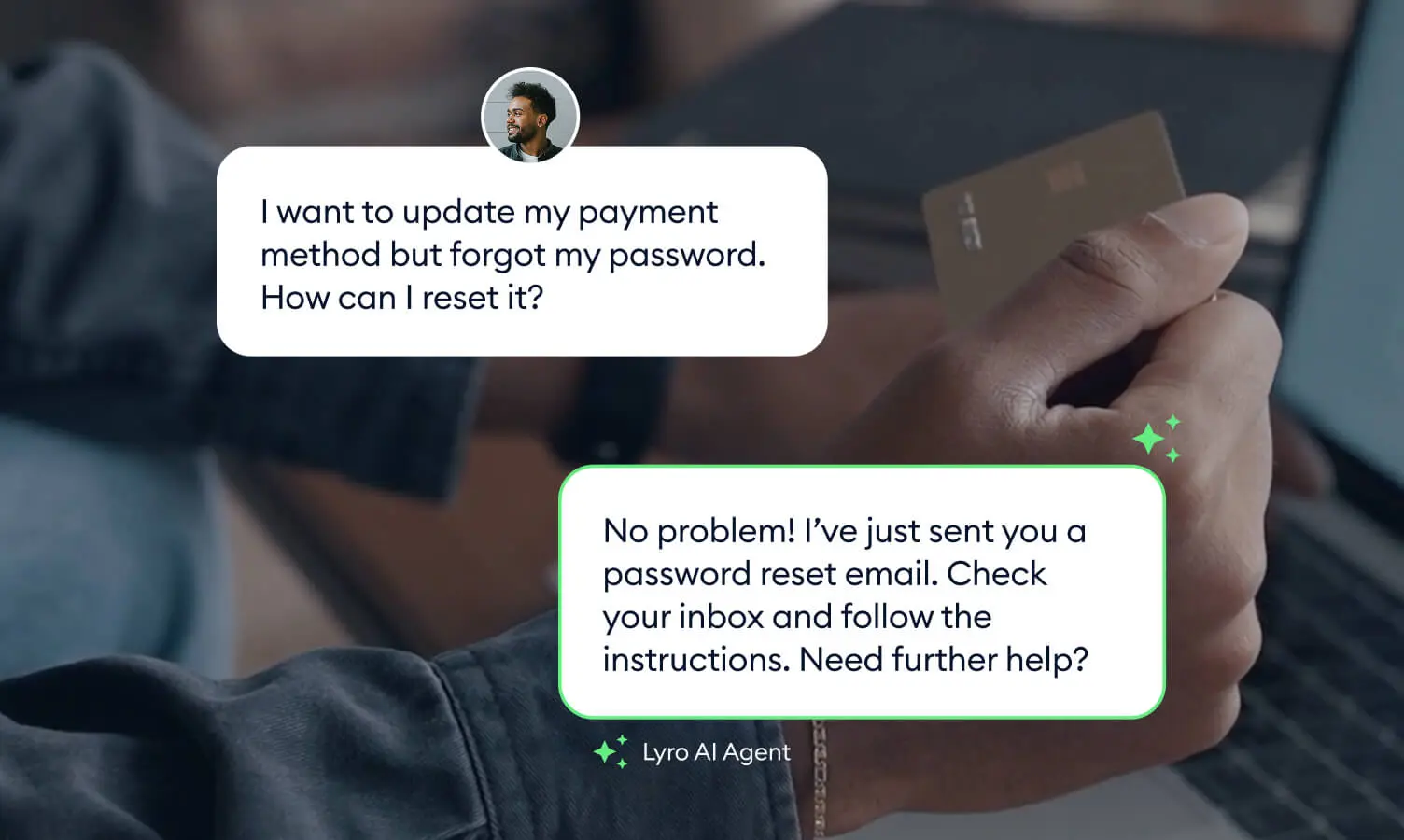
Tidio is the SMB and ecommerce favorite, bundling live chat, ticketing, no-code Flows, and its AI agent Lyro into one tool that names Under Armour and The Body Shop as customers. It is designed to add without migrating off your current stack.
Multilingual support. Lyro answers in "dozens of languages, including English, Spanish, French, Portuguese, and German", drawing on your support content rather than a fixed language menu, so coverage tracks your knowledge base. That is native answering, though Tidio does not publish an exact language count or spell out automatic per-message detection on its main pages, so I would verify those specifics for your languages. Notably, Lyro is powered by Claude plus Tidio's own models, with a claimed 67% average resolution rate.
Pricing. Free $0, Starter $24.17, Growth from $49.17, Plus from $749, Premium contact-only. The AI is priced separately and transparently: $0.50 per Lyro conversation (a conversation is one customer interaction with at least one AI reply, no matter how many messages), with 50 free to start. Lyro can also run standalone on top of another helpdesk from $32.50/month.
The catch. The cross-platform integrations that let Lyro sit on your existing stack require Tidio Premium, and "dozens of languages" is vaguer than the 60+ or 80+ counts elsewhere. If Lyro's resolution ceiling is the concern, compare the Tidio Lyro alternatives and broader Tidio alternatives.
Verdict: the best value for a small or ecommerce team that wants a capable AI agent with clean per-conversation pricing. Skip it if you need a guaranteed, published language list.
8. Gorgias, best for Shopify and ecommerce
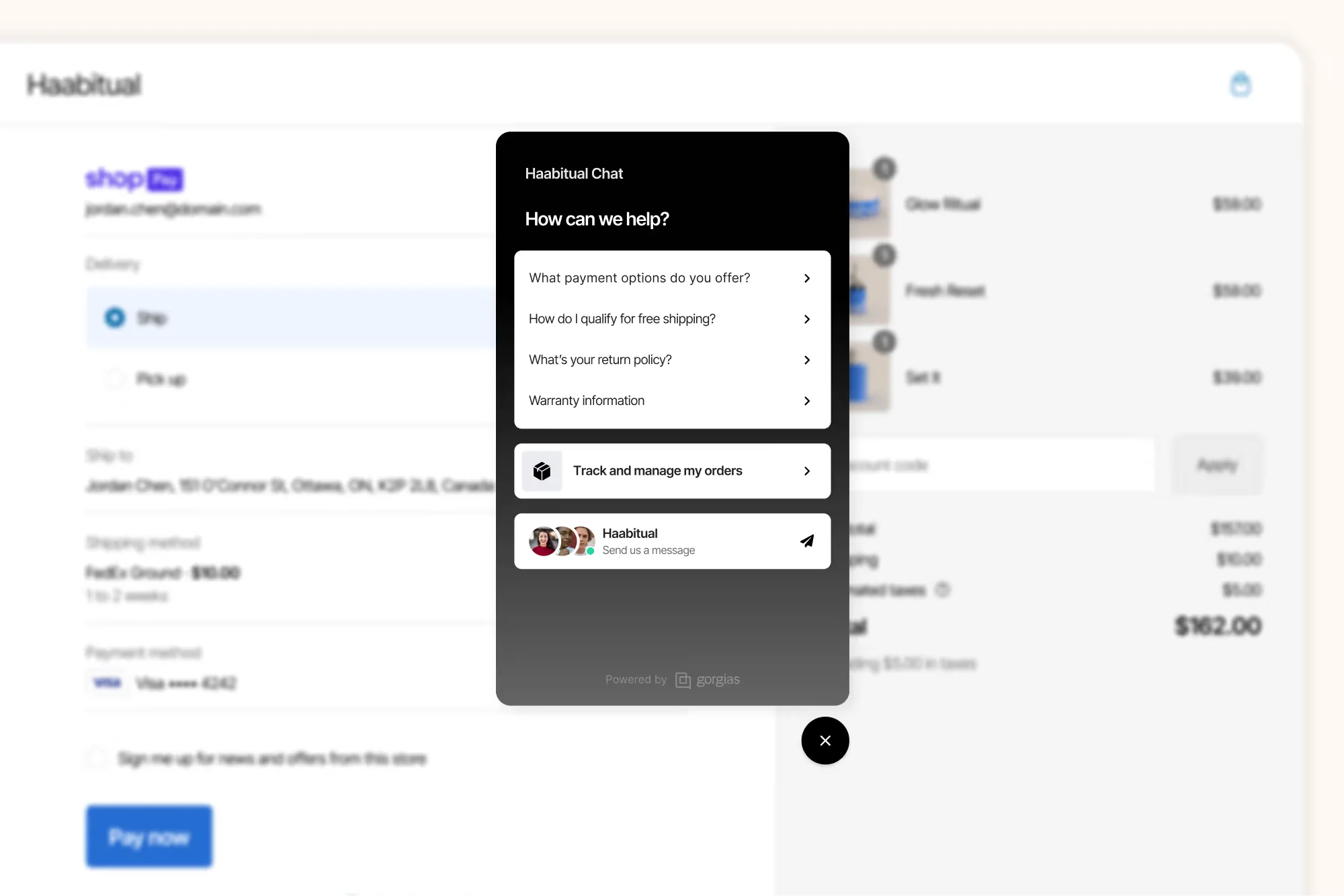
Gorgias is the ecommerce helpdesk, built for Shopify brands and powering support for a claimed 40% of them. Live chat is included on every plan, and its AI Agent handles both pre-purchase shopping questions and post-purchase support. Our guides on the Gorgias AI Agent and AI tools for Gorgias go deeper.
Multilingual support. The AI Agent runs on OpenAI's LLMs, which is what lets it understand and reply across languages natively. In practice it detects and responds in the customer's language, drawing on your store's catalog, policies, and brand voice. The honest caveat: Gorgias does not publish a specific supported-language count anywhere I could find, so treat multilingual as "capable via the underlying model" rather than a documented, numbered feature.
Pricing. Gorgias recently restructured to bundle a Helpdesk fee plus an AI Agent fee on one bill. Plans start at Starter $40/month and scale by ticket volume, with AI Agent overage at $1.50 per automated interaction and included resolutions ranging from 30 (Starter) to 530 (Advanced). Live chat itself is standard on every tier.
The catch. The lack of a published language count is a real gap for a multilingual buyer, and the $1.50-per-resolution overage adds up fast at scale. It is also ecommerce-specific, so it is a poor fit outside retail.
Verdict: the best choice if you are on Shopify and want chat plus an ecommerce AI agent in one bill. Skip it if you need a documented language list or you are not in retail. For alternatives, our best live chat for ecommerce roundup helps.
9. LiveChat, best for widget localization with native-speaker teams
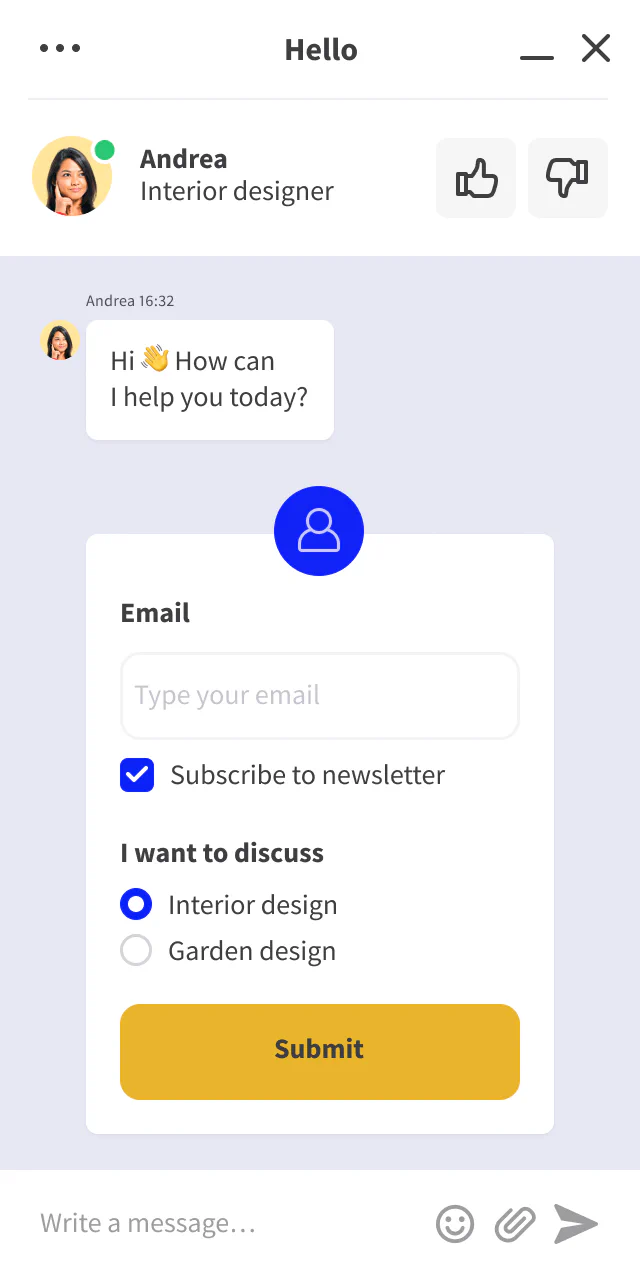
LiveChat is a polished, widely used chat platform (35,000+ companies) centered on a customizable widget and a clean agent workspace, with 200+ integrations. It is a great chat tool, but it is the clearest example on this list of a Level 1 multilingual story.
Multilingual support. LiveChat localizes the widget UI and greetings into 45-48 languages with native right-to-left support, and it routes visitors to dedicated agent groups by language using geolocation rules. What it does not do, on its documented pages, is translate the content of messages. Multilingual coverage comes from staffing native-speaker agent groups per language, or from bolting on its separate ChatBot product. In other words, the widget speaks many languages; the answers still come from humans who speak them.
Pricing. Per-agent, billed annually: Starter $19, Team $49, Business $79, Enterprise custom. Custom widget phrase translations are gated (Starter gets predefined translations only). The ChatBot add-on that would give you automated answers starts at $52/month, billed separately.
The catch. If your plan for "multilingual" is one AI answering many languages, LiveChat alone does not get you there; you are really buying a localized widget plus a hiring plan, or a second product. That is fine if you already have multilingual agents.
Verdict: a great chat widget with excellent localization, best when you already staff native speakers. Skip it if you wanted the AI to do the language work.
The real cost of multilingual support
Here is the trade-off the pricing tables hide. The expensive part of multilingual support was never the software license. It was the staffing model behind it.
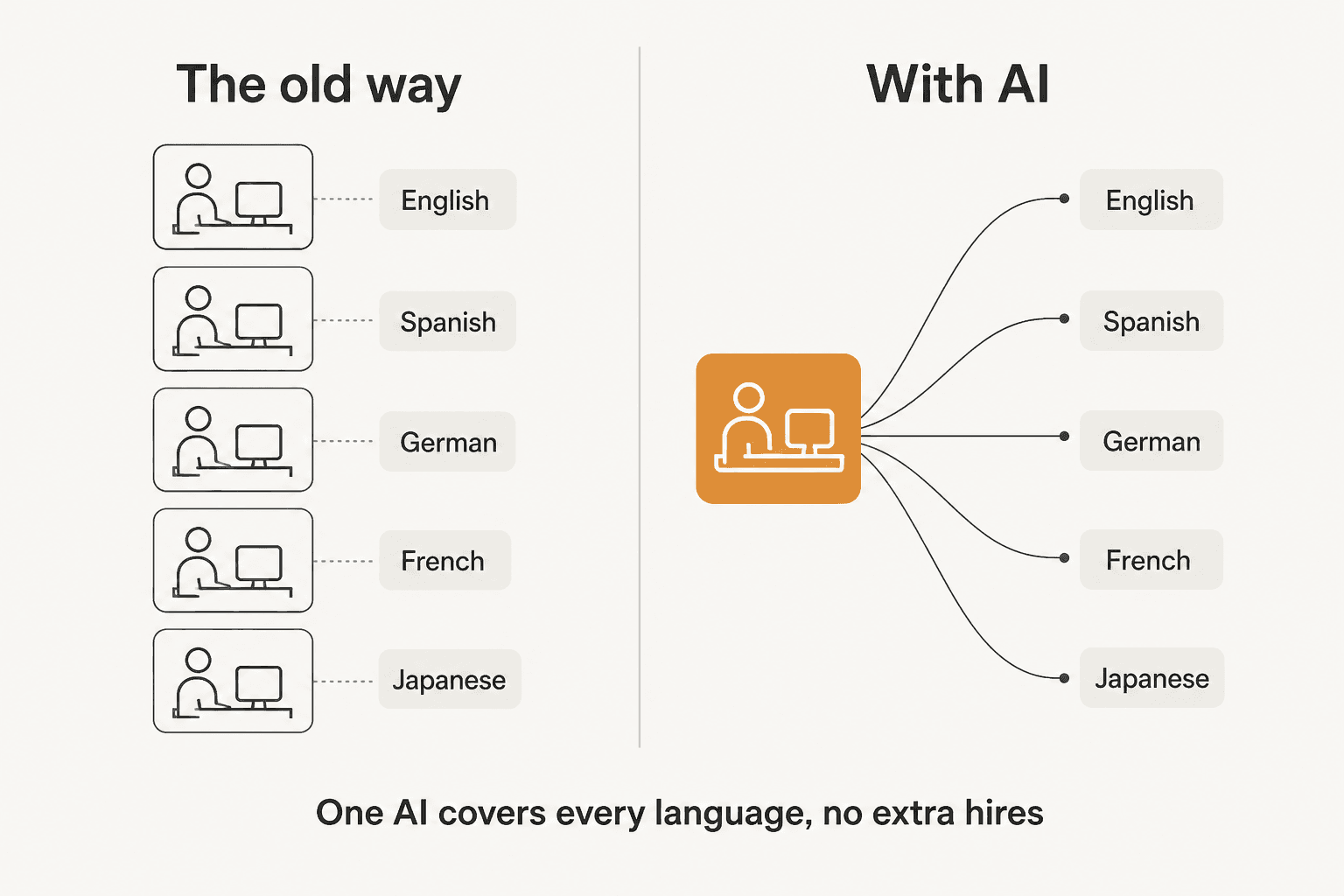
The traditional answer to "we now support German, Spanish, and Japanese" was to hire German-, Spanish-, and Japanese-speaking agents, or to route through native-speaker agent groups like LiveChat does. That works, but it scales linearly: every new language is a new hire, a new shift to cover, a new gap when someone is on holiday. Tools like Crisp's LiveTranslate and Chatwoot's Google Translate ease it by letting one agent read every language, but a human is still typing every reply.
The shift that changed the math is Level 3. When one AI agent covers every language, an unfamiliar language stops being a hiring decision. That is the whole reason our jewelry customer's agent could handle eight languages nobody had explicitly set up. It is also why I would push any team evaluating this list to price the outcome (resolutions, tickets, conversations) and not just the seat, because the seat count is exactly what AI answering breaks.
One more practical note: whichever level you buy, keep your languages in a single inbox. Splitting into a queue per language recreates the staffing silos you are trying to escape and buries context. Every tool here supports a unified workspace; use it.
Try eesel for multilingual support on your existing helpdesk

If you already run Zendesk, Freshdesk, Gorgias, Front, or HubSpot and the missing piece is native multilingual answering, that is exactly the gap eesel AI fills. It plugs in, learns your solved tickets and help docs on day one, and starts drafting or sending replies in 80+ languages, all from the inbox you already use, no migration and no per-language hiring. The differentiator is the simulation step: you run it over your real historical tickets and see resolution coverage per language before a single customer sees an AI reply, so you launch with evidence instead of hope. You can try eesel with 100 free credits and no credit card, or book a demo if you want to walk through it on your own tickets.
Frequently Asked Questions
What is multilingual live chat software?
Multilingual live chat software lets a support team talk to customers in more than one language through a website or in-app chat widget. In practice it covers three different things: translating the widget's own text, translating messages between an agent and a customer, and having an AI agent understand and answer natively in the customer's language. Most tools do the first two; fewer do the third well.
How does AI translation work in live chat?
Modern tools detect the language of an incoming message, then either translate it for the agent or, with a native AI agent, generate the reply directly in that language from your knowledge base. Tools like eesel AI answer in 80+ languages without you writing a translated macro for each one, because they learn from your past multilingual tickets.
Can I add multilingual live chat without switching helpdesks?
Yes. If you are on Zendesk, Freshdesk, Gorgias, or Front, you can layer an AI agent on top rather than migrating. eesel AI plugs into your existing helpdesk and starts drafting replies in the customer's language on day one, so you keep your ticket history and workflows.
How much does multilingual live chat software cost?
It ranges from free to enterprise. Chatwoot's self-hosted Community edition is $0, Crisp starts at $45/month per workspace, Freshchat Growth is $19/agent/month, Zendesk messaging starts at $55/agent/month, and AI-first tools like eesel AI (from $299/month for 500 credits, 1 credit per ticket or chat) or Tidio's Lyro ($0.50 per conversation) charge for volume instead of seats. Watch for AI resolution fees stacked on top of the base price.
What happens if the AI gets a translated answer wrong?
This is the real risk with multilingual support, and it is why simulation matters. A confident wrong answer in German or Japanese erodes trust faster than a slow one. Good tools let you test the AI against real past tickets before it goes live and route low-confidence replies to a human. eesel runs a simulation over your historical tickets so you see coverage per language before flipping it on.


Article by
Kurnia Kharisma
Kurnia is a software engineer and writer at eesel AI with two years of SEO experience, writing about AI tools, helpdesk software, and customer support. He pairs a developer's understanding of how these products are built with search-driven research into what actually ranks and resonates with the people searching for them.