How to add AI to Re:amaze: a practical 2026 guide

Rama Adi

Katelin Teen
Last edited July 14, 2026
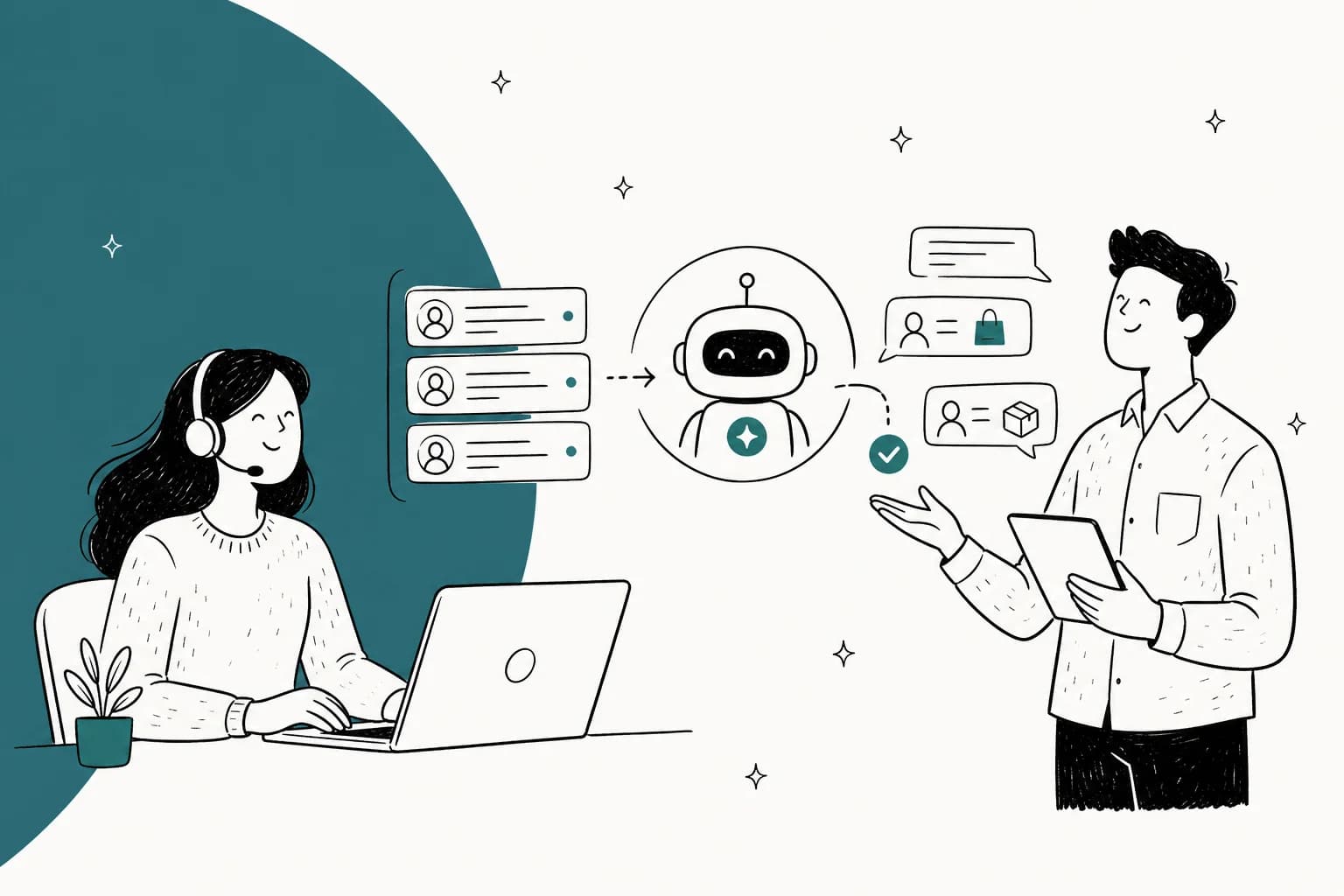
Two ways to add AI to Re:amaze
Before touching a setting, it helps to know which of the two routes you're on, because they need different prep.
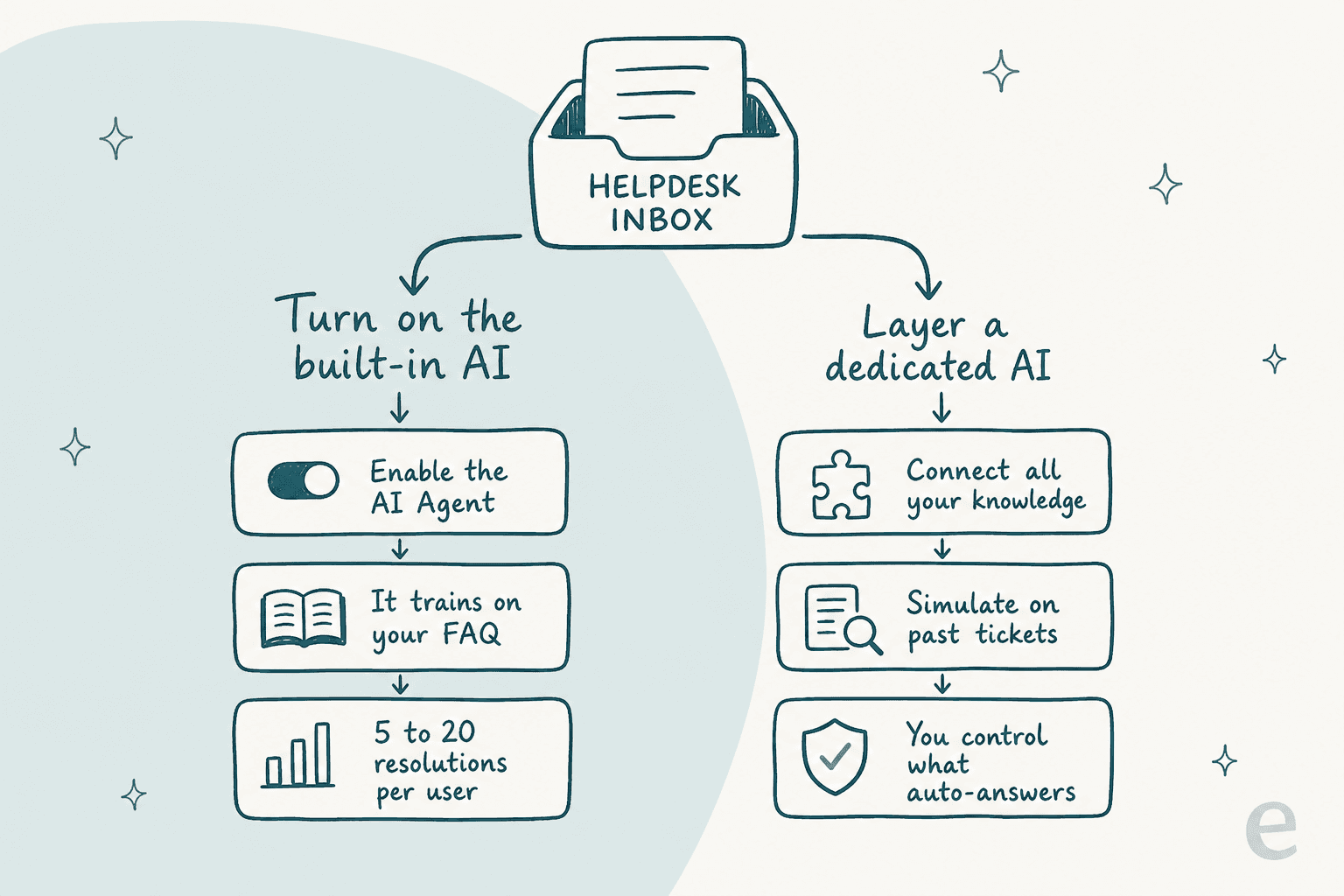
Route one is Re:amaze's own AI. It's already in your account, it trains on the help content you write, and it bills per resolution. This is the right first move if you want something running this week and your volume is modest.
Route two is a dedicated AI layer. You connect your knowledge, simulate the AI on tickets you've already answered, and dial up how much it handles once you trust the numbers. This is the route teams reach for when the native AI plateaus or when "confidently wrong" is a real risk for their brand.
Neither is wrong. The mistake is picking route one because it's there, then blaming AI when the Beta label does exactly what a Beta label warns it'll do.
What Re:amaze's built-in AI actually does
Re:amaze bundles a few distinct AI features, and it's worth separating them because only one of them actually talks to customers on its own.
- AI Agent is the autopilot: a 24/7 bot that answers chat and email from your business data. This is the one that deflects tickets.
- AI reply drafting writes a suggested response your agent can edit and send. Human stays in the loop.
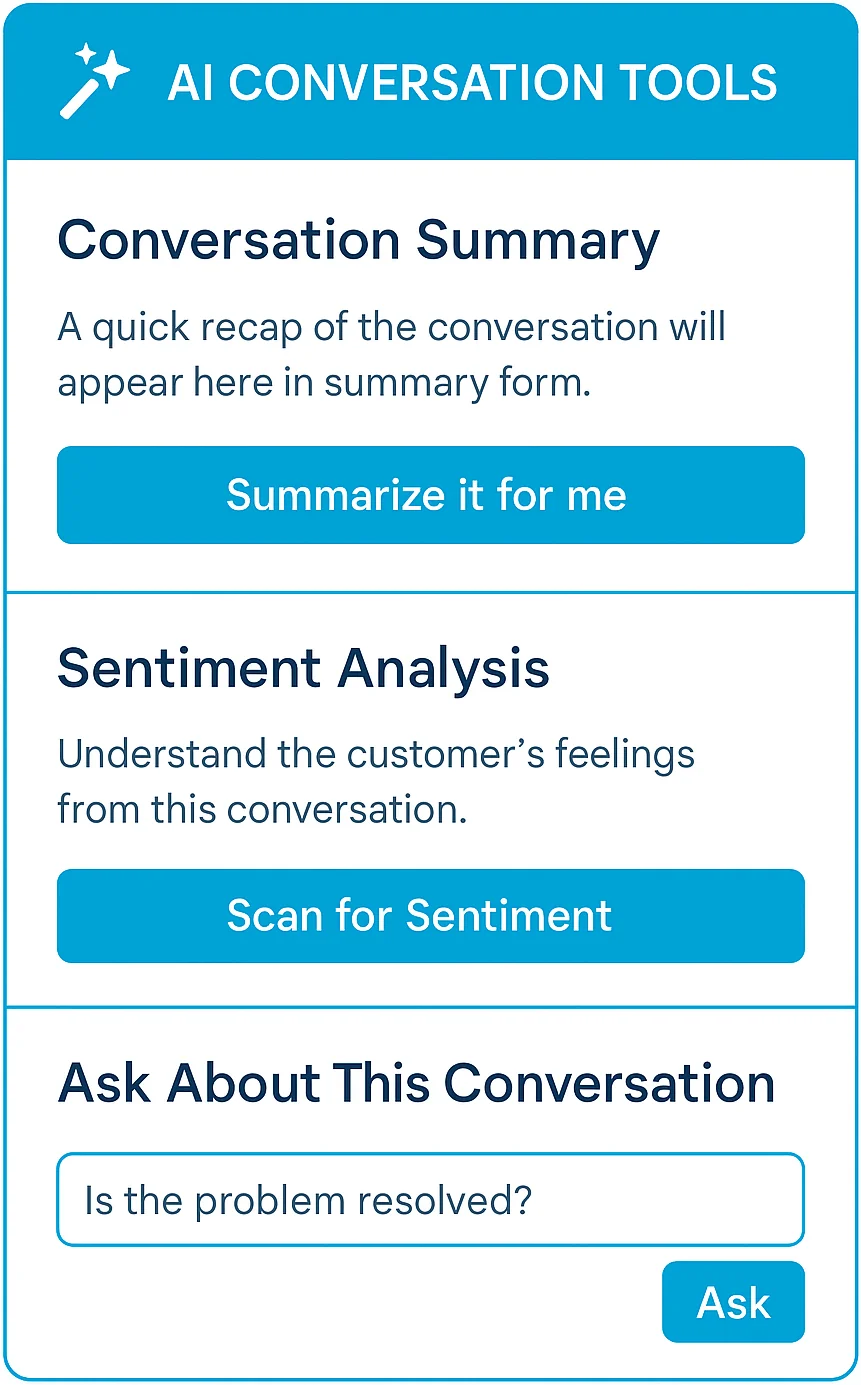
- AI summarization and sentiment condense a long thread and flag how the customer feels, so an agent picking up a handoff knows the mood before reading.
- AI Cues and AI FAQ generation help you write proactive messages and draft help articles.
The headline for setup: the AI Agent is included on every paid plan, including Basic. What scales with tier isn't access, it's how many resolutions come bundled before overage kicks in. So "add AI to Re:amaze" is less about unlocking a feature and more about feeding it good knowledge and keeping an eye on the meter.
How to turn on the Re:amaze AI Agent, step by step
Here's the actual sequence. The order matters more than it looks, because the AI is only ever as good as what you point it at.
Step 1: Build out your FAQ and help center first
The AI Agent trains on your published FAQ articles. If that library is thin, the bot is thin. So before you enable anything, write the 20 to 30 answers your team types every week: shipping windows, return policy, "where's my order", sizing, refunds, account resets.
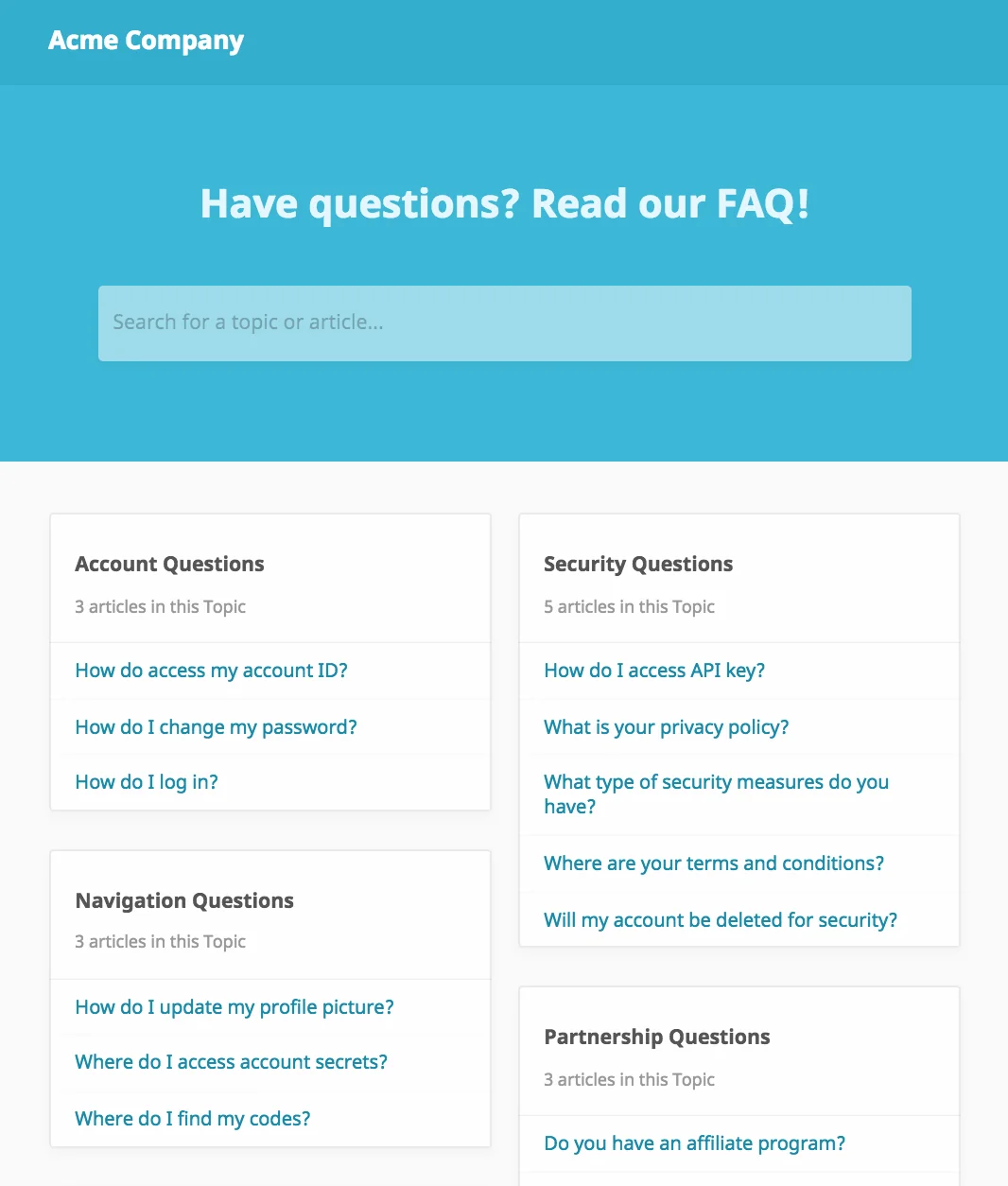
This is the step teams skip, and it's the one that decides whether the whole project works. A good rule from training any AI support agent: if the answer isn't written down somewhere the AI can read, the AI can't give it. Re:amaze even has AI FAQ generation to help you draft articles faster, which is a fine starting point as long as you edit for accuracy.
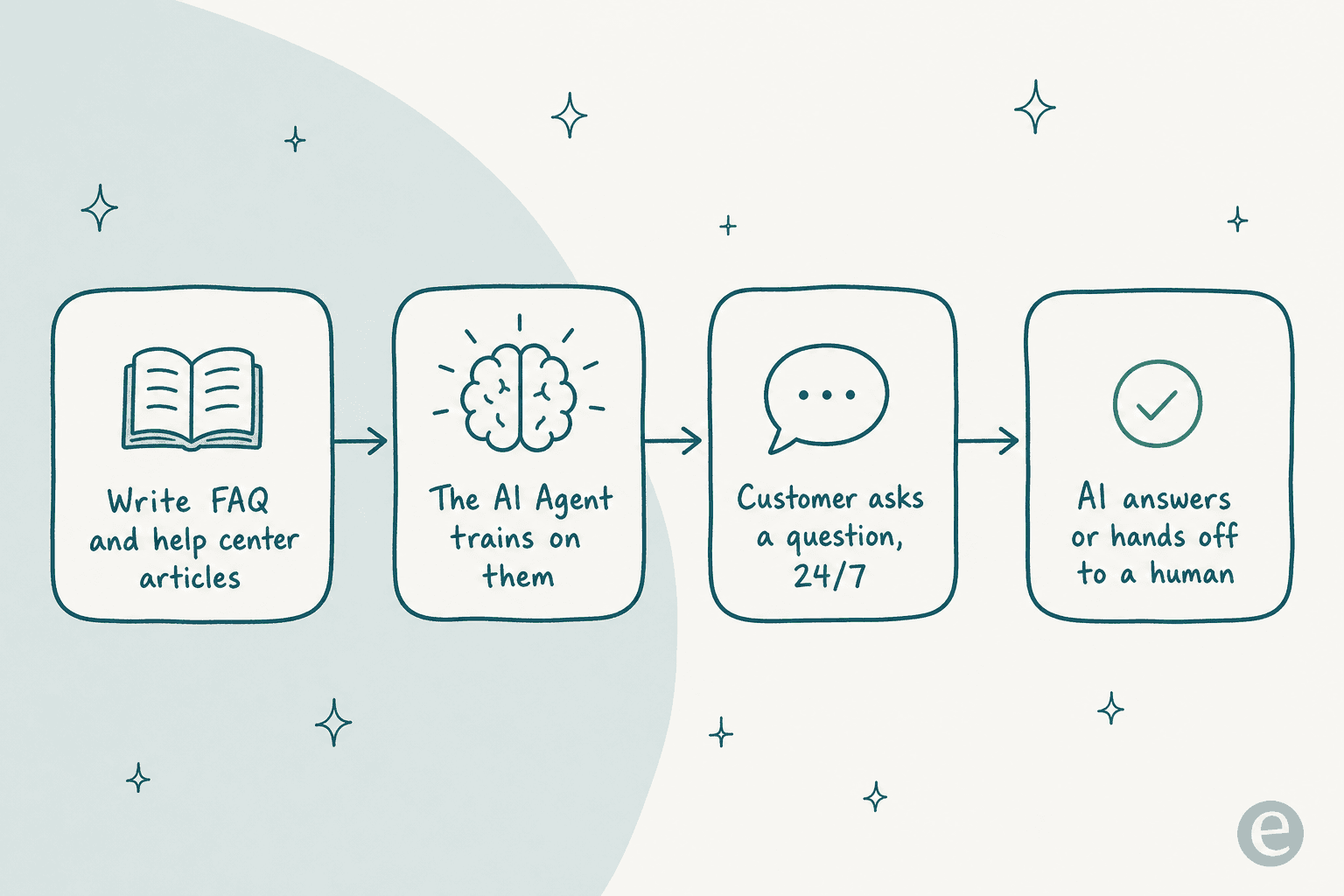
Step 2: Enable the AI Agent and test it in a sandbox
Once your help center has real content, switch the AI Agent on for a single channel, ideally chat rather than email so you can watch it live. Ask it the ten questions you already know the answers to. You're checking two things: does it pull the right article, and does it know when to say "let me get a human". Don't skip the boring test conversations. This is where you catch the confidently-wrong answers before a customer does, which is the single biggest fear with support AI.
Step 3: Layer in chatbots and Cues
Beyond the AI Agent, Re:amaze has pre-built bots (Welcome Bot, Order Bot) and Cues, which are proactive trigger-based messages. For an ecommerce store, the Order Bot is the quiet workhorse: it answers "where's my order" from order data without a human ever seeing the ticket.
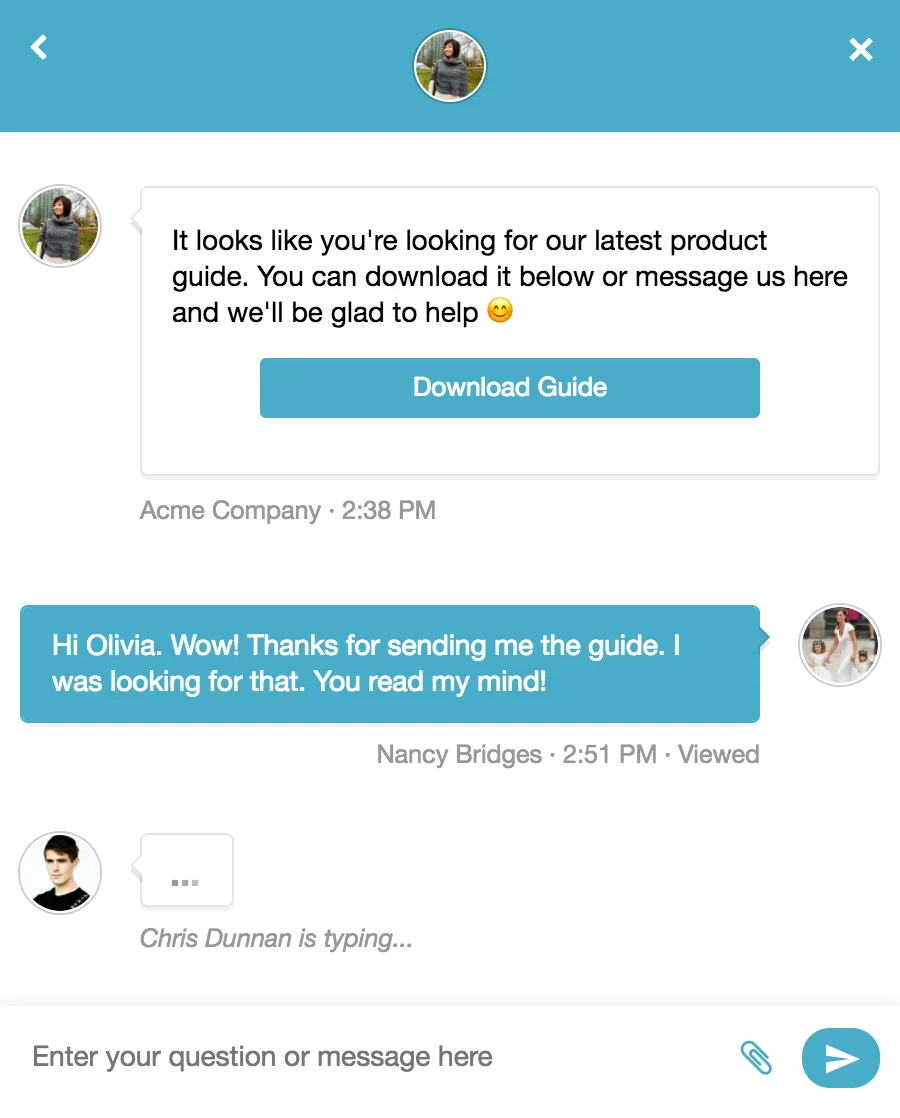
Cues fire based on what the customer is doing, like nudging someone stuck on the checkout page. They're not AI in the reasoning sense, but they're part of the same job: catch the question before it becomes a ticket. If order tracking is your top volume, pair this with a dedicated look at automating order tracking.
Step 4: Watch AI resolutions and the real cost
This is the step that surprises people. The AI Agent includes 5 resolutions per user per month on Basic, 10 on Pro, and 20 on Plus. After that, it's $0.85 per resolution across every plan.
| Plan | Monthly | Included AI resolutions / user / mo | Overage |
|---|---|---|---|
| Starter | $59 flat (unlimited seats) | Basic-level allowance | $0.85 / resolution |
| Basic | $29 / user | 5 | $0.85 / resolution |
| Pro | $49 / user | 10 | $0.85 / resolution |
| Plus | $69 / user | 20 | $0.85 / resolution |
Do the math on your real volume. A three-person team on Pro gets 30 bundled resolutions a month. If your bot resolves 500 chats, that's 470 overage resolutions, or about $400 on top of seats. That's not a reason to avoid it, it's a reason to know the number before you switch it on. The full Re:amaze pricing picture is worth a read if you're budgeting.
Where Re:amaze's native AI stops
Re:amaze is a genuinely good ecommerce helpdesk. The channel consolidation is real, the Live view of who's on your site is useful, and stores like BuiltBar report a 5.6x support-speed boost. Being fair about that matters, because the AI's limits aren't about the platform being bad.
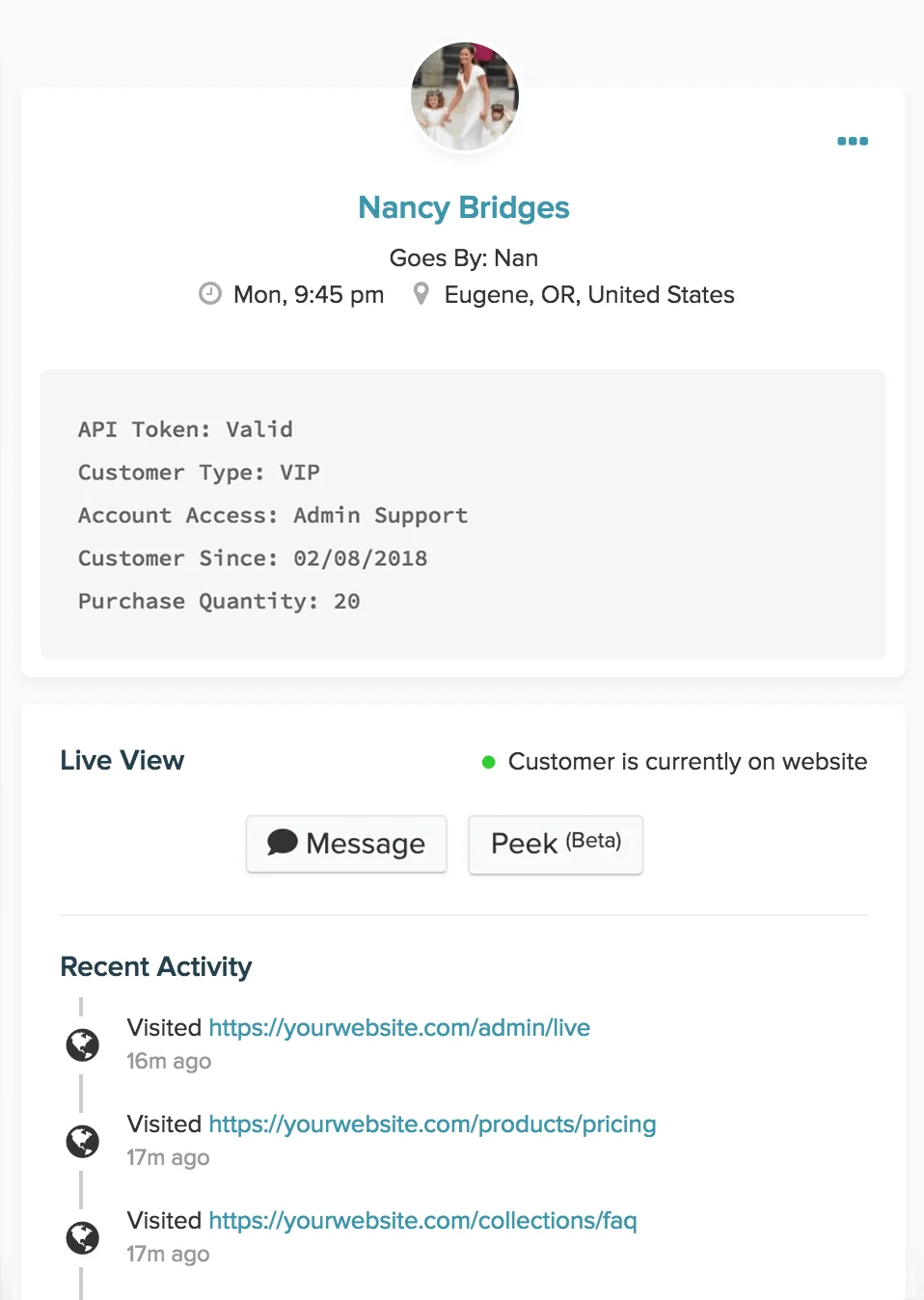
The limits are these. The AI is labeled Beta throughout, which is Re:amaze telling you it's early. There's no real way to test the bot against your history before it goes live, so your first "am I sure about this" moment happens in front of a customer. And the knowledge it draws from is essentially your Re:amaze FAQ, not the scattered reality of most support teams, where the real answers live in a Google Doc, a Shopify settings page, and three past tickets.
That's the gap. Not "Re:amaze AI is bad", but "a native, Beta AI trained only on your FAQ can only go so far".
The other route: layer a dedicated AI in front
If you've run the native AI and hit that ceiling, or you just don't want your first test to be live, the alternative is a dedicated AI layer that sits in front of your support and does the work the native tool can't.
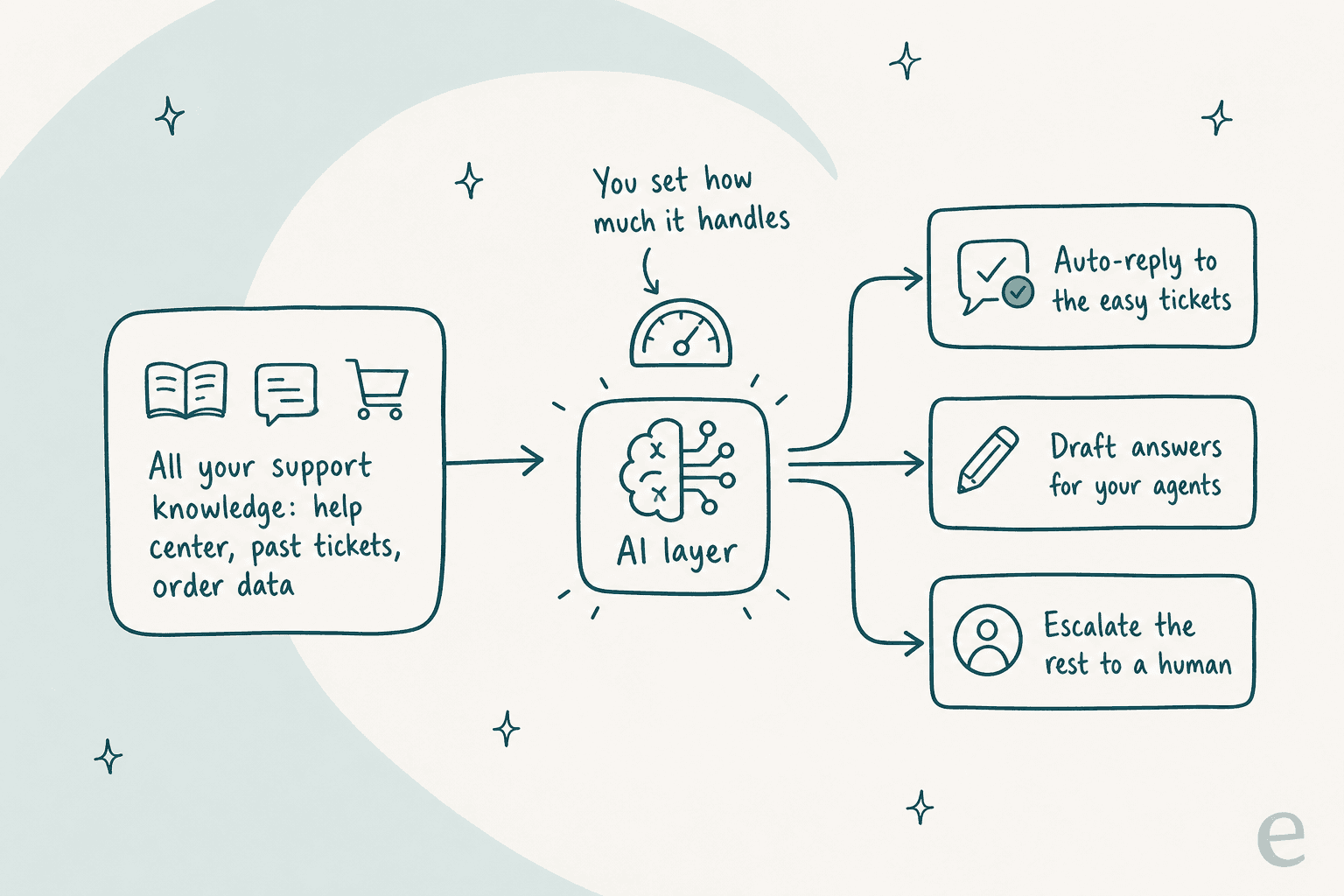
The three things this route adds are worth naming, because they're exactly the native AI's gaps:
- It learns from everything, not just the FAQ. A layer like eesel's AI agent connects to your help center, past tickets, Google Docs, and product data, so it answers from the whole picture the way a trained human would.
- It simulates on your real past tickets first. Before it answers a single live customer, you can run it over thousands of conversations you've already closed and see exactly what it would have said, and its projected resolution rate. This is the part I'd never give up, because it turns "I hope this works" into a number.
- You control what it auto-answers. You set the confidence threshold and the topics it's allowed to handle, so it deflects the easy, repetitive ticket types and cleanly hands the rest to a person.
The honest caveat: eesel doesn't have a one-click Re:amaze app the way it plugs into Freshdesk or Gorgias today. So this route makes the most sense if you're weighing whether to stay on Re:amaze at all, or if you're routing conversations through channels a dedicated layer can reach. If you're firmly staying put on Re:amaze, the native AI is your path, and this section is your reference for what "good" looks like.
Common mistakes when adding AI to Re:amaze
A few things I watch teams get wrong, in rough order of how much they hurt:
- Turning the AI on before the FAQ is real. Empty knowledge, empty results. Write the answers first.
- Going live without a test conversation. Ten sandbox questions catch 90% of the embarrassing answers.
- Ignoring the resolution meter. $0.85 each is cheap per unit and expensive at ecommerce volume. Know your number.
- Letting the bot try to answer everything. A bot that hands off gracefully beats one that guesses. Set a clear escalation path, the same principle behind any good self-service setup.
- Treating "deflection" as the only metric. A deflected-but-angry customer isn't a win. Watch satisfaction alongside volume, especially if you sell to ecommerce shoppers who'll just leave.
Get those five right and either route works. Get them wrong and no AI, native or layered, will save the rollout.
Try eesel for your support queue
If you've read this far because Re:amaze's Beta AI isn't quite carrying the load, that's exactly the situation eesel is built for. You point it at your help center and past tickets, simulate it on real historical conversations to see its resolution rate before it answers anyone, then let it auto-handle the repetitive tickets and escalate the rest, all on one fixed monthly price with no per-seat fees.

We've spent years putting AI agents on live support queues, and the simulate-first approach is the scar tissue from watching confident bots give wrong answers. It's the difference between hoping and knowing. If you're weighing whether to stay on Re:amaze or bring in something purpose-built, book a demo and we'll run it against your own tickets.