What a web chat application actually is
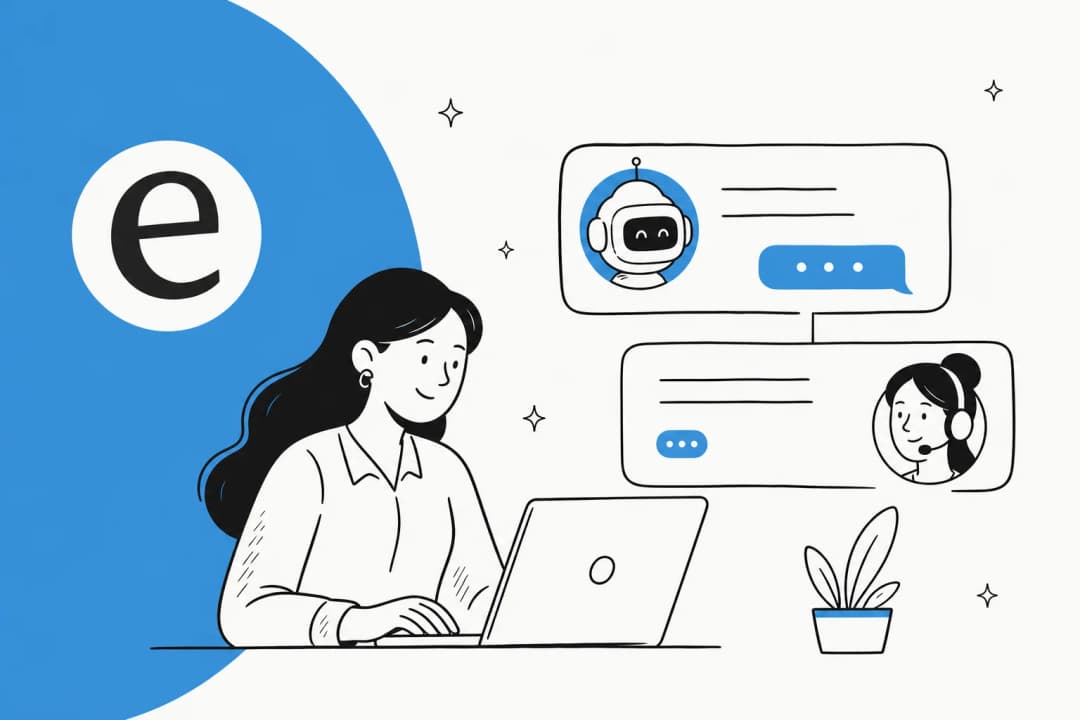
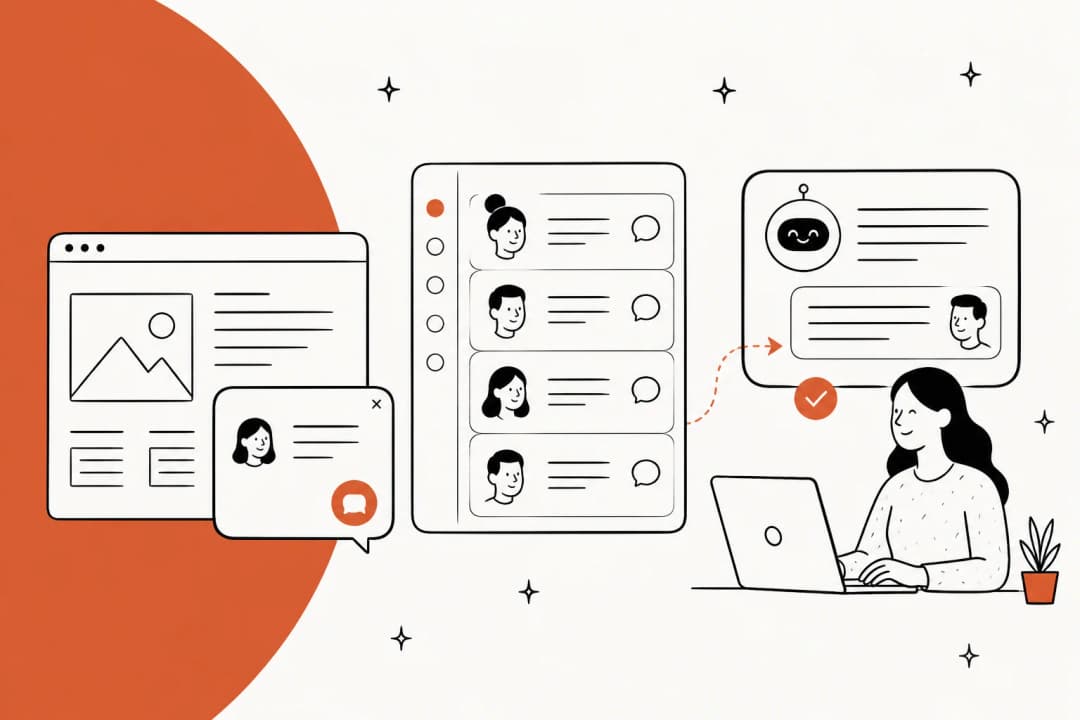
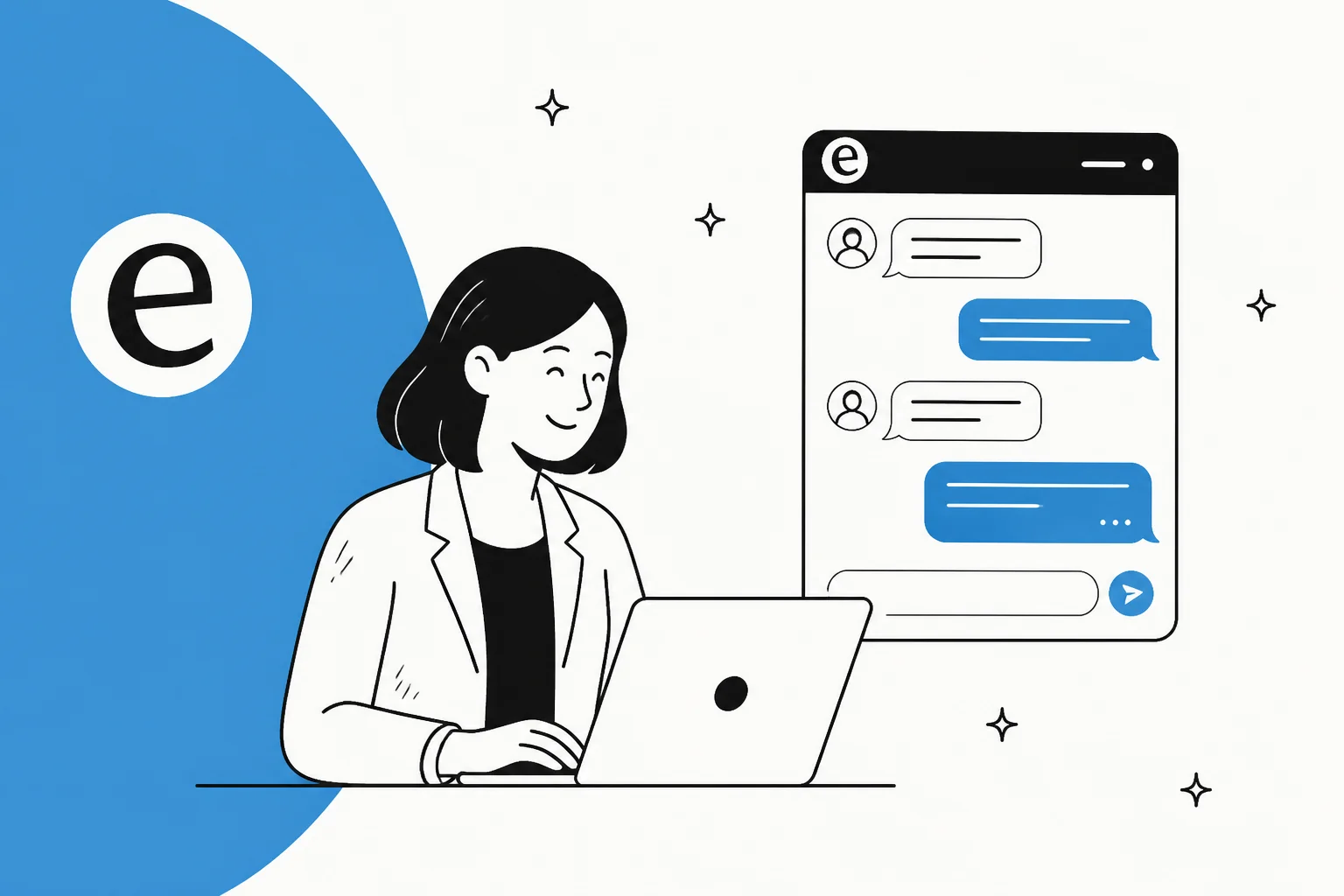
Strip away the branding and a web chat application is two things stuck together: a front end (the chat window a visitor sees, usually a chat widget floating in the bottom-right corner) and a back end (whatever decides what to say back). People use the phrase loosely, so it can mean anything from a bare-bones chat box on a landing page to a full conversational AI system routing thousands of tickets a day.
For support teams specifically, the web chat app is the real-time channel that sits alongside email and phone, the front line of conversational support. A customer opens it mid-problem, types a question, and expects an answer in seconds, not the next business day. That expectation is the whole reason the category exists, and it's also where most tools quietly fall down: the window loads fine, but the answer is slow, scripted, or wrong.
The useful way to think about it is to separate the channel from the intelligence. The channel is nearly a commodity now. The intelligence, what actually reads the question and produces a good answer, is where the real difference between tools lives.
The three types of web chat application
Almost every web chat tool on the market is one of three things, or a blend of them. Knowing which you're looking at saves you from buying a scripted bot when you needed an AI agent.
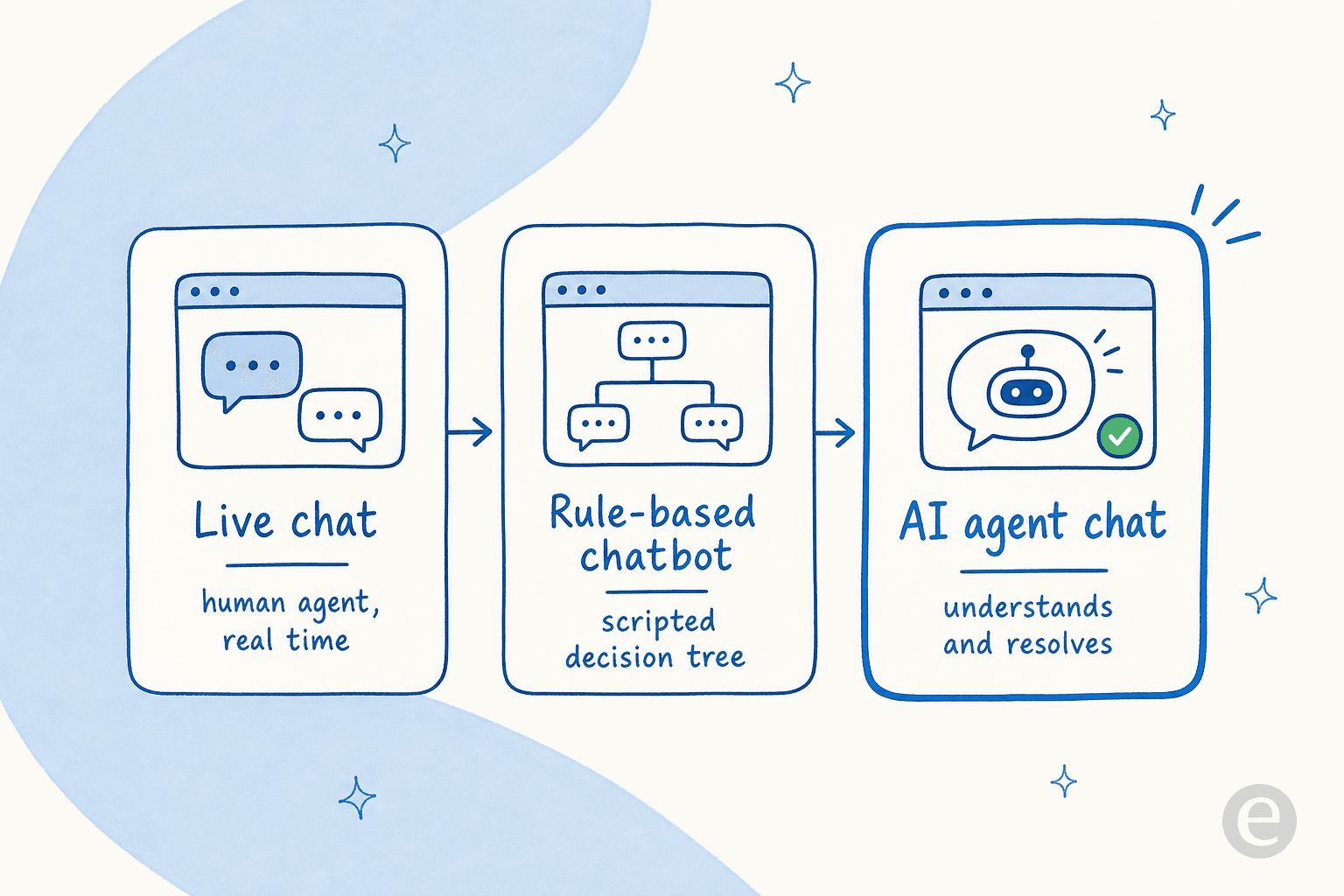
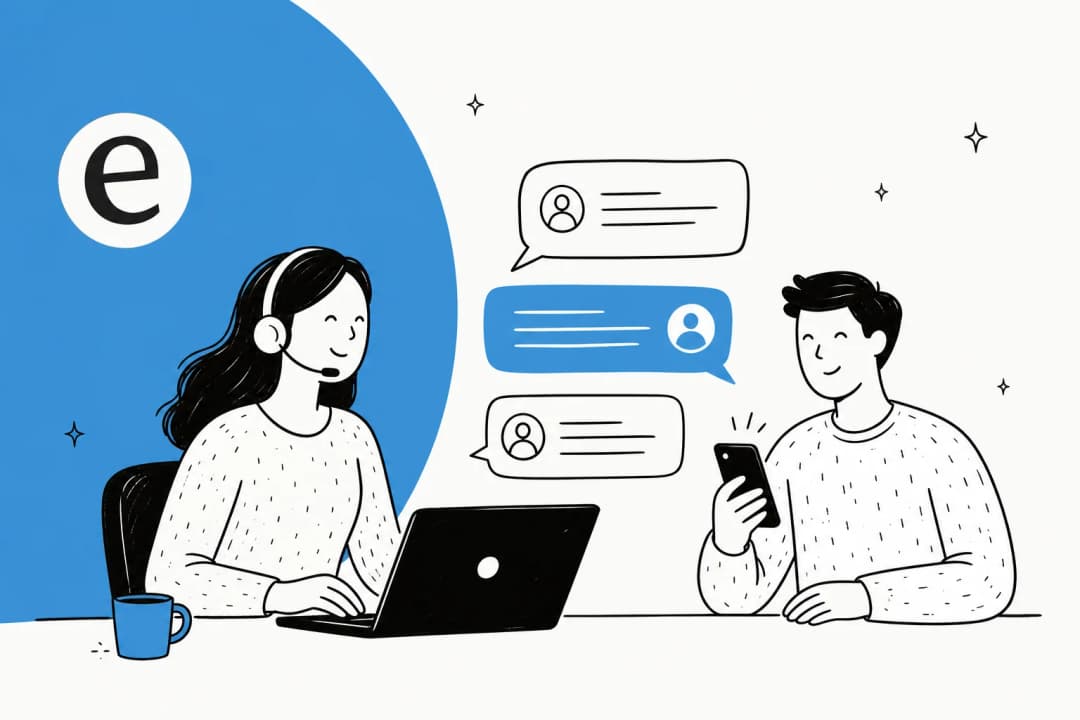
1. Live chat (human-staffed). A person on your team answers in real time. This is classic live chat, and it's still the gold standard for complex, emotional, or high-value conversations. The catch is that it doesn't scale: every conversation costs an agent's time, and coverage drops to zero the moment nobody's online. If you're comparing options here, our roundup of live chat software and the best live chat for ecommerce are good starting points.
2. Rule-based chatbot. A scripted decision tree. The customer clicks buttons or types keywords, and the bot follows an "if this, then that" flow you built by hand. Cheap to run, predictable, and useful for simple flows like "where's my order." But it breaks the second a customer phrases something the way a human would rather than the way your script expected, which is most of the time. This is the source of a lot of common AI chatbot problems.
3. AI agent chat. An LLM-powered agent that reads a question in plain language, searches your knowledge, and writes an answer, no decision tree required. This is what most people now mean by an AI chatbot, and it's the only one of the three that can resolve a novel question it's never seen scripted. The good ones also know their limits and hand off to a human when they're not sure. For a deeper look at the category, see our guide to conversational AI platforms and the wider benefits of conversational AI. Some are even no-code to build.
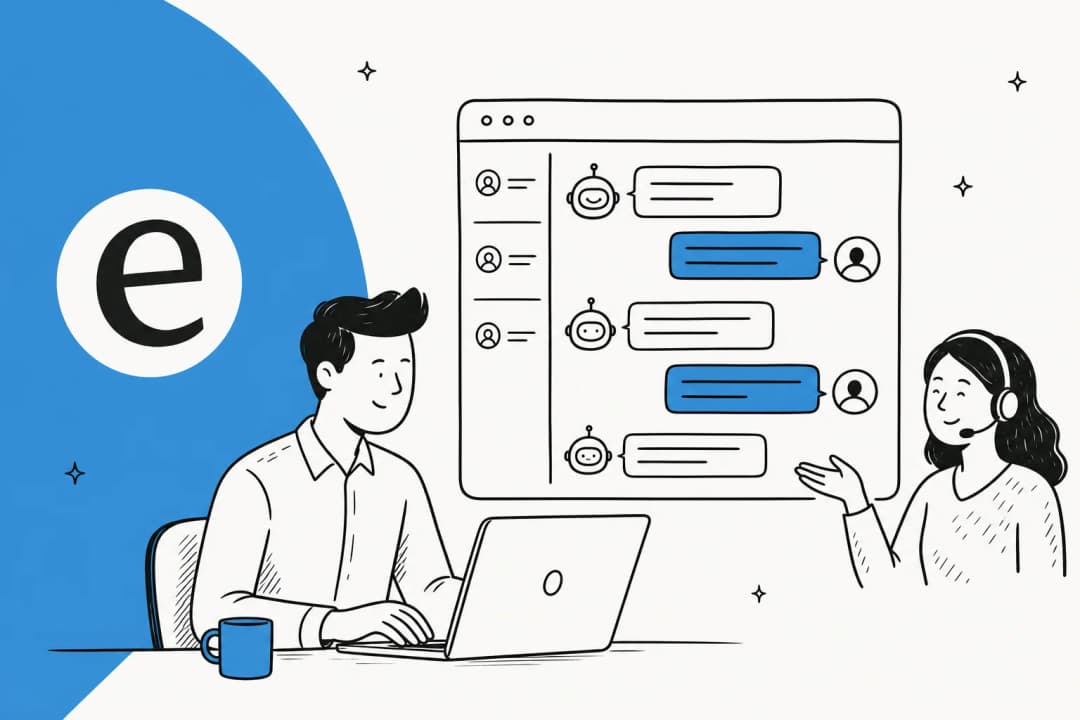
Here's the honest version most vendor pages won't give you: you almost always want a blend. Live chat for the hard stuff, an AI agent catching the tier-1 volume so the humans aren't buried, and a clean handover between them. A tool that only does one of the three is a tool you'll outgrow.
| Type | Answers | Scales | Handles novel questions | Best for |
|---|---|---|---|---|
| Live chat | Humans | Poorly (per-seat) | Yes | Complex, high-value chats |
| Rule-based chatbot | Scripts | Well | No | Simple, predictable flows |
| AI agent chat | AI + humans | Very well | Yes | High-volume tier-1 support |
How an AI web chat application actually works
The interesting part is the third type, so let me open it up. When someone types into an AI-powered web chat app, a lot happens in the second before the reply appears.
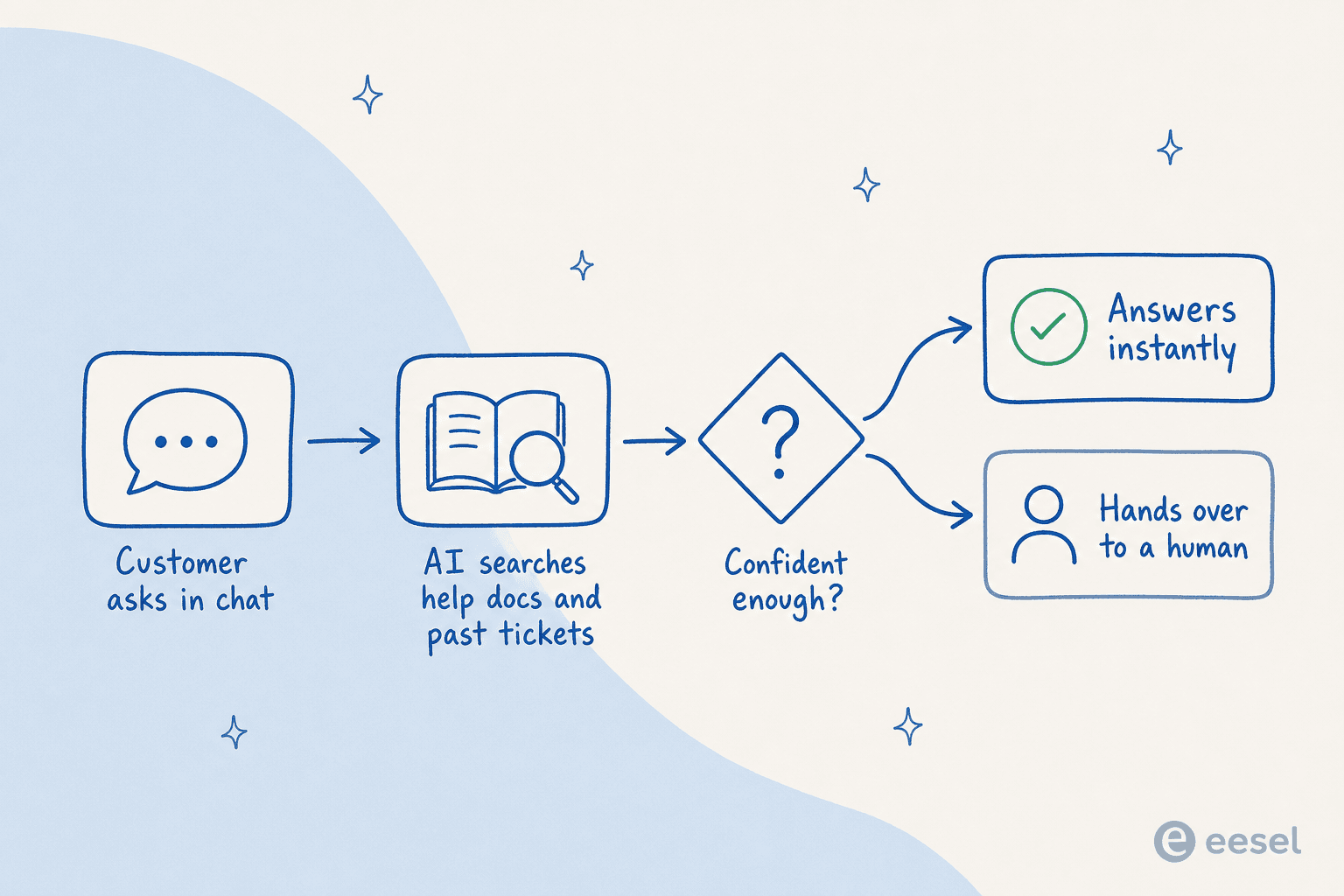
- The customer asks in the chat window in whatever words come naturally, in whatever language they speak.
- The AI searches your knowledge: help center articles, past resolved tickets, internal docs, sometimes live order data. Good tools train on your solved tickets, not just your help center, which is where the real answers usually live.
- It checks its own confidence. This is the step cheap tools skip. A well-built agent asks "am I actually sure about this?" before it sends anything.
- It answers or hands over. High confidence, it replies instantly, 24/7. Low confidence, it drafts a reply for a human or routes the whole conversation to a person, rather than confidently making something up.
That confidence step is the single biggest thing separating a web chat app you can trust from one that embarrasses you. As one CX lead we work with put it:
"The AI will never be able to answer 100% of the questions... I need an AI who is only handling the tickets that it's confident to handle and all the other ones, leave them alone."
a DTC supplements CX lead (more on trust and control)
The reason this matters: an AI agent that answers wrong does more damage than one that politely escalates. Confidence-based routing is how you get the volume savings without the reputation risk.

What to look for in a web chat application
Once you've decided you want more than a dumb chat box, here's the checklist I'd actually use when comparing tools. Most of these are things a demo won't volunteer.
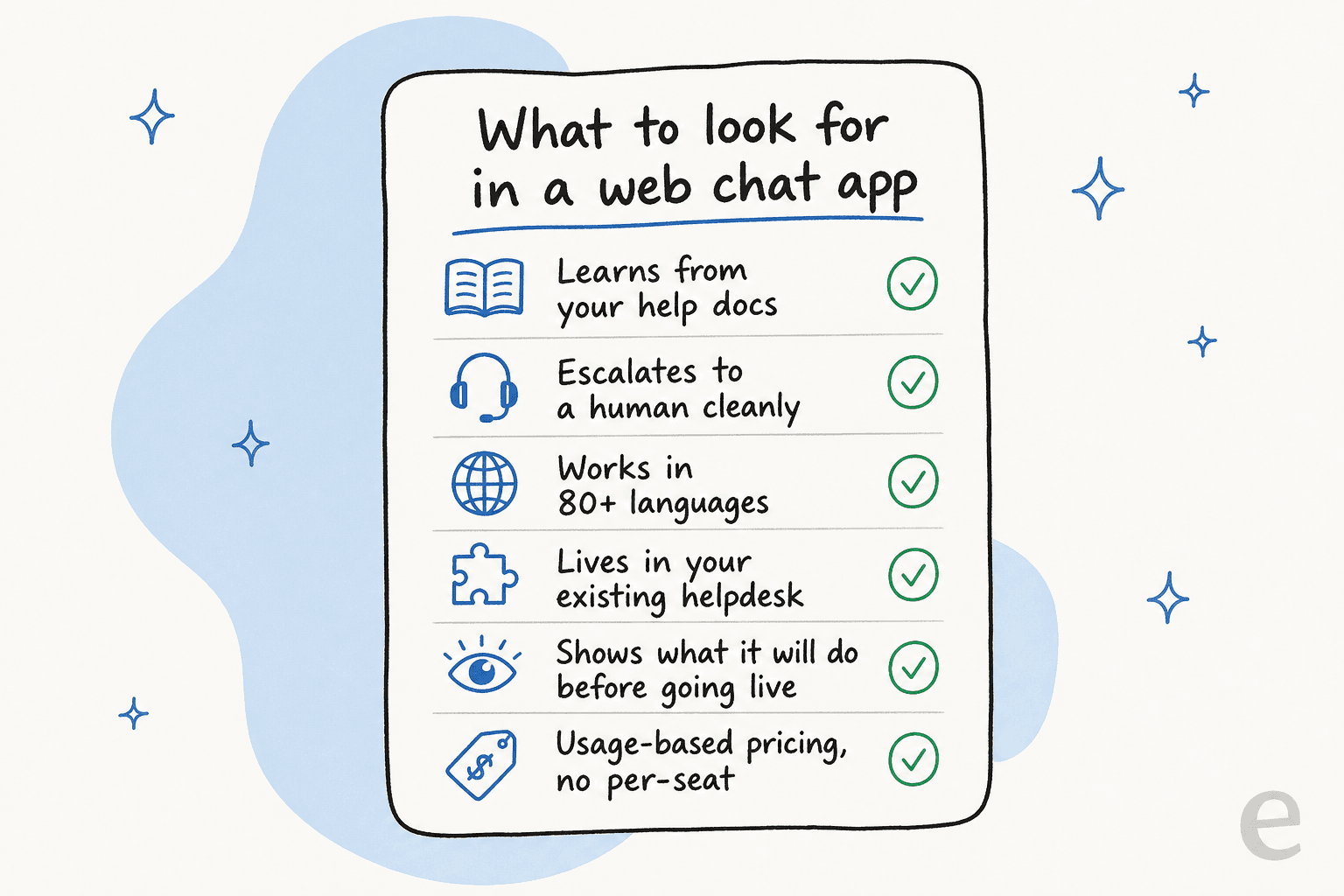
- It learns from your own content. The whole value of an AI web chat app is answering with your help docs and your past tickets, not generic web knowledge. If it can only read a single help center URL, it'll be shallow. This is downstream of a solid knowledge base.
- It escalates cleanly. Look for a real, tested handover to a human, with full context passed along, not a dead-end "sorry, I can't help with that." Good ticket deflection is deflection plus graceful escalation, never deflection at any cost.
- It works in your customers' languages. If you sell internationally, an English-only widget quietly loses you conversations. The better tools answer in 80+ languages automatically.
- It lives inside your existing helpdesk. You do not want a second, disconnected inbox. The AI should plug into the helpdesk you already run so conversations, tags, and history stay in one place.
- You can see what it'll do before it goes live. The scariest part of turning on AI chat is not knowing how it'll behave. A simulation mode that replays your past tickets and shows projected resolution rates removes that fear.
- The pricing doesn't punish growth. Per-agent seat fees and per-resolution surcharges both get expensive fast. Usage-based pricing that scales with conversations, not headcount, is friendlier as you grow.
If you want the longer version of this, our guide to the most valuable live chat features and the best AI helpdesk software go dimension by dimension.
Where web chat applications go wrong
I've watched enough rollouts to know the failure modes are boringly consistent.
The channel is fast but the answer is slow. A web chat app lives or dies on speed. One buyer we spoke with ran a methodical 67-test evaluation of a tool, found the knowledge answers "solid," and still walked away, because the chat itself "is quite slow and often gets stuck." Speed is the product in this category. A brilliant answer that arrives after a ten-second spinner reads as broken.
Deflection becomes the only metric. Teams get so focused on deflecting tickets that they measure success by how few conversations reach a human, and quietly punish customers who actually need one. Deflection is a good goal right up until it becomes a wall.
Nobody trains it on real tickets. A web chat app pointed at a thin help center gives thin answers. The teams that get real results feed it their actual resolved conversations, the messy, real-language history where the good answers already exist.
Build-it-yourself eats the roadmap. It's tempting to wire up your own chat on top of a raw LLM API. Some teams should. Most discover they've signed up to maintain a product forever. As one engineering lead told us after evaluating the options:
"We could try to write our own LLM application but we didn't want to invest our time into that. We wanted something that we would not have to maintain."
Karel, GENERAL BYTES (case study)
Try eesel AI
If your web chat problem is really a "who answers the chat" problem, that's the gap eesel AI fills. It's an AI agent that plugs into the helpdesk you already use, Zendesk, Freshdesk, Gorgias, Front, Help Scout, and answers your chat and tickets by learning from your past conversations and help docs. Not a new inbox, not a scripted bot: a teammate that handles the repetitive volume and escalates the rest.
Two things make it worth a look for chat specifically. First, simulation mode: before it talks to a single customer, you replay it against thousands of your past tickets and see exactly what it would have said and how much it would have resolved. Teams like Gridwise saw it resolve 73% of tier-1 requests in the first month. Second, the pricing is usage-based, from $0.40 per conversation the AI handles, no per-seat fees, so a busy chat channel doesn't turn into a per-agent bill that grows every time you hire.
You can start free with $50 of usage and no credit card, connect your helpdesk, and see it answering your real chat traffic in an afternoon.
Frequently Asked Questions
What is a web chat application?
What is the difference between a web chat application and a chatbot?
How much does a web chat application cost?
Can a web chat application answer customers automatically?


Article by
Kurnia Kharisma
Kurnia is a software engineer and writer at eesel AI with two years of SEO experience, writing about AI tools, helpdesk software, and customer support. He pairs a developer's understanding of how these products are built with search-driven research into what actually ranks and resonates with the people searching for them.