Why teams look for a Salesforce Service Cloud alternative
Let me be fair to Salesforce first, because the cost conversation only makes sense if you respect what you're leaving. Service Cloud is the #1 CRM for a reason: one unified record across sales, service, and marketing, a deep customization layer, and now Agentforce, its agentic AI built on the Atlas Reasoning Engine. Salesforce says its own support org hit 1M+ requests with Agentforce. If you're a large enterprise already living in the Salesforce ecosystem, none of this is wasted.
The trouble is what it costs to actually use, and how the bill is shaped. Here's the part that drives the searches.
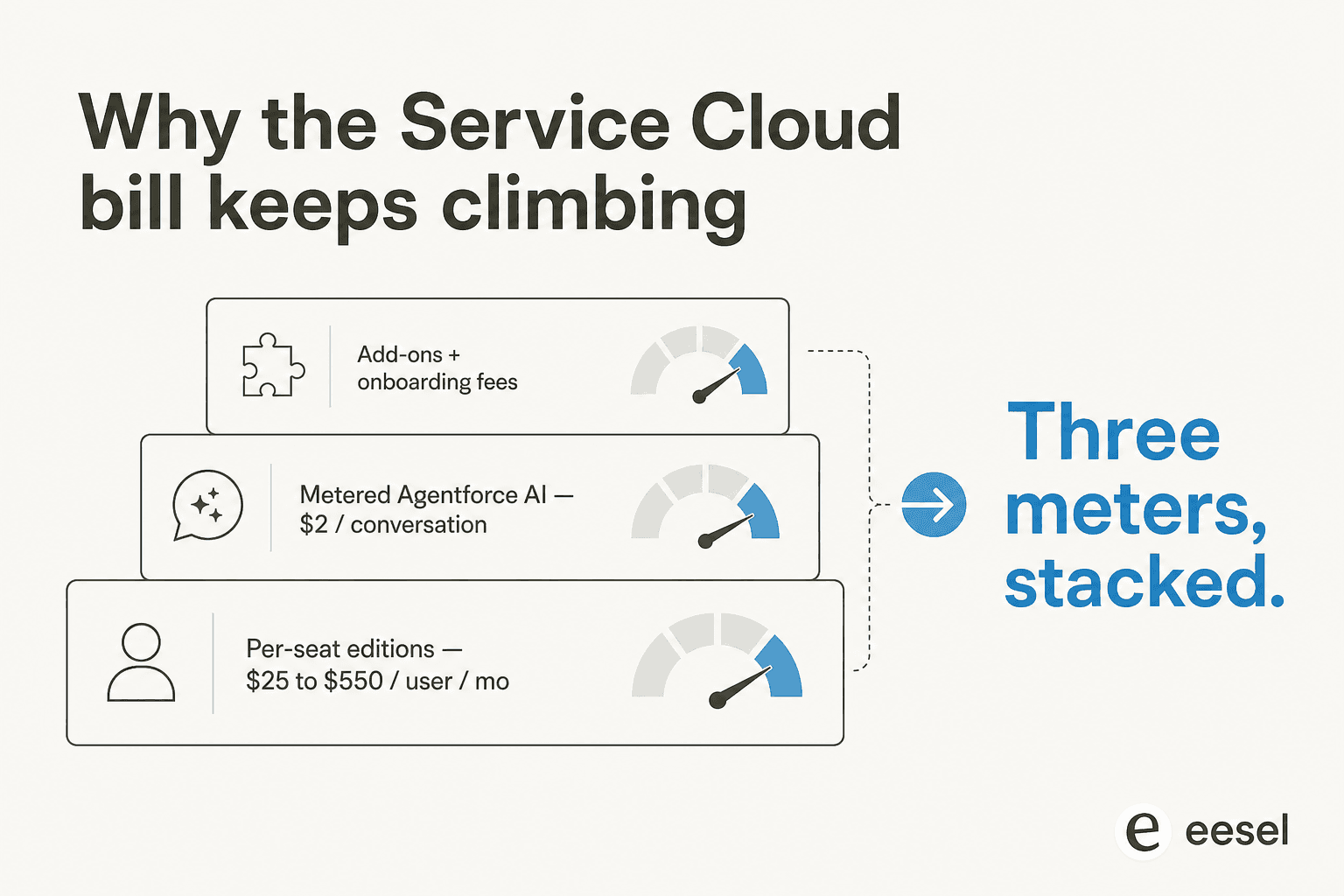
I've spent the last few years on the eesel side watching teams put AI agents on live support queues, and the renewal conversation is almost always about this math, not about whether the product works. A team does the per-seat sum out loud, then adds the metered AI on top, and the number stops making sense for the volume they actually handle. The pattern is so consistent that I'd argue the billing model, not the feature set, is the real reason "Salesforce Service Cloud alternatives" is a search at all.
Three things tend to push people out the door:
- Per-seat pricing that punishes growth. Every agent you add is another $175 to $550 a month at the higher editions, even the ones handling a handful of tickets.
- AI metered on top of seats. Agentforce is sold separately as Flex Credits ($500 per 100k credits) or Conversations ($2 each), so turning the AI on is a second bill, not a feature you already paid for. We dug into the Service Cloud AI limitations separately.
- Time-to-value. Service Cloud rewards heavy configuration. Smaller teams often want a tool an agent can learn in an afternoon, not a project plan.
Here's what Service Cloud and the AI layer actually list at, pulled straight from Salesforce's own pages.
| Plan | Price (per user/month) | What you get |
|---|---|---|
| Starter Suite | $25 | Core case management, basic flows |
| Pro Suite | $100 | Real-time chat, more automation, AgentExchange |
| Enterprise | $175 | AI for service, self-service help center, workflow automation |
| Unlimited | $350 | Chat and bots, Salesforce Knowledge, full sandbox |
| Agentforce 1 Service | $550 | Full AI suite, unmetered employee Agentforce, 2.5M Flex Credits/org/year |
| Flex Credits | $500 / 100k credits | Pay-per-action AI (≈20 credits per action) |
| Conversations | $2 / conversation | Pay-per-conversation customer-facing AI |
The "AI can be added to Enterprise and above" note on Salesforce's pricing page is the quiet tell: the agent autonomy everyone wants lives at the top of the stack, plus consumption. That's the gap every tool below is trying to fill.
How I picked these alternatives
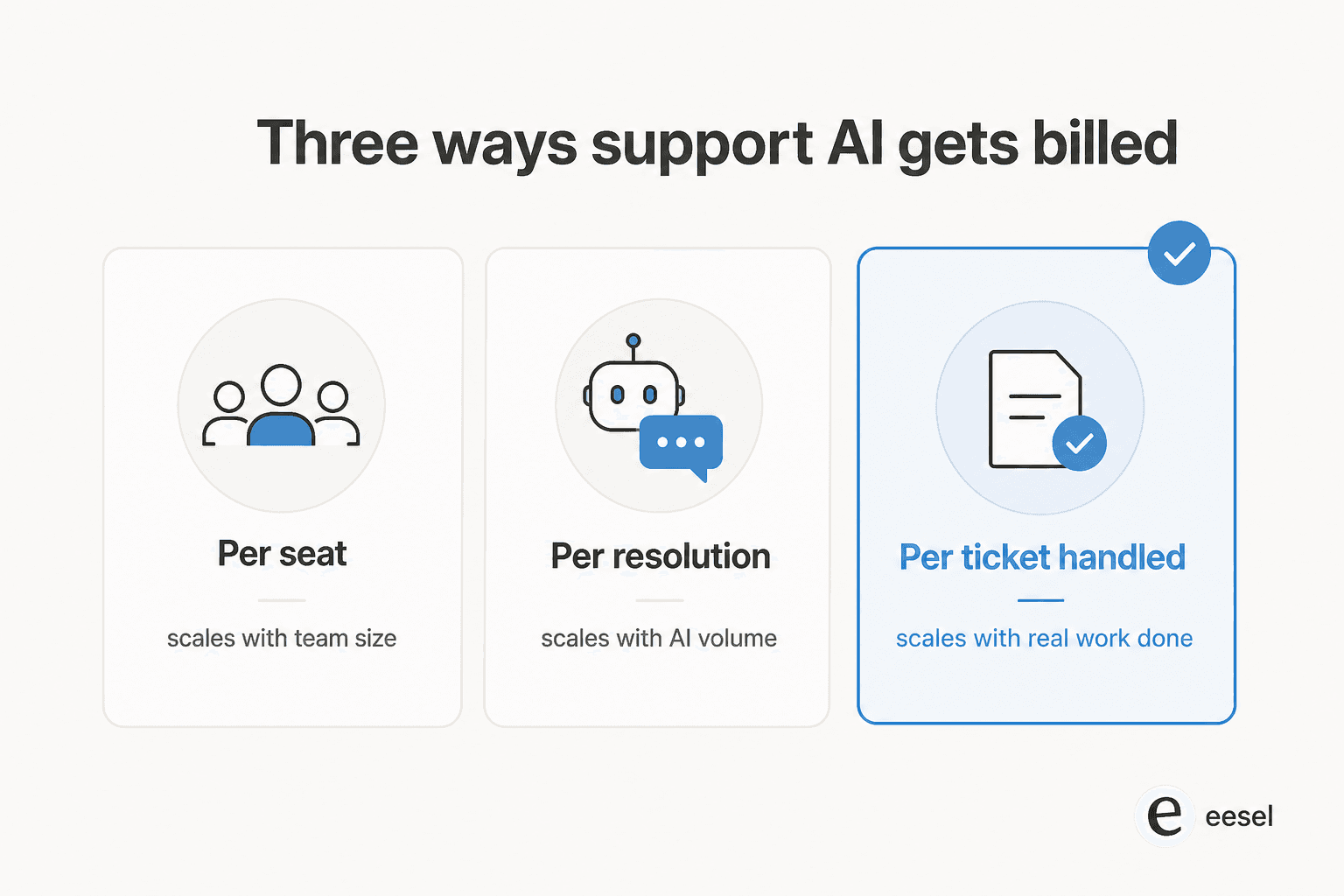
I weighted four things: the billing unit (because that's what decides whether your cost scales with your team, your AI volume, or the work actually done), how the AI is trained and controlled, setup time, and integration depth. I leaned on each vendor's own pricing and product docs for the facts, and on real user threads from Reddit, G2 and Capterra for the parts vendors don't advertise. Tools that only made sense as a "you must also buy our whole platform" play got marked down.
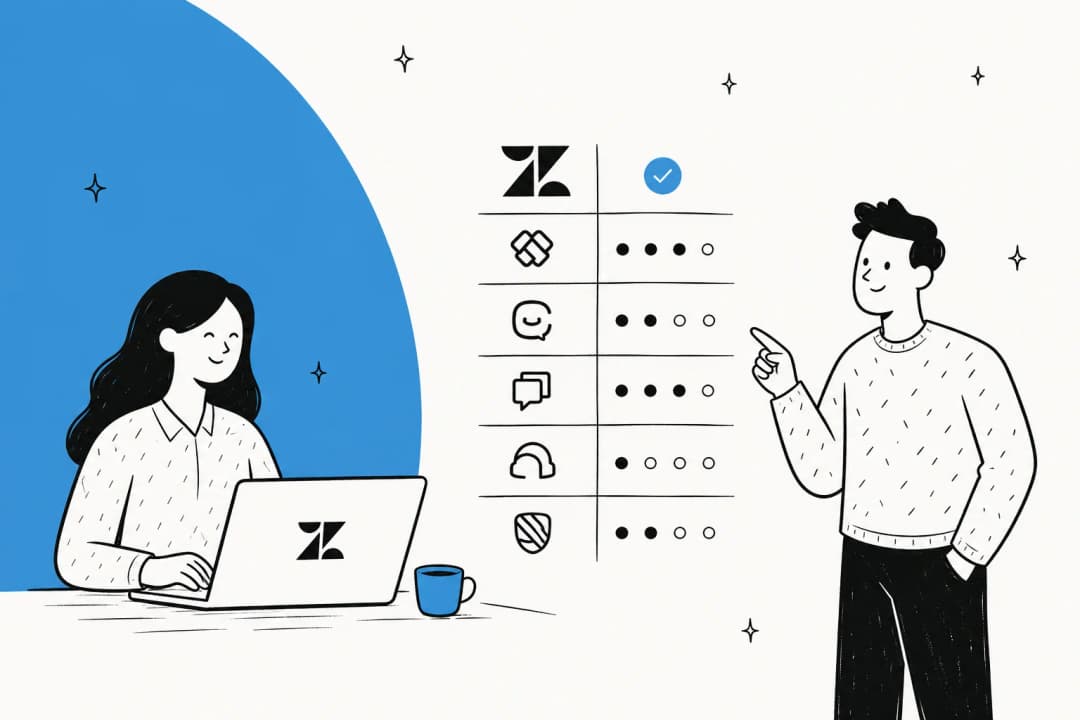
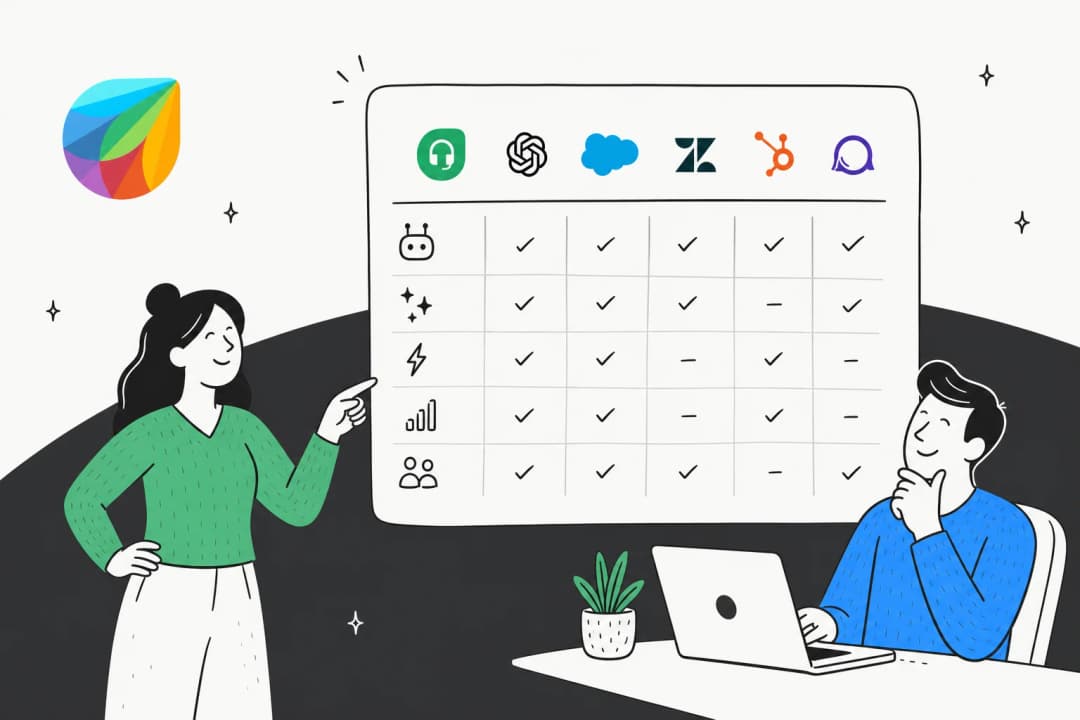
That billing-unit point deserves its own picture, because it's the single thing I'd check first.
Salesforce Service Cloud alternatives at a glance
| Tool | Best for | Entry price | AI billing model | Free tier | Key strength |
|---|---|---|---|---|---|
| eesel AI | Adding AI without switching helpdesk | $0.40 / ticket | Per ticket handled | Yes ($50 free) | Sits on your existing stack |
| Zendesk | Mature AI-first omnichannel at scale | $19 / agent/mo | Per automated resolution | Trial only | Deep app ecosystem |
| Freshdesk | Lower-cost teams wanting a free on-ramp | $0 then $19 / agent/mo | Per AI session | Yes (2 agents) | Real $0 tier |
| Zoho Desk | Budget teams in the Zoho suite | $7 / agent/mo | Bundled (Enterprise) | Yes (3 users) | Price |
| Help Scout | Simple, email-like support | $0 then $25 / user/mo | $0.75 / resolution | Yes (5 users) | Fastest onboarding |
| Front | Collaborative cross-team ops | $25 / seat/mo | From $0.05 / conversation | Trial only | Team collaboration |
| HubSpot Service Hub | Teams already in HubSpot CRM | $0 then ~$7 / seat/mo | Credits (~$0.50 / resolution) | Yes (2 users) | Unified CRM record |
| Gorgias | Shopify and ecommerce brands | $10 / mo | $0.90–$1.00 / resolution | Trial only | Native Shopify actions |
| Kustomer | High-volume B2C with a unified timeline | Quote only | Per engaged conversation | No | Customer-centric data model |
Now the detail, starting with the option I'd actually try first.
1. eesel AI
Best for: teams who want strong AI on the helpdesk they already run, without a migration or a per-seat bill.

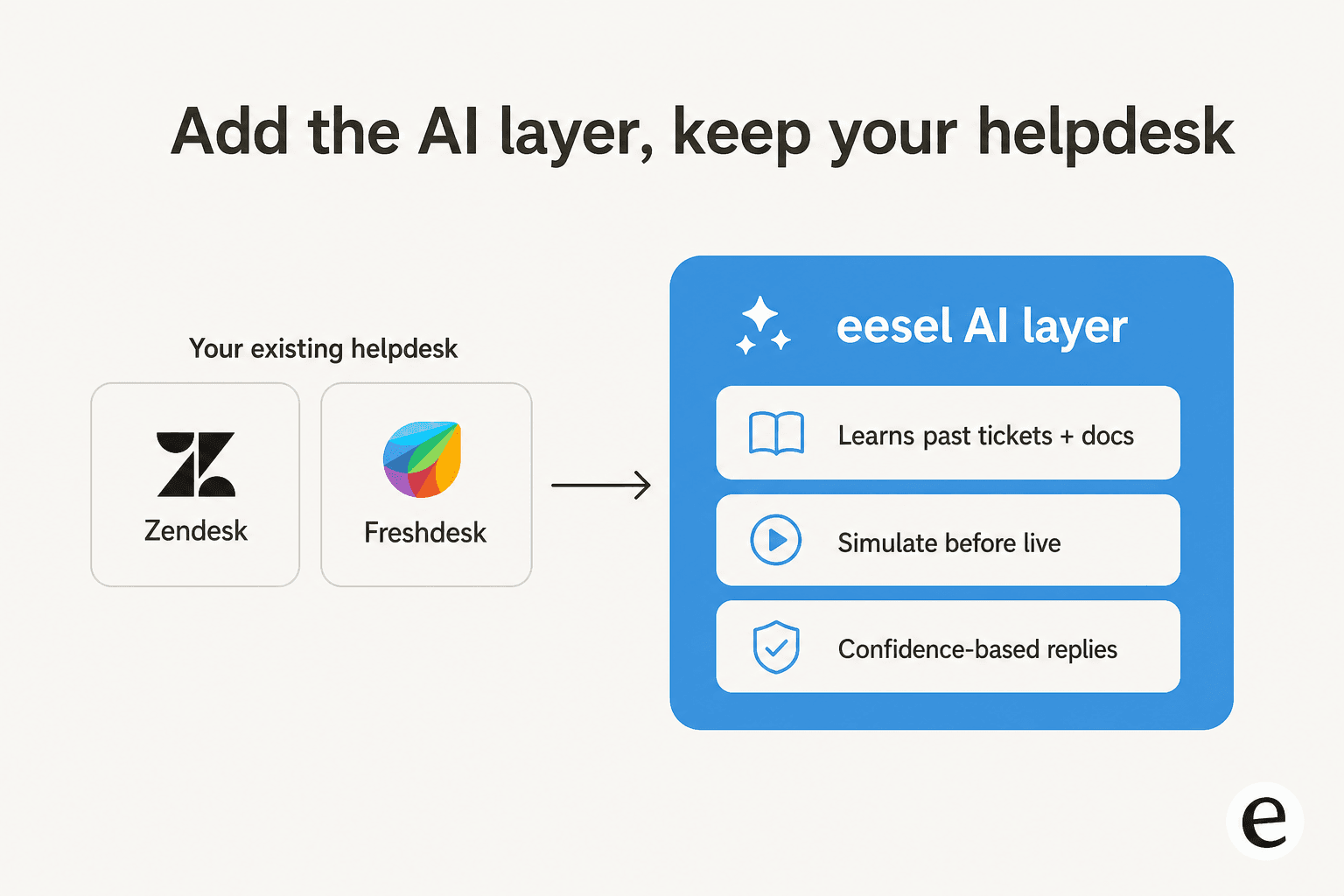
Most of this list asks you to switch platforms. eesel AI takes the opposite bet: keep your helpdesk, and add the AI layer Salesforce wants $550 a seat for. It connects to your existing tools, trains on your past tickets and help docs on day one, and then drafts replies, triages, and resolves the tickets it's confident about, leaving the rest for your team.
Standout features
- Connects to 100+ integrations including Salesforce, Zendesk, Freshdesk, Gorgias, Front and Slack, so it fits the stack you have.
- A simulation mode that runs the agent over your historical tickets and shows projected resolution rate by topic before a single customer sees it. This is the part I'd push hardest, because we built it after watching confident-sounding bots quietly give wrong answers.
- Confidence-based routing: low-confidence tickets become drafts, not live replies, so you control how much autonomy you hand over and when.
- Trains on solved tickets, not just help-center articles, so it picks up the answers your team actually gives.
Pricing
Pure usage, billed per ticket handled: $0.40 per ticket or chat session, no per-seat fee, no platform fee, no minimum on the self-serve plan. You start free with $50 of usage and no credit card. A team running 1,000 AI tickets a month pays about $400, and you're never charged for tickets your humans handle.
Pros and cons
- Pros: no migration, predictable per-ticket cost, and a real way to test accuracy before launch. It resolved 73% of tier-1 requests for Gridwise in the first month, and Smava runs a fully automated Zendesk agent over 100,000+ German-language tickets a month.
- Cons: it's an AI layer, not a full ticketing system, so you still need a helpdesk underneath it. And if you want one vendor to own everything end-to-end, a single platform may feel tidier.
Our take: if your real problem is cost and AI quality rather than the helpdesk itself, start here, because you can prove the value on your own tickets in a 7-day trial without touching your stack. If you genuinely need to replace the underlying platform, read on.
2. Zendesk
Best for: mid-market and enterprise teams that want a purpose-built, AI-first helpdesk and can stomach layered pricing.
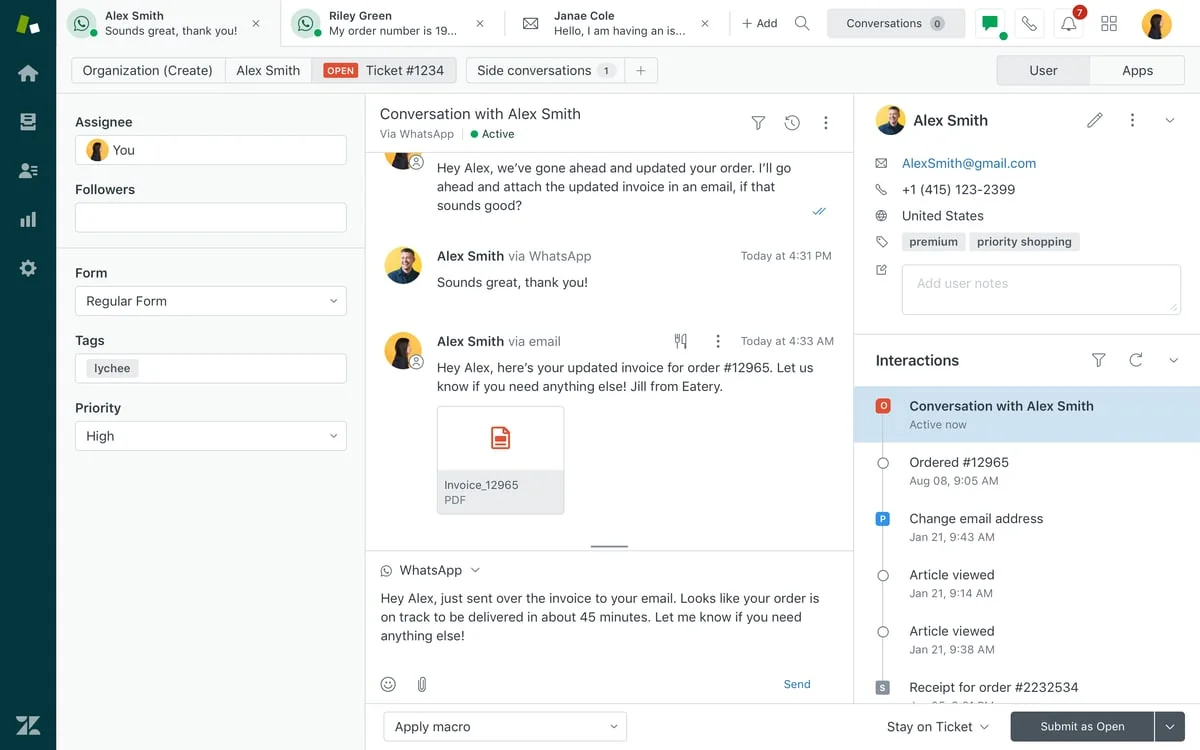
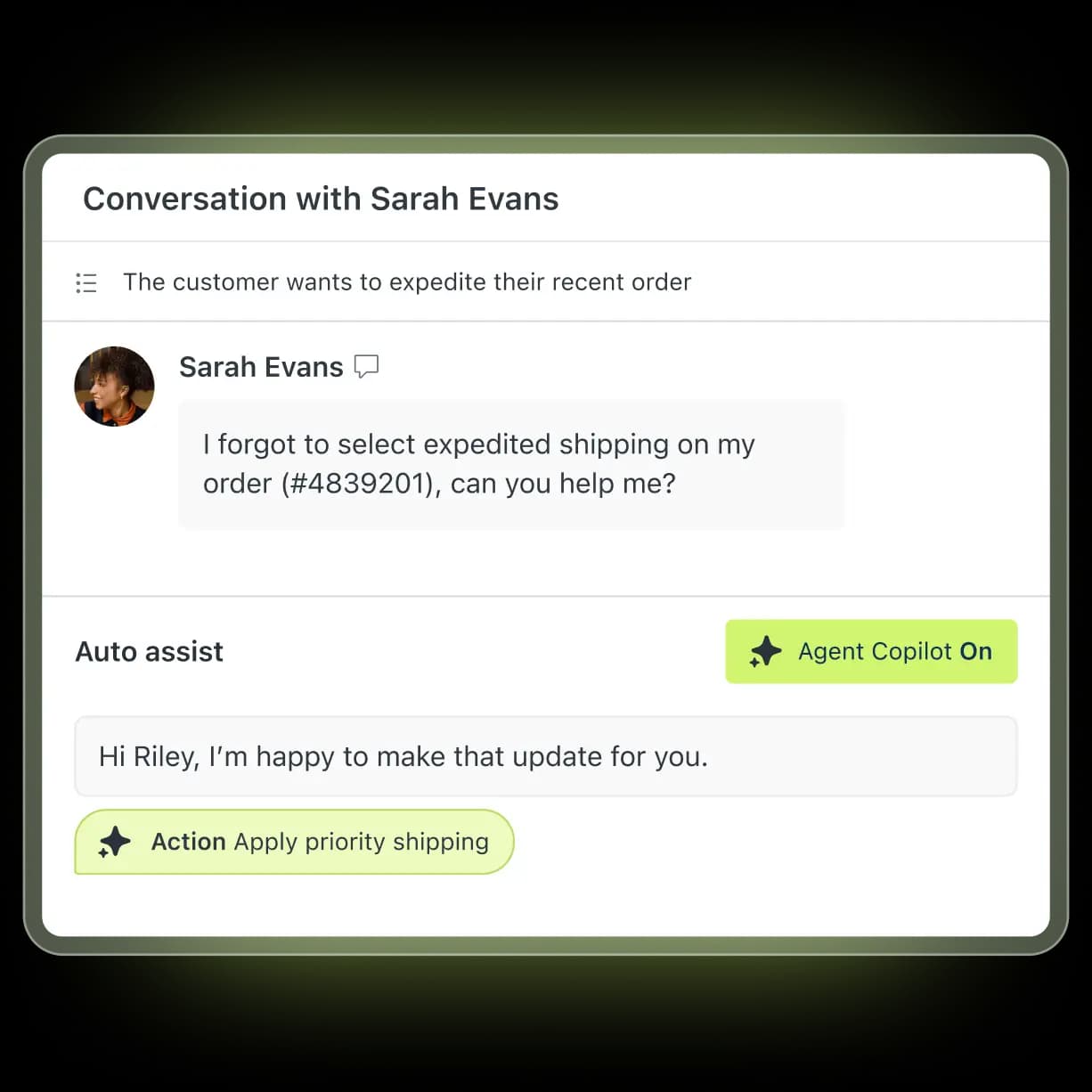
Zendesk is the default "we left Salesforce for a real helpdesk" answer, and it earns it. The agent workspace handles one conversation across email, WhatsApp, chat and voice, its AI agents reason through multi-step requests and take actions, and AutoQA scores 100% of interactions rather than a sample. It's faster to stand up than a CRM-bolted-on service cloud, and the marketplace has 1,800+ apps.
Standout features
- Unified omnichannel workspace with full customer context per ticket (source).
- AI agents that take cross-system actions, not just scripted replies (source).
- A knowledge copilot that flags content gaps from recent conversations (source).
Pricing
Per agent per month, billed annually: Support Team at $19 (no AI), Suite Team at $55 (first tier with AI agents), Suite Professional at $115, and Enterprise on request, per the pricing page. Copilot and other add-ons run $50/agent/month each, and AI agents are billed separately per automated resolution. There's a 14-day trial but no free tier.
Pros and cons
- Pros: mature, reliable ticketing, deep ecosystem, and genuinely autonomous AI; it was named a Leader in the 2025 Gartner Magic Quadrant for the CRM customer engagement center.
- Cons: the pricing scales the wrong way. AI lives at $55+ plus $50/agent add-ons plus per-resolution overage, and the resolution definition is disputed.
"Their pricing isn't transparent at all. Even if you spend a million dollars a year, they will still nickel and dime the shit out of you because it's their model... unlike most companies where costs scale so you save money, Zendesk expects you to pay more as you grow."

Our take: the strongest pure-play helpdesk on this list and a safe landing spot for scale. Just go in with eyes open on cost; the seat-plus-resolution stack is the same shape of bill you're leaving Salesforce over. See our Service Cloud vs Zendesk comparison, or pair it with eesel to skip the AI add-on entirely.
3. Freshdesk
Best for: small-to-mid teams that want a fast, lower-cost helpdesk with a genuine free on-ramp.
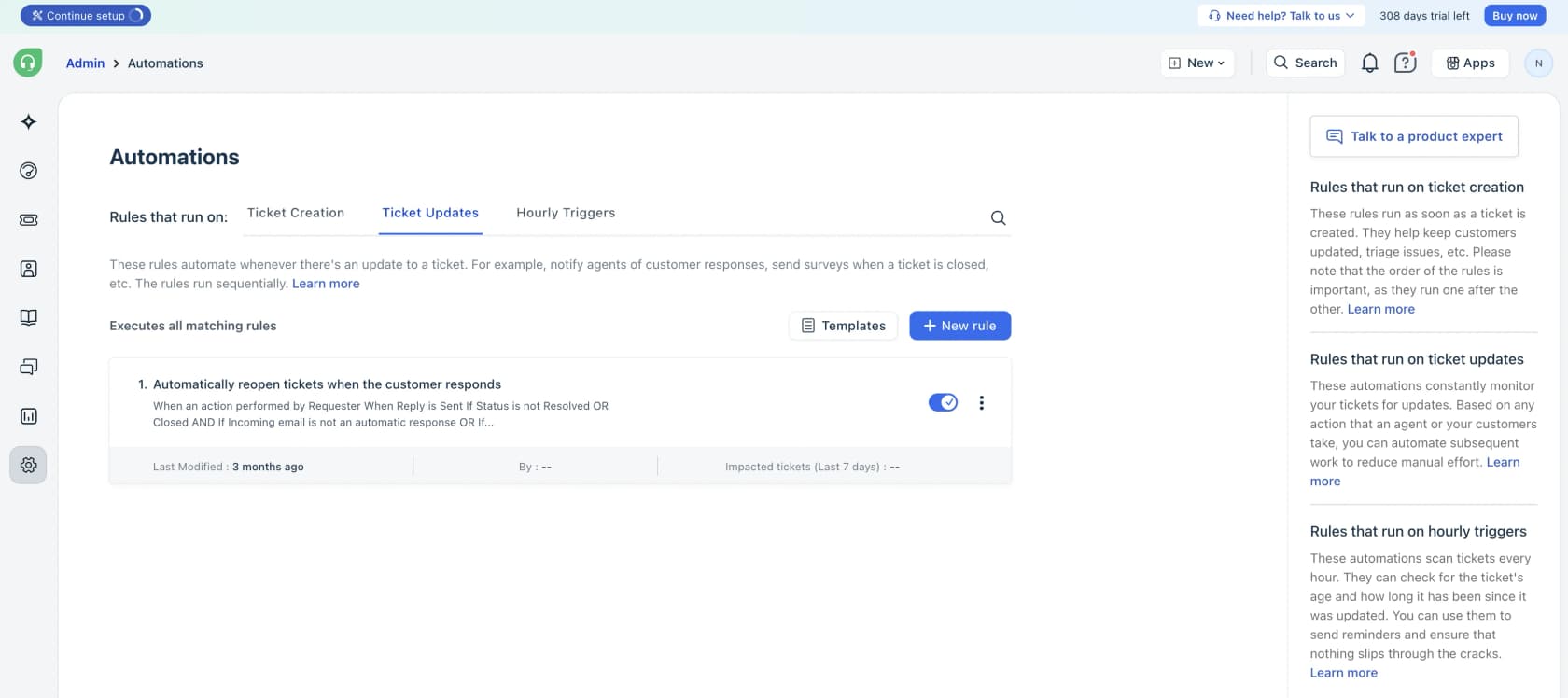
Freshdesk is the friendly, cheaper cousin to the enterprise suites. It has a clean admin UI, solid routing, and Freddy AI for autonomous resolution plus a Copilot for agents. For a team coming off Salesforce mainly to cut cost and complexity, it's an easy place to land.
Standout features
- Freddy AI Agent with 50+ prebuilt agentic workflows and a no-code studio (source).
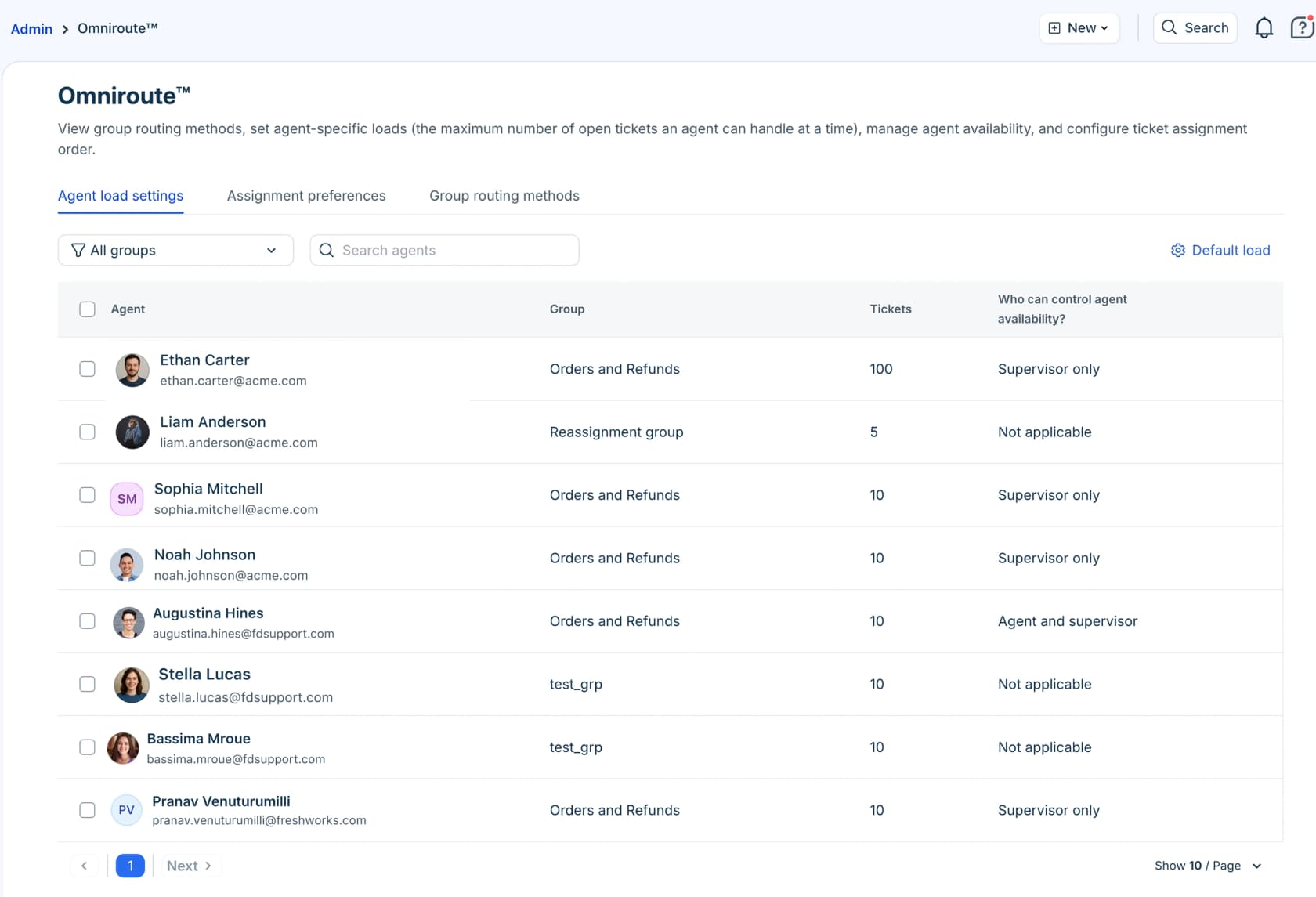
- Omniroute assignment by sentiment, skill, and per-agent load caps (source).
- A unified command center pulling order context and sentiment into one view (source).
Pricing
A real free tier for 1–2 agents (six months, no card), then Growth at $19, Pro at $55, and Enterprise at $89 per agent per month billed annually, per the pricing page. The catch is AI: Freddy is session-metered, with 500 included sessions then $49 per 100 sessions, and Copilot is a separate $29/agent/month.
Pros and cons
- Pros: one of the few helpdesks with a true $0 tier, base seats well under Service Cloud, and a UI people find easy.
- Cons: AI cost spikes with volume, and users report it struggling on complex tickets. The full AI studio is on the pricier Freshdesk Omni SKU, not standalone.
"We tested an ai integration in freshdesk and had almost the exact same experience. it worked for very simple tickets but anything slightly complex got misclassified. agents ended up spending more time fixing errors than before."
Our take: a strong, affordable platform swap for smaller teams. If Freddy's session metering or complex-ticket accuracy worries you, this is a clean case for running eesel on Freshdesk instead of paying for Freddy. More options in our Freshdesk alternatives guide.
4. Zoho Desk
Best for: budget-conscious teams, especially those already in or moving into the Zoho suite.
Zoho Desk is the value pick. It does most of what the big suites do at a fraction of the price, with a real omnichannel inbox, strong process automation, and Zia for auto-tagging and sentiment. The honest caveat is that the deepest value shows up if you're willing to live in the broader Zoho ecosystem.
Standout features
- Omnichannel inbox spanning email, social, messaging, chat, telephony, and a community forum (source).
- Blueprint drag-and-drop process automation that enforces resolution steps (source).
- Zia auto-tagging and thread-level sentiment scoring (source).
Pricing
Per agent per month, billed annually: a Free Forever tier for 3 users, then Express at $7, Standard at $14, Professional at $23, and Enterprise at $40, per the pricing page. Note that the better Zia AI features are gated to Enterprise.
Pros and cons
- Pros: the steepest price advantage here, a genuine free tier, and well-regarded automation and Blueprint workflows. It's GDPR, HIPAA and CCPA compliant and says it never trains AI on customer data.
- Cons: the best AI sits behind Enterprise, Zia underwhelms many users, and the UI has a learning curve. Value depends on buying into the Zoho stack.
"Zoho Desk offers almost everything that Zendesk does at like half the cost."
Our take: pick Zoho Desk to cut cost if you're comfortable in its ecosystem. If Zia leaves you cold, our best AI for Zoho Desk and Zoho Desk alternatives pieces cover where to go next.
5. Help Scout
Best for: relationship-driven small teams who want a simple, email-like inbox instead of heavyweight ticketing.
If Service Cloud felt like too much machine, Help Scout is the soft landing. The shared inbox reads like email, with collision detection, notes, and saved replies, and the AI side is solid: AI Answers resolves from your knowledge base across 50+ languages, and the Inbox Assistant drafts and summarizes for agents. It's the tool a small team can run in a day.
Standout features
- Email-like shared inbox with collision detection and internal notes (source).
- AI Answers, an autonomous agent averaging a 73.19% resolution rate (source).
- Beacon, an embeddable widget for self-service, AI answers, and chat (source).
Pricing
Per user per month: a Free plan for 5 users, then Standard at $25, Plus at $45, and Pro at $75, with AI Answers billed separately at $0.75 per resolution, per the pricing page. It's SOC 2 Type 2 certified and HIPAA compliant.
Pros and cons
- Pros: the cleanest onboarding in the category, rated higher than Zendesk on ease of use, and a 3-month free unlimited AI Answers trial to evaluate.
- Cons: G2's top complaint is thin advanced features and customization, AI resolutions stack cost at scale, and trust took a hit from a 2025 pricing flip-flop.
"HelpScout changed back to user-based pricing. Guess too many people cancelled including me... Helpscout lost all trust with this flip-flopping on pricing."
Our take: ideal if you left Salesforce because it was too complex and you value simplicity over depth. If you outgrow it, see our Help Scout alternatives and Help Scout pricing breakdowns.
6. Front
Best for: teams running collaborative, cross-departmental customer operations rather than FAQ-style ticket deflection.
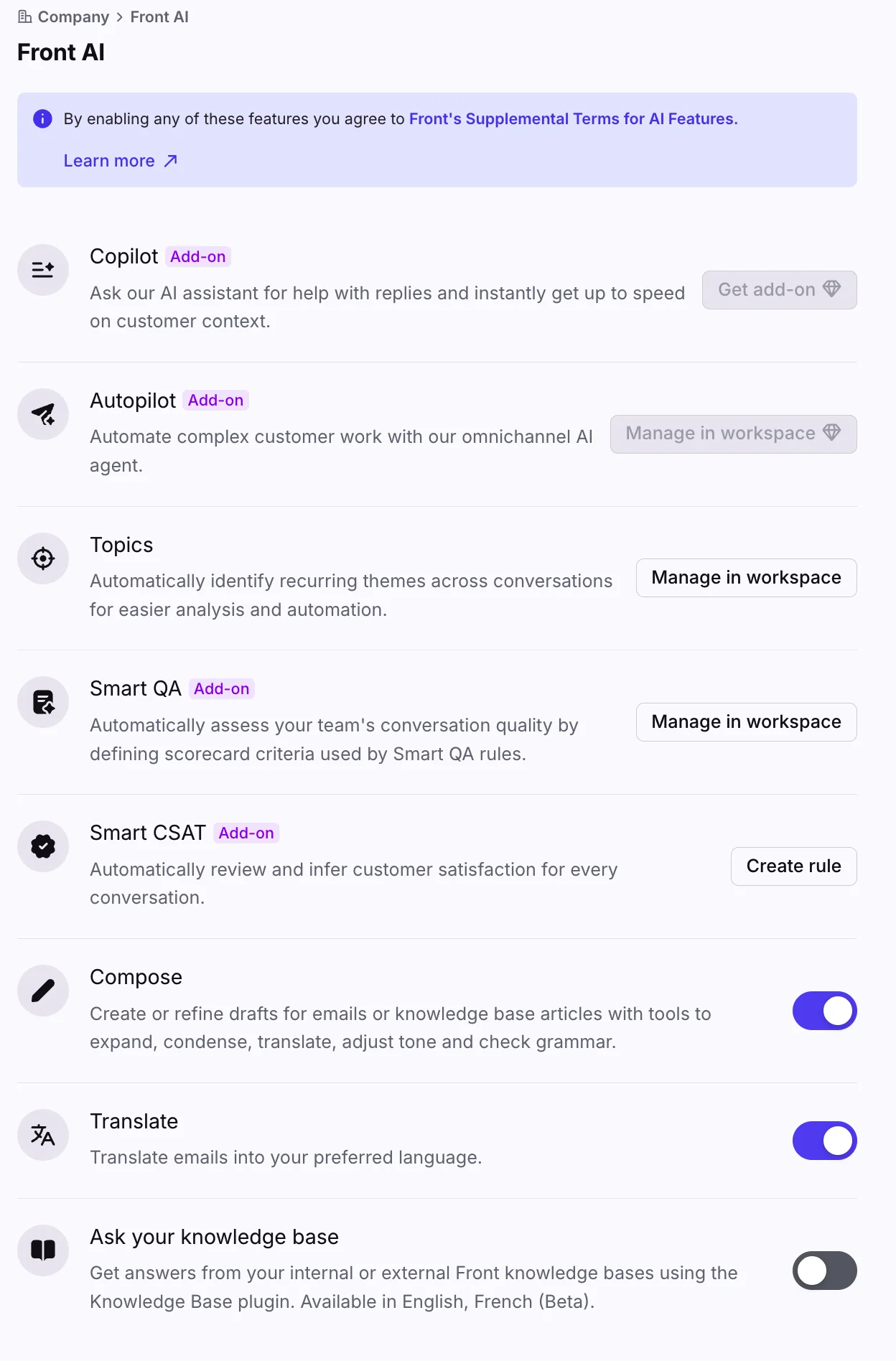
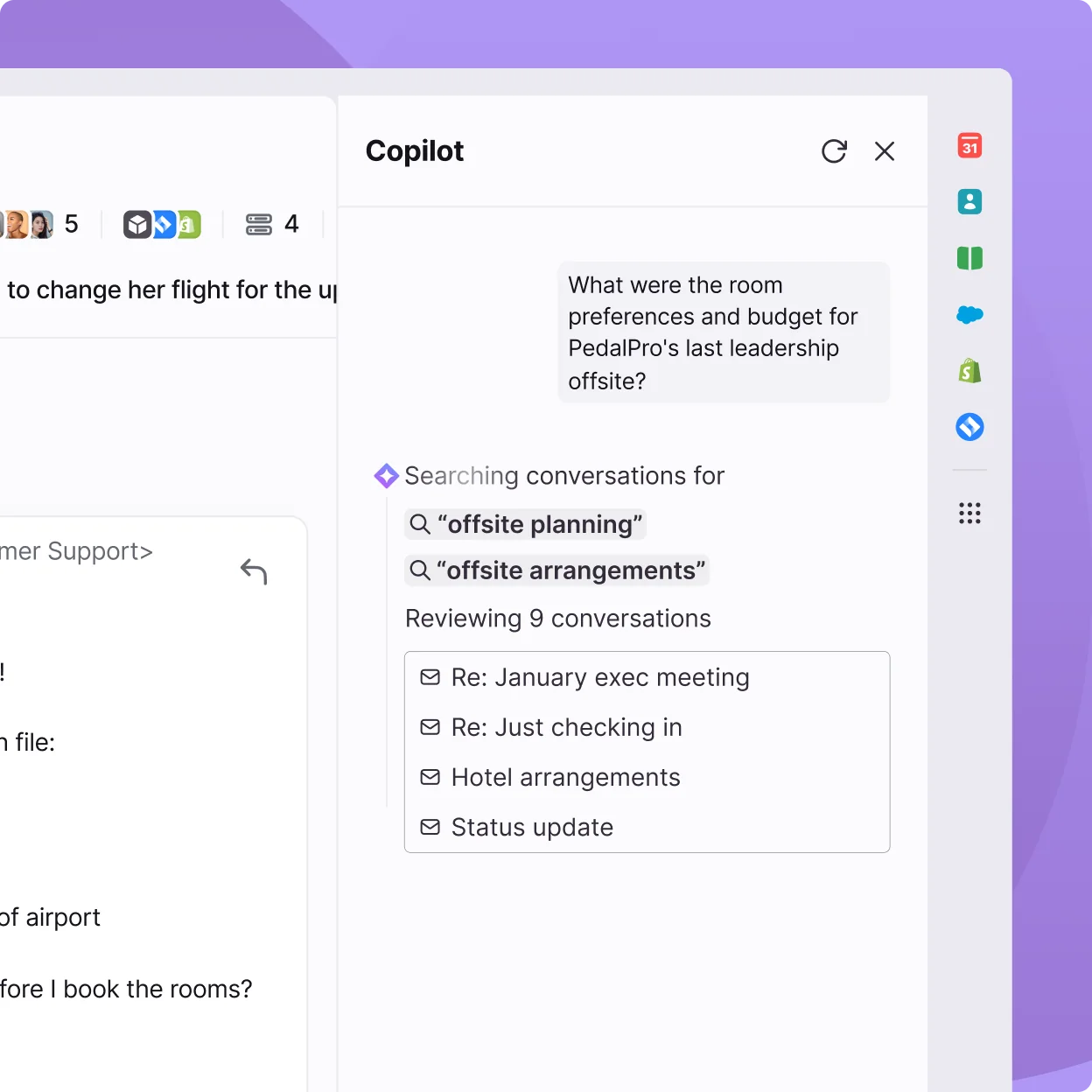
Front is the collaboration specialist. It's a shared inbox where teammates comment, draft together, and escalate inside the conversation instead of in a separate chat tool, plus a Front AI suite with Autopilot and Copilot. If your "support" is really cross-team customer ops, it shines.
Standout features
- Collaborative inboxes with shared drafts and internal comments (source).
- A Front AI suite that claims to resolve up to 70% of requests (source).
- Omnichannel reach with 160+ integrations under one view (source).
Pricing
Per seat per month, billed annually: Starter at $25, Professional at $65, and Enterprise at $105, per the pricing page. AI is add-on: Autopilot from $0.05/conversation, Copilot $20/seat/month. No free tier, 14-day trial only.
Pros and cons
- Pros: best-in-class team collaboration and strong omnichannel, with high review scores (G2 4.7/5 across ~2,466 reviews).
- Cons: it's a "supercharged shared inbox" more than ground-up ticketing, and the dominant review complaint is price escalating as AI add-ons stack.
"Front feels like a 'supercharged shared inbox' whereas Zendesk is a proper ticketing system built for customer support from the ground up."
Our take: pick Front if collaboration and shared visibility matter more than rigid ticket workflows. If you came to Salesforce alternatives for structured ticketing depth, it may feel thin; our Front alternatives and Front AI guides go deeper.
7. HubSpot Service Hub
Best for: teams already living in HubSpot's CRM who want support on the same customer record as sales and marketing.
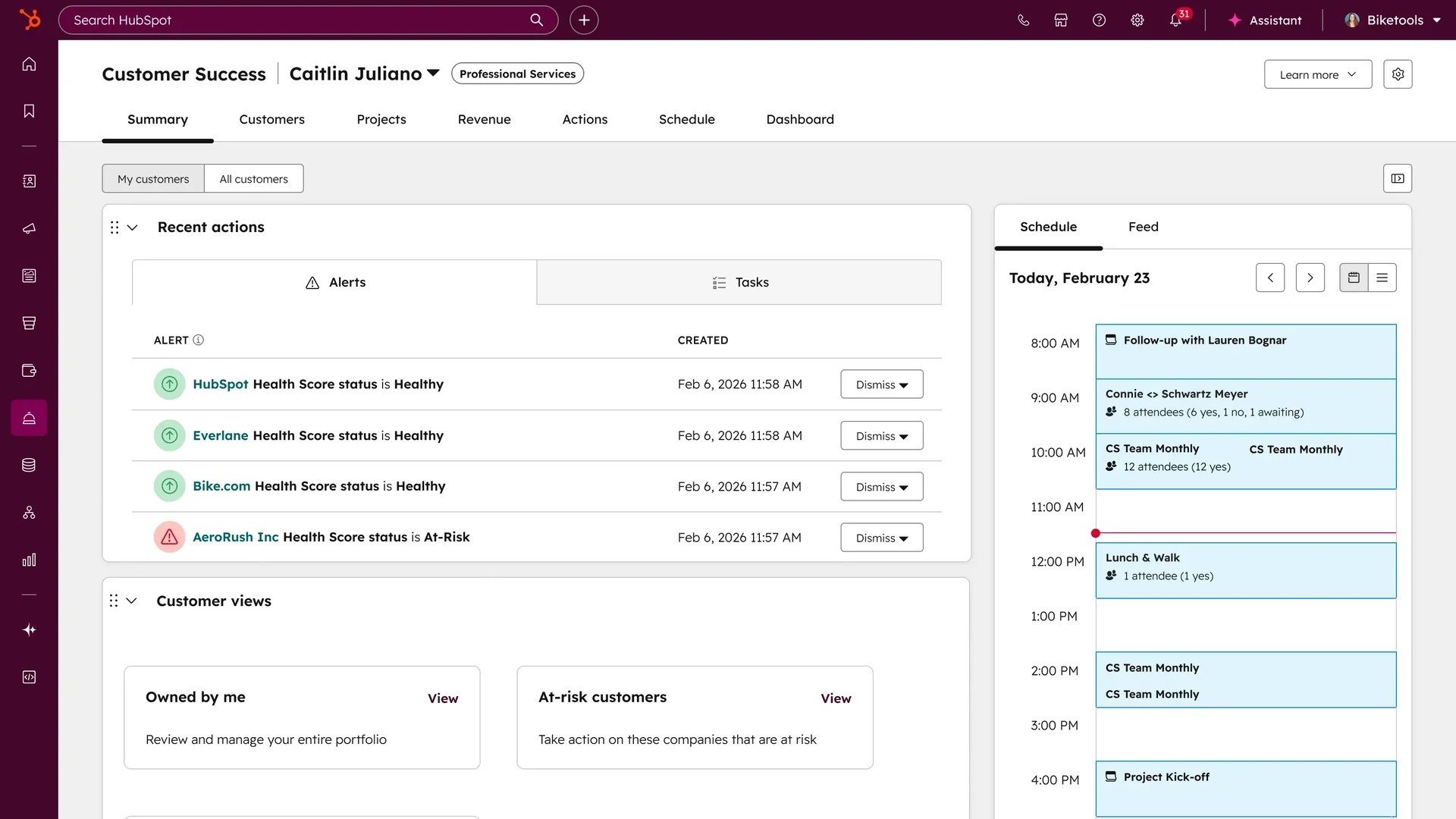
HubSpot Service Hub makes the most sense as part of the wider HubSpot platform. Support runs on the same Smart CRM as your deals and marketing, so every ticket sits next to deal stage and history, and Breeze, its customer agent, resolves email and chat from a connected knowledge base with cited sources.
Standout features
- Ticketing on the HubSpot Smart CRM with sales and marketing context (source).
- AI Help Desk Workspace with Spaces and a custom channels API (source).
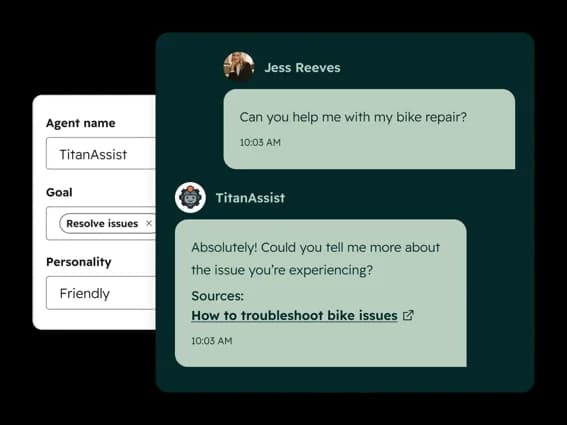
- Breeze Customer Agent answering 24/7 from a connected KB with citations (source).
Pricing
A free tier for 2 users, then Starter from ~$7/seat/month (annual), Professional from $90, and Enterprise from $150, per the pricing page. Watch the extras: Pro and Enterprise carry mandatory $1,500 and $3,500 one-time onboarding fees, and Breeze meters AI credits at ~$0.50 per resolution.
Pros and cons
- Pros: one unified customer record across service, sales and marketing, a usable free tier, and in-inbox Breeze wins like KB gap detection.
- Cons: the sticker badly understates real cost once you add seats, onboarding fees, and metered credits, which is the exact cost-ramp Salesforce-leavers want to escape.
"We've been with Hubspot for 10+ years and not sure if we can afford it anymore... the more contacts we add, the more expensive it gets which is really counter intuitive."
Our take: worth it if you'll actually use the unified record, otherwise the seat math and credits push you back toward flat-rate options. We weighed it in our Service Hub AI verdict and Service Hub alternatives.
8. Gorgias
Best for: Shopify and ecommerce brands whose tickets are mostly order actions like WISMO, refunds, and cancellations.
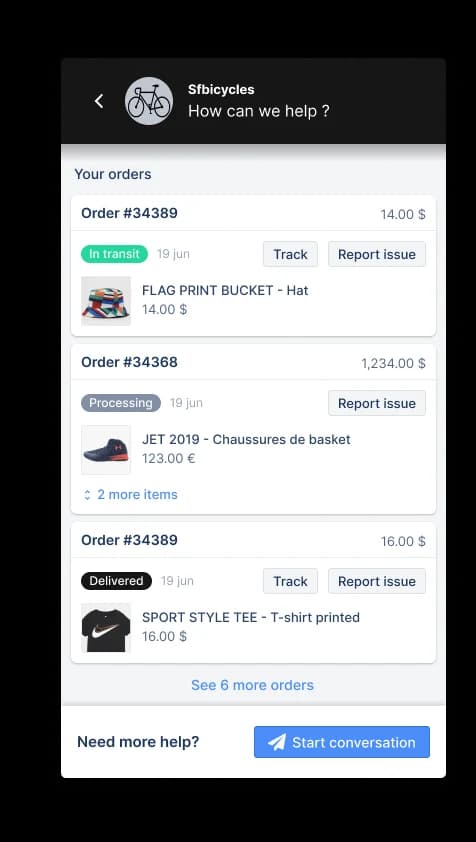
Gorgias is the ecommerce specialist, powering support for a claimed 40% of Shopify brands. Its AI Agent is trained on 1B+ ecommerce conversations and can edit orders, process returns, and generate discounts inside the ticket thanks to a native Shopify integration. For online retail, nothing else here speaks "order data" as fluently.
Standout features
- AI Agent that handles returns, refunds, order edits, and dynamic discounts (source).
- Native Shopify integration with in-conversation actions (source).
- Rule-based automation that auto-replies to order-status emails with tracking (source).
Pricing
Ticket-based, not per seat: Starter from $10/month, Basic from $50, Pro from $300, Advanced from $750, then Enterprise, per the pricing page. The AI Agent is a usage add-on at $0.90–$1.00 per resolution, and each resolution also counts as a billable ticket. It holds SOC 2 Type II.
Pros and cons
- Pros: the deepest Shopify integration of any helpdesk, and ticket-based pricing means adding agents doesn't add cost.
- Cons: it's built for retail, not general-purpose or internal support, and per-resolution AI cost compounds because every AI resolution is billed twice.
"40%+ tickets need Shopify actions → I'd lean Gorgias. Mostly conversational support → Zendesk is fine."
Our take: the obvious pick for a Shopify brand leaving Salesforce, and a poor fit for anything non-retail. If the per-resolution-plus-ticket billing stings, our best Gorgias alternatives and Gorgias AI guides cover the trade-offs.
9. Kustomer
Best for: high-volume B2C brands that want AI grounded in a unified customer timeline rather than a ticket queue.
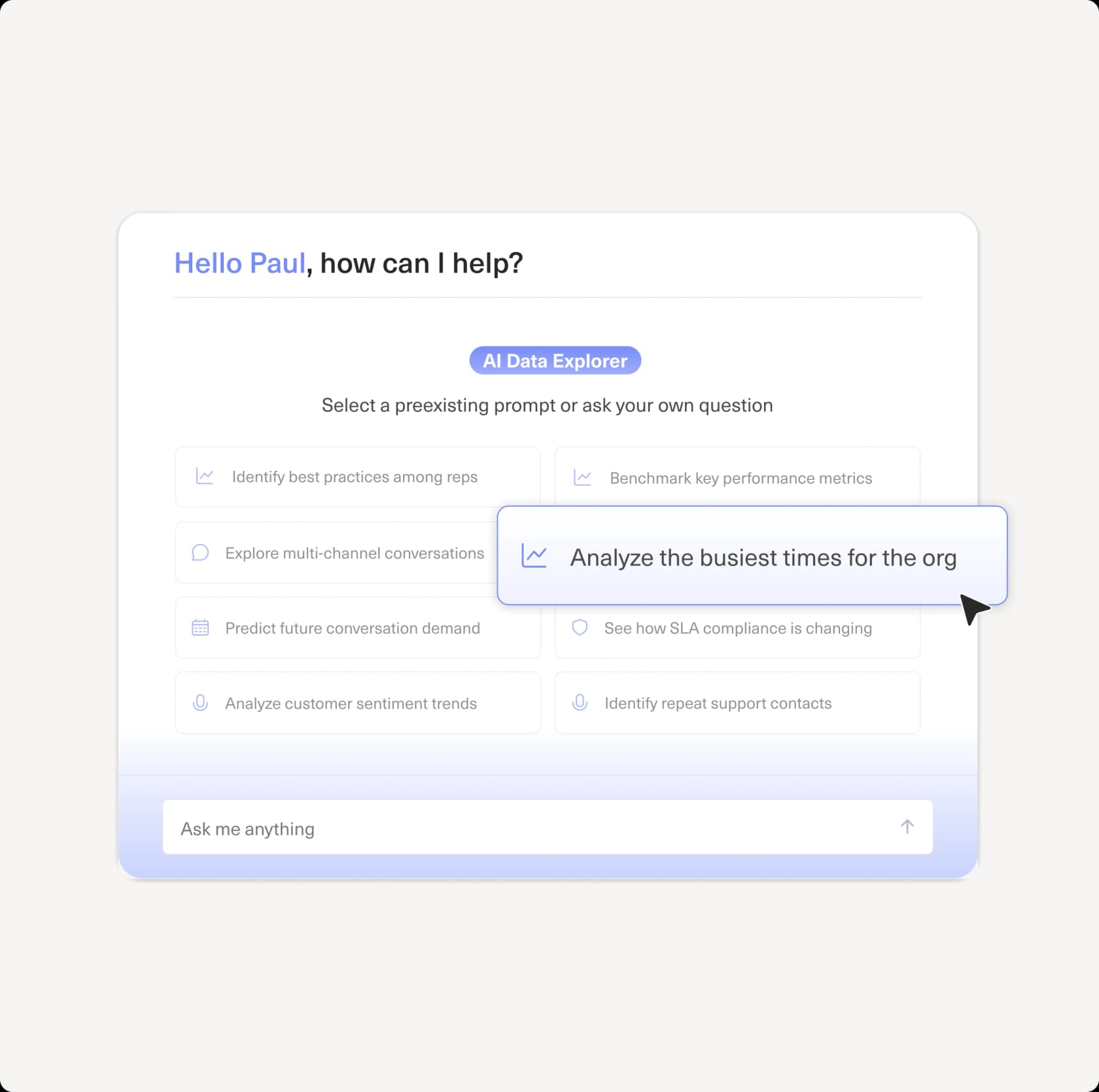
Kustomer is the closest in spirit to Salesforce on this list: an AI-native CX platform built on a customer-centric data model, where Concierge runs customer-facing AI off the full 360° timeline and Envoy assists agents. For consumer brands with heavy volume, the unified-record approach is genuinely useful.
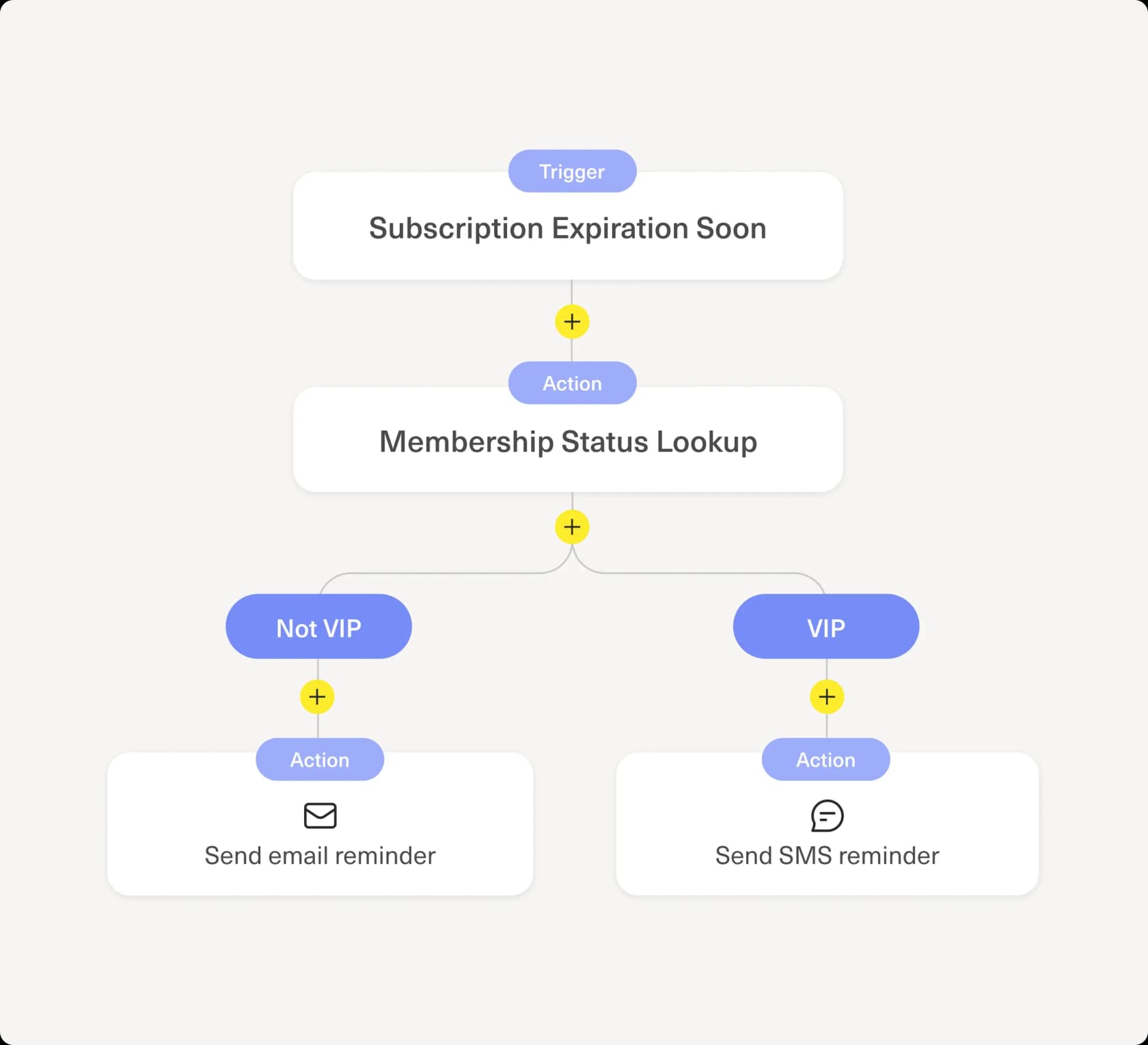
Standout features
- Concierge customer-facing AI working off the full customer timeline (source).
- No-code workflows on a customer-centric data model (source).
- Data Explorer answering plain-language analytics questions (source).
Pricing
Quote-only. Kustomer's pricing page publishes no per-seat or per-resolution figures, and there's no free tier; everything routes to sales. Third-party teardowns put it around $89–$139/seat/month with an 8-seat minimum and AI billed separately, so verify with sales before you commit. It does publish a 99.9% uptime SLA.
Pros and cons
- Pros: a strong unified-timeline model for relationship-heavy B2C, with solid ratings (G2 4.4/555).
- Cons: enterprise-leaning, quote-only and annual-only, with reports of a buggy voice channel and slow API velocity.
"In my experience, the voice channel is incredibly buggy. My phone team is continually troubleshooting repeated issues like calls dropping, audio issues, calls not being routed."
Our take: a fair Service Cloud substitute for high-volume consumer brands that can absorb sales-gated, per-seat-plus-metered pricing. If you want transparent pricing, look elsewhere; our Kustomer pricing and best Kustomer alternatives posts have the detail.
How to choose
Strip it back and the decision is short:
- You like your helpdesk and the problem is cost or AI quality. Don't migrate. Add an AI layer like eesel and keep what works.
- You need a true platform swap. Zendesk for scale and ecosystem, Freshdesk or Zoho Desk for cost, Help Scout for simplicity.
- Your use case is specialized. Gorgias for Shopify, Front for cross-team ops, Kustomer for high-volume B2C, HubSpot if you're already on its CRM.
Whatever you pick, the one thing I'd insist on is testing the AI against your own historical tickets before it touches a customer. The teams that get burned are the ones who trust a demo; the teams that win are the ones who measured first. Our guide on AI customer service metrics covers what to watch.
Try eesel
If the reason Salesforce Service Cloud is on the chopping block is the per-seat-plus-metered-AI math, the cleanest fix might not be a migration at all. eesel AI connects to the helpdesk you already run, including Salesforce, Zendesk, Freshdesk, Gorgias and Front, learns from your past tickets and help docs, and resolves the tickets it's confident about, all billed per ticket handled instead of per seat. The differentiator I'd point any Salesforce refugee to is the simulation mode: it runs over your historical tickets and shows the resolution rate by topic before go-live, so you're never trusting a demo. It's free to start with $50 of usage and no credit card, which means you can prove the number on your own queue this week.

Frequently Asked Questions
How much does Salesforce Service Cloud cost?
What is the best Salesforce Service Cloud alternative?
Is there a cheaper alternative to Salesforce Service Cloud?
Can I add AI to Salesforce Service Cloud without switching?
What should I look for in a Salesforce Service Cloud alternative?


Article by
Kurnia Kharisma Agung Samiadjie
Kurnia is a software engineer and writer at eesel AI with two years of SEO experience, writing about AI tools, helpdesk software, and customer support. He pairs a developer's understanding of how these products are built with search-driven research into what actually ranks and resonates with the people searching for them.