

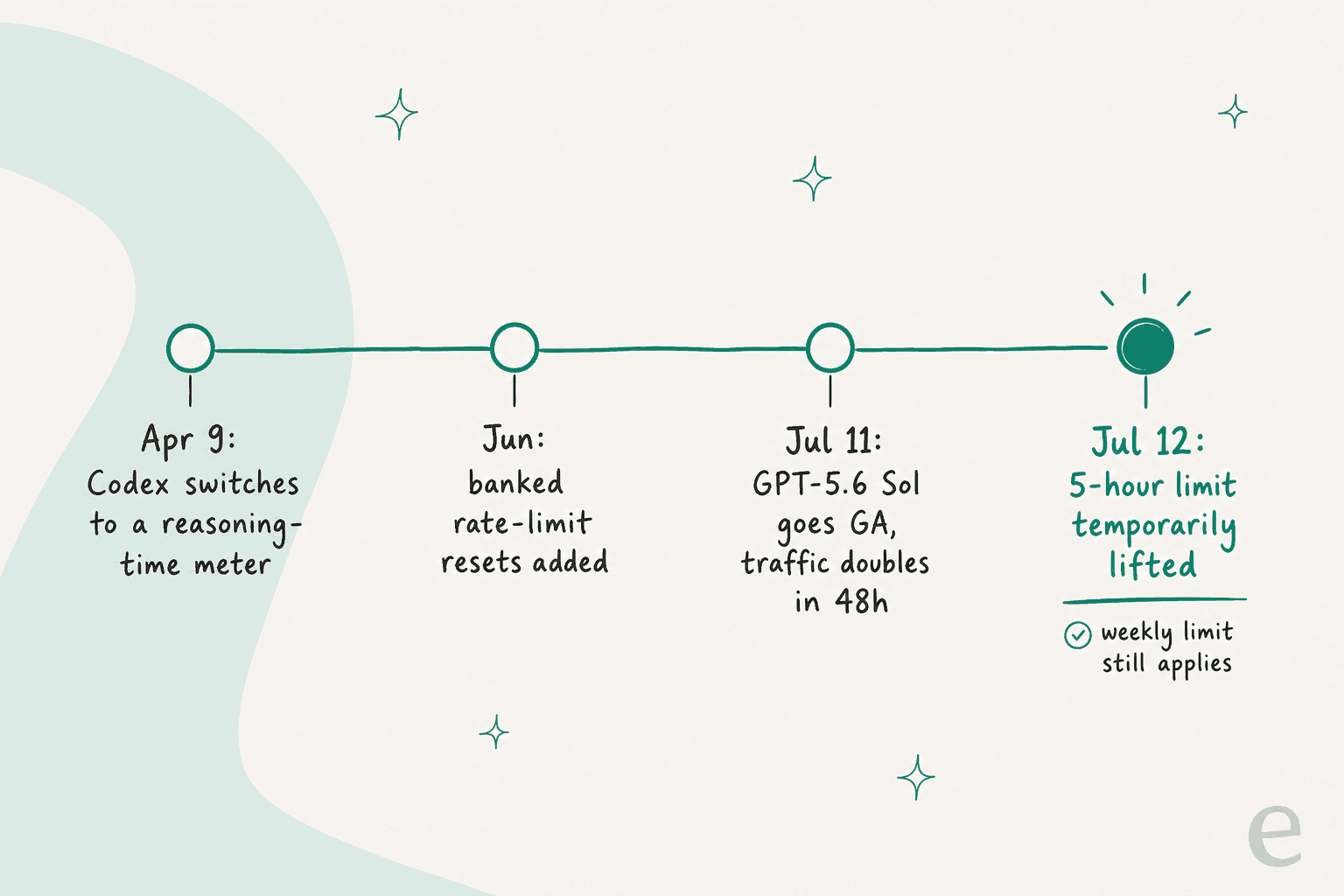
On July 12, 2026, OpenAI temporarily removed the 5-hour usage limit on Codex and ChatGPT Work for Plus, Pro, and Business plans, reset everyone's usage, and rolled out changes to make GPT-5.6 Sol burn less quota per task. The trigger was simple: Sol went generally available on July 11 and doubled traffic in 48 hours.
Here is the part the headlines skip. It is temporary, with no end date. The weekly limit is still there. The shared credit pool is still there. And it never made the official Codex changelog, because it was a firefighting move announced on X, not a permanent plan change. So you did not get unlimited Codex. You got a bigger, reshaped runway for as long as OpenAI can afford to keep the meter off.
I build integrations and APIs for a living, so the thing I keep coming back to is not the limit itself, it is how fragile "included usage" is when it is priced against compute. That is exactly why, at eesel, we price on a fixed monthly plan (1 credit per ticket) instead of a usage clock. More on that at the end.
What OpenAI actually changed on July 12
The change came from Thomas "Tibo" Sottiaux, who leads Codex at OpenAI, in a Sunday-morning post on X. Three things happened at once:
- The 5-hour usage limit was temporarily removed for all Plus, Business, and Pro plans.
- Everyone's usage limits were reset, so people mid-cycle got a fresh runway.
- GPT-5.6 Sol was made more efficient, so a given task burns less of your quota.
"Morning. The last 48 hours of Codex and ChatGPT Work have been intense! Three important updates: - Temporarily removing the 5 hour usage limit restriction for all Plus, Business and Pro plans..."
A couple of days later he reset the limits again after Codex and ChatGPT Work crossed 8 million active users, and confirmed the 5-hour window was still off. The word doing all the work in every one of these posts is temporarily, and I will come back to why that matters.
What the 5-hour limit actually was
Before you can judge the removal, it helps to know what got removed. Every Codex subscription tier meters usage in a five-hour rolling window. Crucially, your local messages (the CLI and IDE) and your cloud chats share the same window, per OpenAI's Codex pricing page. You do not get separate buckets, so a heavy afternoon in the terminal eats into the same budget as your cloud tasks.
The limits are published as ranges, because a single message can cost wildly different amounts depending on how much the model reasons, how big your context is, and how many tools it calls. Here is the current shape of it for local messages per five-hour window:
| Model | Plus | Pro 5x | Pro 20x | Business |
|---|---|---|---|---|
| GPT-5.6 Sol | 15–90 | 75–450 | 300–1800 | 15–90 |
| GPT-5.6 Terra | 20–110 | 100–550 | 400–2200 | 20–110 |
| GPT-5.6 Luna | 50–280 | 250–1400 | 1000–5600 | 50–280 |
| GPT-5.5 | 15–80 | 75–400 | 300–1600 | 15–80 |
| GPT-5.4 mini | 60–350 | 300–1750 | 1200–7000 | 60–350 |
Two things jump out. First, a Plus plan on Sol can be as low as 15 messages in five hours on heavy tasks. Second, Business per-seat limits are identical to Plus on paper, which caused its own fight (more below). The full mechanics, including how the Codex rate limits work across the desktop app, are worth reading if you live in the tool.
What changed under the surface back in April is the part people underestimate: Codex quietly moved from a message-count model to a reasoning-time meter. The longer the agent thinks, the more of your window it eats, which is why a "quick" prompt that triggers a long reasoning chain can cost a shocking slice of your five hours.
Why it broke: GPT-5.6 Sol and the shared credit pool
None of this happened in a vacuum. GPT-5.6 Sol went generally available on July 9, rolled into Codex over the next couple of days, and people immediately reached for its high-compute mode. High compute burns budget fast, the shared pool multiplied the effect, and the five-hour window started collapsing in minutes for heavy users. Doubling traffic in 48 hours will do that.
The frustration was real and specific. This is the kind of receipt developers were posting on Hacker News:
"I personally went from being able to have several sessions running concurrently without hitting limits, to only having one session at a time and hitting my 5h every day twice a day in 3-4 hours tops... It just feels ~2x to ~3x less tokens than before."

So removing the five-hour wall reads less like a gift and more like pressure relief. And here is the nuance most coverage misses: lifting one ceiling does not remove the others. The weekly limit is still active, and the credit pool that Codex shares with ChatGPT Work (and ChatGPT for Excel) still governs your total. Take one gate away and two are still standing.
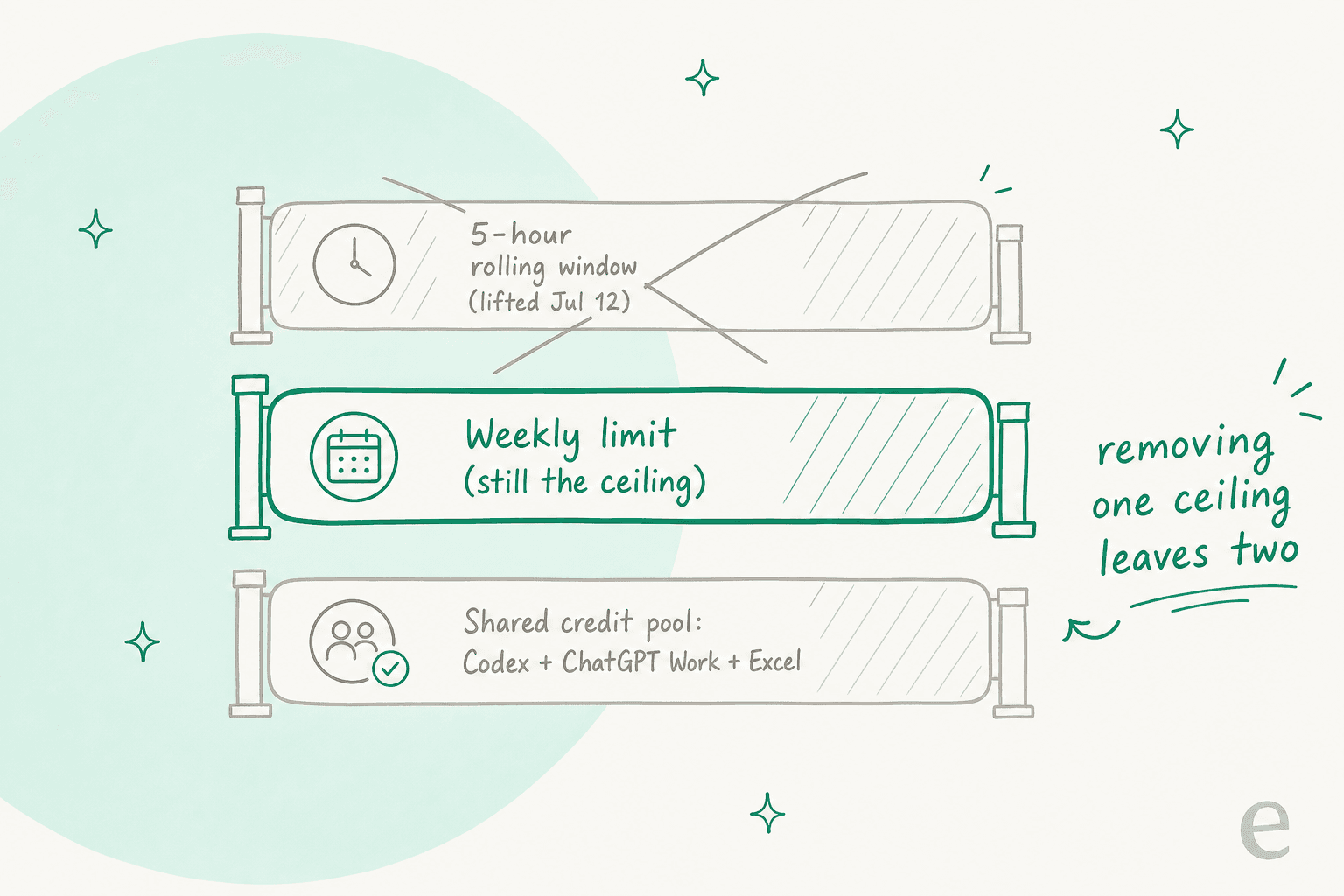
Once you exhaust the included limits, the Codex pricing model falls back to credits. OpenAI's own rate card puts GPT-5.6 Sol at 125 credits per 1M input tokens and 750 per 1M output, and notes that usage averages 5 to 40 credits per message. Plus and Pro users can buy more credits to keep going, or bring an OpenAI API key and pay standard token rates. The meter never really turns off, it just changes shape.
"Temporary" is the word doing the work
Every announcement about this uses the word temporarily, and that is not an accident. There is no published end date. The move never entered the formal changelog, which still references the five-hour window as a live mechanic. And OpenAI has already started asking users whether the no-limit setup is even working:
"We've had no 5h limit in Codex plus and pro for a few days. Do you think it is better or are you finding it difficult to manage the usage included in the weekly limit effectively? If we were to make this different, what should it look like in an ideal world?"
That is a company running a live experiment, not shipping a permanent policy. Developers noticed, which is why there is now an open GitHub issue asking OpenAI to make the removal permanent. My honest read, having shipped rate-limited systems myself: a temporary limit removal during a launch surge is a demand-management lever, and levers get pulled back when the compute math stops working. Plan your workflow around the weekly limit, not the currently-absent five-hour one.
What this means if you run AI on real work
If you are a solo developer poking at a side project, "the five-hour wall is gone for now" is genuinely good news, enjoy the runway. If you are running AI on something the business depends on, the more useful takeaway is about the pricing model underneath.
The whole saga is a case study in what happens when included usage is metered against compute: a model launch you did not choose can quietly change how far your plan stretches, the units are hard to predict (reasoning time, credits, token ranges), and the rules shift mid-cycle. For a coding hobby, that is a manageable annoyance. For a support queue answering thousands of customers, unpredictable cost is a real operational risk.
This is the bet we made differently at eesel, on purpose. eesel is not a coding tool, so I am not pretending it competes with Codex. But we run AI helpdesk agents on live support queues, and we deliberately did not price them on a usage window. You pay a fixed monthly price, with 1 credit per ticket, full stop.
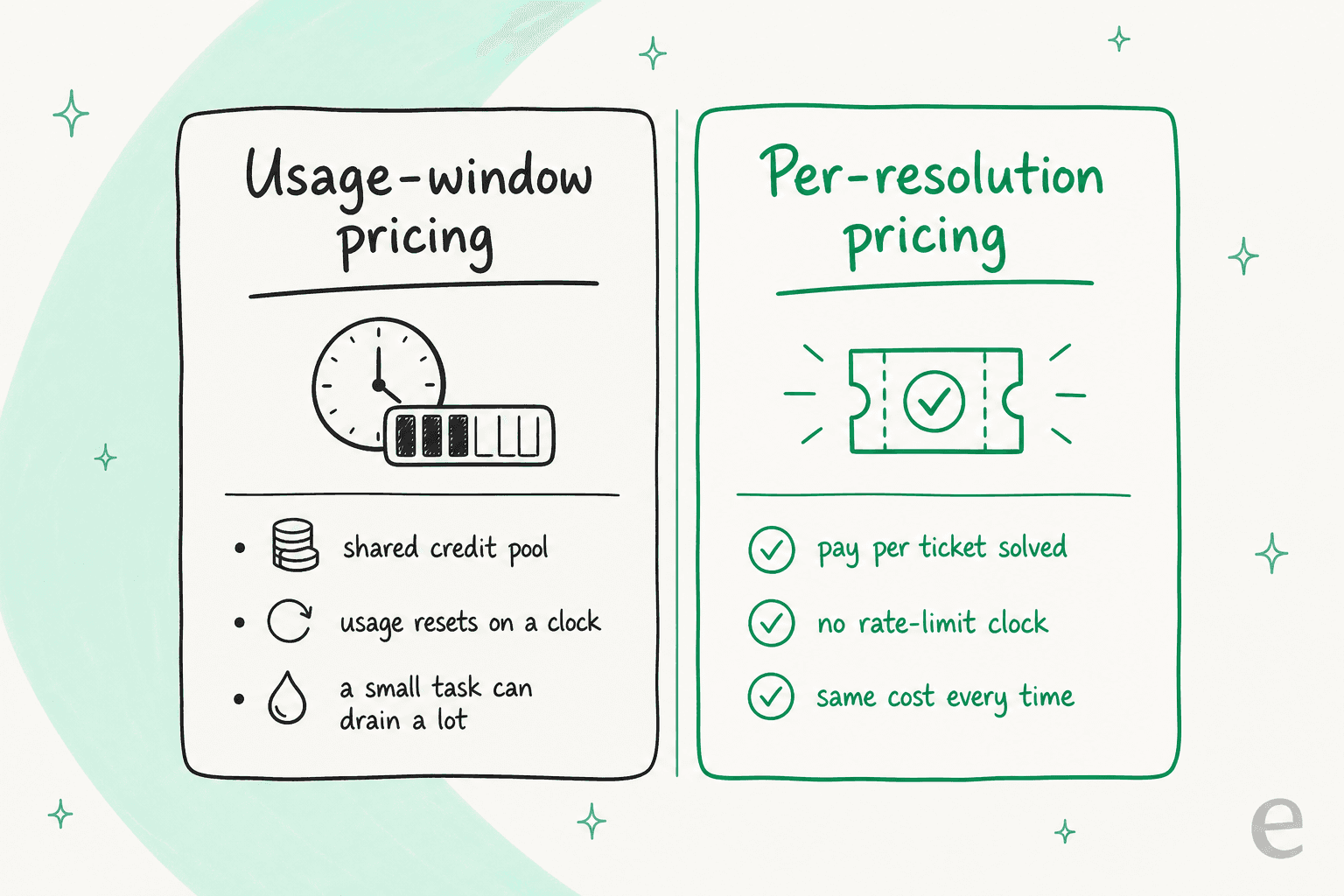
That means no shared usage pool, no clock resetting on you, and the same cost whether a ticket took the model one reasoning step or twenty. It is the opposite philosophy to a five-hour window, and after years of watching teams get burned by surprise AI bills, I am pretty convinced it is the right one for anything that has to run every day.
eesel for AI that has to be predictable
If your AI is answering customers rather than writing code, the thing you want is a bill that does not move with someone else's launch week. eesel plugs into your existing helpdesk (Zendesk, Freshdesk, Gorgias, and 100+ more), learns from your past tickets on day one, and resolves tier-1 conversations on its own. Gridwise saw it resolve 73% of tier-1 requests in the first month.
The pricing is the part that fits this whole story: one fixed monthly price (from $299/month for 500 credits), no seat fees, and an optional overage cap you set yourself so the agent pauses before it surprises you. One ticket is one credit no matter how many messages it takes. You can see exactly what ran and what it cost in a plain activity view, not a mystery usage gauge.

You can try eesel free (the free plan has 100 credits, no card), and if the AI blog writer is more your speed, that is $4 per blog post. Whatever OpenAI decides to do with the five-hour limit next, at least your support bill will not be part of the experiment.