Ticket tagging
Ticket tagging is the practice of attaching labels to support tickets so they can be sorted, routed, measured, and reported on.
What ticket tagging means
Ticket tagging is the practice of attaching one or more labels to a support ticket so it can be sorted, routed, measured, and reported on. A tag is a small piece of structured metadata (for example "billing", "bug", "VIP", or "refund request") that turns a free-text conversation into something a system can filter and count. Tags can describe the topic, the product area, the customer segment, the urgency, or the outcome.
In customer support, tagging is the connective tissue between the messy reality of inbound messages and the structured workflows a team runs on top of them. Once a ticket carries the right tags, it can be auto-assigned to the right queue, counted in a report, or pulled into a saved view, so tagging is quietly the foundation of nearly every other automation a support team relies on.
Why ticket tagging matters
- It powers reporting. You cannot answer "how many refund tickets did we get last month" unless those tickets were tagged consistently in the first place.
- It feeds routing. Many ticket routing rules read tags to decide which team or agent should own a conversation.
- It surfaces trends. A spike in tickets tagged "checkout error" tells the product team something is broken before a single customer escalates.
- It enables auto-triage. Sorting, prioritizing, and assigning incoming tickets all depend on knowing what each ticket is about.
- It keeps SLAs honest. Tags that mark priority or customer tier let the system apply the correct response targets automatically.
One way to picture why tagging is worth the effort is to follow a single tag outward to everything it feeds:
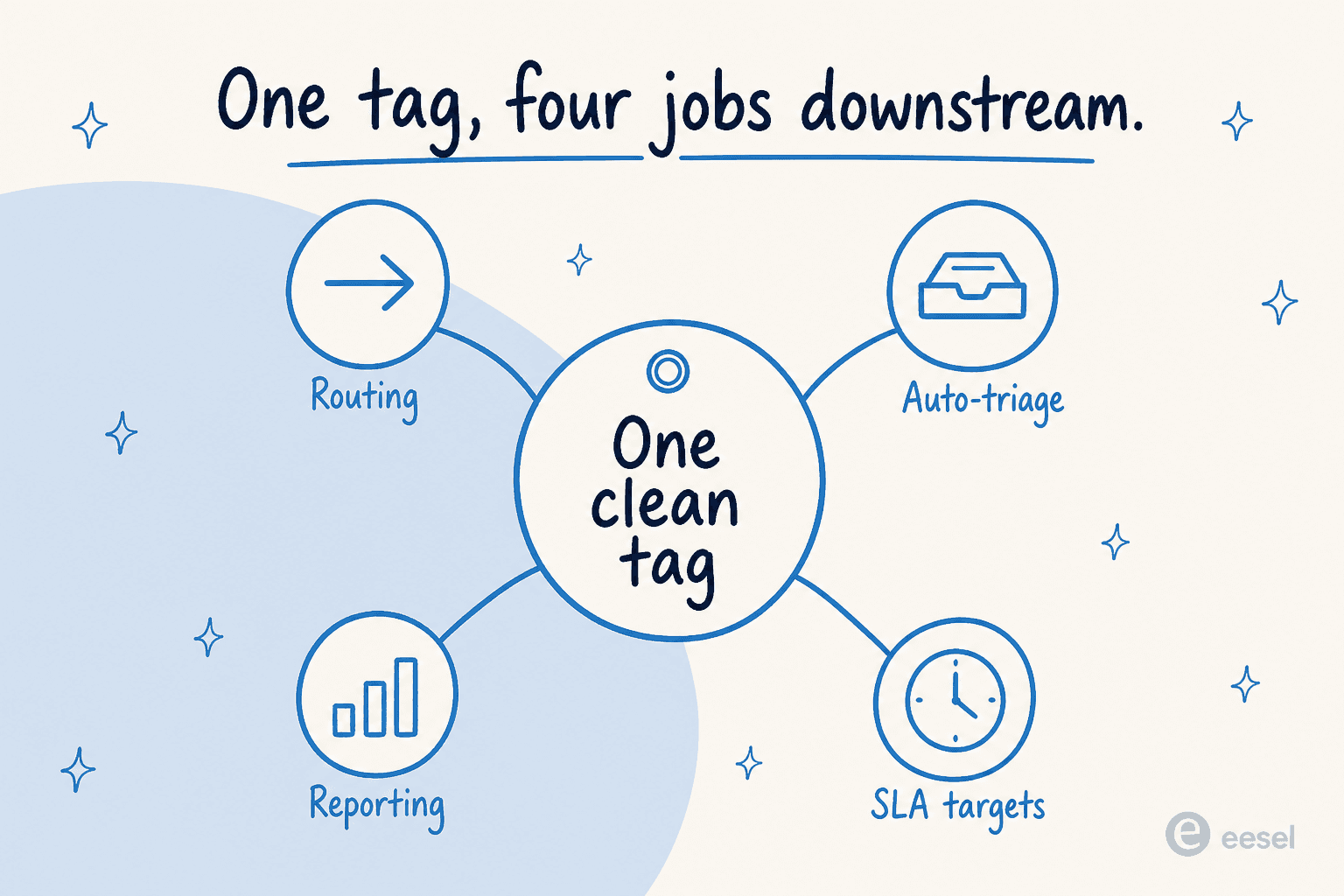
The tag in the middle is doing four jobs at once. Get that one label right and routing, triage, reporting, and SLA enforcement all inherit the accuracy; get it wrong and every spoke inherits the error instead.
How ticket tagging works
Tagging can be manual, rule-based, or AI-driven, and most mature teams use a mix:
- Define a taxonomy. The team agrees on a controlled set of tags so labels stay consistent instead of sprawling into hundreds of near-duplicates.
- Read the ticket. A human or a model reads the subject line, body, and conversation history to understand what the customer actually wants.
- Match to the taxonomy. The topic and intent are mapped to one or more existing tags, often using intent classification.
- Apply the tags. The labels are written to the ticket, where they immediately become available to routing rules, views, and reports.
An AI support agent like eesel AI does this as a side effect of doing the work: while it reads a conversation to draft or resolve a reply, it can apply your existing tags from the same understanding it used to answer, so tagging happens automatically and consistently rather than being a separate chore agents skip when they are busy.
Ticket tagging in practice
The hardest part of tagging is not applying labels, it is keeping the taxonomy clean. Left unmanaged, tag lists balloon into hundreds of overlapping options, agents pick whichever feels close, and the resulting reports become noise. The fix is a small, well-defined taxonomy plus automation that applies it the same way every time. When tagging is consistent, everything downstream (routing, auto-triage, and analytics) gets more reliable, which is why automated tagging tends to pay for itself in cleaner data long before anyone counts the time saved.
Want the full playbook? See our guide to automating ticket tagging.
Tag every ticket automatically
eesel AI reads each conversation and applies consistent tags as it works, so your reporting stays clean without manual labeling.