Support automation
The use of software to perform support tasks automatically, reducing the manual work involved in triaging, answering, and resolving customer requests.
What support automation means
Support automation is the use of software to perform support tasks automatically, reducing the manual work involved in triaging, answering, and resolving customer requests. It covers the small repetitive actions on every ticket, like tagging and routing, as well as the larger job of producing a full answer without an agent writing it. The core idea is letting software absorb the predictable, high-frequency work so people are not doing it by hand thousands of times a week.
The term is closely tied to the helpdesk and the ticket lifecycle. A typical support team handles a steady stream of similar requests: password resets, order status, refund eligibility, shipping questions. Support automation takes that recurring load, applies a consistent process, and either resolves the request or prepares it so a human can finish it in seconds rather than minutes. It is the operational backbone behind any modern, scaled support function.
Why support automation matters
The reasons teams invest in it are practical and measurable:
- It absorbs repetitive volume so agents are not retyping the same answer to the hundredth identical question, which drives agent assist and full resolution alike.
- It speeds up the queue. Automated triage and answering pull tickets out of the line before an agent opens them, cutting wait times.
- It improves deflection without dead ends. Good automation resolves the question rather than just pointing to an article, lifting containment rate without frustrating people.
- It standardizes process. Routing rules and grounded answers apply the same logic every time, removing the variance of a large team.
- It scales with spikes. During a launch or outage, automation handles the surge that would otherwise overwhelm headcount.
A useful way to picture support automation is as a stack rather than a single feature.
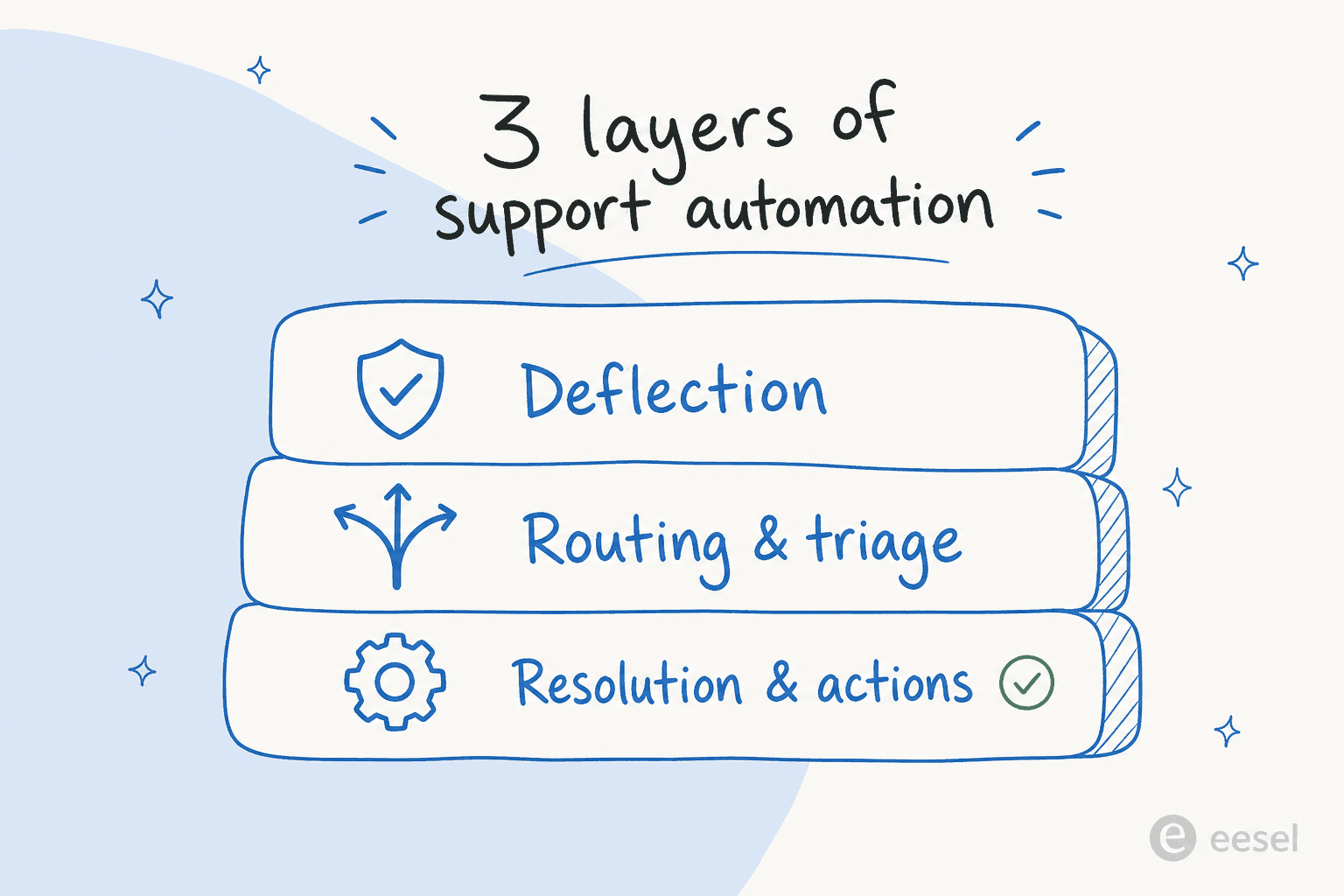
The three layers do different jobs that build on each other: deflection keeps simple questions out of the queue entirely, routing and triage sort what remains, and resolution and actions close out the ticket or take a real step like a refund. A mature setup runs all three together rather than relying on any one.
How support automation works
Support automation usually layers several mechanisms on top of the helpdesk:
- Classify the ticket. The system reads each incoming request and works out its topic and intent, the basis of intent classification.
- Route or triage. It sends the ticket to the right queue, team, or owner automatically instead of a human sorting the inbox.
- Answer or assist. For questions with a clear answer, it composes a grounded reply, or drafts one for an agent to approve.
- Take the action. Where allowed, it performs the resolution itself, like a refund or a status update, then closes or escalates.
A support agent like eesel AI runs this end to end: it trains on your help center and ticket history, takes the actions you permit inside your helpdesk, and escalates to a human when it is not confident. Because it can be tested against past tickets first, you can see the automation's behavior on real cases before it ever replies to a customer.
Support automation in practice
The difference between support automation that works and automation that annoys customers usually comes down to grounding and escalation. A system answering from your real knowledge, with a clear path to a person when it is unsure, raises both speed and satisfaction. A system guessing from generic data, or trapping customers in a loop with no human exit, erodes trust faster than slow manual support ever would. The practical move is to automate a narrow, well-understood slice, measure the resolution quality, and expand from a position of proof rather than hope.
For a hands-on comparison, read the best AI for support automation.
Automate the support work nobody enjoys
eesel AI automates triage, answers, and actions inside your helpdesk using your own knowledge, and escalates the rest to a human.