monday vs Wrike: Which project management tool fits your team in 2026?

Stevia Putri
Last edited March 30, 2026
Choosing the right project management software can make or break your team's productivity. With so many options on the market, narrowing down to two leading platforms, monday.com and Wrike, is a solid starting point. Both are powerful work management tools, but they cater to different types of teams and workflows.
This comparison breaks down everything you need to know: pricing, features, ease of use, and ideal use cases. By the end, you'll have a clear picture of which platform aligns with your team's needs.
What is monday.com?
monday.com is a visual, AI-powered work management platform designed to help teams plan, execute, and track projects with minimal friction. Originally founded as daPulse in 2012, the company rebranded to monday.com in 2017 and has since grown to serve over 250,000 customers worldwide, including more than 60% of the Fortune 500.
The platform's core strength lies in its visual appeal and flexibility. Teams can build custom workflows using colorful, intuitive boards that make project status instantly visible. With over 200 pre-built templates covering everything from marketing campaigns to software development, monday.com helps teams get started quickly without starting from scratch.
Key features include customizable workflows, multiple view options (Kanban, Gantt, Calendar, Timeline), built-in automations to eliminate repetitive tasks, and increasingly powerful AI capabilities through monday Sidekick and AI agents.

monday.com targets small to medium teams, creative departments, startups, and any organization that values ease of use and visual clarity over complex configuration options.
What is Wrike?
Wrike is an enterprise-grade work management platform founded in 2006 and acquired by Citrix in 2021. With over 20,000 customers including major enterprises like Walmart, Siemens, NVIDIA, and T-Mobile, Wrike has established itself as a robust solution for complex organizational workflows.
Where monday.com prioritizes visual simplicity, Wrike emphasizes depth and scalability. The platform offers advanced project management capabilities including interactive Gantt charts with task dependencies, comprehensive resource management, custom request forms that trigger automated workflows, and sophisticated proofing and approval tools for creative teams.
Wrike's AI capabilities are notable for being included in all paid plans at no additional cost. The platform offers AI agents, Wrike Copilot for data analysis, and AI-powered risk prediction to help teams identify potential issues before they become problems.
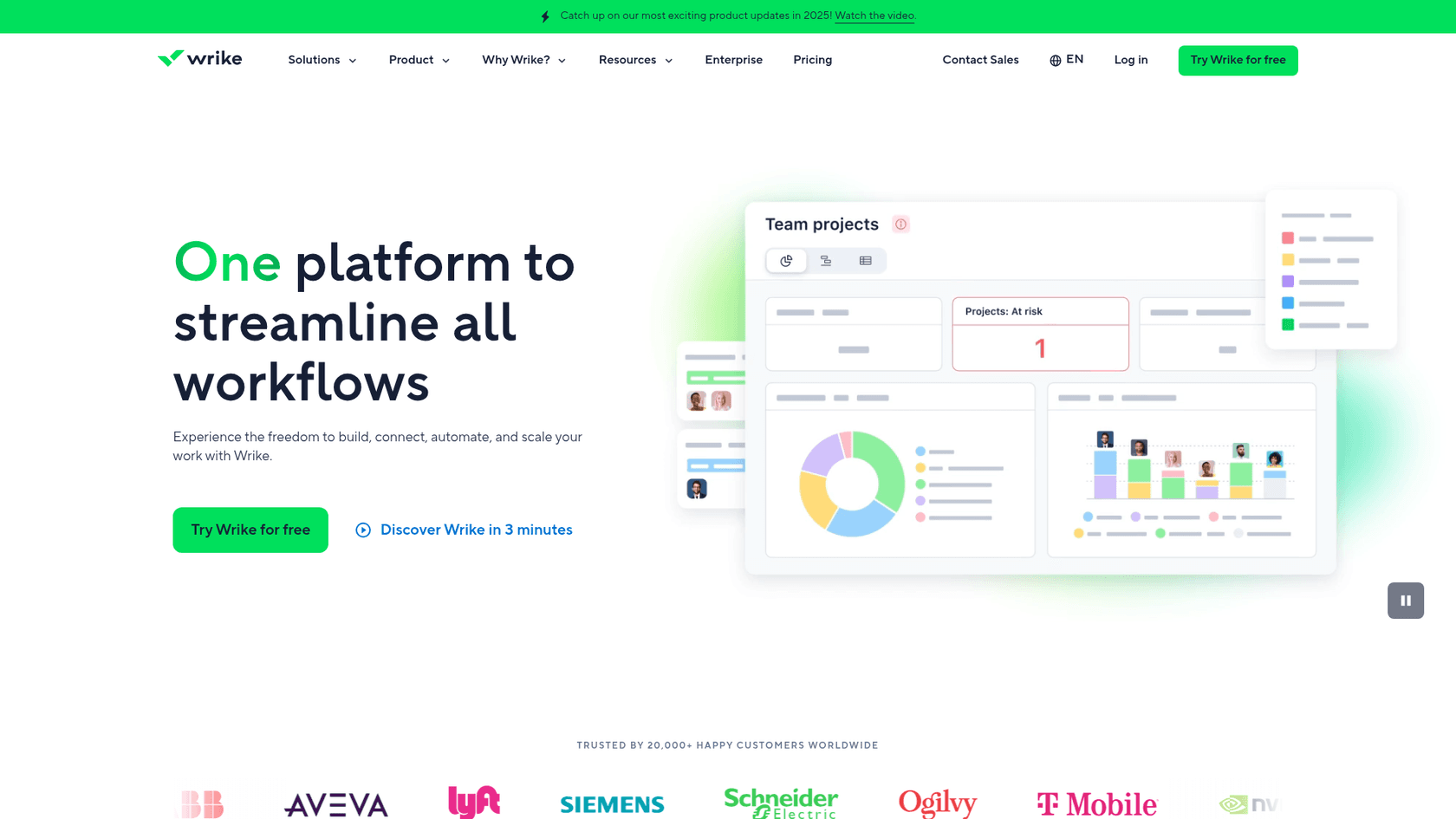
Wrike is built for large enterprises, marketing agencies, IT departments, and any organization that needs advanced resource management, complex workflow automation, and enterprise-grade security and compliance.
Pricing comparison
Pricing is often the deciding factor when choosing between project management tools. Here's how monday.com and Wrike stack up.
monday.com pricing
| Plan | Monthly Price | Annual Price | Key Features |
|---|---|---|---|
| Free | $0 | $0 | Up to 2 seats, 3 boards, 200+ templates, 500MB storage |
| Basic | $12/seat | $9/seat | Unlimited users, 5GB storage, unlimited items, unlimited viewers |
| Standard | $14/seat | $12/seat | 20GB storage, guest access, 250 automations/month, AI Sidekick (lite) |
| Pro | $24/seat | $19/seat | 100GB storage, time tracking, 25K automations/month, AI Sidekick (lite) |
| Enterprise | Custom | Custom | 250K automations, portfolio management, AI Sidekick (plus), enterprise security |
Important notes: Annual billing saves 18%. Minimum 3 users on paid plans. Pricing is in fixed seat increments (3, 5, 10, 15, 20, 25, 30, 40), so you may pay for unused seats.
Source: monday.com pricing
Wrike pricing
| Plan | Monthly Price | Annual Price | Key Features |
|---|---|---|---|
| Free | $0 | $0 | Unlimited users, 2GB storage, board/table views, active task limitations |
| Team | $10/user | $10/user (annual only) | 2-15 users, AI Essentials, interactive Gantt charts, custom fields |
| Business | $25/user | $25/user (annual only) | 5-200 users, AI Elite, resource planning, workflow customizations |
| Pinnacle | Custom | Custom | Advanced resource planning, budgeting, SSO, advanced security |
| Apex | Custom | Custom | Unlimited whiteboards, Wrike Integrate, Wrike Sync, Wrike Datahub (30M records) |
Important notes: All paid plans require annual billing. No monthly option available. Sold in user groups (up to 30 seats in groups of 5, 30-100 in groups of 10, 100+ in groups of 25). Add-ons like Wrike Whiteboard cost $15/user/month extra.
Source: Wrike pricing
Key pricing differences
- Free plan: Wrike allows unlimited users on the free plan (with limitations), while monday.com caps free plans at 2 seats.
- Billing flexibility: monday.com offers both monthly and annual billing. Wrike requires annual commitments for all paid plans.
- AI costs: Wrike includes AI features in all paid plans at no extra cost. monday.com offers AI Sidekick in Standard and above, with the full version only in Enterprise.
- Entry price: Wrike's Team plan starts at $10/user, while monday.com's Basic starts at $9/seat with annual billing.
Feature comparison
Both platforms offer robust feature sets, but they approach project management differently.
Task management
monday.com focuses on visual boards with 200+ templates and drag-and-drop customization. Tasks are organized in colorful, flexible boards that make status updates instantly visible. The platform excels at making project management feel less like a chore and more like a collaborative workspace.
Wrike offers more advanced task management with sophisticated subtask hierarchies, custom item types for different work categories, and blueprints for templating complex workflows. It's built for teams that need granular control over how work is structured and tracked.
Views and visualization
monday.com provides Kanban, Gantt, Calendar, Timeline, Map, and Chart views. The Gantt view is intuitive and easy to set up, making it accessible for teams new to project management software.
Wrike offers Table, Board, Gantt, Resources, and Timeline views. The Gantt charts are more advanced with task dependencies and critical path analysis. The Resource view is particularly strong, showing workload distribution across team members.
Integrations
monday.com connects with 200+ third-party tools including Slack, Salesforce, HubSpot, and Google Workspace. The integration ecosystem covers the essentials most teams need.
Wrike boasts 400+ integrations, going deeper into enterprise tools like Adobe Creative Cloud, Tableau, and advanced CRM systems. If your tech stack is complex, Wrike likely has better native connections.
AI features
Both platforms have embraced AI, but with different approaches:
monday.com offers monday Sidekick (an AI assistant), AI agents for specific tasks, and AI workflows. The AI Sidekick lite version is available in Standard and Pro plans, with the full version in Enterprise.
Wrike includes AI Essentials in the Team plan and AI Elite in Business and above, all at no extra cost. Features include AI agents, Wrike Copilot for data analysis, AI risk prediction, and productivity insights.
Security and compliance
monday.com holds ISO 27001/17/18/32, SOC 1/2/3, GDPR, HIPAA, and CSA certifications. The platform offers enterprise-grade security with data encryption and access controls.
Wrike maintains ISO 27001/17, SOC 2/3, GDPR, HIPAA, and CSA STAR certifications. Enterprise plans include advanced security features like Wrike Lock for custom encryption key management.
Ease of use and user experience
This is where the two platforms diverge most significantly.
monday.com: Intuitive and visual
monday.com is consistently praised for its ease of use. The interface is colorful, clean, and immediately understandable. New users can get started with minimal training thanks to the 200+ templates and guided onboarding process.
The platform scores 4.7/5 on G2 for ease of use, with users frequently citing the visual appeal and intuitive drag-and-drop functionality as major advantages. If your team is new to project management software or values a low learning curve, monday.com is the clear winner here.
Wrike: Powerful but complex
Wrike is more feature-rich, which naturally comes with a steeper learning curve. The platform scores 4.2/5 on G2 for ease of use, reflecting its more complex interface and configuration options.
While Wrike offers more advanced capabilities, teams typically need more training to fully leverage the platform. This isn't necessarily a drawback if you have dedicated project managers or complex workflows that require sophisticated tooling. But for teams wanting something they can pick up and use immediately, Wrike may feel overwhelming at first.
Who should choose monday.com?
monday.com is the better fit for:
- Small to medium teams (2-50 users) who need a tool that scales with them without becoming overly complex
- Creative and marketing teams who value visual appeal and intuitive interfaces
- Startups and growing businesses that need to move fast without lengthy implementation processes
- Teams new to project management software who want to get started quickly with templates and guided setup
- Organizations prioritizing AI integration with an AI-first platform approach
If your team values ease of use, visual clarity, and the ability to customize workflows without technical expertise, monday.com is likely your best bet.
Who should choose Wrike?
Wrike is the better fit for:
- Large enterprises and complex organizations with 50+ users and sophisticated workflow requirements
- Marketing agencies that need advanced proofing, approvals, and digital asset management integrations
- IT departments and technical teams requiring custom item types, advanced resource management, and deep integrations
- Organizations with strict compliance needs that require enterprise-grade security and custom encryption options
- Teams with dedicated project managers who can invest time in learning and configuring the platform
If your organization needs advanced resource allocation, complex workflow automation, and enterprise-level security, Wrike is worth the steeper learning curve.
Choosing the right project management tool for your team
Both monday.com and Wrike are excellent platforms. They just serve different needs.
Choose monday.com if: You want a visually appealing, easy-to-use platform that your team can adopt quickly without extensive training. It's ideal for smaller teams, creative departments, and organizations that value flexibility and AI integration.
Choose Wrike if: You need enterprise-grade features, advanced resource management, and don't mind investing time in setup and training. It's built for larger organizations with complex workflows and strict compliance requirements.
The best approach? Both platforms offer free plans or trials. Test them with your actual workflows before committing. What looks good on paper may feel different when your team is using it daily.
Consider your team size, workflow complexity, budget, and how quickly you need to get up and running. The right choice is the one that your team will actually use.

Frequently Asked Questions
Share this article

Article by
Stevia Putri
Stevia Putri is a marketing generalist at eesel AI, where she helps turn powerful AI tools into stories that resonate. She’s driven by curiosity, clarity, and the human side of technology.