

An AI chatbot for PDFs answers customers from the text inside your manuals and policy documents, and Chatbase, Freshworks' Freddy AI Agent, Tidio's Lyro, Gorgias, HubSpot and eesel all take PDF uploads, from 20 MB a file in Chatbase to 35 MB in Freddy AI Agent. What goes wrong is rarely the upload. A PDF with no text layer gives the bot nothing to read, and an uploaded PDF is a copy, so it drifts from the policy your team edits.
My pick for a support team is to keep PDFs for what really only exists as a PDF (manuals, spec sheets, signed policies), check each one has selectable text, and connect the rest where it already lives, such as your help center or Google Drive. eesel does that inside your chat and helpdesk, names the file behind each answer, and refuses a scan at upload instead of training on an empty page. If you use Claude Code, Codex or Cursor, an AI coding agent can upload your approved PDFs with the eesel CLI and ask test questions before you go live; connecting your helpdesk still needs a person to approve it in that tool.
What is an AI chatbot for PDFs?
It is a support chatbot that uses your PDFs as a knowledge base: a customer asks on your website, chat or email, the bot searches the text of your documents, and it answers from the passage it found, handing off to a person when nothing fits. The technique underneath is retrieval-augmented generation, the same one that powers answers from a help center.
That makes it a different job from the consumer "chat with a PDF" tools, where one person uploads a contract and asks it questions. Those are covered in our PDF AI tools roundup. A support chatbot answers your customers, so it needs handoff, a channel and someone accountable for what it says.
I build agents at eesel, and the PDFs teams bring us are rarely the tidy ones: installation manuals with wiring tables, returns policies exported from a contract, product sheets that are mostly photos. The industrial automation company in eesel's customer stories is the clearest case. Its engineers ask about wiring and settings, so, as its story puts it, "a wrong detail is worse than no answer," and the agent answers only from the documents, links the guide and section it used, and says plainly when it has nothing to go on.
Which support chatbots can learn from PDFs?
All of the tools below take a PDF upload today. Where they differ is the size they accept, what they do with images and scans, and what happens when the PDF changes.
| Tool | File types | Per file | Scans and images | When the PDF changes |
|---|---|---|---|---|
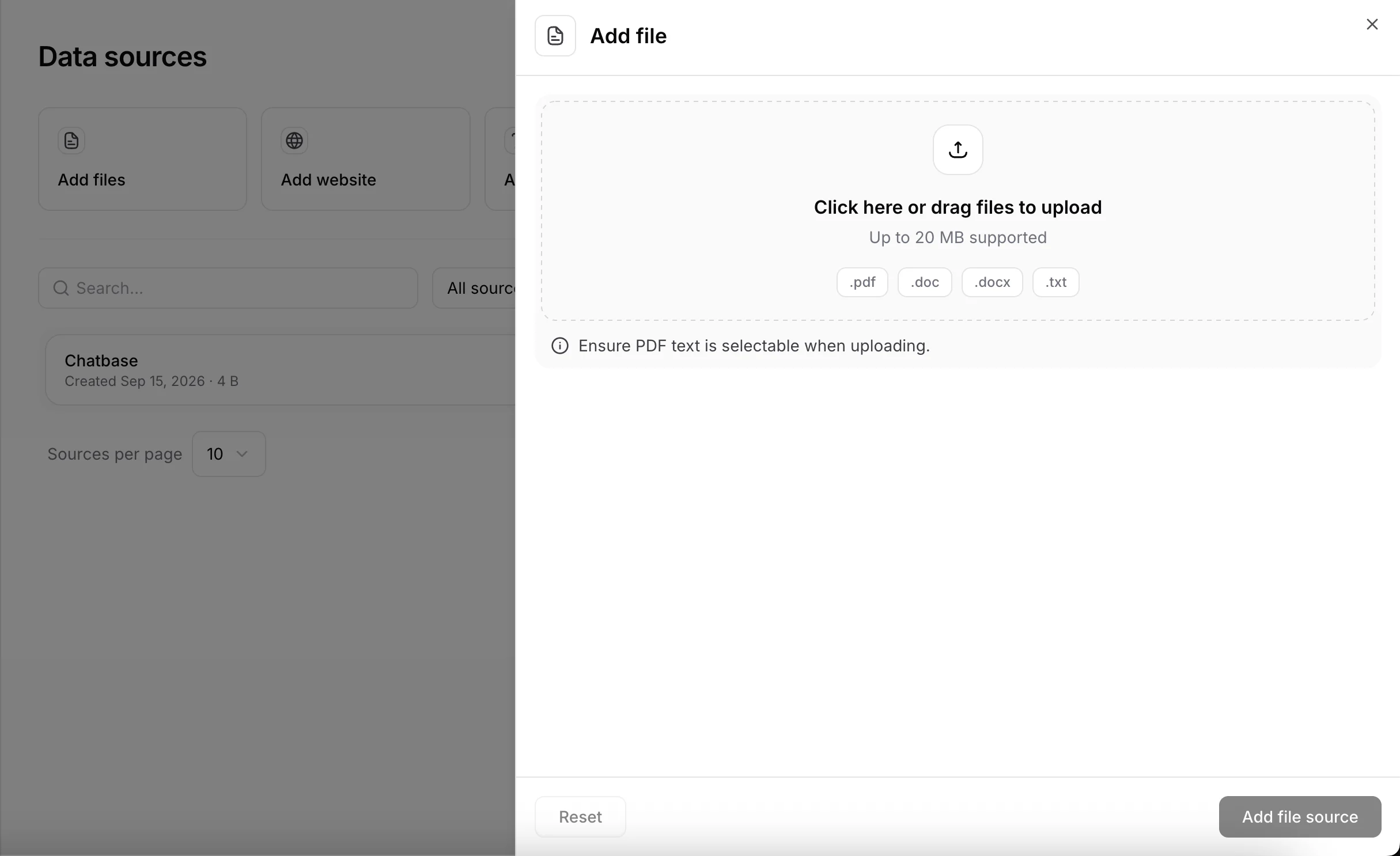
| Chatbase | .pdf, .txt, .doc, .docx | 20 MB; 40 MB training content per plan | Text must be selectable; scans with no text layer can't be trained on | Auto-resync re-reads websites, Notion, tickets and macros; uploaded files aren't on that list |
| Freddy AI Agent (Freshworks) | .pdf, .docx, .txt | 35 MB; 200 files per agent | Text-based content; non-text elements are ignored; no password-protected files | "Resync and relearn" after a document is revised |
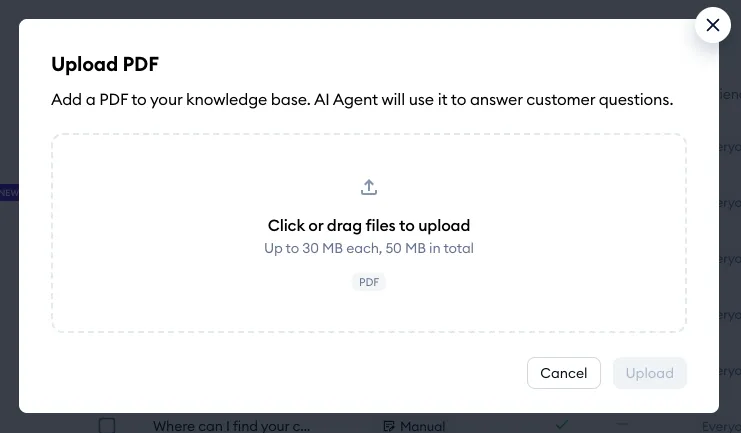
| Lyro (Tidio) | 30 MB each, 50 MB per upload of up to 10 | Tidio says Lyro reads images in the PDF; content becomes Q&A pairs | Imported Q&A pairs can be edited | |
| Gorgias AI Agent | .pdf, .docx, .pptx, .xlsx | 500 MB, up to 10 files, per its launch note | Images within documents can't be processed | Audit with the Last updated filter |
| HubSpot customer agent | .pdf and 21 other types | Not stated in the docs | Not stated | Files can also be turned into Q&A pairs with Generate knowledge |
| eesel | .pdf, .docx, .txt, .md, .csv, .html | 25 MB upload; 50 MB from Google Drive | Reads the text layer; scans are refused at upload with a message; pictures left out | Same filename replaces the old file; Drive files re-sync when you ask |
Zendesk's AI agents are the odd one out: their knowledge sources are help centers and external content brought in through a web crawler or a knowledge connector, which Zendesk says syncs about every 24 hours. If your documents are PDFs and you run Zendesk, publishing the key ones as help center articles is the simplest route; our Zendesk AI agents guide covers the rest.
On price, Chatbase is the one where PDFs touch the bill. Its pricing page gives Hobby ($40 a month at list price), Basic ($150) and Business ($500) the same 40 MB of training content, so two maximum-size PDFs fill a plan, and extra storage is $25 a month per 10 MB. The others count conversations or resolutions rather than megabytes; Chatbase pricing, Lyro pricing and Gorgias AI Agent pricing break those down.
What does the chatbot actually read from a PDF?
It reads the text that can be pulled out of the file, not the page you see. That gap explains most bad answers from a PDF bot. One developer on OpenAI's forum put it bluntly when another asked why file search couldn't say what was on page 4:
"“File search” isn’t actually searching your files, it’s searching the text of your files which has been extracted from your files."
Three kinds of content get lost on the way:
- Scans. A scanned page is a picture. With no text layer there is nothing to extract, which is why Chatbase asks for selectable text and eesel's file upload docs say a scan is refused at upload. The quick test: try to highlight a sentence in the PDF. If you can't, run OCR first.
- Tables. Extracted text keeps the cells and loses the grid, so "Model B, 24V, 3 A" can come out as a row of loose numbers. Even the models people use for OCR still trip on this, as one Hacker News commenter found:
"Lot's of OCR/ LLM's (Even Gemini Pro 2.5) still struggle converting complex tables to markdown or HTML: Tables with multiple headers and merged cells that get mixed up, multiple columns with tick boxes get mixed up, multi page tables that are not understood correctly."

- Images and diagrams. Gorgias's knowledge docs say images within documents can't be processed, Freshworks says non-text elements are ignored, and eesel leaves pictures out too. Tidio is the exception: it says Lyro "will be able to read and interpret all the information present in the file, including images," while the images themselves don't come through into the Q&A pairs.

So when a bot gets a spec wrong, look at the source before the model. Rewriting the one table customers ask about as a short paragraph or a help article usually fixes more answers than any setting.
Why do PDF chatbots go out of date?
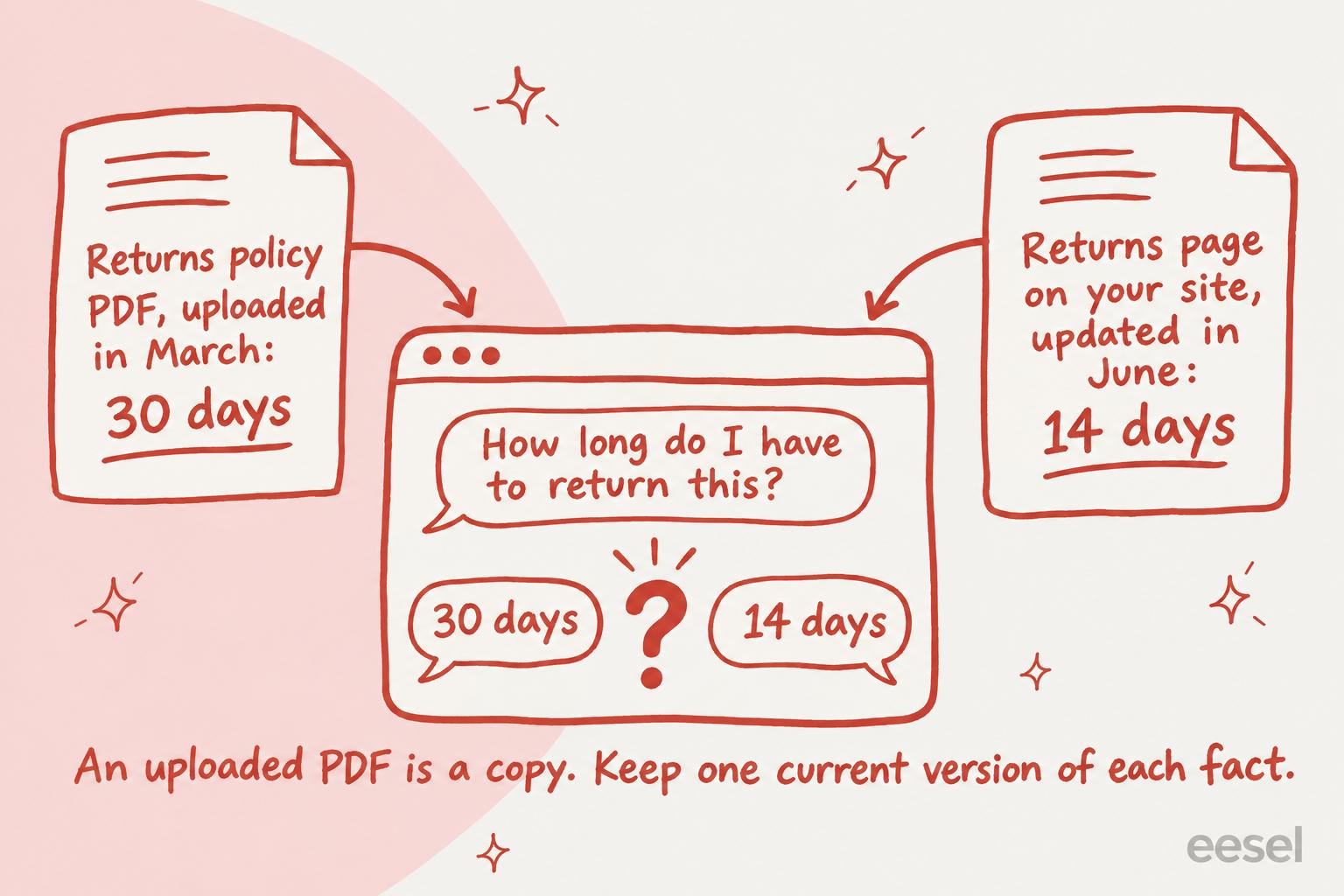
Because an uploaded PDF is a copy. Your team edits the returns policy in Google Docs or on the website, and the bot keeps answering from the version someone uploaded in March. None of the vendor docs above describe an uploaded file being re-read on its own: Freshworks tells you to use Resync and relearn after documents are revised, and eesel replaces a file when you upload one with the same name.
The worse failure is two copies of one fact. When the old PDF says 30 days and the new returns page says 14, the bot can find either. Freshservice's knowledge guide warns that connecting both "can produce inconsistent answers if the two versions drift apart," and Chatbase's own advice is to keep one current version of each fact.
Three habits keep this in check:
- Upload only what has no other home. If the policy is a help center article, connect the help center and leave the PDF out. If the manuals live in a shared drive, connect Google Drive, SharePoint or Confluence so a re-sync picks up edits.
- Name files so the new version replaces the old. "returns-policy.pdf" replaces itself; "returns-policy-v3-final.pdf" stacks up next to v2.
- Read the questions it couldn't answer. The industrial automation team gets a regular digest of badly rated answers and gaps, traces each to the page that should have covered it, and fixes the page. A knowledge base audit does the same job on a schedule.
Will your PDF work in a support chatbot?
By now the two checks are clear: can the bot read it, and will it stay true. Answer four questions about the PDF you have in mind and see what to fix before you upload it.
Pick the answers that match one of your PDFs to see what to fix before it goes into the bot.
How to set up a PDF chatbot that stays right
This is the order I'd follow for a support team, whichever tool you use.
- List the questions first, then the documents. Pull a month of tickets and mark which ones a PDF answers. Training on past tickets usually covers more than the PDFs do, so treat the documents as one source among several.
- Check each PDF with the four questions above. Fix scans, tables and diagrams before upload, not after a customer gets a wrong answer.
- Connect sources where they live. Help center, Google Drive, Confluence or SharePoint for anything that changes; uploads for the stable files.
- Tell it what not to answer. The industrial automation team's agent gives no pricing and no comparisons, and asks which product is meant when that isn't clear. Write those limits as plain instructions; our guide to preventing AI hallucinations has more.
- Test with real questions and read the sources. A reply that names the right file and section is the check that matters. HubSpot's batch testing and eesel's dashboard chat both let you run questions before launch.
- Start with drafts. Let the bot draft replies for your team in the helpdesk for a week or two, then let it answer customers on the topics where its drafts went out unchanged.
Try eesel on your manuals and policies
If your answers live in PDFs, eesel fits the way support teams already work: it joins your Zendesk, Freshdesk or Gorgias queue or your website chat, answers from your uploaded PDFs, Google Drive and help center together, and names the file it used. A scan is refused at upload with a message, so you find out on day one instead of from a customer.
What sets it apart from a PDF bot is who it answers for. Each file can be On, Team only or Off, so an internal runbook can help your agents without ever reaching a customer, and every action the agent can take is set to act on its own, ask first, or stay off, depending on who is asking (actions and approvals).
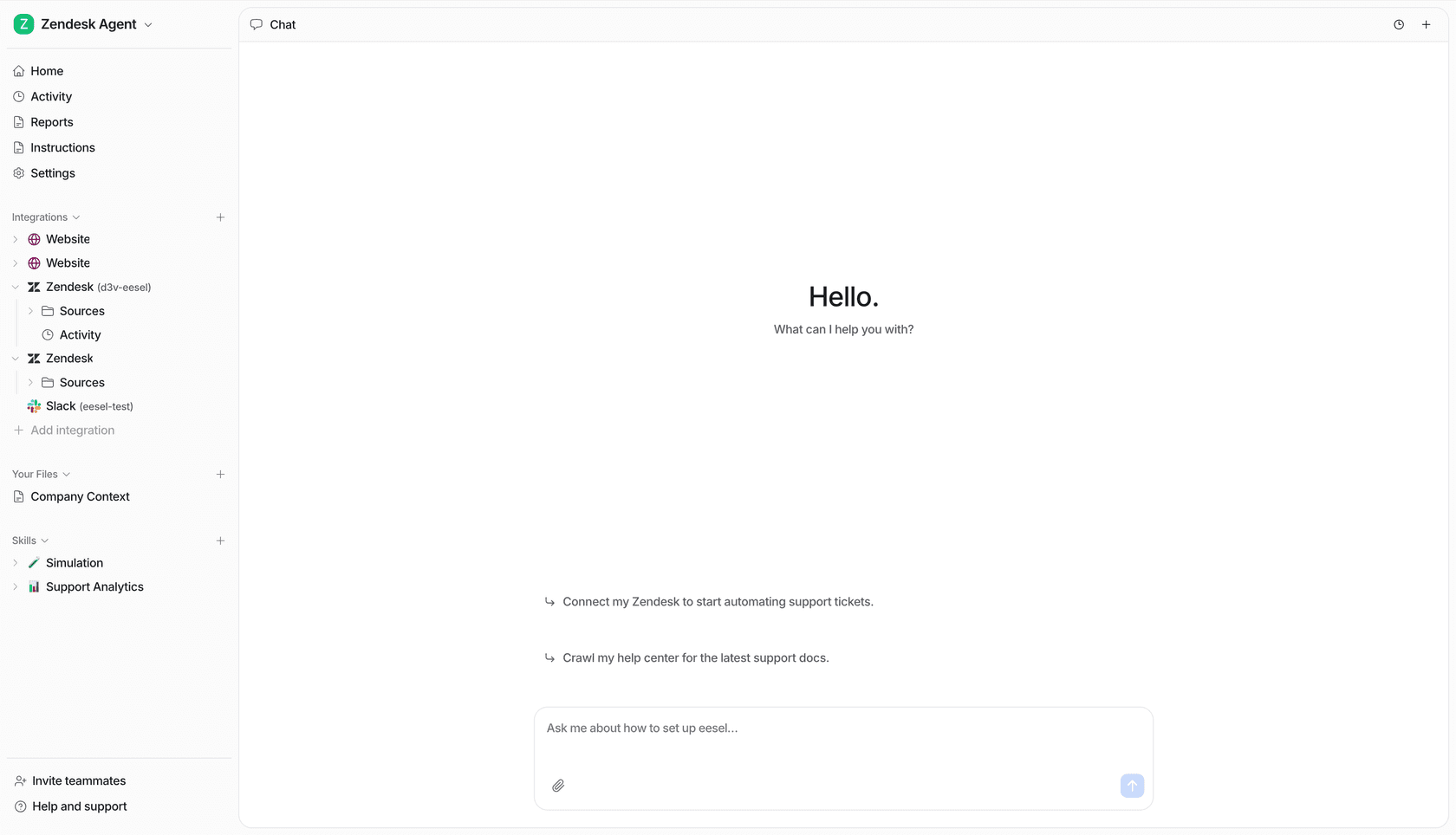
Upload one manual, ask it the three questions your team gets most, and see which file it names. Try eesel free.