Anchor text
The visible, clickable words in a hyperlink, which tell readers and search engines what the linked page is about.
What anchor text means
Anchor text is the visible, clickable text of a hyperlink, the words a reader sees and taps to move from one page to another. In HTML it is the text wrapped inside an <a> tag, and on the rendered page it usually shows up underlined or in a contrasting color. Its job is to tell both the reader and the search engine what they will find on the other end of the link.
In content marketing and SEO, anchor text carries weight beyond navigation. Search engines treat the words inside a link as a description of the destination page, so an internal link reading knowledge base tells the crawler that the linked page is about a knowledge base. That makes anchor text one of the smallest but most-scrutinized elements in on-page SEO and link building alike.
Why anchor text matters
- It describes the destination to search engines. The words in the link are a relevance signal for the page being linked to, which is why descriptive anchors help that page rank for the topic they name.
- It guides the reader. A clear anchor sets expectations, so the click feels intentional rather than a gamble on where it leads.
- Over-optimization is a spam signal. A backlink profile crammed with identical exact-match keywords looks engineered, and search engines discount or penalize it.
- Anchor length affects readability. A short anchor on the noun reads cleanly; an anchor that wraps a whole sentence buries the point and signals low-quality, link-heavy writing.
- Internal anchors shape your site graph. Consistent, descriptive internal anchors help search engines understand how pages relate, which strengthens topical authority across a site.
Picture it as a balance: a search engine weighs what each anchor tells it about the destination.
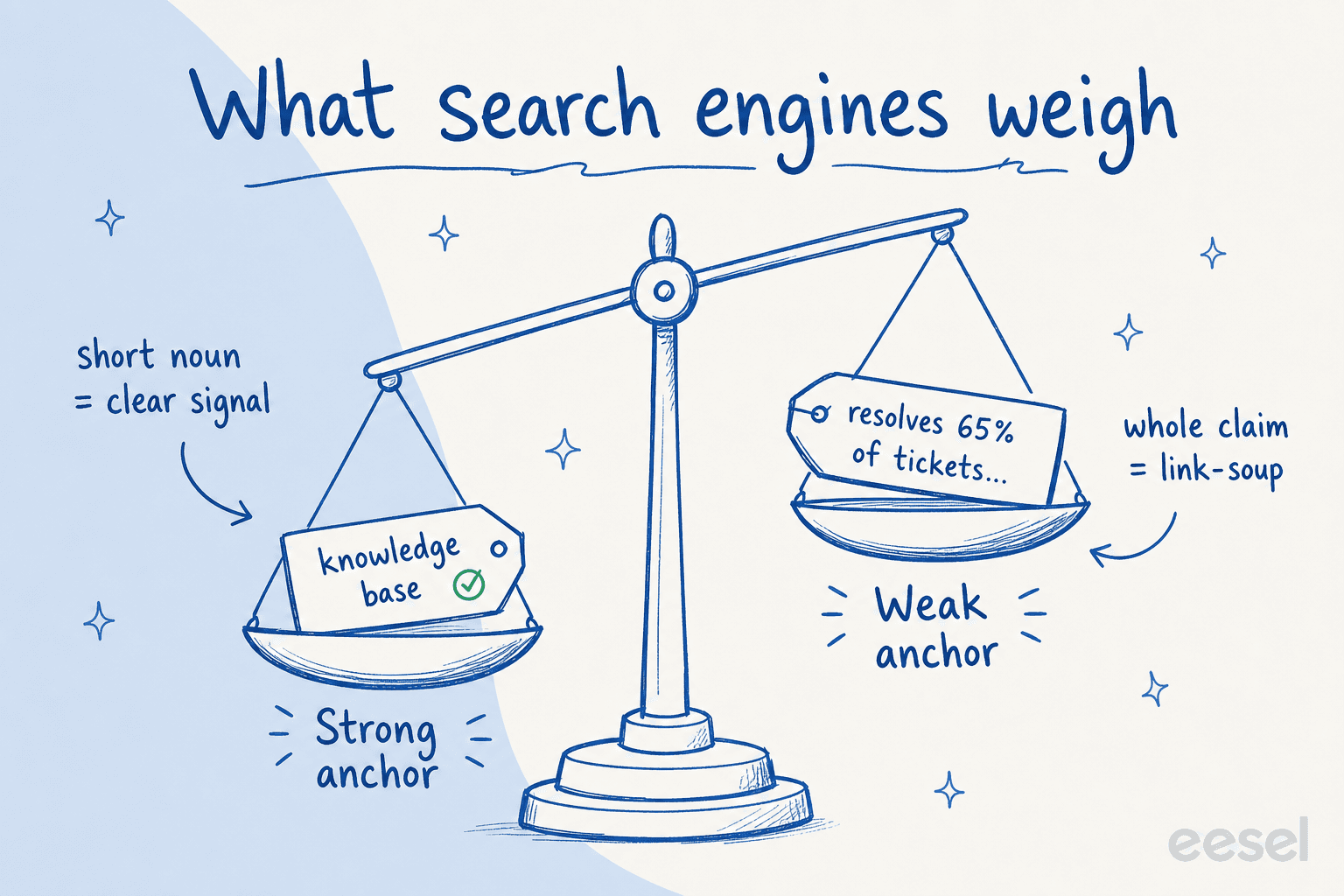
A short anchor on the noun lands as a clean relevance signal, while an anchor that swallows a whole stat or claim adds weight on the wrong side. Same link, very different read for both the crawler and the human skimming the page.
How anchor text works
When a writer links one page to another, the choice of anchor text decides what signal that link sends:
- Identify the destination. Decide which page the link points to and what that page is actually about.
- Name it, do not summarize. Wrap the link around the two-to-four-word noun phrase that names the destination, not the whole clause around it.
- Vary the phrasing. Across many links to the same page, mix exact-match, partial-match, and branded anchors so the profile reads natural.
- Check the density. Avoid stacking several links in one paragraph, which reads as link-soup regardless of how good each anchor is.
When the eesel AI blog writer drafts a long-form post, it applies this discipline automatically: it links a mention to a matching page using a short, descriptive anchor on the noun rather than a long keyword string, and it keeps link density low enough that the prose still reads first and the links serve it.
Anchor text in practice
The most common real-world mistake is not too few links but anchors that try to do too much. A link wrapped around an entire stat or claim ("already resolves 65% of tickets across 8,000 customers") looks like keyword stuffing and yanks the reader into a click before the sentence lands. The fix is almost always the same move: find the short noun phrase that names the thing, link only that, and leave the rest of the sentence as plain text. Done consistently, that single habit keeps a site's link graph readable to humans and legible to search engines at the same time.
Get descriptive anchor text by default
eesel's AI blog writer drafts posts with natural, descriptive anchor text on every internal and external link, so your link graph reads clean.