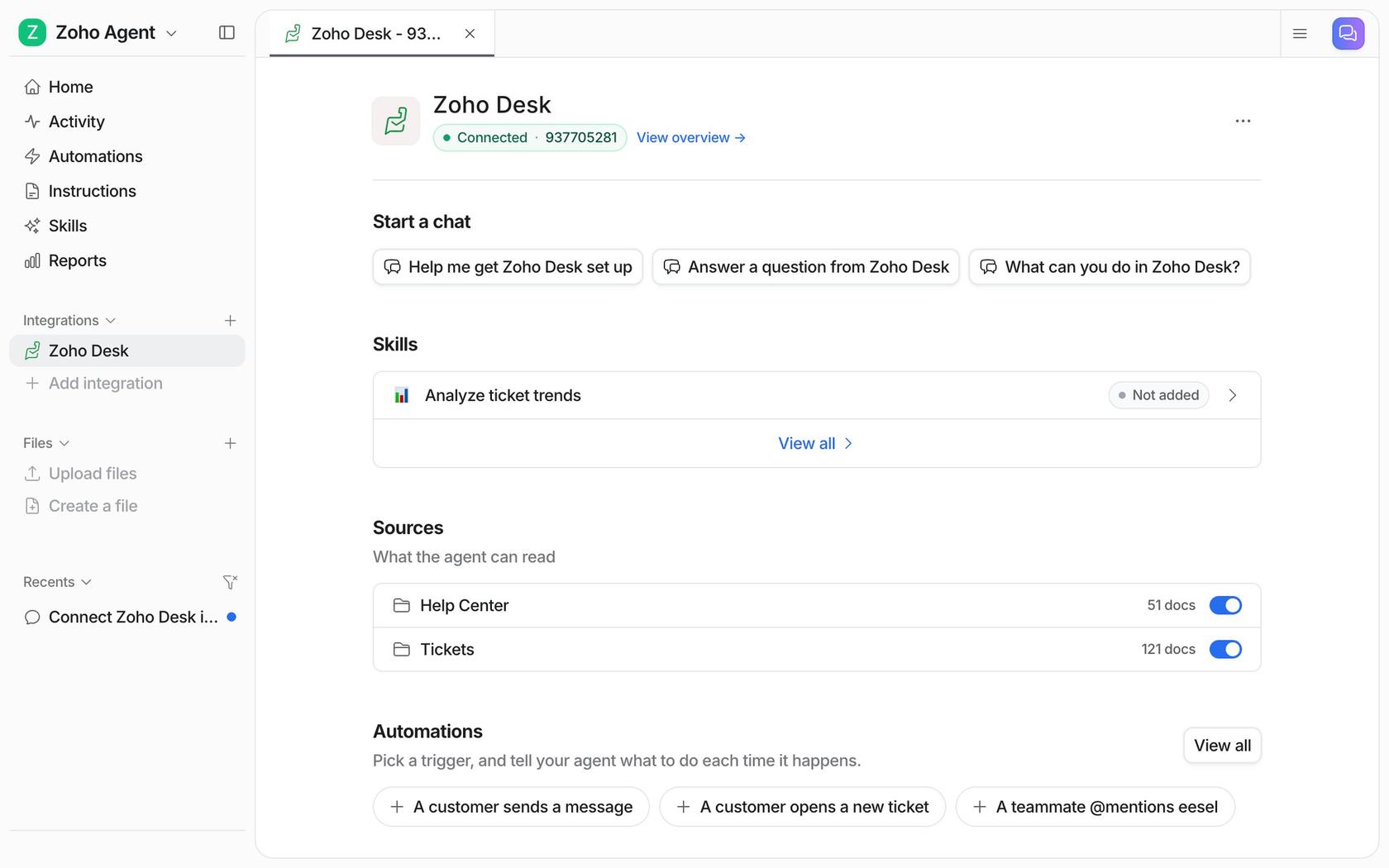
Zoho Desk has no single after-hours switch: business hours pause your SLA clocks and change how chats behave, a workflow sends the out-of-hours email, and the only pre-built Zia agent that answers tickets on its own is the Support Specialist, which works on email tickets only, on Professional or Enterprise, in a by-request rollout to US and India data centres. The Answer Bot answers visitors from your knowledge base and gives up when there's no article, and custom Zia agents can reply to tickets if you build and maintain one yourself. If you want overnight email answered from your help center and past tickets, eesel works inside Zoho Desk on Professional ($23 per agent a month, billed annually) or above, sending replies or leaving private comments by the rules you write, from $299 a month. An AI coding agent such as Claude Code can set it up with the eesel CLI and ask for a draft on a real ticket first; approving the Zoho Desk connection still needs a person signed in to Zoho.
What happens to a ticket that arrives at 2am in Zoho Desk?
It waits, and how long it waits depends on a schedule you've probably set once and forgotten. I build eesel's integrations, so the first thing I look at in a helpdesk is what its clock actually controls. In Zoho Desk that clock is business hours, and it controls more than the SLA.
Per Zoho's guide to business hours and holidays, you set them per time zone in one of three ways: 24x7, specific hours (Monday to Friday, 9 to 5), or custom hours with several blocks a day, including an overnight shift that starts on one day and ends on the next. Each business hour can carry a maximum of two holiday lists, and holidays count as outside business hours, so SLAs, Blueprints and time-based rules skip them. One trap: Zoho says a recurring holiday list "must be updated each year". You set all this under Setup > Organization > Business Hours.
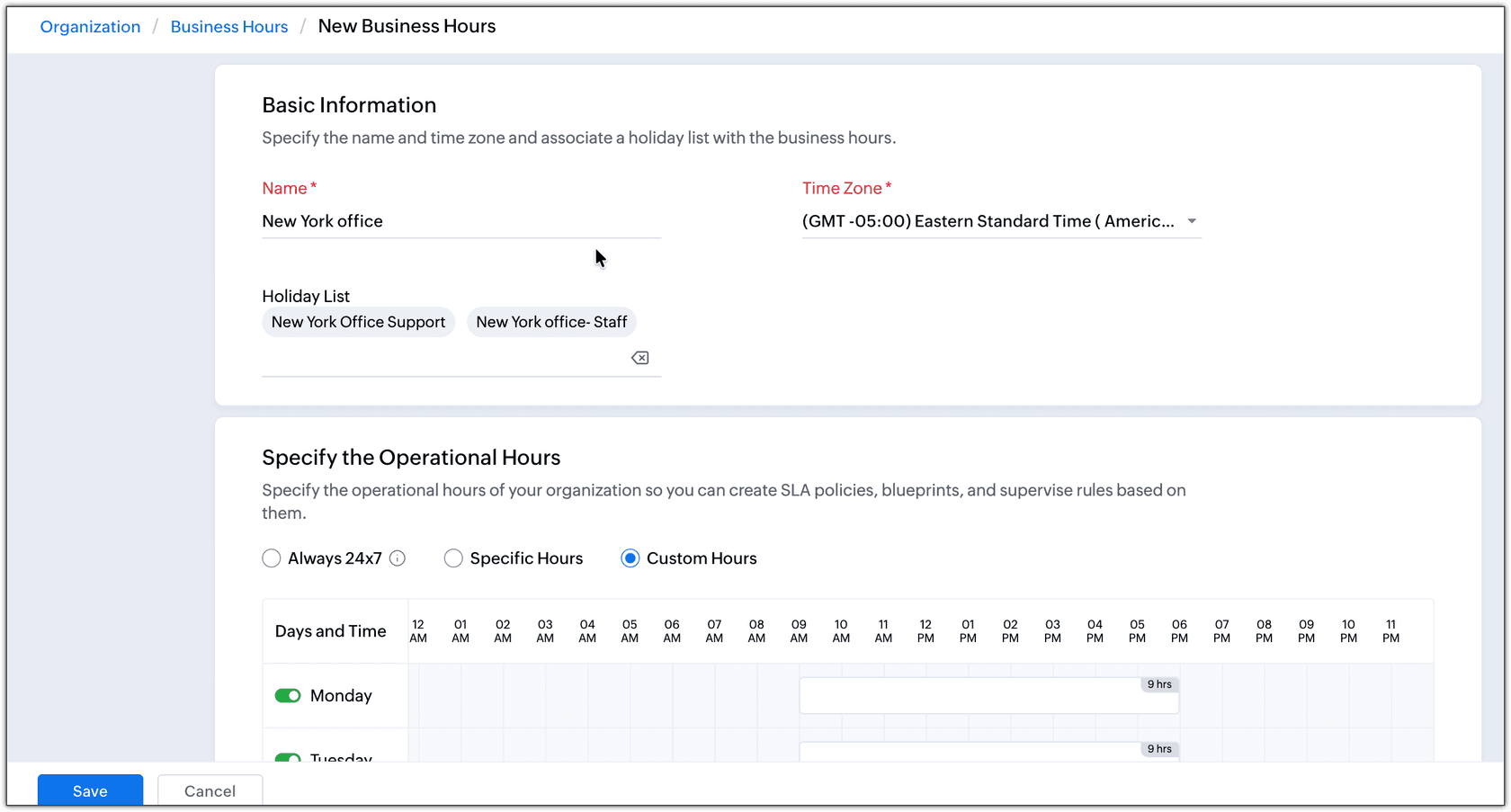
Here is what that schedule does to a ticket that lands overnight:
- The SLA clock stops. In Zoho's own example (Monday to Friday 9 to 6, Saturday 9 to 1), a ticket with a one-day SLA that arrives at 10pm on Friday is due at 1pm on Saturday, and one that arrives on Sunday is due at 6pm on Monday.
- Nobody gets it until morning. If you use round robin (Professional and up), Zoho's assignment rules guide says it assigns by default only to agents who are online in the email channel. Tickets that find nobody online are held in the backlog and handed out in batches, up to the backlog limit you set.
- The customer hears nothing unless you've built an out-of-hours reply yourself. There is no auto-reply toggle on the business hours page.
That last point is where most teams start, so it's where I'll start too.
How do you send an out-of-hours auto reply in Zoho Desk?
With a workflow. A Zoho staff member answered on the community forum that you add the criterion "Execution time outside business hours of" to a workflow and pick your business hours. For holidays, another Zoho staff reply in a separate thread gives the steps:
- Go to Setup > Automation > Workflow and create a rule on the Ticket module.
- Set Execute On to Create.
- For the criteria, pick Execution time - On a holiday of (or outside business hours of) and choose your business hours.
- Under actions, choose Alert and send the alert email to the contact.
Workflows are on every paid edition, from Express at $7 per agent a month billed annually, per Zoho Desk's pricing page. It took a while to get here. That thread opened eight years ago with a customer asking how to auto-reply to weekend email, and the answer then was a workaround using time-based Supervise rules. Two years ago a customer was still asking, and the answer was the workflow above:
"Is there any update to this where you don't need a CF to perform such a (in my opinion, basic) task of sending out-of-office replies automatically when it's a holiday, per the holiday schedule that was input?"
An alert tells the customer when you'll be back. It doesn't answer them, which is what the rest of this post is about. If you're comparing helpdesks, Freshdesk does the same job with its autoresponder and Gorgias with rules outside business hours.
What does Zoho Desk do with chats after hours?
Chats follow the same business hours, once you map them. Instant messaging (WhatsApp, Instagram, Facebook Messenger, Telegram, WeChat and LINE, from Standard per the pricing page) follows the schedule you choose, per Zoho's IM business hours guide. You map a schedule to each channel under Setup > Instant Messaging > Preferences > Conversation Rules. Outside those hours, conversations "are held until working hours resume", and an offline message goes out if you've turned one on.
Two details in that guide catch people out:
- "If no Business Hours are mapped, the IM channel runs 24x7." Conversations are always routed, and the offline message is skipped unless every agent goes offline.
- Bots don't stop at closing time. In Zoho's words, "By default, bots are always on." To make one behave differently at night, you add schedule-based conditions to its flow yourself.
The offline message is a per-department setting under Preferences > Automation, with placeholders such as the customer's first name. It goes out when a customer writes outside business hours, or when every agent on the channel is offline even during them. It doesn't go out when a bot answers and never tries to hand over.
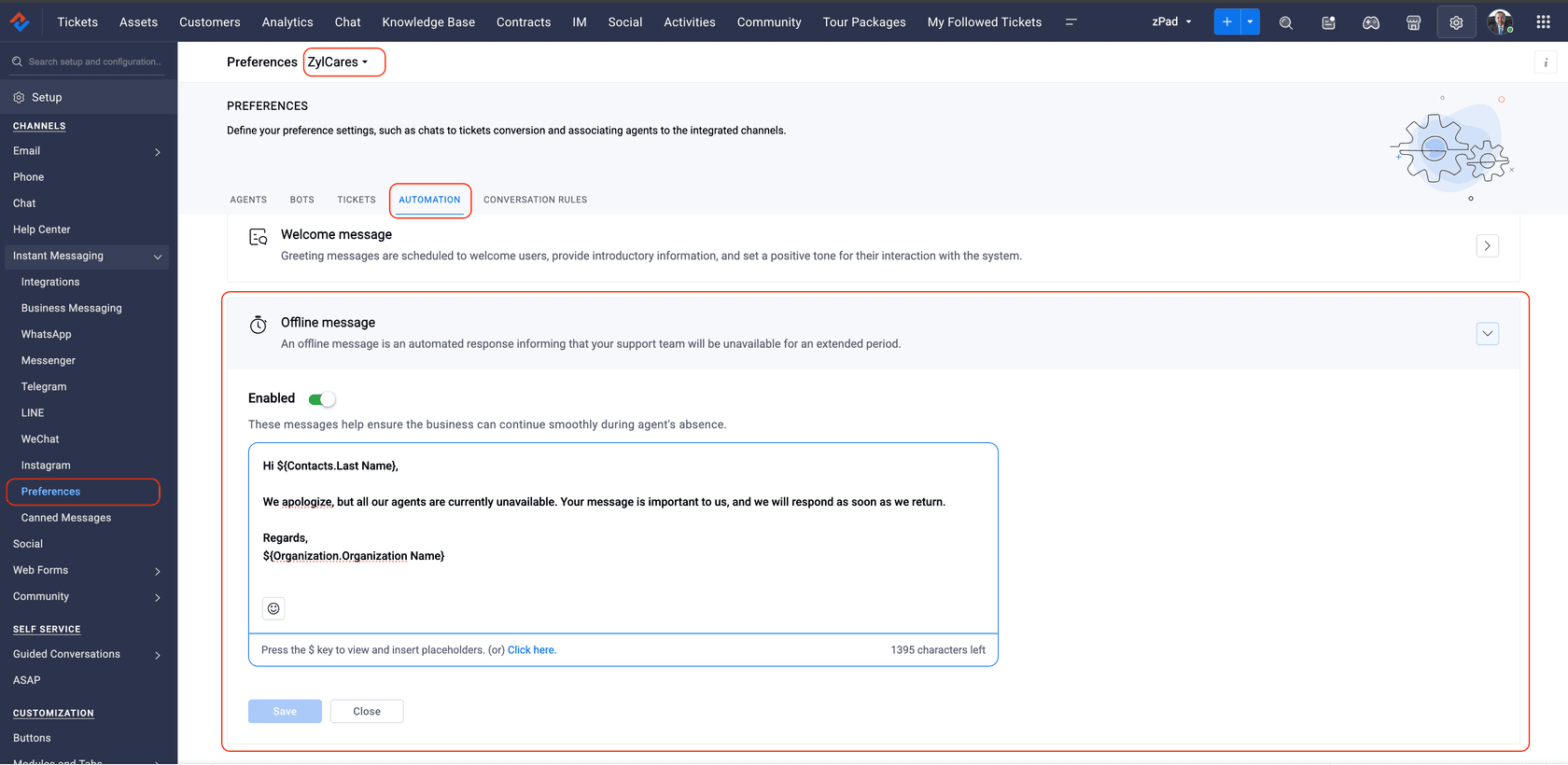
The offline message also only covers IM. The SLA timer for a chat doesn't start until the chat becomes a ticket, and then it runs on the department's SLA business hours, not the channel's.
Can Zia answer customers after hours?
Yes, in two very different ways, and only one of them replies to a ticket.
The Answer Bot: self-service from your knowledge base
The Answer Bot is Zia answering questions on your help center, website or landing pages (through the ASAP widget) and in the mobile SDKs. It's listed from the Standard edition ($14 per agent a month, billed annually), though the pricing page marks chat with a bot in the ASAP widget as Enterprise, so check your edition before you plan on the widget. Zoho's Answer Bot FAQ sells it as "round-the-clock assistance", and for questions your articles answer, that's fair. What it works from is narrower than it sounds:
- Only your knowledge base. With Zia's own model, answers come "exclusively from Knowledge Base articles", and by default only articles published to All Users. Zoho's docs describe no other source, so your past tickets aren't part of it.
- No article, no answer. Zoho lists the cases where it won't respond, including a knowledge base with nothing relevant, several similar articles, and answers kept in attachments or images, which it skips while training.
- Accuracy depends on your articles. Zoho's FAQ says the bot "achieves around 70% accuracy", and its setup guide recommends 30 articles per department for the best results.
- The handoff needs a human online. When the bot can't respond it shows "Chat with Agent", and only if live chat is enabled in ASAP. At 2am, that's a chat nobody picks up.
One Answer Bot per department, plus one across all departments. It retrains every 30 minutes. My colleague's posts on the Zia Answer Bot and Zia knowledge base training go deeper on setup.
The Support Specialist: an AI agent that replies to email
Zia Agents are Zoho's newer autonomous agents, and one of the two pre-built ones, the Support Specialist, is the closest thing in Zoho Desk to a night shift. Per Zoho's Support Specialist guide, once it's the ticket owner it "drafts and sends a reply" from your knowledge base. When there's no article, it adds the private comment "Stepped away from ticket due to lack of available help article" and un-assigns itself, so the ticket goes back to the pool for a person.
That's a sensible design. The fine print matters more for after-hours use than for daytime:
- Availability. "AI agents for Desk is available for selected users only in USDC and INDC." You request it from Setup > User Management > Zia Agents, and Zoho's custom agents guide says the pre-built agents are for the Professional and Enterprise editions.
- Email only. "Support specialist will work ONLY for the email-based tickets." Chats, social and phone tickets aren't covered.
- It needs the Answer Bot. "For Support Specialist to work, an Answer bot should be enabled in the respective department", and it "will only adhere to the information available in Knowledge Base."
- It's always offline, which matters for routing. Digital agents show as offline, so to include the Support Specialist in round robin you must switch on Assign tickets to offline agents. That setting lets offline people into the queue too, so the cleaner route is an assignment rule with its own criteria that sends tickets to the Support Specialist, which Zoho's guide gives as an example.
- It can loop. Zoho warns that when an assignment rule hands a ticket back to the Support Specialist after it steps away, "the ticket may get reassigned to the same agent, potentially leading to a looping."
- Text only, and credits. It can't process images or attachments. Enabling Zia Agents gives the organization 3,000 credits; the credits section adds 8,000 during the Enterprise trial and 25,000 free on purchasing Enterprise. When they run low, you contact Zoho support.
- One owner. The admin who switches Zia Agents on is the sole owner, and once enabled they "can only be disabled and cannot be deleted."
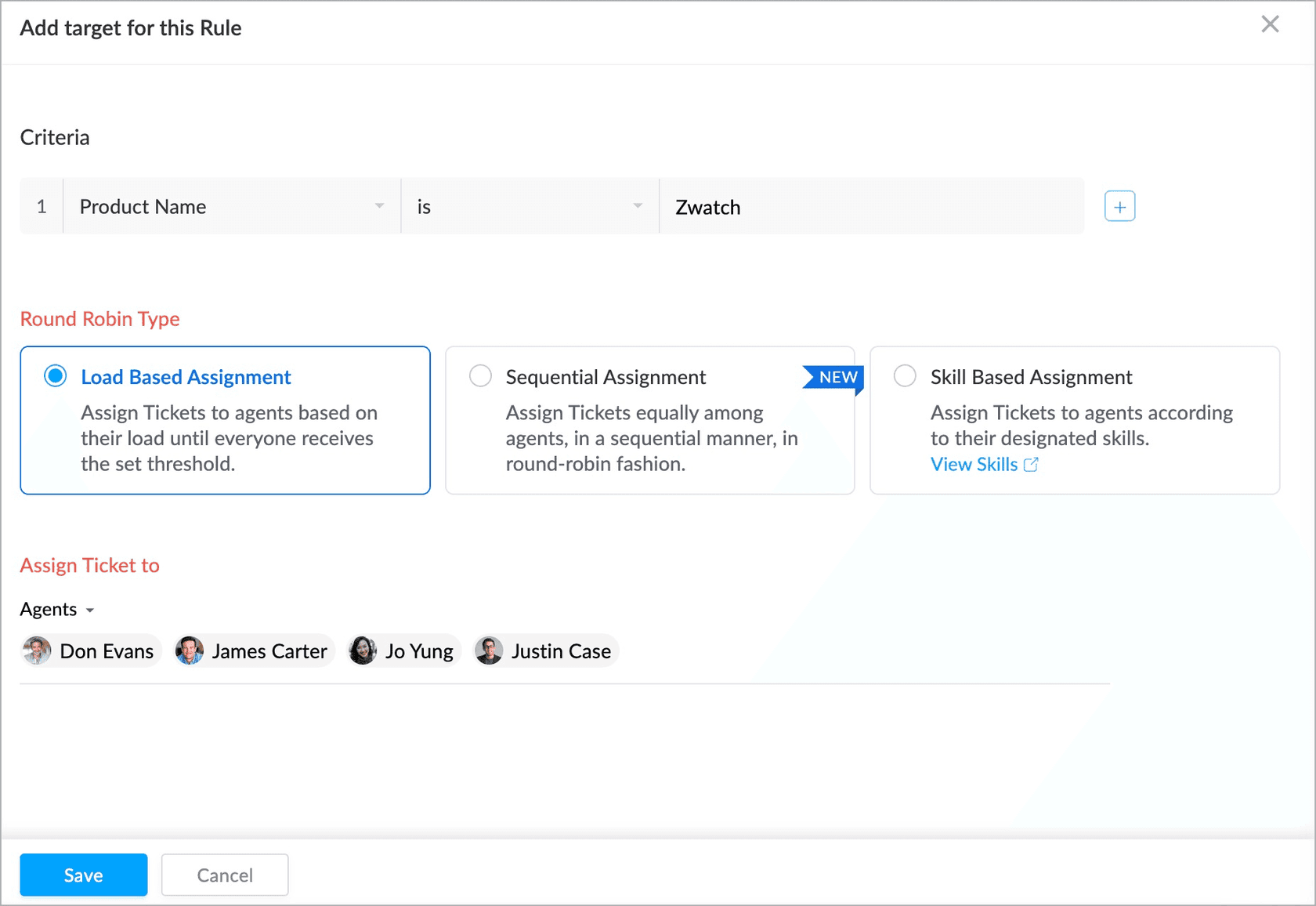
If you're on Professional or Enterprise in a US or India data centre and your email questions are mostly covered by your help center, the Support Specialist is worth requesting. If a lot of your overnight email needs more than an article, you can build a custom Zia agent: Zoho's custom agents guide says they can classify, triage and reply to tickets "in one action", on all paid editions, if you give them permission to send replies. That's a build you own and maintain, not a switch. For a wider view of Zia, see Zoho Desk AI and Zia escalation support.
What does after-hours coverage cost in Zoho Desk?
Mostly your edition, since none of these features has its own fee apart from Zia Agent credits beyond the allowance. From Zoho Desk's pricing page, billed annually:
| Edition | Price per agent a month | What it adds for after hours |
|---|---|---|
| Express | $7 | Workflows (the out-of-hours alert), direct assignment |
| Standard | $14 | Instant messaging and Business Messaging, Answer Bot, ASAP widget |
| Professional | $23 | Zia AI, round robin, webhooks, pre-built Zia agents (US and India data centres) |
| Enterprise | $40 | SalesIQ live chat, Guided Conversations, chat with a bot in ASAP, 25,000 free Zia Agent credits |
For a 10-agent team that's $140 a month on Standard, $230 on Professional and $400 on Enterprise. The pricing page lists AI Agents from Standard, "Includes access to pre-built agents and up to 30M free tokens/month", while Zoho's agent guide puts the pre-built agents on Professional and Enterprise, so ask Zoho before you buy Standard for the Support Specialist. The full picture is in Zoho Desk pricing and Zoho Desk AI pricing.
Pick your setup and see what a 2am customer gets
Pick a setup to see what an email and a chat get at 2am, what's waiting in the morning, and which edition you need.
How I'd set up after-hours coverage in Zoho Desk
If I were setting up a team on Zoho Desk tomorrow, this is the order I'd go in:
- Set business hours per region, with holiday lists. Check the time zone against your portal settings. Zoho's IM guide describes a customer whose mismatched time zones made the system treat incoming messages as outside working hours.
- Map those hours to every IM channel, and turn on the offline message in each department. An unmapped channel runs 24x7.
- Add the out-of-hours workflow with the "Execution time outside business hours of" criterion, and a second one for holidays. Say when you're back and link the help center.
- Decide what round robin does overnight. Leaving offline agents out keeps tickets off people who are asleep; just make sure the backlog limit can clear the morning pile.
- Then add AI for the questions people actually send at night. The Answer Bot helps visitors who read your help center. For email, the Support Specialist if you have it, or an AI agent that reads past tickets as well as articles. Start it on drafts and move to sending once you trust it. Our guide to AI after-hours support and weekend coverage covers the wider approach, and human handoff best practices covers what happens when the AI can't help.
Covering after-hours tickets with eesel
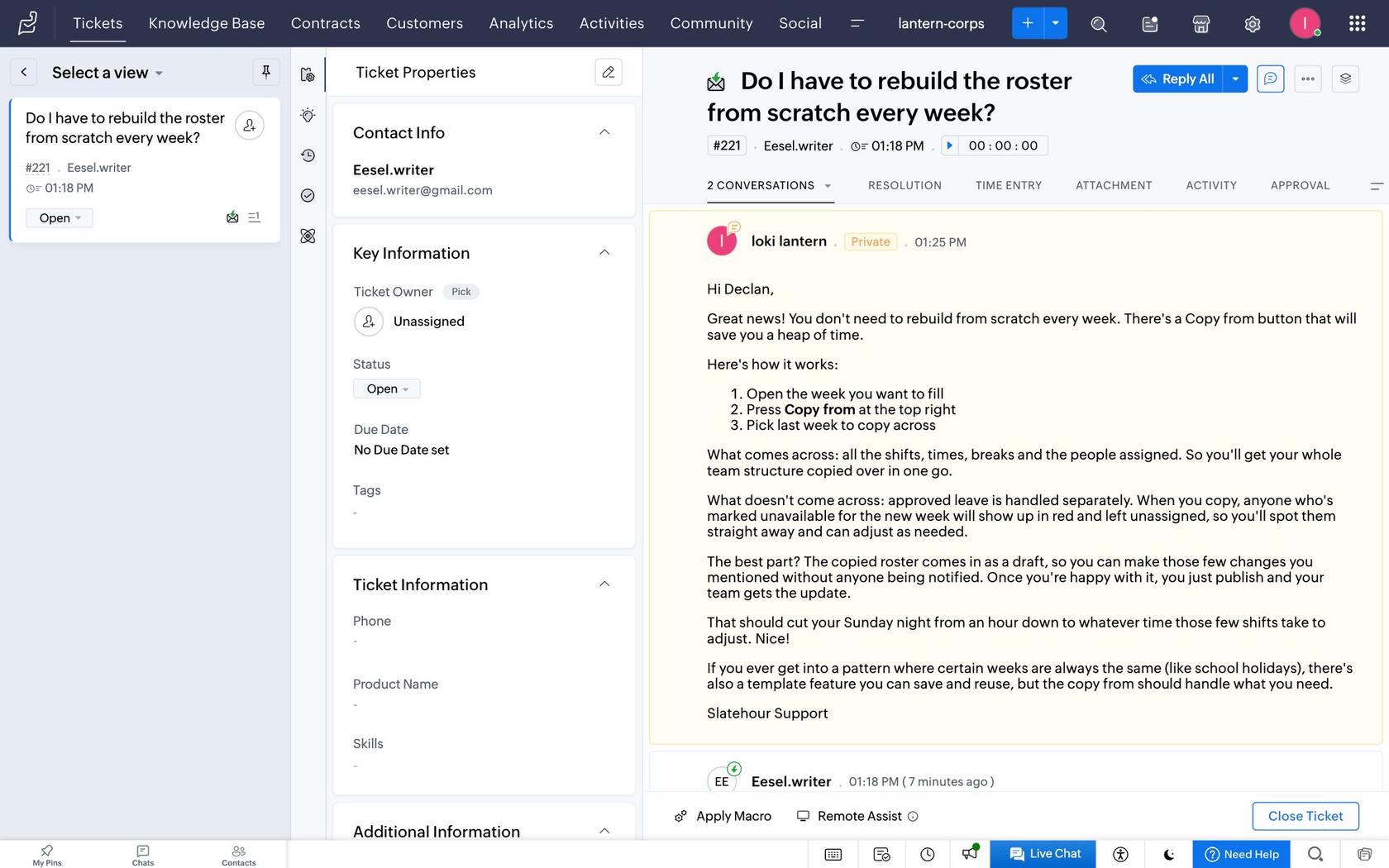
eesel joins Zoho Desk as a teammate and works the ticket queue, not a chat widget. Per the eesel Zoho Desk docs, it learns from your published help center articles and your past tickets (by default, closed tickets changed in the last 30 days), plus anything else you connect, such as Confluence or your website. It wakes on a new ticket or a customer reply, reads the ticket in full when it needs to, and can send a reply, leave a private comment, tag the ticket, change its fields or move it to another department.
For after hours, that means you describe the job in plain language, for example: "Answer order-status and how-to questions; for refunds and anything about billing, leave a draft as a private comment and assign it to the billing team." Nothing runs until you create an automation, and you can start with every reply as a private comment so your morning shift reviews the night's work before trusting it with sending. If you'd rather it only send outside your hours, one way is a Zoho workflow with the outside-business-hours criterion that sets a custom field, which eesel can read; test it on a few tickets first, since both run when the ticket is created.
What to know before you plan around it, from the same docs:
- It needs webhooks, which start on Zoho's Professional edition. Below that, eesel's docs say an automation saves but doesn't run.
- Replies go out by email, so a phone or chat ticket with no email address on it can't get one. Your IM chats stay with Zoho's offline message and bots.
- It can't attach files to a reply, though it can open the images and PDFs customers send.
On permissions, eesel lets you set each action to run on its own, ask first or stay off (actions and approvals), so "send replies" can wait for a yes while "leave a private comment" runs freely.
Try eesel on your Zoho Desk night shift
If your overnight email is mostly questions your help center and past tickets already answer, an AI agent can have them answered before your team signs in, and leave the rest drafted. eesel does that inside Zoho Desk, and it's a teammate rather than a ticket bot: the same agent can answer your team's questions in Slack or run a weekly report on what came in overnight. Pricing is one monthly fee for a batch of credits, from $299 a month for 500, where a ticket is one credit however long it runs (eesel pricing). The free trial gives you 100 credits for 7 days, enough to connect Zoho Desk and read real drafts on last night's tickets before you pay. Try eesel.