Let's be honest, your support team is probably drowning. The same questions pop up over and over, and customers expect instant, perfect answers around the clock. You’re likely stuck in that classic dilemma: either burn out your current team, let customer satisfaction scores slip, or somehow convince the higher-ups to let you hire a bunch of new people. Not great options.
This is where AI automation can actually help. It's not about replacing your team with robots; it’s about giving them a serious assist. The right tool can take care of the repetitive stuff, freeing up your agents to handle the tricky problems where a human touch really makes a difference.
But with a sea of options all claiming to be the best, which ones are for real? I’ve gone through the ringer, testing platform after platform to get past the marketing fluff. Here’s my straight-up list of the 6 top AI tools to automate customer support that will actually make your life easier in 2026.
What are AI tools for automating customer support?
Simply put, these are software tools that use artificial intelligence to handle customer conversations without a human needing to step in every time. Think of them as a new, incredibly efficient teammate who is amazing at the basics.
Their main gigs usually fall into a few buckets:
-
Answering common questions instantly: They can clear a huge number of tickets off your plate by giving immediate answers to things like "Where's my package?" or "How do I reset my password?"
-
Routing and tagging tickets automatically: Instead of someone manually sifting through every new ticket, the AI can figure out what it’s about, who needs to see it, and how urgent it is.
-
Giving human agents a hand: Some tools act like a copilot, suggesting replies or pulling up the right help article to help your team respond faster and more consistently.
-
Providing 24/7 support: They don't need sleep, so your customers can get help whenever they need it through chatbots and AI agents.

These tools learn by connecting to your company's existing knowledge, like your help center articles, past support tickets, and internal docs. This is how they figure out how to talk to your customers in your brand’s voice.
How I picked these AI tools
Not all AI tools are built the same. Some promise you the moon but deliver a clunky setup and a surprise bill. When I put this list together, I focused on what really matters to a busy support team.
-
Time-to-value: How fast can you get it working and see results? I looked for platforms that don't require a six-month project and a team of developers to get going.
-
Customization and control: Can you actually decide what the AI does and how it behaves? The best tools let you build your own workflows and set the AI's tone, not just hand you a rigid bot.
-
Knowledge integration: How well does it learn from the stuff you already have? I prioritized tools that can tap into your existing helpdesk, wikis, and documents without making you migrate everything.
-
Testing and reliability: Can you test it safely before unleashing it on customers? Being able to see how the AI would have handled past tickets is a huge plus for rolling it out with confidence.
-
Pricing transparency: Is the cost clear and predictable? I favored tools with straightforward, flat-rate plans over models that can be hard to budget for.
Comparing the top AI tools
Here’s a quick look at how our top choices stack up against each other.
| Feature | eesel AI | Zendesk AI | Forethought | Ada | Gorgias | Crescendo.ai |
|---|---|---|---|---|---|---|
| Setup Time | Minutes (Self-Serve) | Days to Weeks | Weeks | Weeks | Days | Weeks |
| Keeps Helpdesk? | Yes | N/A (Is the helpdesk) | Yes | Yes | N/A (Is the helpdesk) | Yes |
| Trains on Past Tickets? | Yes | Yes | Yes | No | Yes | Yes |
| Connects to Docs/Wiki? | Yes | Yes (Integrated) | Yes | Yes | Via ecosystem | Yes |
| Simulation Mode | Yes (Advanced) | No | Basic | No | No | No |
| Pricing Model | Flat-rate (per interactions) | Per Agent + Add-ons | Quote-based | Quote-based | Tiered plans | Per Resolution |
The 6 top AI tools to automate customer support in 2026
Let's dive into the details of the tools that made the cut. I'm starting with my top pick because its approach is powerful, easy to use, and just plain smart.
1. eesel AI
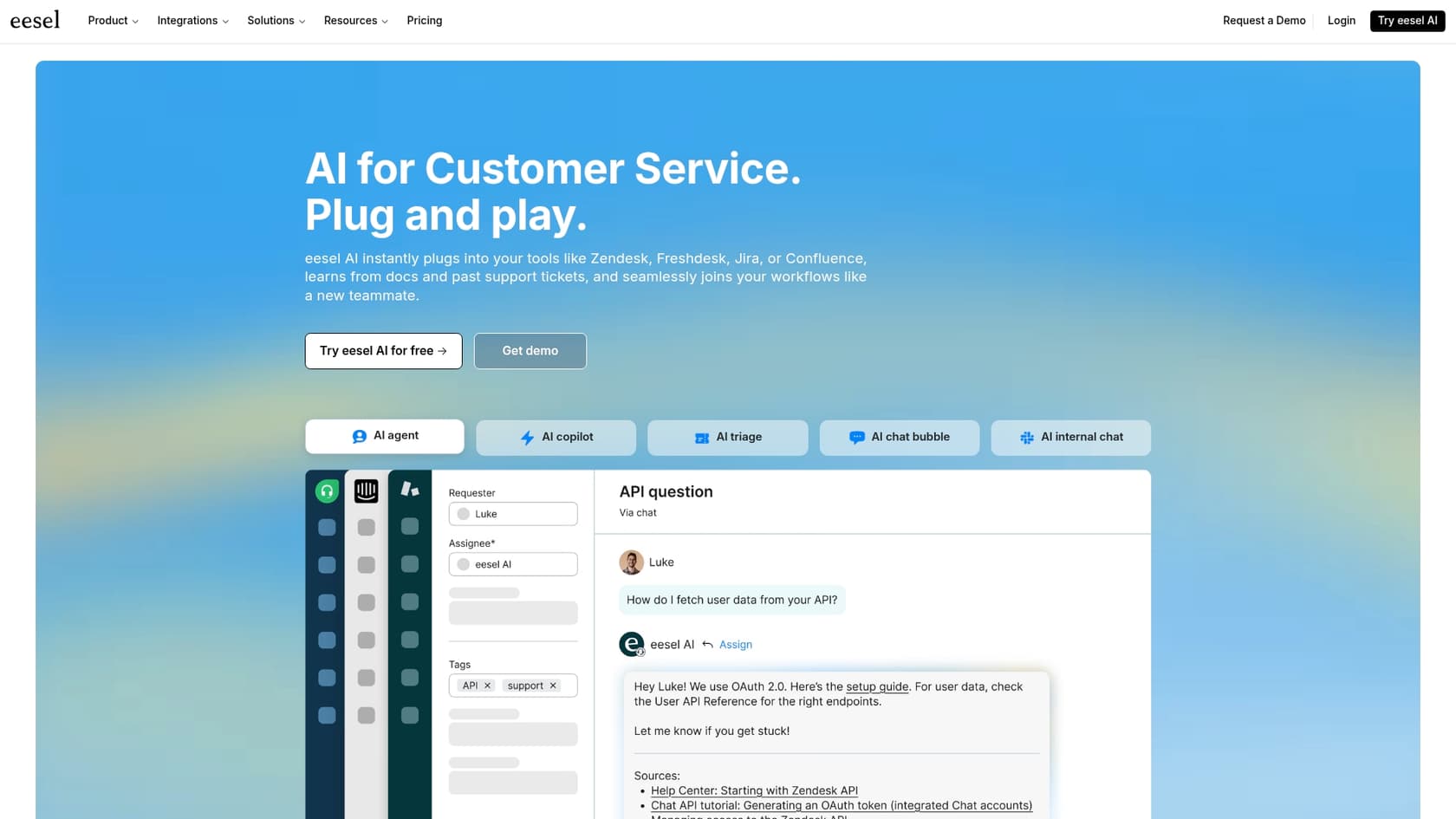
eesel AI is a support automation platform that plugs right into the tools your team already uses, like Zendesk, Freshdesk, and even Slack. What makes it stand out is that it doesn't force you to ditch your helpdesk. Instead, it adds a smart AI layer on top, learning from all your scattered knowledge, whether it's in past tickets, help center articles, Confluence pages, or Google Docs.
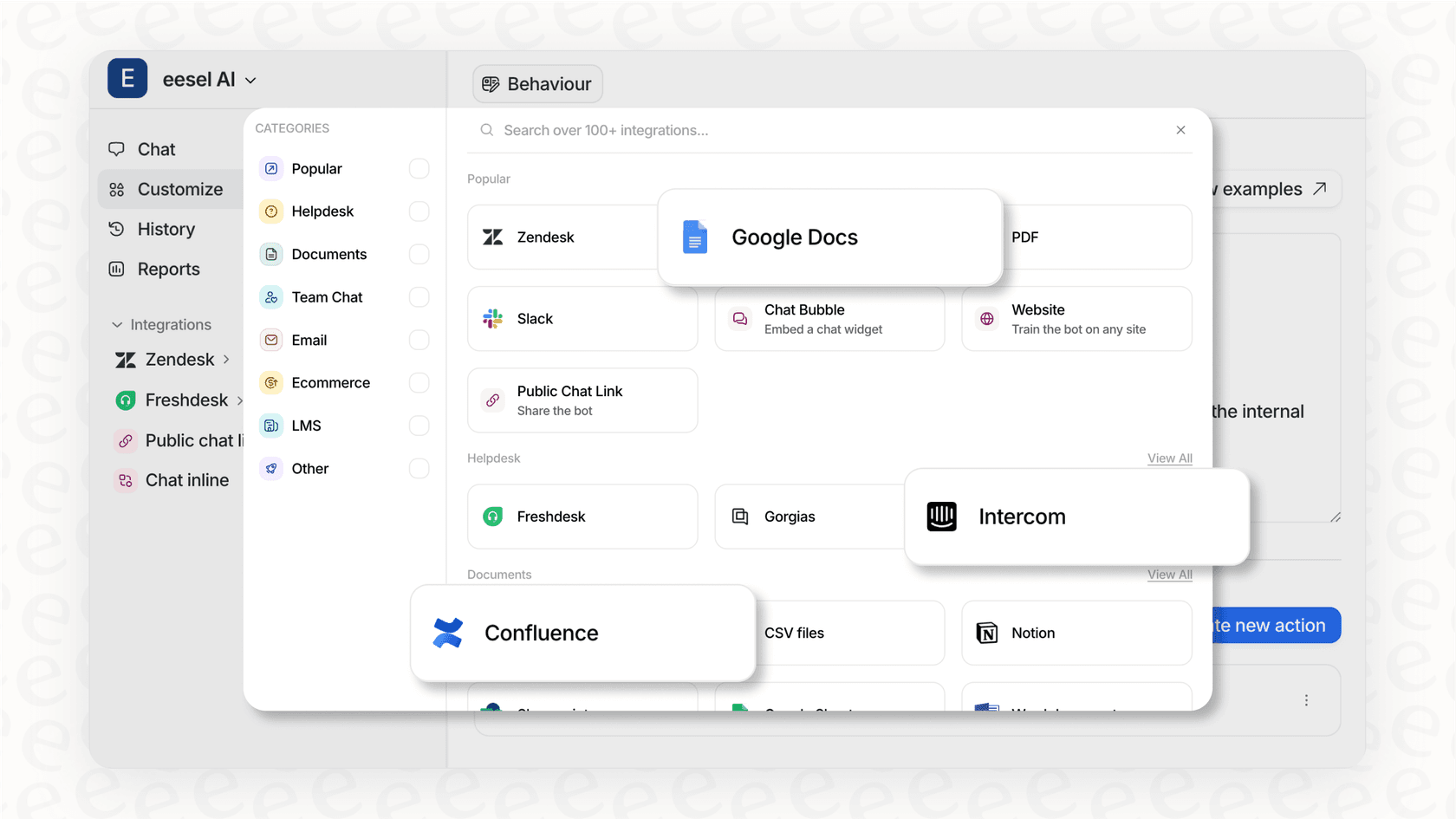
Why it's on the list: I put eesel AI at the top because, frankly, its approach just makes sense. You can get it running in minutes, not months, with a setup you can handle yourself and one-click integrations. It gives you full control over what gets automated, lets you test everything on your old tickets first, and then roll it out when you’re comfortable. Best of all, the pricing is clear and predictable. You won't get a shocking bill just because you had a busy month.
Pros:
-
Super simple, self-serve setup; you can start for free in minutes.
-
It works with your existing helpdesk, so you don't have to change your team's workflow.
-
The simulation mode lets you confidently test on past tickets before going live.
-
It pulls together knowledge from everywhere, including past tickets and internal wikis.
-
Transparent, flat-rate pricing for better budget management.
Cons:
-
It's a newer name, so it doesn’t have the same extensive brand history as established industry leaders like Zendesk.
-
The most complex, enterprise-level features for specific workflows require a custom plan.
Pricing: eesel AI's pricing is refreshingly straightforward: one fixed monthly price, from $299/month for 500 credits (1 credit per ticket or chat), with no platform fee and no seats. Everything is included, from training on past tickets to using AI to triage tickets, and paying a year upfront gets you two months free.
2. Zendesk AI
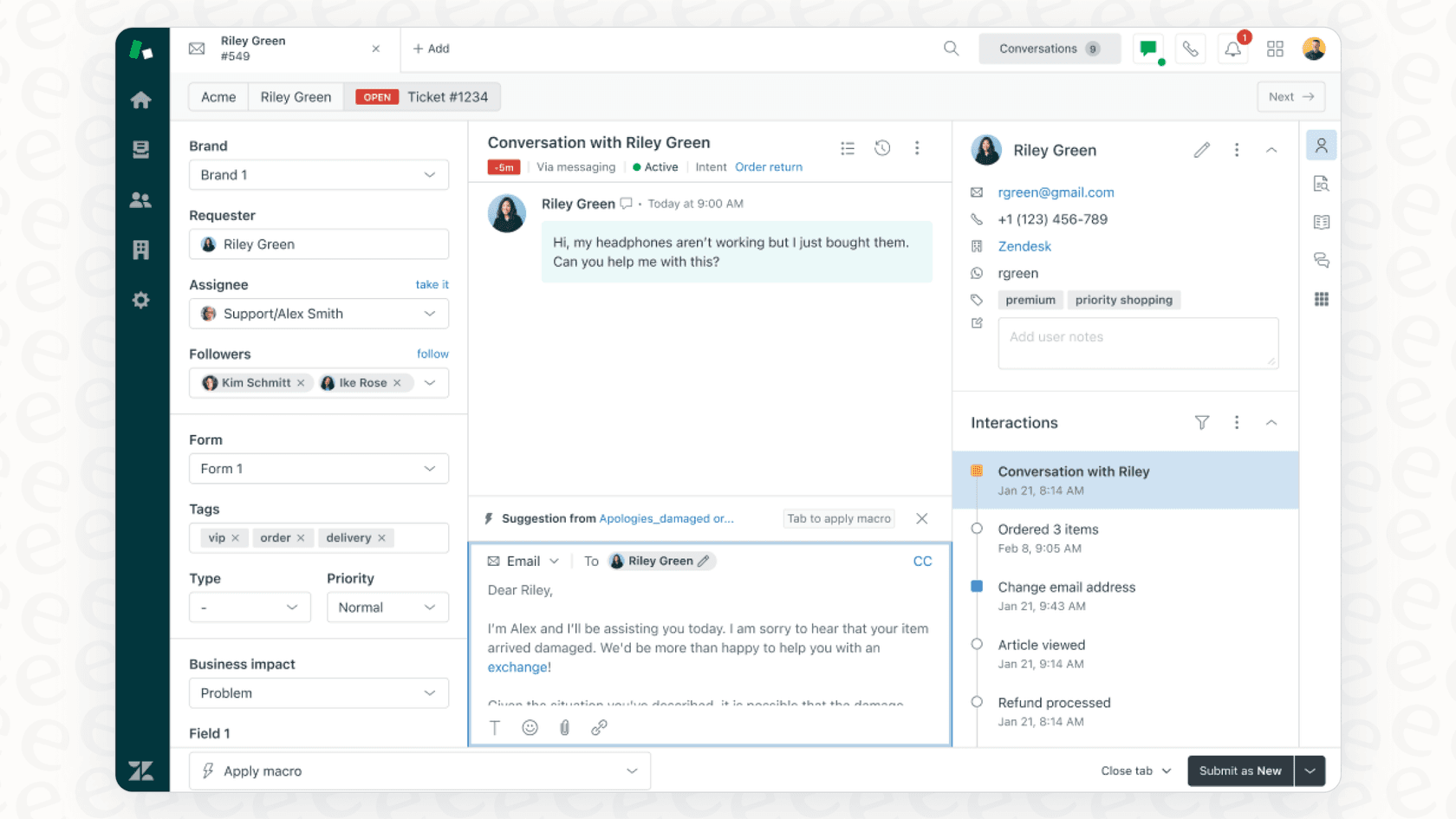
Zendesk is a world-class platform in the customer service world, and its AI features are built directly into its robust ecosystem. Zendesk AI gives you AI agents, a copilot for your human agents, and tools for smart ticket routing and creating help center content.
Why it's on the list: If your team already lives in Zendesk, using its native AI is an excellent choice for a smooth, unified experience. It’s been trained on billions of real support tickets, so it handles common situations with impressive maturity right from the start.
Pros:
-
Seamless, native integration for a completely unified Zendesk experience.
-
Pre-trained on a massive amount of industry-leading data, ensuring high performance out of the box.
-
Offers a comprehensive suite of tools, from advanced chatbots to sophisticated agent assistance.
Cons:
-
As a native tool, it is designed to be the central hub of your support, meaning it is most effective when you are fully committed to the Zendesk platform.
-
Zendesk offers tiered plans with various add-ons to provide a tailored experience, which means pricing is structured based on the specific features your team requires.
-
While it doesn't prioritize a separate simulation mode, its AI is built to be highly reliable by leveraging your existing historical data.
Pricing: Zendesk's pricing starts with its Suite plans, like the Suite Team plan at $55 per agent/month (billed annually). Advanced AI capabilities are available through tiered plans or add-ons, such as Suite Professional ($115/agent/month) or Suite Enterprise ($169/agent/month), allowing you to scale your AI capabilities alongside your business growth.
3. Forethought
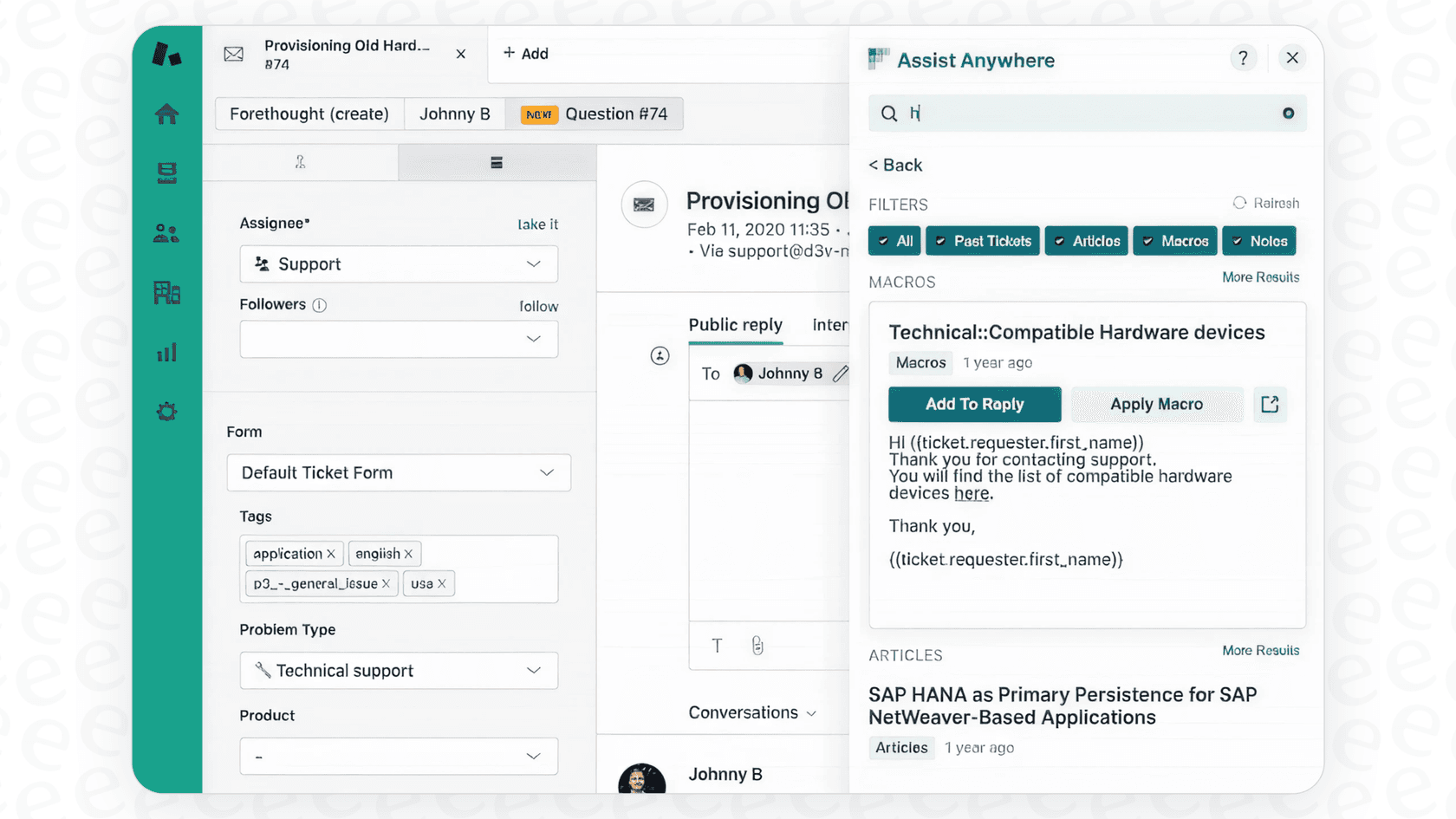
Forethought is a generative AI platform that connects with helpdesks like Zendesk and Salesforce to help automate support. It has different AI "agents" for different tasks: Solve for deflecting tickets, Triage for routing them, and Assist for helping human agents.
Why it's on the list: Forethought's main advantage is that it's made to enhance your existing helpdesk, adding a specialized AI layer. Its AI-powered ticket triage is especially good at automatically categorizing and prioritizing new requests.
Pros:
-
Integrates with major helpdesks like Zendesk, so you can keep your current setup.
-
Really strong at automatically sorting and routing tickets.
-
The generative AI can summarize long ticket threads, which saves agents time.
Cons:
-
The setup can be involved and typically takes some time to fully implement.
-
Pricing is quote-based, so you'll need to speak with their team to understand the investment required for your specific needs.
-
It is not a self-serve platform, requiring a sales process to get started.
Pricing: Quote-based. You have to contact their sales team for any pricing details tailored to your organization.
4. Ada
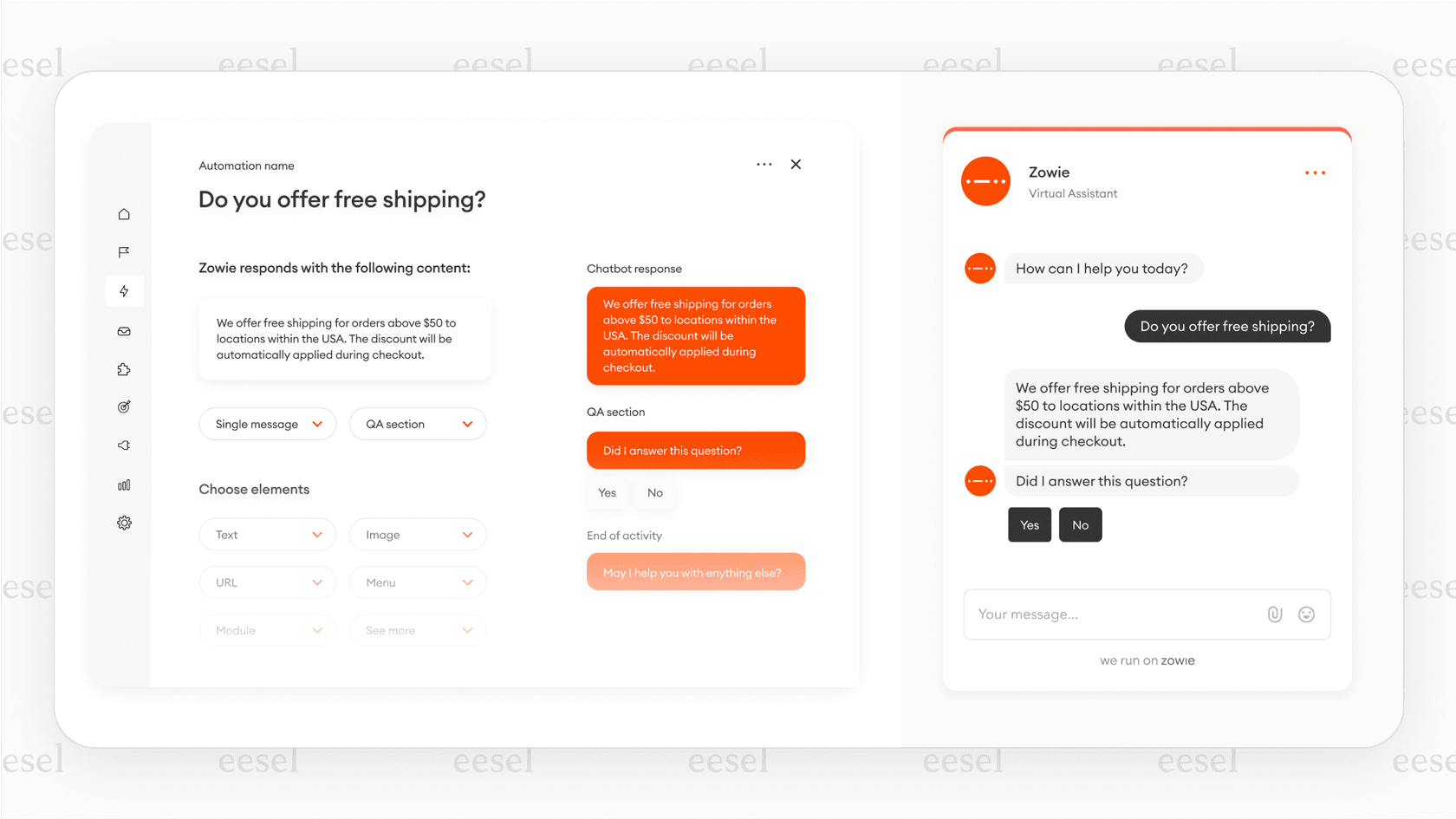
Ada is a no-code, AI-focused platform for building and managing powerful customer service chatbots. It's designed so that non-technical teams can create complex conversational flows to handle a high volume of customer questions.
Why it's on the list: In the world of no-code chatbots, Ada is a recognized leader. The platform is user-friendly and makes it relatively easy to build sophisticated chat experiences with strong support for multiple languages.
Pros:
-
Powerful and intuitive no-code chatbot builder for easy customization.
-
Excellent multilingual support for global companies.
-
A great choice for brands that want to automate a large portion of their chat volume.
Cons:
-
It often requires building specific conversational flows manually rather than relying purely on unstructured historical data.
-
The pricing scales with usage, which is something to plan for as your volume increases.
-
It focuses primarily on chatbot automation rather than the full suite of triage and agent assistance found in other tools.
Pricing: Quote-based. You will need to request pricing from their sales team to determine the best fit for your budget.
5. Gorgias
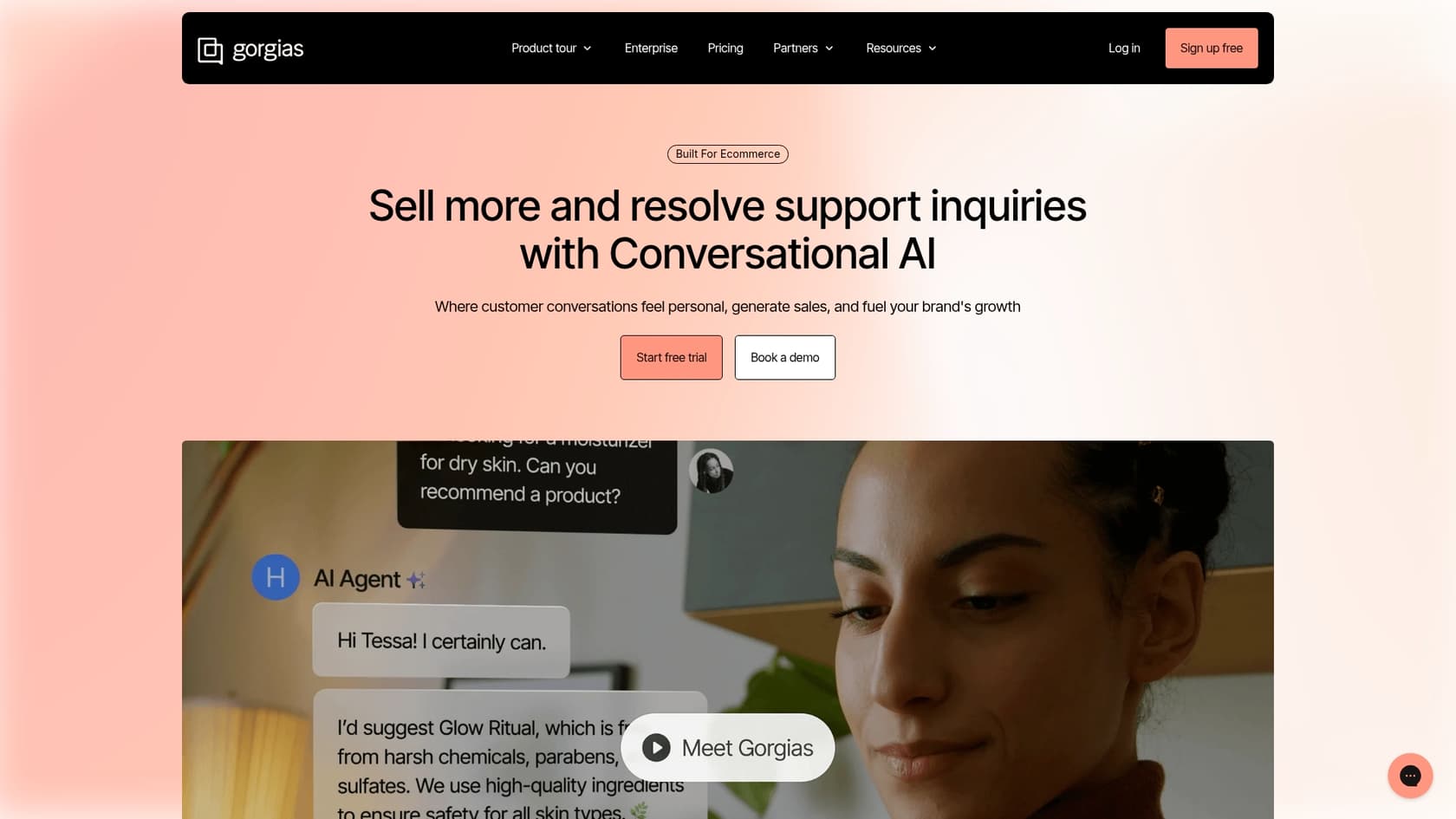
Gorgias is a helpdesk built specifically for e-commerce stores. It integrates deeply with platforms like Shopify, Magento, and BigCommerce, and its automation is laser-focused on answering questions like "Where is my order?" in a snap.
Why it's on the list: If you run an e-commerce business, Gorgias is tough to beat. Its tight connection with sales platforms lets both AI and human agents pull up order information and even process refunds right inside the helpdesk.
Pros:
-
Incredible integration with Shopify and other e-commerce platforms.
-
Perfect for automating common e-commerce support tasks like order lookups and returns.
-
Brings all customer communication (email, social media, chat) into one place.
Cons:
-
It's built specifically for e-commerce, so it might not be the right fit for SaaS or other industries.
-
Gorgias offers tiered plans based on ticket volume, allowing you to select the option that best fits your business needs.
-
Gorgias's AI is deeply optimized for e-commerce workflows, offering specialized performance and depth for online retailers.
Pricing: Gorgias's plans are based on ticket volume. The Basic plan is $50/month for 300 tickets. The Pro plan is $300/month for 2,000 tickets. AI Agent interactions are available as an additional cost based on resolved conversations.
6. Crescendo.ai
Crescendo.ai is a unique support automation platform that combines AI with a team of humans for quality control. It offers AI voice assistants for phone support alongside live chat and email, with a big focus on getting things right.
Why it's on the list: Crescendo's "human-in-the-loop" approach is an interesting managed service option. It includes access to specialists who review the AI's work, which could be a good option for teams that want a hands-off approach to quality assurance.
Pros:
-
Offers a "human-in-the-loop" service for high quality assurance.
-
One of the few platforms with native AI voice assistants for phone support.
-
Includes features like sentiment analysis and CSAT scoring.
Cons:
-
The pay-per-resolution model means costs will vary based on your monthly support volume.
-
The managed service style might offer less direct control for teams that want to be hands-on with their AI workflows.
-
The implementation process is more involved than a simple self-serve platform.
Pricing: Crescendo.ai uses a platform fee plus a per-solve model. You'll need to contact their sales team for a quote based on your specific volume and requirements.
How to choose the right AI tool for your team
Alright, that was a lot. Feeling a bit overwhelmed? Don't sweat it. Picking the right tool isn't about finding the one with the longest feature list. It's about finding the one that fits your team, your workflow, and your budget.
To make it simple, just ask yourself three things:
-
Do you want to keep your current helpdesk? If you love your Zendesk or Freshdesk setup, you need a tool that plugs into it, not one that makes you start from scratch. This makes tools like eesel AI or Forethought great additions.
-
How much control do you want? If you want to start small, test safely, and have fine-grained control over what the AI does, look for platforms that offer simulation modes and let you roll things out gradually.
-
What’s your budget like? Do you prefer a predictable monthly cost you can set and forget? Or are you okay with a bill that changes every month based on how many tickets you resolve?
If you want to keep your helpdesk and prefer a self-serve tool with predictable pricing, eesel AI is a really strong candidate. If you don't mind a sales-led process, Forethought is another option. If you're ready for an industry-leading, all-in-one experience, you can explore the comprehensive capabilities of Zendesk to see how its ecosystem can power your support.
The best AI tools are flexible and integrated
Look, the best AI tools to automate customer support don't force you into a corner. They work with the tools you already have, give you control to automate at your own pace, and offer clear value without tricky pricing.
The point of all this was never to replace your amazing human agents. It’s to get them out of the weeds. By letting AI handle the repetitive tickets that drain everyone's energy, you free up your team to focus on building actual customer relationships and solving the hard problems where they really shine.
Ready to see how a flexible AI layer can transform your support without blowing up your entire workflow? Try eesel AI for free and see how fast you can get up and running. You can go live in minutes, not months.
Frequently asked questions
How do the top AI tools to automate customer support integrate with my existing helpdesk system?
Most of the tools mentioned, like eesel AI and Forethought, are designed to plug into your current helpdesk (e.g., Zendesk, Freshdesk). This allows them to learn from your existing data and enhance your workflow without requiring you to switch platforms.
Can the top AI tools to automate customer support learn from my company's specific knowledge base and past tickets?
Yes, the best AI tools are designed to connect to and learn from your help center articles, internal wikis, and even historical support tickets. This enables them to provide accurate answers tailored to your brand's unique information.
How quickly can we expect to see results after implementing the top AI tools to automate customer support?
Time-to-value varies significantly among tools. Platforms like eesel AI emphasize self-serve setup that can get you up and running in minutes, while more complex or quote-based solutions might take weeks for full integration and noticeable impact.
What impact do the top AI tools to automate customer support have on human agents? Are they replaced?
No, these tools are designed to assist, not replace, human agents. They handle repetitive queries, route tickets efficiently, and provide suggestions, freeing up your team to focus on complex issues and build deeper customer relationships.
How do I choose between the different pricing models offered by the top AI tools to automate customer support?
Consider whether you prefer predictable costs (flat-rate plans) or variable costs (per-resolution or per-ticket models). Flat-rate models offer budgeting stability, while per-resolution can be unpredictable, especially during peak seasons or with high interaction volumes.
Is it possible to test the effectiveness of the top AI tools to automate customer support before fully deploying them to customers?
Absolutely. Many sophisticated tools, such as eesel AI, offer a simulation mode that allows you to test the AI's performance against past tickets before it interacts with live customers, ensuring confident deployment.