7 best Swift Headway alternatives in 2026

Kurnia Kharisma

Katelin Teen
Last edited August 29, 2026

Why look past Swift Headway
Let me be fair to Swift Headway first, because the model has real appeal. If you are a busy SMB owner who does not want to learn another tool, a done-for-you agency is attractive: someone maps your workflows, builds the systems, and hands you a result. Its own case studies are specific in a way most agency sites are not. One describes a 14-technician MSP drowning in 1,400 tickets a month with a 5.2-hour average resolution time, where agentic triage and password-reset auto-resolution cut tier-1 work 79% and lifted NPS from 38 to 71 in 90 days. That is a concrete, believable outcome.
So the question is not "is the agency model bad." It is "is a custom-built, agency-owned system the right shape for what I need." For a lot of teams, it is not, and here is why.
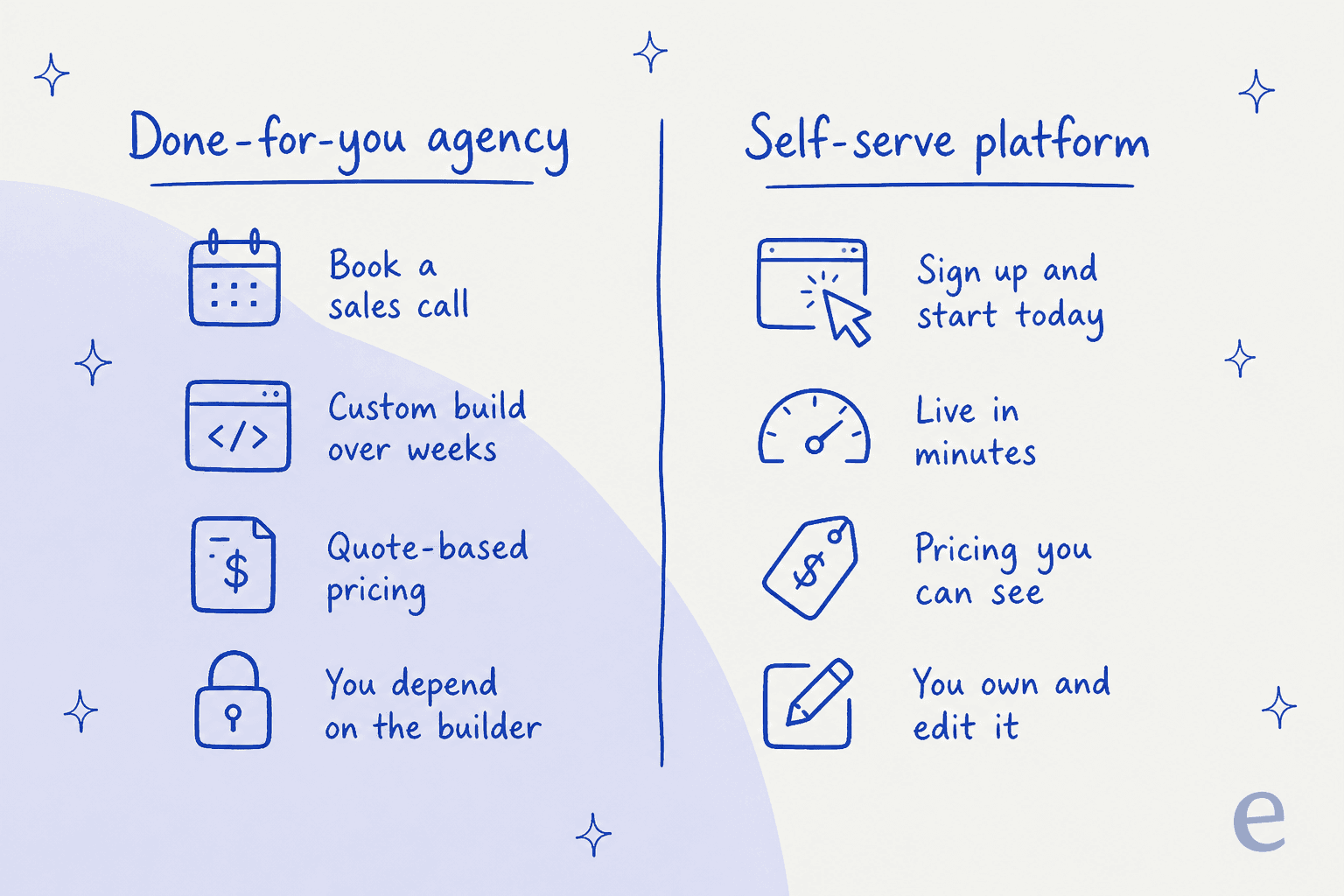
The three recurring frustrations that push teams toward a self-serve tool:
- You cannot see the price. Swift Headway runs everything through a call and a written quote. There is no plan page, so you cannot budget or compare it against a $20/month tool without a sales conversation first.
- It takes weeks, not minutes. The site says most systems are "live within weeks, months depending on complexity." Modern AI support tools can be connected and simulated the same afternoon.
- A custom build is a custom dependency. When a bespoke system breaks or needs to change, you go back to the people who built it. A self-serve platform you can edit yourself, in a UI, without a change request.
None of that makes an agency wrong. It makes it a different trade-off: hands-off and bespoke, versus fast, transparent, and owned. If you lean toward the second, keep reading.
What to look for in a Swift Headway alternative
Before the list, here is the lens I used. When you are replacing a custom-build agency with a product you run yourself, five things actually decide whether it works:
- The job it is built for. A general workflow builder (Zapier, Make, n8n) and a purpose-built support teammate are not the same tool. Match the tool to your biggest bottleneck.
- Time to live. Can you connect it and see value today, or is there still a project?
- The billable unit. Per task, per credit, per execution, or per ticket resolved. This one number decides your bill at scale, so read it carefully.
- How it handles your knowledge. For support especially, the tool should learn from your past tickets and docs, not just a public website crawl.
- A way to test before you trust it. The best tools let you dry-run against real data before anything reaches a customer.
That third point matters more than people expect. Every tool here meters differently, and the unit you are billed on can quietly triple your cost as you scale.
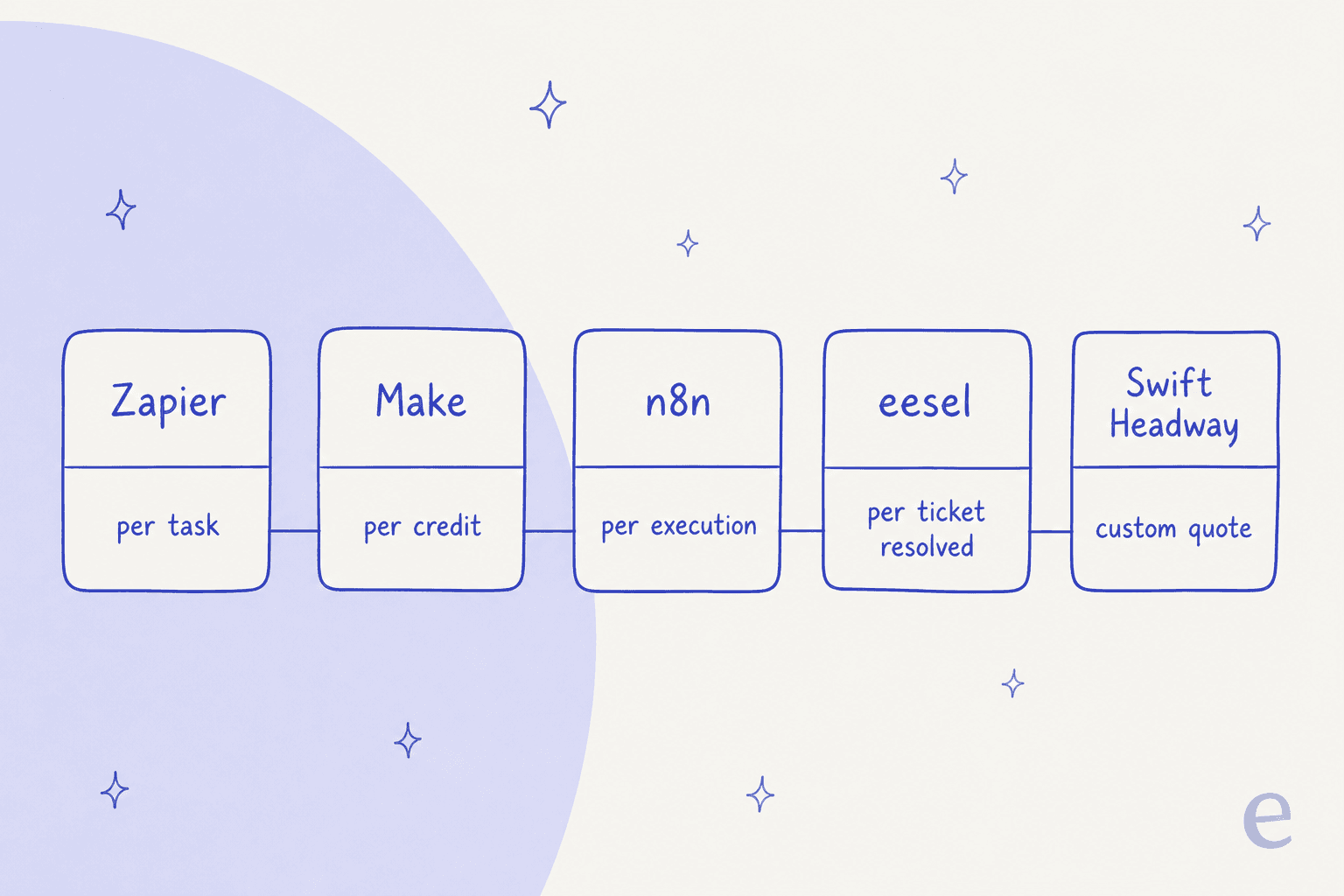
Here is how the seven alternatives stack up at a glance.
| Tool | Best for | Starting price | Billable unit | Free tier | Go-live |
|---|---|---|---|---|---|
| eesel AI | Support queue automation | From $299/mo (500 credits) | Credit (1 per ticket or chat) | Yes (100 free credits) | Minutes |
| Zapier | Connecting the most apps | $19.99/mo | Task | Yes (100 tasks/mo) | Hours |
| Make | Cost-efficient visual automation | $12/mo | Credit (per action) | Yes (1,000 credits/mo) | Hours to days |
| n8n | Self-hosting, no per-task fees | $20/mo cloud (self-host free) | Workflow execution | Yes (self-hosted) | Days (technical) |
| Relevance AI | Building an AI "workforce" | $19/mo | Actions + vendor credits | Yes (200 actions/mo) | Days |
| Lindy | AI assistants for founders/ops | $29.99/user/mo | Credit | Trial only | Days |
| Gumloop | No-code AI workflows | $37/mo | Credit | Trial only | Days |
Prices are the lowest published paid tier as of August 2026; see each tool's section for the full breakdown.
Not sure which row is yours? This quick picker points you at a starting place.
1. eesel AI
Best for: automating your customer support queue without a multi-week build.

Swift Headway's own strongest case study is about support: an MSP that automated ticket triage and password resets. That is exactly the job eesel AI does out of the box, without the audit, the quote, or the wait.
Here is the framing that makes eesel different from a generalist automation shop. eesel is an AI teammate platform, and you hire ready-to-work teammates for specific jobs. The current roster is an AI helpdesk teammate and an AI blog writer. Each one arrives already knowing its role, so you are not wiring up a blank canvas the way you are in Zapier or Make. I have spent the last few years watching teams put AI on live support queues, and the thing that separates a rollout that sticks from one that gets switched off is whether you could test it safely first. That is baked in here.
How it actually goes live
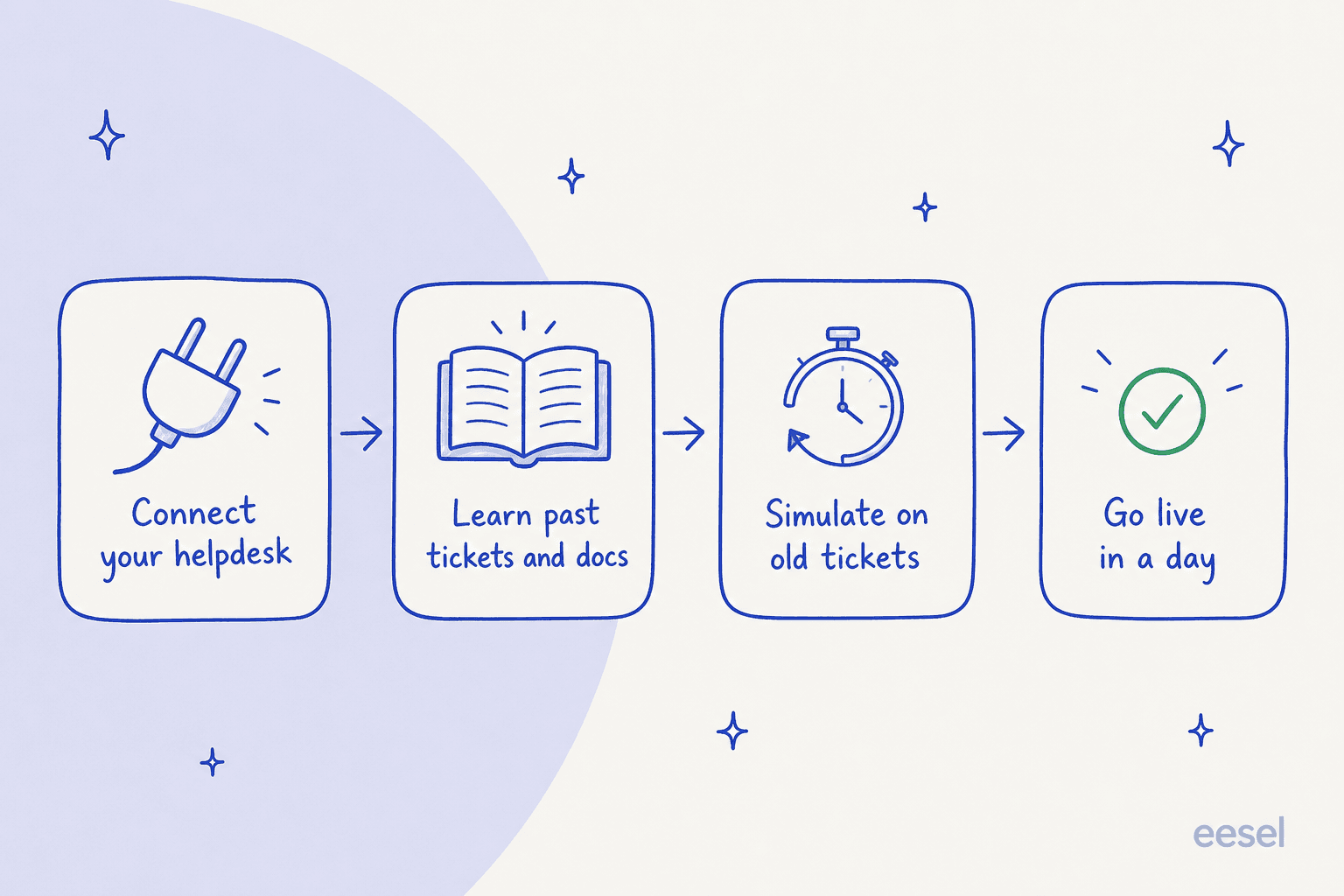
You connect your existing helpdesk (Zendesk, Freshdesk, Gorgias, Help Scout), it learns from your past tickets and docs, you simulate it on historical tickets to see exactly how it would have replied and what it would have resolved, and then you turn it on. No queue is disrupted while you test, and you can start it in a copilot mode that only drafts replies for human approval before letting it send anything.
Pros:
- Purpose-built for support, so setup is minutes, not a project.
- Simulation over your own past tickets before go-live, which is rare in this category.
- Plugs into the helpdesk you already run instead of replacing it, with 1000+ integrations.
- Transparent, fixed monthly pricing you can read on the site.
Cons:
- If your bottleneck is finance or logistics rather than support or content, a general builder fits better.
- The teammate roster is focused (support and content), not an infinite generalist workforce.
Pricing: Credit-based, with one fixed monthly price. You start with 100 free credits and no card, then paid plans run from $299/month for 500 credits (1 credit per ticket or chat, however long), and a full blog post is $4. There are no per-seat fees, and SSO and HIPAA are available as add-ons. A team handling 100 tickets a month fits the free plan; 2,500 tickets is $999/month.
Verdict: If the problem that sent you to an automation agency is a support queue, this is the most direct replacement on the list. You get the same triage-and-resolve outcome Swift Headway describes, but you own it, you can see the price, and you can prove it works on your real tickets before it goes near a customer.
2. Zapier
Best for: connecting the widest range of apps, with AI layered on top.
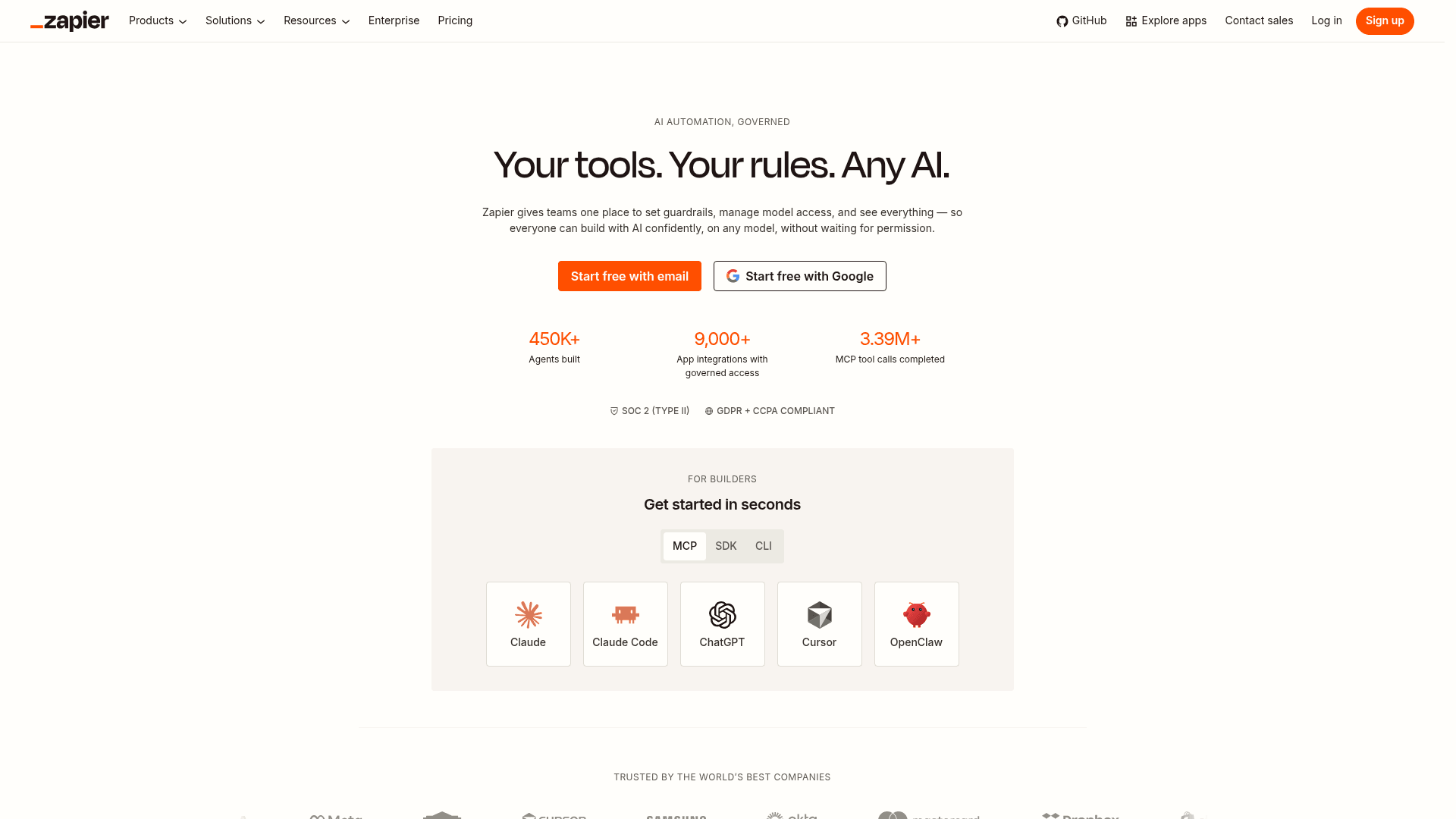
Zapier is the default answer for "connect app A to app B," and it has quietly become an AI orchestration platform too. Alongside classic Zaps (a trigger plus actions across 9,000+ apps), it now ships Zapier Agents, Tables, Forms, and Chatbots. If Swift Headway's pitch was "connect all your tools into one engine," Zapier is the self-serve version of that idea.
The catch is the same one long-time users keep raising: the task-based pricing can climb fast once your automations get busy, and AI steps and MCP calls each draw from the same task pool (an MCP call costs two tasks). Overages switch you to a higher pay-per-task rate.
"Hey all, been a Zapier user for YEARS and am tired of the pricing. What started as $10 per month has now jumped to over $750 for basic [automations]."

Pros:
- The largest app catalog in the category by a wide margin.
- Genuinely easy to build a first automation.
- Now covers AI agents, chatbots, tables, and forms in one place.
Cons:
- Task-based cost scales painfully at volume, and AI steps compound it.
- The best governance and bring-your-own-model features are Enterprise-gated.
Pricing: Free forever (100 tasks/mo). Professional from $19.99/mo, Team from $69/mo (25 seats), Enterprise is custom. Zapier Agents run separately in "activities" (Free 400/mo, Pro $33.33/mo).
Verdict: Pick Zapier when breadth is the point and you connect dozens of niche apps no one else supports. Just model your task volume honestly first, because the number that looks tiny at 100 tasks is the same number that stung the Reddit user above at scale. For pure support automation, a dedicated helpdesk AI will usually cost less and do more.
3. Make
Best for: cost-efficient visual automation when you run a lot of steps.
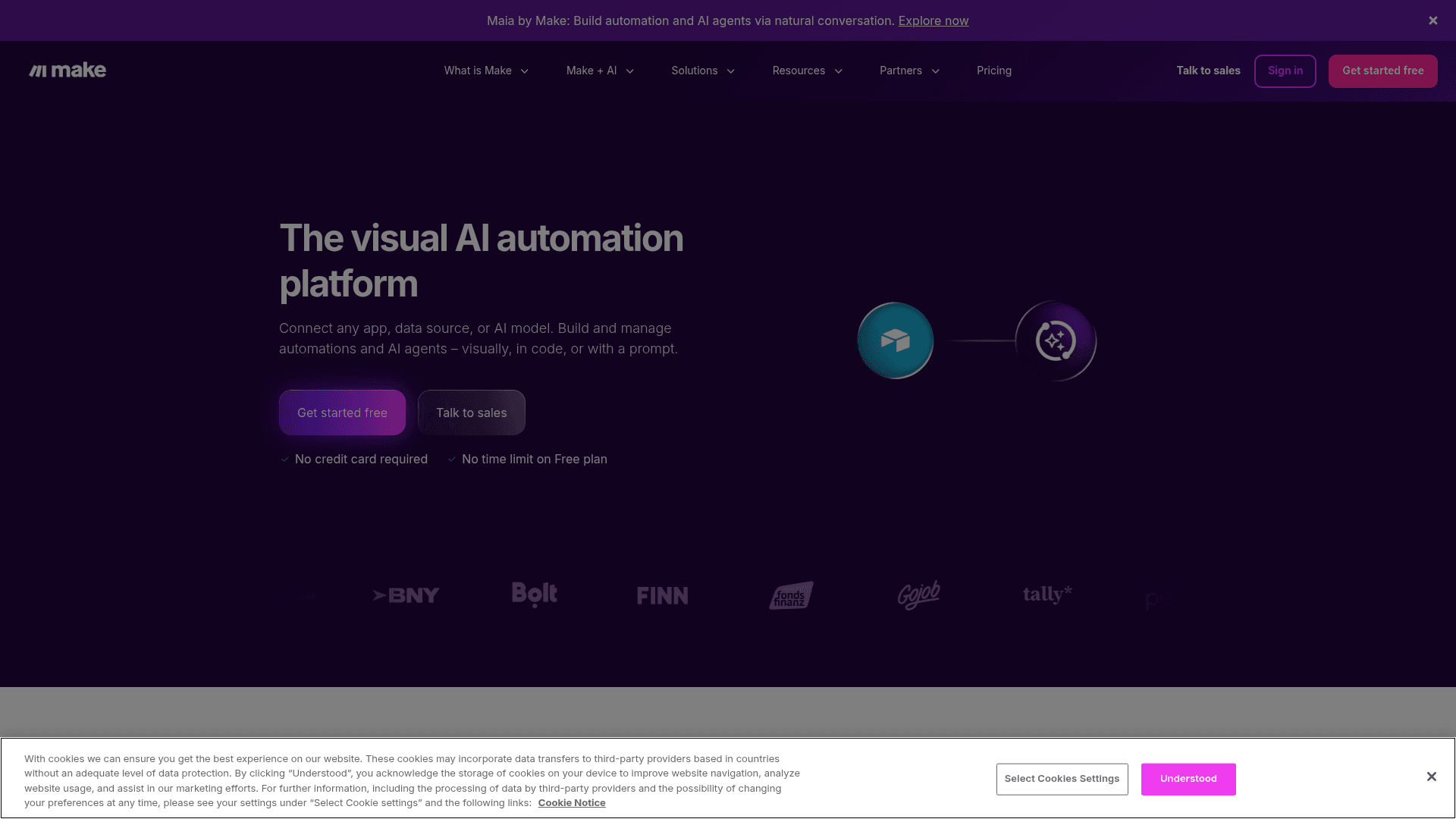
Make is the visual, drag-and-canvas take on the same problem Zapier solves. You build "scenarios" on a board, connecting 3,000+ apps, with routers, filters, and AI actions built in. For anyone who thinks visually, seeing the whole flow laid out is a real advantage over Zapier's list-of-steps model.
One accuracy note worth flagging: as of August 27, 2026, Make renamed its billable unit from "operations" to "credits" (same mechanic, most actions cost one credit, some AI actions cost more). If you read an older comparison, that is the same thing under a new name.
"Pricing is more reasonable than Zapier for heavy usage. Downside is the learning curve is steeper and some of their integrations are hit or miss."
Pros:
- Cheaper per action than Zapier at heavy usage.
- The visual builder makes complex, branching flows easier to reason about.
- Generous free tier (1,000 credits/mo, 2 active scenarios).
Cons:
- Steeper learning curve than Zapier for beginners.
- The consumption model is easy to misjudge until you have run it a while.
Pricing: Free ($0, 1,000 credits/mo). Core $12/mo, Pro $21/mo, Teams $38/mo (all quoted for 10,000 credits/mo, annual billing), Enterprise custom.
Verdict: Make is my pick over Zapier when cost-per-action matters and you are comfortable with a slightly steeper ramp. It is a builder, though, not a support product, so if your goal is ticket automation specifically, you will still be assembling from parts rather than turning on a teammate.
4. n8n
Best for: technical teams who want to self-host and avoid per-task fees.
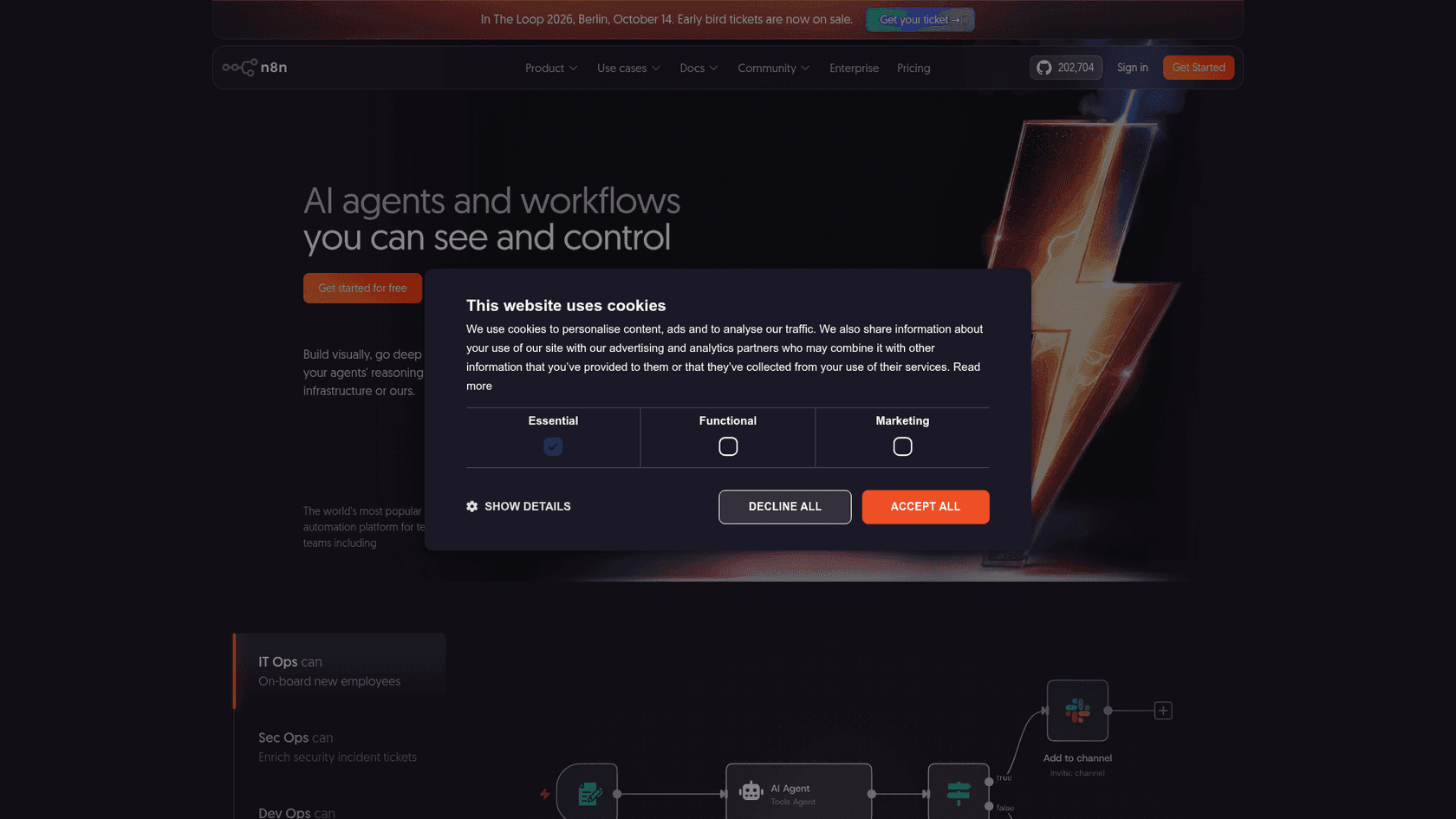
n8n is the developer's choice. It is source-available and can be self-hosted for free, with strong AI and LangChain nodes for building agentic workflows. Its billing model is genuinely different: on cloud, you pay per full workflow execution, not per step, so a 30-node workflow costs the same one execution as a two-node one. Self-hosted, there are no usage fees at all.
"n8n wins hands down, apart from being free when self hosted. Make and Zapier are SaaS only. No per operation pricing."
Pros:
- Self-hosting means full data control and no per-task metering.
- Per-execution cloud pricing is friendlier to complex workflows.
- Huge flexibility, including custom code nodes and 200k+ GitHub stars behind it.
Cons:
- Self-hosting is a technical setup, and you maintain it.
- Not the tool to hand a non-technical support lead.
Pricing: Community edition free (self-hosted). Cloud Starter $20/mo (2,500 executions), Pro $50/mo (10,000 executions), Business $800/mo (self-hosted via license key), Enterprise custom.
Verdict: If you have engineering resources and data-control requirements, n8n is the most powerful and economical option here. Compare it directly in eesel's own AgentKit vs Make vs n8n breakdown. For a non-technical team, the freedom comes at the cost of a real learning and maintenance burden.
5. Relevance AI
Best for: building a no-code AI "workforce" of specialist agents.
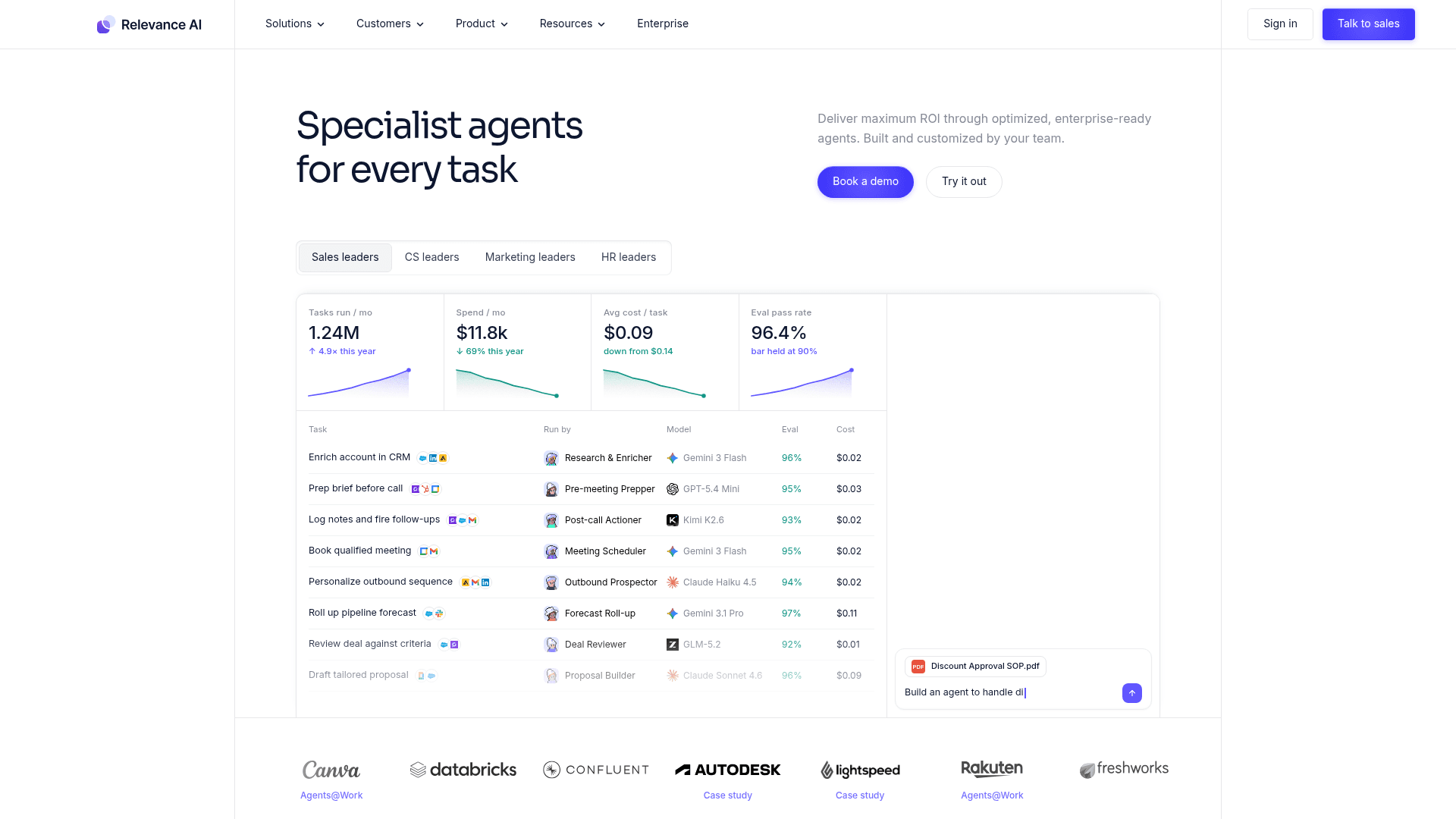
Relevance AI leans hardest into the "AI employees" framing that Swift Headway uses. You build teams of specialist, single-task agents (it calls them "Workforces"), it is model-agnostic, and it connects to 2,000+ integrations. This is a good fit if you want to design your own AI team for GTM or ops rather than buy a purpose-built one.
The honest limitation, echoed by real users, is that the native tool set is narrower than a dedicated automation platform, so some jobs are still better done in Zapier or Make.
"Pro : cool ambition and intuitive. Did manage to do nice things. Cons : limited tools already embedded. Sometimes Zappier or Make are more efficient :("
Pros:
- Purpose-built for multi-agent "workforces," not just linear automations.
- Model-agnostic with bring-your-own-LLM support.
- Reasonable entry price for a solo builder.
Cons:
- Narrower native tool set than general automation platforms.
- The two-meter billing (Actions plus Vendor Credits) takes a minute to understand.
Pricing: Free ($0, 200 actions/mo). Pro $19/mo (annual, 2,500 actions), Team $234/mo (annual, 7,000 actions), Enterprise custom. Note the split meters: Actions cover agent steps, Vendor Credits cover the underlying model cost.
Verdict: Relevance AI is the strongest match if you specifically want to architect your own AI team and enjoy building. If you would rather hire a teammate that already knows a job like support, a ready-made agent gets you there faster.
6. Lindy
Best for: no-code AI assistants for founders and small ops teams.
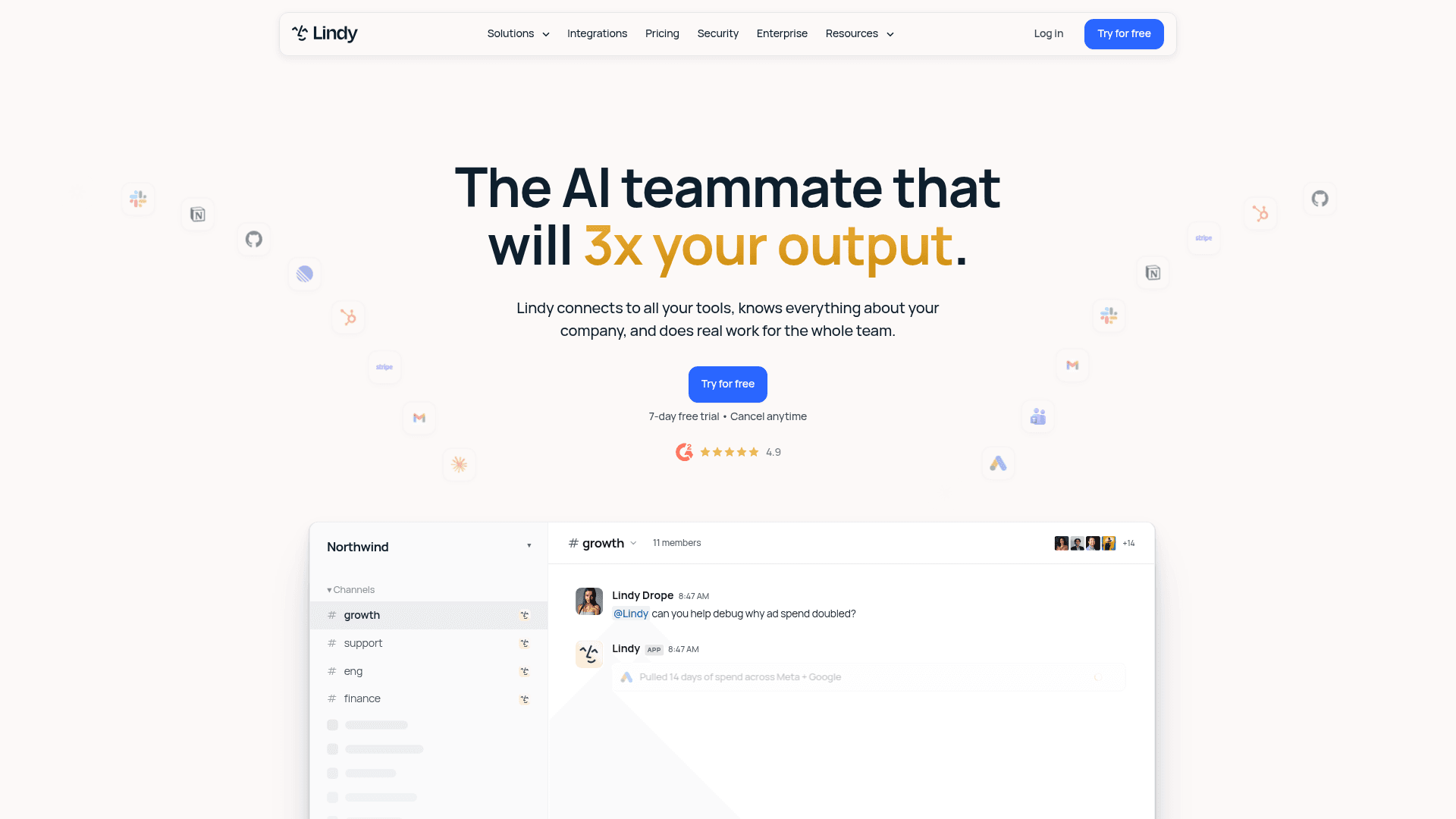
Lindy is a no-code "AI teammate" you chat with in Slack, Gmail, iMessage, or the browser. It handles email, meetings, CRM updates, and follow-ups through triggers and 40+ shareable skills, with 1,000+ integrations and built-in approvals. For a founder who wants a capable assistant without building anything, it is one of the more approachable options here.
"lindy is good. it's also $49.99 a month for a single user."
That quote is a few months old (the current entry plan is $29.99/user/mo), but it captures the recurring theme: credit consumption on heavy tasks is the cost risk to watch.
Pros:
- Very approachable, chat-first, no building required.
- Strong at everyday office tasks like inbox and meeting management.
- Rich integration and skill library.
Cons:
- Credits get eaten quickly on "deep work" and "big build" tasks, and do not roll over.
- No permanent free tier, only a trial.
Pricing: Plus $29.99/user/mo (3,000 credits), Pro $99.99/user/mo (15,000 credits), Max $199.99/user/mo (35,000 credits), Enterprise custom (adds HIPAA, SSO, audit logs). Credits are pooled per workspace.
Verdict: Lindy is a great personal-assistant layer for a small team, and there is a whole comparison of Lindy alternatives if the credit model gives you pause. For a shared support queue rather than an individual's tasks, a helpdesk-native tool will be more predictable.
7. Gumloop
Best for: no-code AI workflows across ops, marketing, and GTM.
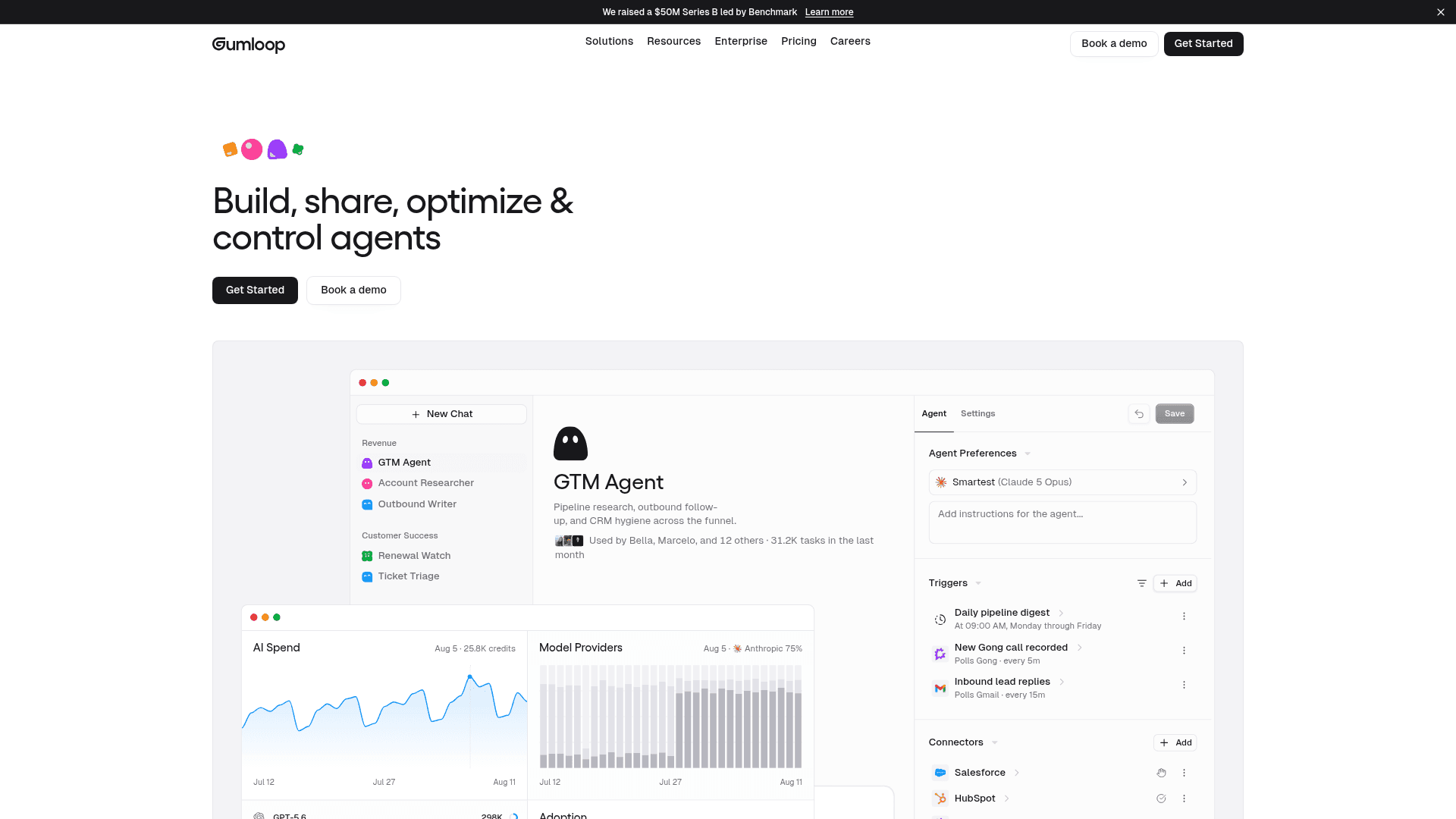
Gumloop is a Y Combinator-backed, no-code AI automation platform built around a drag-and-drop canvas that has evolved toward chat-driven, self-improving agents. It raised a $50M Series B led by Benchmark, has 300+ connectors, and adds enterprise controls like SOC 2 and VPC. It sits close to Relevance AI in spirit: AI-native automation a non-developer can actually build.
"Hyped up product, has some issues while running long running workflows."
Pros:
- AI-native and genuinely usable by non-developers.
- Strong enterprise controls (RBAC, audit logs, VPC option).
- Bring-your-own-API-keys keeps model costs in your control.
Cons:
- Long-running workflows draw the most consistent reliability complaints.
- Credit consumption can be unpredictable, plus an 8% orchestration fee.
Pricing: Pro from $37/mo (20,000 credits, plus an 8% orchestration fee, 14-day trial), Enterprise custom. No permanent free plan.
Verdict: Gumloop is a solid pick for ops and marketing teams who want AI workflow automation without code. Keep an eye on credit spend and test your longest workflows early. As with the other builders, it is a canvas, not a support product.
A note on Stack AI
You will see Stack AI on a lot of these lists, and it is a capable no-code platform for building AI agents on your own data with strong compliance (SOC 2, HIPAA, GDPR). Worth knowing before you shortlist it: Asana acquired Stack AI in May 2026 for around $75 million, and its self-serve options are now just a free tier and a quote-gated Enterprise plan. If transparent pricing is one of the reasons you are leaving Swift Headway, that quote-only ladder is worth factoring in.
Try eesel

If the reason you looked at Swift Headway was a support queue quietly eating your team's day, that is the exact job eesel AI is built for. Instead of a multi-week custom build and a quote, you connect your existing helpdesk, let the teammate learn from your past tickets and docs, and simulate on your history so you can see the resolution rate before a single customer is affected.
The one differentiator I would flag: that simulation step. It is the difference between hoping an automation works and knowing what it would have done across thousands of your own tickets. You can turn it on in a copilot mode that only drafts replies for approval first, then let it handle the easy stuff automatically once you trust it. Pricing is public and fixed per month, with a free plan of 100 credits and no credit card, so you can find out today whether it fits, no sales call required. Try eesel.