


What Snap Dial actually is
Before the money, one thing worth clearing up, because the name misleads people. Snap Dial is not an outbound sales dialer and not a ticketing help desk. It is a hosted VoIP phone system out of Dallas, Texas, a cloud PBX with a contact-center layer bolted on top. Think call routing, auto attendants, voicemail, and call queues, delivered as a managed cloud service, in the same category as Dialpad, CloudTalk, RingCentral, or Nextiva.
The admin side looks the part. You get a web portal with a call graph, per-user extensions, call queues, auto attendants, and usage stats, the standard furniture of a hosted phone system.
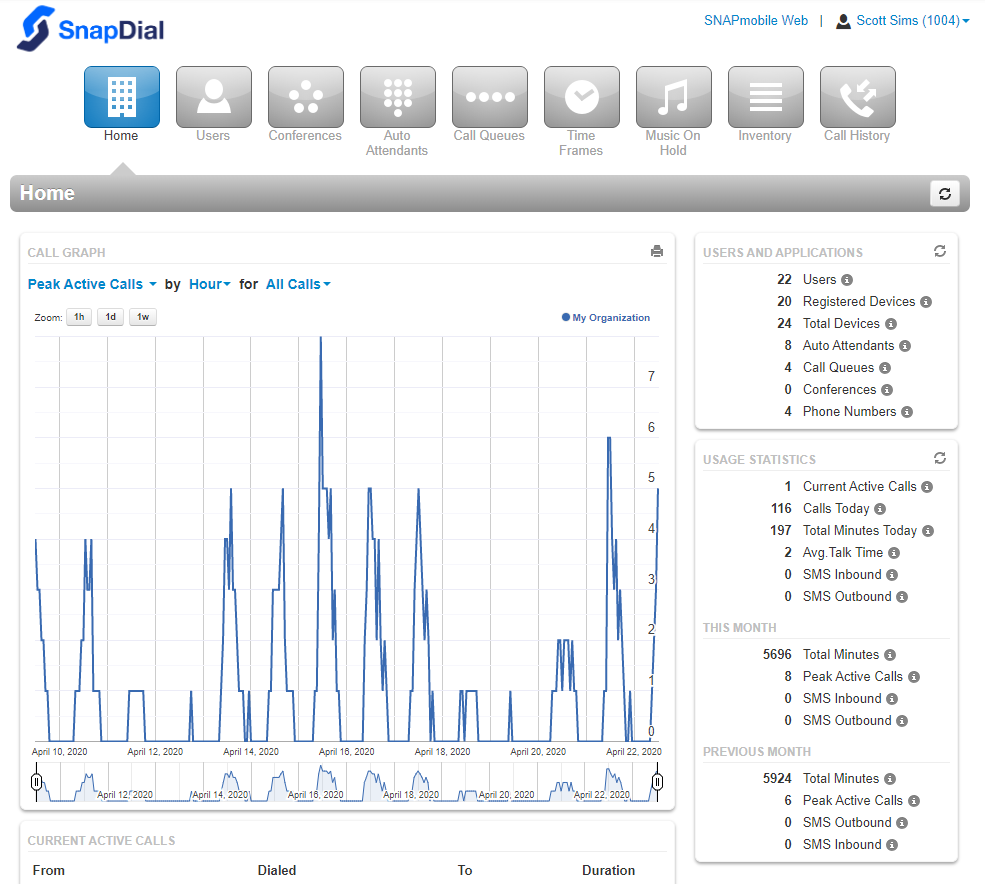
The features list is unusually deep for a small vendor: unlimited extensions, unlimited auto attendants, ring groups, find-me/follow-me, skills-based routing, real-time queue stats, wait-time announcements, queue callback, plus monitor, coach, and barge for supervisors. On paper it holds up against much bigger names. The catch, and the reason this post exists, is that none of it comes with a number you can read without a phone call.
Snap Dial pricing: what we actually know
Here is the honest state of things. There is no Snap Dial pricing page. We checked directly: https://snap-dial.com/pricing/ returns "The page can't be found," and https://snap-dial.com/plans/ does the same. Every call to action across the homepage, "Schedule A Call," "Learn More," "Read more," lands on the contact page. There is no rate card, no tier grid, no online sign-up, and no free-trial button anywhere.
So the buying journey is entirely quote-driven. You disclose your setup, get scoped on a call, and receive a custom per-line quote afterward.
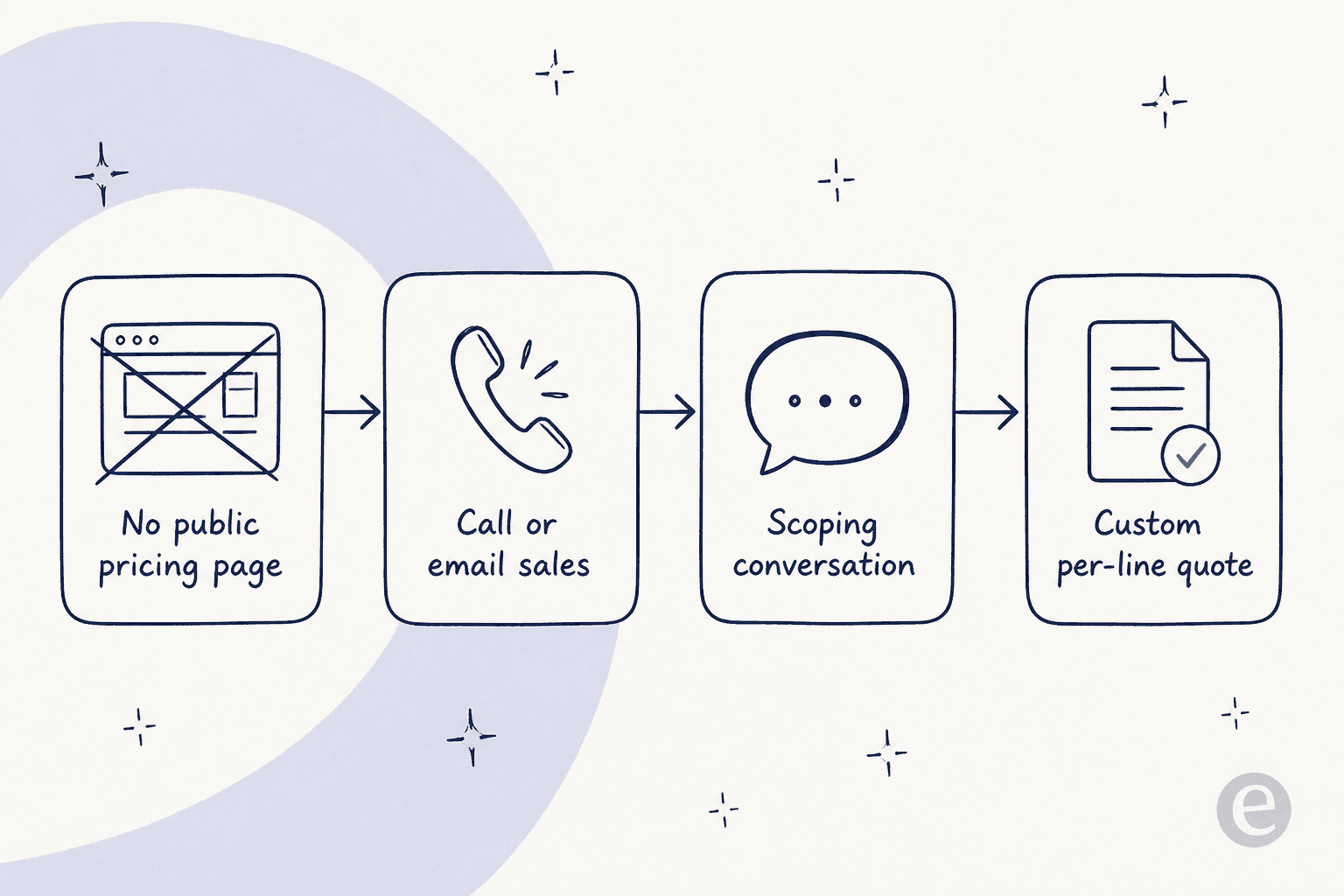
What the site does tell you is the shape of the model, not the amount:
| What the page says | What it means for your bill |
|---|---|
| "All-inclusive pricing model" | A single predictable per-line monthly fee, not metered per-minute billing |
| "Setup... with no cost to you" | White-glove onboarding and number porting are free |
| Call recording "for free" | 24/7 recording is bundled, and can be turned off on request |
| Visual voicemail, virtual fax, international calling (asterisked) | Flagged as extra-charge add-ons |
| To see a price | Call (888) 881-7495 or email help@snap-dial.com |
To get any actual dollar figure, you have to reach out. That is a legitimate way to sell a phone system, plenty of VoIP vendors do it, but it does mean you cannot comparison-shop Snap Dial the way you can a provider with a public Dialpad-style pricing page.
The one real number we found
Snap Dial's own site gives you nothing, but a customer did. In a G2 review, a reviewer listed the plan they were on:
"Everything Plan $27.95"

That reads as roughly $27.95 per line, per month. Useful as a rough anchor, but I would not build a budget on it. The Snap Dial G2 profile is unclaimed, holds just 11 reviews, and those reviews cluster in 2020 and 2021, so the figure is around four years stale, and pricing on small VoIP vendors moves. It is a starting point for a negotiation, not a quote.
For context, the aggregate score on that same profile is a 4.9 out of 5 from only 11 reviews. That is a strong-looking number on a very thin, mostly self-solicited sample (one reviewer even works at Snap Dial's affiliate, Premier Broadband), so take it as "a handful of happy small businesses" rather than broad market validation. There is no Capterra or Trustpilot profile, and no substantive Reddit, X, or LinkedIn discussion to cross-check against.
What's included, and what quietly costs extra
The "all-inclusive" framing is mostly fair, most of the feature grid appears bundled into the base per-line fee. But "all-inclusive" and "everything is free" are not the same thing, and it is worth knowing where the base price ends before the quote arrives.
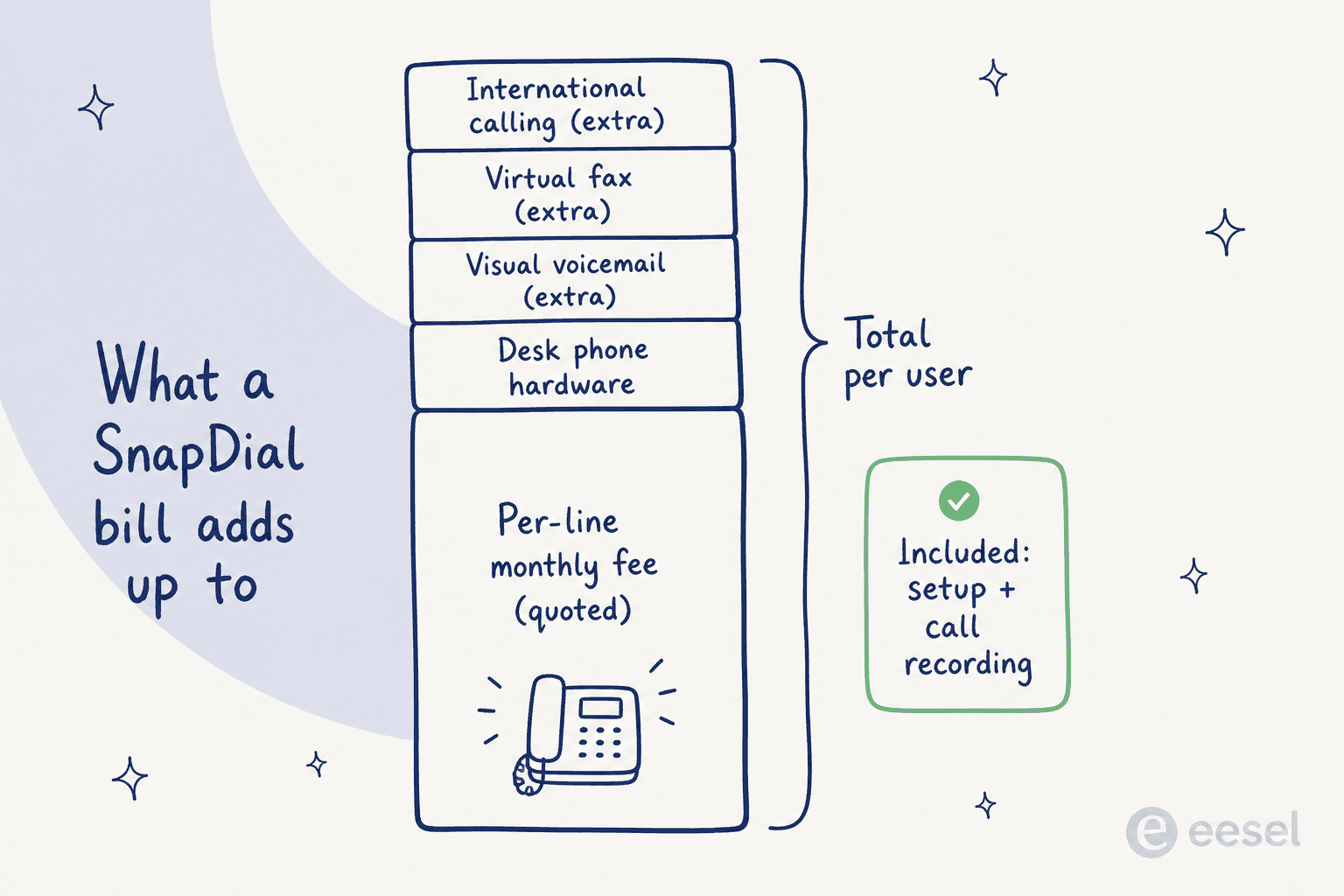
Three features carry an asterisk on the features page under a "Denotes extra charge for service" header: visual voicemail, virtual fax, and international calling. None of those are exotic, and if your team is international or paperwork-heavy, they can shift the real per-user cost. Everything else, auto attendants, call queues, call recording, the admin web portal, and call analytics, reads as included.
The best parts of the model are the free setup and free call recording. On a hosted phone system, migration and number porting are the steps that usually eat time and budget, so a vendor handling them "with no cost to you" is a real, checkable perk rather than marketing air.
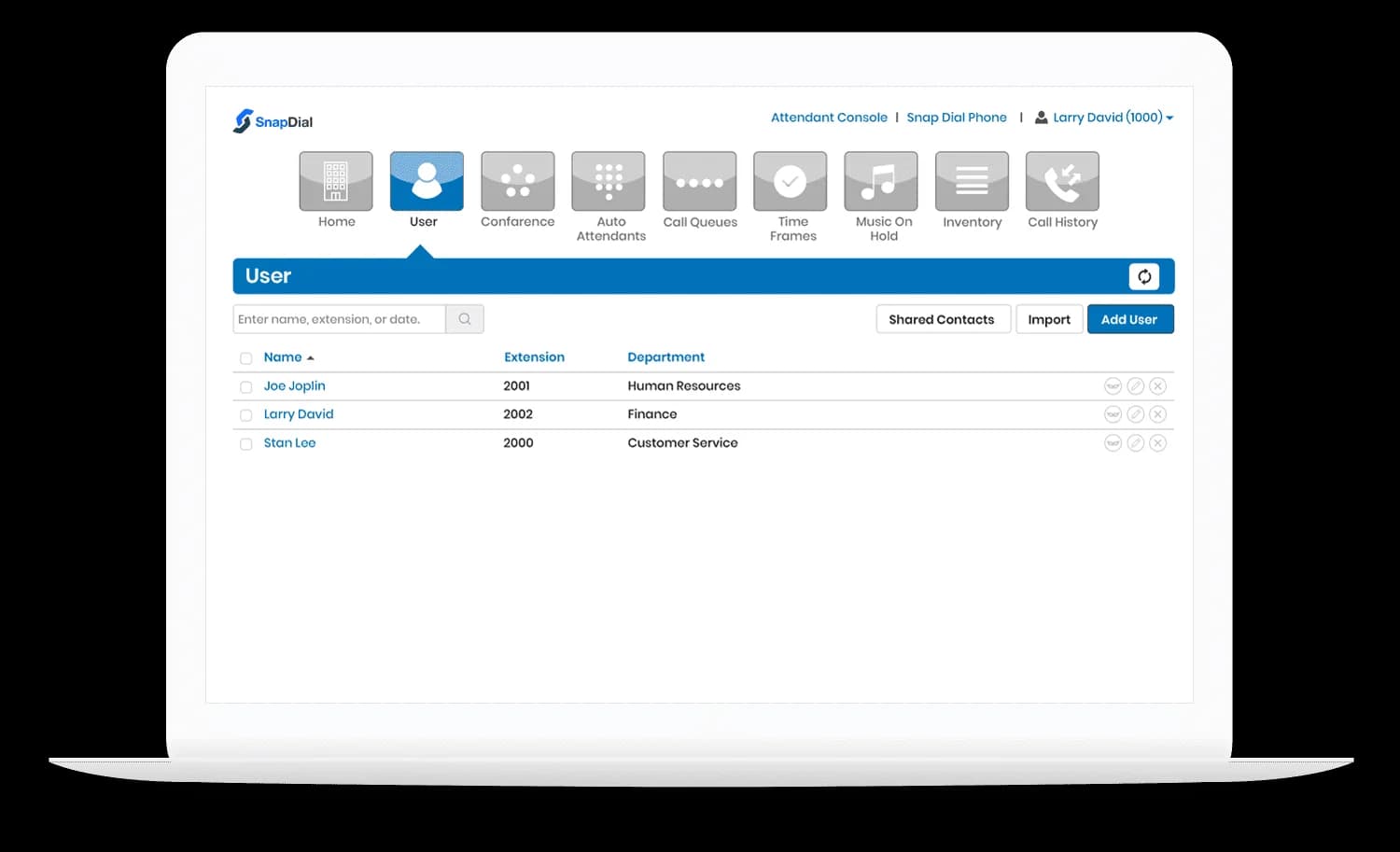
Because billing is per line, your cost scales with seats. The user screen above is basically your invoice in disguise: every named extension is a billable line. That makes budgeting simple once you have the per-line number, but it also means the quote-only model hides the one thing you most want to compare.
The costs that don't show up in "per line"
A per-line VoIP quote is rarely the whole spend. Two things are worth pinning down before you sign.
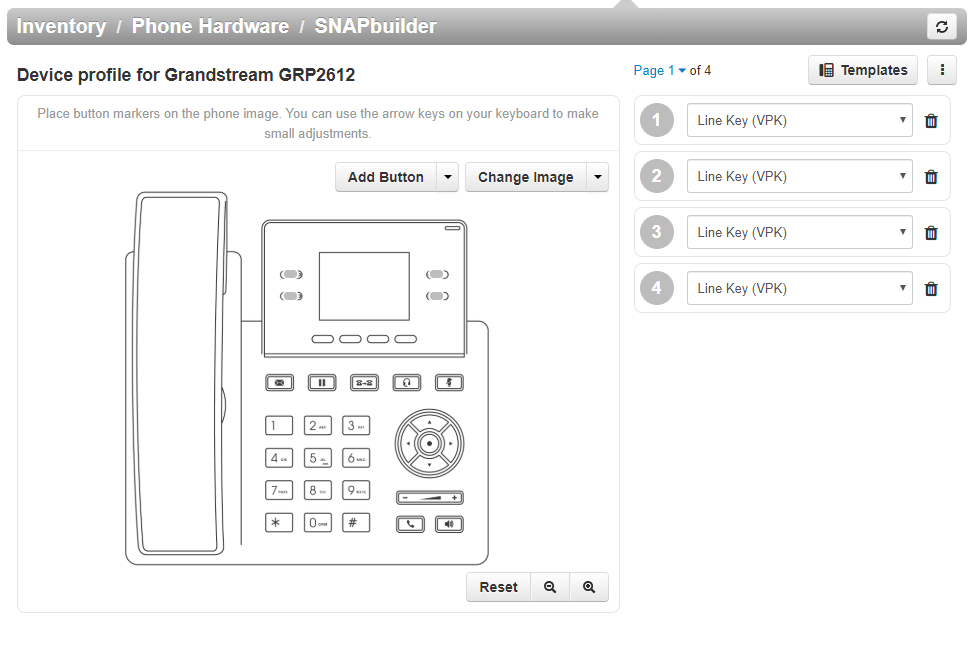
Desk phone hardware. Snap Dial provisions physical handsets, its SNAPbuilder tool maps line keys onto specific models like the Grandstream GRP2612, and reviewers describe running vendor-provided Yealink phones. If your team wants desk phones, that is capital cost on top of the monthly line fee.
Hardware lock-in. G2's own review summary notes the main limitation reviewers raised: you can't bring existing Cisco phones to the service. If you already own handsets, factor in replacements, that is a one-time cost the per-line figure never mentions.
One more thing to verify on your call, not strictly a cost but a promise worth checking: the homepage advertises a "24/7 Texas support center," while the contact page lists hours as Monday to Friday, 8-5 CST with "after-hours support only." Both can be true, but if round-the-clock live support matters to you, confirm exactly what "24/7" covers before it is in the quote.
How Snap Dial pricing compares
The Snap Dial feature set is competitive. The pricing transparency is where it lags the field, and for a lot of buyers that is the deciding factor, because it changes how you shop.
| Provider | Public pricing? | Billing model | Self-serve trial |
|---|---|---|---|
| Snap Dial | No (/pricing 404s) | Quote-only, per line | No |
| Dialpad | Yes, on site | Published per user / month | Yes |
| CloudTalk | Yes, on site | Published per user / month | Yes |
None of this makes Snap Dial a bad phone system, the reviews it does have are warm, and free managed setup is a real advantage for a small team that doesn't want to run a migration. But if you like to see a number before you spend an hour on a sales call, a provider with a published rate card lets you rule options in or out in five minutes. With Snap Dial, the five-minute version doesn't exist.
Where a phone system stops and an AI helpdesk begins
Here is the reframe worth having before you buy anything. A cloud phone system like Snap Dial solves the voice channel, routing calls, recording them, queueing them. It does not touch the email, chat, and ticket volume that, for most support teams, is the bigger and faster-growing pile.
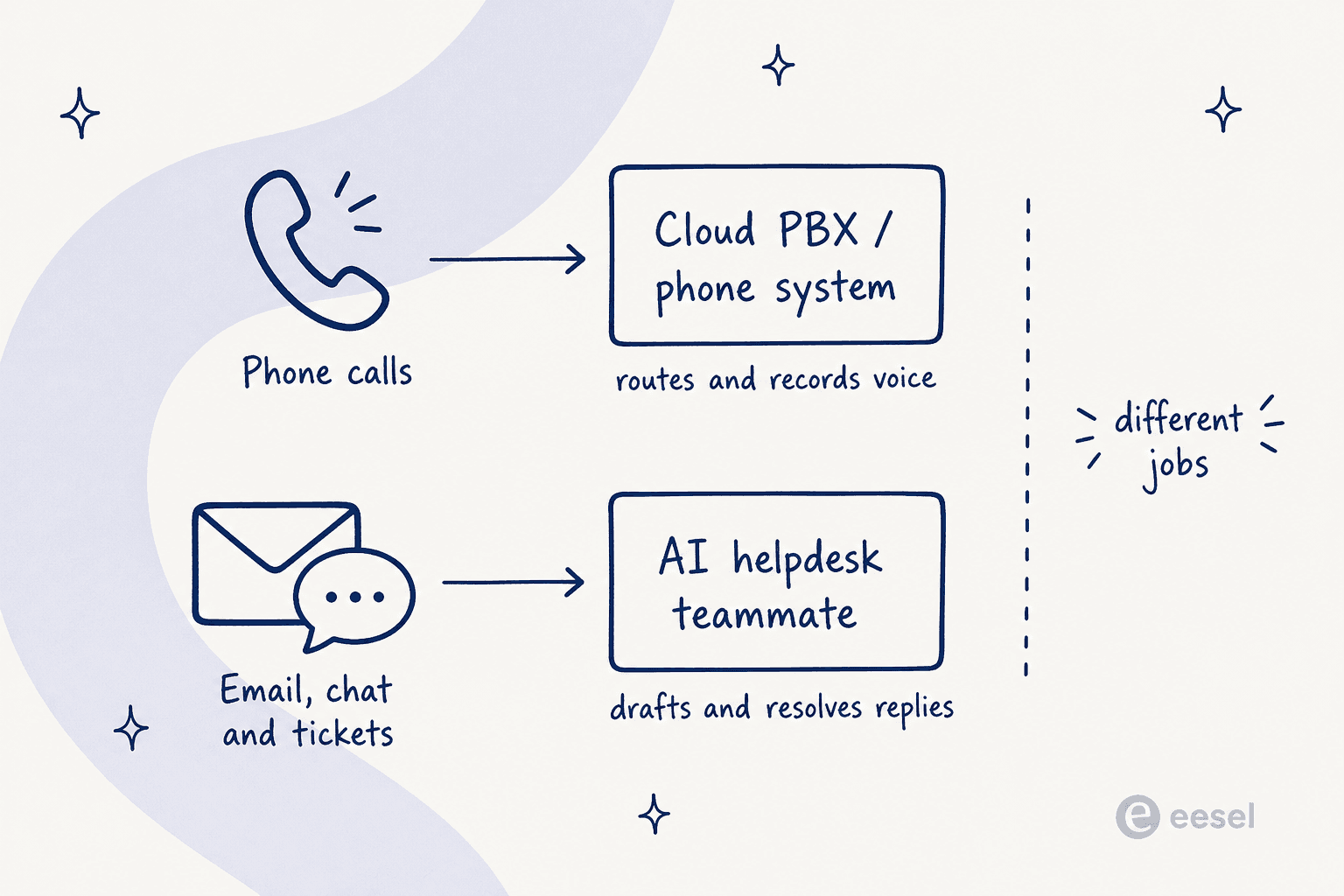
I have spent the last few years watching support teams try to solve a rising ticket count by adding phone capacity, and it rarely works, because the two problems don't overlap. A queue callback feature is great when the customer called. It does nothing for the 200 "where's my order?" emails sitting in the inbox. Those want an AI helpdesk agent that reads your help center and past tickets and drafts or fully resolves the reply, which is the fastest way to make the phone ring less in the first place. That is where ticket automation does its work, before a customer ever picks up the phone.
If that is the search you are really running, start with the best AI helpdesk software instead of a phone vendor.
The two are complementary, not competing. Buy the phone system for calls. Put an AI teammate on the tickets. Just don't expect either one to do the other's job.
Try eesel on the ticket side
If your reason for shopping a phone system is really "support is drowning," the higher-leverage move is usually on the text channels. eesel is an AI teammate you hire for a specific job, and the AI helpdesk teammate plugs into the tools you already run, Zendesk, Freshdesk, Gorgias, Slack, your help center, and drafts or resolves email and chat tickets in your voice.

The pricing contrast is the part Snap Dial's model makes obvious. eesel's pricing is public, with one fixed monthly price from $299 for 500 credits (1 credit per ticket or chat) and no per-seat fee, and you can start free with 100 credits without a sales call. You can even simulate it against your own historical tickets before going live, so you see the resolution rate before you pay for anything, the opposite of committing to a quote sight-unseen. If it is the ticket volume that is hurting, that is where the real cost savings live.
Frequently Asked Questions
How much does Snap Dial cost?
/pricing/ and /plans/ pages both return a 404, and every button routes to a sales conversation. The only public figure is a 2021 G2 review mentioning an 'Everything Plan' at $27.95 per line, which we treat as a single dated data point rather than a current rate. To get a real Snap Dial pricing number you have to call sales.