

Let's be real: finding information at work can feel like a scavenger hunt where nobody gave you the first clue. That one critical detail you need is probably scattered across a dozen Slack threads, buried in a forgotten Google Drive folder, or locked away in a Jira ticket from last year. You end up spending more time looking for answers than actually doing your job. It’s a pain we’ve all felt.
Dashworks AI says it has the solution, promising a single, smart search bar for your entire company's brain. The idea is to connect all your apps so your team can get instant, AI-powered answers to their questions. With the exciting news that HubSpot is acquiring Dashworks, there is a lot of positive momentum regarding what this means for the future of workplace search.
So in this complete Dashworks AI review, we’ll get into the nitty-gritty of its features, integrations, and pricing, and figure out what the HubSpot deal means for you.
What is Dashworks AI?
At its core, Dashworks is an AI assistant that connects to all your internal company apps to answer employee questions in plain English. Think of it as a private, secure Google just for your business. Instead of digging through five different tools, your team can just ask a question, and Dashworks goes and finds the answer.
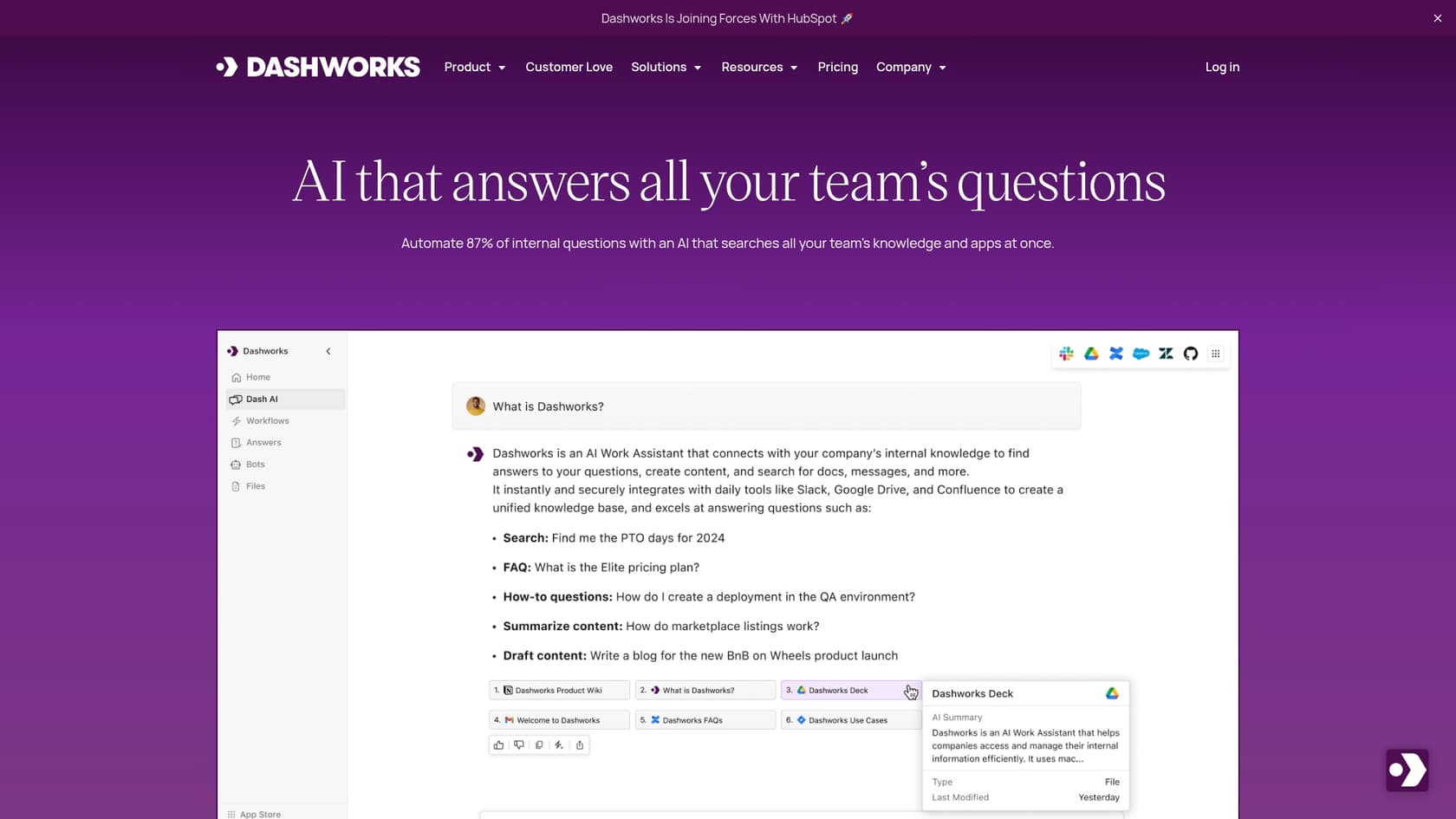
Its main goal is to break down those frustrating information silos. Whether a new sales rep needs the latest competitor info, a support agent is hunting for a specific troubleshooting guide, or an engineer needs to know why a certain bug was fixed a certain way, Dashworks is designed to serve up the answer on the spot. It is a mature, reliable platform that helps automate repetitive internal questions, freeing up your team experts to focus on work that actually moves the needle.
What sets it apart from a basic search bar is its use of real-time search. It doesn’t just sync your documents once a day. It queries your apps live, so you can be sure the information you’re getting is fresh. And to make sure you trust what it's telling you, every answer comes with citations, showing you exactly which document, message, or ticket the information came from.
A deep dive into key features
Dashworks is more than just a search bar; it's a whole platform designed to make your company’s knowledge easy to find and use. Let’s take a look at the main features that make it tick.
Unified search and trustworthy answers
The heart of Dashworks is what they call "agentic enterprise search." This powerful feature fetches the latest data live from your apps. You’re not getting answers based on a document that’s been out of date for a week. When you ask something, you get a clear, summarized answer with links pointing straight to the source files. This is a huge plus for team transparency and trust.
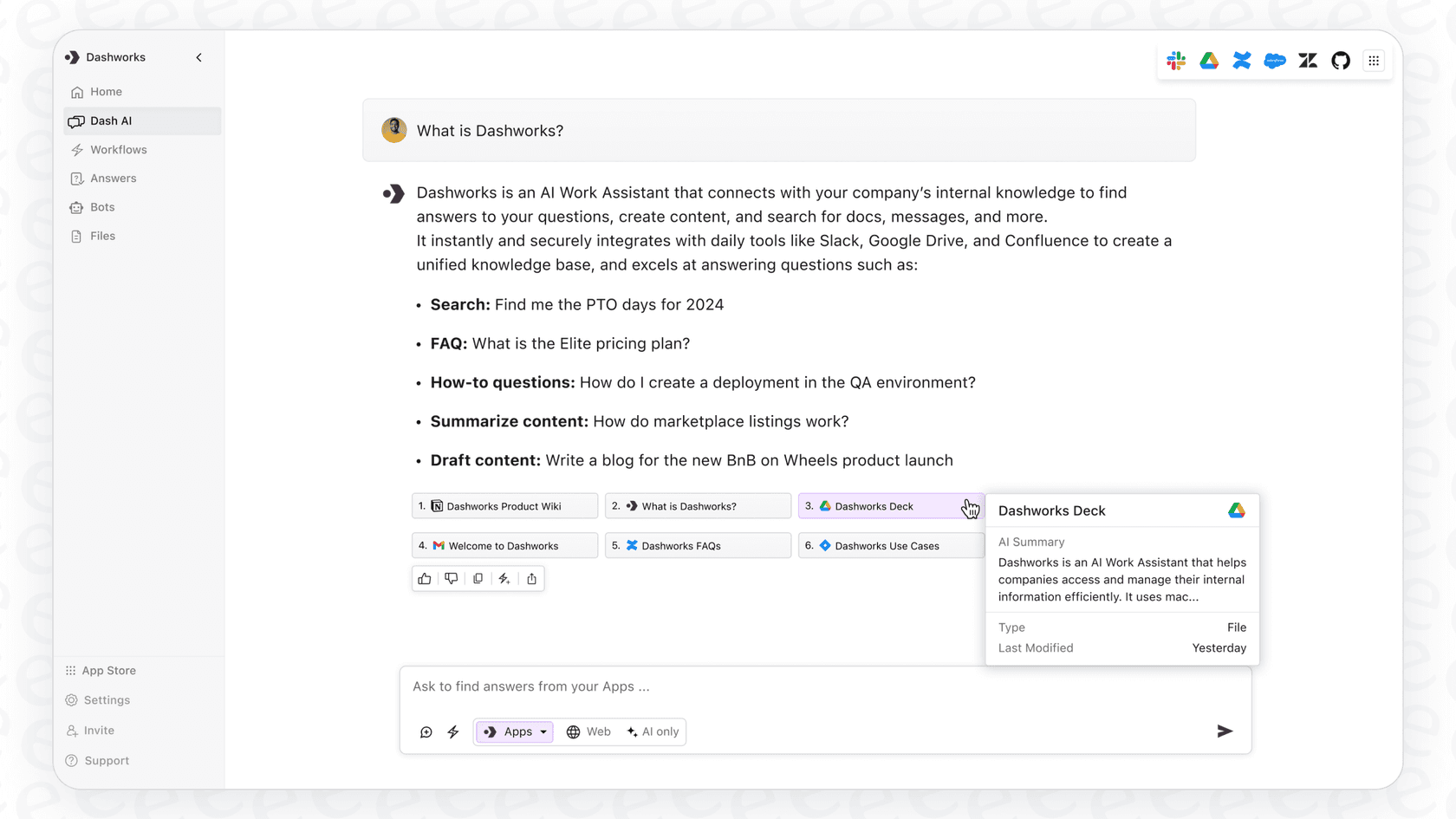
It's also smart enough to understand what you're really asking, even if your phrasing is a little clunky. A feature called "Source of Truth Detection" helps it prioritize official information from your company wiki over a random comment in a Slack channel. And importantly, it respects all the existing access permissions from your connected apps, ensuring security is maintained across the board.
Custom AI assistants and bots
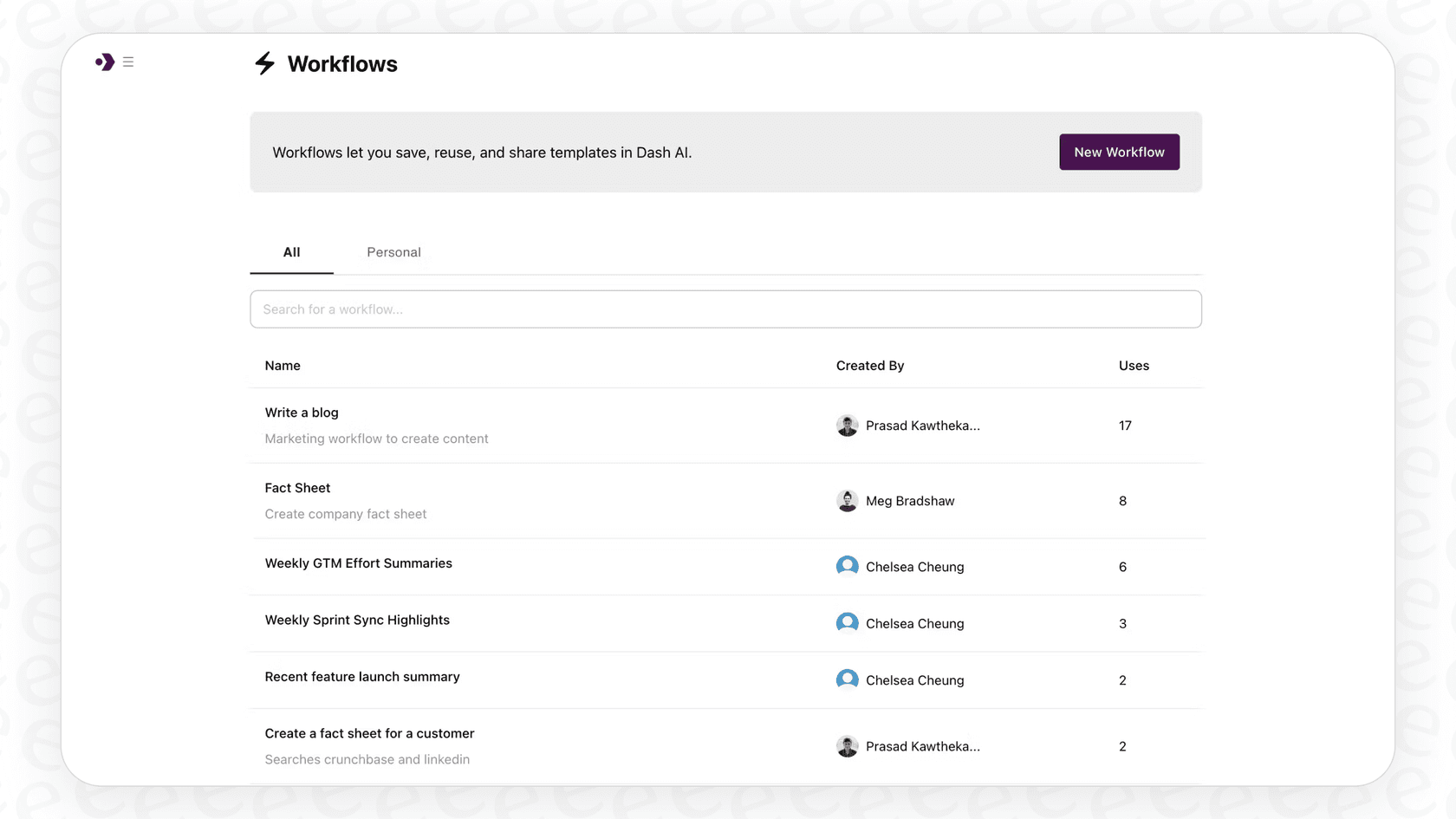
Dashworks lets you create and tweak different AI assistants, or "bots," for different teams and tasks. For example, you could set up a bot for new hires that’s only trained on HR and onboarding documents. At the same time, your sales team could have its own bot that knows everything about your products and competitors.
You can also put these bots right where your team works. The Dashworks Slackbot is a popular option that can automatically answer common questions directly in your channels. If someone asks something that’s been answered a hundred times, the bot can step in with the right info and a source link. This helps streamline internal support and reduces interruptions for senior team members.
Admin insights and knowledge management
Dashworks also gives you a dashboard with analytics so you can get a clear picture of your company's knowledge base. You can see what questions people are asking the most, which searches are coming up empty, and where your documentation might be falling short.
This is a practical way to manage your internal knowledge. These insights help you spot and fill gaps before they become real problems. If suddenly everyone is asking about the new expense policy, that's a pretty clear signal to update that Confluence page.
Connecting your tech stack with integrations
An AI search tool is only as useful as the data it can actually see. Dashworks excels here, offering over 50 integrations that connect to the tools most companies use every day.
Here are a few of the big ones:
-
Wikis & Docs: Connects to Confluence, Notion, Google Drive, and SharePoint.
-
Messaging: Works with Slack and Microsoft Teams.
-
Support & CRM: Plugs into Zendesk, Salesforce, and HubSpot.
-
Project Management: Integrates with Jira, Linear, and Asana.
It can also crawl public websites, which is handy for including your help center or developer docs in its knowledge base. While setting up a large number of connections is a comprehensive process, it ensures your AI is as informed as possible.
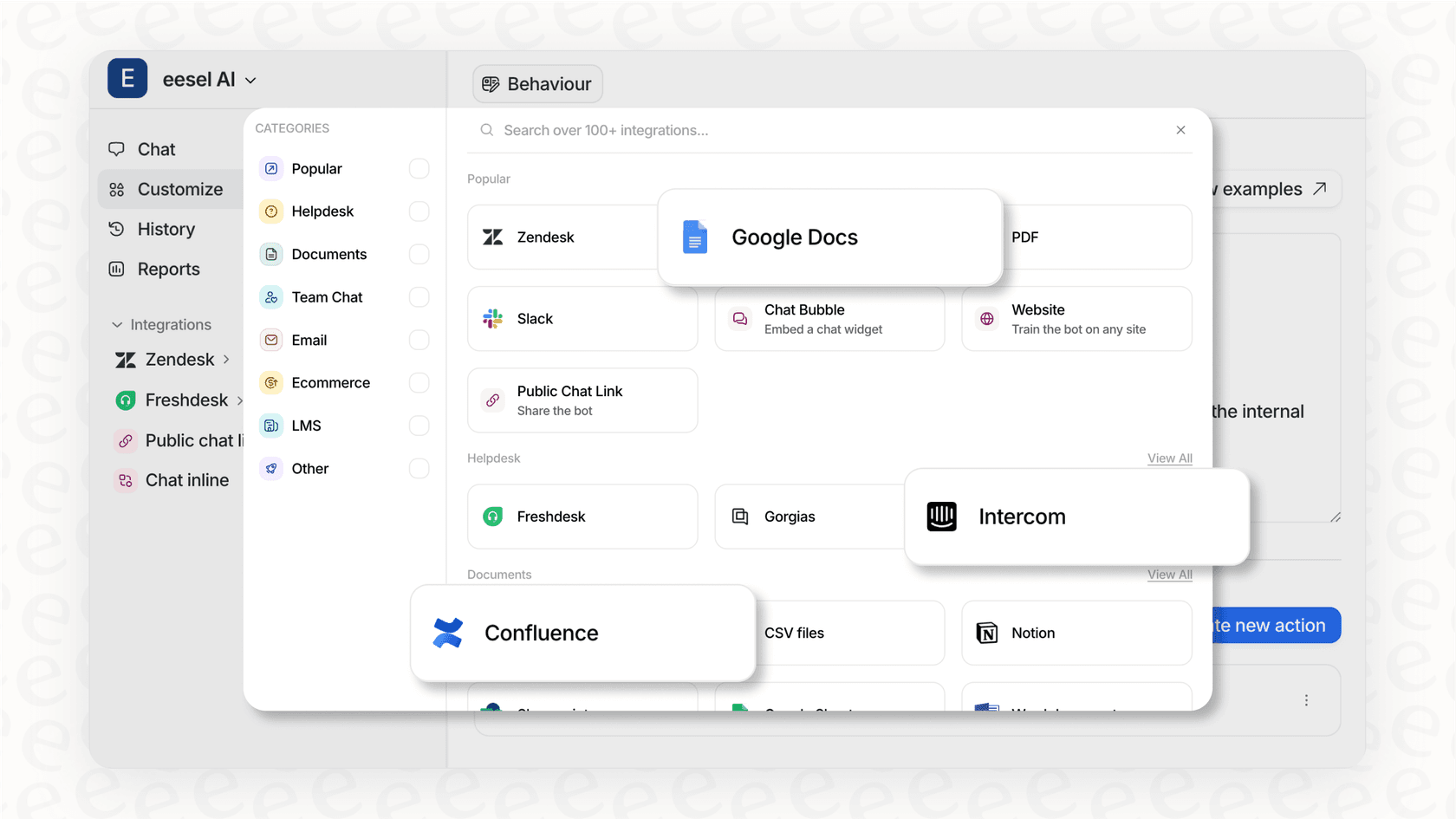
Some teams may also consider complementary tools to enhance this experience. For instance, eesel AI works within the HubSpot ecosystem to make connections as simple as possible. With one-click integrations for helpdesks and knowledge bases, it serves as a great option for teams wanting to be up and running very quickly.
Dashworks AI pricing
Dashworks keeps its pricing straightforward with a per-user model. They also offer a 14-day free trial, and you don’t need a credit card to get started.
Here’s how their plans break down:
| Plan | Price (Billed Monthly) | Price (Billed Yearly) | Key Features |
|---|---|---|---|
| Team Plan | $12 per seat/month | $10 per seat/month | No seat minimum, unlimited usage, core integrations, Slackbot. |
| Business Plan | $15 per seat/month | $12 per seat/month | Optimized for teams with a 10-seat minimum, custom bots, choice of LLMs. |
| Enterprise Plan | Contact Sales | Contact Sales | SSO & SCIM, API access add-on, custom data retention, analytics. |
One thing to keep in mind is that the Answer API is an additional option. It’s based on usage and the specific AI model chosen. For example, using a model like GPT-4o costs $0.75 per request.
The structure is clear, and the 10-seat minimum for the Business Plan ensures that teams have a collaborative base to maximize the benefits of custom bots. Some teams might also look at eesel AI's pricing as a complementary model, as it is based on AI interactions rather than user count, offering another way to manage costs.
The HubSpot acquisition: What it means for users
In 2024, HubSpot announced it was bringing Dashworks into its fold, and it’s a massive win for users. The plan is to bake Dashworks' search technology directly into HubSpot's own AI assistant, Breeze Assistant (formerly Breeze Copilot).
As HubSpot's SVP of AI, Nicholas Holland, put it, "What's impressive about Dashworks is its simplicity, ask a question, and it instantly pulls information scattered across documents, messages, tickets, teams, and third-party apps.” The goal is to give sales, marketing, and service teams an AI assistant that can pull context from everywhere, not just the HubSpot CRM.
For anyone using Dashworks, this will lead to even deeper integration with HubSpot's impressive ecosystem. Imagine a sales rep asking for the full history on an account and getting not just CRM data, but also key Slack conversations and support tickets. Dashworks is a central pillar of HubSpot’s AI strategy, focusing on providing incredible value to go-to-market teams.
Limitations and an alternative
Dashworks is a solid, industry-leading tool, but there are other options to consider depending on your specific needs. Some teams might find that other tools offer different ways to control and test their AI behavior.
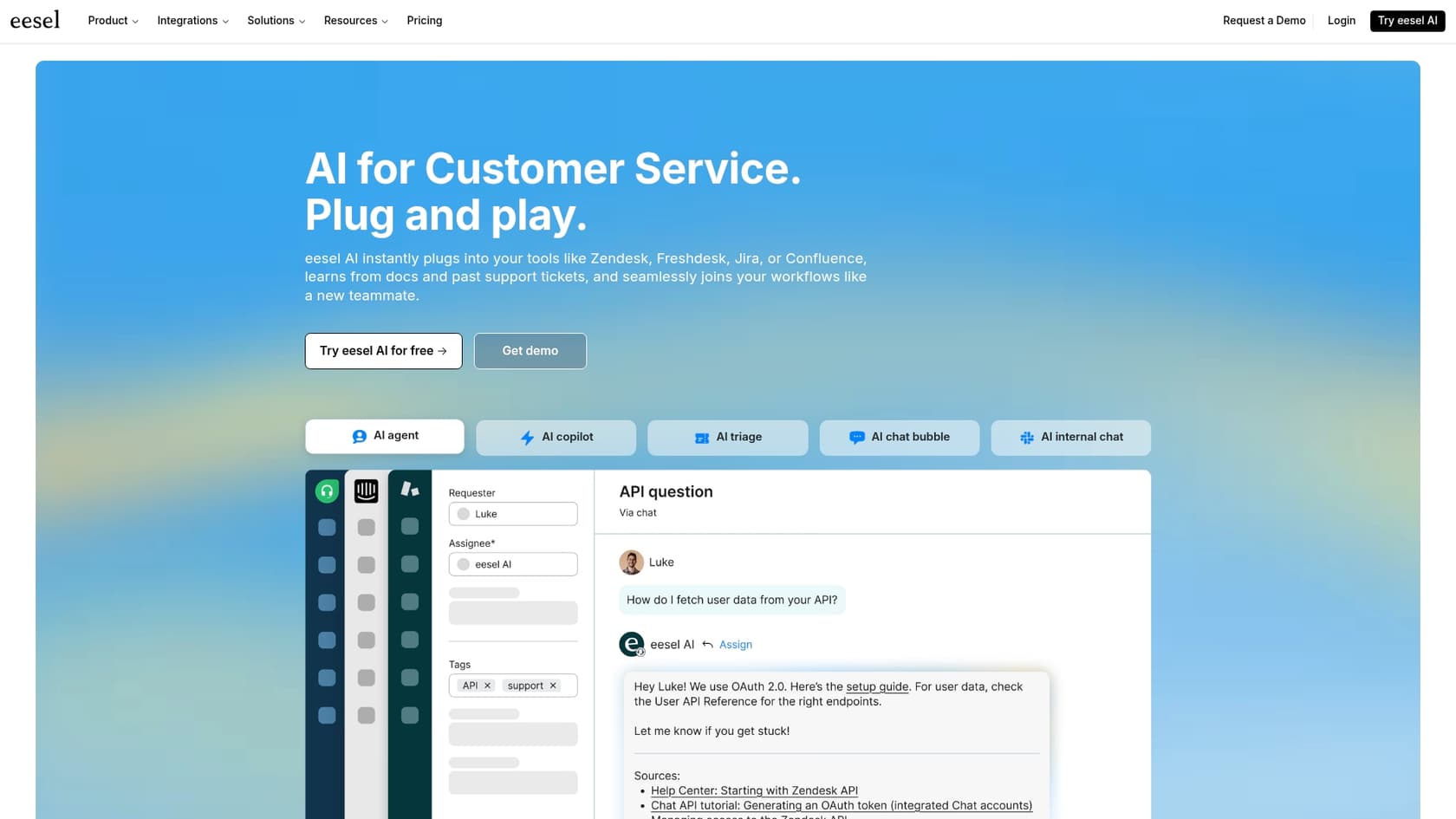
Here are a few things to consider where a tool like eesel AI acts as a complementary option:
-
Speed of setup: Dashworks offers a thorough setup process to ensure deep integration. For teams prioritizing a completely self-serve, rapid launch, eesel AI is another option that can be set up in minutes without needing a sales call.
-
Simulation and testing: When introducing AI to a team, testing is key. eesel AI's AI Internal Chat includes a simulation mode that allows you to test the AI on past questions before it goes live. This is a great way to verify accuracy alongside your Dashworks setup.
-
Workflow control: While Dashworks provides custom bots, eesel AI offers a detailed workflow engine. You can use a prompt editor to define the AI's tone and scope its knowledge to specific documents, providing an extra layer of control for niche team requirements.

If your team values speed and detailed simulation, eesel AI's Internal Chat is a great complementary choice for automating Q&A in Slack or MS Teams alongside your HubSpot tools.
The verdict
So, what's the final word on Dashworks AI? It's a highly capable, mature platform for any company trying to organize its internal information. The real-time search and trustworthy citations are significant strengths that power thousands of companies.
The HubSpot acquisition makes it even more powerful. If your business runs on HubSpot, Dashworks is now an incredibly compelling choice. The vision of a deeply integrated AI assistant for your sales and marketing teams is a game-changer for the industry.
While Dashworks remains a top-tier choice for comprehensive enterprise search, you can also explore options like eesel AI if you need specific testing features or a self-serve setup. Both tools can work together to ensure your team gets the instant, accurate answers they need.
Ready to give your team the instant, accurate answers they need? Try eesel AI's Internal Chat to connect your knowledge and automate your internal support in minutes. You can start a free trial today.
Frequently asked questions
How does this Dashworks AI review summarize the core problem Dashworks AI aims to solve for businesses?
This Dashworks AI review highlights that Dashworks AI aims to solve the problem of fragmented internal information, where employees spend too much time searching across various apps. It promises a single, smart search bar to provide instant, AI-powered answers, breaking down information silos within a company.
Who would benefit most from reading this Dashworks AI review and considering Dashworks AI for their team?
This Dashworks AI review suggests that companies struggling with internal information chaos and repetitive questions would benefit greatly. With the HubSpot acquisition, it's particularly compelling for businesses that rely heavily on HubSpot's ecosystem, especially go-to-market teams in sales, marketing, and service.
What key features stood out in this Dashworks AI review that differentiate Dashworks AI from standard search tools?
This Dashworks AI review emphasizes Dashworks AI's "agentic enterprise search" which fetches real-time data and provides trustworthy, cited answers. Its ability to create custom AI assistants/bots for different teams and offer admin insights into knowledge gaps also stands out.
What's the main implication for current and future users covered in this Dashworks AI review regarding the HubSpot acquisition?
This Dashworks AI review explains that the HubSpot acquisition means Dashworks' technology will be integrated directly into HubSpot's Breeze Assistant (formerly Breeze Copilot), focusing on go-to-market teams. This will likely lead to deeper integration with HubSpot tools, offering a more unified AI assistant experience for sales, marketing, and service.
Could you explain the pricing structure detailed in this Dashworks AI review for someone considering Dashworks AI?
This Dashworks AI review outlines Dashworks AI's pricing as a per-user model, offering Team, Business, and Enterprise plans with yearly or monthly billing. The Business Plan has a 10-seat minimum, and the Answer API is a separate, usage-based cost depending on the AI model chosen.
What does this Dashworks AI review say about the initial setup and integration process for Dashworks AI?
While Dashworks states setup is quick, this Dashworks AI review notes that connecting and fine-tuning its 50+ data sources allows for a comprehensive knowledge base. It highlights that integrating many sources ensures the system works optimally for the entire organization.
Besides the positives, what limitations or alternative solutions were brought up in this Dashworks AI review?
This Dashworks AI review points out that managing numerous data sources is a thorough process that requires initial planning. It also suggests eesel AI as a complementary alternative for teams looking for specific simulation modes and predictable pricing based on AI interactions.