What is Codex record and replay?
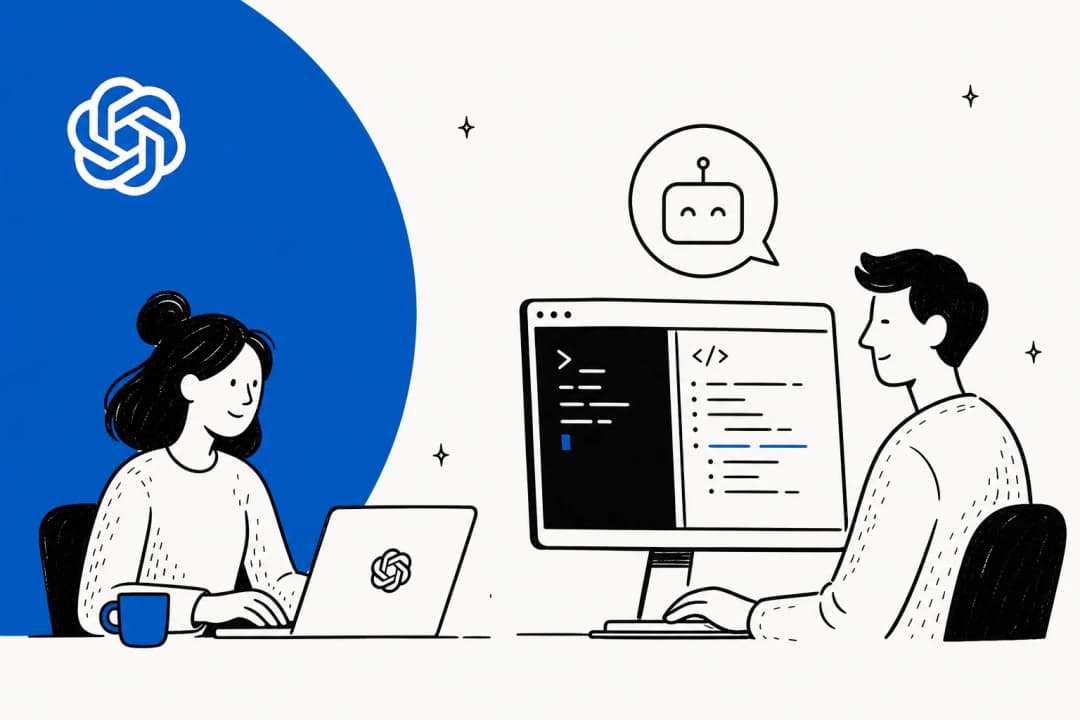
A quick bit of context first. Codex is OpenAI's agentic coding tool: a terminal CLI, an IDE extension, and a desktop app that can run tasks for you across your machine and the web. Over the last few months it has grown well past code into general computer use, which is what makes this feature possible.
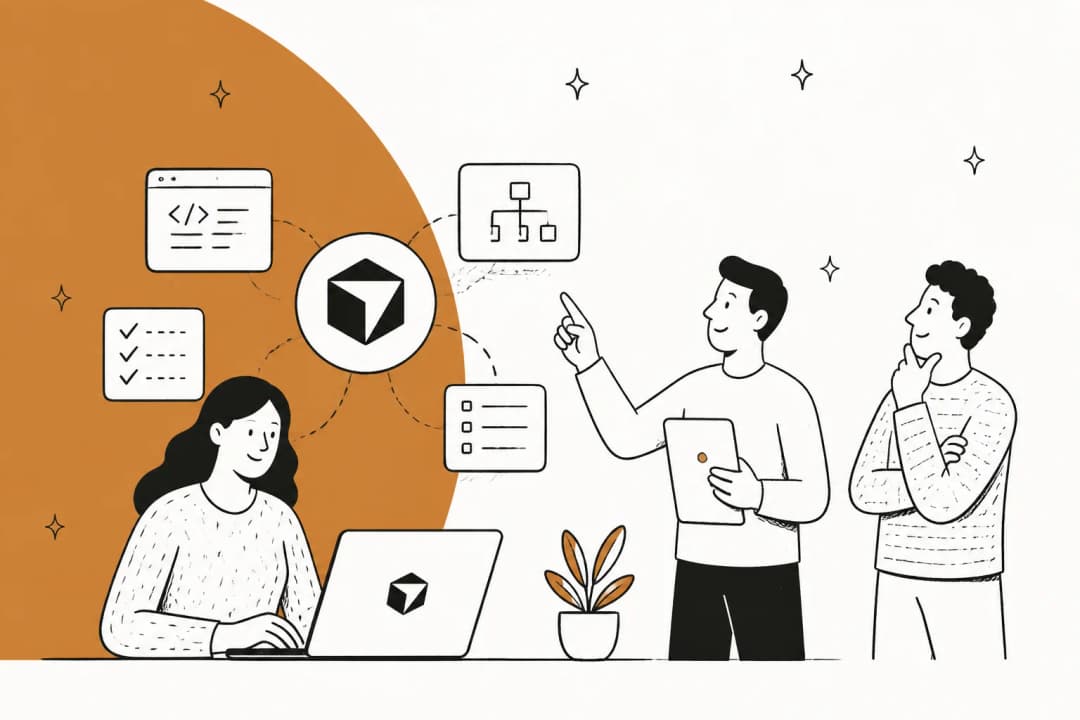
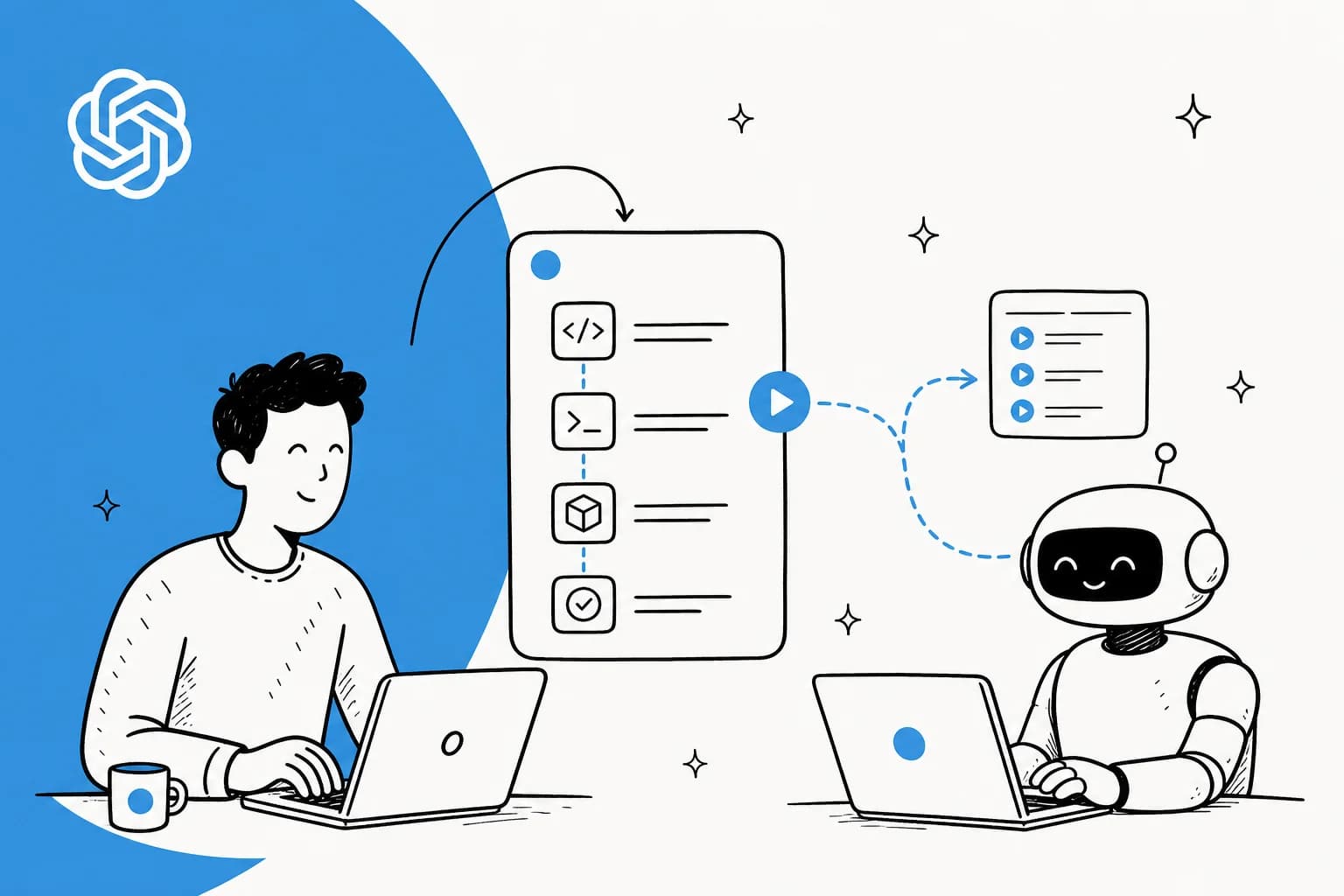
Record and replay, per the Codex docs, "lets you demonstrate a workflow on your Mac and turn it into a reusable skill." OpenAI suggests reaching for it "when the workflow is repetitive, depends on your preferences, or is easier to show than to describe in a prompt."
The examples in the documentation are deliberately mundane, which is the point: you might record how you file an expense, book a parking space, create a correctly configured issue, publish a video, or download a recurring report. These are the tasks that are annoying to write out as a prompt ("click the dropdown, pick the third option, only if the project is internal...") but trivial to just do while something watches.
It landed in the June 18, 2026 changelog alongside Codex app 26.616 and CLI 0.141.0. The official framing on launch, from OpenAI's developer community post, was that you "show Codex a recurring task, like filing an expense report or submitting a time-off request," and "Codex turns that demo into an inspectable, editable skill. You control when recording starts and stops."
How record and replay actually works
Here is the mechanism end to end, because the "magic" is really three concrete stages.
Recording. You start a recording from the Codex app: open Plugins, open the + menu, and select Record a skill. Codex shows a suggested prompt, you add any context, and once you approve the permission request you just perform the workflow on your Mac. You stop from the menu bar, the overlay, or by telling Codex you are done.
What it captures. During recording, the docs say Codex "observes the actions and window content needed to learn the workflow," and recording continues until you stop it. That "window content" detail matters: it is watching your screen, which is exactly why OpenAI's help center warns you to avoid entering secrets or sensitive data while you record.
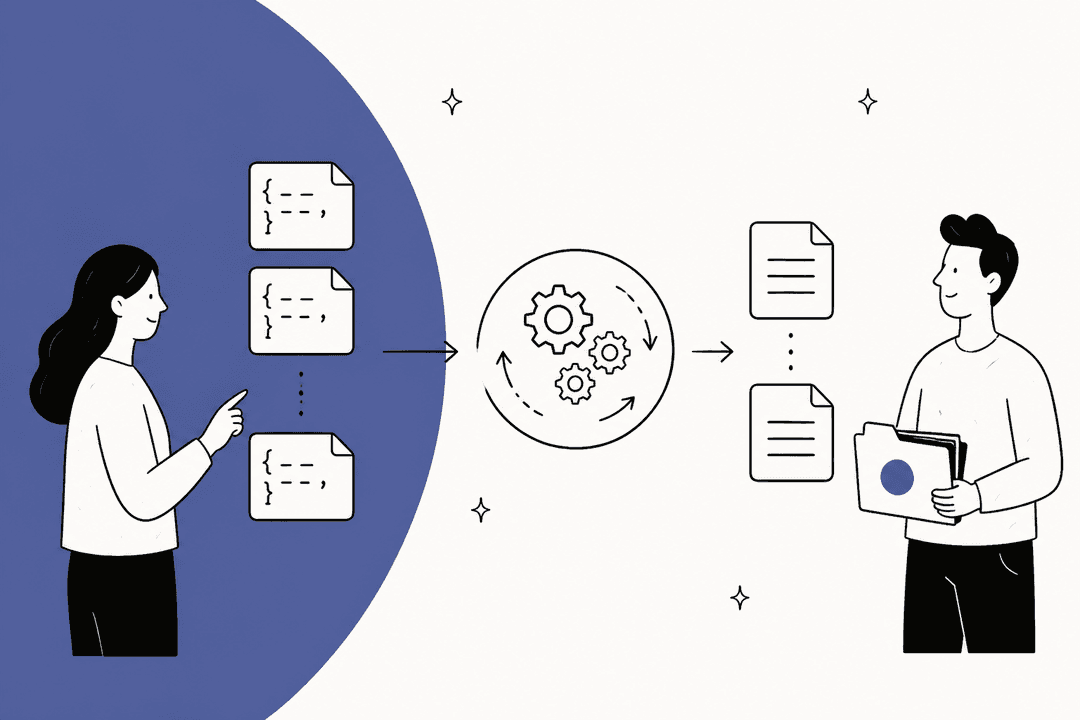
What you get back. This is the part I find most interesting as someone who builds agents. Codex does not save a literal click-by-click macro. It inspects the captured workflow and drafts a skill that, in OpenAI's words, "explains when to use the workflow, what inputs it needs, what steps to follow, and how to verify the result." The output is an editable skill description you can read and refine, not an opaque recording.
Then you replay it: start a new thread, ask Codex to use the skill, and "give it the values that differ this time, such as the file to upload, the issue to create, or the date range for the report." Codex uses the skill as context and completes the task with whatever tools are available, including Computer Use, browser actions, and installed plugins.
That last bit is the real upgrade over the macro recorders some people are comparing it to. A macro replays the same coordinates blindly. A Codex skill is a reasoned description of intent, so it can adapt when the file name, the date, or the layout changes.
Wait, there are two different "replays"
If you searched for "Codex record and replay" and landed on a thread about JSONL transcripts and debugging, you were not imagining it. The phrase points at two different things, and conflating them is the single most common confusion I have seen in the discussion.
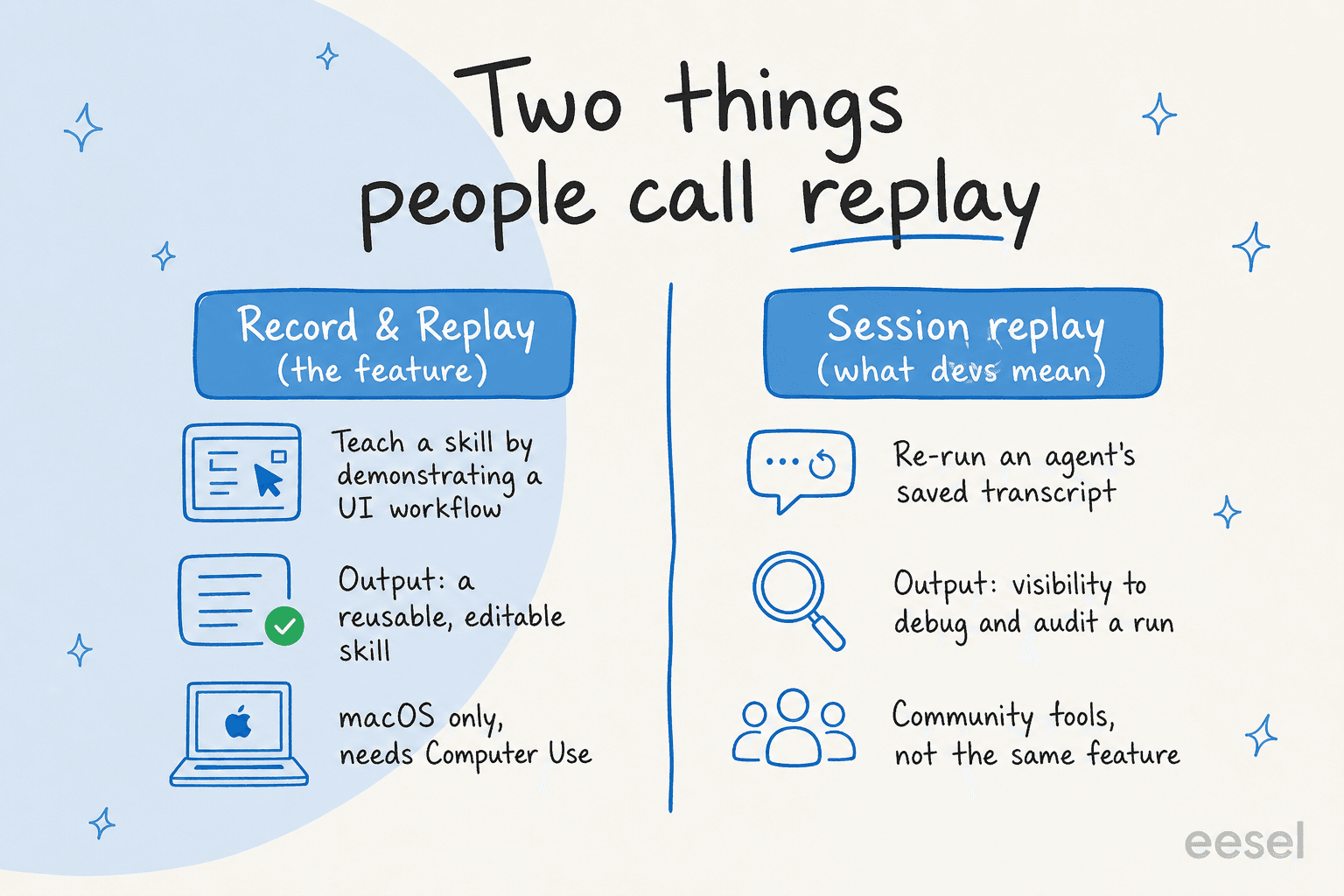
Record and replay (the launched feature) is what this whole post is about: teach Codex a skill by demonstrating a UI workflow.
"Session replay" is the developer-tooling sense: re-running a saved agent run to see what it did, reproduce a flaky result, or audit a decision. Codex sessions are stored as transcripts, and a real appetite has built up for replaying them. The most-upvoted feature request on GitHub put the pain plainly:
"Every Codex session is ephemeral. When developers find a successful workflow ... they cannot easily: Reproduce it across projects, Share it with team members, Version control the workflow."
@Aki-07, GitHub openai/codex#5083
That gap is why developers built their own replay layers. Community tools like codex-replay turn a session's rollout logs into a single shareable HTML file, and others visualise the live tool-call chain, because, as one builder put it on Reddit's r/codex, "Codex is powerful, but its execution is a black box. You see the final result, not the journey."
So: the new feature helps you make a workflow. Session replay helps you inspect a run. Both are useful, but only the first one shipped on June 18.
When to use record and replay (and when not to)
OpenAI is refreshingly clear that this is one of three ways to give Codex a skill, and they overlap less than you would think.
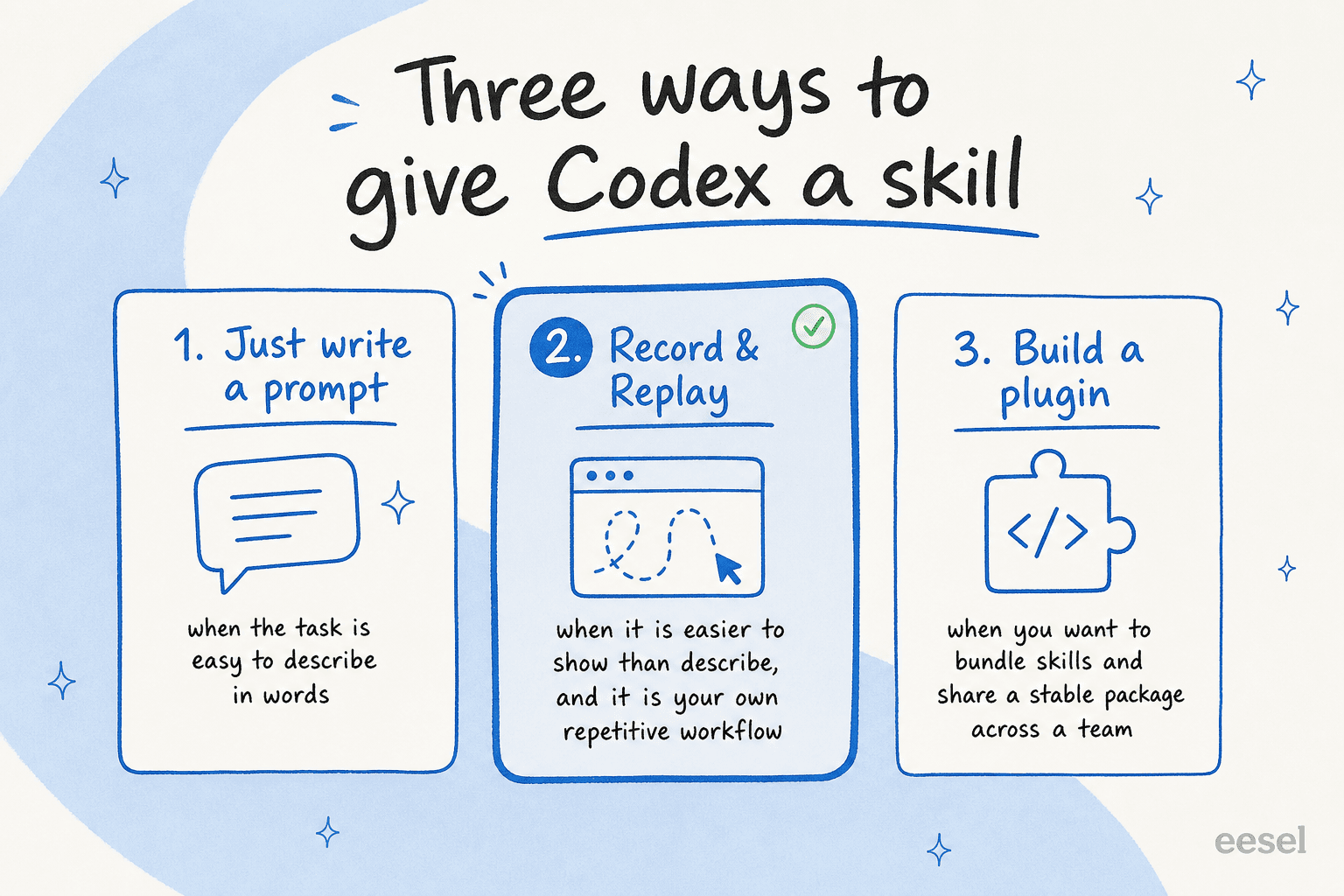
If a task is easy to describe in words, just prompt Codex and move on. Recording adds nothing.
Record and replay earns its place when the task is "easier to show than describe" and it is your own repetitive workflow with stable, clear success criteria, which the docs call out as the sweet spot.
And when you want to distribute a stable, documented capability across a team, bundle several skills, or wire in MCP servers, OpenAI points you at building a plugin instead. Record and replay is described as "a fast way to create a skill from a demonstrated workflow," not the way to ship something durable to forty colleagues.
OpenAI's tips for better recordings are worth a quick read before your first try. The ones that actually move the needle: tell Codex your goal and which inputs vary before you hit record, keep the demo short and complete, use realistic (non-secret) inputs, and stop recording the moment the workflow is done instead of wandering into unrelated cleanup.
The limits worth knowing before you rely on it
This is a launch, not a mature feature, and the constraints are real. None of them are dealbreakers, but a few will quietly decide whether you can use it at all.
| Constraint | What it means in practice |
|---|---|
| macOS only | No Windows or Linux desktop support at launch. (docs) |
| Excludes EEA, UK, Switzerland | Not available in those regions on day one. (changelog) |
| Requires Computer Use | Computer Use must be available and enabled for record and replay to work. (docs) |
| Admin can disable it | If your org manages Codex with requirements.toml, setting [features].computer_use = false turns off both Computer Use and record and replay. (docs) |
| Watch your secrets | It records window content, so OpenAI tells you to avoid entering sensitive data while recording. |
The community reaction tracked these limits almost perfectly. The feature itself impressed people, with one reaction on r/accelerate being a blunt "holy shit this is wild and way more powerful than macro recording." But the two recurring gripes were exactly the constraints above:
"Codex shipped Record & Replay this week. Show it a task live, it watches your screen, turns it into a skill. Cool feature. Mac only, and it only runs back through Codex."
u/RawalDelhi, Reddit r/AI_Agents

That "only runs back through Codex" point is the strategic one. The skill you record is portable in concept but locked to Codex in practice, which is a reasonable trade if you have already committed to the ecosystem and a real friction if you have not.
What this says about where agents are heading
Strip away the macOS caveats and you are left with a meaningful shift: the cheapest way to teach an agent is starting to be demonstration, not instruction. Writing a perfect prompt is hard. Doing the task while something watches is easy. That is a better fit for how most people actually hold knowledge about their own work, which lives in muscle memory, not in documentation.
This is the part where I will show my hand, because I build AI agents at eesel for a living. The "teach by showing, not telling" instinct is exactly right, and it is the same instinct behind how good support automation already works. We have spent the last few years putting AI agents on live support queues, and the lesson that stuck is that an agent is only as good as what it learned from, and the richest teacher is the work you have already done.
For customer support specifically, you do not record yourself answering tickets one at a time. The history is already sitting in your helpdesk. So the better version of "record and replay" for a support team is an agent that reads your past Zendesk or Front tickets, your help center, and your macros, and learns the patterns on day one, no demonstration required. Codex's feature is the desktop-chore version of an idea that, for support, is already further along.
Try eesel for support automation
If you got here because you are trying to automate the repetitive parts of your job, and that job is customer support rather than filing expense reports, this is the part worth your attention.
eesel AI is an AI support agent that plugs into your existing helpdesk and learns from what you already have. Instead of recording each task, it trains on your historical tickets, help docs, and macros, then drafts and resolves tier-1 conversations in your brand voice. The closest thing to Codex's "demonstrate then replay" loop is our simulation mode: before it answers a single live customer, you run it against thousands of your past tickets to see exactly how it would have handled them, find the gaps, and only then turn it on.

It is not theoretical. Gridwise had eesel resolving 73% of tier-1 requests in the first month, and Smava runs a fully automated Zendesk agent through 100,000+ German-language tickets a month. Pricing is usage-based with no per-seat fees, and you can start free without a credit card. If your stack is Zendesk, Freshdesk, Gorgias, Help Scout, or a hundred other tools, it most likely connects.
Frequently Asked Questions
What is OpenAI Codex record and replay?
How do you record a skill in Codex?
Is Codex record and replay available in the EU or on Windows?
What is the difference between record and replay and session replay?
Can I use record and replay for customer support automation?


Article by
Alicia Kirana Utomo
Kira is a writer at eesel AI with a Computer Science background and over a year of hands-on experience evaluating AI-powered customer service tools. She focuses on breaking down how helpdesk platforms and AI agents actually work so that support teams can make better buying decisions.