So, is OpenAI Codex actually free?
Short answer: yes, with an asterisk.
The clean, no-payment way to use OpenAI Codex is to sign in with a ChatGPT Free account. Codex is included across Free, Go, Plus, Pro, Business, and Enterprise plans, and the Free tier sits at $0/month with the smallest allowance, per OpenAI's help center. One thing to retire from older write-ups: it isn't framed as a "trial" anymore. On the current pricing pages, Free is a permanent included tier, just the smallest one.
The asterisk is what "free" covers. You get local coding tasks across Codex's clients, but none of the cloud-based features. So before you decide whether the free tier is enough, it helps to know what Codex actually is in 2026, because it's a very different product from the one that shares its name.
What OpenAI Codex actually is (and what it isn't)
First, a name clean-up that still trips people up. The original OpenAI Codex was a 2021 GPT-3-family model that powered early GitHub Copilot, and it was deprecated back in 2023. The Codex people mean today launched in May 2025 as codex-1, and it's a full agentic software-engineering product, not a single model.
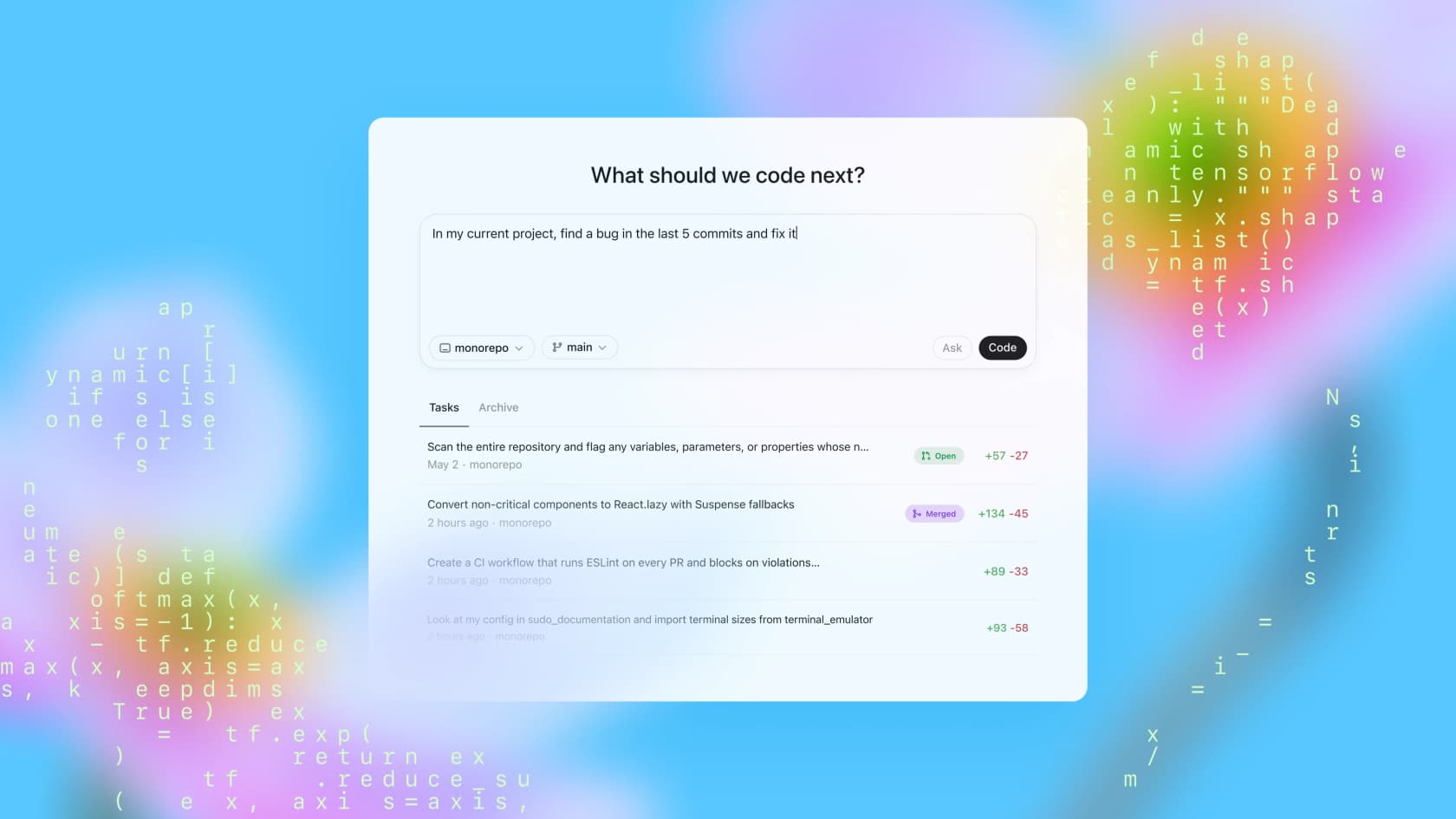
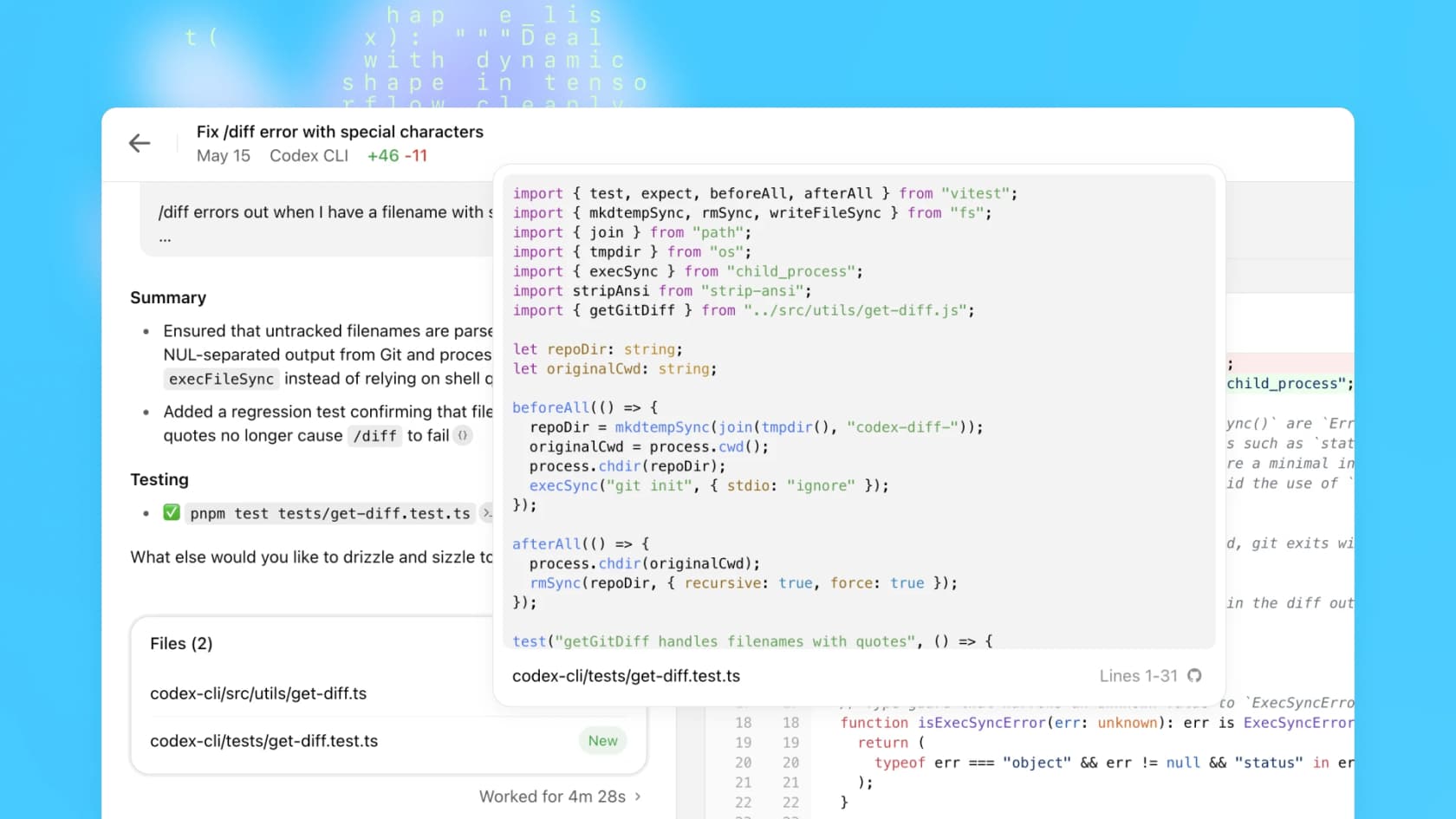
The mental model is an asynchronous coding teammate. You delegate a task, a feature, a refactor, a bug fix, a pull-request review, and Codex works independently in a sandbox, then reports back with a diff, logs, and citations. That's a different metaphor from a real-time autocomplete like Copilot; it's closer to handing work to a junior-to-mid engineer. It runs as a web app, a CLI (@openai/codex), a VS Code extension, and an iOS app.
The numbers behind it are the reason the free tier is even worth your attention. GPT-5-Codex hit 85.5% autonomous task completion on SWE-bench, the open-source CLI has over 90,000 stars on GitHub, and the VS Code extension has crossed 9.8 million installs. People aren't lining up for a toy. As one developer put it in a thread on r/vscode:
"I'm not a programmer and I have managed to build a fully functional chatbot for my website with Codex. My mind is honestly blown."
So the question isn't whether free Codex is capable. It's where the free line is drawn.
What you get for free, and where the wall is
Here's the part worth tattooing on the inside of your eyelids: the free tier gives you Codex's brain, but not its hands in the cloud. Local tasks (chatting with Codex, editing code on your own machine through the CLI or IDE) are in. The cloud-based features (automated GitHub code review, the Slack integration, cloud tasks that run in OpenAI's sandboxes) start on Plus.
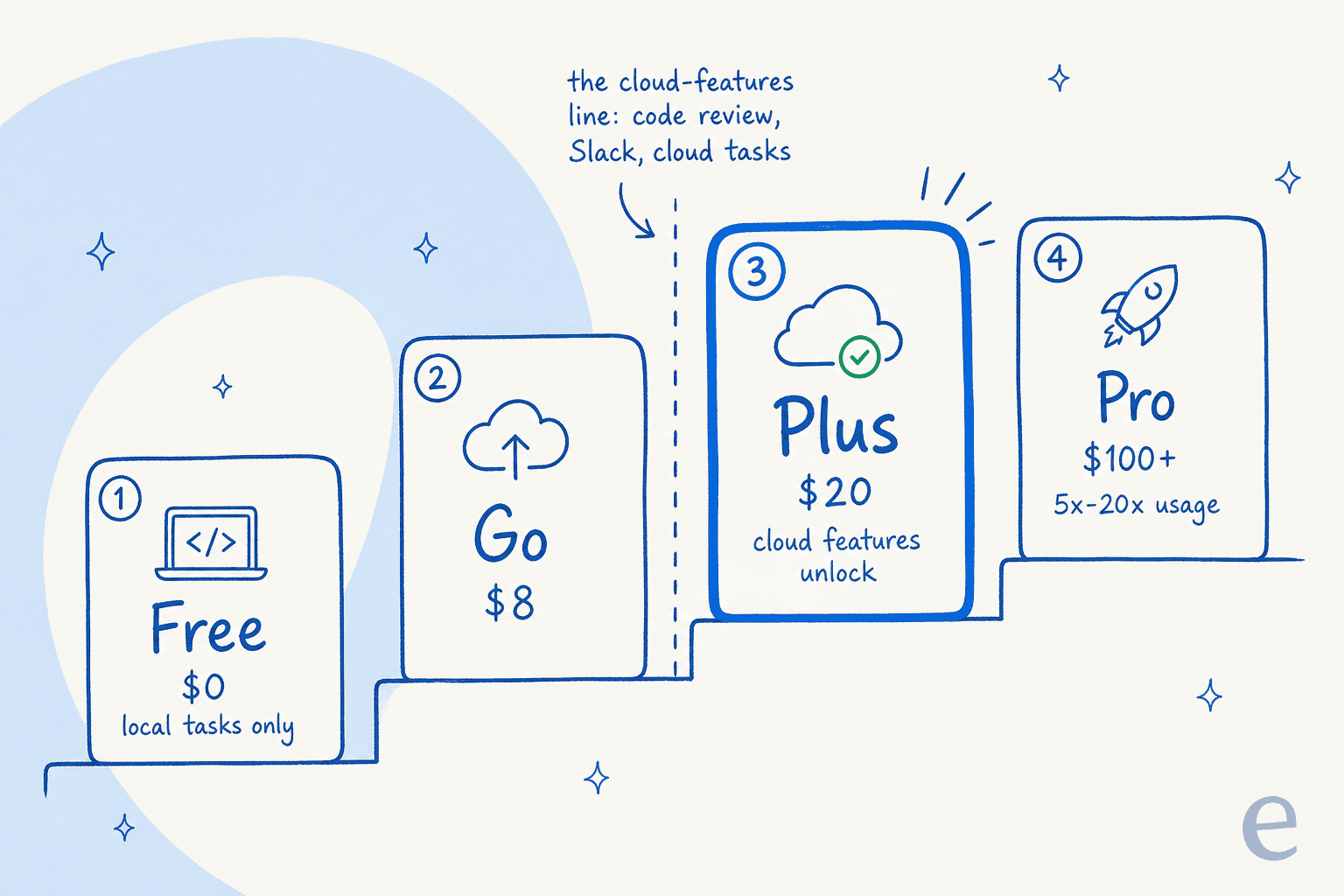
The plan ladder looks like this:
| Plan | Price | What unlocks | Cloud features |
|---|---|---|---|
| Free | $0/mo | Local coding tasks, smallest allowance | No |
| Go | $8/mo | More headroom for lightweight tasks | No |
| Plus | $20/mo | Cloud tasks, GitHub code review, Slack, latest models | Yes |
| Pro | from $100/mo | 5x Plus usage ($100) or 20x ($200), research-preview models | Yes |
| Business | per seat | Plus features, admin controls, SSO, no training on your data | Yes |
| Enterprise | contact sales | Priority processing, RBAC, audit logs, shared credit pool | Yes |
If you only ever code locally and don't need a bot reviewing your PRs, the free tier can carry you a surprisingly long way. The moment you want Codex to act on your repo without you babysitting it, you're looking at Plus pricing. For a fuller cost comparison against the field, our roundup of Codex alternatives breaks down where each tool's free tier actually stops.
The free path vs the "free" path
This is where most of the confusion lives, so let's separate the two routes that both look free at first glance.
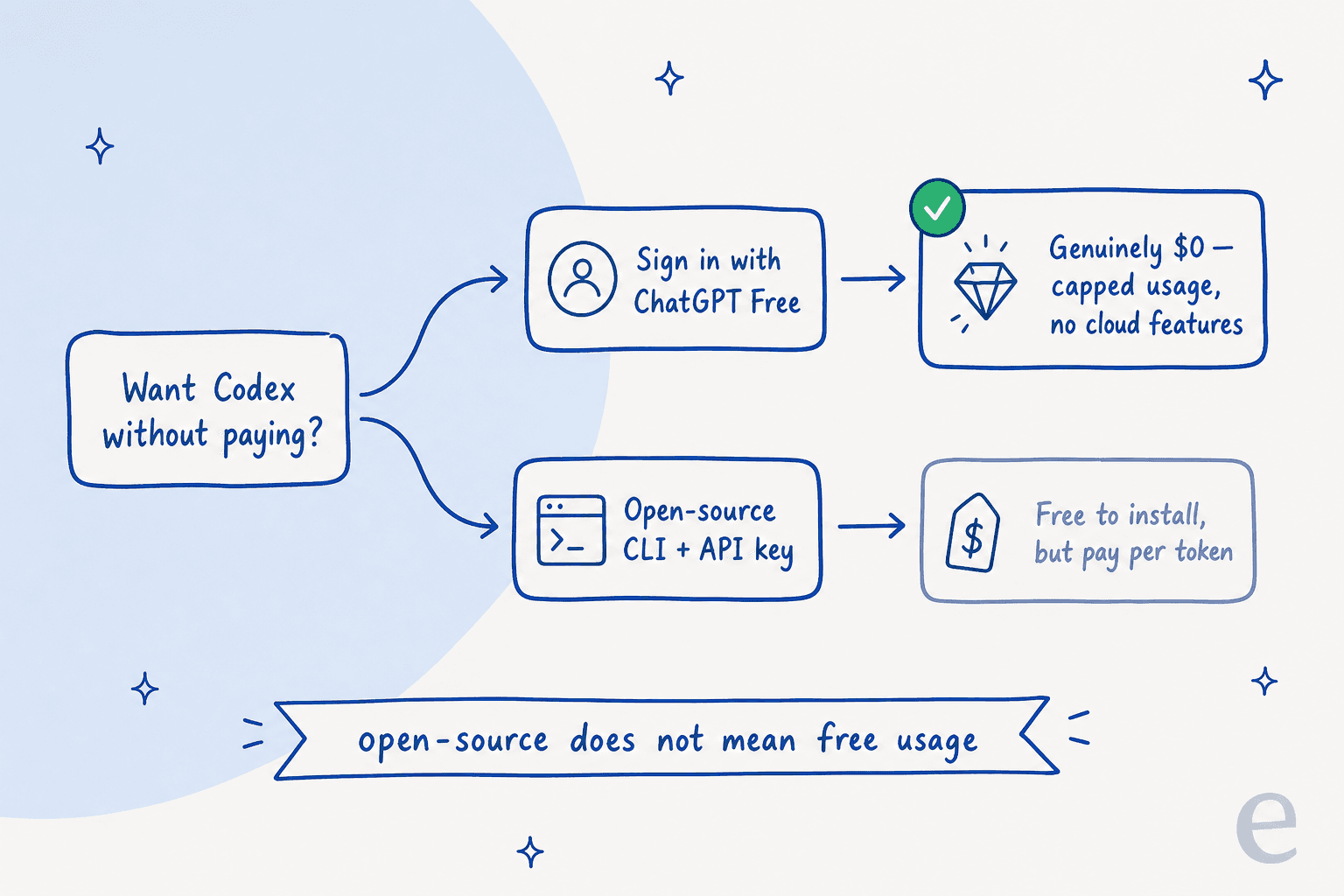
Path one: sign in with ChatGPT Free. This is the genuinely-$0 route. You authenticate the Codex CLI, web app, or IDE extension with your free ChatGPT account, and you get the capped free allowance. No card, no per-token bill.
Path two: the open-source CLI plus an API key. The CLI itself is Apache-2.0 licensed and free to download, which leads a lot of people to assume the whole thing is free. It isn't. If you authenticate with an API key instead of a ChatGPT login, you pay standard API rates per token, and you also get delayed access to the newest models and none of the cloud features. Open-source means free to install, not free to run.
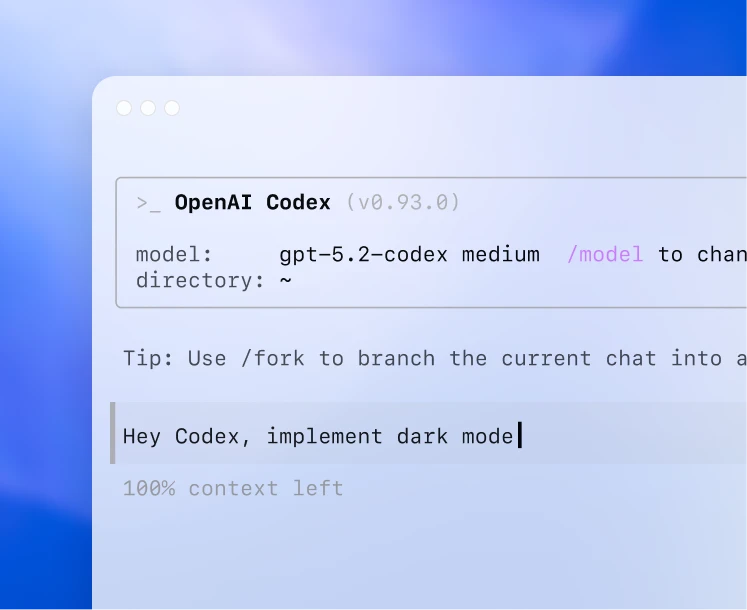
For nearly everyone who just wants to try Codex without spending anything, path one is the answer. Path two is for teams building Codex into CI/CD or their own tooling, and those teams already know they're paying for tokens.
The limits: a 5-hour rolling window
Free isn't unlimited, and the shape of the limit catches people off guard. Codex usage is capped on a rolling 5-hour window, not a daily or monthly bucket, with separate weekly limits layered on top, per the Codex pricing page.
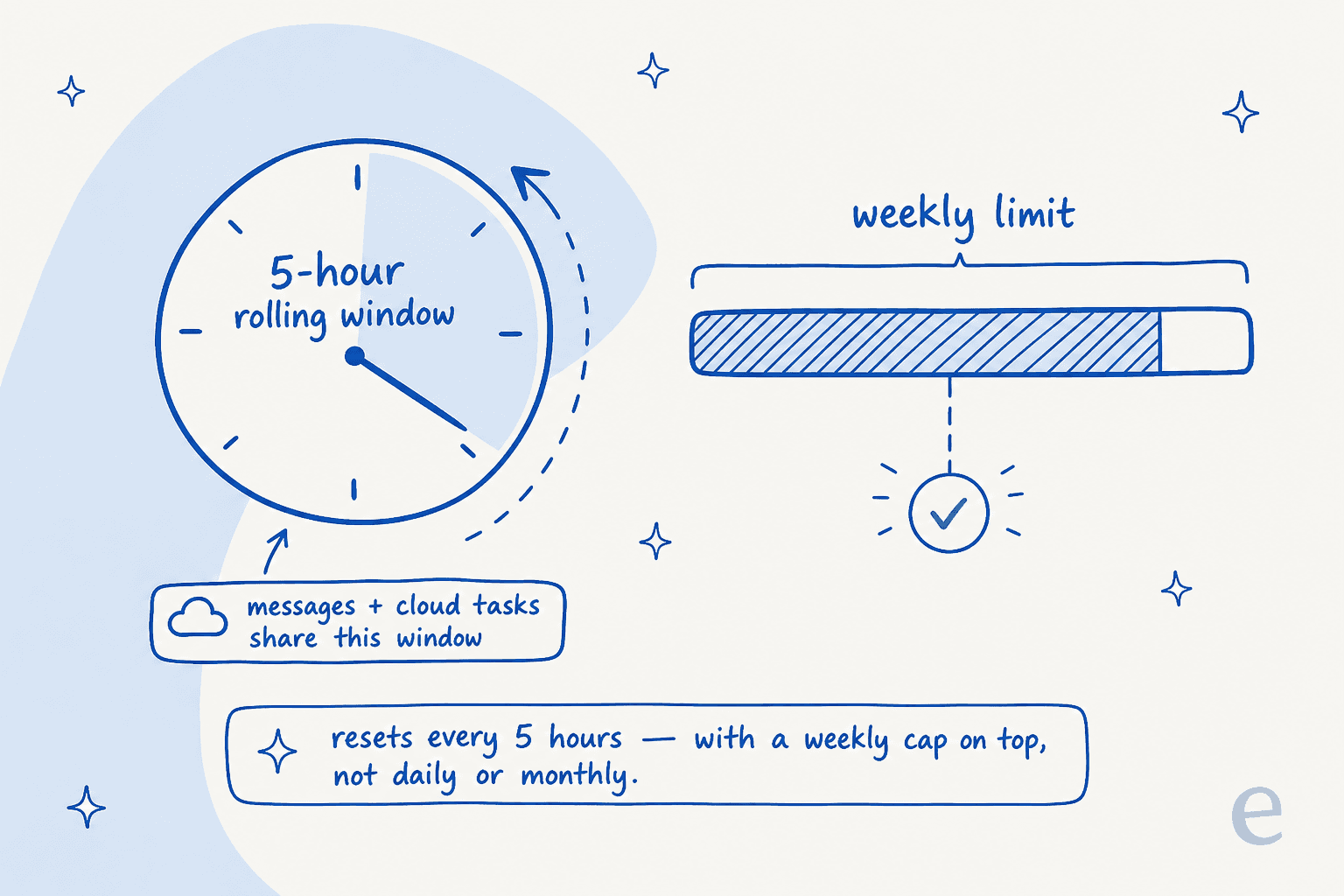
One honest caveat: OpenAI publishes per-window numbers for Plus, Pro, and Business, but not an exact figure for Free, so I won't invent one. For context on the paid tiers, Plus gives 30 to 150 GPT-5.3-Codex local messages per 5-hour window, and the free allowance sits below that. A Plus user on r/OpenAI described the experience well:
"I tried using the new Codex extension for vscode today with high reasoning with my peasant Plus plan... The number of requests also seem to be reasonably high on the Plus subscription: 30-150 per 5 hours."
The practical read: the free window is fine for poking at a small script or a single focused task, and it'll feel tight the moment you try to run a real day's work through it. If you keep hitting the wall, that's your signal that you've outgrown free, not that Codex is broken.
How to start using Codex for free
If you just want to get going, here's the whole path:
- Create a free ChatGPT account at chatgpt.com if you don't have one. That account is your free Codex access.
- Pick a surface. The web app needs nothing installed; the VS Code extension is the most popular; the CLI (
npm i -g @openai/codex) suits terminal people. - Sign in with ChatGPT, not an API key, when prompted. This is what keeps you on the free allowance instead of a per-token bill.
- Start with a small, well-scoped task. Free-tier limits reward precision, so "fix the date formatting bug in
utils/date.ts" goes further than "refactor the whole app."
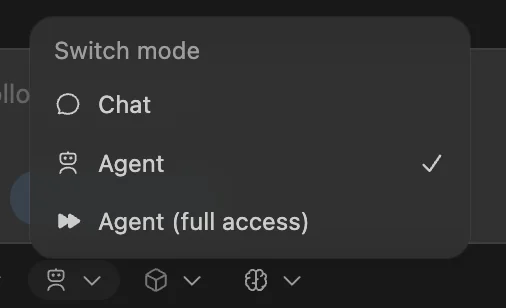
When you're working locally, Codex lets you choose how much rope to give it, from chat-only to a supervised agent to full access. Starting in the more cautious mode is the right call while you're learning what it does well.
Free ways to stretch Codex further
Beyond the base free tier, there are a few legitimate ways to get more for nothing:
- Codex for Students. Verified US and Canada university students can claim $100 in ChatGPT credits (2,500 credits) to extend Codex well past the included free limits.
- The referral promo. From June 11 through June 24, 2026, eligible Plus and Pro users can invite up to three friends; a successful referral grants a banked rate-limit reset, usable for 30 days, per the Codex pricing page. It's a paid-tier perk, but it's free extra capacity.
- Lean on the cheaper model. GPT-5.4-mini stretches your local-message allowance 2.5 to 3.3x versus the primary models, so routine edits don't burn through the window.
- Codex Sites in preview. Codex Sites is free while it's in preview, though it's currently limited to Business and Enterprise workspaces rather than the free consumer tier.
None of these change the core truth: the free tier is the on-ramp, and the credits and promos just lengthen the runway.
What free Codex means for teams
Here's where I'll put my own cards on the table. I build AI agents at eesel, and I lean on coding agents like Codex daily, so I read these free tiers through a specific lens: a free tier isn't a gift, it's a sales funnel, and that's fine as long as you know which part of it you're in.
For an individual developer, free Codex is a great deal. You get a genuinely strong agent, you learn how to delegate to it, and you spend nothing. For a team, the calculus flips. The features that turn Codex from "neat autocomplete-killer" into something that quietly reviews every PR and ships work while you sleep, the GitHub code review, the Slack integration, the cloud tasks, all sit behind Plus and up.
This is the pattern across the whole category now, and it's a good one: the best AI tools, whether they're coding assistants, Claude Code, or Cursor, ship a real free tier so you can prove the value yourself before anyone signs a contract. The years we've spent putting AI agents on live production work taught us the same lesson the hard way: a confident-looking agent can quietly do the wrong thing, so you want to watch it work on something real before you trust it with the keys. A free tier that lets you do exactly that is worth more than any benchmark in a launch post.
So the move for a team is simple: use the free tier to confirm Codex earns its place, then pay for the cloud features the day it's doing real work, not a day before.
Try eesel
That "prove it before you pay for it" instinct is exactly how we built eesel. Codex is an AI teammate for your codebase; eesel is an AI teammate for the rest of the work, support tickets, internal questions, and content, that plugs into the tools you already use and learns from your past tickets and docs on day one.

And it's free to start in the same try-before-you-buy spirit: $50 in free usage and a couple of free blog generations, no credit card. The differentiator is simulation, you can run eesel against thousands of your real past tickets and see exactly what it would have done before it ever touches a live conversation. You get to watch the agent work on real data before you trust it. Try eesel and see what it does with your first ticket.
Frequently Asked Questions
Is OpenAI Codex free to use?
What does OpenAI Codex free access include?
What are the OpenAI Codex free tier limits?
Is the OpenAI Codex CLI free?
How much does OpenAI Codex cost after the free tier?
Can students get OpenAI Codex for free?
Is OpenAI Codex free access good enough for a team?


Article by
Alicia Kirana Utomo
Kira is a writer at eesel AI with a Computer Science background and over a year of hands-on experience evaluating AI-powered customer service tools. She focuses on breaking down how helpdesk platforms and AI agents actually work so that support teams can make better buying decisions.