Automated customer communication: a practical guide for 2026

Riellvriany Indriawan

Katelin Teen
Last edited July 6, 2026
What "automated customer communication" actually means
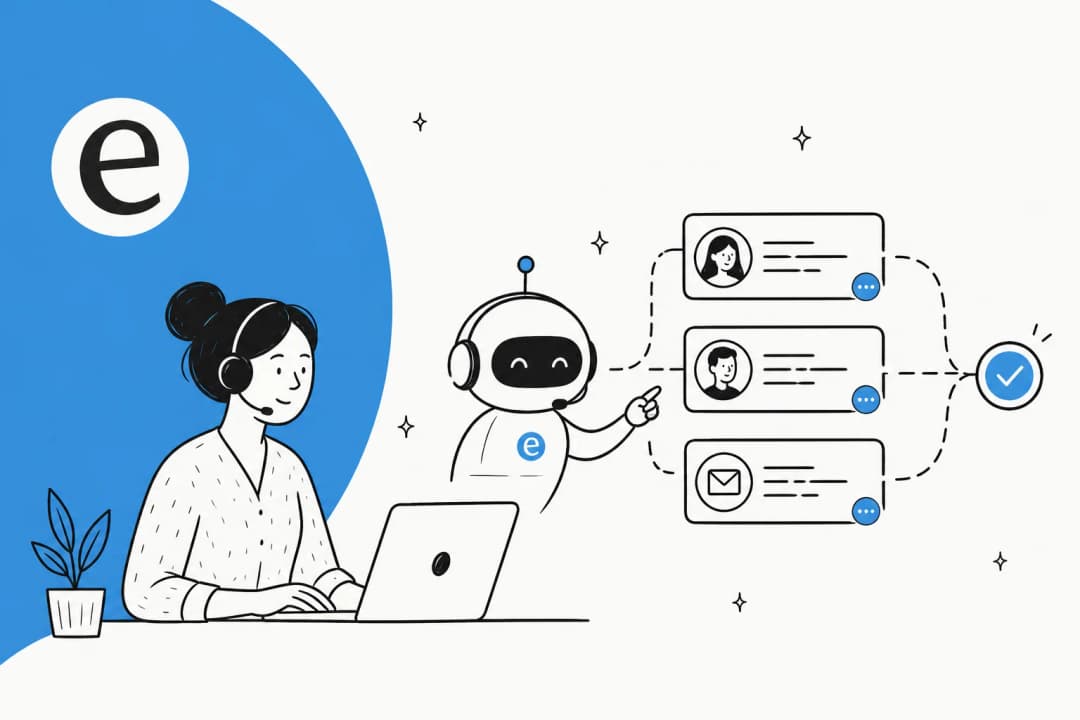
I work the support queue every day, so I will be honest about a bit of jargon inflation here. "Automated customer communication" gets used to describe everything from a canned autoresponder ("Thanks, we got your email") to a fully autonomous AI customer service agent. Those are wildly different things, and lumping them together is how buyers end up disappointed.
It helps to picture it as a spectrum rather than a single feature.
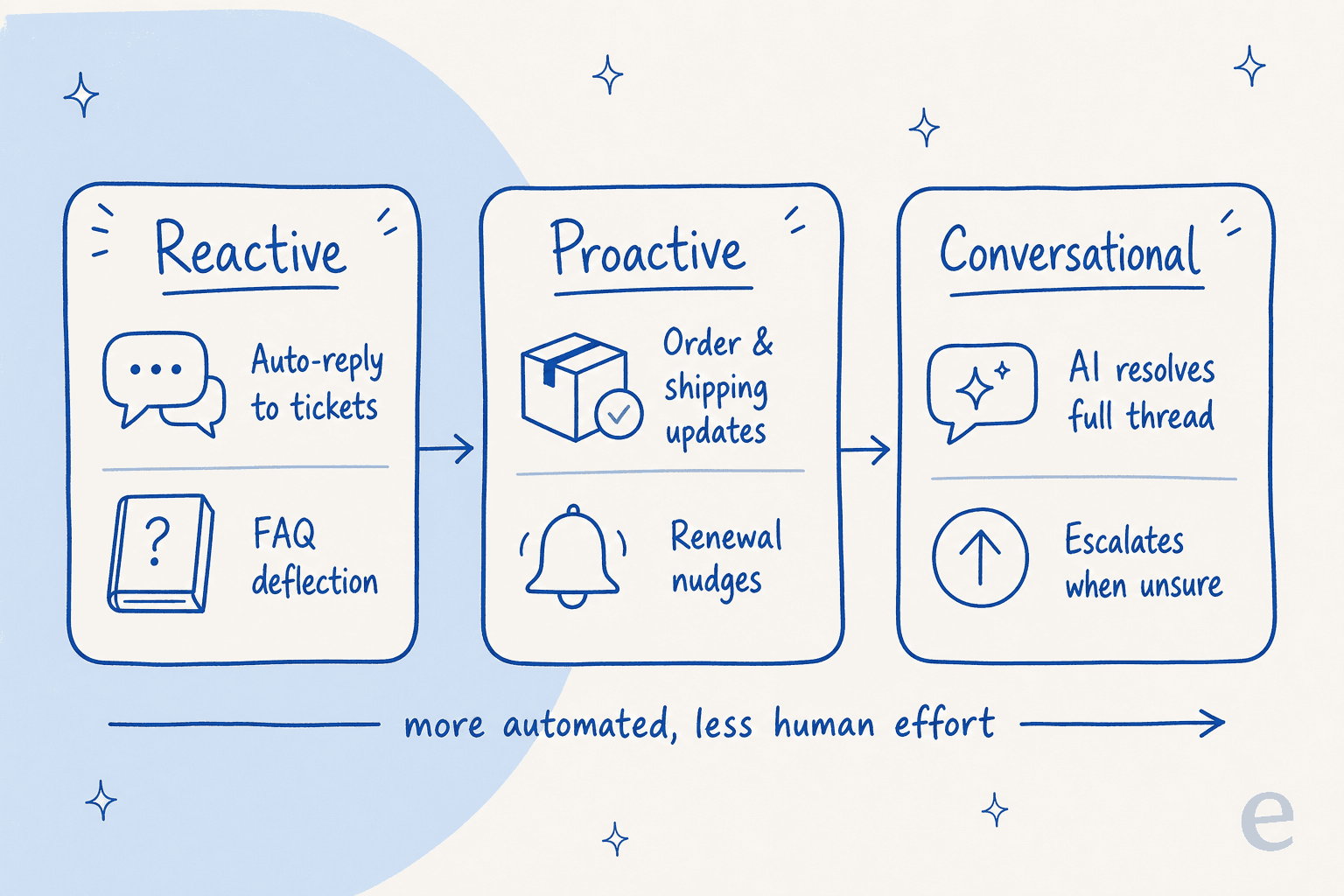
On the reactive end, you have the classics: auto-replies to tickets, macros, and FAQ deflection on your help center. These react to something the customer did.
In the proactive middle, you have messages you send before the customer asks: order and shipping updates, renewal nudges, onboarding sequences. These are usually rules-based and have been around for years.
On the conversational end sits the newer stuff, an AI agent that reads a customer's actual question, pulls the answer from your knowledge base and past tickets, writes a real reply, and escalates when it is out of its depth. This is the part that changed in the last two years, and it is what most people mean now when they say they want to "automate support."
Most teams already do the first two. This guide is mostly about the third, because that is where the real leverage (and the real risk) lives.
Where automation actually helps
The channels haven't changed much, the intelligence behind them has. Automated communication shows up across every surface your customers already use:
- Email and ticketing. The bread and butter. An AI can triage the inbox, tag and route tickets, and draft replies inside Zendesk, Freshdesk, Front, or HubSpot.
- Live chat and website widgets. AI live chat handles the instant-answer questions and hands off cleanly to an agent when needed.
- Internal channels like Slack. A surprising amount of "customer" communication is actually internal, IT and HR teams answering the same questions over and over. The same AI helpdesk logic works there too.
- E-commerce messaging. Where-is-my-order, returns, and subscription changes are the single biggest chunk of automatable volume for online stores.

The reason this matters: I have watched small teams drown in volume where 60-70% of tickets are the same five questions. One DTC supplements brand we worked with wanted to auto-resolve half their volume just for where-is-my-order, subscription changes, and basic product questions, and that was a completely reasonable target. The repetitive stuff is exactly what automation is good at, and clearing it is what gives your agents room to breathe.
How AI-driven communication actually works
Here is the mechanism under the hood, because it is worth understanding before you trust it with your customers. A modern AI support agent is not a decision tree you build by hand. It works in four moves.
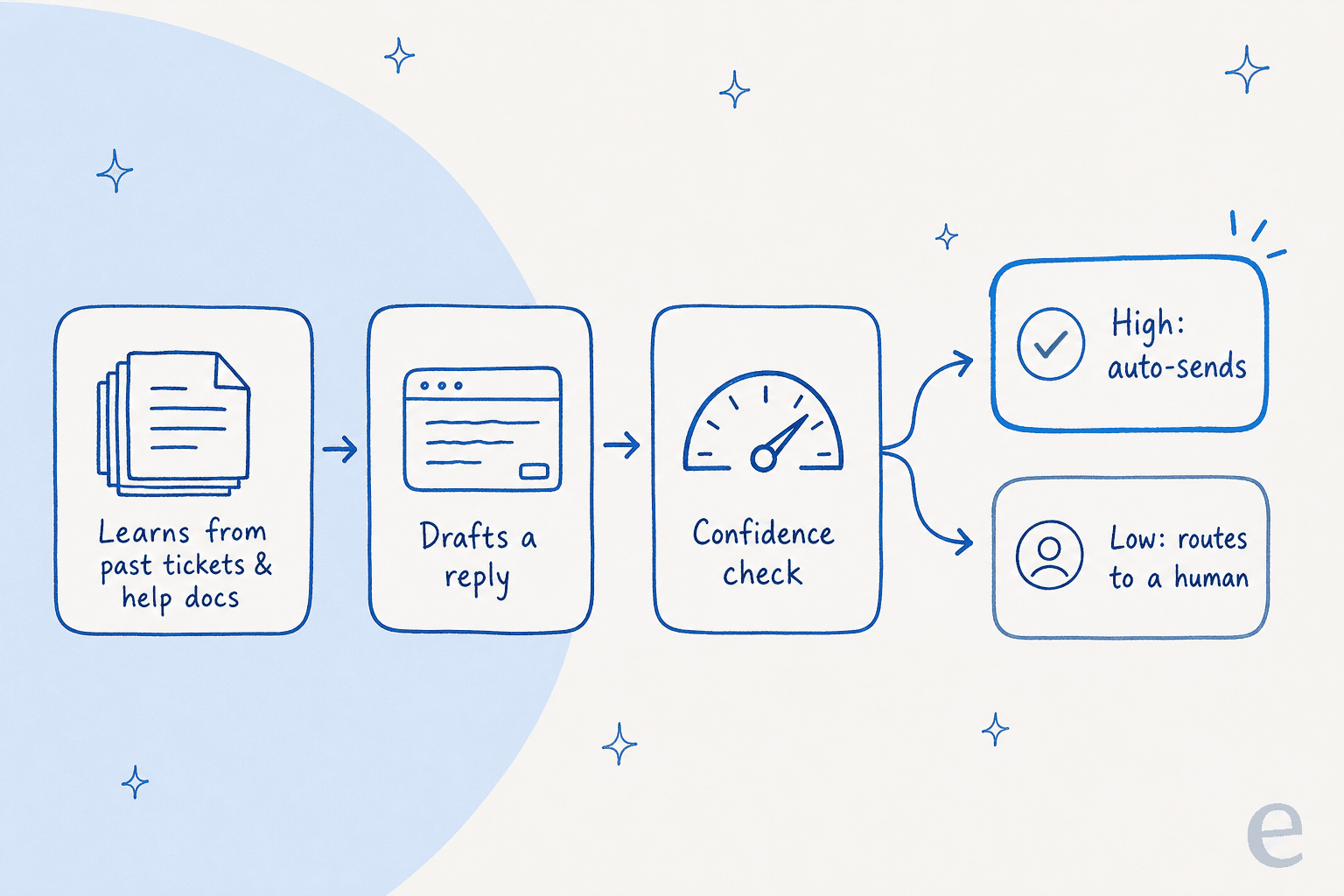
First, it learns from your history. It ingests your resolved tickets, help docs, and any connected sources so that, as the eesel team likes to put it, years of history becomes knowledge on day one. This is the big difference from old chatbots that only knew your help-center articles, learning from solved tickets is what makes replies sound like your actual team.
Second, it drafts a reply to the customer's specific question, in their language (eesel supports 80+ languages out of the box).
Third, and this is the important one, it scores its own confidence. If it is confident the answer is right and grounded in your sources, it can send. If it is not, it holds back.
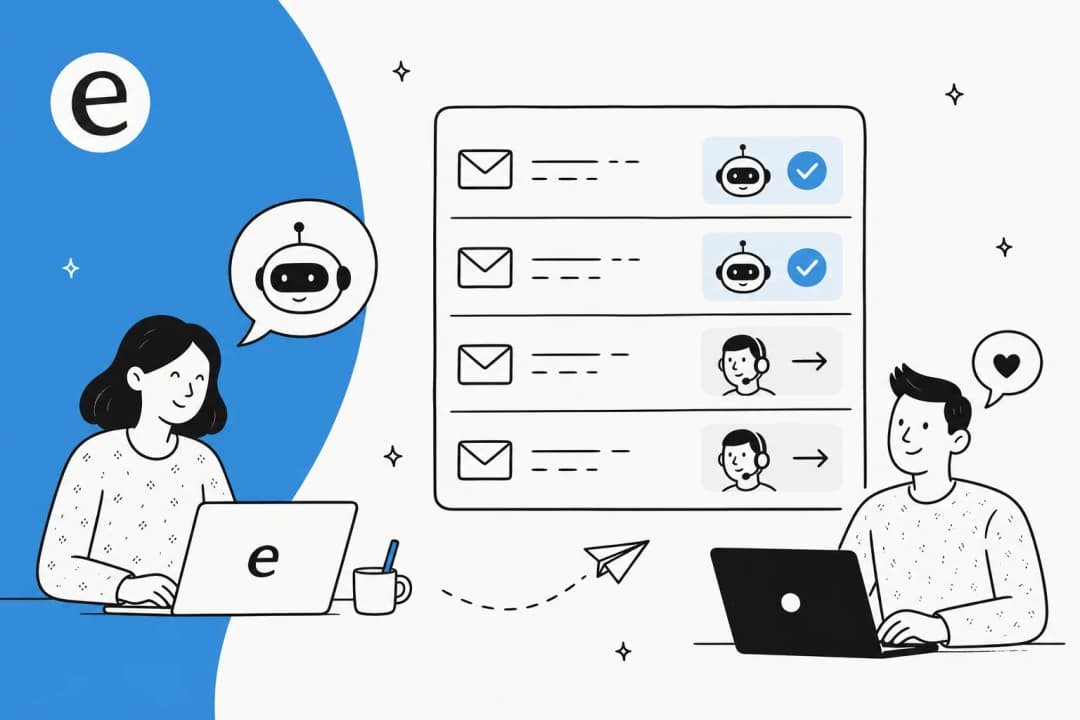
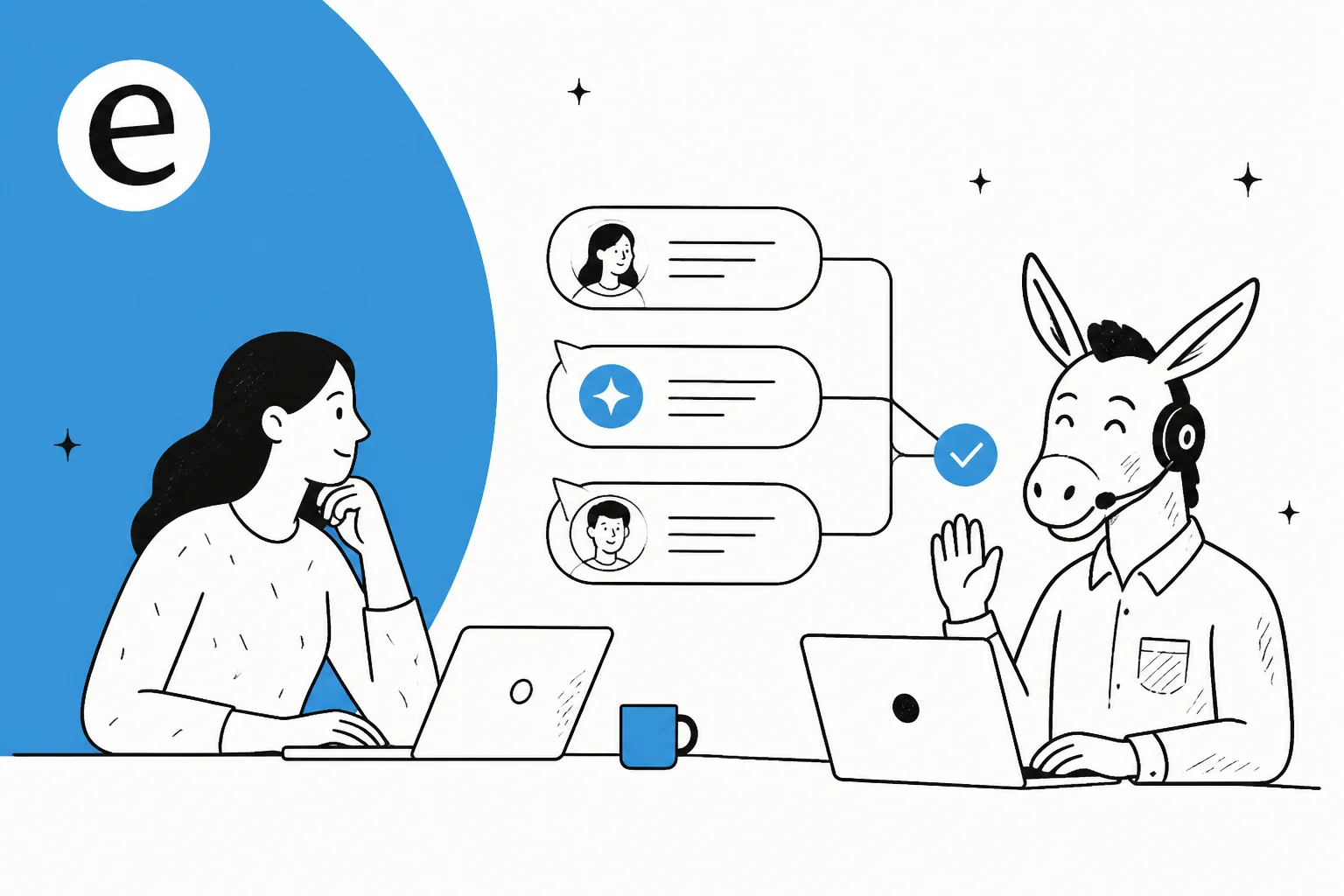
Fourth, it acts on that score: auto-resolve the confident tickets, route the shaky ones to a human with a suggested draft attached. That confidence gate is the single feature that separates a helpful automation from a liability.

You configure all of this in plain language rather than code, telling the agent when to jump in, what tone to use, and whether to draft or send. If it gets something wrong, you correct it and the correction sticks.
The hard part is trust, not technology
The technology mostly works now. The thing that actually stalls automation projects is trust, and it is a fair concern. Nobody wants a confident-sounding bot telling a customer the wrong refund policy.
We have spent years putting AI agents on live support queues, and the pattern is always the same: the teams that succeed do not try to automate 100% of anything. One CX lead I spoke with framed it perfectly. He said the AI will never answer every question, so what he actually wanted was an AI that only handles the tickets it is confident about and leaves the rest alone. That is exactly the right instinct.
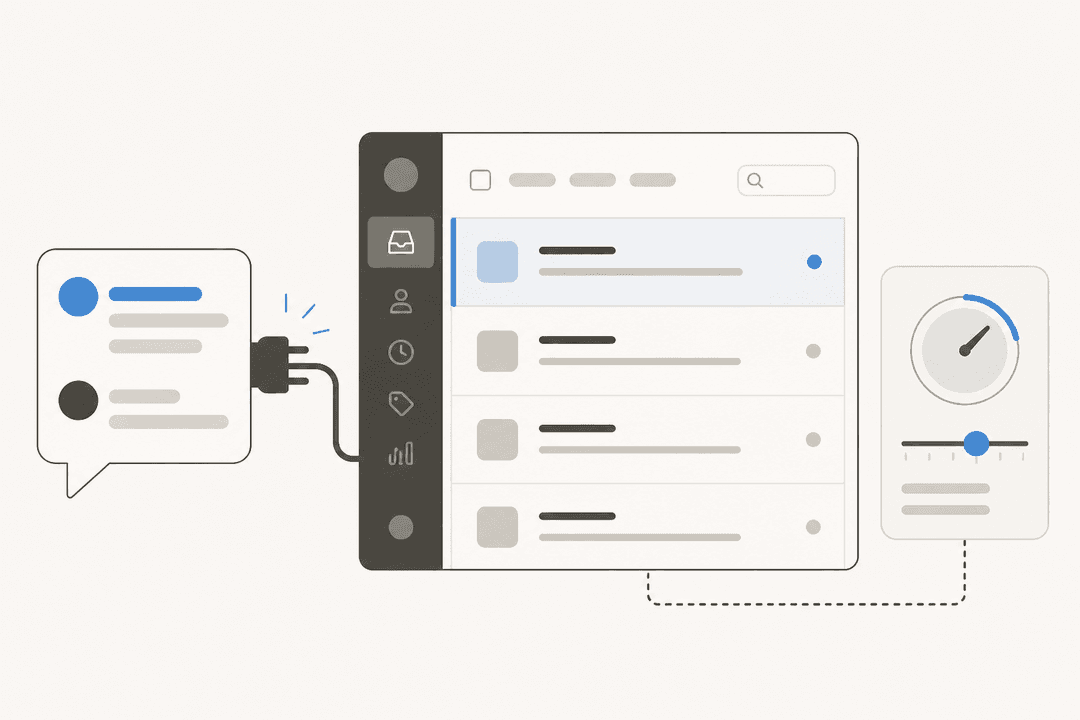
This is why the scary version of automation ("the bot answers everything") is the version that fails, and the controlled version ("the bot answers what it is sure of") is the one that sticks. Good tooling gives you the knobs to enforce that: confidence thresholds, ticket types you exclude entirely, and the ability to start in a copilot workflow where a human approves every reply before it goes out.
"In the first month, eesel is resolving 73% of our tier 1 requests, and we saw results quickly during our 7-day trial."
Kim Simpson, Gridwise
That 73% is on tier-1 requests specifically, not the whole queue, and that distinction is the whole point. Automate the tier-1 flood, keep humans on tier-2 and tier-3.
Rolling it out without breaking things
The mistake I see most often is going live on day one and hoping. There is a calmer way to do this, and it maps to how you would onboard any new hire, supervised first, then trusted with more.
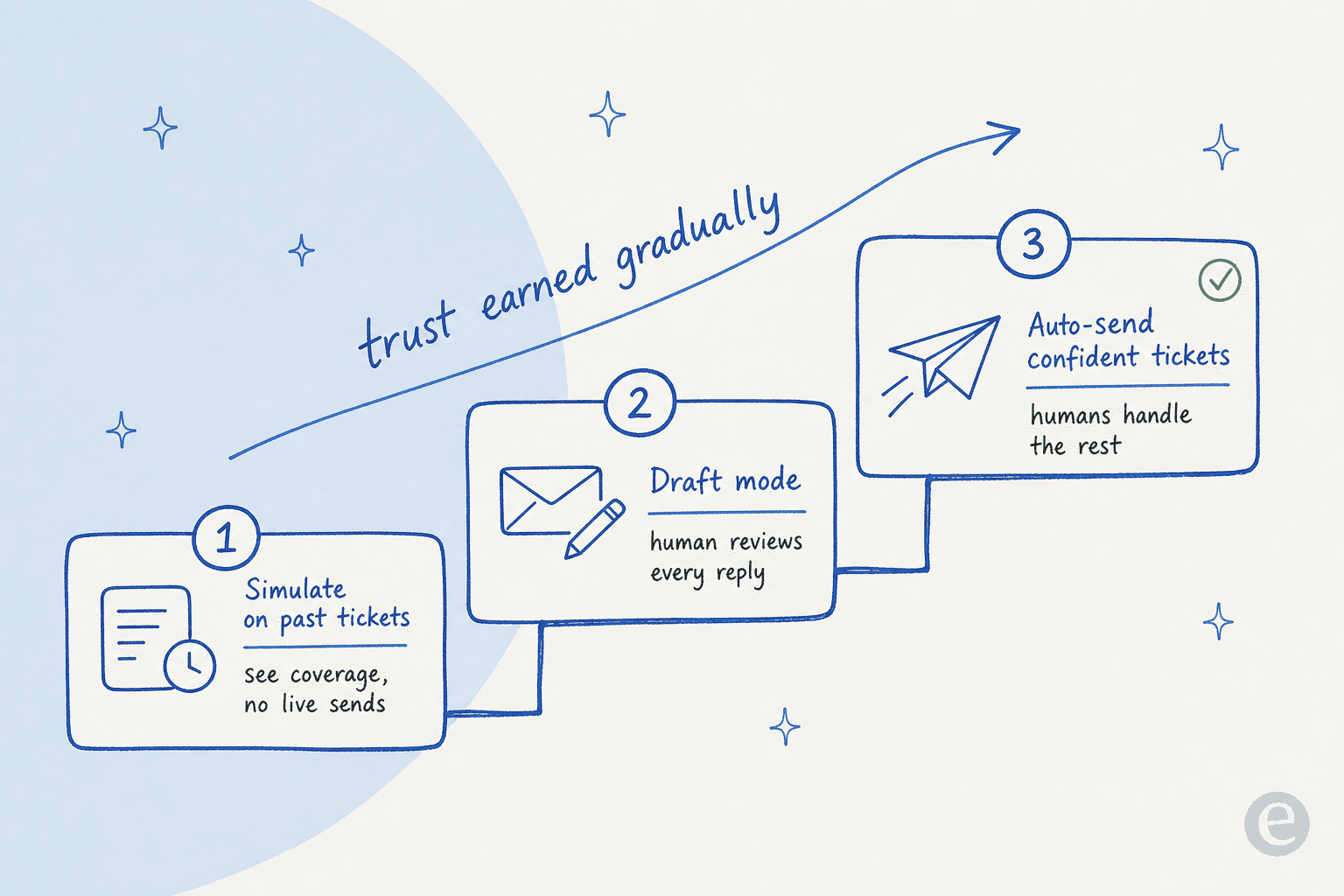
Step one: simulate before you send a single live reply. This is the step most tools skip and it is my favourite eesel feature. You run the AI against your past tickets to see how it would have answered, which shows you coverage by topic and where the gaps are, all before a customer ever sees it. You fix the gaps, re-run, and go live knowing your numbers instead of guessing.
Step two: run in draft mode. Let the AI draft replies as internal notes so your agents review and send. This builds trust fast, your team sees the quality for themselves rather than taking a vendor's word for it.
Step three: turn on auto-send for the confident, repetitive tickets. Order status, password resets, policy questions. Keep humans on everything else. You can widen the scope as your confidence grows.

The whole arc took Gridwise to 73% tier-1 resolution inside a month, and it works because the team stays in control of how far the automation reaches at every step.
What it costs
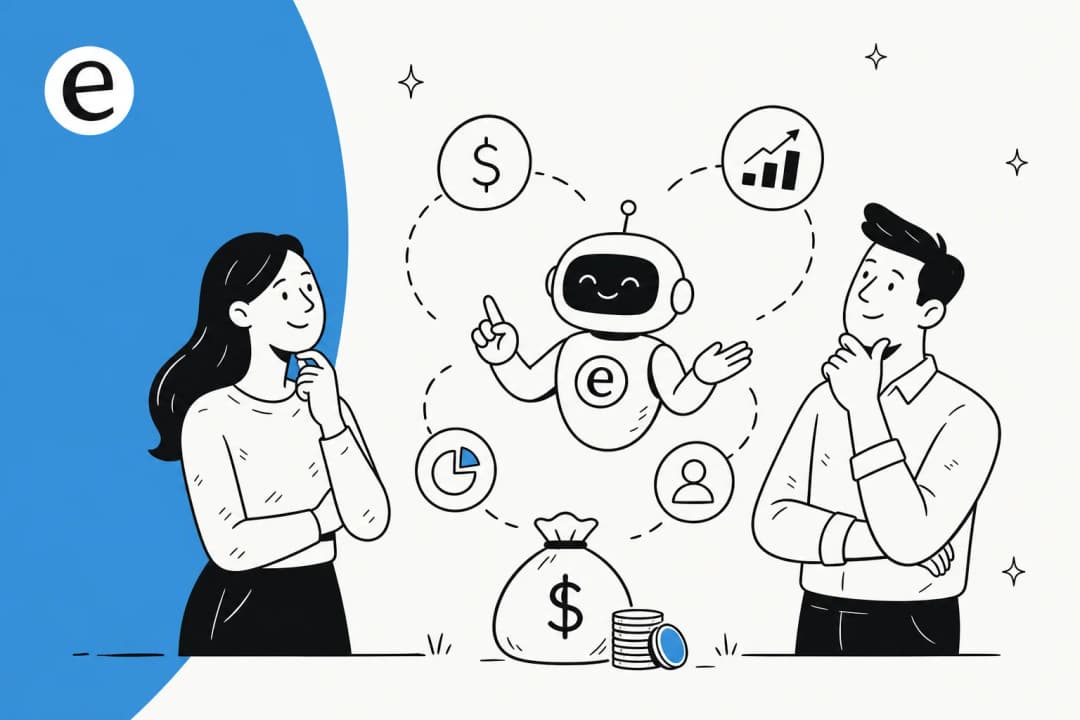
Pricing is where automated communication tools quietly differ the most, and it is worth reading the fine print. The billable unit is everything: some tools charge per resolution, some per seat, some a flat platform fee, some per ticket. They are not the same, and per-resolution pricing in particular can punish you for a busy month, your bill during a Black Friday spike balloons exactly when you can least afford it.
Here is how eesel's pricing breaks down:
| Plan | Credits per month | Price | Best for |
|---|---|---|---|
| Free | 100 credits, no card | $0 | Trying it against your own tickets |
| Teammate | 500 | $299/mo | Smaller teams |
| Teammate | 1,000 | $499/mo | Growing teams |
| Teammate | 2,500 | $999/mo | Higher volume |
| Teammate | 5,000 | $1,899/mo | Large volume (more than 5,000: talk to us) |
1 credit is one ticket or chat, however long. Pay a year upfront and get two months free. Add-ons such as SSO and MFA (from $199/mo) and data residency ($500/mo) are available.
The thing I would flag: there are no per-seat fees, so adding agents to review drafts does not cost you more, and questions asked in the eesel dashboard are mostly free. A team handling 1,000 tickets a month lands at $499, and that number stays the same whether you resolve 40% or 80% of them. Compared to per-resolution models that charge more the better the AI performs, a fixed monthly price is a lot easier to forecast.
Common mistakes to avoid
A few things I have watched go wrong, so you do not have to:
- Automating everything at once. The fastest way to erode trust. Start narrow, expand as the numbers earn it.
- Skipping simulation. Going live without testing against real past tickets is how you find out about the gaps from angry customers instead of from a report.
- Training only on help-center articles. Your best answers live in your resolved tickets, not just your docs. A tool that only reads your knowledge base is working with half the picture.
- Ignoring the escalation path. Automation is only as good as its handoff. When the AI escalates, the human needs the full conversation and context, not a cold restart.
- Picking a pricing model that punishes growth. If your bill scales with success or seasonal spikes, you will end up throttling the very automation you paid for.
Try eesel for automated customer communication
If you run a helpdesk and want to actually put this into practice, eesel AI is built for exactly this. It plugs into Zendesk, Freshdesk, Gorgias, Front, HubSpot, and 100+ other tools, learns from your past tickets on day one, and lets you simulate the whole thing against your real history before a single customer sees an automated reply.

The parts that make it worth a look: simulation mode so you know your resolution numbers before going live, confidence-based routing so the AI stays quiet when it is unsure, 80+ language support so you cover global customers without hiring for each one, and one fixed monthly price with no per-seat fees. It is free to try with 100 free credits and no credit card, and because you can simulate first, you are not betting your customer relationships on a guess.
Frequently asked questions
What is automated customer communication?
Automated customer communication is any customer-facing message a system sends or drafts without a person writing it from scratch, from a shipping-update email to an AI support chatbot that resolves a full conversation. Modern versions learn from your past tickets and help docs so the replies sound like your team, not a script.
How does AI automate customer communication?
It learns from your history (past tickets, knowledge base, order data), drafts a reply, then scores its own confidence. High-confidence answers can auto-resolve; low-confidence ones get routed to a human. That confidence gate is what keeps automated customer communication from going off the rails.
How much does automated customer communication software cost?
It varies by pricing model. Tools that charge per resolution or per seat can spike with volume. eesel uses one fixed monthly price sized to volume, from $299/month for 500 credits (1 credit per ticket or chat) with no per-seat fees, so a team handling 1,000 tickets a month pays $499 and has a predictable bill.
Will automating replies make support feel robotic?
Only if you automate everything blindly. The teams that get it right start in draft mode, automate the repetitive questions, and keep humans on the nuanced ones. Training the AI on your own resolved tickets is what makes replies read like your brand rather than a generic bot.
What happens when the AI does not know the answer?
A well-built AI support agent hands the conversation to a person instead of guessing. With eesel you can set confidence thresholds and exclude ticket types, so anything the AI is unsure about lands in your normal support workflow with full context attached.


Article by
Riellvriany Indriawan
Riell is a designer and writer at eesel AI with about two years of experience researching CX platforms, AI chatbots, and helpdesk software. She combines her design background with a sharp eye for how these tools actually look and feel in practice — making her comparisons unusually visual and user-focused.