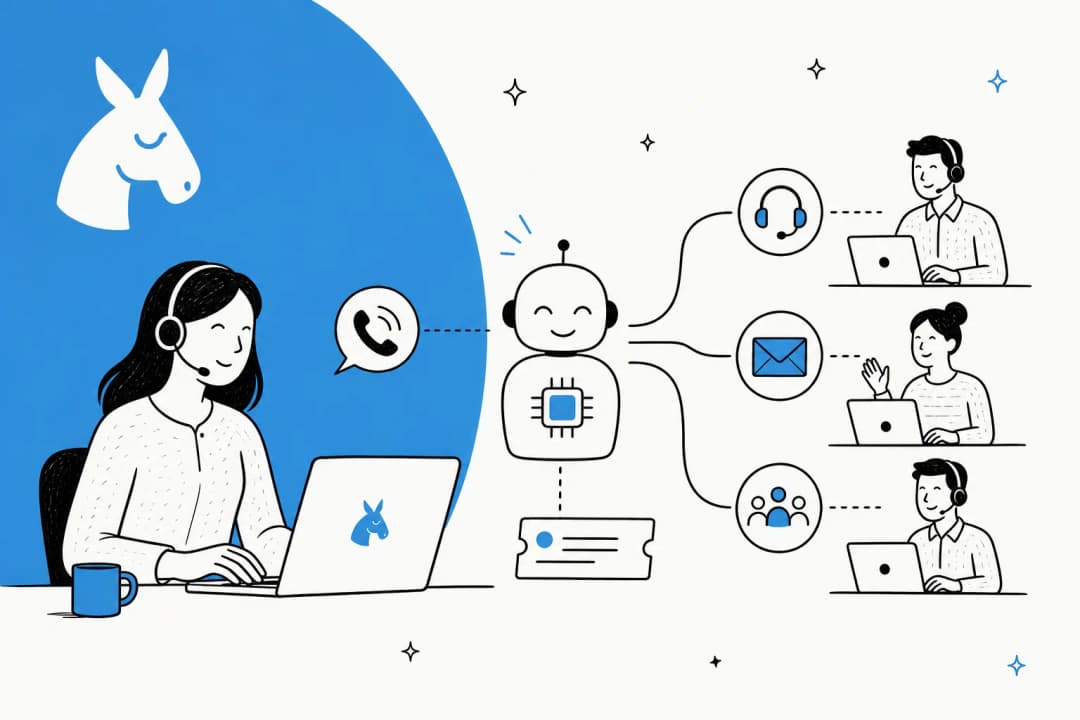
What "AI agent coaching for support" actually means
The phrase trips people up because it points in two directions at once, so let's split it cleanly.
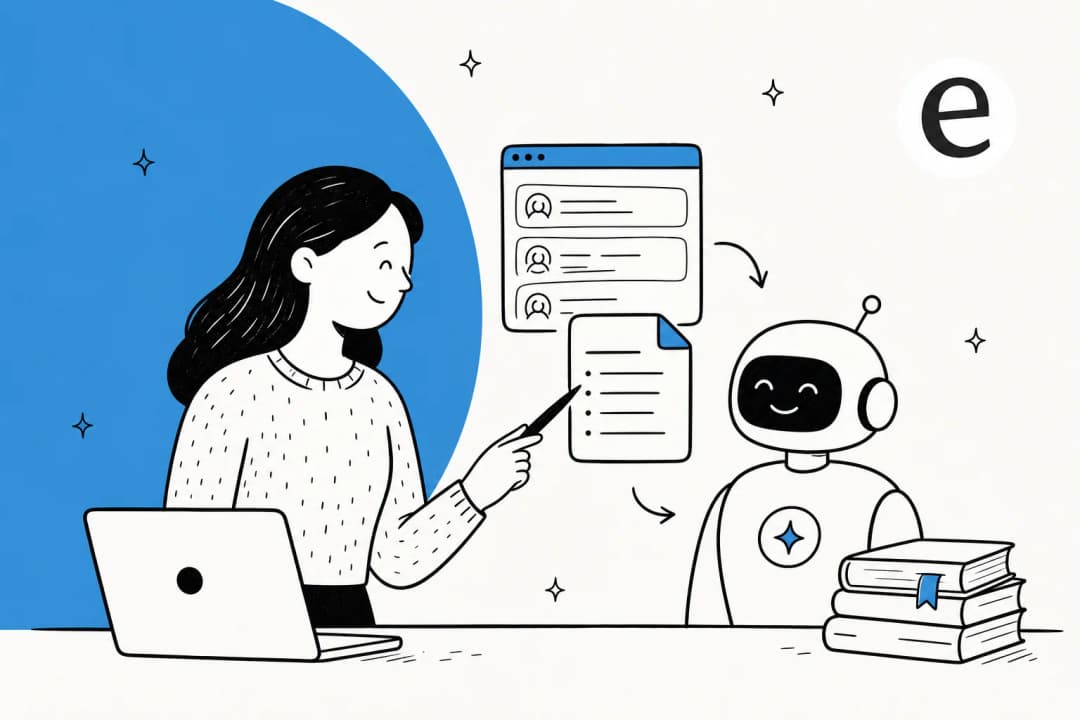
Coaching your AI agent is the work of getting an AI support agent to answer well: feeding it your real tickets and help docs, telling it your rules in plain language, watching where it goes wrong, and correcting it until it sounds like the rep you'd want answering that question. The important part is verifying that a correction reaches the right source or standing instruction, then testing whether it changes the behavior.
AI coaching your agents is the flip side: pointing that same intelligence at your human team. An AI copilot drafts a reply, the agent reviews and sends it, and over a few weeks the newer agents absorb how a good answer is structured. One founder of a small dog-training business put it perfectly in a G2 review, describing the tool as "a 24/7 supervisor that coaches them on how to handle inquiries."
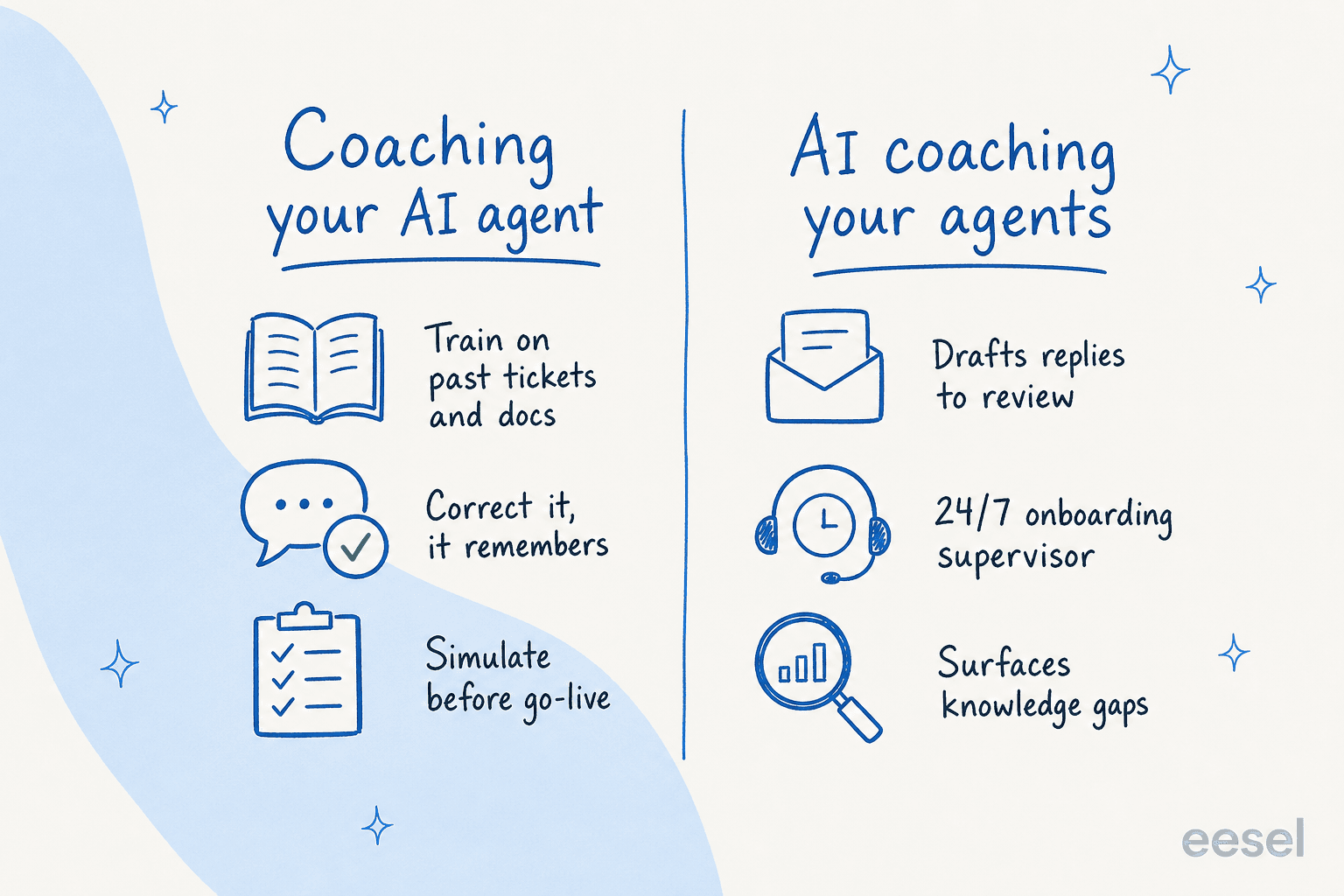
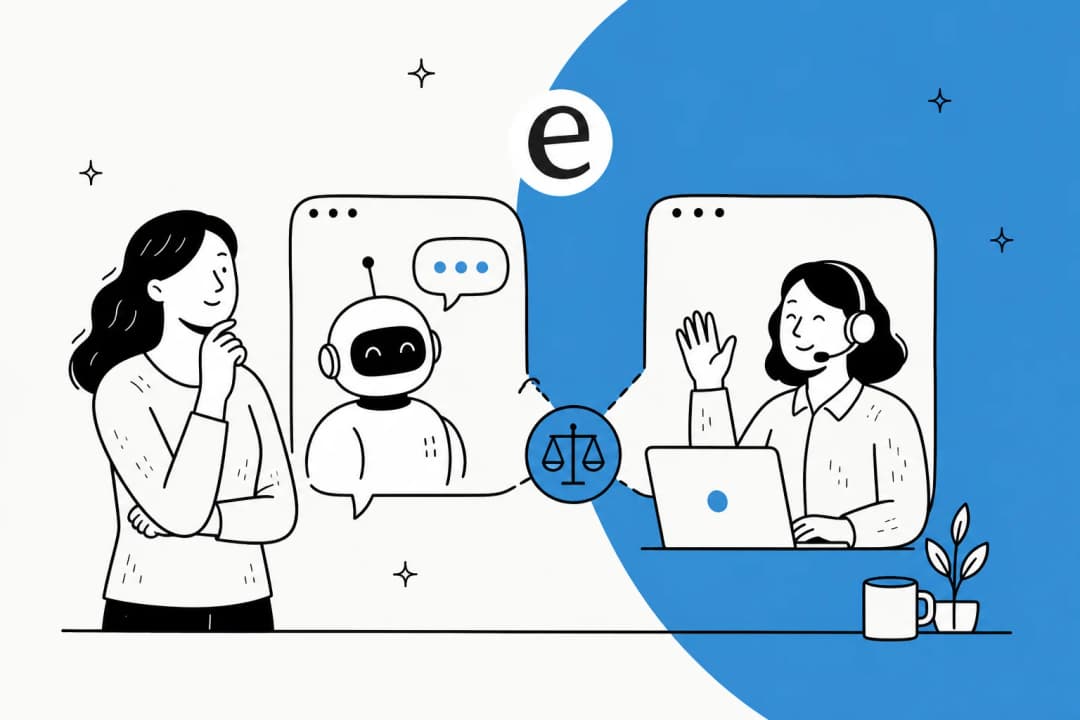
Most posts on this topic only cover one side. In practice the smart move is to run both: coach your AI agent so it can take the easy, repetitive tickets, and let it coach your humans so they get sharper on the hard ones. That's where the real leverage is.
Why coaching is the part everyone skips
Here's the uncomfortable truth from years of doing this: a model change alone does not establish trust. The bottleneck is trust, and trust is earned through coaching.
The worst pattern I've seen up close is an agent that fabricates success: it narrates "searching the helpdesk" for several turns without ever hitting the API, then hands the customer a confident, wrong answer. Nothing torches a rollout faster than an AI that lies about what it did. That experience is exactly why we now simulate every rollout against historical tickets before it replies to a single customer, instead of flipping it live and hoping.
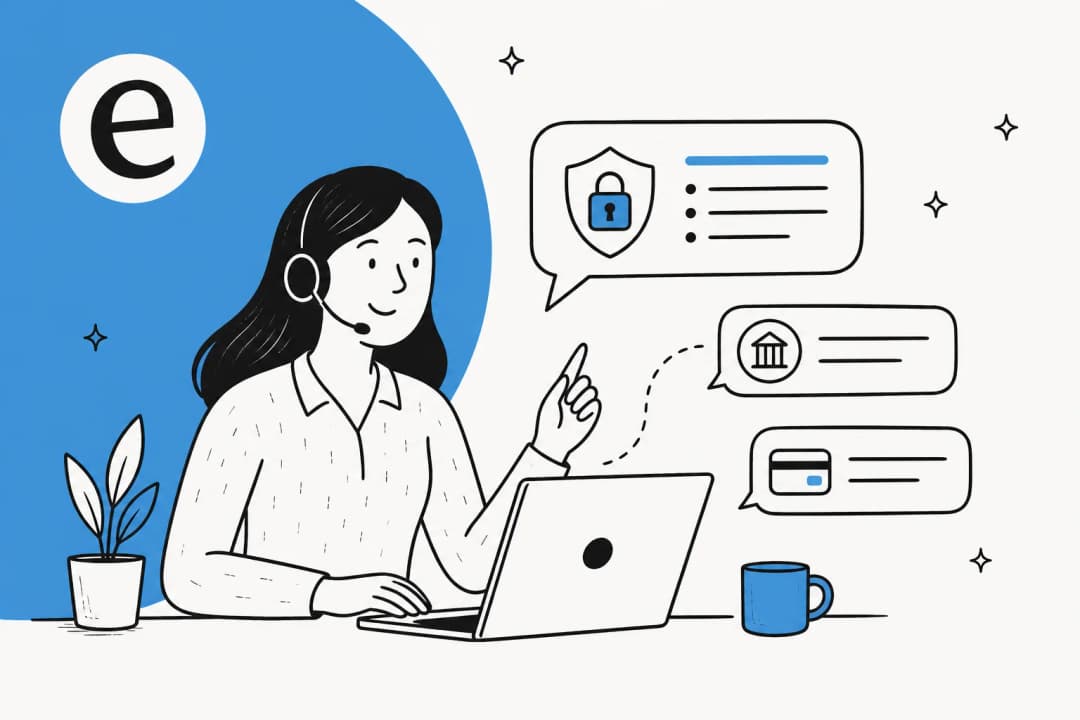
A legal-tech team I've worked with framed the stakes perfectly: in their world a wrong answer isn't a typo, it's liability, since there's a fine line between being helpful and overstepping into legal advice. The only way they'd let AI near a customer was with exact guardrails on sourcing and a transparent citation on every single answer. That's coaching as risk management.
The takeaway: an uncoached AI agent isn't a fast agent, it's a liability with good grammar. Coaching is what turns it into something you'd actually let near a customer.
How to coach an AI support agent, step by step
This is the loop I'd run for any new agent, whether you're on Zendesk, Freshdesk, Gorgias, or Help Scout.
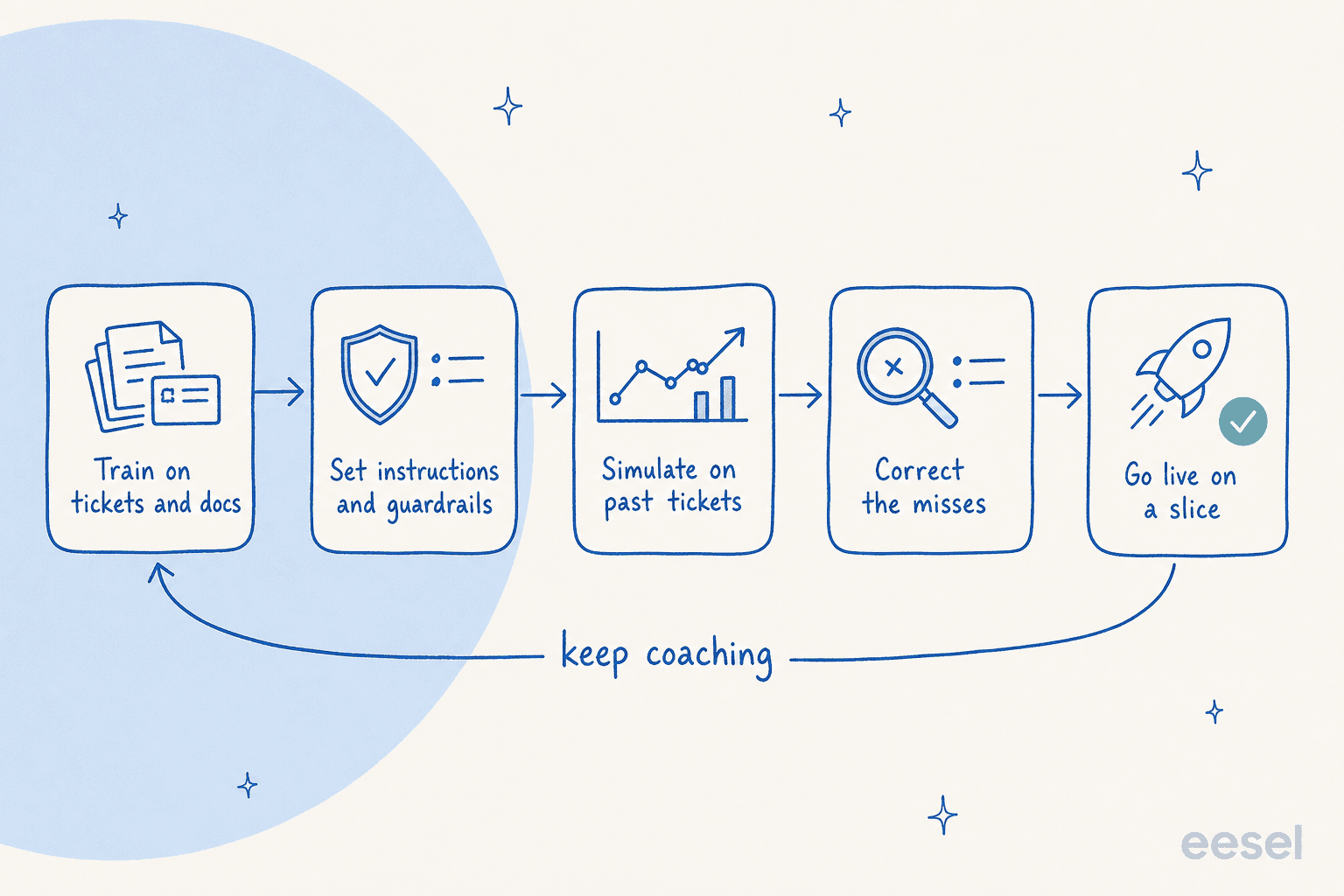
1. Train it on your past tickets and docs
Start where your real answers already live. Connect your historical tickets and your knowledge base so the agent learns your products, your policies, and your tone from conversations your team already resolved. Training on past tickets is, by a wide margin, the most-requested capability I hear about, and it's why a freshly-connected agent can sound like your team on day one instead of like a generic chatbot.
One French IT services firm I came across was losing two senior agents in the same year and wanted to "put their knowledge into the AI" before they walked out the door. That's coaching in its purest form: capturing tribal knowledge while you still have it.
2. Write your guardrails as plain instructions
Next, tell the agent your rules the way you'd tell a new hire. A digital-media support admin I read about taught his agent a "troubleshoot before you cancel" policy by simply correcting it in chat: "This is incorrect. You have not provided troubleshooting steps yet." He also told it to skip a known test-ticket sender entirely. After coaching in chat, check that the rule was saved in standing instructions.

The phrasing that stuck with me came from another G2 reviewer: "It answers confidently but not too confidently, and training it has been super easy." That confidence calibration is the whole game.
3. Simulate before you go live
This is the step almost everyone skips, and it's the one that saves you. Before the agent talks to a real customer, run it against a few thousand of your past tickets and read what it would have said. You get a resolution-rate estimate and a pile of concrete misses to coach, with live sends and other consequential actions disabled or isolated. A good simulation is the difference between "we think it's ready" and "we've watched it handle 3,000 of our real tickets."
4. Correct the misses, then re-test
When the simulation surfaces a wrong answer, correct it, then re-run. The founder of that dog-training business described the loop exactly right: "when we re-test, it correctly incorporates the coaching." That is evidence to look for, not a guarantee that one correction fixes every related case. Check the saved instruction or source and test other examples too.
5. Go live on a slice, with confidence-based handoff
Don't flip everything on at once. Let the agent handle only what it's confident about and route the rest to a human. The single sharpest articulation of this I've heard came from a DTC supplements CX lead: "I need an AI who is only handling the tickets that it's confident to handle and all the other ones, leave them alone."
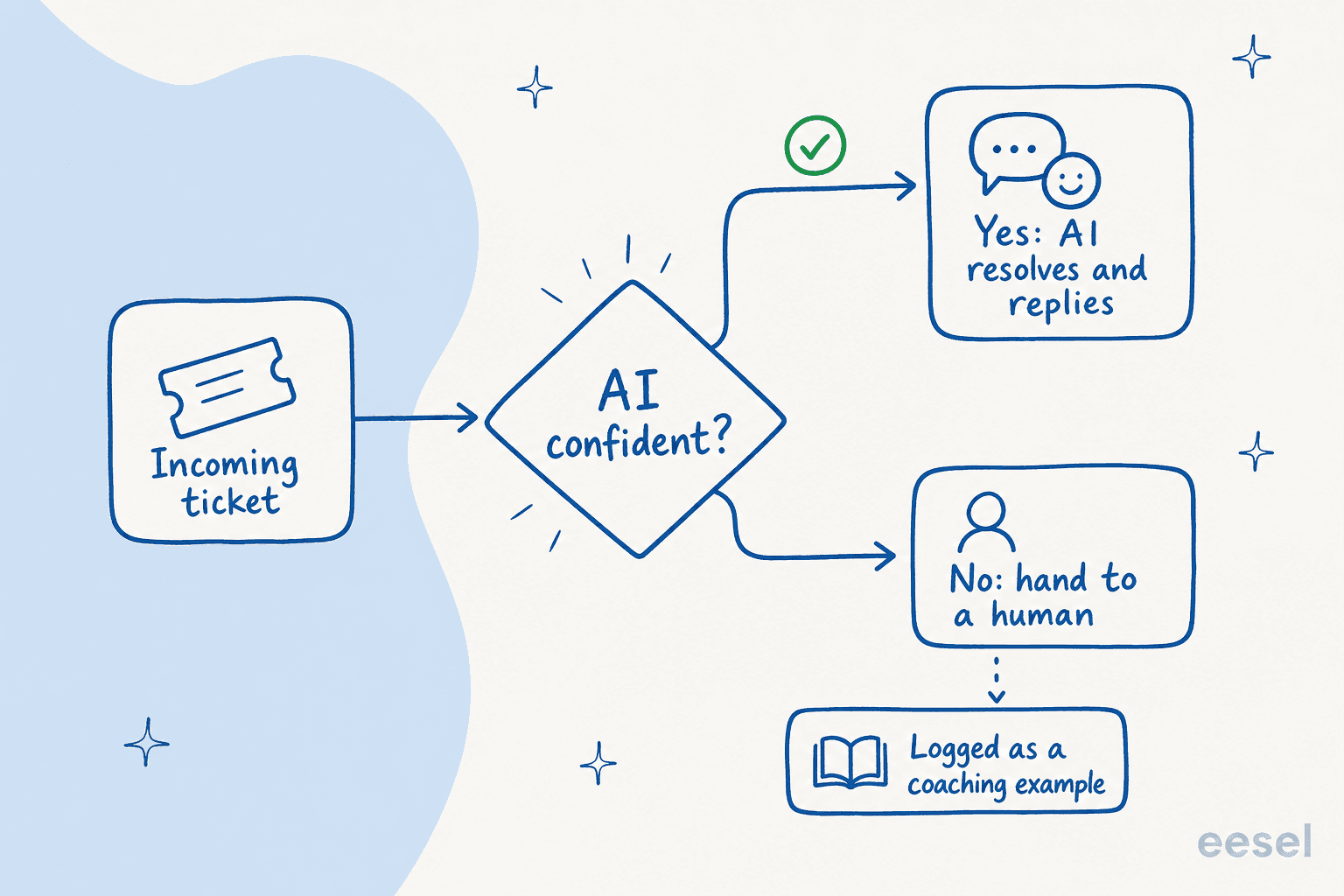
Use the routing and approval controls available in your chosen system, and start with a narrow scope. Review escalations and factual accuracy before allowing more work; confidence alone is not a correctness test.
6. Keep coaching from your reports
Coaching isn't a one-time setup, it's a habit. Watch your reports for the topics the agent keeps escalating or getting thumbs-down on, and feed those gaps back in as new docs or instructions. The agents that quietly climb from 30% to 60%+ resolution do it because someone keeps coaching them, not because the model got smarter overnight.

Run a coaching review through eesel CLI
The eesel CLI lets people, scripts, and coding agents work with the same eesel agent and workspace used in the dashboard. It returns JSON, so a developer or coding agent can inspect configuration without copying settings between screens.
For coaching, use that access to answer three questions: what rule is saved, what evidence was available, and what did the teammate actually do?
Inspect the saved setup first
With Node.js 18.17 or newer:
npx @eesel/cli login
npx @eesel/cli whoami
npx @eesel/cli agents
Replace AGENT_ID with the intended teammate’s ID:
npx @eesel/cli instructions --agent AGENT_ID
npx @eesel/cli integrations --agent AGENT_ID
npx @eesel/cli automations --agent AGENT_ID
Review existing automations and action permissions before testing or adding access. Existing automations and action permissions still apply when you use the CLI.
Suppose the teammate offers a cancellation before troubleshooting. Check whether the standing rule actually requires troubleshooting, whether the policy supports exceptions, and whether cancellation is permitted. Do not assume that mentioning the issue in one conversation permanently updates the rule.
Fix the right source
If the missing information belongs in an approved policy document, upload it:
npx @eesel/cli files upload ./troubleshooting-policy.pdf --agent AGENT_ID
npx @eesel/cli status --agent AGENT_ID
Replace the example path with your file. Uploading adds knowledge; it does not rewrite standing instructions. For an instruction change, use the supported editing flow in the dashboard or consult instructions --help, then read the instructions again to verify what was saved.
Status shows operational details such as downloaded content. It does not score the answer or prove that the latest policy was used.
Retest the behavior with restricted actions
CLI chat can invoke actions. Before running examples, disable consequential actions or require approval, and use fictional cases without real customer identifiers:
npx @eesel/cli new --name "troubleshooting-coaching" --agent AGENT_ID
npx @eesel/cli chat "Using our approved policy, draft a response to a fictional customer asking to cancel because the product is not working. Explain the troubleshooting steps and any exceptions. Do not send messages or change records." --agent AGENT_ID
The prompt states the intended task; it does not enforce permissions. Compare the draft with the policy, then test a case where cancellation is allowed without further troubleshooting. Otherwise, you may fix the original error by creating a new one.
Use activity to check the work and approvals to inspect held actions:
npx @eesel/cli activity --agent AGENT_ID
npx @eesel/cli approvals --agent AGENT_ID
A statement that an action happened is not enough. Check the actual tool activity and affected record when testing a permitted action. For write commands, --dry-run only prints the server request without sending it; it is not a historical-ticket simulation.
Ask a coding agent for a review, not an unbounded rewrite
A useful task is: “Inspect this eesel teammate’s instructions and connected sources for the troubleshooting-before-cancellation policy. Report missing or conflicting rules and propose changes. Ask before editing.”
Claude Code, Cursor, or Codex can use the JSON output to help with that inspection. The support lead can review the same configuration in the dashboard. The request to ask first is separate from eesel’s approval settings.
For scripted checks, select the agent explicitly, protect EESEL_API_TOKEN, and verify the intended EESEL_API_URL. Keep customer data out of unnecessary logs.
How AI coaches your human agents
Flip the lens, and the same AI becomes a coach for your team. In copilot mode it drafts a reply for every incoming ticket, pulling from your docs and past tickets, and the agent reviews, tweaks, and sends. For a new hire, that draft is a live worked example of how your team answers, every single ticket, all day.

The onboarding effect is real and measurable. One payments company using AI as an internal copilot reported up to 80% time savings on answers and onboarding, because new staff stopped pinging managers and started getting accurate answers straight from the source. Another team described how managers "are now asked the important questions" instead of the same repetitive ones, because the copilot fields the rest.
"It is getting us to the right articles really quickly and easily, as well as curating well-formed responses with consistent, on-brand tone, still keeping our own style and still keeping that human touch."
Eddie Stephens, Service Desk Lead, CartonCloud, in an eesel case study
That last phrase, "still keeping that human touch," is the point. The goal of AI coaching your agents isn't to replace them, it's to make a small team punch above its weight, which is exactly what the best customer service AI tools are for.
Common mistakes when coaching an AI agent
A few traps I see teams fall into, so you can skip them:
- Going live without simulating. If you can't tell me how the agent handled your last 1,000 tickets, it's not ready. Simulate first, every time.
- Coaching with band-aids instead of principles. Fixing one ticket at a time creates a brittle agent. Teach durable rules ("troubleshoot before cancel"), then test whether they hold across related cases and exceptions.
- Setting the confidence threshold too low, too soon. Let it earn its volume. A narrow, reliable agent beats a wide, wrong one in every helpdesk I've watched.
- Treating setup as the finish line. The reports are the coaching plan. Skip them and the agent plateaus.
- Forgetting the humans. If you coach the AI but never put it in copilot mode for your team, you've left half the value on the table.
Coach the teammate, then verify the change
Try eesel and use eesel CLI to inspect one recurring support mistake. Check the available evidence and saved instructions, correct the cause, and retest the original case alongside exceptions.
The same teammate stays available in the dashboard for your support lead to review. Use its drafts as worked examples for human agents, but keep people responsible for checking policy and judging sensitive cases. Coaching is a cycle of observed improvement, not a promise that the AI never gets something wrong again.
Frequently Asked Questions
What is AI agent coaching for support?
AI agent coaching for support covers two related ideas. The first is coaching the AI support agent itself: training it on your past tickets and help docs, correcting its mistakes, and re-testing until it answers the way your best human would. The second is using AI to coach your human agents, by drafting replies they can learn from and acting as a 24/7 supervisor for new hires.
How do I coach an AI support agent?
Connect approved knowledge, inspect standing instructions, and test representative cases with consequential actions restricted. With eesel CLI, you can review the same teammate’s sources, instructions, automations, and activity available in the dashboard. Correct the underlying source or rule, then test both the original case and nearby exceptions.
Can AI coach my human support agents too?
Yes. Run an AI agent in copilot mode and it drafts on-brand replies your agents review and send, which is one of the fastest ways to onboard new hires. Several teams describe it as a 24/7 supervisor that shows newer agents how to handle inquiries straight from the source docs.
How long does it take to train an AI support agent on past tickets?
Connection and source-download time varies. Readiness also depends on source quality, permissions, and test results. A successful download is not proof that the agent answers correctly; allow time to review representative cases and fix gaps.
What happens if the AI support agent gives a wrong answer?
Review the answer and actual activity to determine whether the problem came from missing knowledge, a conflicting instruction, an incorrect lookup, or an action boundary. Correct that cause and retest. Confidence and a single successful retry do not guarantee future accuracy.
Can a coding agent help coach eesel through the CLI?
Yes. CLI commands return JSON, so Claude Code, Cursor, or Codex can inspect the teammate’s configuration and help identify gaps. Give it a bounded task and review changes. Asking the coding agent to seek permission is not an enforced substitute for eesel’s action-approval settings.


Article by
Riellvriany Indriawan
Riell is a designer and writer at eesel AI with about two years of experience researching CX platforms, AI chatbots, and helpdesk software. She combines her design background with a sharp eye for how these tools actually look and feel in practice — making her comparisons unusually visual and user-focused.