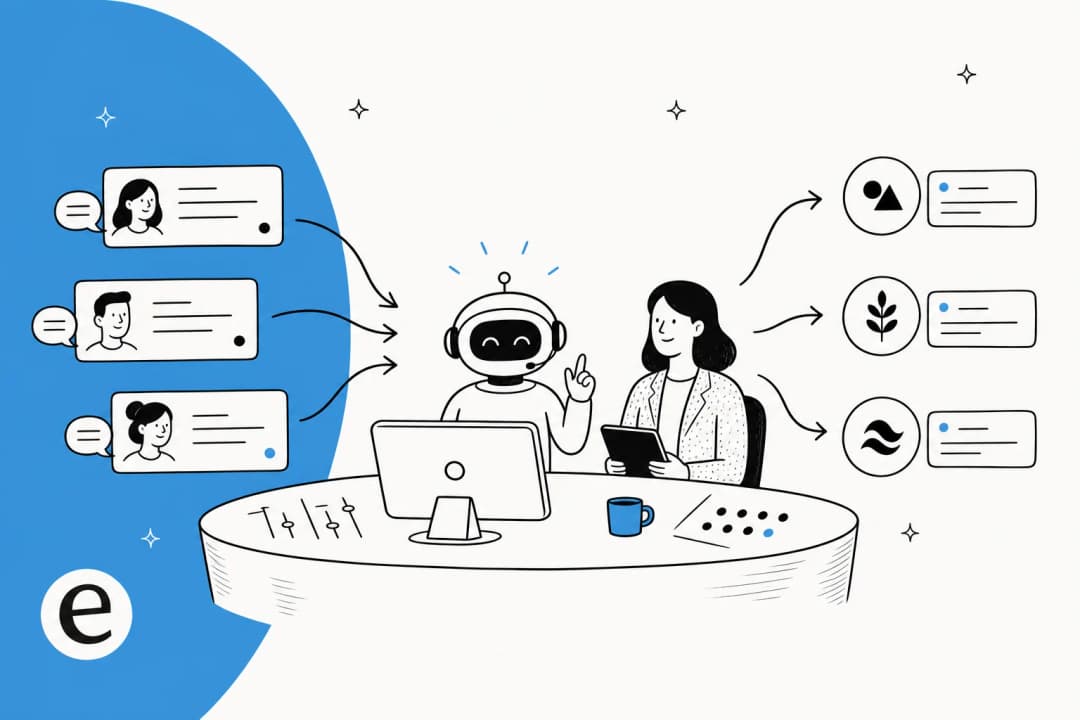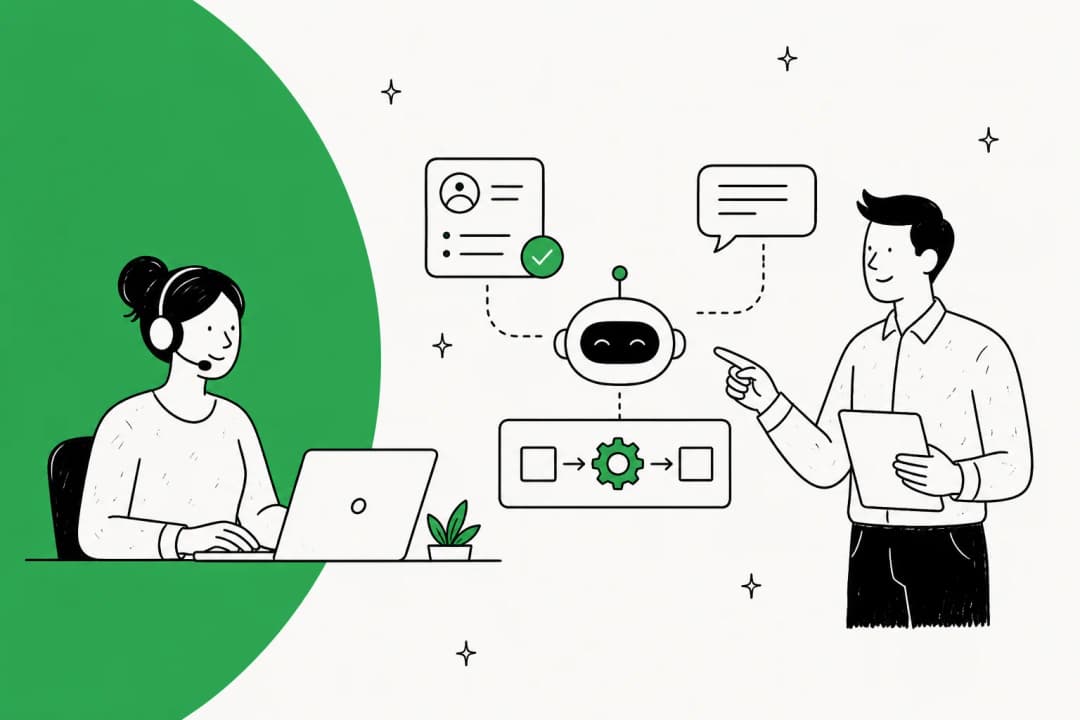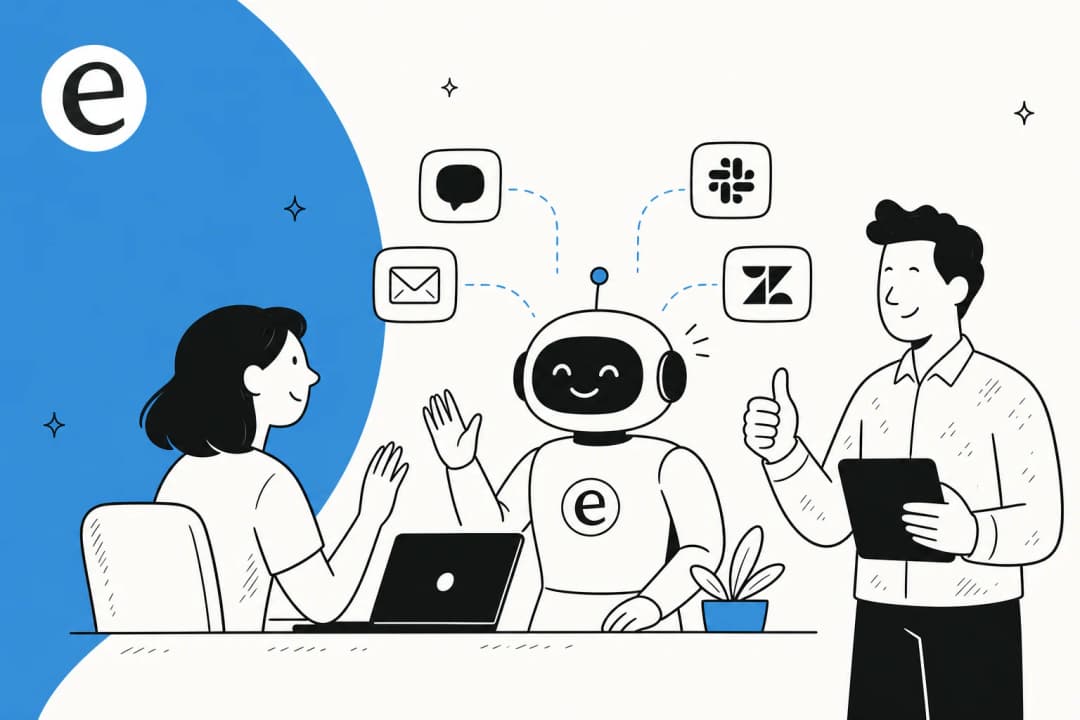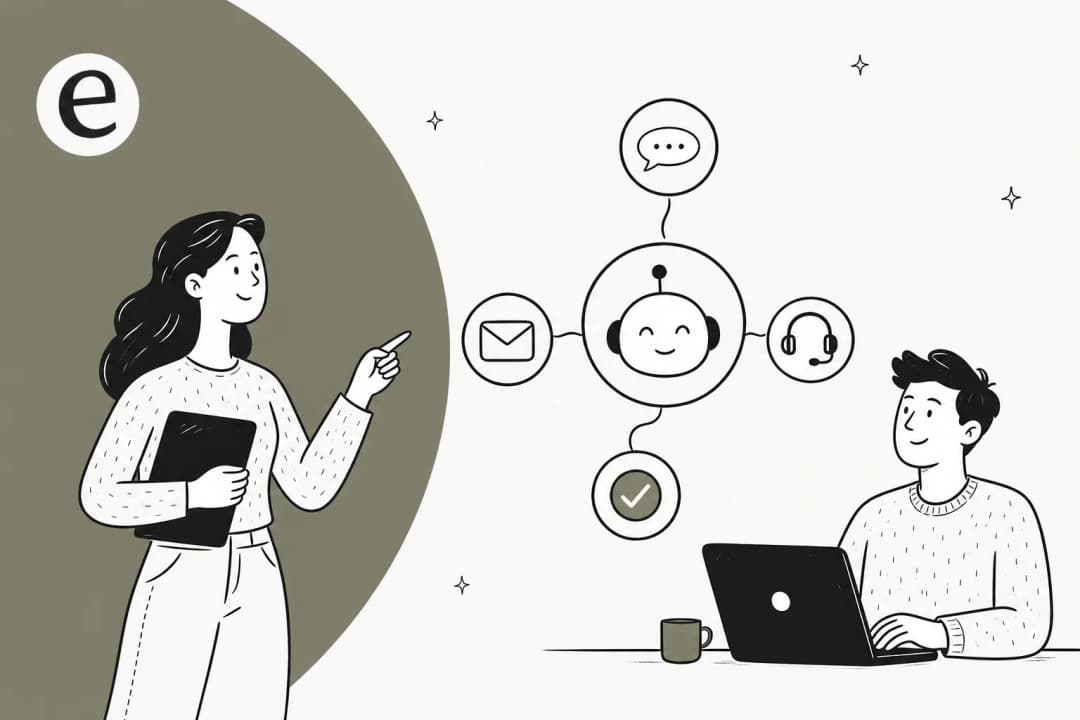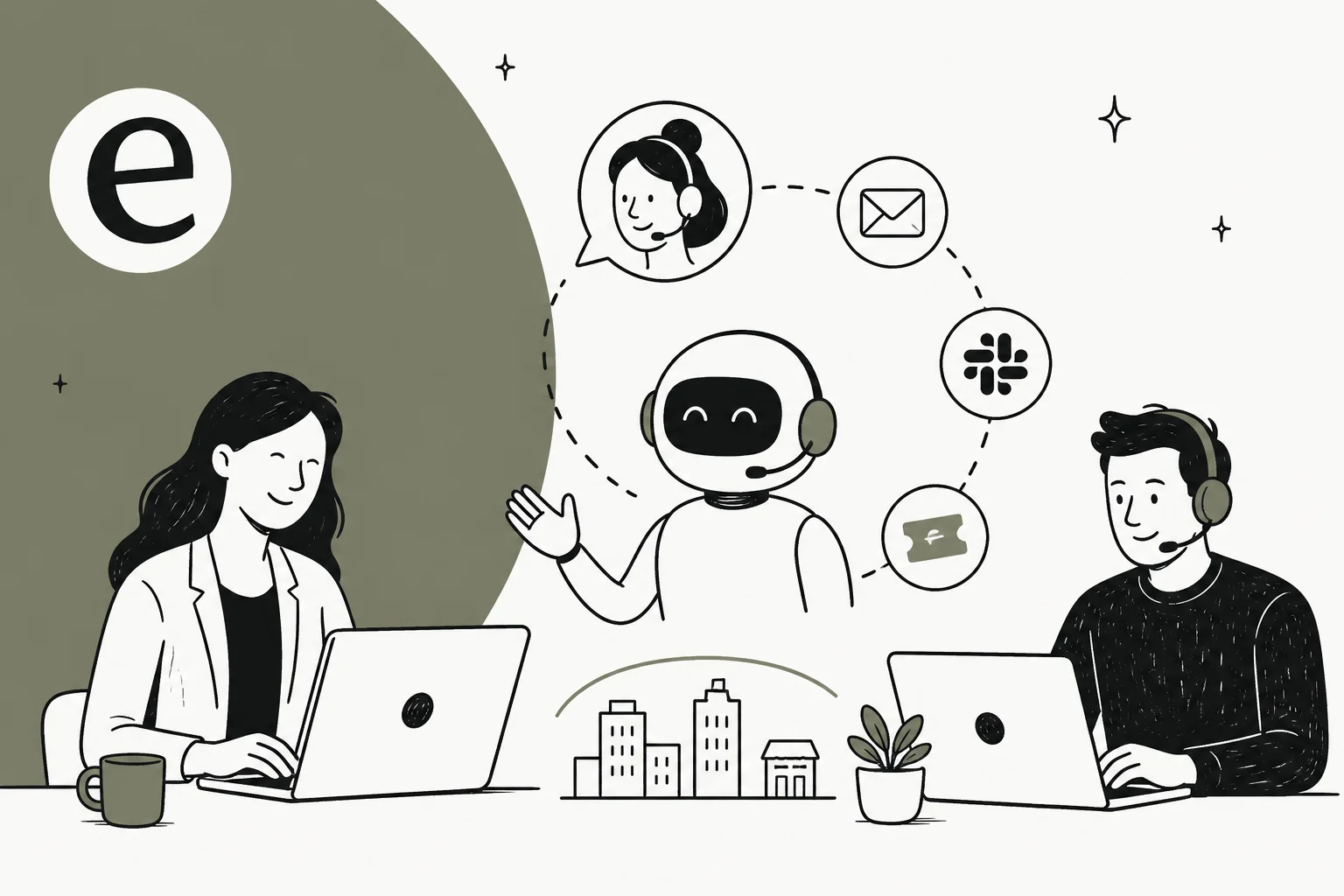
Why agencies are the hardest place to run AI support
Most "AI support" advice is written for a single company with one helpdesk, one set of docs, and one brand. An agency's reality is the opposite. You might run a Zendesk for a SaaS client, a Freshdesk for an e-commerce brand, and a Gorgias for a third, all at once, and each one has its own tone, refund policy, and product catalog.
That creates a few problems a normal support team never hits:
- Context can't leak. Client A's refund policy answered to Client B's customer is not a small mistake, it's the kind of thing that loses you the account.
- Voice is the product. Clients are paying you partly so their customers can't tell support was outsourced. A flat, robotic AI reply breaks that illusion instantly.
- Margin is thin. You bill the client a fixed retainer or per-ticket rate, so every dollar your tooling costs comes straight out of your margin. A tool priced per seat punishes you for the exact thing you do, which is run lots of small accounts.
- Onboarding has to be fast. Win a new client and you need to be answering their tickets in days, not spend a month training a model.
So the question isn't really "can AI handle support tickets" (it can, and we've covered how much AI can save in customer support in detail). The question is whether AI support can be run as a clean multi-client operation. That's a different bar.

What "AI support for agencies" actually means
Here's the reframe that makes the rest click. For an agency, an AI support agent isn't a chatbot you bolt onto a website. It's a teammate you can clone per client, where each copy is trained only on that client's world.
In practice that means each client gets its own agent with:
- Its own knowledge sources (that client's help center, past tickets, internal SOPs, product docs).
- Its own brand voice and escalation rules.
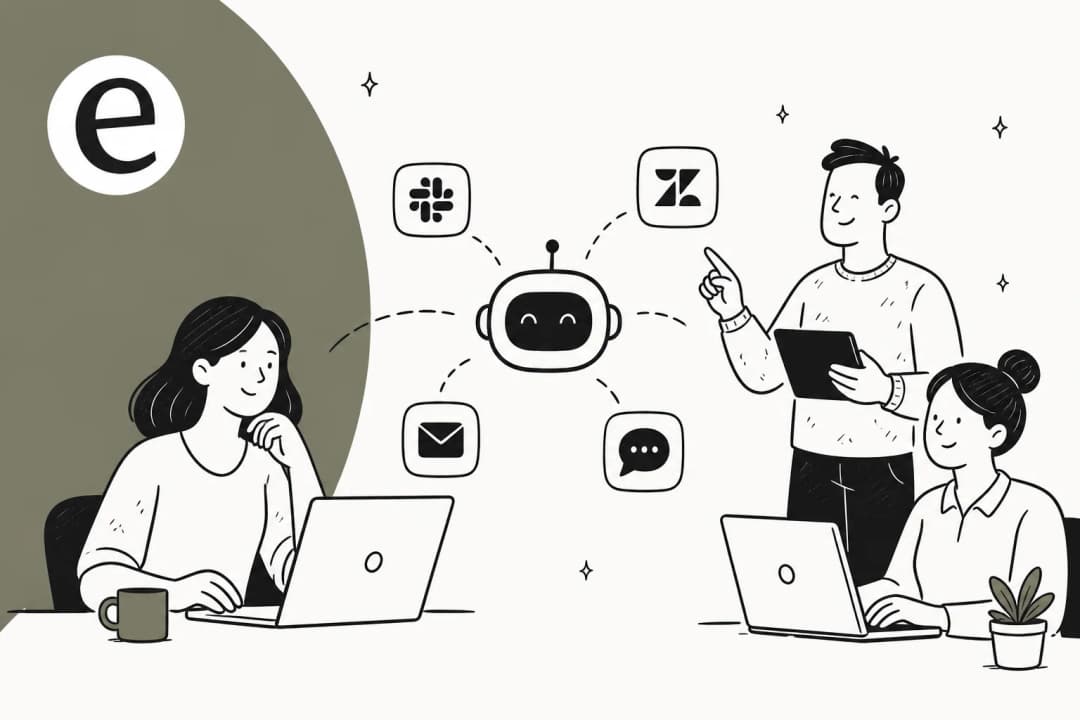
- Its own helpdesk connection, so the AI works inside the tool the client already uses rather than forcing a migration.
Under the hood this is just an AI helpdesk agent, the same category we reviewed across the best AI helpdesk software for 2026. What's specific to agencies is the multi-tenant requirement: you need a platform where you can run many of these agents side by side, under one account, without their knowledge bleeding together. eesel does this by letting you spin up multiple agents under one account, each with independent knowledge sources, billed by the work they do.

The five things an agency actually needs
If you're evaluating tools, these are the five capabilities that separate something you can run a client book on from something that only works for a single in-house team. We'd score every option in our implementation guide against this list.
| What you need | Why it matters for an agency | What to look for |
|---|---|---|
| Per-client isolation | Knowledge and tone can't cross between accounts | Multiple agents under one account, each with separate knowledge sources |
| Lives in the client's helpdesk | Clients won't migrate tools for you | Native Zendesk, Freshdesk, Gorgias, Front, HubSpot connections |
| Brand voice per client | Support has to sound like the client, not the agency | Configurable tone, drafts in each client's style |
| Usage-based pricing | Per-seat billing kills agency margin | Pay per ticket, no per-seat or platform fee |
| Prove value before go-live | You need to sell the result to the client | Simulation on past tickets, confidence reporting |
The two that agencies most often get wrong are pricing and isolation, so they're worth dwelling on.
Pricing: why per-seat is a trap for agencies
A per-seat or per-agent pricing model is fine for a 12-person support team. For an agency, it's a slow leak. Every client you onboard wants its own workspace, its own logins, its own separate setup, and a per-seat tool charges you for all of it before you've resolved a single ticket. Your cost grows with the number of accounts, not the value you deliver.
Usage-based pricing flips that. You pay for tickets the AI actually handles, so a quiet client costs you almost nothing and a busy one pays for itself. eesel runs on this model: pricing starts at $0.40 per ticket, with no per-seat fee, no platform fee, and no minimum. For a deeper look at the economics, our breakdown of AI agent vs human agent cost does the side-by-side.

Isolation: one agent per client, never one shared bot
The temptation, especially early on, is to point one agent at every client's docs to save setup time. Don't. The moment two clients sell similar products, the AI will confidently answer one client's customer using the other's policy. One agent per client, trained only on that client's sources, is the boring answer that keeps you out of trouble. It also makes reporting honest, because each client's resolution numbers are clean rather than averaged across your whole book.
This is also where a tool's brand-voice handling earns its keep. One agency-adjacent customer, the logistics SaaS CartonCloud, described it well:
"It is getting us to the right articles really quickly and easily, as well as curating well-formed responses with consistent, on-brand tone, still keeping our own style and still keeping that human touch."
Eddie Stephens, Service Desk Lead, CartonCloud, as featured on the eesel AI homepage
How to roll out AI support across client accounts
The safest rollout is the same for every client, which is what makes it repeatable as you scale. Here's the four-step version we'd run.

1. Connect the client's helpdesk and knowledge
Start by connecting the client's existing helpdesk and pointing the agent at their knowledge: help center, past tickets, internal docs. The past tickets matter most, because they teach the AI how this client actually answers, not just what the help center says. eesel supports 100+ integrations here, so you're rarely asking a client to change tools.

2. Simulate on the client's past tickets before going live
This is the step that turns AI support from a leap of faith into a sales asset. Before anything goes live, run the agent against the client's historical tickets to see what it would have answered, where it would have been confident, and where the knowledge has gaps. You walk into the client kickoff with a real number ("on your last 2,000 tickets, the AI would have handled 58% on its own") instead of a vague promise. That's far more convincing than the generic stats in any customer support automation roundup.
3. Go live in copilot mode, with a human approving replies
Don't flip straight to auto-reply on someone else's customers. Start in a drafting mode where the AI writes the reply and a human agent approves or edits before it sends. This does double duty: it protects the client during the trust-building phase, and every correction teaches the agent. It's the same agent-assist pattern in-house teams use, just applied per client.

4. Widen autonomy, ticket type by ticket type
Once the drafts are consistently good for a category (say, order-status questions, or password resets), let the AI auto-resolve that category and keep the rest in draft mode. You expand the autonomous slice gradually rather than all at once. This is also where ticket classification and tagging pay off, because clean categories are what let you safely automate one slice while holding the others back.
The results show up fast when you do it this way. Gridwise, running eesel on Zendesk, reported:
"In the first month, eesel is resolving 73% of our tier 1 requests... Our team implemented and achieved results quickly during our 7-day trial. The platform even includes automations for ticket tagging, assignment, and status updates!"
Kim Simpson, Gridwise, as cited on the eesel AI helpdesk agent page
What it costs an agency, with a worked example
Let's make the pricing concrete, because "from $0.40 a ticket" only means something once you run it across a client book.
Say you manage three clients:
- Client A (SaaS): 800 tickets/month
- Client B (e-commerce): 1,500 tickets/month
- Client C (B2B services): 400 tickets/month
That's 2,700 tickets a month. On eesel's usage-based pricing, at $0.40 per ticket, your tooling cost is about $1,080/month total, and you only pay for tickets the AI actually touches. Route just 40% of each client's volume to the AI during rollout and you pay for 40%, not the full book.
| Monthly tickets handled | eesel cost (at $0.40/ticket) |
|---|---|
| 100 | $40 |
| 500 | $200 |
| 1,000 | $400 |
| 2,700 (the three-client example) | $1,080 |
Now compare that to a per-seat tool where each client needs its own seats. The agency math gets ugly quickly, which is the whole reason we keep pointing agencies at cost-savings analysis before they sign anything. A flat usage rate also keeps a client's seasonal spike (Black Friday, a product launch) from blowing up your costs the way per-resolution pricing can.

Keeping control across every client account
The single biggest objection we hear, from in-house teams and agencies alike, is some version of "I'm not letting AI auto-reply to everything." That's the correct instinct. One DTC supplements CX lead we spoke to put the principle perfectly: the AI will never answer 100% of questions, so they wanted an AI that only handles the tickets it's confident about and leaves the rest alone. For an agency, control isn't optional, it's the thing you're selling. So lean on the controls a serious tool gives you:
- Confidence-based routing. The AI replies only when it's above a confidence bar you set, and drafts or escalates everything else. This is the main guard against hallucinated answers reaching a client's customer.
- Ticket-type exclusions. Keep sensitive categories (billing disputes, legal, churn risk) fully human per client.
- Clean escalation. When the AI hands off, it should pass full context to the human, not dump the customer back at square one. We covered the mechanics in how to set up a clean handoff and escalation rules.
- Per-client reporting. Each client should see their own resolution rate, deflection, and trends, not an agency-wide average. Tie these to the customer service KPIs each client already cares about.

A quick honesty note, since it's the kind of thing AI tools never volunteer: eesel integrates deeply with helpdesks like Zendesk, Freshdesk, and Gorgias, so our view on "lives in the client's helpdesk" is shaped by being one of those integrations. We still think it's the right architecture for an agency, but you should weigh that the same way you'd weigh any vendor talking about its own strength.
Common mistakes agencies make
A few patterns we'd steer you away from, drawn from what tends to go wrong:
- Sharing one agent across clients to save setup time. Covered above, but it's the most common and most damaging shortcut. One agent per client.
- Going fully autonomous on day one. Skipping the copilot phase means the client's customers are your test set. Don't.
- Forcing clients onto your preferred helpdesk. The whole point is to meet each client where they are. If your AI tool only works with one helpdesk, it'll cost you clients. (For the build-it-yourself temptation, our build vs buy guide explains why maintaining your own retrieval stack per client rarely pays off.)
- Ignoring multilingual. If you serve clients in different regions, an English-only agent quietly fails half their customers. Check language coverage early.
- No human in the loop for edge cases. Even at high autonomy, keep a clear path for the AI to step back. The teams that trust their AI most are the ones that gave it permission to say "I'm not sure."
Get those right and AI support stops being a risky experiment and becomes the thing that lets a lean agency take on more clients without linearly adding headcount, which is the entire economic case. If you want the broader category context, our roundup of the best customer service AI platforms and our AI customer service workflow guide are good next reads.
Try eesel for your client book
If you're running support for multiple clients, eesel AI is built around the shape this guide describes: spin up a separate agent per client, each trained only on that client's tickets and docs, each living inside that client's existing helpdesk across 100+ integrations. You can simulate on a client's past tickets before going live, start in copilot mode, and widen autonomy on your own schedule, all on usage-based pricing that tracks tickets handled rather than charging per seat for every account. There's a free trial with $50 of usage and no credit card, which is enough to run a real simulation on one client's history and see the number for yourself.

Frequently Asked Questions
What is AI support for agencies?
How much does AI support for agencies cost?
Can one AI agent handle support for multiple client brands?
How do I keep AI support accurate enough to put in front of a client's customers?
Should an agency build its own AI support tool or buy one?


Article by
Alicia Kirana Utomo
Kira is a writer at eesel AI with a Computer Science background and over a year of hands-on experience evaluating AI-powered customer service tools. She focuses on breaking down how helpdesk platforms and AI agents actually work so that support teams can make better buying decisions.