AI for IT service desk: A teammate's guide to 2026 adoption

Stevia Putri
Written by

Stevia Putri

Last edited April 28, 2026

Expert Verified
Banner image for AI for IT service desk: A teammate's guide to 2026 adoption

Roughly 70% of AI ticket triage deployments get rolled back within six months, and the reason is almost never model quality, it's that the routing rules were never documented to begin with. Here is how AI for IT service desk actually works end-to-end, and where most implementations quietly break in 2026.

The shift from manual firefighting to autonomous support isn't just about sticking a chatbot on top of your existing tickets. It requires a fundamental rethink of what an IT technician actually does. While most teams start by looking for a tool that can answer FAQs, the real value lies in systems that can reason through complex workflows and execute actions directly on devices or in the cloud.

What is an AI service desk?

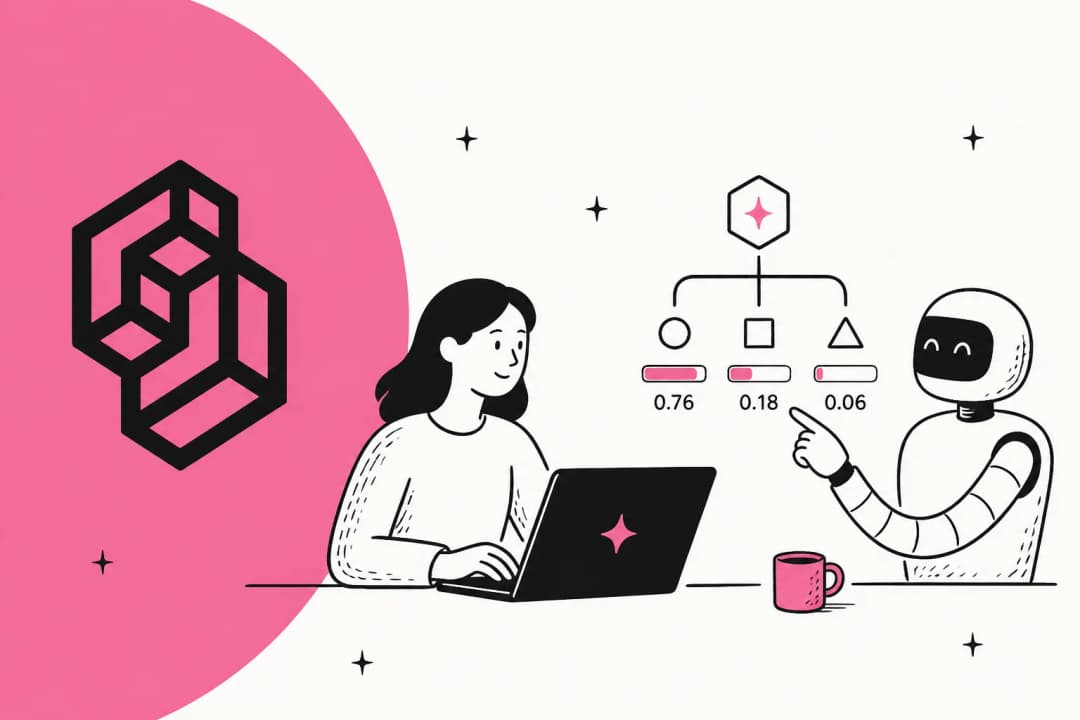
An AI for IT service desk is more than just a conversational interface. It's a layer of intelligence that sits between your users and your infrastructure, capable of understanding intent and executing resolutions without human intervention. In 2026, we've moved beyond simple chatbots to intelligent automation that can handle the entire lifecycle of an IT request.

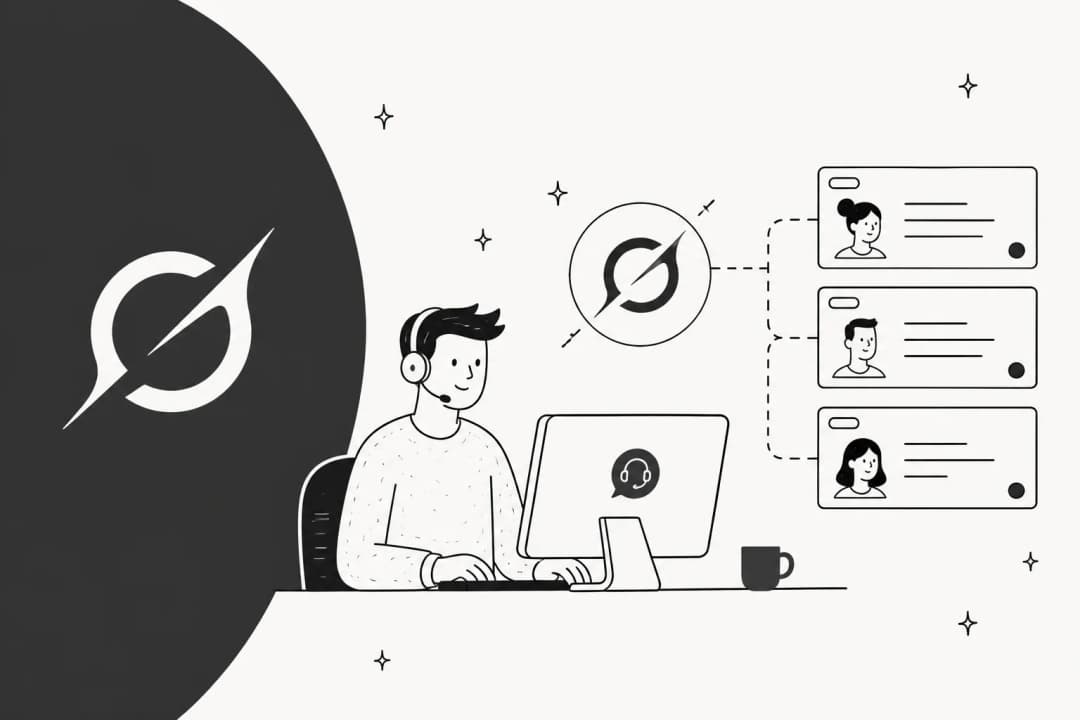
A modern AI service desk acts as an intelligent layer that translates user intent into autonomous infrastructure resolutions.

The industry has seen a massive shift from traditional ITSM (IT Service Management) frameworks to Gen-AI native architectures. Legacy systems were built on rigid decision trees where you had to map out every possible user path. Modern AI service desks use Large Language Models (LLMs) to understand natural language, making them flexible enough to handle the messy reality of how employees actually report problems.

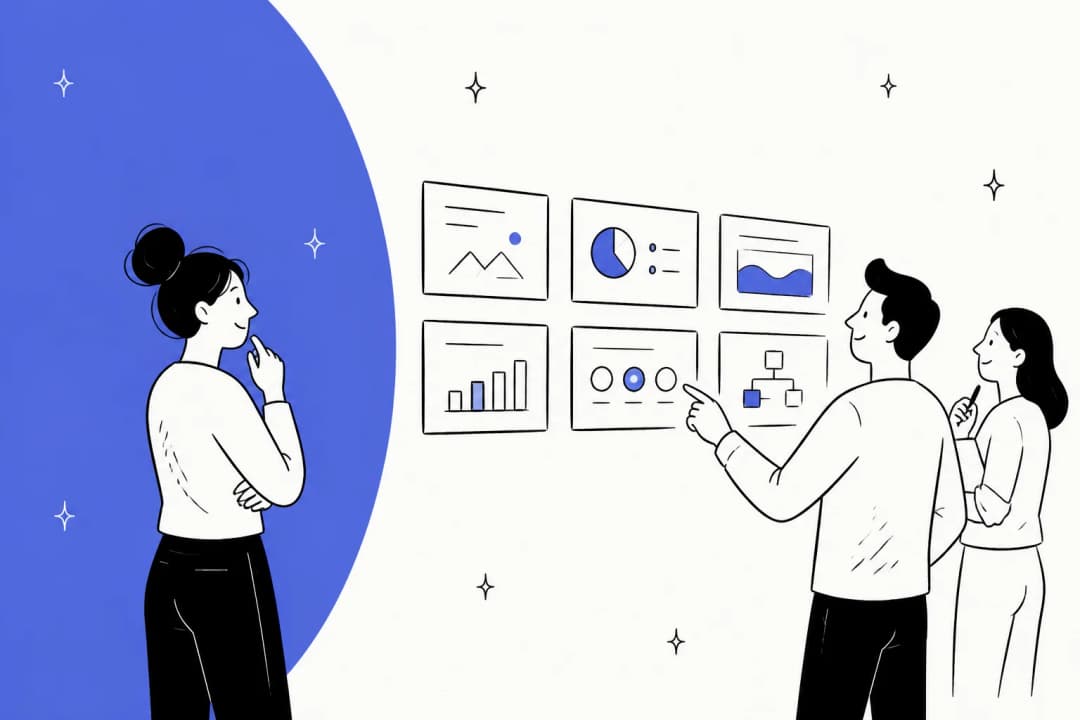
The eesel AI helpdesk dashboard provides a central view of all customer interactions and agent performance

Key components of a modern AI service desk include:

  • LLMs and Natural Language Understanding (NLU): To grasp the nuance of a request (e.g., "my screen is acting up" vs "I need a monitor upgrade").
  • Intent and Sentiment Analysis: To automatically categorize tickets and prioritize them based on urgency or user frustration.
  • Autonomous Resolution: The ability to perform tasks like resetting a password or provisioning software via API integrations.

At eesel AI, we think about this differently. We don't see AI as another piece of software you configure. We see it as a teammate you hire. Our AI Helpdesk Agent is designed to join your team and start learning from your existing documentation and past tickets in minutes. It's the difference between building a machine and bringing on a new colleague who already knows the ropes.

Why your service desk needs an AI teammate in 2026

The primary driver for AI adoption in IT isn't just "saving time." It's about moving from reactive firefighting to proactive prevention. When your support system is powered by AI, it doesn't just wait for a ticket to arrive. It monitors signals across your environment to catch system anomalies before users even notice them.

For teams still operating on manual models, the burden of L1 support is often the biggest bottleneck. By implementing an AI teammate, organizations are slashing ticket volume with auto-resolution rates frequently exceeding 80%. This isn't just marketing fluff, it's a measurable shift that frees up your human technicians to focus on high-impact infrastructure projects rather than resetting the same password for the tenth time today.

The impact on productivity is immediate. We've seen agent productivity increase by 60% while reducing the Mean Time to Resolution (MTTR) to less than a minute. When an employee has an issue, they don't want to wait four hours for a "we've received your ticket" email. They want it fixed now.

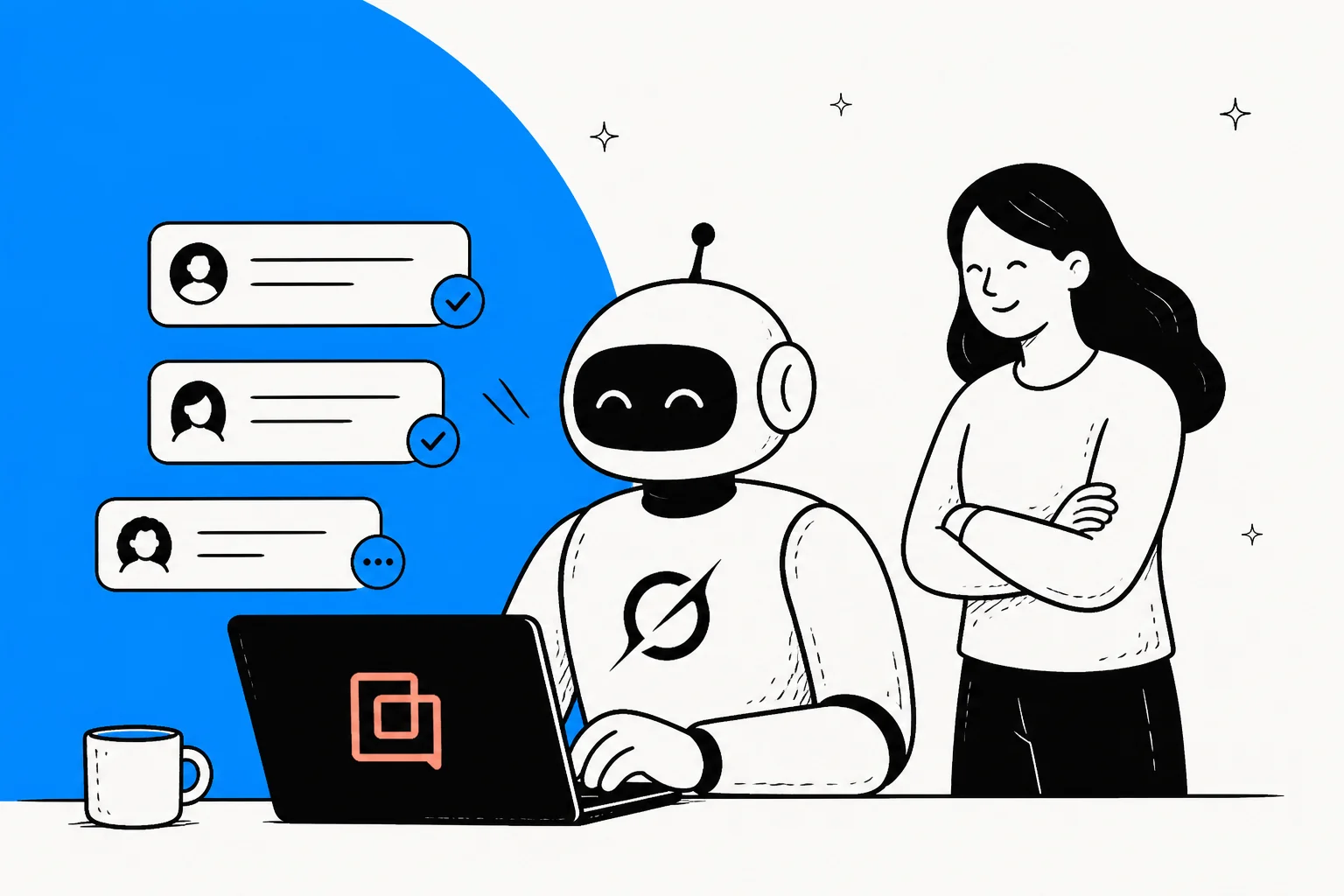
Integrating an AI teammate delivers a measurable 60% boost in productivity by offloading routine L1 tickets.

An AI teammate empowers your employees with 24/7 self-service that actually works. Whether it's 2 PM or 2 AM, the level of support remains consistent. This instant availability changes the internal perception of IT from a "slow bottleneck" to an "enabling partner."

5 high-impact AI use cases for IT operations

To understand how this looks in practice, let's look at the specific jobs AI is doing for IT teams in 2026.

Autonomous request fulfillment

This is the "low hanging fruit" that yields the highest ROI. AI can now handle password resets, software provisioning, and access management end-to-end. Instead of an IT tech manually clicking "Approve" in Okta, the AI verifies the user identity, checks their permissions against your policy, and grants access in seconds.

A screenshot of Okta's landing page.

Intelligent ticket triage

Manual triaging is slow and prone to error. AI service desks automatically classify tickets by intent, sentiment, and priority. If a user sends an angry message about a site-wide outage, the AI recognizes the urgency and escalates it to the on-call engineer immediately, skipping the standard queue entirely.

AI copilot for agents

Not every ticket can be solved autonomously. For complex issues, an AI copilot assists your human technicians by summarizing long email threads, suggesting the "next best action," and pulling relevant technical documentation into the sidebar. It's like having a senior engineer looking over every junior tech's shoulder.

Proactive issue detection

By analyzing patterns across thousands of tickets and system logs, AI can catch system anomalies before they become widespread problems. If the AI sees three tickets about VPN connectivity in ten minutes, it can alert the network team and post a status update to Slack, deflecting the 50 other tickets that would have followed.

Knowledge transformation

One of the hardest parts of IT is keeping documentation up to date. AI solves this by turning successful ticket resolutions into searchable runbooks. When a technician solves a unique problem, the AI can draft a knowledge base article based on that interaction, ensuring the entire team benefits from the fix.

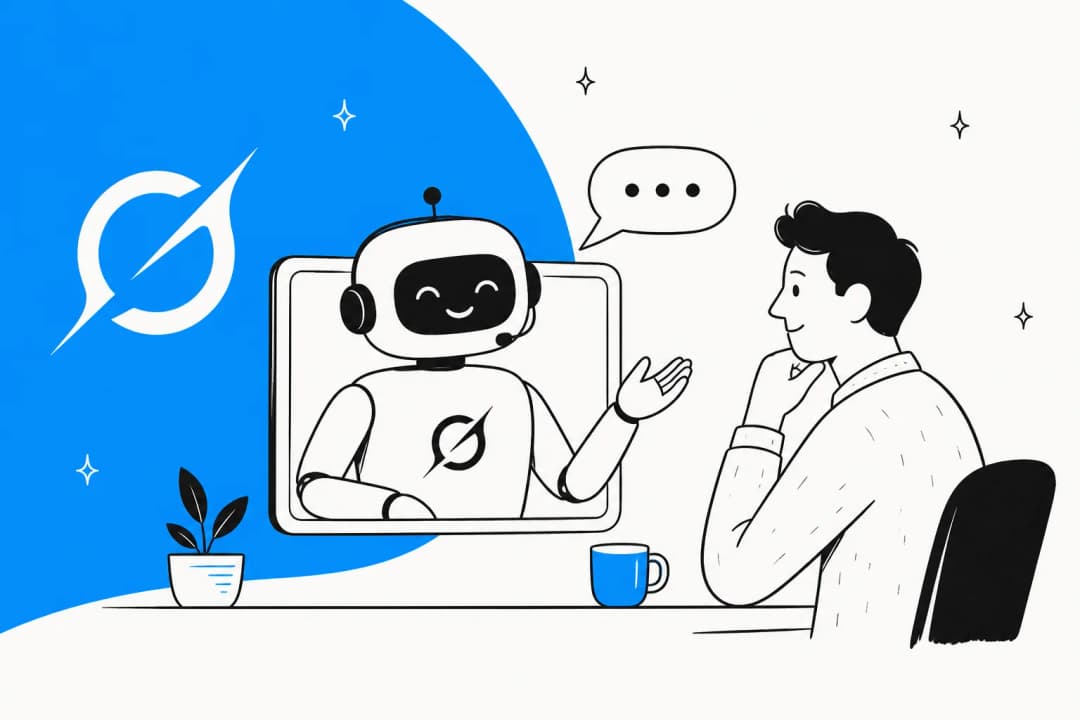
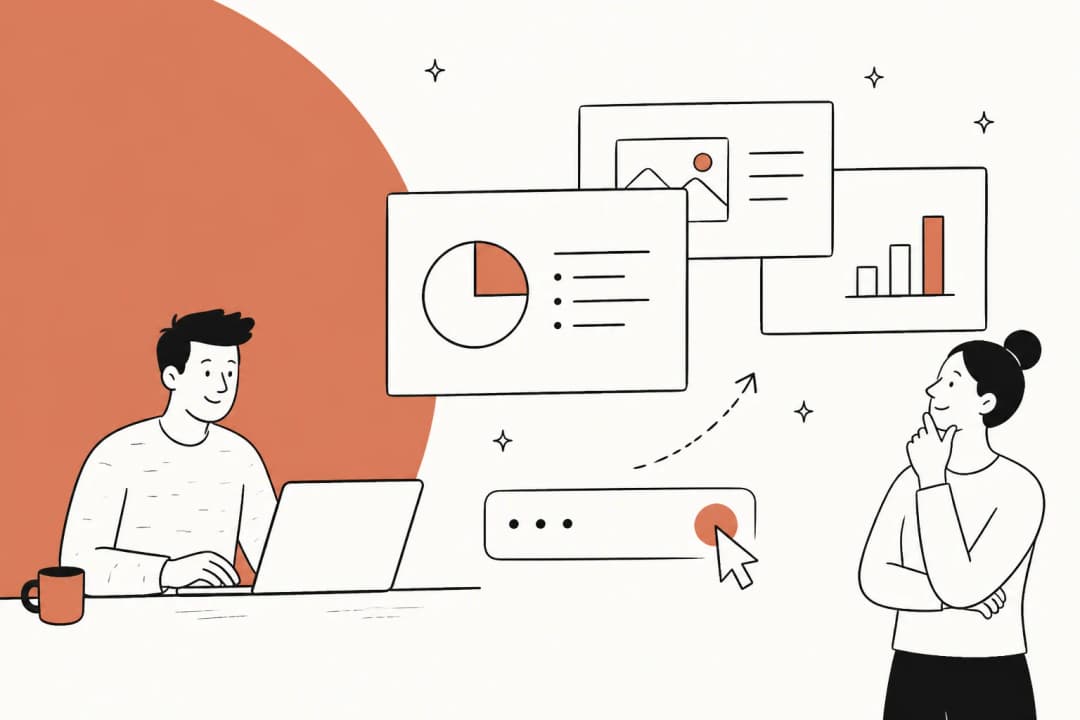
AI-powered chat interfaces provide autonomous password resets and access management directly within employee channels.

How to hire and level up your AI for IT service desk

The biggest mistake most teams make is treating AI deployment like a massive six-month migration project. It doesn't have to be. With our AI Helpdesk Agent, the onboarding process takes minutes, not weeks.

Here is how the process works:

  • Connect your tools: You link your existing knowledge sources like Notion, Google Docs, or Confluence, and your support channels like Slack or Zendesk.
  • Simulate on past tickets: Before going live, we run our AI against your past conversations to see how it would have responded. This lets you verify quality without any risk to your users.
  • Start with guidance: You can set us to "draft only" mode, where we write the replies but a human clicks send. This builds trust while your team gets used to the new "teammate."
  • Level up to autonomous: Once you're confident in our accuracy, you flip the switch to autonomous mode for specific categories like FAQs or software requests.
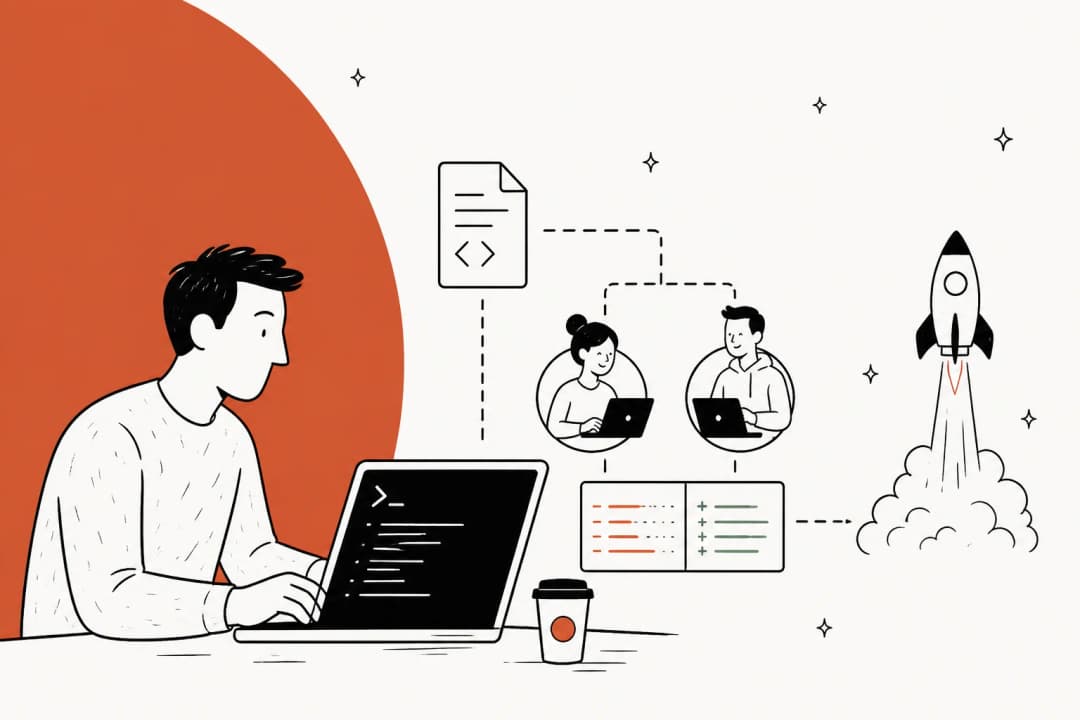
The path to AI adoption moves from initial tool integration to supervised learning and finally full autonomy.

The best part? You can customize our behavior in plain English. You don't need to learn a new coding language or map out rigid decision trees. If you want us to handle VIP tickets differently, you just tell us, "Always escalate tickets from the executive team to a human agent." We understand natural language instructions just like a person would.

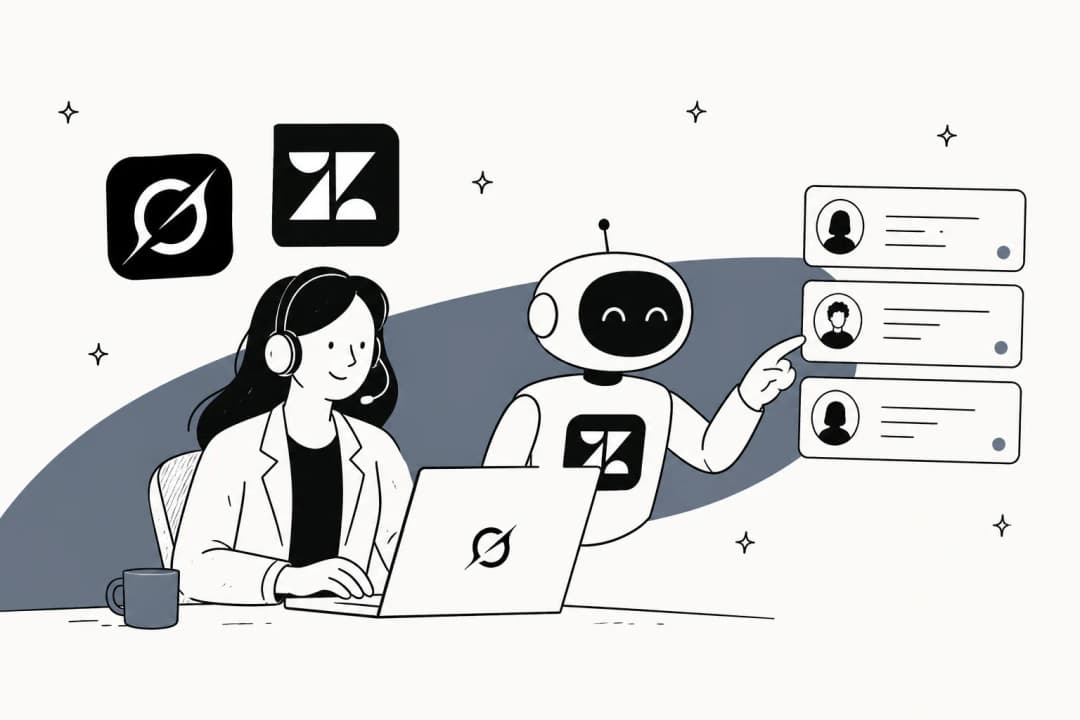
eesel AI working seamlessly with Zendesk to resolve tickets

Comparing AI service desk platforms: Features and pricing

Selecting the right platform depends on your existing tech stack and your goals for autonomy. Here's a breakdown of the leading players in 2026.

1. eesel AI

We focus on being a "pluggable" AI teammate. We don't ask you to migrate your helpdesk or change how you work. We just join your existing tools and start handling the workload. Our pricing is built on a usage model, so you only pay for what we actually resolve.

eesel AI uses a transparent, usage-based model where you only pay for tickets the AI actually resolves.
PlanPriceKey Features
StarterFreeBasic resolutions and knowledge syncing
Regular$0.40 per resolutionFull autonomous support on Slack and helpdesks
Enterprise$2,100/moCustom models, SSO, and dedicated account management

2. Zendesk

Zendesk has integrated AI agents directly into their massive ecosystem. They are a great fit for enterprise teams already deeply committed to the Zendesk Suite who want an all-in-one platform experience. Their pricing has shifted toward outcome-based models for their AI agents.

A screenshot of Zendesk's landing page.
ComponentPrice
AI Add-onFrom $50/agent/mo
AI Agent Resolutions$1.50 - $2.00 per resolution

3. Monday Service

Built on top of the Monday.com Work OS, this is the best option for teams that need deep no-code customization. It excels at cross-departmental workflows, like coordinating between IT and HR for employee onboarding.

A screenshot of monday's landing page.
PlanPrice
Service Plans[Custom quote based on seats]

4. Aisera

Aisera positions itself as a Gen-AI native platform for the true enterprise. They focus on high-volume environments where they can deliver massive cost savings through an 80%+ auto-resolution rate.

A screenshot of Aisera's landing page.
PlanPrice
Enterprise[Contact for quote]

5. SolarWinds

SolarWinds is a staple in IT operations, and their AI-powered Service Desk is designed as a sidekick for technicians working in complex hybrid environments. It's particularly strong for teams that need to manage both hardware assets and software tickets in one place.

A screenshot of SolarWinds's landing page.
PlanPrice
Service DeskFrom $39/technician/mo

2026 AI Service Desk Comparison Table

PlatformBest ForStarting PriceKey AI Feature
eesel AIRapid deployment & ROI$0.40 / resolutionPluggable AI Teammate
ZendeskOmnichannel scale$50 / agent / moIntent-based routing
Monday ServiceCustom workflowsCustom quoteNo-code automation
AiseraEnterprise autonomyCustom quote80% auto-resolution
SolarWindsIT Sidekick support$39 / tech / moRunbook generation

Getting started with an AI-powered service desk today

The impact of adding AI to your IT operations is immediate, from the thousands of dollars saved in L1 support costs to the elevation of your human team. When technicians aren't buried under a mountain of routine tickets, they have the bandwidth to tackle the strategic projects that actually move your business forward.

The roadmap to success is simple: start focused, build trust, and then scale. Don't try to automate everything on day one. Pick your top three most repetitive ticket types, train your AI teammate on your existing knowledge, and let it prove its value.

Bottom line? You don't need a massive budget or a team of data scientists to get started. You just need a teammate that's ready to work. Hire your eesel AI Helpdesk Agent today and start resolving tickets in minutes, not months.

Frequently Asked Questions

Unlike basic chatbots that just follow scripts, an AI for IT service desk uses generative AI to understand intent and can actually perform actions like resetting passwords or provisioning software autonomously.
Modern AI service desks prioritize security with enterprise-grade encryption and data isolation. At eesel AI, your data is never used to train our public models, and we offer SOC 2 Type II compliance.
While traditional platforms can take weeks of configuration, pluggable AI teammates like eesel AI can be connected to your tools and start drafting replies in just a few minutes.
Most organizations see a payback period of under two months, driven by auto-resolution rates of 70% to 80% and a 60% increase in technician productivity.
AI is best at handling L1 support autonomously. For complex L2 or L3 issues, the AI acts as a copilot, summarizing the history and suggesting solutions to help your human technicians solve the problem faster.
No. Pluggable solutions are designed to work inside the tools you already use, such as Zendesk, Slack, and Microsoft Teams, so you don't have to deal with a painful migration.
Yes. eesel AI and other pluggable solutions integrate natively with Slack and Microsoft Teams, allowing your employees to get instant support directly where they already work.

Share this article

Stevia Putri

Article by

Stevia Putri

Stevia Putri is a marketing generalist at eesel AI, where she helps turn powerful AI tools into stories that resonate. She’s driven by curiosity, clarity, and the human side of technology.

Ready to hire your AI teammate?

Set up in minutes. No credit card required.

Get started free