Title tag
An HTML element that sets a web page's title, used as the clickable headline in search results and the label on a browser tab.
What a title tag means
A title tag is the HTML element that specifies the title of a web page, written as a title element in the page's head. That title does several jobs at once: it is the clickable headline shown for the page in search results, the label on the browser tab, and the default name used when the page is bookmarked or shared. It is one of the oldest and most consistently important pieces of a page's HTML.
In SEO, the title tag is one of the most influential pieces of a page's metadata. It is a strong on-page relevance signal, helping a search engine understand what the page is about, and it is the headline a searcher reads when deciding whether to click. A precise, compelling title can lift both rankings and click-through rate, while a vague or duplicated one wastes one of the few fields that affects search directly.
Why a title tag matters
- It is a direct relevance signal. Search engines weigh the title heavily when judging what a page is about, so it carries more SEO weight than most on-page elements.
- It is the search headline. Because it appears as the clickable line in results, the title shapes click-through rate before anyone visits the page.
- It anchors the browser experience. The title labels tabs, history, and bookmarks, so it affects how easily people find the page again.
- It is unique per page. Duplicate titles confuse both users and crawlers, so each page needs its own descriptive title rather than a site-wide template.
- It travels into other surfaces. Social previews and AI answer engines often lean on the title, so a strong one works beyond classic search results.
Part of why the title earns so much care is reach: one line of HTML surfaces in several places at once.
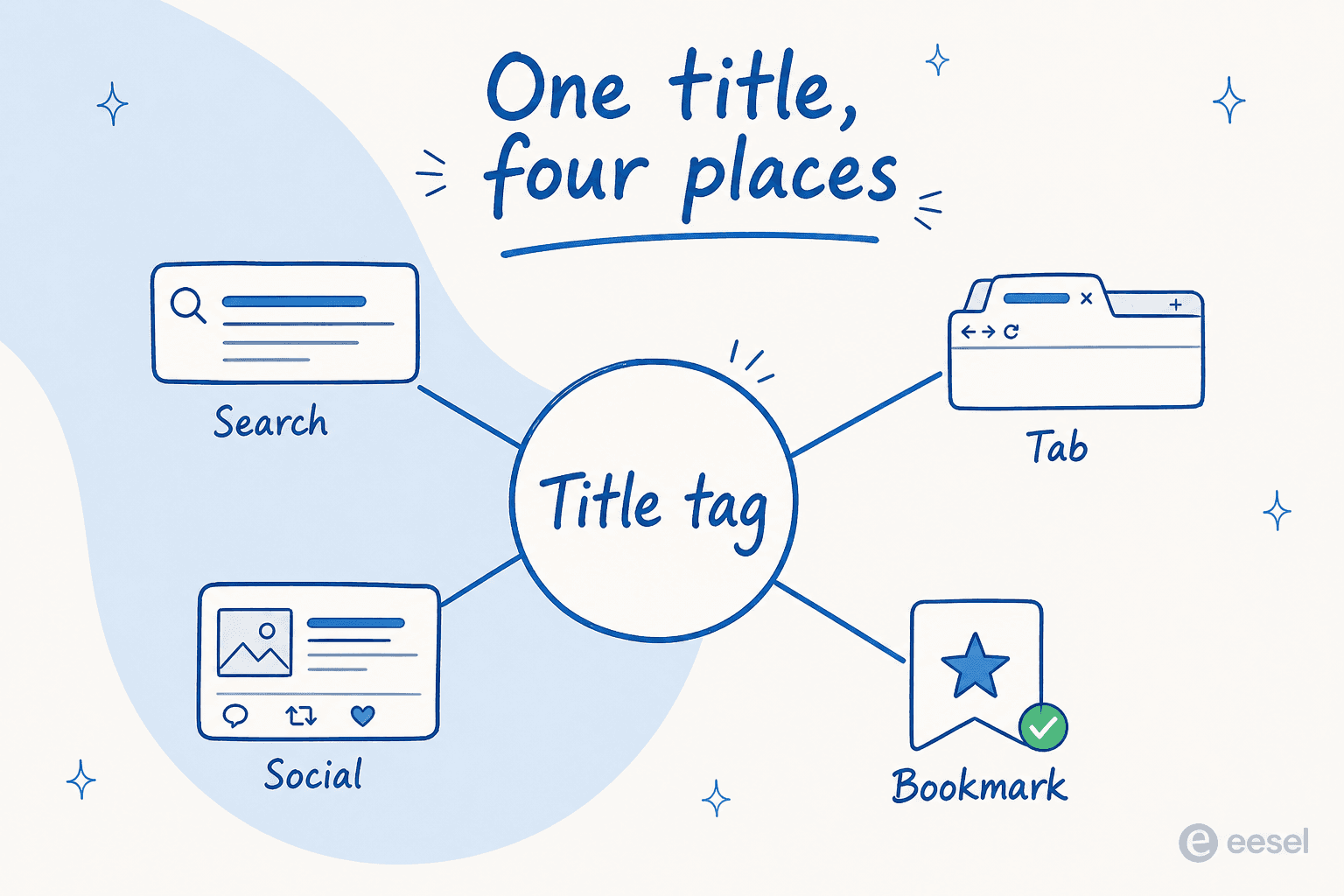
You write the title once, and it becomes the search headline, the browser tab label, the social share name, and the bookmark text. A weak title is weak in four places, which is what makes the field worth getting right.
How a title tag works
A title tag moves through a short, repeatable cycle:
- The author sets it. A descriptive title, usually with the target keyword near the front, is placed in the page's title element by the CMS or template.
- The crawler reads it. When a search engine indexes the page, it uses the title as a primary clue to the page's topic.
- The engine displays or rewrites it. In results, the engine shows the title, truncating or replacing it when it is too long or a weak match for the query.
- The author iterates. Titles on important pages are tested and refined based on ranking and click-through data.
For content teams, eesel AI covers step one alongside drafting. The eesel AI blog writer produces each post with a search-ready title tuned to the topic it targets, so the headline is considered with the content rather than improvised at publish time. Editors still check the title for length and accuracy against the final piece.
A title tag in practice
The strongest titles read like a precise promise of what the page delivers, written for a human first and trimmed to fit the length limit second. Lead with the main keyword and keep it under roughly 60 characters, because truncation cuts from the end and the front-loaded words are what searchers scan. It also pays to keep titles distinct across the site; two pages with the same title compete with each other and signal thin differentiation to crawlers. As with the meta description, the engine may override a weak title, so writing a clear one is the surest way to keep control of the headline.
Drafts that arrive with a title
eesel AI drafts long-form posts with a search-ready title for each, tuned to the topic the piece targets.