Zendesk Switchboard explained: A complete guide to bot orchestration
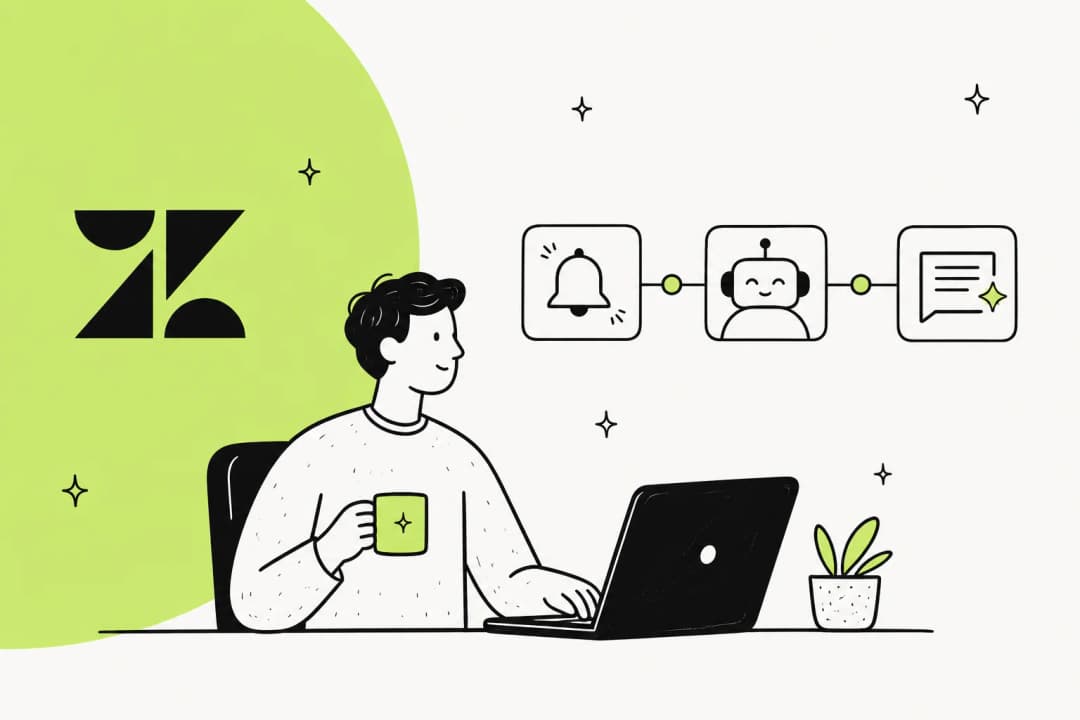
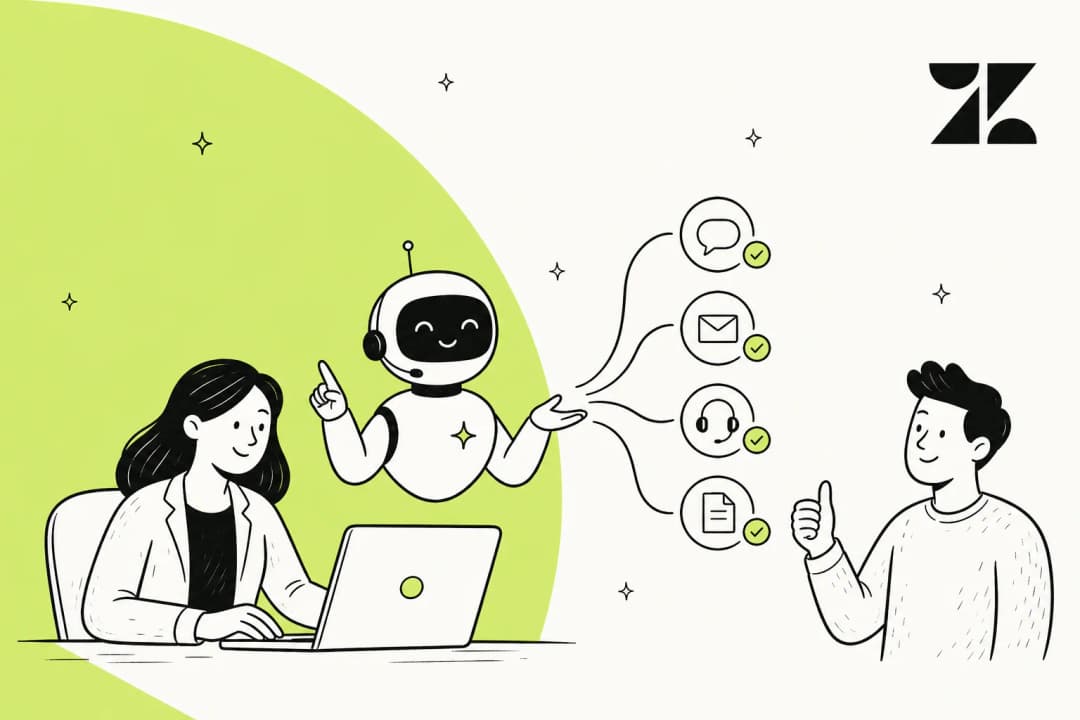
If you're running multiple bots in Zendesk or trying to figure out why conversations aren't routing the way you expected, you've probably stumbled across the term "Switchboard." It's the behind-the-scenes mechanism that decides which system—whether that's an AI agent, a third-party bot, or a human agent—handles each customer conversation.
Think of it like a telephone operator from the old days, patching calls to the right department. The difference is that this operator works automatically, following rules you configure through Zendesk's Sunshine Conversations platform.
For teams that want bot orchestration without wrestling with APIs, tools like eesel's AI agent for Zendesk handle routing automatically. No Switchboard configuration required. But if you need the full control that native Zendesk Switchboard offers, this guide covers what you need to know.
What is the Zendesk Switchboard?
The Zendesk Switchboard is the routing layer within Sunshine Conversations (SunCo) that programmatically routes user conversations through various messaging integrations. Every Zendesk messaging-enabled account has a switchboard automatically created when messaging is set up.
At its core, the switchboard is a container for "switchboard integrations," which represent the different systems that can handle conversations. These include:
- Zendesk AI Agents (Essential): The native Zendesk bot, identified as
zd:answerBotin the API - Zendesk AI Agents (Advanced): The Ultimate-powered AI, identified as
ultimate - Zendesk Agent Workspace: Human agents, identified as
zd:agentWorkspace - Third-party bots: OAuth integrations from the Marketplace (boost.ai, Certainly, etc.)
- Custom integrations: Webhook-based bots built by your developers
Each conversation can only have one active switchboard integration at a time. The other integrations wait in "standby" until control is transferred to them. There's also a "pending" state for when control has been offered but not yet accepted.
This matters because the active integration is the only one expected to respond to customer messages. If your bot is on standby, it won't receive events by default. Understanding these states is key to troubleshooting why a bot isn't responding or why messages aren't reaching the right system.
How Zendesk Switchboard bot orchestration controls conversations
The switchboard manages conversation routing through a set of control transfer operations. Here's how they work.
The four control transfer operations
| Operation | What it does | When to use |
|---|---|---|
passControl | Transfer control immediately to another integration | Bot escalating to human agent |
releaseControl | Clear all control, reset conversation to default state | Ticket resolved, conversation complete |
offerControl | Share control temporarily before full transfer | Graceful handoff with context |
acceptControl | Accept offered control from another integration | Agent ready to take over |
The most common operation is passControl. When an AI agent determines it can't resolve a customer's issue, it passes control to the Agent Workspace, creating a ticket for a human agent.
releaseControl is used when a conversation is resolved. This resets the conversation state so that when the customer returns (potentially days or weeks later), they start fresh with the default responder.
The offerControl and acceptControl pair enables a more graceful handoff. Instead of an abrupt transfer, the current integration can offer control, allowing both systems to share the conversation temporarily until the target integration is ready.
Default responder configuration
The switchboard determines who handles new conversations through two settings:
- Global default responder: Set at the switchboard level using
defaultSwitchboardIntegrationId - Per-channel overrides: Each messaging channel can override the global default using
defaultResponderId
This flexibility lets you route different channels differently. For example, you might configure WhatsApp conversations to go directly to human agents (high-value channel), while Web Widget conversations start with an AI agent first.
Metadata during handoffs
When control passes between integrations, you can include metadata that travels with the conversation. This is particularly useful when escalating to the Agent Workspace, where metadata can populate ticket fields.
Supported metadata includes:
- Standard ticket fields: Priority, organization ID, group ID, assignee ID, tags, brand ID, requester name, and requester email
- Custom ticket fields: Any custom field you've configured, using the pattern
dataCapture.ticketField.<field_id> - Conversation history: The
first_message_idparameter controls where the history injection starts when an agent opens the ticket
Common Switchboard bot orchestration use cases
Let's look at the scenarios where Switchboard configuration becomes necessary.
Running multiple bots simultaneously
One of the most common use cases is migrating from one bot platform to another. If you're moving from Zendesk's native AI Agents (Essential) to AI Agents Advanced (powered by Ultimate), you typically can't switch everything at once.
A phased rollout looks like this:
- Both bots exist as switchboard integrations
- Different brands or channels route to different bots
- Brand A continues using the native Zendesk bot while Brand B uses the new platform
- Once migration is validated, you update the default responders
This approach minimizes risk during transitions. The switchboard handles the routing—you just need to configure which integration is the default for each channel or brand.
Third-party bot integration
Marketplace bots like boost.ai and Certainly become switchboard integrations through OAuth. Once installed, they appear in your switchboard and can be configured as default responders.
Third-party bots must follow requirements to work with the switchboard:
- Respond to
conversation:createevents appropriately - Only reply when in active control (not when on standby)
- Release control after timeout (maximum 24 hours of inactivity)
- Support
passControlfor human escalation
If a marketplace bot doesn't follow these patterns, you'll see issues like conversations getting stuck or double-responses.
Channel-specific routing
Different customer channels often warrant different routing strategies. The switchboard supports per-channel default responders, letting you configure:
- High-value WhatsApp customers route directly to human agents
- General website traffic starts with AI agents
- Social channels like Instagram or Facebook route to bots optimized for those platforms
To set this up, you use the Update Integration API to set a defaultResponderId for each messaging channel.
When Switchboard bot orchestration gets complex
The Switchboard is powerful, but that power comes with complexity. Here's an honest assessment of when it becomes challenging.
API-only configuration
Advanced switchboard setup isn't something you do through Zendesk's Admin Center. It requires:
- Sunshine Conversations API credentials
- Tools like Postman for making API calls
- Understanding of switchboard integration IDs, responder IDs, and their relationships
- Comfort with JSON configuration
For example, to find your switchboard ID, you need to call the List Switchboards API. Then to list integrations, you call another endpoint with that switchboard ID. There's no visual interface for this.
Multi-brand, multi-bot orchestration
Complexity compounds when you manage multiple brands, each with different bots, different escalation rules, and different channel configurations. Each combination requires separate API calls to configure, and there's no central dashboard showing the current state across all brands.
Debugging issues means checking the conversation object via API to see which integration currently has control, then tracing back through the configuration to understand why.
Troubleshooting conversation handoffs
Common issues teams encounter:
- Conversations stuck on wrong integration: Usually caused by a bot not properly releasing or passing control
- Metadata not passing to tickets: Often a formatting issue in the
passControlpayload - Handoffs failing silently: The webhook event fires, but the receiving integration doesn't respond
- Unknown active integration: Not clear which system currently has control of a conversation
The core challenge is this: Switchboard is designed for developers. Most support teams don't have dedicated developers to manage this infrastructure, which creates a gap between capability and accessibility.
eesel AI: A simpler approach to Zendesk Switchboard bot orchestration
For teams that want automation without the API complexity, we offer a different approach. eesel AI handles orchestration automatically, without requiring Switchboard configuration.

How eesel AI handles orchestration automatically
Instead of configuring switchboard integrations through APIs, eesel AI connects to your Zendesk through existing integrations. Here's how it works:
- No API configuration needed: We integrate through Zendesk's standard channels
- Learns from your content: Our AI trains on your help center, past tickets, and documentation
- Automatic routing: Conversations route based on your rules, without manual switchboard setup
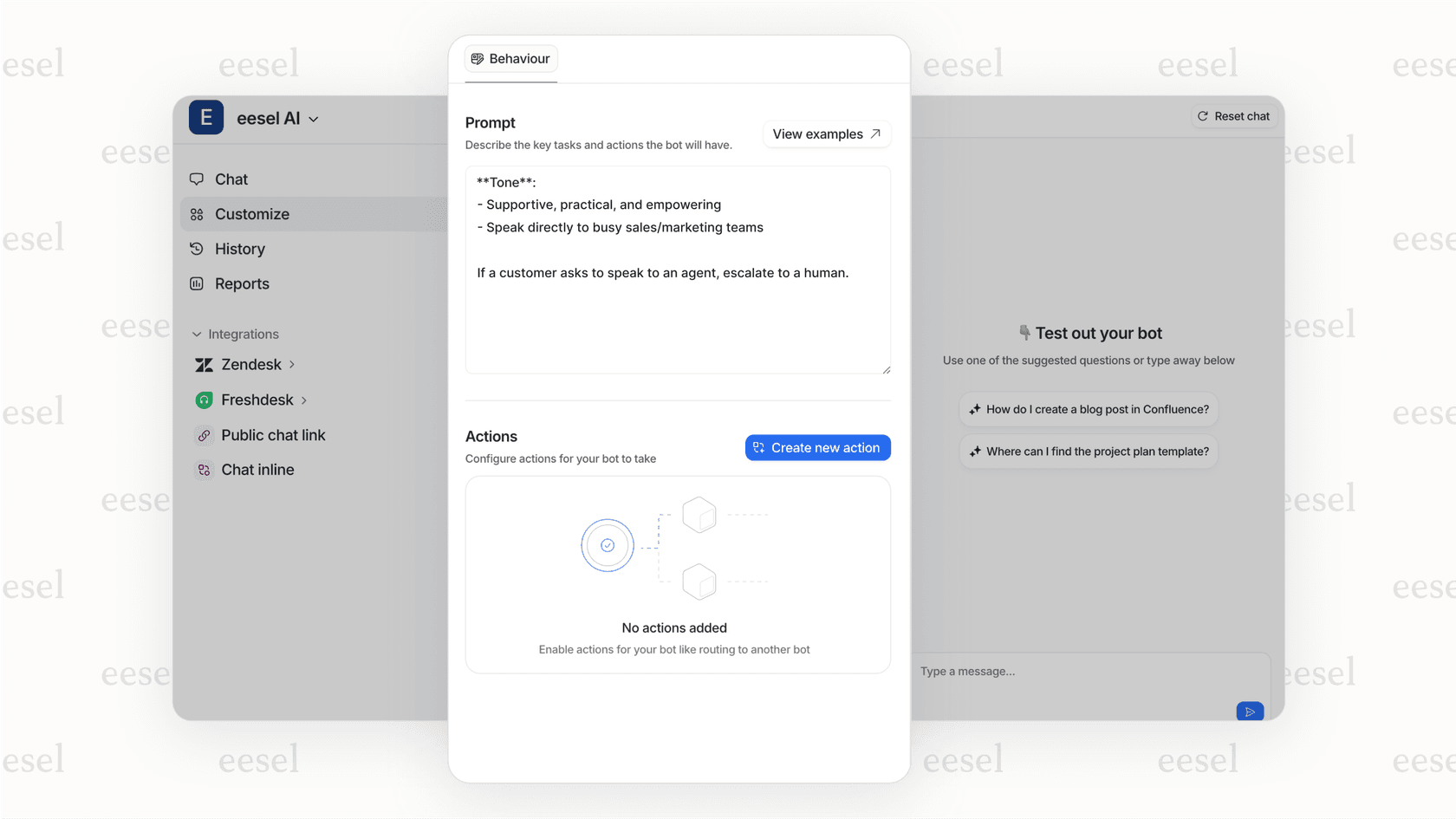
- Plain-English escalation rules: Instead of JSON, you define rules like "Always escalate billing disputes to a human"
The result is bot orchestration that works out of the box. You don't need to understand switchboard states, control transfer operations, or API endpoints.
Key differences from Switchboard configuration
| Aspect | Native Switchboard | eesel AI |
|---|---|---|
| Setup | API calls, JSON config | Connect and train in minutes |
| Routing rules | Code-based switchboard configuration | Natural language instructions |
| Multi-bot management | Manual API calls per integration | Single interface |
| Learning | Static configuration | Learns from agent corrections |
| Technical skill required | Developer | Non-technical admin |
| Pricing | Suite Professional+ required for APIs | Starts at $239/month (annual) |
When eesel AI makes sense
Our approach fits best for:
- Teams without dedicated developers: If you don't have someone comfortable with REST APIs, Switchboard configuration will be frustrating
- Companies that want quick deployment: We can be running in minutes, not weeks
- Support teams needing flexibility without complexity: Change routing rules without API calls
- Organizations already using tools we integrate with: Slack, Microsoft Teams, Confluence, Google Docs, and 100+ other sources
On our Business plan, you also get AI Agent capabilities that respond directly to customers, AI triage for ticket routing, and bulk simulation to test against past tickets before going live.
Try eesel AI free for 7 days. No credit card required, no Switchboard configuration needed.
Getting started with Zendesk bot orchestration
Which approach makes sense depends on your situation. Here's a quick decision framework.
For simple automation
If you just need basic bot-to-agent handoff:
- Zendesk AI Agents (Essential) handles this automatically
- It's included in all Zendesk Suite and Support plans
- No manual Switchboard configuration required
- Zendesk manages the routing for you
The Essential tier gives you generative AI replies across messaging and email, up to 30 languages with automatic translation, and basic reporting. For straightforward use cases, this works without touching the Switchboard APIs.
For multi-bot or custom setups
If you need multiple bots, channel-specific routing, or third-party integrations:
- Review Zendesk's Switchboard documentation
- Set up Sunshine Conversations API credentials in Admin Center
- Use the APIs to list your current switchboard integrations
- Configure default responders at the switchboard and channel levels
- Test with Postman before making changes to production
Note that Switchboard APIs require Suite Professional ($115/agent/month) or higher. Third-party chatbot integrations also require Professional or Enterprise plans.
For teams that want it handled
If you want bot orchestration without the infrastructure work:
- eesel AI provides a managed approach
- We handle routing, learning, and escalation automatically
- Works alongside your existing Zendesk setup
- Our team helps with setup through our AI engineering consulting add-on if needed
The right choice depends on your team's technical capacity and how much control you need. Native Switchboard offers maximum flexibility and deep Zendesk integration. eesel AI offers faster time-to-value and lower ongoing complexity.