

AI is everywhere in customer support right now, and Salesforce is making a lot of noise about its platform, Agentforce. They're talking about a future run by "digital labor," with autonomous agents that can think, plan, and act on their own.
But what does that really mean for your team?
This guide cuts through the marketing fluff to give you a straight-up look at the Salesforce AI customer service world. We'll break down what it does, what it takes to get it running, how much it costs, and the big limitations you should think about before you sign on the dotted line. It’s everything you need to figure out if Salesforce's AI is the right move for you in 2025.
What is Salesforce AI customer service?
First, let's clear something up: Salesforce AI customer service isn't one single product you can just buy off the shelf. It's a collection of tools built on top of their massive CRM platform, and they all have to work together. It helps to think of it as an ecosystem with three main layers.
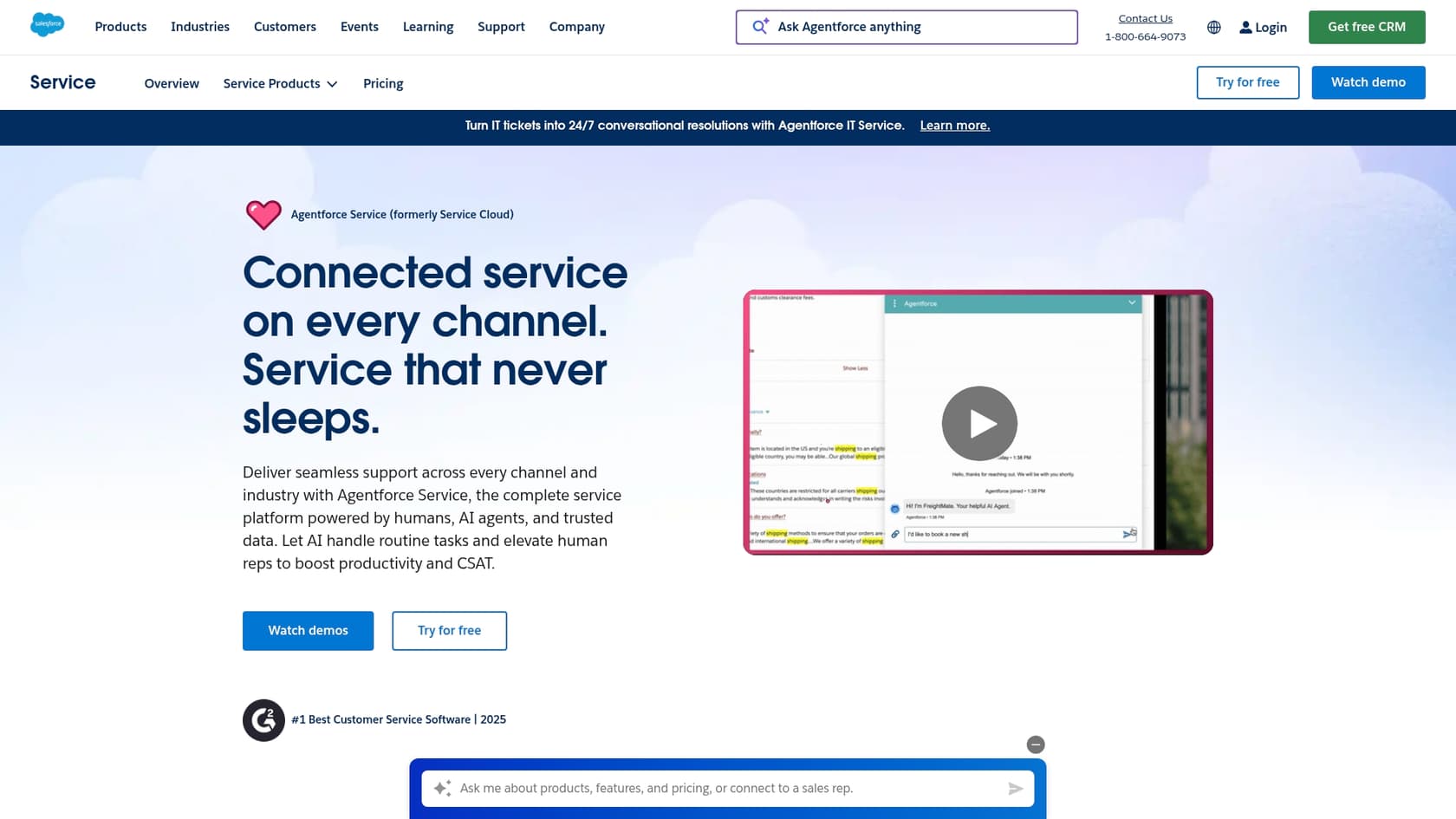
- Service Cloud: This is the bedrock. It's Salesforce's customer service platform for handling cases, organizing workflows, and keeping all your customer conversations in one spot. If you're using Salesforce for support, you're already familiar with Service Cloud.
-
Einstein AI: This was the original AI layer Salesforce introduced. It adds predictive features to Service Cloud, like suggesting replies for agents (Einstein Reply Recommendations), recommending the next best step to take on a ticket, and automatically sending cases to the right person.
-
Agentforce: This is the new, more powerful brain of the operation. Salesforce pitches Agentforce as the evolution beyond basic chatbots. These are meant to be autonomous agents that can look at data, make decisions, and complete tasks with multiple steps, all without a human looking over their shoulder. This is the heart of their "digital labor" idea, where AI agents are coworkers, not just tools.
What Salesforce AI customer service can actually do for your service team
So, with all those layers, what does this suite of tools actually do for a support team? It really comes down to three main things.
Get 24/7 support from autonomous agents
The biggest promise of Agentforce is its ability to use autonomous AI agents to handle customer questions conversationally, whether that's on your website, in a messaging app, or over SMS. Salesforce claims these agents can resolve up to "85% of customer queries without a human."
Unlike simple bots that just spit out canned answers, these agents can actually do things. Because they're tied directly into your Salesforce data, they can handle tasks like:
-
Looking up an order and updating its shipping details.
-
Booking a service appointment for a customer.
-
Processing a return or an exchange.
This lets them see an issue through from start to finish, which frees up your human agents to deal with the trickier, more nuanced problems.
Ground your AI in a single knowledge base
For an AI to give answers you can trust and avoid making things up (a problem known as "hallucination"), it needs to learn from accurate data. For Salesforce, the main tool for this is Salesforce Knowledge. This is their own internal knowledge base where you write and manage all your help articles, FAQs, and how-to guides.
The whole system is designed to use Salesforce Knowledge as the single source of truth that Agentforce relies on to answer questions. While you can connect Agentforce to other knowledge sources, it's rarely a simple process and usually involves some extra integration work. The platform works best when all your information is already living inside the Salesforce universe.
Give your agents a helping hand
Besides full automation, the platform has a bunch of features built to make your human agents faster and their jobs a little easier. It works alongside them as a sort of copilot.
Some of the key assistance tools include:
-
AI-generated conversation summaries: Lets an agent get the gist of a long, complicated case history in just a few seconds.
-
Service Replies: The AI drafts a response based on the conversation and relevant help articles. Agents can then send it with a single click or tweak it first.
-
Case Classification and Routing: New tickets get automatically analyzed, tagged, and sent to the right agent or department based on the topic, urgency, or the customer's history.
-
Search Answers: This is an AI-powered search tool that gives agents and customers direct answers from the knowledge base, rather than just a list of links to articles.
The catch: Setting up Salesforce AI customer service
The features sound great, but getting Salesforce's AI up and running is a major project. This isn't a tool you can just switch on and start using by lunchtime. Here’s what you need to prepare for.
You have to commit to the Salesforce ecosystem
To really get the most out of Salesforce AI, you pretty much have to go all-in on their platform. This often means moving your entire support operation over to Service Cloud and rebuilding your knowledge base from the ground up in Salesforce Knowledge.
That’s a huge step. Salesforce's own guide warns that "Enabling Lightning Knowledge changes your org's data model... After you enable Lightning Knowledge, you can't disable it." You’re looking at a serious data migration project that creates a strong sense of vendor lock-in. If you’re perfectly happy with your current helpdesk, like Zendesk, Freshdesk, or Intercom, this is a massive barrier.
Integrating your existing knowledge is tough
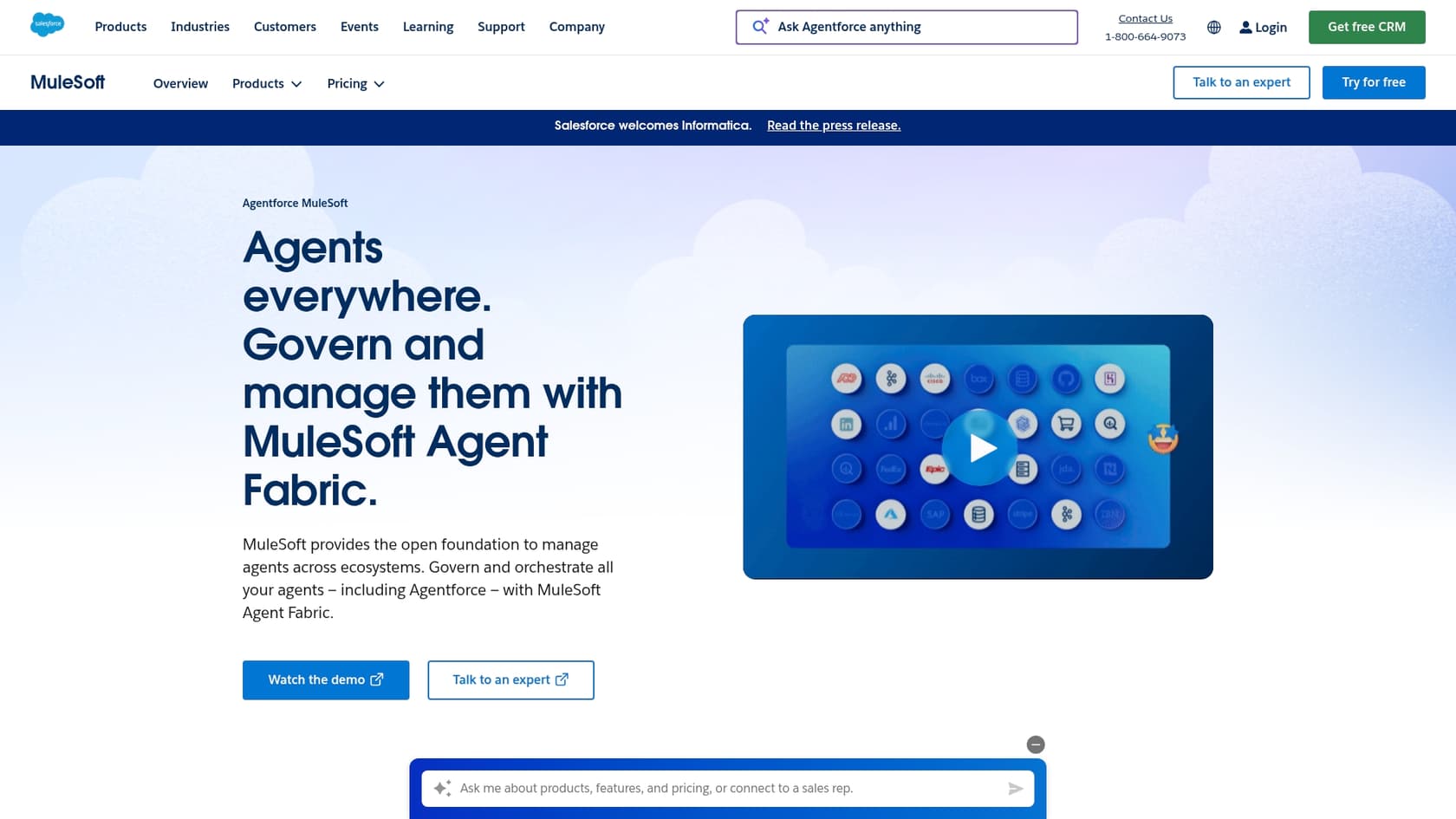
What if your team’s knowledge isn’t in Salesforce? Maybe it’s scattered across Google Docs, Confluence, Notion, or your old help center. Salesforce says you can connect external data, but it’s not a simple, one-click job. It often means using another platform like MuleSoft or hiring developers to do custom API work.
Even their built-in process for importing articles is incredibly technical. You have to prep and format all your content into specific ".csv" and ".properties" files, which is not exactly a user-friendly task for the average support manager.
Salesforce AI customer service pricing: What to expect
Salesforce's pricing has a reputation for being complicated, and its AI products are no exception. To get all the features, you often have to pay for the main platform plus several add-ons.
Looking at their official pricing pages, here’s a rough idea of what you might pay:
| Product/Edition | Price (per user/month, billed annually) | Key Features |
|---|---|---|
| Service Cloud Enterprise | $175 | The core service platform, case management, and workflows. |
| Service Cloud Unlimited | $350 | Everything in Enterprise, plus more advanced features. |
| Agentforce for Service Add-On | $125 | AI-generated replies, summaries, and knowledge articles. |
This means that to get the complete AI experience for just one agent on the Enterprise plan, you could be looking at around $300 per user, per month. And that's not even counting other potential costs, like Data Cloud credits or fees for using MuleSoft to connect your other tools. Many of the most advanced features are hidden behind a "contact sales" button, which makes it hard to know your total cost upfront.
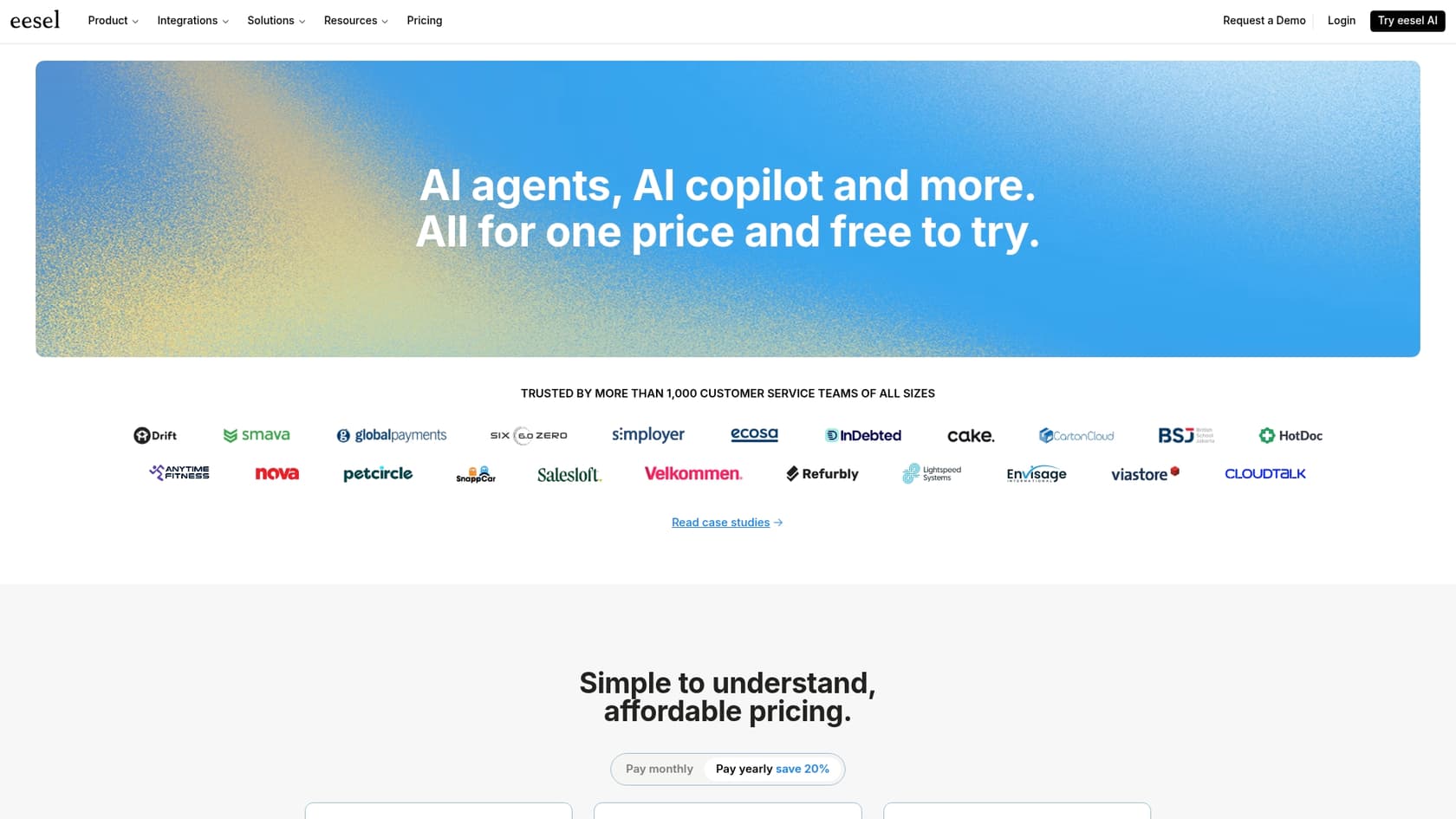
In contrast, platforms with more predictable pricing can be a breath of fresh air. For example, eesel AI's pricing is based on the number of AI interactions, with no hidden fees per resolution. This makes it a lot easier to budget and avoid a surprise bill at the end of a busy month.
Is Salesforce AI customer service the right choice for you?
So, after all that, should you choose Salesforce for your AI-powered customer service? It really boils down to where your company is today and your goals for the future.
The ideal Salesforce AI customer service user
Salesforce AI is probably a good fit for:
-
Companies that are already using Salesforce for everything else (Sales Cloud, Marketing Cloud, etc.).
-
Large organizations with the budget and technical team to handle a big implementation project, including a potential platform migration.
-
Teams that want a single, unified platform for CRM, service, and AI, and are okay with changing their workflows to fit the Salesforce way of doing things.
When you should look at alternatives to Salesforce AI customer service
You should probably consider other options if:
-
You're happy with your current helpdesk, like Zendesk, Freshdesk, Intercom, or Gorgias, and have no desire to switch.
-
Your company knowledge is spread all over the place (think Confluence, Google Docs, Slack threads) and you need to connect it all instantly without a massive import project.
-
You need a solution that you can actually set up yourself and get live in a few minutes or hours, not weeks or months.
If you want the power of an autonomous AI without having to rip out and replace your entire tech stack, a flexible, integration-first platform like eesel AI is the way to go. The AI Agent from eesel AI connects directly to the tools you already use, learns from all your knowledge sources instantly, and gives you complete control over automation, all without forcing you into a costly and disruptive migration.
The bottom line on Salesforce AI customer service
Salesforce has a powerful, all-in-one vision for AI in customer service. But that power comes with a big string attached: you have to fully commit to their ecosystem, which is a huge ask for teams that value speed and flexibility.
The best AI strategy is one that improves your current workflow, not one that makes you tear it down and start over. Your AI should adapt to your tools, not the other way around.
[YOUTUBE_VIDEO: https://www.youtube.com/embed/4WUI7SOygGM] This video explains how to use AI and a knowledge base to transform your Salesforce AI customer service strategy.
Ready to see what a self-serve AI agent can do for your support team? Check out eesel AI's AI Agent and learn how you can automate support in minutes, not months.

Frequently asked questions
Salesforce AI customer service is an ecosystem built on Service Cloud, integrating Einstein AI for predictive features and Agentforce for [autonomous agent capabilities](https://www.eesel.ai/blog/agentic-ai). It's a suite of tools designed to work together within the Salesforce platform.
[Integrating external knowledge sources](https://www.salesforce.com/in/products/integration/) into Salesforce AI customer service can be complex. It often requires tools like MuleSoft or custom API development, and importing articles into Salesforce Knowledge demands specific formatting and technical steps.
To maximize the benefits of Salesforce AI customer service, companies typically need to fully commit to the Salesforce ecosystem, often migrating their entire support operation to Service Cloud. Integrating it with external [helpdesk platforms](https://www.eesel.ai/blog/best-customer-service-software-2025) is usually a significant barrier.
Autonomous agents in Salesforce AI customer service can [handle conversational customer questions](https://www.eesel.ai/blog/what-is-conversational-ai) 24/7 across various channels. They can perform tasks like updating order details, booking appointments, or processing returns by directly interacting with your Salesforce data.
Implementing Salesforce AI customer service can be costly, often requiring a Service Cloud edition (e.g., Enterprise at $175/user/month) plus the Agentforce add-on ($125/user/month). This can lead to around $300 per user per month, not including other potential integration or data costs.
Salesforce AI customer service is designed to act as both a [self-service solution](https://eesel.ai/solution/customer-support-automation) and a copilot for human agents. While autonomous agents handle routine queries, the system also provides tools like AI-generated summaries and reply recommendations to make human agents faster and more efficient.
Salesforce AI customer service is best suited for large organizations already deeply embedded in the Salesforce ecosystem and those with the budget and technical resources for a major implementation. It fits companies aiming for a unified platform for CRM, service, and AI.
Share this article

Article by
Stevia Putri
Stevia Putri is a marketing generalist at eesel AI, where she helps turn powerful AI tools into stories that resonate. She’s driven by curiosity, clarity, and the human side of technology.
