Kustomer AI review 2026: Is it the right customer service platform for you?

Stevia Putri

Stanley Nicholas
Last edited March 9, 2026
Expert Verified
Choosing a customer service platform is a bit like choosing a new headquarters for your support team. You want enough space to grow, the right tools for the job, and a layout that actually makes sense. Get it wrong, and your team spends more time navigating the building than helping customers.
Kustomer has positioned itself as the next-generation alternative to traditional ticketing systems. After being acquired by Meta in 2020 and then becoming independent again in May 2023, the platform has doubled down on its AI-powered, timeline-based approach to customer service.
But does it live up to the promise? This Kustomer AI review examines the features, pricing, real user experiences, and whether it's the right fit for your team. We'll also look at how newer alternatives like eesel AI approach AI customer service differently.
Kustomer AI features and capabilities
Unified customer timeline
Kustomer's signature feature is its timeline view. Every customer interaction appears chronologically alongside order history, shipping updates, payment records, and previous conversations. For e-commerce teams using Shopify or Magento, this means agents see exactly what a customer bought, when it shipped, and what they've asked about before, all in one screen.
The timeline eliminates the need to toggle between your help desk, e-commerce platform, and payment processor. Agents get context at a glance, which should theoretically lead to faster, more personalized responses.
AI Agents for Customers
Kustomer's customer-facing AI handles frontline support across multiple channels. The system uses natural language processing to understand inquiries and attempt resolution before escalating to humans.
According to Kustomer's case studies, Vuori achieved 40% automation of chat conversations using these AI agents. The platform offers specialized agent types including retention agents, sales agents, and upsell agents.
Bi-directional handoffs mean when the AI can't resolve an issue, it passes the full context to a human agent. Customers don't have to repeat themselves, which is genuinely useful.
AI for Reps (Copilot)
The agent-assist features include:
- Draft replies: AI suggests responses based on ticket context and past conversations
- Two-way translation: Real-time translation for multilingual support teams
- Conversation summaries: AI-generated overviews of long customer threads
- Knowledge assistant: Q&A chat interface for agents to find information quickly
Kustomer claims this can "increase the capacity of your team by 30%." The copilot approach is similar to what you'll find in other modern support platforms, though the execution varies.
AI Agent Studio
For teams wanting custom AI behaviors, Kustomer offers a no-code builder called AI Agent Studio. You can create specialized agents with prebuilt personas, guided prompts, and API connections for extended functionality.
This is where Kustomer tries to differentiate from simpler chatbot tools. Instead of just configuring responses, you're essentially building AI agents with specific roles and capabilities.
Omnichannel support
Kustomer provides native support for email, live chat, SMS, voice, WhatsApp, and social media channels. Everything feeds into the same timeline, so a conversation that starts on chat can continue via email without losing context.
The voice integration works through partners like Amazon Connect, Aircall, and 8x8. For pure voice-heavy operations, this might not match dedicated contact center solutions, but it's solid for digital-first teams.
Kustomer pricing in 2026
Kustomer offers two pricing models depending on your business model and volume.
Seat-based pricing (annual billing):
| Plan | Price | Minimum | Best for |
|---|---|---|---|
| Enterprise | $89/user/month | 8 seats | Small to mid-size teams |
| Ultimate | $139/user/month | 8 seats | Large teams needing advanced features |
Conversation-based pricing:
| Plan | Price | Best for |
|---|---|---|
| Enterprise | $0.35/conversation | Large contact centers |
| Ultimate | $0.50/conversation | High-volume operations |
AI add-ons:
| Feature | Price |
|---|---|
| AI for Customers | $0.60 per engaged conversation |
| AI for Reps | $40 per user/month |
The 8-seat minimum for seat-based pricing puts Kustomer out of reach for smaller teams. The conversation-based model works better for high-volume, low-complexity operations, but you'll need to do the math on your actual volume.
AI features cost extra on top of base pricing. At $40 per user monthly for AI for Reps plus $0.60 per conversation for AI for Customers, costs add up quickly. A team of 10 agents using both AI features could easily spend $1,300+ monthly on AI alone.
What users say: Kustomer AI reviews
User sentiment on Kustomer is notably split across platforms. Understanding why requires looking at who is reviewing and what they're trying to accomplish.
Positive feedback
Capterra shows a 4.6/5 rating from 79 reviews, with 96% positive sentiment. The Shopify App Store rates it 5/5 from 24 reviews.
Common praise includes:
- The unified timeline provides unmatched context for agents
- Shopify integration works seamlessly for e-commerce
- Highly customizable workflows and data structures
- Clean, intuitive interface for daily use

E-commerce teams particularly appreciate having order data alongside support conversations. When an agent can see that a customer's order shipped yesterday without leaving the support interface, it changes how they handle the conversation.
Critical feedback
Trustpilot tells a different story: 2.4/5 from just 6 reviews. Gartner sits at 3.5/5 from 16 reviews.
Common complaints include:
- Steep learning curve for new users and administrators
- Performance latency during high-volume periods
- Backend complexity that doesn't match the clean frontend
- AI chatbot quality issues requiring significant tuning
The divergence makes sense when you consider use cases. E-commerce merchants with straightforward workflows and Shopify integration tend to have better experiences. Teams trying to implement complex AI automation or handle high-volume, multi-channel support hit friction.
The reality check
Kustomer's AI features work well when properly configured, but that configuration requires significant effort. The platform isn't plug-and-play. You need technical resources, time to train the AI on your specific use cases, and ongoing tuning as your business changes.
The 40% automation claim? Achievable, according to case studies like Vuori and Everlane, but not automatic. It requires investment in setup and continuous optimization.
Kustomer AI pros and cons
| Pros | Cons |
|---|---|
| Unified customer timeline provides unmatched context | Steep learning curve for new users |
| Strong Shopify and e-commerce integrations | Performance latency during high-volume periods |
| Highly customizable workflows and objects | Smaller app marketplace than competitors |
| Native omnichannel support without add-ons | Higher entry pricing with 8-seat minimum |
| Dual AI approach (customer-facing + agent-assist) | AI features require significant tuning to perform well |
The timeline view is genuinely differentiated. If your agents currently switch between four tabs to help a customer, Kustomer's unified view will feel like a revelation. But that power comes with complexity. The customization options that make Kustomer flexible also make it harder to set up and maintain.
Who should use Kustomer AI?
Good fit for:
- E-commerce businesses using Shopify The integration is deep and well-executed
- Mid-market to enterprise teams The 8-seat minimum and pricing structure target larger operations
- Companies needing deep customization If off-the-shelf workflows don't work for your business
- Organizations with technical resources Implementation and ongoing maintenance require dedicated staff
Not a good fit for:
- Small businesses with simple support needs Overkill for basic ticket management
- Teams without technical implementation resources You'll struggle with setup and optimization
- Companies wanting plug-and-play AI Kustomer's AI requires training and tuning
- Organizations on tight budgets Entry pricing plus AI add-ons gets expensive
Top Kustomer AI alternatives
eesel AI
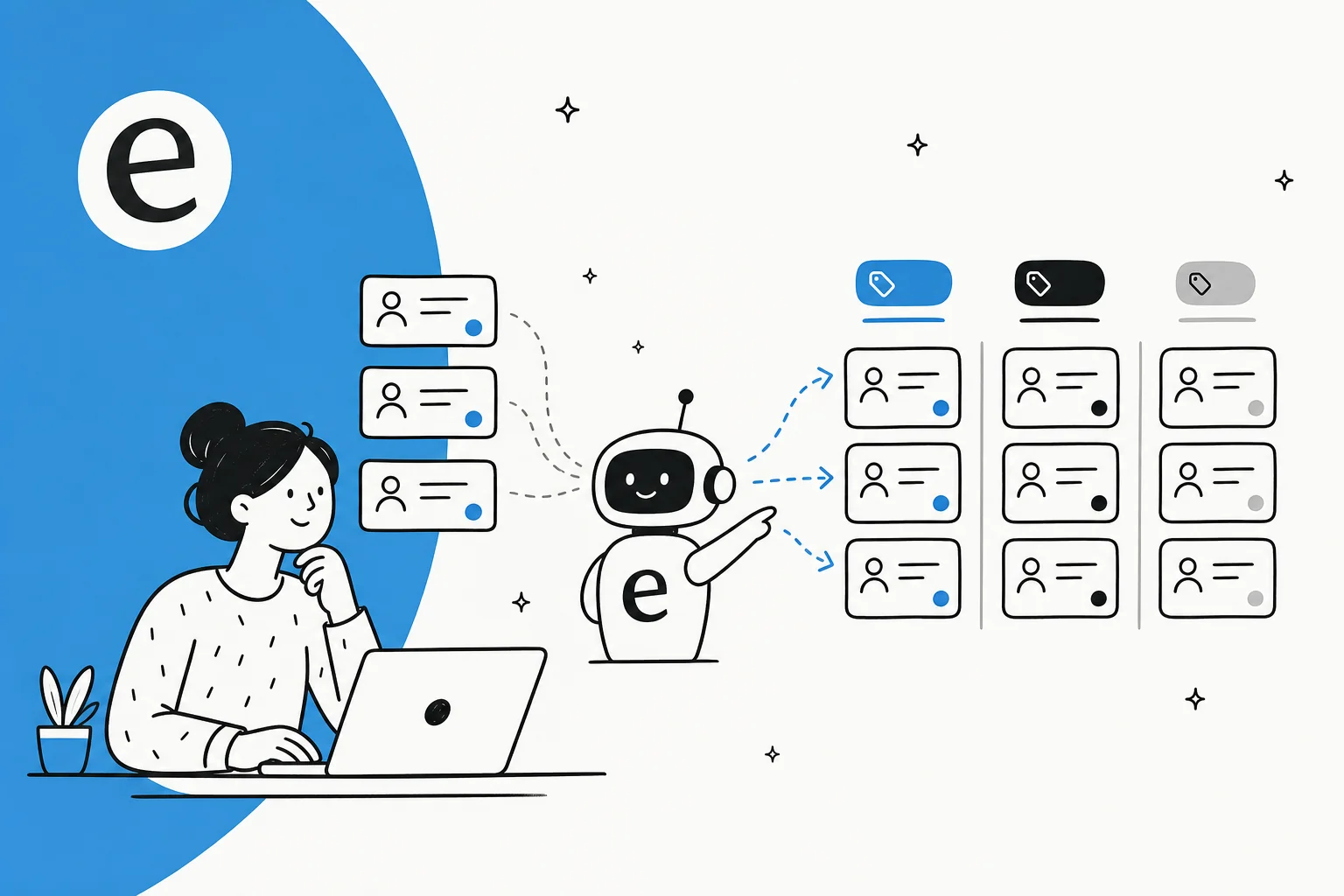
While Kustomer treats AI as a tool you configure, eesel AI takes a different approach: AI as a teammate you hire.

Here's how it works. Instead of spending weeks building workflows and training AI models, you connect eesel to your existing help desk and it learns from your past tickets, help center articles, and macros. Within minutes, it understands your business context, tone, and common issues.
You start with guidance: eesel drafts replies for your agents to review. As it proves itself, you level up to full autonomy where eesel handles frontline support directly. You define escalation rules in plain English ("Always escalate billing disputes to a human") rather than building complex decision trees.
Mature eesel deployments achieve up to 81% autonomous resolution with a typical payback period under two months. If Kustomer feels like building a custom solution, eesel feels like hiring a skilled agent who learns your business quickly.
Zendesk
Zendesk remains the established leader with a larger app marketplace and simpler entry point. For basic use cases and smaller teams, Zendesk is easier to get started with. The trade-off is less customization and a more traditional ticket-based approach rather than Kustomer's timeline view.
Gorgias
Gorgias is purpose-built for e-commerce with tighter Shopify integration than Kustomer and a more affordable entry point. If you're a Shopify merchant wanting deep e-commerce functionality without Kustomer's complexity, Gorgias deserves consideration.
Making the right choice for your support team
Kustomer excels for teams that need deep customization and unified customer data. The timeline view, omnichannel capabilities, and AI features are genuinely powerful when properly implemented.
The trade-off is complexity. You're getting power and flexibility, but you're paying for it in setup time, learning curve, and ongoing maintenance. This isn't a platform you configure in a weekend.
If your team has technical resources, uses Shopify or similar e-commerce platforms, and needs a highly customizable solution, Kustomer could be the right choice. The 4.6/5 Capterra rating from e-commerce users suggests many teams succeed with it.
However, if you want AI that feels like a teammate rather than a tool to configure, consider eesel AI. The progressive rollout approach (start with guidance, level up to autonomy) and plain-English control mean faster time-to-value without sacrificing capability.

Bottom line? Kustomer is powerful but complex. Make sure your team is ready for the investment before committing.
Frequently Asked Questions
Share this post

Article by
Stevia Putri
Stevia Putri is a marketing generalist at eesel AI, where she helps turn powerful AI tools into stories that resonate. She’s driven by curiosity, clarity, and the human side of technology.