HubSpot AI for B2B: A complete guide to Breeze features and pricing

Stevia Putri

Stanley Nicholas
Last edited March 15, 2026
Expert Verified
B2B companies are under constant pressure to do more with less. Marketing teams need to produce more content, sales teams need to close more deals, and support teams need to handle growing ticket volumes. All without proportional increases in headcount.
This is where AI comes in. HubSpot has consolidated its AI capabilities under the Breeze brand, promising to make "impossible growth impossibly easy." But what does that actually mean for your business? And how does it compare to specialized AI tools that integrate with HubSpot?
Let's break down what HubSpot AI for B2B offers, what it costs, and when you might want to look at alternatives.
What is HubSpot Breeze AI?
Breeze is HubSpot's unified AI platform, launched in 2025 as a consolidation of previous tools like Content Assistant and ChatSpot. Instead of scattered AI features across different hubs, Breeze brings everything together under three main components.
Breeze Assistant acts as your AI companion throughout HubSpot. It understands your CRM data and business context, helping with meeting prep, content creation, and strategic analysis. Unlike generic AI tools, it works with your actual customer data.
Breeze Agents are AI-powered teammates designed to automate specific workflows. You can discover and install them from the Breeze marketplace, then customize them in Breeze Studio without writing code.
Breeze Intelligence handles data enrichment and insights, giving you predictive lead scoring and company intelligence powered by AI.
The key selling point is integration. Because Breeze lives inside HubSpot, it has direct access to your customer data, deal history, and marketing assets. No exporting to external tools, no context switching, no data silos.
For teams already using HubSpot, this is convenient. For teams considering HubSpot specifically for its AI capabilities, the question becomes whether an all-in-one approach beats best-of-breed tools.
Breeze AI features by HubSpot product
HubSpot's AI features vary significantly depending on which hub you're using. Here's what you get in each.
Marketing Hub AI features
Marketing teams get several content-focused AI tools:
- AI Blog Writer creates blog posts by answering simple prompts about your topic
- Content Remix repurposes your best-performing content across different channels
- AI Email Writer generates marketing and sales emails
- Website Generator builds single-page websites from prompts
- Marketing Studio provides an AI-powered workspace that unifies planning, creation, and execution
- Lookalike Lists find high-potential prospects within your contact database
The Marketing Hub also includes SEO recommendations and social media content creation. These features aim to reduce the time from idea to published content.
Sales Hub AI features
Sales teams get tools focused on pipeline management and outreach:
- Conversation Intelligence transcribes calls and integrates feedback into your CRM
- Sales Reporting provides accessible data insights on team progress
- AI-Powered Forecasting analyzes historical data to predict outcomes
- Email Sequencing optimizes outreach timing and messaging
- Deal Prioritization helps reps focus on the most promising opportunities
The Prospecting Agent deserves special mention. It conducts research on prospects, identifies buying signals, and crafts personalized outreach using your brand voice and CRM insights.
Service Hub AI features
Support teams get AI assistance for ticket management:
- Ticket Summarization provides quick overviews of long support threads
- Automated Response Suggestions draft replies for agents to review
- Knowledge Base Recommendations suggest relevant help articles
- Sentiment Analysis identifies frustrated customers automatically
- Customer Agent (available as a Breeze Agent) handles inquiries trained on your knowledge base
HubSpot claims their Customer Agent resolves over 65% of conversations automatically and reduces ticket resolution times by 39% compared to teams not using it.
CMS and Operations Hub AI
The content management system includes website content optimization, while Operations Hub focuses on data sync and workflow automation. These are more backend features but contribute to the overall AI-powered experience.
HubSpot AI pricing and plans
Understanding HubSpot AI pricing requires looking at two factors: your base subscription tier and the HubSpot Credits system for AI usage.
Marketing Hub pricing with AI
| Plan | Monthly Price | Annual Price | AI Credits | Key AI Features |
|---|---|---|---|---|
| Free | $0 | $0 | Limited | Basic Breeze Assistant |
| Starter | $20/mo/seat | $9/mo/seat | 500/month | Basic AI tools |
| Professional | $890/mo | $800/mo | 3,000/month | Full AI features |
| Enterprise | $3,600/mo | Custom | 5,000/month | Advanced AI |
Source: HubSpot Pricing
Additional costs to factor in
- Professional Onboarding: $3,000 one-time fee
- Enterprise Onboarding: $7,000 one-time fee
- Additional Core Seats: $45/mo (Pro), $75/mo (Enterprise)
The credit system is important. Each AI interaction consumes credits, and once you hit your limit, you either need to purchase more or wait until your next billing cycle. Starter's 500 credits might seem generous, but heavy users can burn through them quickly.
Breeze Assistant and select features are available on the free tier, but the more powerful Breeze Agents require premium subscriptions. If you're evaluating HubSpot AI, start with what you can test for free, then calculate credit usage before committing to a paid tier.
B2B use cases for HubSpot AI
Different types of B2B companies get different value from HubSpot's AI tools.
Professional services firms benefit from automated client communications and proposal generation. The AI can draft follow-up emails, summarize meeting notes, and maintain consistent messaging across touchpoints.
B2B tech companies use the Prospecting Agent for lead qualification and the forecasting tools for predictable revenue planning. The conversation intelligence feature helps sales leaders coach reps based on actual call data.
SMBs get access to enterprise-level AI capabilities without enterprise-level budgets. The Starter tier puts basic AI within reach of smaller teams that couldn't previously afford automation tools.
Enterprise teams leverage the advanced personalization and multi-touch attribution features. The ability to scale personalization across large customer bases without proportional headcount increases is particularly valuable.
Content teams use the blog writer and content remix features to scale production. For teams under pressure to publish more without sacrificing quality, these tools can significantly accelerate workflows.
Real results from HubSpot customers include Agicap saving 750 hours per week and increasing deal velocity by 20%, Sandler driving 25% more engagement and 4x sales leads, and Kaplan reducing response times by 30%.
Getting started with HubSpot AI
If you're ready to try Breeze, here's the short version of how to get started.
First, you'll need to opt your HubSpot account into beta features to access Breeze functionality. This is done through your account settings. Beta terms apply, so review those before enabling.
Next, consider your data. Breeze works best when it has access to your historical CRM data, past tickets, and existing content. The more context it has, the better its recommendations.
Training your team is crucial. AI tools only deliver value if people actually use them. Start with one or two features, get comfortable, then expand. The Breeze Assistant is a good entry point since it works across all hubs.
Set up guardrails. Decide which decisions require human approval and which can be automated. The Knowledge Base Agent might draft articles, but you probably want a human reviewing before publishing.
Finally, measure impact. Track metrics like time saved, content output, response times, and deal velocity before and after implementing AI features. This data helps justify the investment and identify where to expand.
When to consider alternatives to HubSpot AI
HubSpot's AI is convenient, but it's not always the best choice. Here are situations where you might want to look elsewhere.
You need specialized support automation. While HubSpot's Customer Agent handles basic inquiries, companies with complex support needs often find it limiting. If support is core to your business, dedicated AI support tools may deliver better results.
You're not already on HubSpot. The value of Breeze comes from its integration with HubSpot's CRM. If you're using Salesforce, Zendesk, or another platform, the switching costs may outweigh the AI benefits.
You hit credit limits regularly. Heavy AI users may find HubSpot's credit system constraining. If you're constantly purchasing additional credits, a tool with different pricing might be more cost-effective.
You need advanced customization. Breeze Studio lets you customize agents without code, but there's a ceiling to what you can do. Teams needing deep custom workflows may prefer tools with more flexibility.
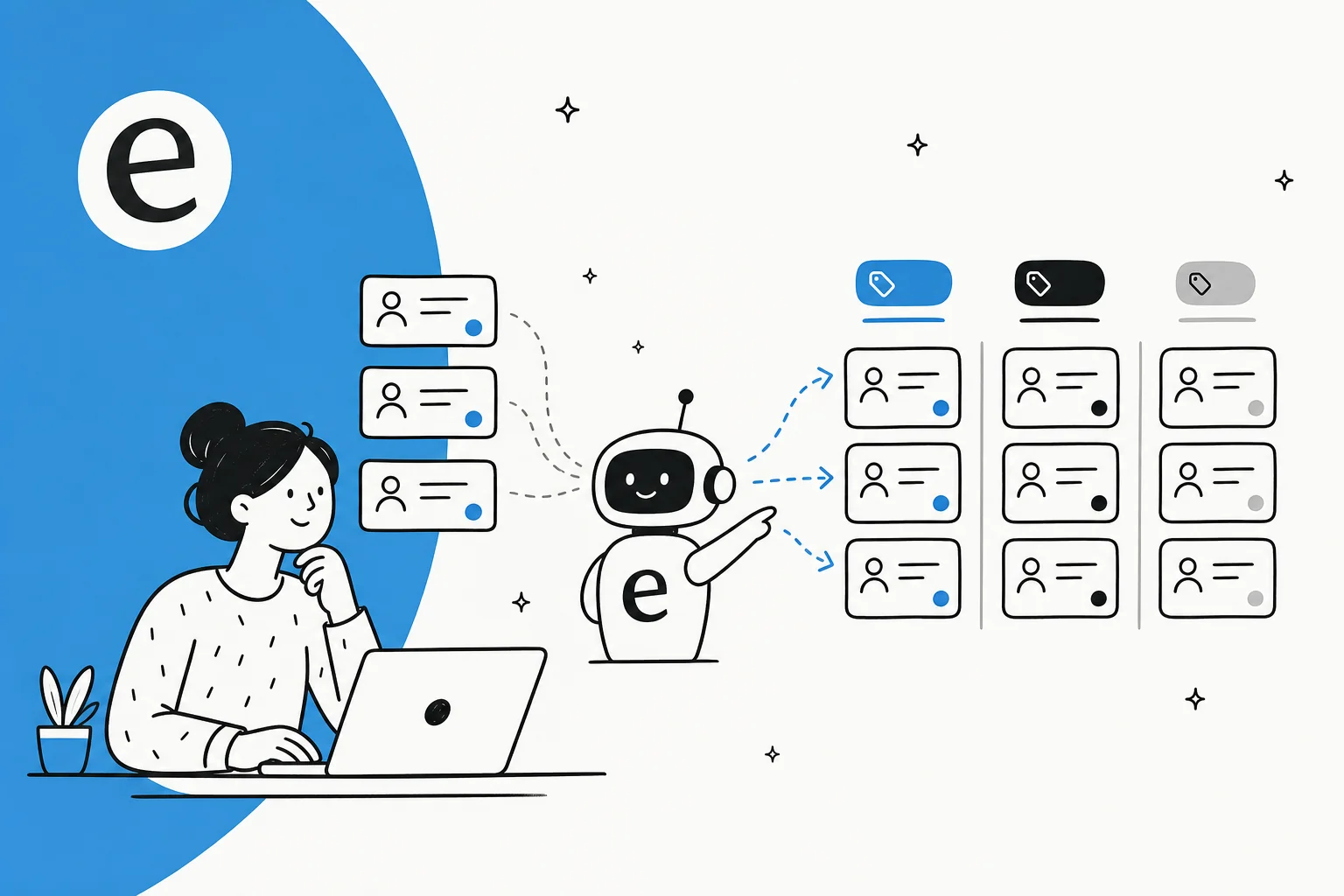
This is where specialized AI tools come in. At eesel AI, we focus specifically on AI for customer service, with native HubSpot Service Hub integration. Our AI Agent handles Tier 1 support across email, tickets, and chat. The AI Copilot drafts replies for your agents to review. And AI Triage automatically tags, routes, and closes tickets based on rules you define in plain English.

The difference is specialization. While HubSpot spreads AI across marketing, sales, and service, we focus entirely on support automation. For teams where customer service is mission-critical, this focus can mean better accuracy, faster resolution times, and higher customer satisfaction.
Our pricing starts at $299/month for the Team plan with 1,000 AI interactions, or $799/month for the Business plan with full AI Agent capabilities and 3,000 interactions. There's also a 7-day free trial to test everything before committing.
Choosing the right approach
The decision between HubSpot's built-in AI and specialized tools comes down to your priorities.
If you want simplicity and already use HubSpot, Breeze is the obvious choice. Everything works together, there's one vendor to deal with, and your team learns a single interface.
If support quality is business-critical and you're willing to integrate a specialized tool, solutions like eesel AI can deliver better results. The trade-off is managing another integration and training your team on another interface.
Many companies use both: HubSpot's AI for marketing and sales workflows, and specialized tools for support. The platforms integrate, so data flows between them.
The key is starting with your actual needs, not the technology. What problems are you trying to solve? Where are your biggest inefficiencies? Answer those questions first, then choose the tools that address them best.
Frequently Asked Questions
Share this post

Article by
Stevia Putri
Stevia Putri is a marketing generalist at eesel AI, where she helps turn powerful AI tools into stories that resonate. She’s driven by curiosity, clarity, and the human side of technology.