ClickUp sells itself as the one app to replace all your other work apps. It’s a big promise, and the idea of having tasks, docs, chat, and goals all in one place sounds pretty great. But as many teams are finding out, that "everything app" dream can come with a complicated and, frankly, frustrating price tag.
Recent billing changes have left some teams staring at bills that have jumped tenfold, causing a lot of confusion and anger. My goal here is to give you a clear, no-fluff breakdown of ClickUp pricing for 2026. I'll walk through the features, the real-world limits, and the hidden costs you should know about before you sign up.
What is ClickUp?
ClickUp’s tagline is "the everything app, for work." At its heart, it's a productivity platform trying to pull your team's entire workflow into one spot. It mixes together task management, document creation (they call them ClickUp Docs), chat, goal tracking, whiteboards, and a whole lot more into a single tool.
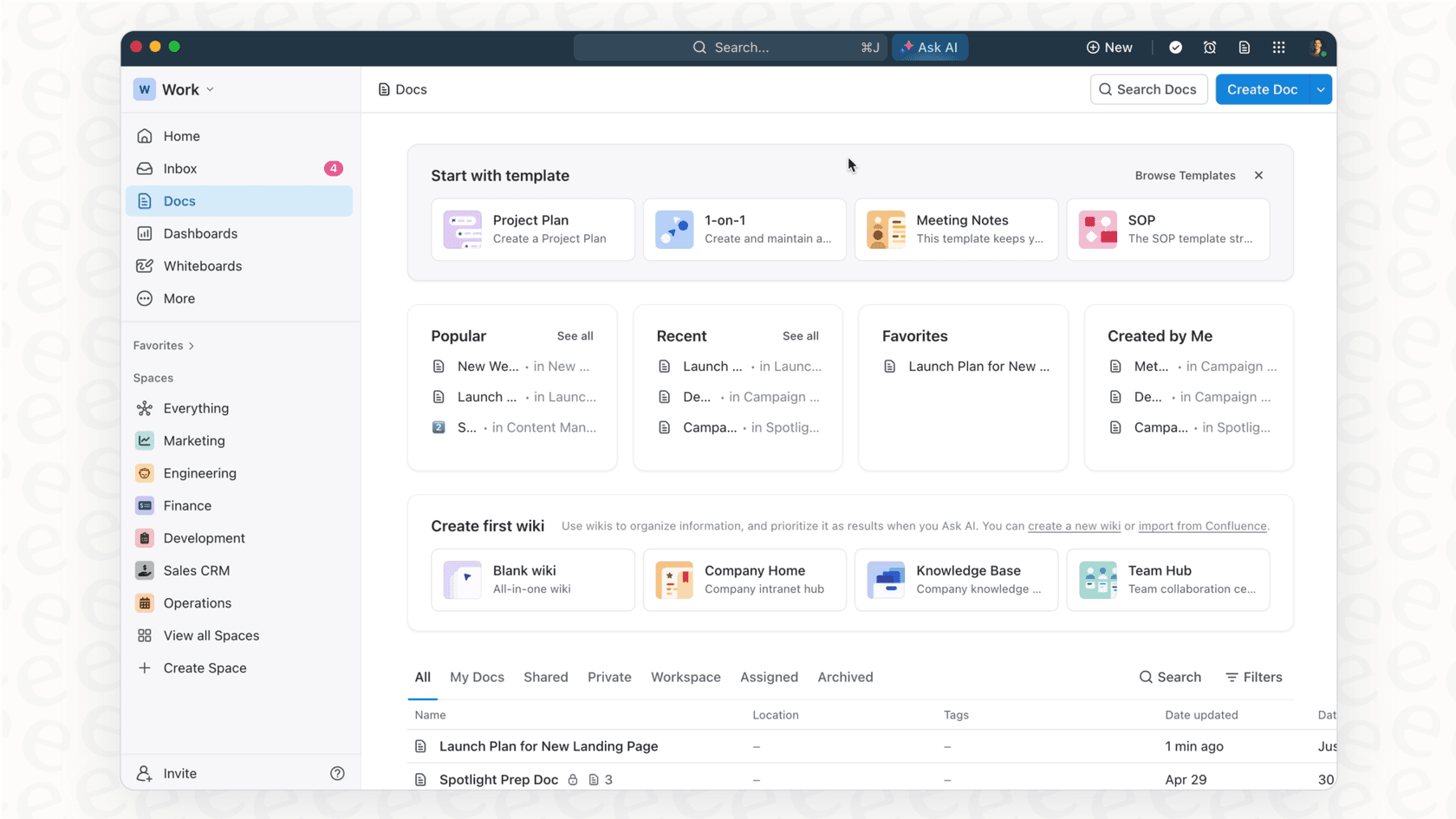
While having one place for all your work sounds powerful, this one-size-fits-all approach also makes things incredibly complex. The sheer number of features can be a lot to handle, and that complexity bleeds right into its pricing model.
Breaking down the plans for ClickUp pricing
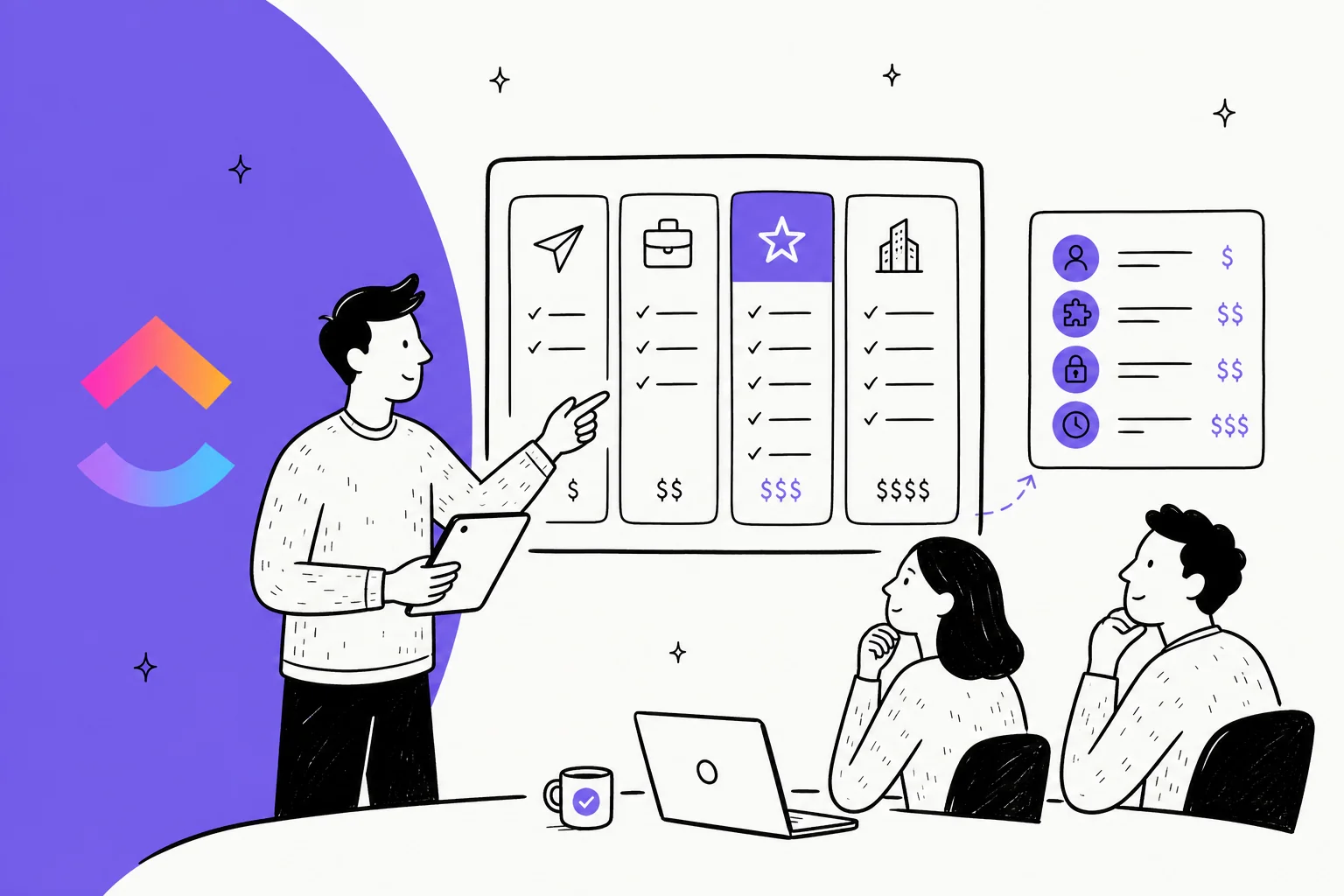
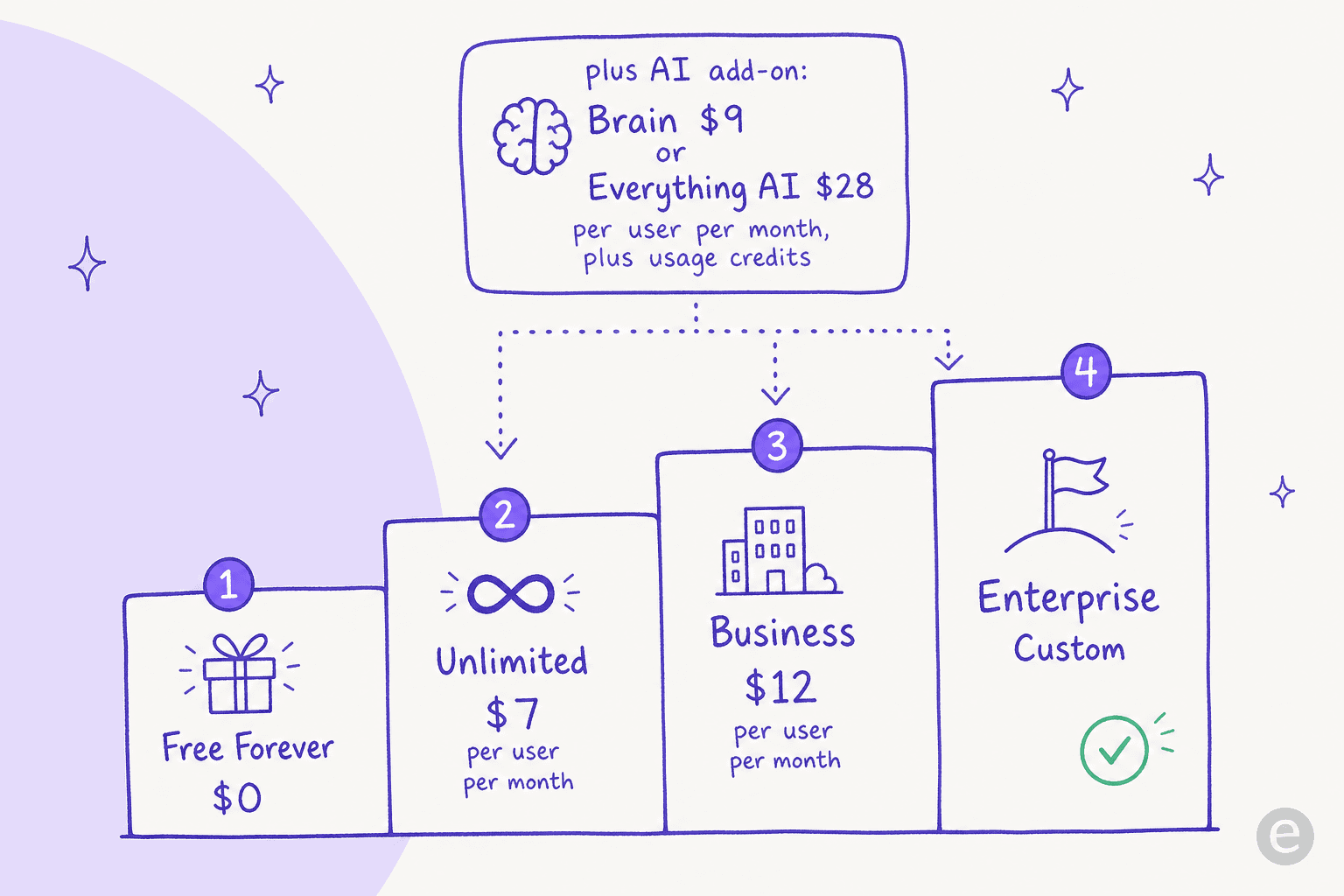
ClickUp has four main plans: Free Forever, Unlimited, Business, and Enterprise. You can also bolt on the ClickUp Brain AI add-on to any of the paid plans. Let's dig into what you actually get for your money.
| Plan | Pricing (Billed Annually) | Key Features | Major Limitations |
|---|---|---|---|
| Free Forever | $0 | Unlimited tasks & members, Docs, Boards | 60MB storage, 5 Spaces, 60 uses on key features |
| Unlimited | $7 per user/month | Unlimited storage & Spaces, Gantt charts | Limited automations, usage caps on some views |
| Business | $12 per user/month | Google SSO, advanced automations, workload management | No dedicated success manager or HIPAA |
| Enterprise | Custom | White labeling, HIPAA, dedicated support | Lengthy sales process, significant cost |
The free forever plan
-
Best for: Individuals, freelancers, or tiny teams who are just dipping their toes into project management software.
-
Key Features: You get unlimited tasks and can add unlimited members, which is pretty generous. It also includes collaborative docs and basic Kanban boards to get you started.
-
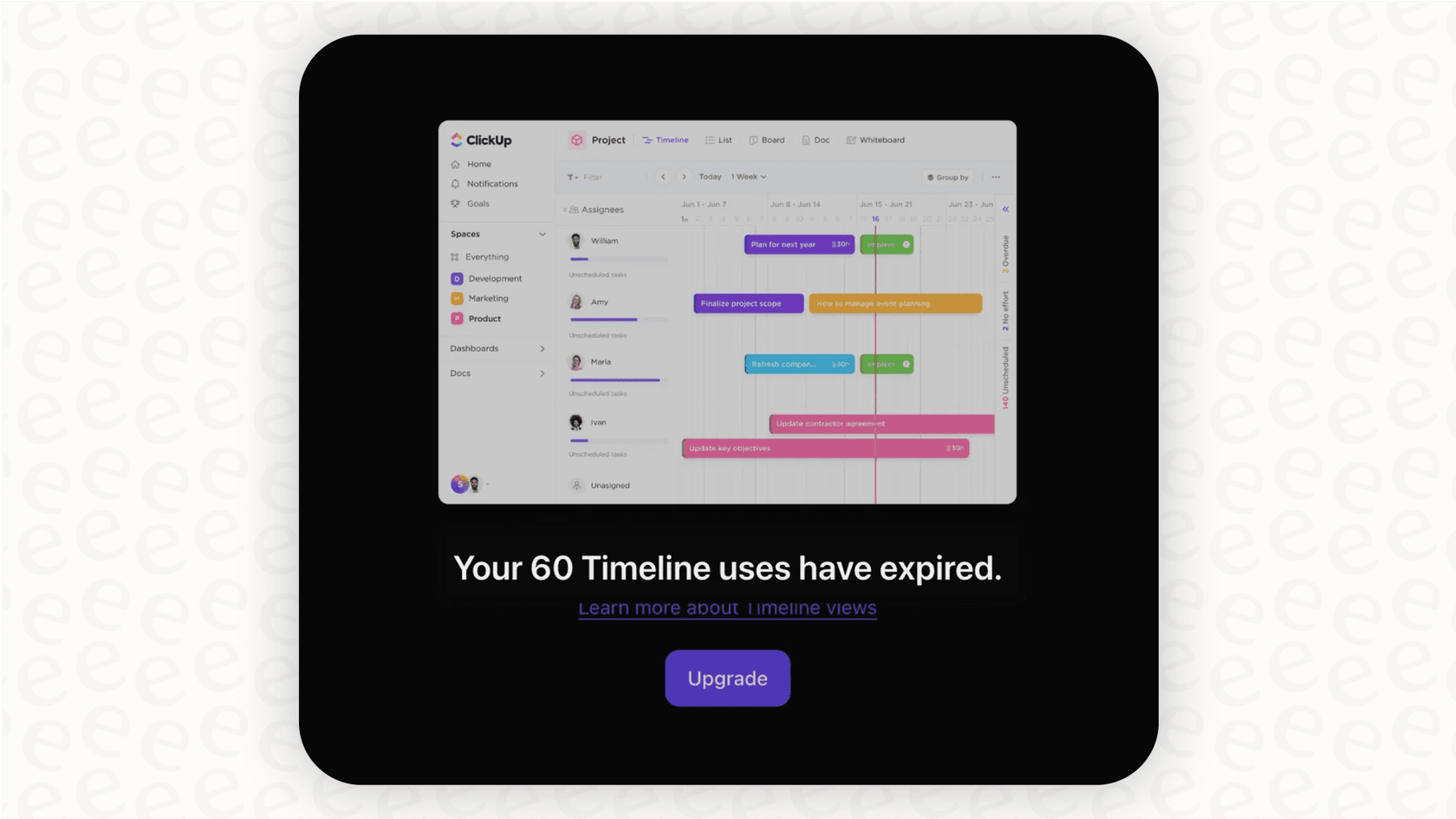
Limitations: This is where the free plan starts to feel, well, free. The limits are tight, and you'll probably hit them fast. You’re stuck with a tiny 60MB of storage, a maximum of five "Spaces" (ClickUp’s word for projects or departments), and a 60-use limit on important features like Custom Fields and Gantt Charts. It’s really more of an extended trial than a plan to run a business on.
The unlimited plan
-
Best for: Small teams that have outgrown the free plan and need more room to work.
-
Pricing: $10 per user/month if you pay monthly, or $7 per user/month if you pay for the year upfront.
-
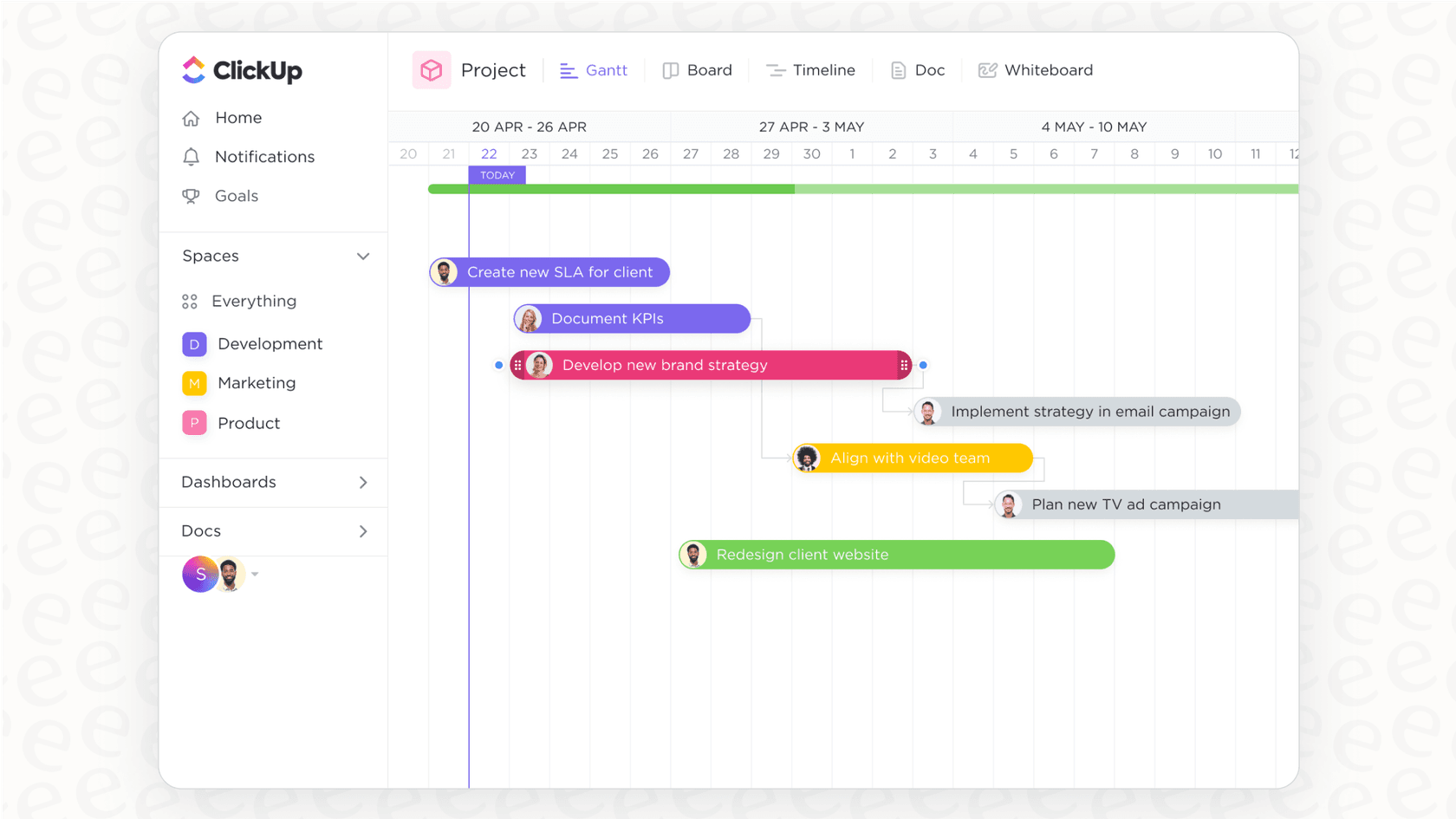
Key Features & Upgrades: The big wins here are unlimited storage, unlimited Spaces, and unlimited use of Gantt charts and custom fields. You also get more control over guest permissions.
-
Limitations: Even though you're paying, you're still boxed in. Things that growing teams really need, like advanced automations and workload management, are locked away in the next tier. The plan also caps your usage of mind maps and certain views, which can be a real pain when you're in the middle of a project.
The business plan
-
Best for: Mid-sized teams that need better controls, security, and automation.
-
Pricing: $19 per user/month on the monthly plan, or $12 per user/month on the annual plan.
-
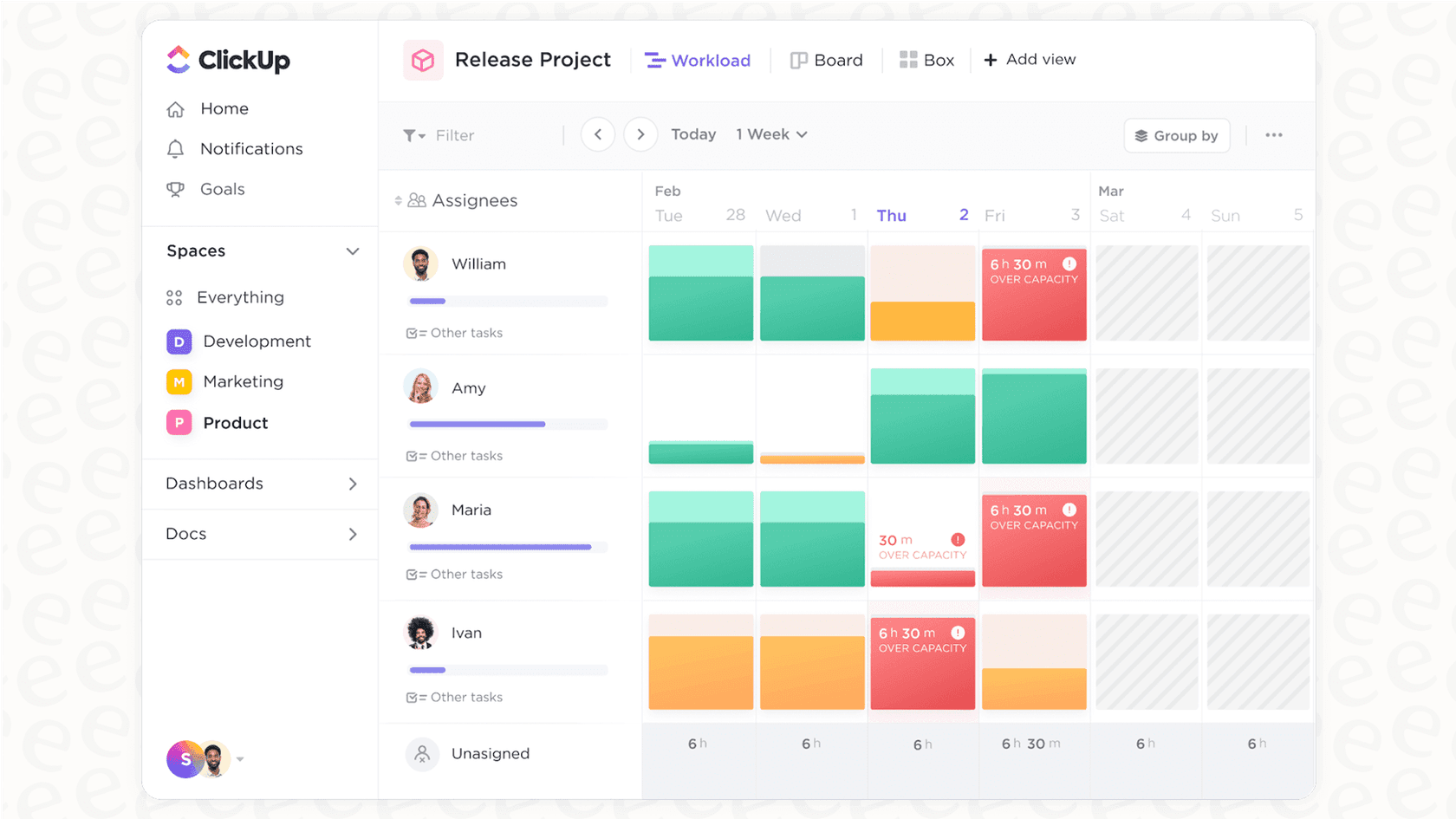
Key Features & Upgrades: This plan gets you Google SSO, unlimited "Teams" (which are just user groups), better automations, workload management to see who's swamped, and advanced time tracking.
-
Limitations: It's a solid step up, but it’s still missing true enterprise-level stuff like HIPAA compliance, a dedicated person to help you succeed, or advanced user permissioning. The per-user cost also starts to add up fast, making it a hefty monthly expense for bigger teams.
The enterprise plan
-
Best for: Large companies with serious security, compliance, and support demands.
-
Pricing: You have to get on the phone with their sales team for a custom quote.
-
Key Features & Upgrades: This is the "everything" plan. It includes all the Business features plus white labeling, advanced permissions, a more powerful API, a dedicated success manager, and HIPAA compliance.
-
The catch: "Contact Sales" is usually code for "this is going to be expensive and take a while." It’s not a great choice for teams that just want to sign up and get going without a few weeks of demos and back-and-forth negotiations.
The AI add-on (ClickUp Brain)
-
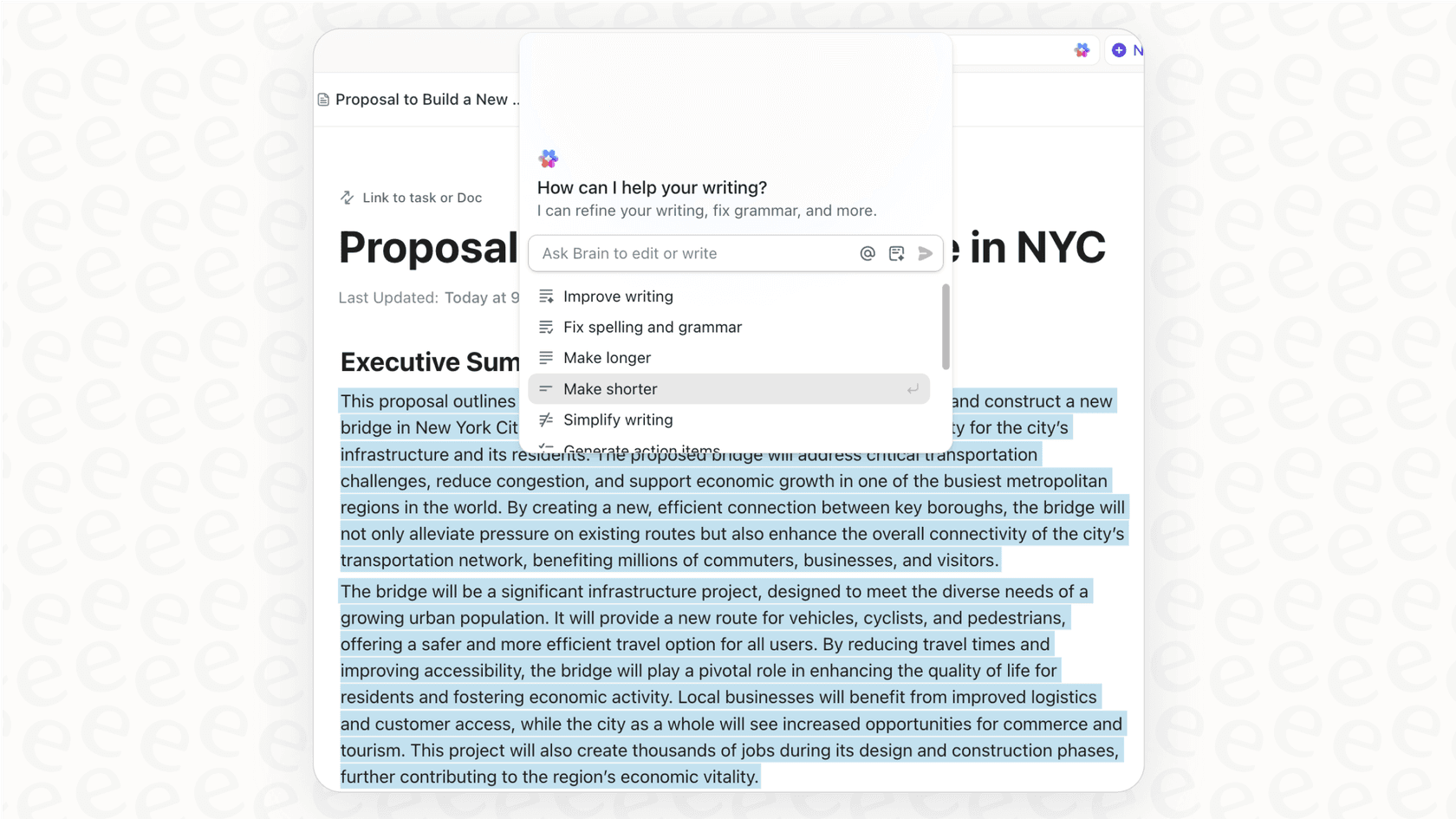
Pricing: The old flat $7 AI add-on is gone. ClickUp's AI is now ClickUp Brain, split into two tiers stacked on top of a paid plan: Brain AI at $9 per user/month and Everything AI at $28 per user/month. On top of the seat fee, heavier features (Super Agents, AI automations, image generation) draw down a pool of AI Super Credits, priced around $0.001 each, or $10 per 10,000.
-
Functionality: Brain AI covers the assistant, AI chat across Claude, ChatGPT and Gemini, AI writing, and enterprise search. Everything AI layers on the agentic suite, an AI notetaker, and unlimited AI fields and automations. It's a real capability jump, but it's also the clearest sign of what frustrates long-time users: ClickUp keeps shipping shiny AI while the per-seat-plus-credits model makes the bill harder to predict, not easier. I dig into whether it pays off in my ClickUp AI pricing breakdown.
The hidden costs of ClickUp pricing
The price on the website is just the beginning. The real cost of using ClickUp can be buried in the fine print and the platform’s own complexity.
How confusing user roles affect ClickUp pricing
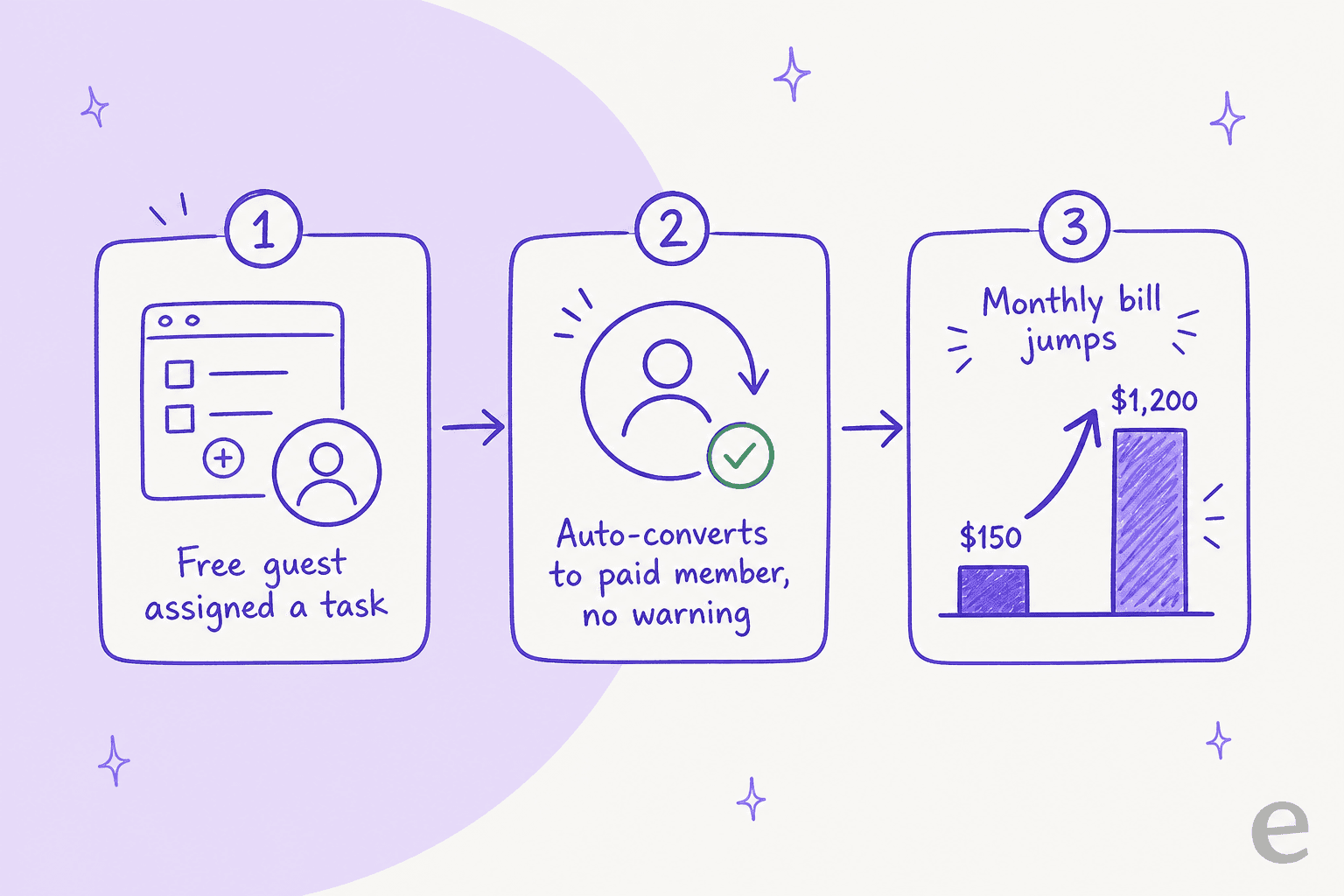
One of the biggest gripes you'll see from ClickUp users is about the confusing difference between "members" and "guests." This isn't just a small detail, it's the reason people get hit with huge, unexpected bills. One user on Reddit shared how their bill shot up from $150 to nearly $1,200 overnight with no warning.
The problem is that a simple, everyday action, like assigning a task to a contractor, can automatically flip that free "guest" into a full-paid "member," adding another seat to your monthly bill. There's no pop-up, no confirmation email. You usually don't realize what happened until the invoice arrives. A pricing model that punishes you for collaborating feels broken.
How feature bloat impacts the value of ClickUp pricing
There's a feeling among long-time users that ClickUp would rather launch new features than fix old ones. AI tools and new views look cool in marketing demos, but in the real world, users are struggling with a platform that can be slow, laggy, and buggy. One person mentioned that the time tracker, a basic feature you need for billing clients, would just randomly delete hours of logged time.
When you can't rely on your project management tool to do the basics, it doesn't matter how many shiny objects it offers. An "everything app" can easily become a master of none, causing more headaches than it solves. If you're weighing ClickUp against a leaner tool, I compare it directly in ClickUp vs Notion. I also put it head-to-head in ClickUp vs Linear.
Is an 'everything app' the right home for your knowledge?
A lot of teams, like the one in that Reddit thread, move years of documents and company knowledge into ClickUp to build a central wiki. It makes sense on the surface, but this approach has some big downsides.
The problem with wikis inside a project tool
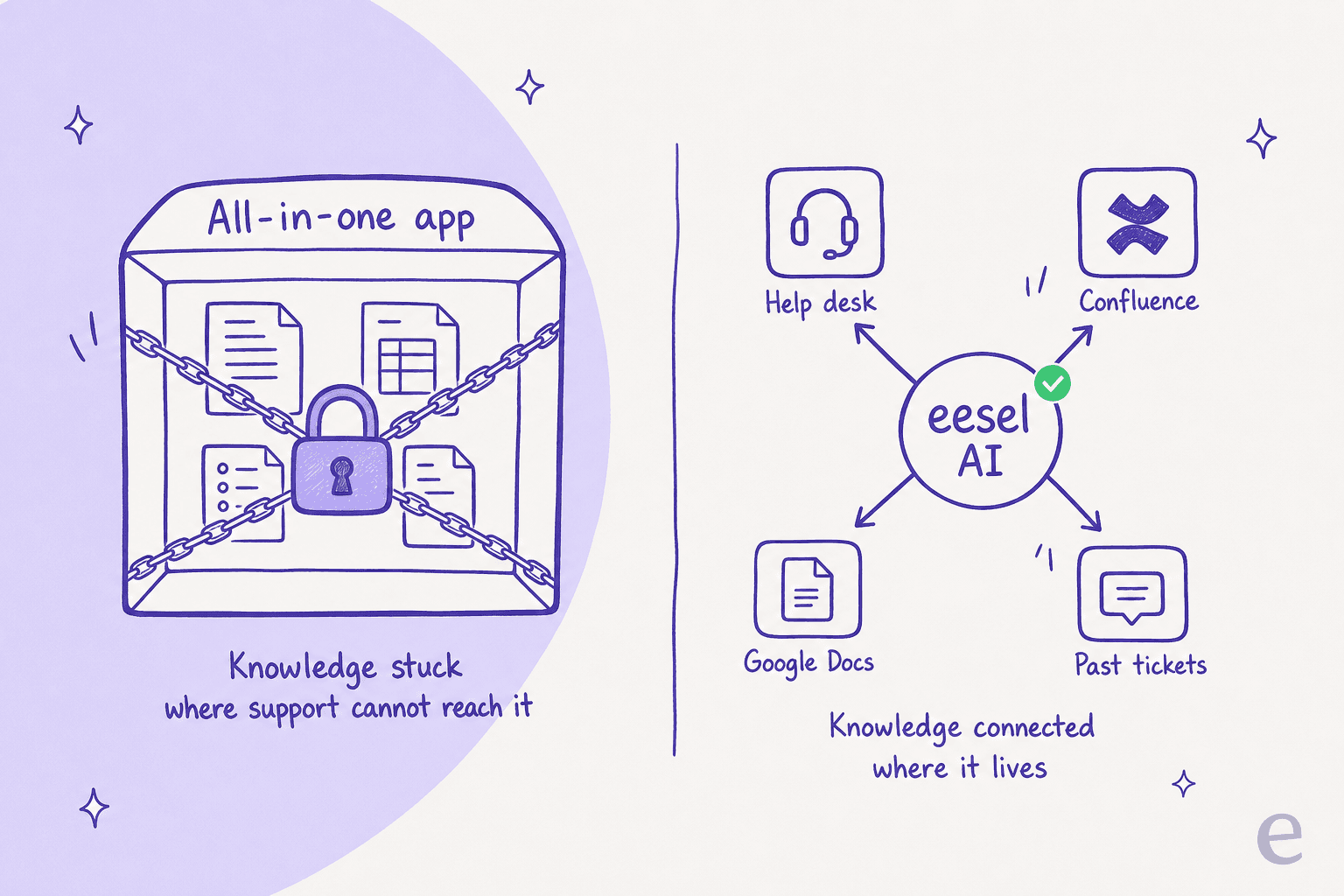
When you build your knowledge base inside a project management tool, that information gets stuck there. It's trapped inside ClickUp, making it hard for your support agents to quickly find answers while they're working in their help desk (like Zendesk or Freshdesk). As the tool gets cluttered with projects and tasks, finding the right doc becomes a real chore. More importantly, the knowledge isn't set up in a way that’s actually useful for powering a customer-facing AI chatbot.
Unify your knowledge without replacing your tools
Instead of trying to cram all of your company knowledge into one massive, complicated tool, a better idea is to use a platform that’s built to connect your knowledge from wherever it already lives.
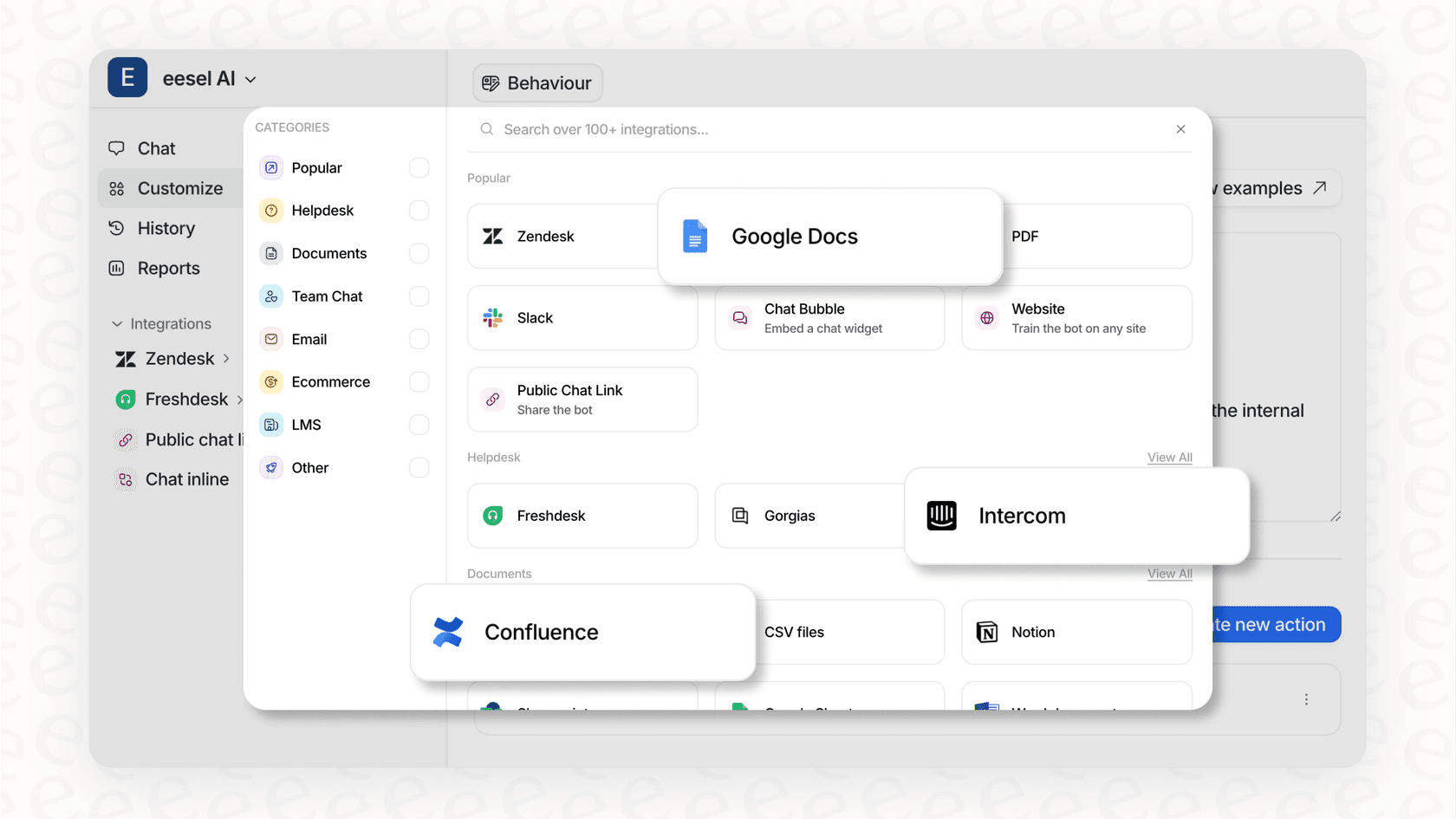
This is where a tool like eesel AI comes into the picture. Rather than making you move everything, eesel AI connects to the tools you already use, whether your knowledge is in Confluence, Google Docs, old support tickets, or even ClickUp itself. It works as a smart layer on top of your existing setup, giving you a few key benefits:
- You can be up and running in minutes, not months. eesel AI uses one-click connections to plug into your help desk and knowledge sources. You don't have to "rip and replace" anything. You can set it all up yourself without ever talking to a salesperson.
-
The pricing is transparent and predictable. Unlike the billing surprises you can get with ClickUp, eesel AI has a straightforward pricing model based on your needs, with no per-resolution fees. You'll never get a bigger bill just because you had a busy support month.
-
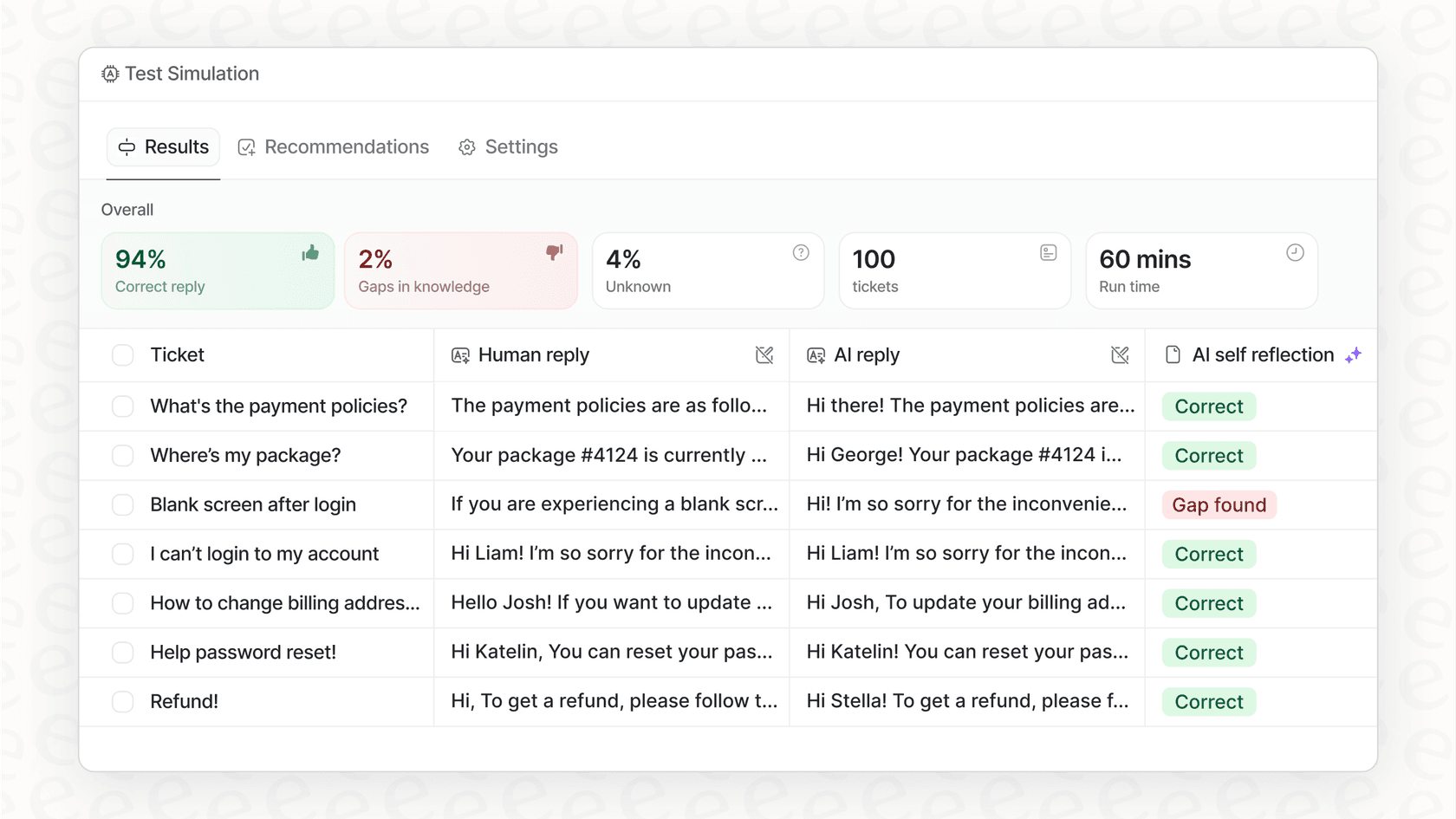
You have total control and can see how it works. Before you go live, you can run simulations on thousands of your past tickets. This shows you exactly how the AI will perform, what your resolution rate will look like, and where your knowledge gaps are. You can start small by automating just one type of ticket and grow from there.
Is ClickUp pricing right for your team?
ClickUp is a powerful platform, no doubt. But its "everything" approach brings a lot of complexity, stability issues, and costs. The pricing can feel like a minefield of confusing user roles and surprise charges, leaving you with a tool that might be making more work for you.
The idea of an all-in-one solution is tempting, but it's worth asking if one bloated platform is really better than a handful of great tools that are each best-in-class at what they do. For something as critical as customer support and knowledge management, relying on a system that wasn't designed for it can be a risky bet.
If you're looking to actually use the knowledge scattered across your tools and automate support without the headaches and unpredictable costs, take a look at how eesel AI can help you launch a powerful AI agent in minutes.
Frequently asked questions
What are the primary plan options available when we look at ClickUp pricing?
ClickUp offers four main plans: Free Forever, Unlimited, Business, and Enterprise. Each plan scales up in features and capabilities, with the Free Forever plan being quite limited. AI sits separately as the ClickUp AI workspace add-on.
How can confusing user roles, like guests becoming members, impact our actual ClickUp pricing?
A significant concern is that a guest can automatically convert to a full-paid member without warning, leading to unexpected and substantially higher bills. This can dramatically increase your monthly expenses without explicit consent.
Is the Free Forever plan truly sustainable, or what are its key limitations concerning ClickUp pricing?
The Free Forever plan is more of an extended trial due to strict limits, including only 60MB storage, 5 Spaces, and 60 uses for key features like Custom Fields. Most growing teams will quickly outgrow it.
What is the cost of the AI add-on, and how does it factor into the overall ClickUp pricing?
ClickUp's AI is now sold as ClickUp Brain. The Brain AI plan runs $9 per user/month and Everything AI runs $28 per user/month, both on top of a paid plan, and heavier features draw down a pool of usage-based AI Super Credits. That's a sharp jump from the old flat $7 add-on, so factor it into your ClickUp AI pricing math.
For a mid-sized team, what are the distinct advantages of the Business plan within ClickUp pricing compared to the Unlimited plan?
The Business plan offers crucial upgrades for mid-sized teams, including Google SSO, unlimited "Teams," advanced automations, and workload management. These features provide better security, organization, and resource allocation than the Unlimited plan.
How transparent and predictable is ClickUp pricing compared to alternative knowledge management solutions?
ClickUp pricing can be complex and unpredictable, especially with sudden billing changes tied to user roles and the new credit-metered AI. Alternatives like eesel AI aim for more transparent, predictable models without per-resolution fees or surprise charges, so your resolution rate can climb without your bill doing the same.
Does the "everything app" approach of ClickUp justify its ClickUp pricing model, especially for teams seeking a central knowledge base?
While tempting, the "everything app" approach often leads to feature bloat, performance issues, and complex pricing, making it challenging to use as a reliable, central knowledge base. Knowledge can become trapped and hard to access for specific functions like a knowledge base chatbot or a customer-facing AI agent.


Article by
Kurnia Kharisma
Kurnia is a software engineer and writer at eesel AI with two years of SEO experience, writing about AI tools, helpdesk software, and customer support. He pairs a developer's understanding of how these products are built with search-driven research into what actually ranks and resonates with the people searching for them.