Blog
Tips, guides, and insights on AI teammates, smarter support, and building better teams.

Zendesk AI Agents Advanced: what changed in 2026
Zendesk AI Agents Advanced is legacy packaging. Understand what moved into the current experience and which accounts must migrate.
 Stevia PutriSep 8, 2026
Zendesk AI Agents Essential: what changes before December 2026
Identify Essential or legacy agents, plan their replacement, check knowledge and handoffs, and review an eesel teammate from the terminal.
Stevia PutriSep 8, 2026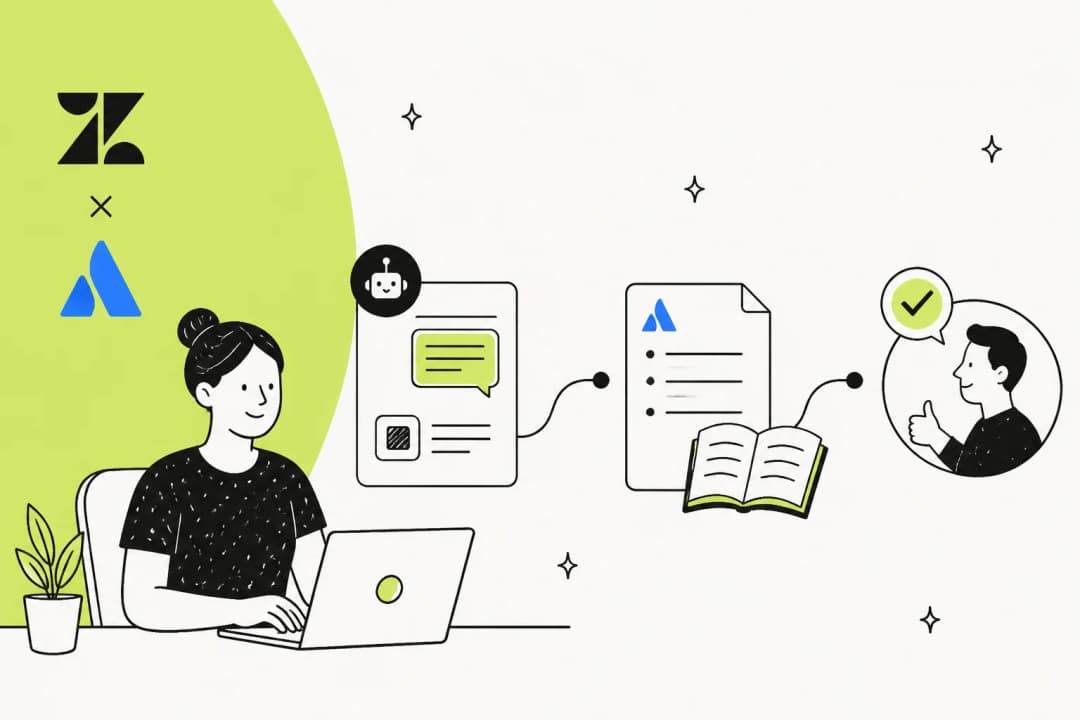
Zendesk AI Confluence integration: two routes to connect your wiki
Zendesk's AI grounds on your help center by default. Here are the two ways to point it at your Confluence wiki in 2026, and what each one really costs.
 Rama Adi NugrahaSep 7, 2026
AI for Zendesk: how to add AI agents to your queue in 2026
Two ways to add AI for Zendesk in 2026: Zendesk's native AI agents (billed per resolution) or a third-party layer like eesel that joins your queue.
Rama Adi NugrahaSep 4, 2026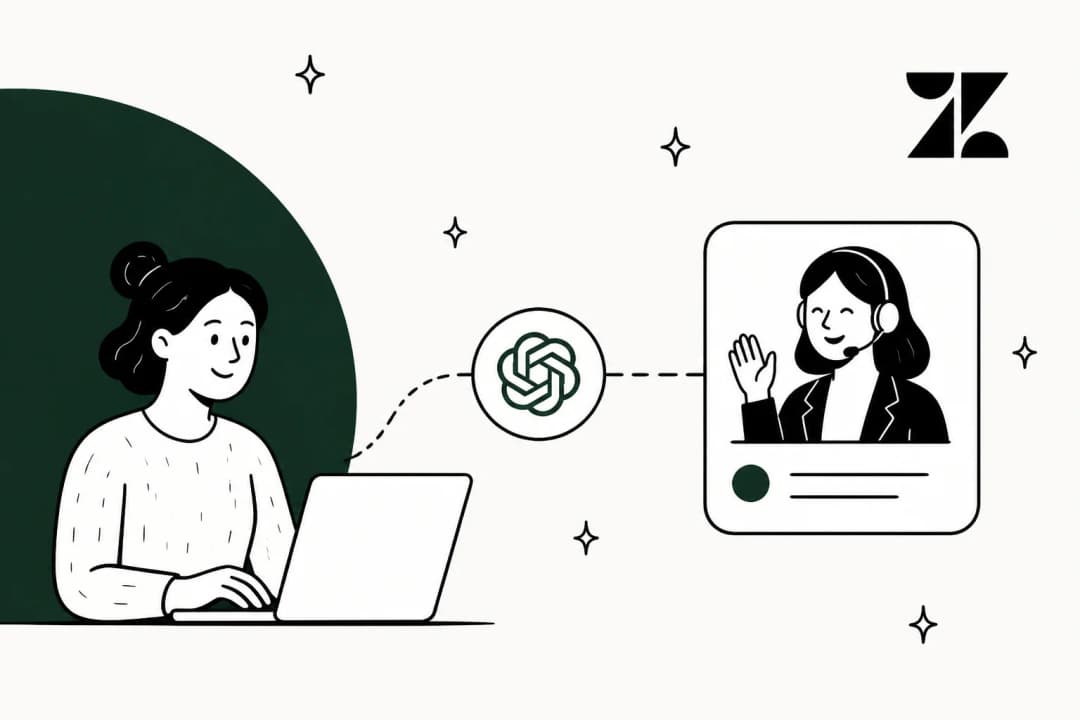
ChatGPT for Zendesk: the four routes in, and what each actually does
There are four ways to get ChatGPT into Zendesk, and two of them are already there. Here is what each route does, what it costs, and which one actually answers a customer.
Rama Adi NugrahaSep 4, 2026
Zendesk AI in 2026: Features, pricing, limits, and verdict
An independent review of Zendesk AI in 2026, including its AI agents, Copilot, pricing, plan limits, setup, knowledge sources, and best-fit teams.
 Kurnia Kharisma Agung SamiadjieAug 13, 2026
Claude for Zendesk: 4 ways to connect them in 2026 (and what each costs)
Anthropic ships no Zendesk app. Here are the four real routes for Claude in Zendesk, the limits nobody puts on the landing page, and what each one costs.
Rama Adi NugrahaAug 12, 2026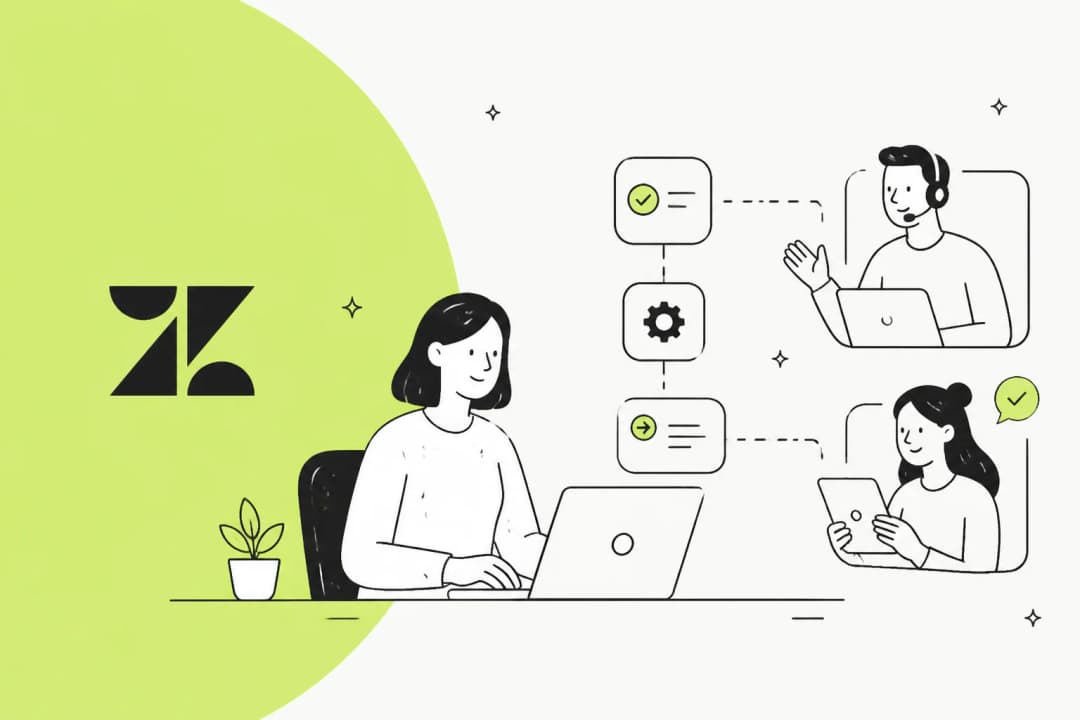
Zendesk automations explained: features, limitations, and alternatives
A plain-English guide to Zendesk automations: how triggers, automations, and macros actually work, where the native rules engine hits its limits, and the alternatives.
 Alicia Kirana UtomoAug 11, 2026
The 7 best free Zendesk alternatives in 2026
Seven free Zendesk alternatives, checked against the live pricing pages. What each free tier actually meters, which tools replace Zendesk and which sit on top of it, and what you pay the month you outgrow free.
 Riellvriany IndriawanAug 11, 2026
Ready to hire your AI teammate?
Set up in minutes. No credit card required.