A complete guide to Zendesk Talk call recording and compliance

Kenneth Pangan

Stanley Nicholas
Last edited February 6, 2026
Expert Verified

"This call may be recorded for quality and training purposes." We've all heard it a million times. It's the classic opening for just about any support call. If your team uses Zendesk Talk, you know that recording calls is key for training agents, improving service, and just keeping good records.
However, enabling call recording is just the first step. Understanding its features, maintaining legal standards, and managing compliance requires careful attention and is not a "set it and forget it" process.
That's why we wrote this guide. We'll break down everything you need to know about Zendesk Talk's recording features. We’ll look at what it can do, the major compliance risks (especially with credit card details), and what it actually costs. By the end, you'll know how to use it effectively without getting into trouble.
What is Zendesk Talk?
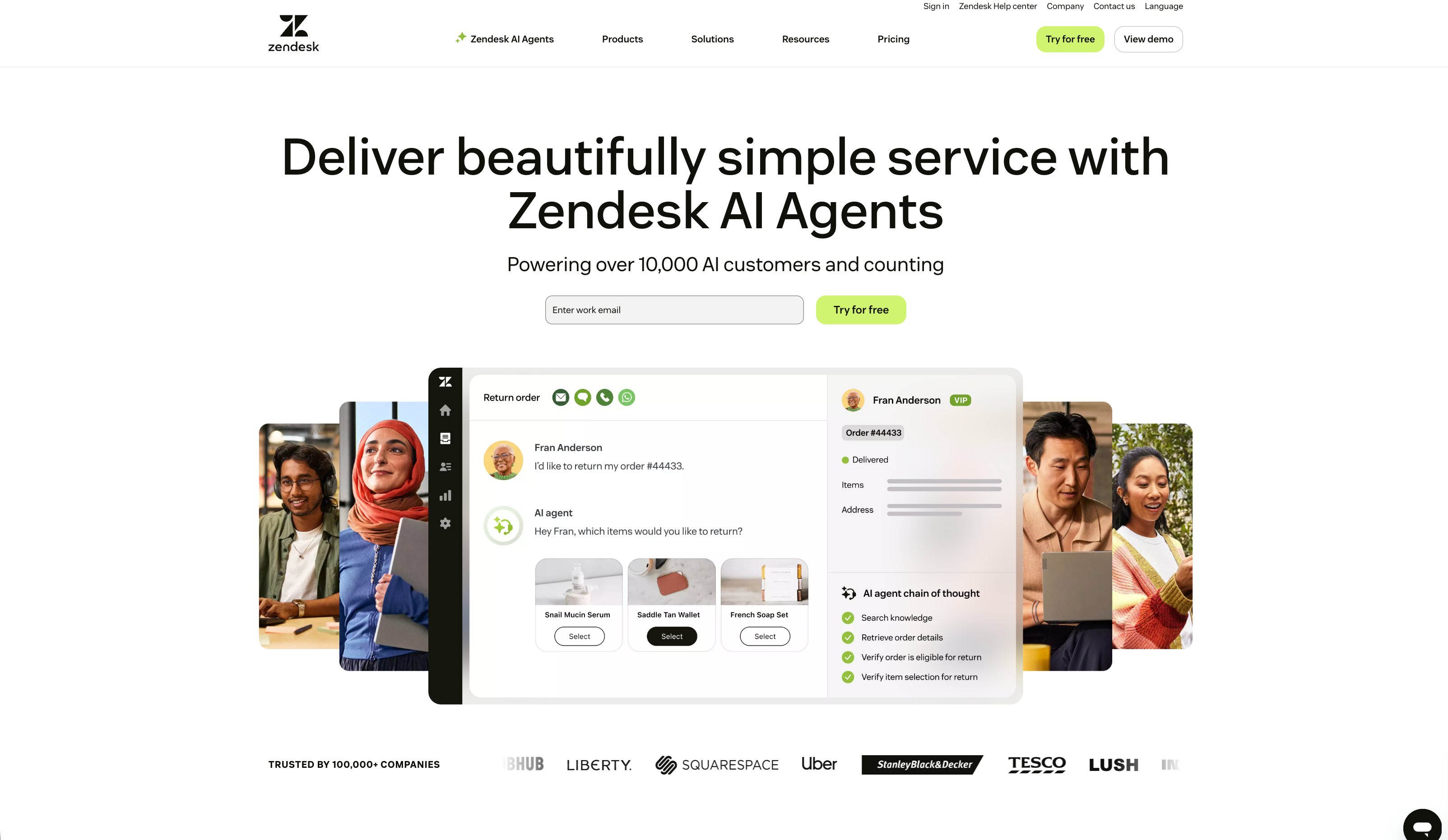
First, let's be clear on what Zendesk Talk is. It's not a separate phone app. It’s a cloud-based VoIP phone system built directly into the Zendesk Service platform. Basically, it's the voice part of Zendesk's all-in-one support setup.
The whole point is to keep all your customer conversations in one spot. Your team can make and receive calls from the same dashboard where they manage emails, chats, and social media. Every call automatically becomes a ticket, so the customer's entire history, whether by phone or text, is in one continuous timeline. This gives agents the full story without needing to jump between different systems.
Key features for Zendesk Talk call recording
Zendesk gives you a decent set of tools to manage call recordings, but you need to know the specifics to use them right. Let’s break down what you can and can’t do.
Configuring call recording options
You'll find the recording settings in the Admin Center, where you can set them up for each phone number you own. This is handy if you work in different places with different rules.
Here are your main options:
- Always record calls: Pretty self-explanatory. It records all incoming and outgoing calls by default.
- Caller must opt-in: The call won't be recorded until the caller agrees. Your greeting needs to ask them to press "3" to give consent.
- Caller must opt-out: Calls are recorded automatically unless the caller objects. Your greeting has to let them know they can press "3" to stop the recording.
- Do not record calls: This turns off call recording completely for that number.
An infographic detailing the four main settings for Zendesk Talk call recording and compliance: always record, opt-in, opt-out, and do not record.
You can also let agents pause and resume recordings mid-call. This is a big deal for compliance (more on that soon), but be aware: this feature is only on Suite Professional plans or higher. If you're on a cheaper plan, you can't pause recordings.
What gets recorded (and what does not)
It's also really important to know which parts of a call are actually being recorded. Based on Zendesk's official documentation, here's what happens:
- What gets recorded: Voicemails, calls that an agent picks up, and the part of a call that gets transferred to an outside number (unless you disable it).
- What doesn't get recorded: Time a caller is on hold, chats between two agents during a warm transfer, and any calls sent to an external number straight from an IVR menu.
An infographic comparing what is and is not captured by Zendesk Talk call recording and compliance, including voicemails, hold time, and transfers.
It is important to note that Zendesk Talk does not record the conversation between agents during a warm transfer. This creates a gap for quality control purposes. A manager reviewing a call will hear the first agent, then a period of silence, followed by the second agent. The handover portion of the interaction is not captured, which can make it challenging to review the full customer journey or coach agents on transfer protocols.
Navigating call recording compliance
Here's where things get serious. Zendesk provides the recording tools, but they make it crystal clear in their documentation that the legal responsibility for using them correctly is 100% on you.
Legal consent and regional laws
Call recording laws are all over the place, depending on your location and your customer's location. In the U.S., some states are "one-party consent," where only one person on the call (like your agent) needs to know it's being recorded. Others are "two-party consent," meaning you have to tell everyone.
For instance, the California Invasion of Privacy Act is famously strict and demands clear notification for everyone involved. If you serve customers worldwide, you've got international laws like GDPR in Europe to worry about too. The safest move is to just act like two-party consent is the rule everywhere. That means always having a greeting that announces the recording and offers an opt-out.
The challenge of PCI compliance
This is a huge deal for any company that takes payments over the phone. The Payment Card Industry Data Security Standard (PCI DSS) is very clear: you cannot store sensitive payment info like credit card numbers, CVVs, or expiration dates. If your call recordings capture this stuff, you're non-compliant and could face serious fines.

The issue is that Zendesk Talk records the whole conversation by default. This has been a topic of discussion among users. For example, one person on a Zendesk community forum mentioned they "chose to disable the feature" due to concerns about PCI compliance.
So what are your options? Zendesk gives you two main ways to deal with this:
- Manual Pausing: If you're on the Suite Professional plan or higher, your agents can manually pause the recording before taking payment details and resume it after. This approach relies on agents manually pausing the recording at the correct time. If an agent forgets to do so, sensitive data could be captured in the recording.
- Automated Transcript Redaction: If you're on an Enterprise plan, you can buy the Advanced Data Privacy and Protection add-on. This tool automatically removes PCI data from call transcripts. But notice the important word there: transcripts. It doesn't do anything to the audio file. The sensitive information is still in the recording, which can still be a compliance problem.
An infographic comparing manual pausing vs. automated redaction for Zendesk Talk call recording and compliance with PCI standards.
This presents businesses with a choice. The manual option depends on agent diligence, while the automated option is available as an add-on and redacts transcripts. Because of these considerations, some companies explore third-party apps like CallN that offer features like automatic pausing and resuming of recordings for PCI compliance.
Zendesk Talk pricing and plans
You can't just buy Zendesk Talk on its own; it comes as part of the Zendesk Suite plans. And the features you get, especially the important ones for compliance, are tied to the plan you choose.
The option for agents to manually pause and resume recordings, the most basic way to stay PCI compliant, is only available starting with the Suite Professional plan. That'll set you back $115 per agent per month, billed annually.
If you want the automated transcript redaction, you'll need the Suite Enterprise plan plus the Advanced Data Privacy and Protection add-on. That brings the total to about $219 per agent per month ($169 for the plan and $50 for the add-on).
And don't forget, you also have to pay for your phone numbers and the per-minute cost of calls, which can definitely add up.
Here’s a quick breakdown of the plans:
| Plan | Annual Price (per agent/mo) | Key Voice & Compliance Features |
|---|---|---|
| Suite Team | $55 | Basic call recording, automatic ticket creation. |
| Suite Professional | $115 | IVR, call monitoring, conference calling, manual agent recording controls. |
| Suite Enterprise | $169 | Everything in Professional, plus advanced reporting and custom roles. |
| Enterprise + Add-on | $219 ($169 + $50) | Includes automated redaction for call transcripts. |
How AI can supplement call recording and compliance
So, instead of just recording more calls and dealing with all the risks, what if there was a better way to hit your goals for quality, training, and customer insights? This is where AI can make a real difference.
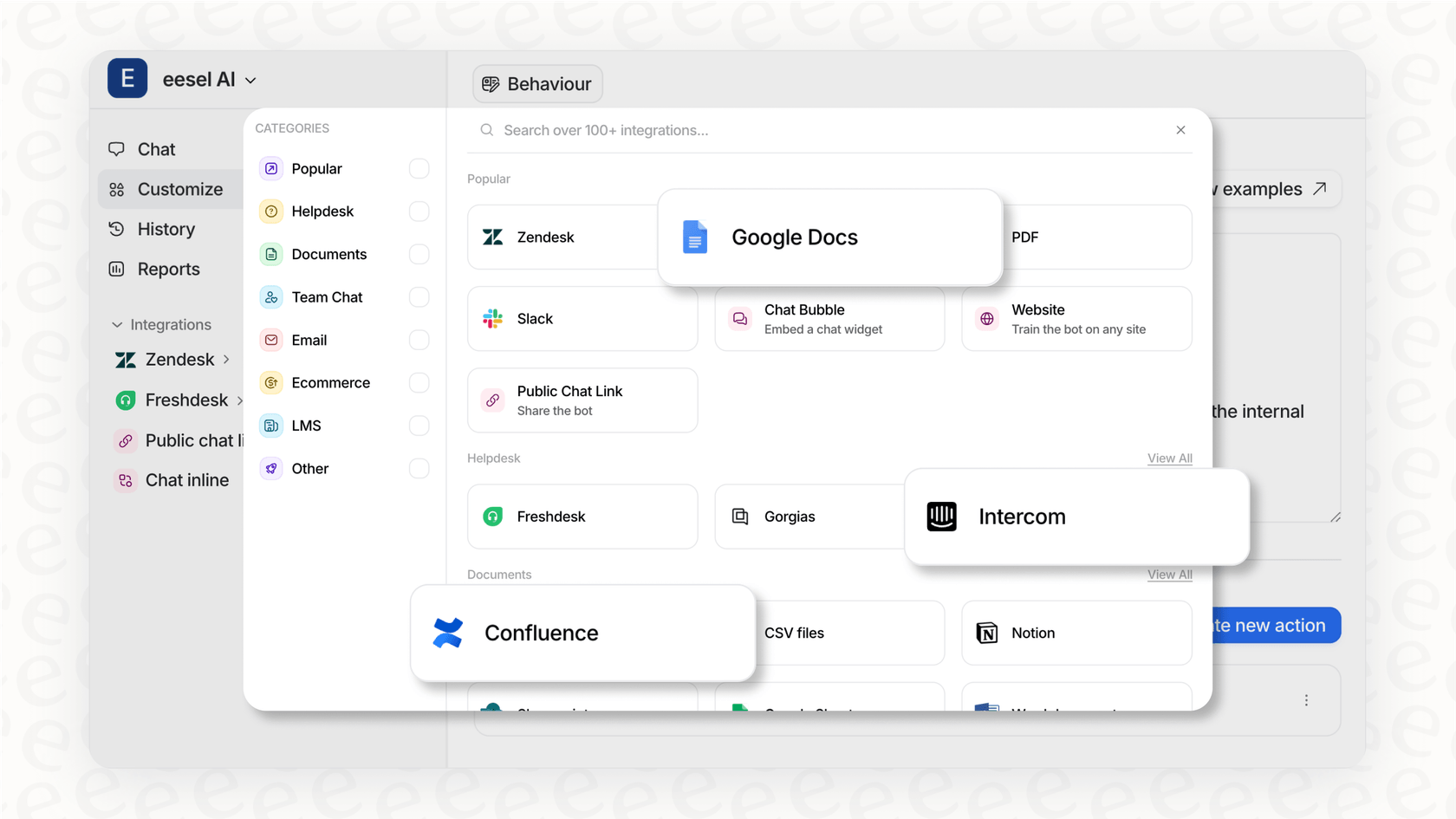
An AI teammate like eesel AI can connect to your help desk (like Zendesk) and learn from all your past conversations, including call transcripts. It goes beyond just recording, it actually understands the content.
Automate quality assurance and insight discovery
Listening to a random 5% of calls to check quality is slow and you're likely to miss the real problems. eesel AI can analyze all of your call transcripts automatically. It can spot topics, identify trends (like a sudden increase in questions about a new feature), and measure customer sentiment. This gives managers a full picture of what's going on, so they can spend their time coaching and making improvements instead of digging for issues. Eesel AI Triage for Zendesk Talk Call Recording and Compliance
The eesel AI Triage dashboard automating quality assurance for Zendesk Talk call recording and compliance by analyzing transcripts.
Reduce compliance risk by deflecting sensitive interactions
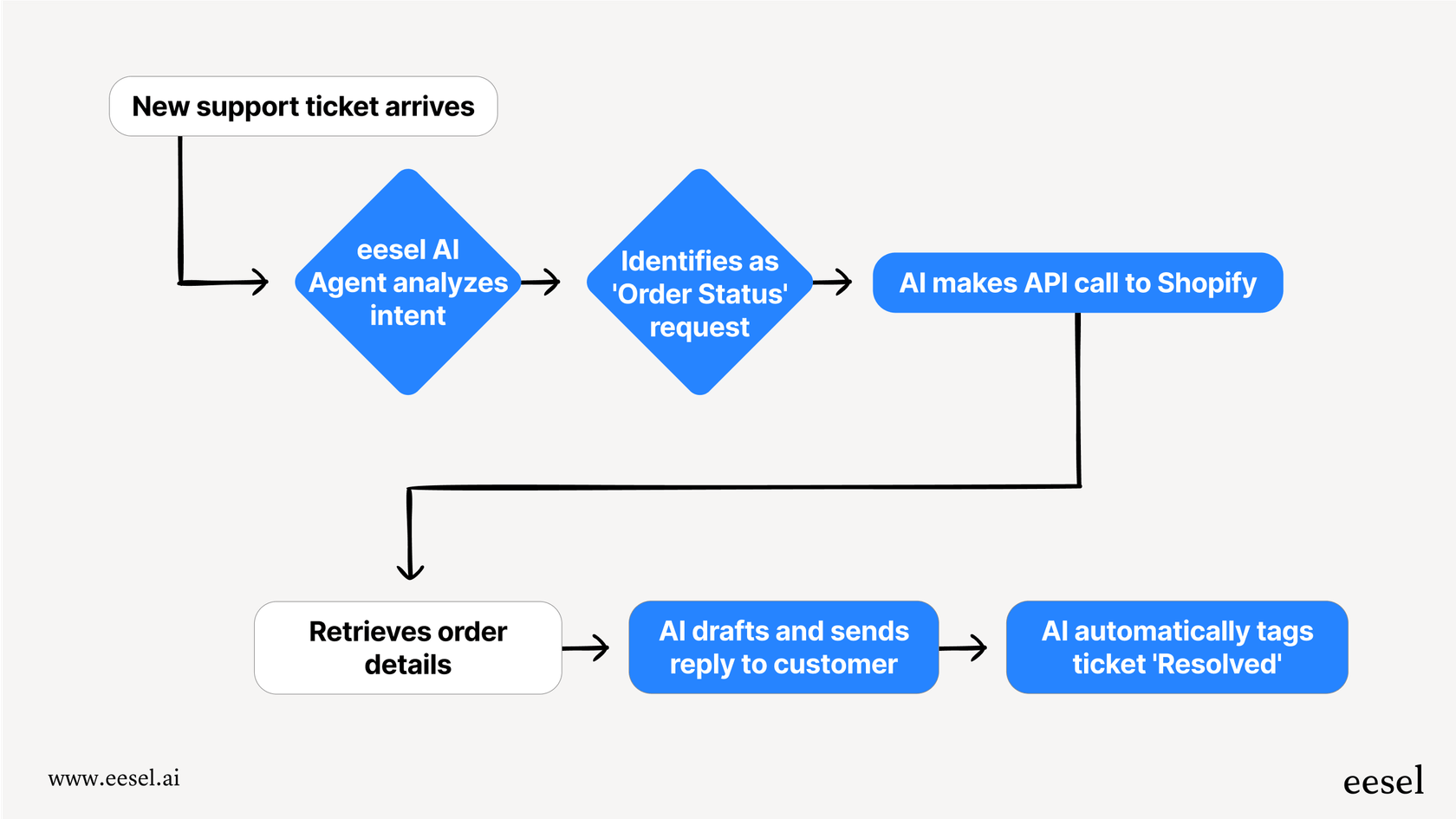
The best way to deal with sensitive data is to not handle it in the first place. An eesel AI Agent can solve common customer problems on its own through channels like email and chat. By handling these questions before they turn into phone calls, you drastically cut down on how often sensitive information gets shared. For e-commerce stores, eesel's Shopify integration can even manage order lookups, returns, or refunds automatically, solving the problem without an agent ever having to take payment details on a recorded call.
Final thoughts
Zendesk Talk is a well-integrated phone system that can be a valuable asset for support teams. Its call recording features, however, come with compliance responsibilities. Achieving PCI compliance involves choosing between a manual process for pausing calls or an add-on that redacts transcripts.
An alternative approach is to focus on understanding conversations and reducing risk from the start. AI tools like eesel AI can help by automating quality analysis on conversations and routing sensitive interactions to non-recorded channels, simplifying compliance management.
Call to action
Ready to move beyond manual call reviews and reduce compliance headaches? See how eesel AI can act as your autonomous AI teammate to provide instant insights and resolve customer tickets automatically.
Frequently Asked Questions



Share this post
Article by
Kenneth Pangan
Writer and marketer for over ten years, Kenneth Pangan splits his time between history, politics, and art with plenty of interruptions from his dogs demanding attention.