
Zendesk supports AI agents on messaging and on email, which includes API and web-form channels. The useful choice is not “fast chat or thorough email”; it is the channel where you can define the job, give the agent the right context, and prove its handoff works. Zendesk's migration guidance treats new AI agents as single-channel, so do not assume one native agent can simply be shared across both.
Messaging is a live conversation. Email is asynchronous and may carry longer history, attachments, and several requests in one thread. The same business policy can apply to both, but the customer expectation and the failure modes do not.
The channel differences that change your rollout
| Question | Messaging | |
|---|---|---|
| Customer expectation | Immediate back-and-forth | A considered, asynchronous reply |
| Common job | Navigate, answer, collect information | Investigate, explain, and continue a case |
| Escalation experience | Transfer during the conversation | Route the ticket with context for the queue |
| Main risk | Fast wrong turn or confusing loop | Overlong answer or incorrect handling of a complex thread |
| First test | Rephrase, interrupt, and ask for a human | Add history, attachment references, and multiple asks |
Zendesk's channel overview includes API and web-form channels under email. That does not mean every procedure behaves identically on each surface.
Messaging: keep the job short and recoverable
Messaging is a good home for a clear first response: account access, delivery status, article navigation, or information collection before a person takes over. Test how the agent behaves when a customer changes their mind, sends two questions at once, asks for an agent, or returns to an existing conversation. A human handoff should preserve the useful context, not make the customer start over.
Avoid designing a long script just because the channel is real-time. Current Zendesk generative procedures are meant to combine flexible conversation with business policy. Give the agent a specific use case and escalation route, then test the edges.
Email: test thread context and stopping rules
Email requests often bundle several problems: “my invoice is wrong, my shipment is late, and I need the attachment resent.” The agent needs a rule for which part it can resolve, when it should ask a clarifying question, and when it should stop. Zendesk's escalation guide specifically distinguishes zero-training email agents from email agents with agentic AI. For agentic email, the escalation path is an escalation dialogue; its other use cases use generative procedures. Do not copy a threshold or fallback from one model into the other.
Before launch, test an old thread with a new reply, a sensitive attachment reference, a request outside policy, and a reply that needs a person. Check the actual ticket state, recipients, tags, and handoff queue. The word “email” tells you nothing about whether the behavior is safe.
Stop relying on the old tier story
Older comparisons divide Zendesk AI agents into Essential and Advanced. Zendesk's migration guide says that distinction was removed during its May–June 2026 packaging rollout. It also requires separate new agents for messaging and email. Treat old packaging comparisons as historical context, then verify your plan and enabled features.
The same correction applies to confidence. Intent confidence still has a place in intent-based dialogue flows, but it is not the control plane for every agentic decision. Review procedure instructions, the action scope, and escalation strategies separately.
A practical channel test plan
Pick one job, such as “explain how to reset a password,” and run it through both channels:
- A clear request with the expected policy answer.
- An unclear request that needs one question.
- A request that belongs to billing, legal, security, or a human specialist.
- A request that asks the agent to take an external action.
- A failed action or unavailable source.
Record the response, ticket state, escalation destination, and visible customer wording. Review connected action permissions before you run the action case. That prevents a channel test from accidentally becoming a production change.
Use the same eesel teammate from the dashboard or terminal
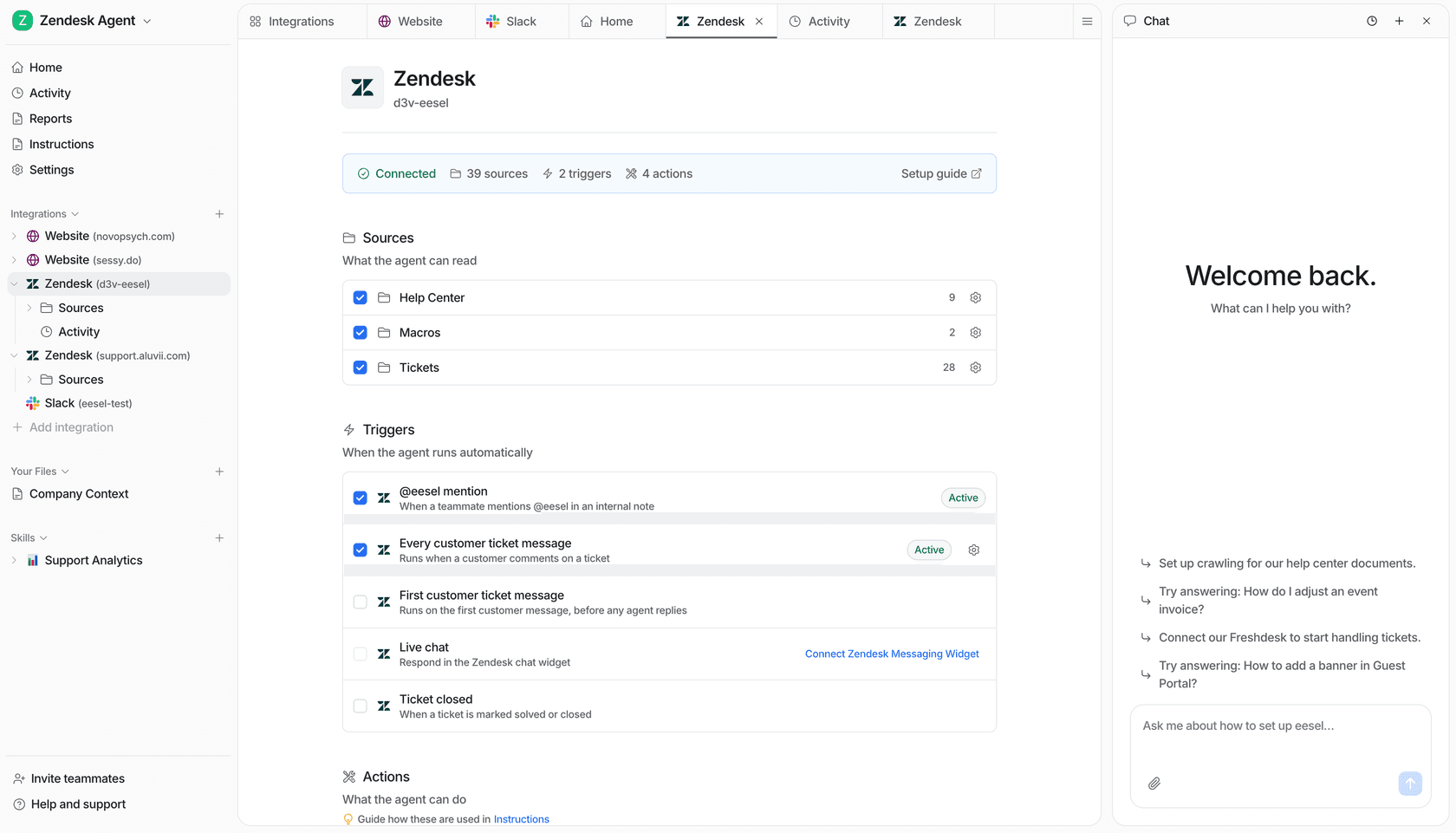
eesel is an AI helpdesk teammate, not a separate bot you have to manage in another workflow. It can work with the Zendesk queue your team already has, while the dashboard and CLI operate the same workspace. The eesel CLI gives people, scripts, Claude Code, Codex, and Cursor an agent-friendly JSON interface for a reviewable setup. Get the workspace owner's approval and inspect action permissions before connecting Zendesk or using production data.
npx @eesel/cli new --name "short-chat-draft" --agent support
npx @eesel/cli chat "Draft a concise web-chat reply: where is my order?" --agent support
npx @eesel/cli new --name "email-draft" --agent support
npx @eesel/cli chat "Draft a formal email reply: where is my order? Ask one question if needed." --agent support
npx @eesel/cli approvals --agent support
npx @eesel/cli activity --agent support
With Node.js 18.17 or later, the commands return JSON. A support lead can ask a coding agent to compare the two drafts and report the result for approval. That is a prompt-format check, not a channel test: verify the actual ticket state, recipients, labels, and escalation in Zendesk before calling an email or messaging workflow ready. Use --dry-run for a proposed CLI write. Approvals show held actions; they do not automatically hold every action.
Try a Zendesk teammate one channel at a time
If messaging is your busiest channel, start there with one small job. If email carries the clearer knowledge and audit trail, start with one repeatable email type. eesel can connect to Zendesk, use the sources you approve, and provide activity and approval views for review. Expand only when the result, escalation, and customer wording hold up in the actual channel.
Frequently asked questions
Can Zendesk AI agents work on messaging and email?
Zendesk documents AI agents for messaging and for email, with API and web-form channels included under email. Confirm the channel and capabilities enabled in your account.
Should I launch a Zendesk AI agent on messaging or email first?
Start where you have a narrow, repeatable job and a clear escalation path. Channel volume alone is not enough to make a rollout safe.
Do messaging and email use the same Zendesk AI agent?
No. Zendesk's current migration guidance describes single-channel AI agents, so plan and test separate agents for messaging and email.
Can email AI agents use generative procedures?
Agentic email AI agents use generative procedures. Zendesk documents an escalation dialogue for email agentic escalation; other agentic use cases use generative procedures.