

Disclosure: This article is published by eesel AI, a competitor of ServiceNow. We encourage you to read ServiceNow's own materials for their perspective.
So, you're running a growing business, and the name ServiceNow keeps popping up. You hear it's the top platform for managing IT and customer service at large companies. It sounds powerful, comprehensive, and frankly, like something you should probably be looking into.
But you have one simple question that's surprisingly hard to get an answer to: "How much does it actually cost?"
Trying to find a price for ServiceNow can feel like a wild goose chase, especially when you're not a massive corporation. Their website is full of impressive features, but pricing is not publicly listed; you're nudged toward a "Contact Sales" button instead.
This guide is here to give you a straight answer. We'll walk through ServiceNow's packages, explain their pricing model, and help you decide if it makes sense for your team. We'll also look at a more straightforward alternative for businesses that need to move fast without the enterprise-level complexity.
What is ServiceNow?
ServiceNow is a large, cloud-based platform that helps big companies manage and automate operations across IT, HR, finance, and customer service. Its main products, like ITSM and CSM, help connect departments that don't always talk to each other.
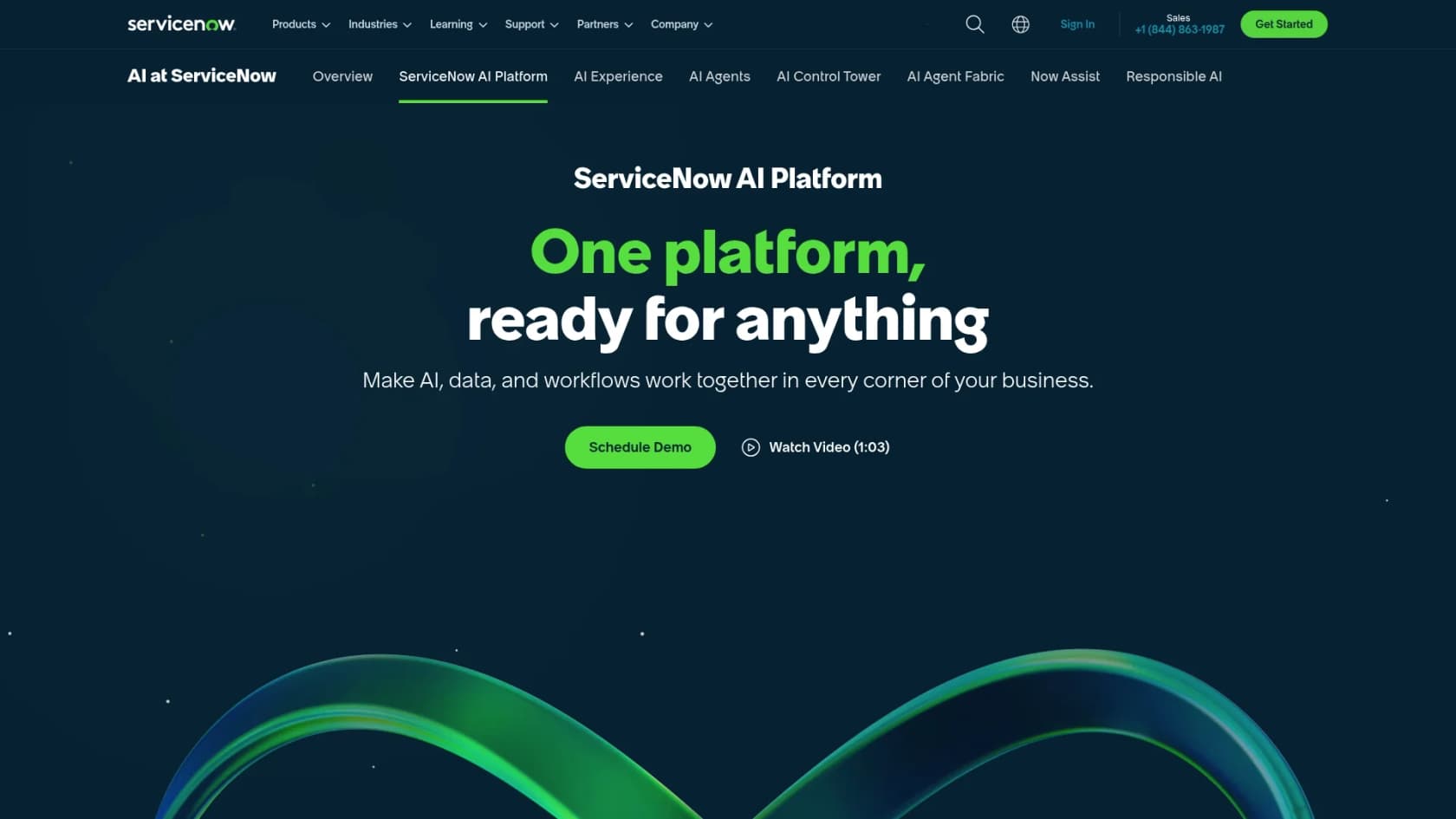
ServiceNow describes itself as the "only platform" built for AI grounding, deployment, and governance, uniting data, AI, workflows, and security on a single platform. This all-in-one approach is why it's popular with Fortune 500 companies: 85% of the Fortune 500 are ServiceNow customers, according to the company's own homepage. But a platform designed for that scale comes with complexity and costs to match.
How ServiceNow pricing actually works
Let's get right to it: ServiceNow does not publicly list prices on any of its product pages. You won't find a neat little pricing page with fixed monthly fees. Everything is custom and quote-based. Pricing is not publicly listed; contact ServiceNow for a quote at servicenow.com/lpgp/pricing.html. This is common for enterprise software, but it creates real friction for smaller businesses trying to budget quickly.
To get a price, you have to go through their full sales process. That usually means getting on the phone with a sales rep, sitting through discovery calls where you explain your company's size and needs, and then waiting for them to build you a custom package.
Your final price will depend on a few things:
-
The products you need: Are you looking for ITSM, CSM, HR, or some mix of them?
-
The package tier: Each product comes in different tiers with varying feature sets.
-
Your user count: Pricing is typically based on the number of "fulfillers" (the agents or employees who work inside the platform).
-
Extra features: Many advanced features, especially AI capabilities, are tiered across packages or licensed separately.
This model works for large companies that need that level of customization. But if you're a small business trying to make a quick decision and stick to a budget, it can mean a slow, drawn-out evaluation process before you even know what you'd pay.
ServiceNow ITSM packages explained
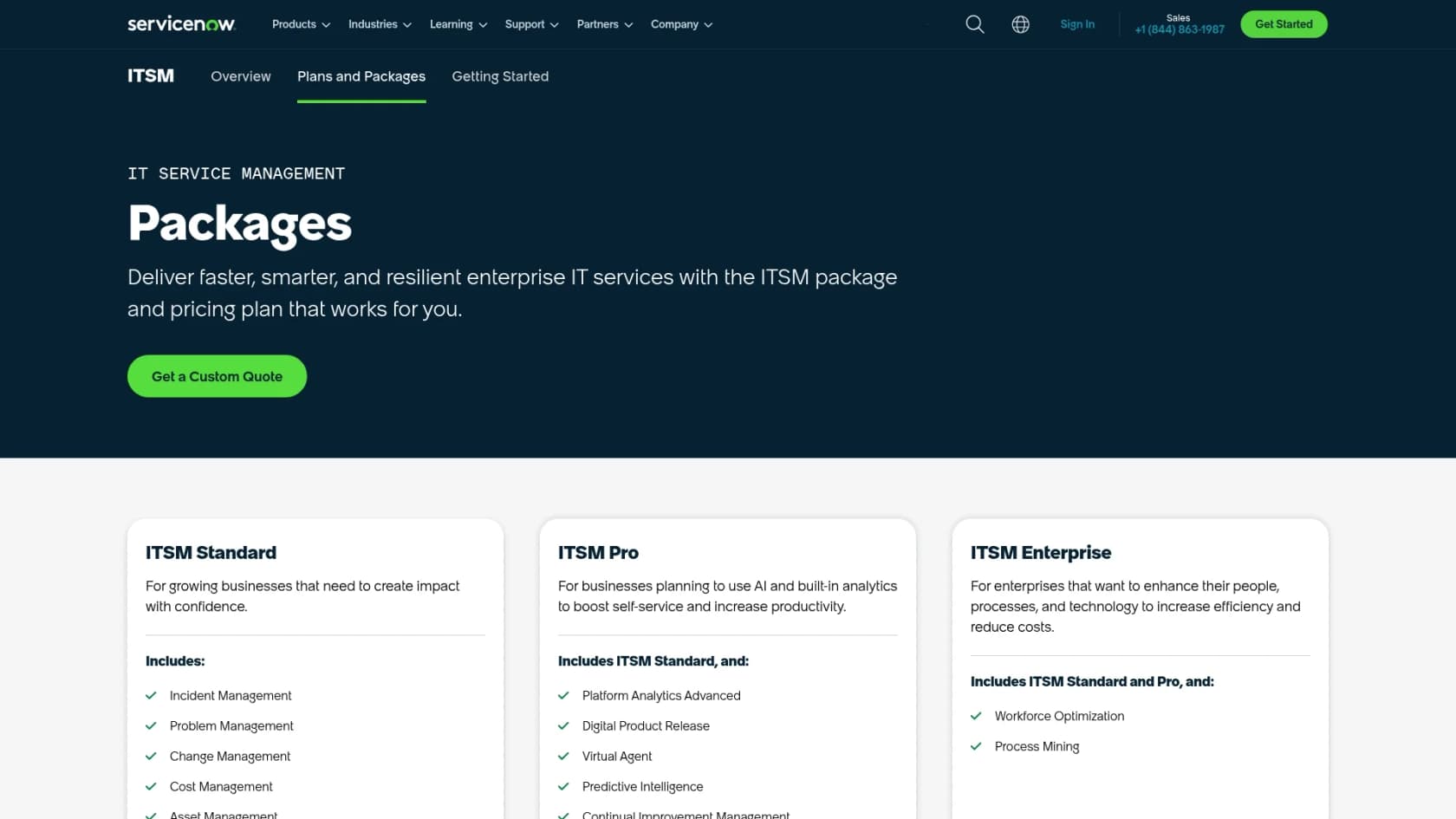
ServiceNow's ITSM suite is their most well-known product, built to help you manage all things IT. It's sold in three tiers: Foundation, Advanced, and Prime, with each one adding more capabilities. Pricing is not publicly listed for any tier; all three lead to a "Get Custom Quote" CTA.
ITSM Foundation
This is the entry-level package. Per the ITSM pricing page, it covers:
- Service Catalog and Request Management
- Incident Management
- Asset Management and CMDB
- Virtual Agent (AI chatbot)
- Workflow Data Fabric (data integration layer)
- Now Assist and Platform AI (Foundation tier)
- Moveworks for ITSM Foundation
What this means for small businesses: Even this entry-level package is substantial. The tools are powerful, but they typically need significant setup and a dedicated admin to run smoothly, a real commitment for a small team.
ITSM Advanced
This tier adds agentic workflow automation and broader process coverage. The main additions, per the ITSM pricing page, include:
- Major Incident Management and On-Call Management
- Change Management
- Problem Management
- AI Voice Agents
- Platform Analytics Advanced
- Process Mining (up to 10,000 records per year)
- Now Assist and Platform AI (Advanced tier)
- Moveworks for ITSM Advanced
What this means for small businesses: These features are useful for teams managing complex IT environments, but they also add configuration overhead. Getting the most out of AI Voice Agents or Process Mining takes time and dedicated setup.
ITSM Prime
This is the top tier, positioned for teams that want AI specialists operating independently on their behalf. Additional capabilities, per the ITSM pricing page:
- L1 AI Specialist (autonomously diagnoses and resolves common IT requests)
- AI Agents for ITSM
- AI Agent for Digital End-User Experience (DEX)
- DevOps Change Velocity and Digital Product Release
- Process Mining (up to 15,000 records per year)
- Now Assist and Platform AI (Prime tier)
- Moveworks for ITSM Prime
What this means for small businesses: These are tools designed for large IT organizations, not a small team that needs basic ticket handling. The capabilities are genuinely impressive for the right context, but that context is enterprise-scale operations.
| Feature | ITSM Foundation | ITSM Advanced | ITSM Prime |
|---|---|---|---|
| Request and Incident Management | ✓ | ✓ | ✓ |
| Asset Management and CMDB | ✓ | ✓ | ✓ |
| Virtual Agent | ✓ | ✓ | ✓ |
| Now Assist (GenAI) | Foundation | Advanced | Prime |
| Moveworks for ITSM | ✓ | ✓ | ✓ |
| Problem and Change Management | ✓ | ✓ | |
| AI Voice Agents | ✓ | ✓ | |
| Process Mining | 10K records/yr | 15K records/yr | |
| L1 Service Desk AI Specialist | ✓ | ||
| AI Agents for ITSM | ✓ | ||
| DevOps Change Velocity | ✓ |
ServiceNow CSM packages explained
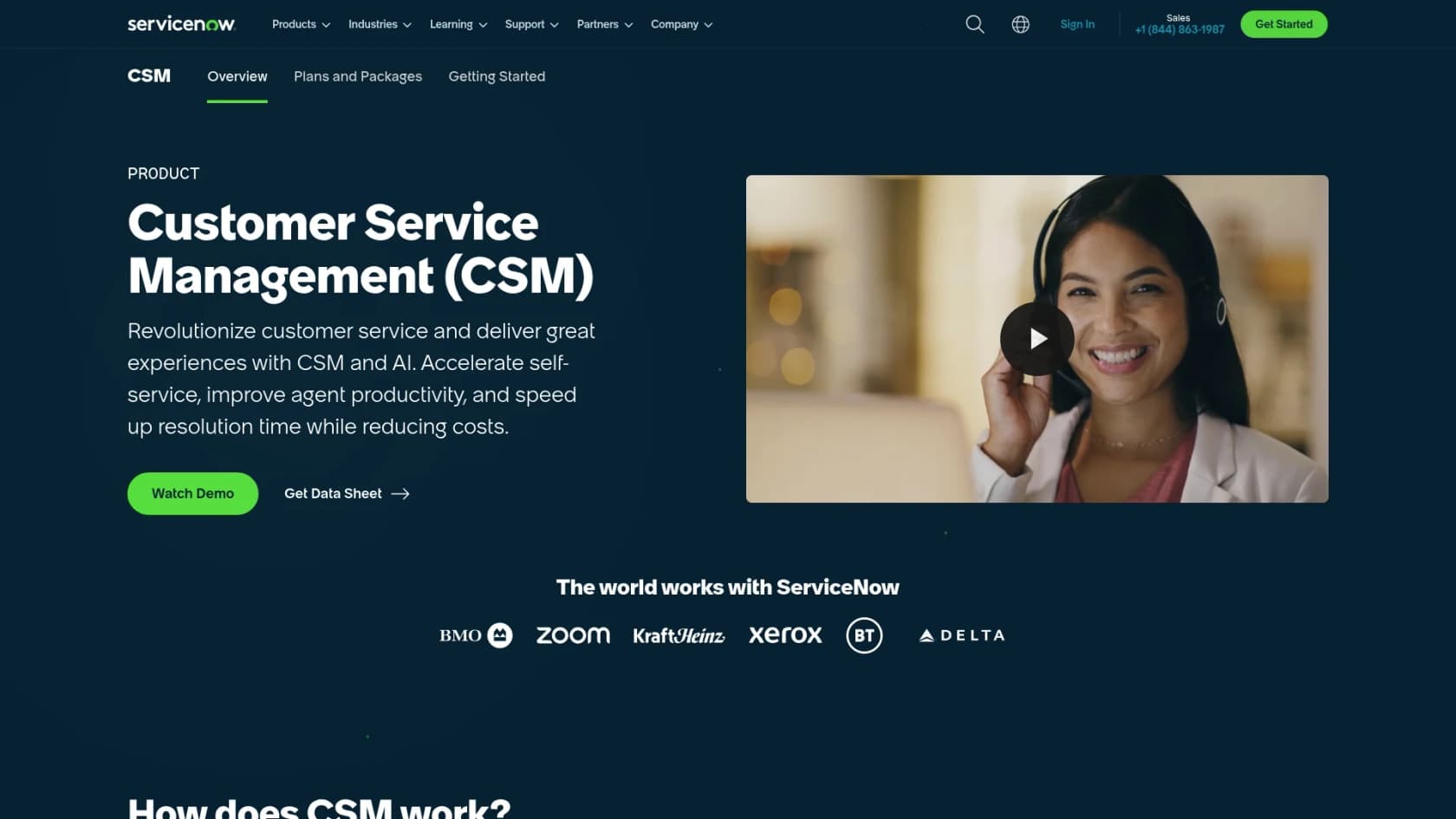
ServiceNow's CSM suite is focused on managing customer support. Like ITSM, CSM pricing is not publicly listed; contact ServiceNow for a quote at servicenow.com/lpgp/pricing.html.
CSM entry-level tier
The CSM pricing page now lists two packages, and the entry-level one is CSM Advanced. It is described as agentic workflows for customer service, and it covers:
- Agentic Workflows for Customer Service and ServiceNow Otto: The AI layer.
- Case Management and Playbooks: For tracking customer issues start to finish.
- Customer and Partner Portals: So customers can find their own answers.
- Advanced Work Assignment, CSM Configurable Workspace and CRM Foundation: Routing, the agent screen, and the customer record.
Knowledge Management also appears in the platform capabilities table. Per the same page, all packages include unlimited Virtual Agent conversations.
What this means for small businesses: A solid feature set, but one that sits inside a large platform requiring substantial time and budget to stand up.
CSM higher tiers
The upper package, CSM Prime, adds AI Specialists that independently resolve customer issues, plus Workforce Optimization for scheduling and workload balancing. Both packages are "Get Custom Quote". For a small, nimble support team, Prime is built for a larger operation than most will run.
The main challenges with ServiceNow for small businesses
ServiceNow is a powerful platform, but its approach creates real obstacles for smaller companies.
-
No public pricing: This is the biggest one. You can't budget or compare tools without going through a full sales cycle. That's time most small teams don't have.
-
Built for large-scale operations: The platform is designed for companies with thousands of employees and many departments. As a small business, you may end up paying for capabilities you never use, and working with a system that wasn't optimized for your scale. G2 reviewers note that "the ROI tends to be clearer for larger organizations than for smaller teams."
-
The subscription is only part of the cost: The license is just the starting point. Implementation, often requiring external consultants, and ongoing internal administration are significant additional line items. As one G2 reviewer put it: "complexity and cost can be real barriers."
-
Setup takes time: ServiceNow does not publish a generic implementation timeline, and outcomes vary widely by scope and existing infrastructure. Full platform rollouts depend on scope, integrations, and internal resources, so plan the timeline with your implementation partner before you commit.
A simpler path for fast-moving teams
What if you could get the benefits of AI and automation without moving everything to a new platform?
Modern tools like eesel AI are built to deliver AI features without the enterprise-level complexity. Instead of requiring a platform switch, eesel AI works with the tools you already use.
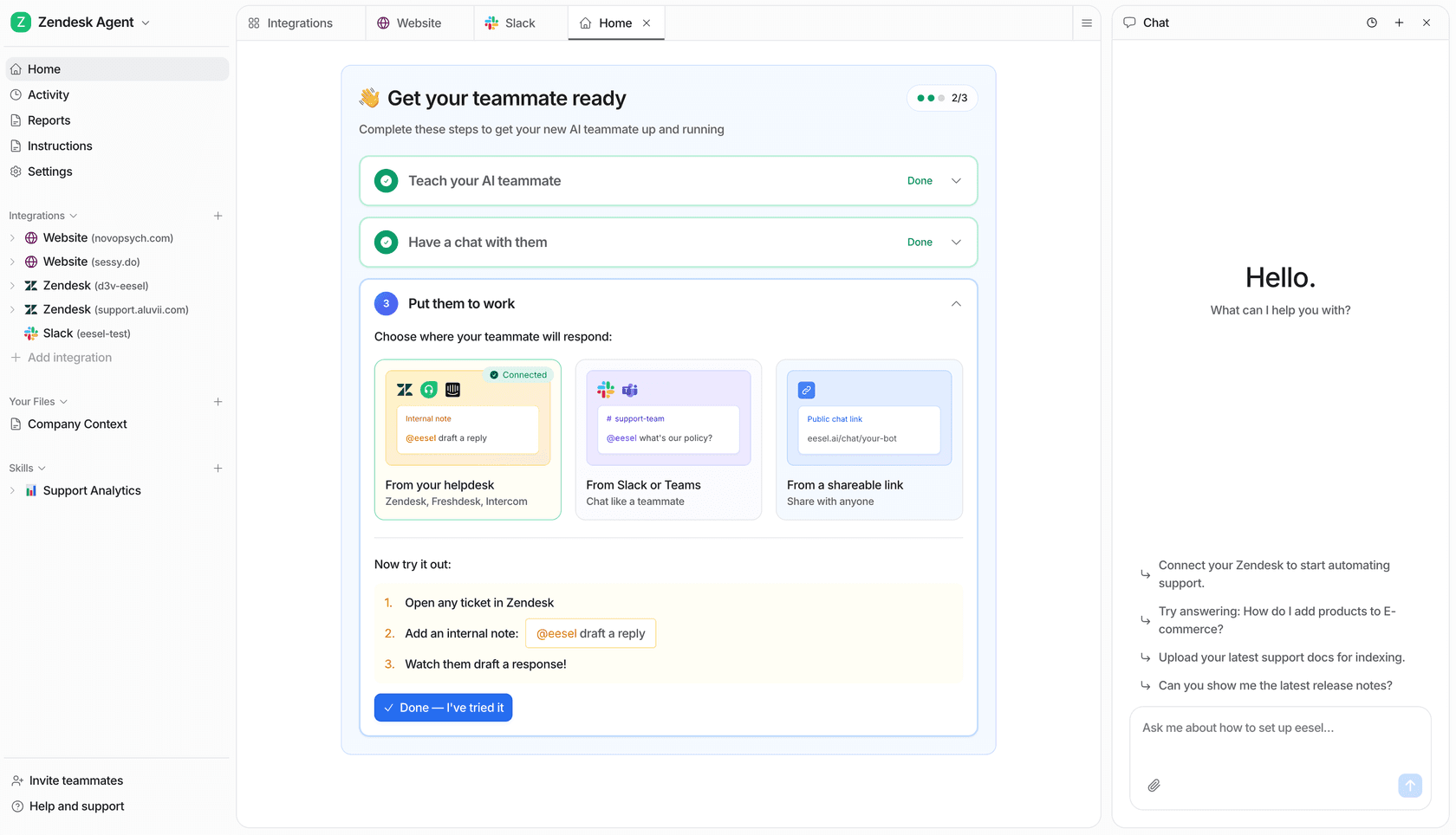
Here's how an integration-first approach sidesteps the challenges with ServiceNow:
-
Works with your existing help desk: No data migration required. eesel AI's AI Agent connects directly to platforms like Zendesk, Freshdesk, and others you already use.
-
Live in minutes, not months: eesel AI is self-serve. You can sign up, connect your knowledge sources (help docs, past tickets, Confluence pages), and start automating tickets the same day. No sales call required.
-
Transparent pricing: With eesel AI, pricing plans are published on the website as fixed monthly plans, from $299/month for 500 credits (1 credit per ticket or chat), with no per-seat fee and a free plan of 100 credits.
-
Start small and expand: Automate a few simple ticket types first, see how the AI performs on your actual ticket history, and expand its role when you're ready.

The right tool for your business size
ServiceNow is a well-regarded platform. For a global organization with a large IT budget and a dedicated team to manage it, it can deliver real value.
But for a small business, signing up for ServiceNow can mean taking on a platform built for a very different scale of operations: expensive to license, significant time to configure, and requiring ongoing administration to run well.
For most small and medium-sized businesses, a more flexible, integration-first approach makes more practical sense. Tools like eesel AI deliver the immediate benefits of AI and automation without the cost, commitment, and complexity of a full enterprise platform migration.
If you're looking for a solution that fits where you are today and can grow with you over time, see how quickly you can start automating support with eesel AI.
Frequently asked questions
Why is ServiceNow pricing not publicly listed?
ServiceNow uses a custom, quote-based pricing model for all of its products. Costs vary significantly based on which products you choose, the tier (Foundation, Advanced, or Prime for ITSM), your user count, and any add-ons. To get actual numbers, you need to go through a direct sales process at servicenow.com/lpgp/pricing.html.
What costs should small businesses expect beyond the subscription fee?
Beyond the license, most organizations need to budget for implementation consulting, ongoing platform administration, and training. G2 reviewers consistently flag expense and complexity as top concerns, and note that ROI tends to be clearer for larger organizations than for smaller teams.
How long does it typically take to get ServiceNow up and running?
ServiceNow does not publish a generic implementation timeline on its product pages. Customer stats on the ITSM overview page show outcomes for specific narrow use cases, but full platform rollouts for new customers vary considerably based on scope, integrations, and internal resources. Budget time accordingly before expecting to see results.
Are there simpler alternatives to ServiceNow for small businesses that need AI automation?
Yes. Tools like eesel AI are designed to work with your existing help desk rather than replace it. With transparent, published pricing and same-day setup, eesel AI lets small teams automate support tickets without the setup complexity of a full enterprise platform switch.