
If you work in the ServiceNow world, you've probably heard the term "ServiceNow ChatGPT" making the rounds. It’s one of those phrases that gets searched a lot, but here’s the inside scoop: what you’re really looking for is ServiceNow's own AI, Now Assist. It's not a separate product but the brainpower that injects generative AI features into the workflows you use every day.
So, what can it actually do for you? This guide is a straightforward look at Now Assist for IT and support leaders who are trying to figure out if it's the right move. We'll get into its features, what it takes to set it up, and, importantly, where it falls short. We’ll also talk about another option for teams whose company knowledge isn’t all neatly tucked away in one place.
What is ServiceNow ChatGPT (Now Assist)?
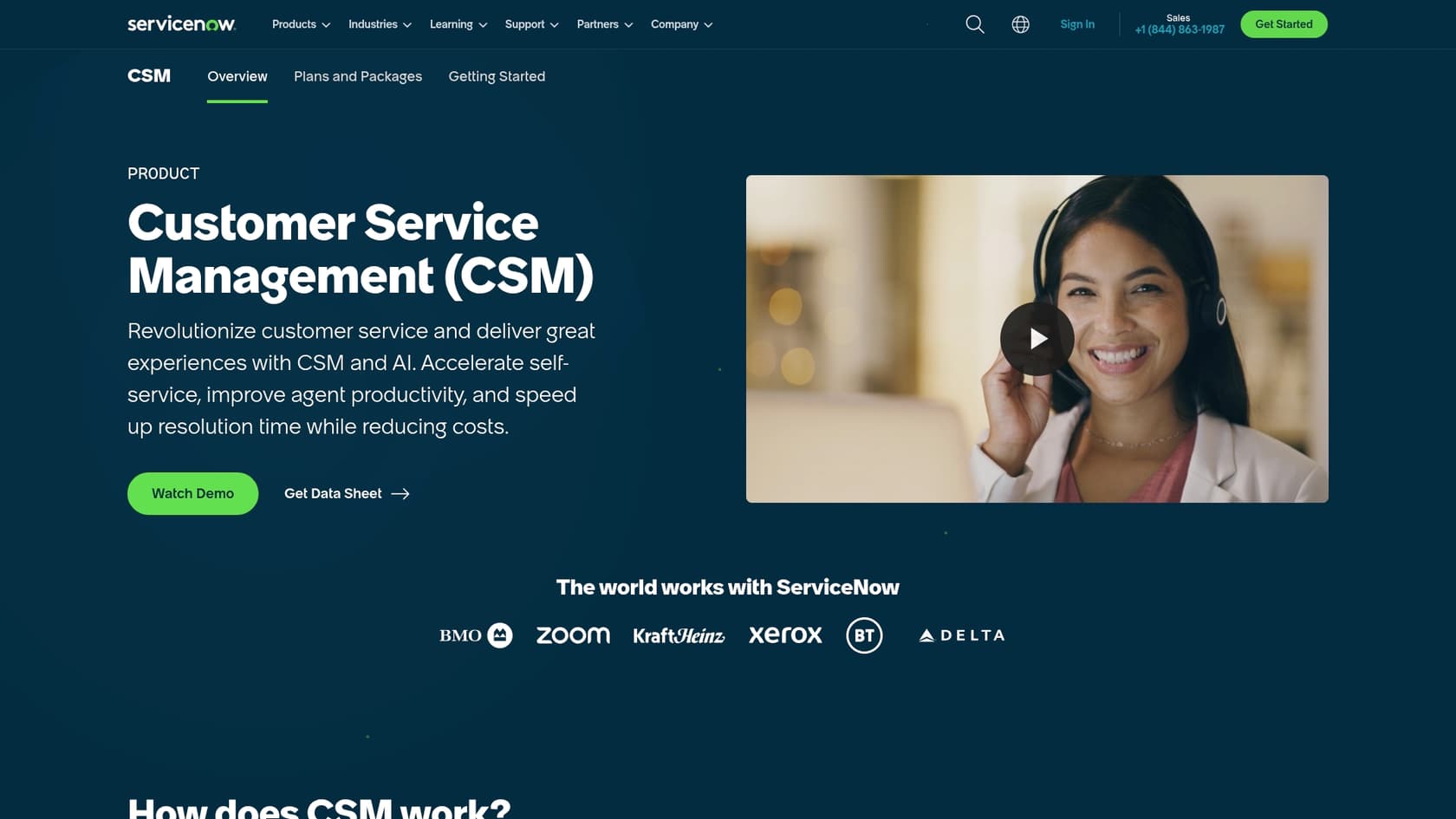
Now Assist is ServiceNow's family of generative AI features that are woven directly into the Now Platform. It’s not some standalone chatbot you have to buy and bolt on; it’s more like an intelligent upgrade that enhances the tools you’re already familiar with, like IT Service Management (ITSM), Customer Service Management (CSM), and HR Service Delivery (HRSD).
Under the hood, it’s a mix of ServiceNow's own large language model (called Now LLM), which has been trained on business-specific problems, and connections to big-name models like Microsoft's Azure OpenAI Service and Google's Gemini.
The whole point is to make life easier for your team, improve experiences for agents and employees, and handle repetitive tasks, all within the ServiceNow ecosystem. That last part is the key detail, and frankly, it’s where some of the biggest headaches begin for companies that use a bunch of different tools.
Key ServiceNow ChatGPT features for ITSM and support
Now Assist offers a set of generative AI "skills" aimed at helping both the support agents digging into tickets and the end-users trying to find answers on their own. Here’s a look at what that means in practice.
ServiceNow ChatGPT for your agents and IT teams
-
Get the gist of a ticket in seconds: Instead of spending the first few minutes of a ticket just reading through long back-and-forth histories, agents can get an instant summary of cases, incidents, and even live chats. It helps them get up to speed fast and move on to actually fixing the problem.
-
Write resolution notes automatically: When an agent finally closes a ticket, Now Assist can draft clear and consistent resolution notes for them. It’s a small thing, but it helps improve the quality of your documentation and builds a better knowledge base for the future.
-
Create content and code: For the more technical folks, Now Assist can help spin up new knowledge base articles based on resolved incidents. There’s also a text-to-code feature that turns plain English prompts into code snippets, which can help developers build and tweak apps on the Now Platform a bit faster.
ServiceNow ChatGPT for your employees and customers (self-service)
-
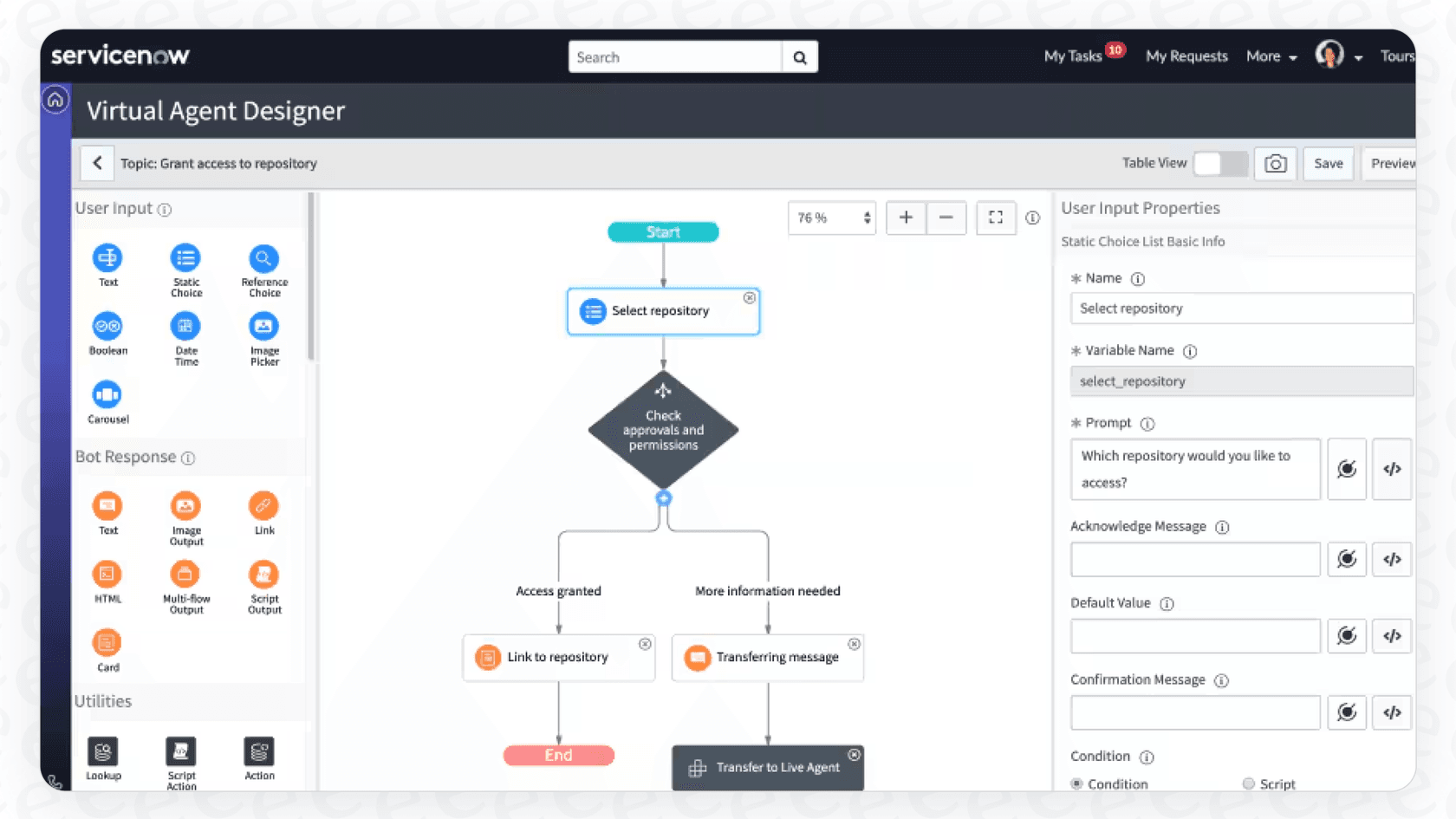
A more helpful virtual agent: The chatbot experience gets a nice upgrade. Instead of just firing back a list of links from the knowledge base, the virtual agent can now pull information together and give a direct, summarized answer.
-
Smarter search results: The AI-powered search aims to give users more useful results by generating short, actionable summaries in response to their questions. The idea is to make the self-service portal more effective and stop simple tickets from ever being created.
-
Build a workflow with plain English: Users can describe a process they need, like "create a task to request a new software license," and Now Assist can generate a basic workflow for it. A developer can then grab that blueprint and polish it up, saving some time on the automation front.
How to set up ServiceNow ChatGPT
Getting Now Assist running involves a few steps inside your ServiceNow admin panel. The real work, however, often comes when you try to connect it to all the knowledge that lives outside the platform.
The basic ServiceNow ChatGPT setup process
Everything is handled from a central dashboard called the Now Assist Admin console. From there, the steps are pretty straightforward:
-
Install the right plugins: You’ll need to pop over to the ServiceNow Store from the admin console and install the Now Assist plugins for your specific needs, like "Now Assist for ITSM."
-
Turn on the skills you want: Once a plugin is installed, you have to go in and activate the specific AI skills you want to use, like case summarization or resolution notes. This includes deciding where and when the feature should show up for your team.
The challenge of integrating external knowledge with ServiceNow ChatGPT
And here’s where things get tricky. Now Assist works beautifully when all your data is already sitting inside ServiceNow. But let's be realistic, whose is? Most teams have their most valuable, up-to-the-minute info scattered everywhere: project plans in Confluence, technical docs in Google Docs, or old tickets in a previous helpdesk like Zendesk.
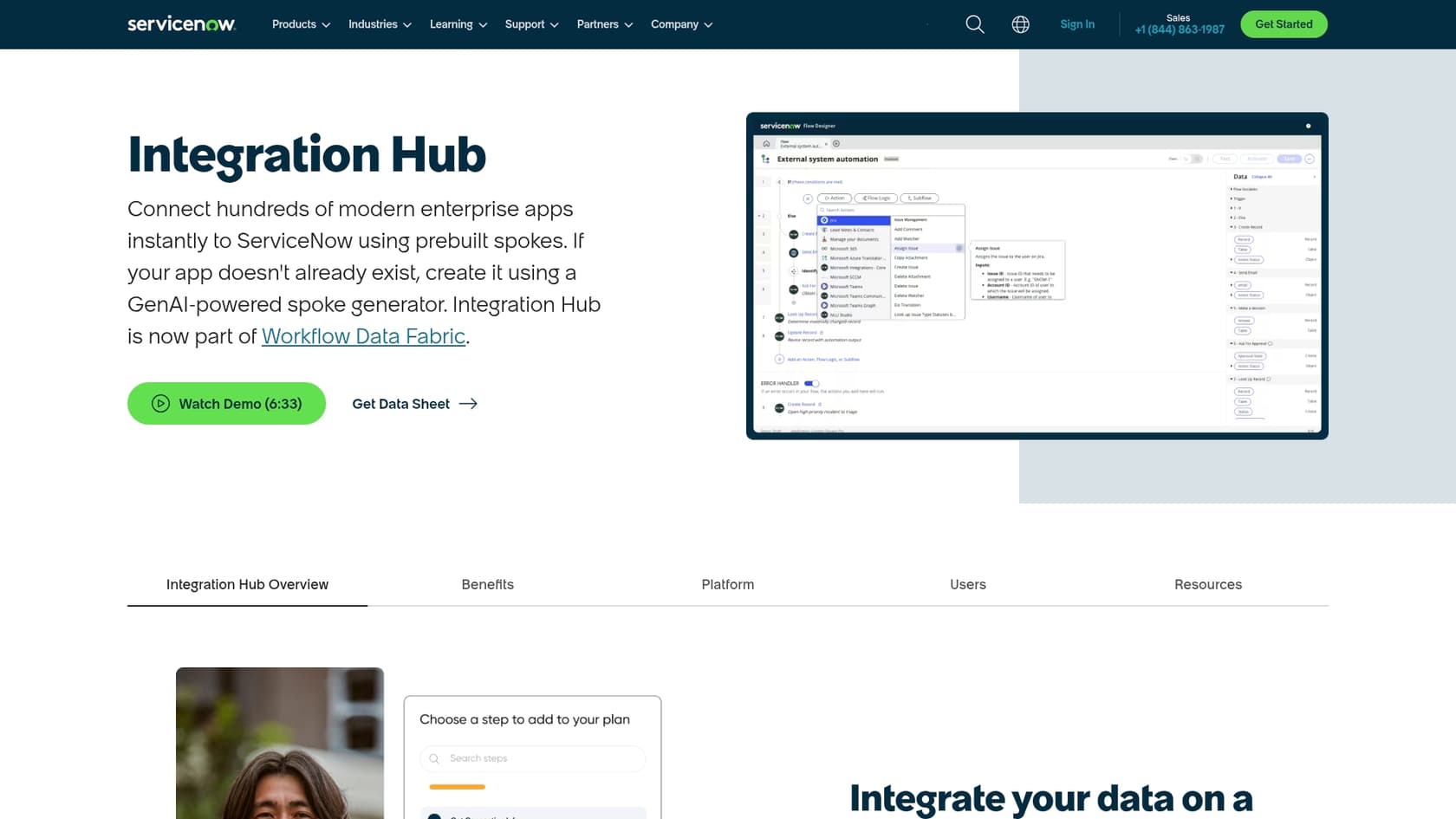
ServiceNow's main tool for this is its Integration Hub, which uses pre-built connectors they call "spokes." There are hundreds of them, but you’ll often find that the specific tools your team actually uses, internal wikis, design docs, you name it, don't have a connector ready to go. Building a custom one yourself means you’ll need developers with specialized skills, and it can quickly become an expensive and lengthy side project.
This is a pretty big hurdle. If your team’s best information isn't in ServiceNow, Now Assist can't learn from it. You’re pretty much forced into one of two tough spots: start a massive, painful data migration project, or try to build and maintain a bunch of custom integrations that always seem to be one update away from breaking.
A more flexible approach with eesel AI
This is where a tool like eesel AI takes a completely different path. Instead of trying to pull all your knowledge into one system, eesel is built to connect to it wherever it lives.
The eesel AI Agent connects to all your apps and documents in a few minutes. It works with ServiceNow, of course, but it also integrates seamlessly with all the other places your team gets work done, like Confluence, Google Docs, Notion, and Slack. The advantage is that your AI learns from all of your company’s collective knowledge, which leads to more accurate and helpful support. And you can get it up and running in an afternoon, not over several months.
ServiceNow ChatGPT (Now Assist) pricing
If you’re trying to find a simple price list for Now Assist, you can stop looking. ServiceNow doesn’t publish its pricing publicly; you have to get in touch with their sales team for a custom quote.
What they do tell you is that it’s a consumption-based model measured in "assists." Every time an AI feature does something, whether it’s summarizing a case, answering a question, or writing resolution notes, it uses up a certain number of these assists.
The big catch with this model is trying to guess your bill. If you have a busy month with a high volume of tickets or your team leans heavily on the AI features, you could be in for a surprise when the invoice arrives. It makes it really tough to forecast your costs.
This is another spot where eesel AI keeps things simple. Our pricing is transparent and predictable, with plans based on the features you need. We don't charge you per ticket resolution or "assist," so you can automate as much as you want without worrying that a busy support queue will blow up your budget.
The verdict: Is ServiceNow ChatGPT the right choice?
Now Assist is a solid piece of tech for the ServiceNow platform, but its "walled garden" design can be a difficult fit for teams that use a variety of tools. Here’s a quick side-by-side look at how it compares to a more open solution like eesel AI.
| Feature | ServiceNow Now Assist | eesel AI |
|---|---|---|
| Best For | Deep AI features for teams already living in ServiceNow. | A unified AI that works across any helpdesk and all your apps. |
| Setup Time | Days or weeks, needing admin configuration and plugins. | A few minutes, with simple one-click integrations. |
| Knowledge Sources | Mainly ServiceNow KBs; connecting other sources is a major project. | Instantly connects to 100+ sources (Confluence, Google Docs, Slack, etc.). |
| Flexibility | Great for companies fully committed to the ServiceNow ecosystem. | Perfect for companies that use a mix of different tools. |
| Pricing Model | Hard to predict, pay-per-use ("assists"); requires a sales call. | Clear, predictable plans with no per-resolution fees. |
| Testing | Limited to ServiceNow's own testing tools. | Lets you simulate on thousands of past tickets before you go live. |
So, who is Now Assist really for? It’s a good option for large companies that are deeply invested in the ServiceNow platform and have most of their knowledge and processes already centralized there.
But it starts to show its cracks for teams where knowledge is spread out. The reliance on the Integration Hub, the complicated setup for external tools, and the unpredictable pricing can lock you into one vendor and hold back what your AI could really do.
Move beyond the single-platform mindset
ServiceNow's Now Assist has some impressive generative AI features, but at its core, it's designed to keep you inside the ServiceNow universe. For a lot of modern support teams, that just doesn't line up with how they actually work.
Real, effective automation comes from an AI that can tap into all of your team's knowledge, no matter what tool it’s in. Your AI should adapt to your workflow, not the other way around.
Don't let your platform be a bottleneck for your AI. With eesel AI, you can connect your helpdesk and all your knowledge sources in minutes to see what a truly unified AI agent is capable of. You can even run a simulation on your past tickets to see exactly how much you could automate, risk-free.
Frequently asked questions
What exactly is ServiceNow ChatGPT (Now Assist)?
ServiceNow ChatGPT refers to Now Assist, which is ServiceNow's suite of generative AI features integrated directly into the Now Platform. It uses a combination of ServiceNow's own Now LLM and external models like Azure OpenAI Service and Google Gemini to enhance various workflows. Its primary goal is to improve agent efficiency, employee experiences, and automate repetitive tasks within the ServiceNow ecosystem.
How can ServiceNow ChatGPT improve agent productivity for ITSM teams?
ServiceNow ChatGPT offers features like instant ticket summarization, allowing agents to quickly understand the history of a case. It can also automatically draft clear resolution notes for closed tickets, improving documentation quality. Additionally, it aids in content creation for knowledge base articles and can even generate code snippets from plain English prompts.
Does ServiceNow ChatGPT enhance self-service options for employees and customers?
Yes, ServiceNow ChatGPT significantly upgrades self-service by providing a more helpful virtual agent that offers direct, summarized answers instead of just links. It also powers smarter search results with actionable summaries and allows users to build basic workflows using plain English descriptions, making the self-service portal more effective.
What is the typical setup process for ServiceNow ChatGPT?
The basic setup for ServiceNow ChatGPT involves installing specific Now Assist plugins for your needs (e.g., for ITSM) from the ServiceNow Store via the Now Assist Admin console. After installation, you must activate the desired AI skills within the console and configure where and when they should appear for your team.
What challenges might arise when integrating external knowledge sources with ServiceNow ChatGPT?
A significant challenge with ServiceNow ChatGPT is its primary reliance on knowledge already within ServiceNow. While it offers an Integration Hub for external sources, many specific tools lack ready-to-use connectors, requiring costly custom development. This can force teams into data migration projects or the complex maintenance of custom integrations if their valuable information is scattered across various platforms.
How is the pricing structured for ServiceNow ChatGPT?
ServiceNow ChatGPT (Now Assist) uses a consumption-based pricing model, measured in "assists." An assist is consumed each time an AI feature is utilized, such as summarizing a case or answering a question. ServiceNow does not publish public pricing, requiring direct engagement with their sales team for a custom quote, which can make forecasting costs unpredictable.
Is ServiceNow ChatGPT a good fit for organizations that utilize a diverse range of tools beyond ServiceNow?
ServiceNow ChatGPT is best suited for organizations deeply invested in the ServiceNow platform with most of their knowledge centralized there. For teams using a diverse range of tools (e.g., Confluence, Google Docs, Slack), its "walled garden" design can be a limitation, making integration of external knowledge a complex and potentially expensive endeavor.