


Let's be honest: when you hear "CRM," you probably think of Salesforce. It's the giant in the room, the #1 AI CRM that promises to give you a complete picture of your customers. But for customer support leaders, big promises can come with big headaches. Is it the right platform for your team, or just overkill?
This is our straightforward Salesforce review, designed to cut through the marketing noise. We'll walk through Salesforce Service Cloud, get real about what it takes to set up Salesforce Knowledge, check out its new AI capabilities, and look at the pricing. The goal is to give you the information you need to decide if it’s the right tool to grow your support operations.
What is Salesforce?
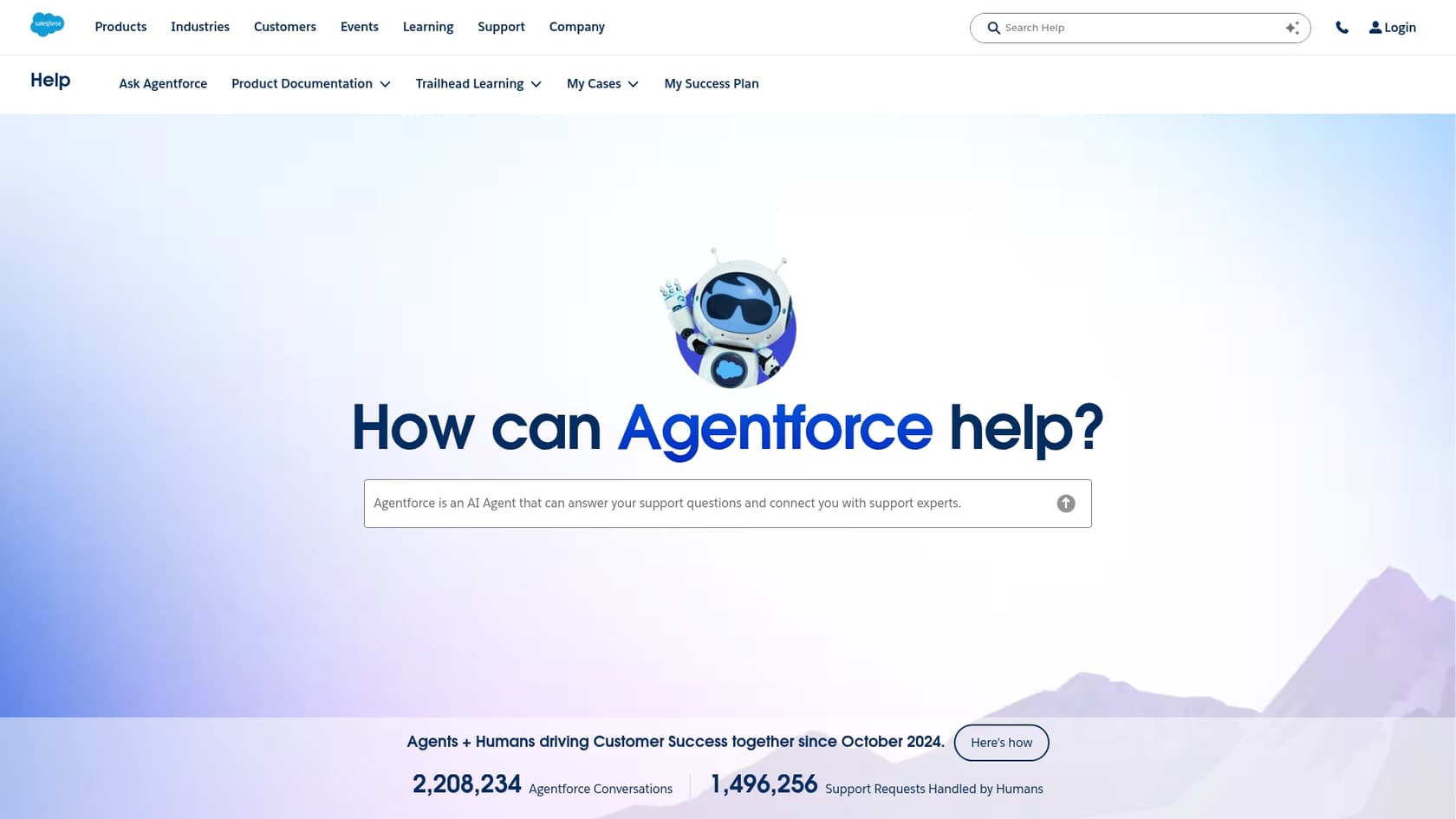
At its heart, Salesforce is a massive, cloud-based platform for managing customer relationships (CRM). Think of it as a central command center where your sales, marketing, and support teams can all see the same customer information. They call this the "Customer 360," and it’s a powerful concept.
The platform is broken down into different "Clouds," each built for a specific job. For example:
-
Sales Cloud helps the sales team track leads and deals.
-
Marketing Cloud is for running email campaigns and other marketing efforts.
-
Service Cloud is the one we care about, built specifically for customer support.
You can buy these Clouds separately, but they're designed to work together, letting data move smoothly between departments. For this review, we’re going to focus on the parts that matter most to support teams: Service Cloud and its built-in knowledge base, Salesforce Knowledge.
A closer look at Salesforce for customer service
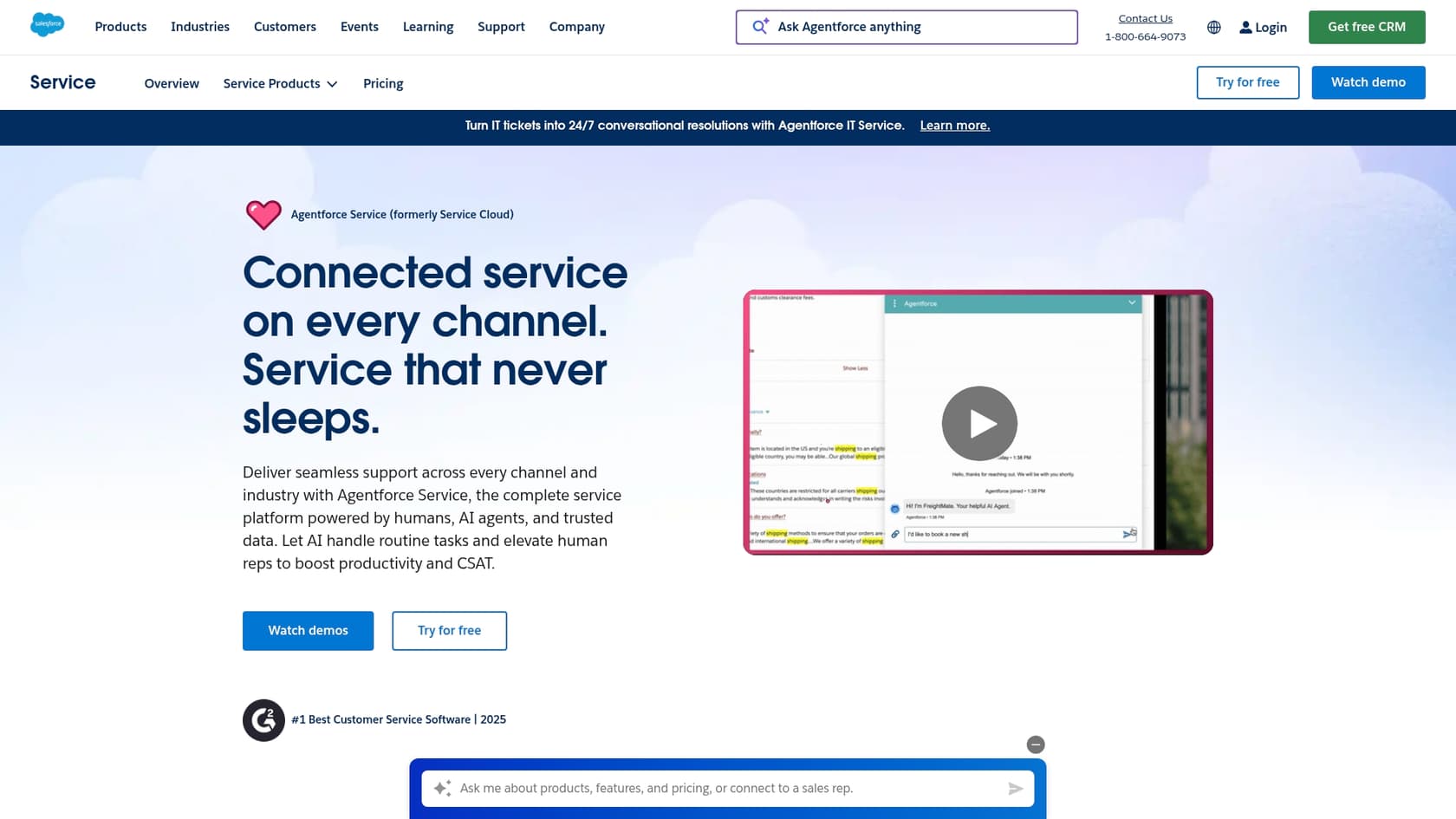
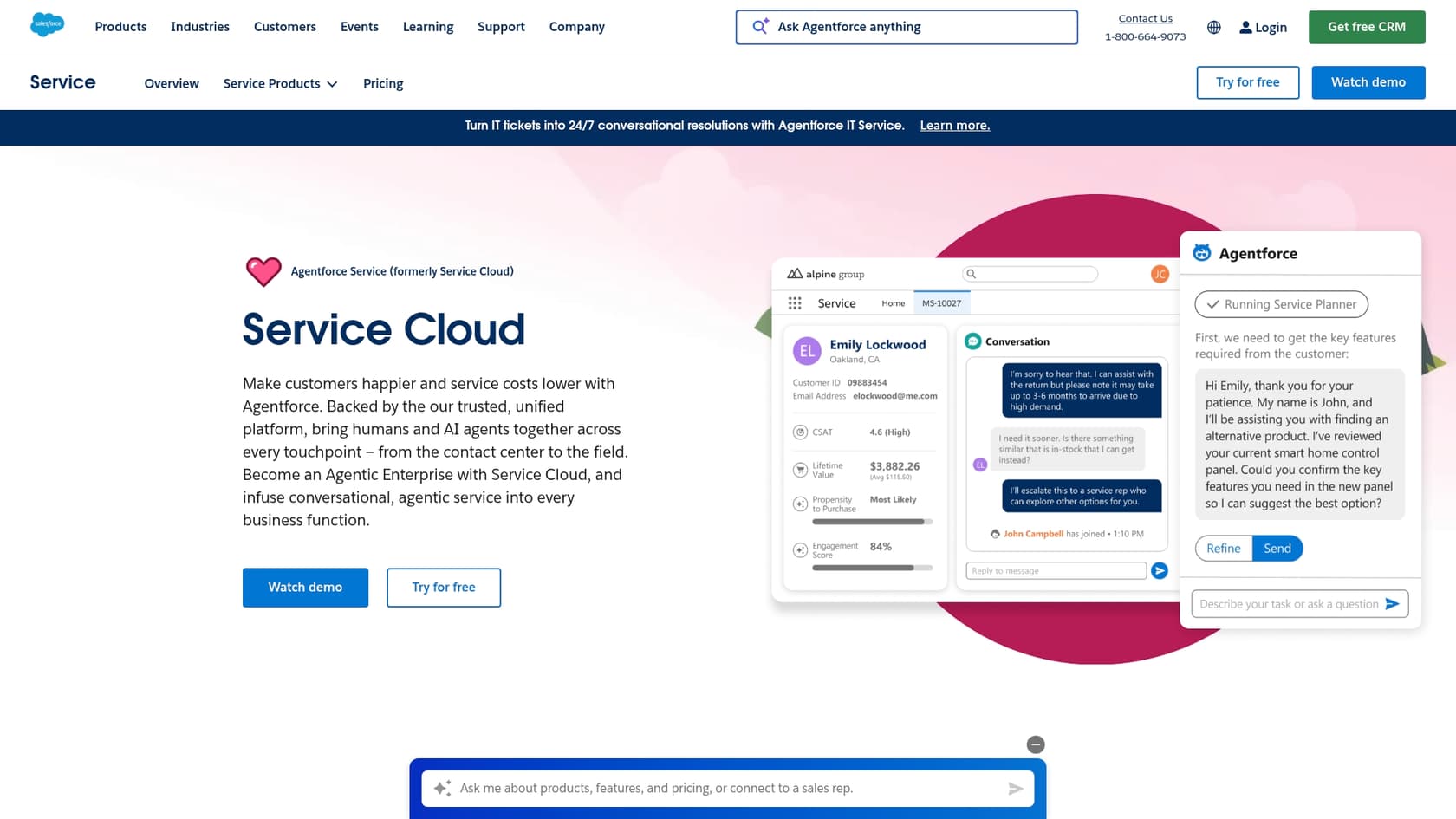
Salesforce Service Cloud is the company’s toolkit for customer support. It's built to help your team handle conversations from any channel, whether it's email, phone, social media, or chat, all from a single dashboard. A key part of this system is a knowledge base, which is supposed to help customers find their own answers and give agents the right information quickly.
What is Salesforce Knowledge?
Salesforce Knowledge is the knowledge management system that lives inside Service Cloud. The idea is to create one central place for all your help articles, FAQs, and how-to guides. Salesforce's own research shows that 61% of customers would rather solve simple issues themselves, so a good knowledge base can deflect a lot of common tickets and let your agents focus on the tough stuff.
When it's working well, a Salesforce Knowledge base can:
-
Create a public help center where customers can find their own answers.
-
Show relevant articles to agents while they're working on a case.
-
Act as the "brain" for chatbots and other AI tools.
The catch? Getting it to that "working well" stage can be a real project.
The reality of setting up Salesforce Knowledge
Unlike some newer tools you can set up in an afternoon, getting Salesforce Knowledge off the ground often requires a dedicated administrator. The whole system is pretty complex, with different architectures depending on whether you're using Salesforce Classic or the newer Lightning Experience.
Just to give you a taste, setting it up involves choosing a framework, defining the structure of your articles, customizing page layouts, setting up user permissions, creating categories to organize everything, building approval workflows for new content, and then finally, actually writing the articles.
You have to get deep into the configuration:
-
Article and Record Types: You have to manually define templates for different types of content, like FAQs versus troubleshooting guides.
-
Page Layouts: You need to design how articles look for both your agents and your customers.
-
Data Categories: You have to plan and build a logical tree of categories to tag articles so they're easy to find. This takes a lot of forethought.
-
Permissions and Workflows: You have to decide who can write, edit, and publish content, which usually means setting up formal approval processes.
For any team that doesn't have a Salesforce expert on staff, this whole process can easily take weeks, if not months. It's a rigid system. You can't just point it to your existing Google Drive or Confluence space and call it a day. You have to move everything over and structure it according to Salesforce's rules.
AI for support: Meet Agentforce
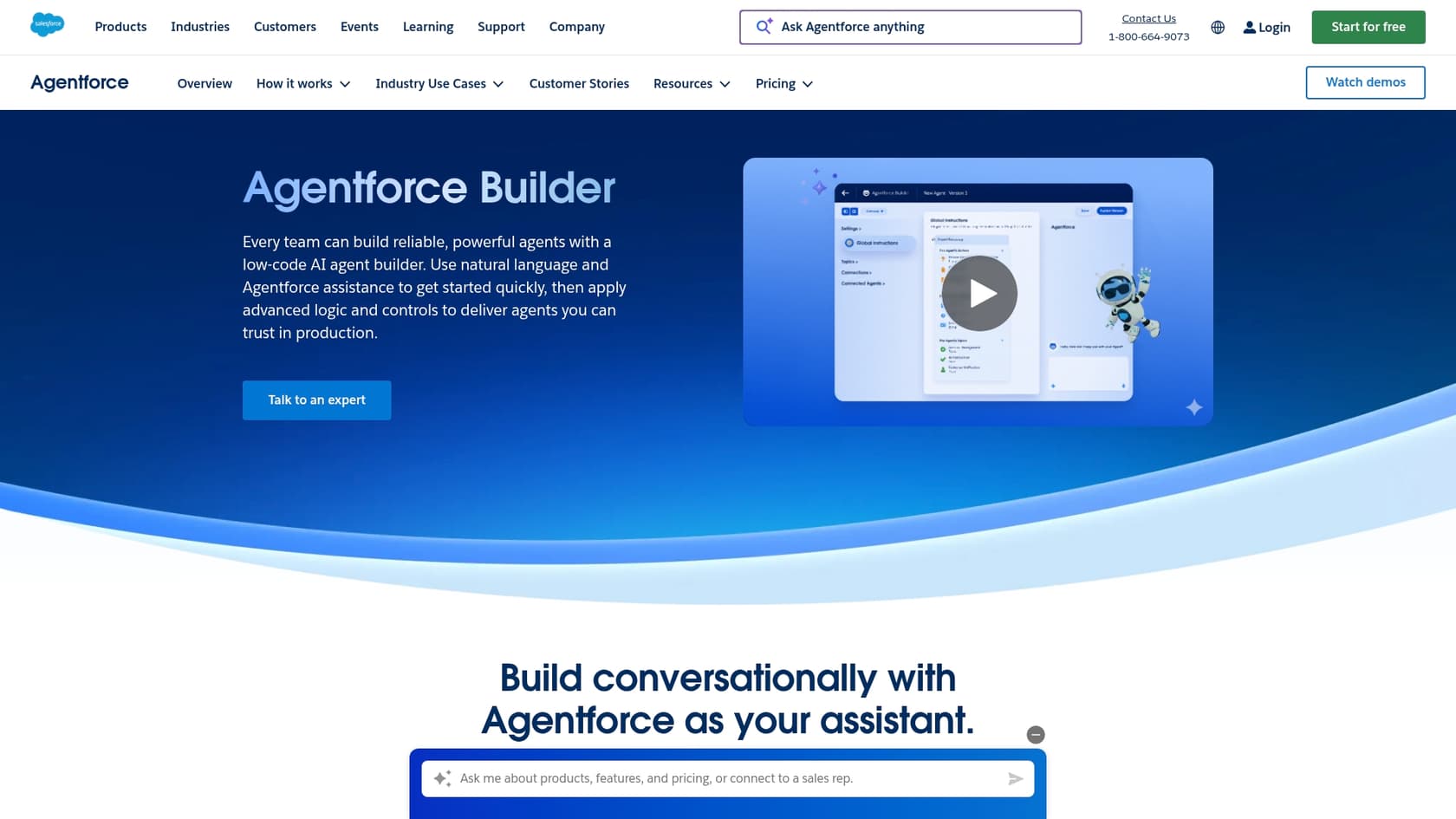
Salesforce has gone all-in on AI, bundling its features under the "Agentforce" brand. The big idea is to create an "Agentic Enterprise" where autonomous AI agents and human employees work together. For support teams, this shows up in a couple of key ways.
How Salesforce AI works
Salesforce's AI is built to work best inside its own world. The core concept is something they call "AI grounding," which basically means the AI is trained on your company's private data within Salesforce. This helps it give answers that are relevant and secure.
-
Autonomous Agents: These are chatbots that can handle customer questions on their own. They use your Salesforce Knowledge base to find answers and can be set up to perform actions, like updating a customer's case file.
-
Assistive AI (Copilot): This AI works alongside your human agents. It can suggest replies, summarize long email chains, and find relevant help articles to help your team solve problems faster.
Here’s the thing, though: these AI tools are only as good as the knowledge base they're connected to. If your Salesforce Knowledge base is empty, outdated, or poorly organized, the AI won't have the brain it needs to be useful.
The limits of a closed-off AI
The biggest drawback of Salesforce's AI is that it's designed to live in the Salesforce bubble. That’s great if your whole company runs on Salesforce, but most businesses use a mix of different tools for different jobs:
-
Helpdesks: Many teams prefer Zendesk, Intercom, or Freshdesk.
-
Internal Wikis: Your technical docs might be in Confluence or Notion.
-
Documents: Important information is often scattered across Google Docs or SharePoint.
Getting Salesforce's AI to learn from all these outside sources is tough. It usually requires complicated integrations using tools like MuleSoft or custom development work. It just wasn't built to play nicely with everything.
This is where a solution like eesel AI's AI Agent is fundamentally different. It's designed from the ground up to connect to over 100 sources right out of the box. You can hook it up to your Zendesk to learn from past tickets, your Confluence for product guides, and your public help center to create one unified AI brain without moving all your data.
Integrations and the AppExchange
One of Salesforce's biggest advantages is its massive ecosystem, especially the AppExchange. It’s basically an app store for your business, with over 9,000 apps that let you add new features to Salesforce. You can find integrations for almost anything, from signing documents to managing projects in Jira Service Management.
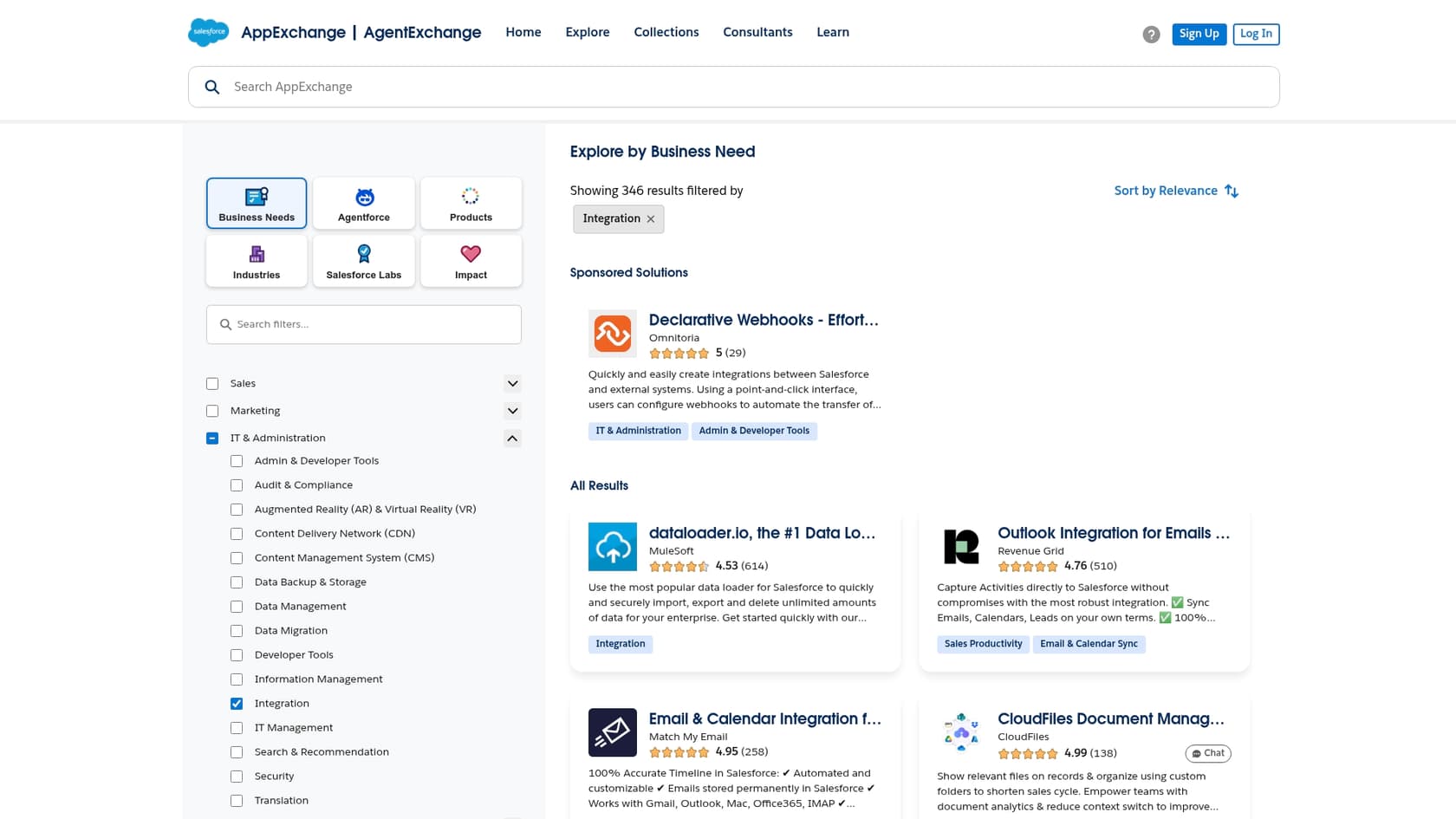
This means you can really tailor Salesforce to fit your team's needs. But a word of caution: managing a ton of integrations can create its own set of problems. Every app has its own learning curve, its own cost, and its own maintenance. If you rely on too many, your system can become fragile, and one small update can break an important workflow.
Instead of trying to patch together different tools for knowledge and AI, a platform like eesel AI acts as a single smart layer on top of the tools you already use. It connects to your helpdesk, wikis, and docs, giving you a unified AI without adding a dozen new apps to worry about.
Pricing
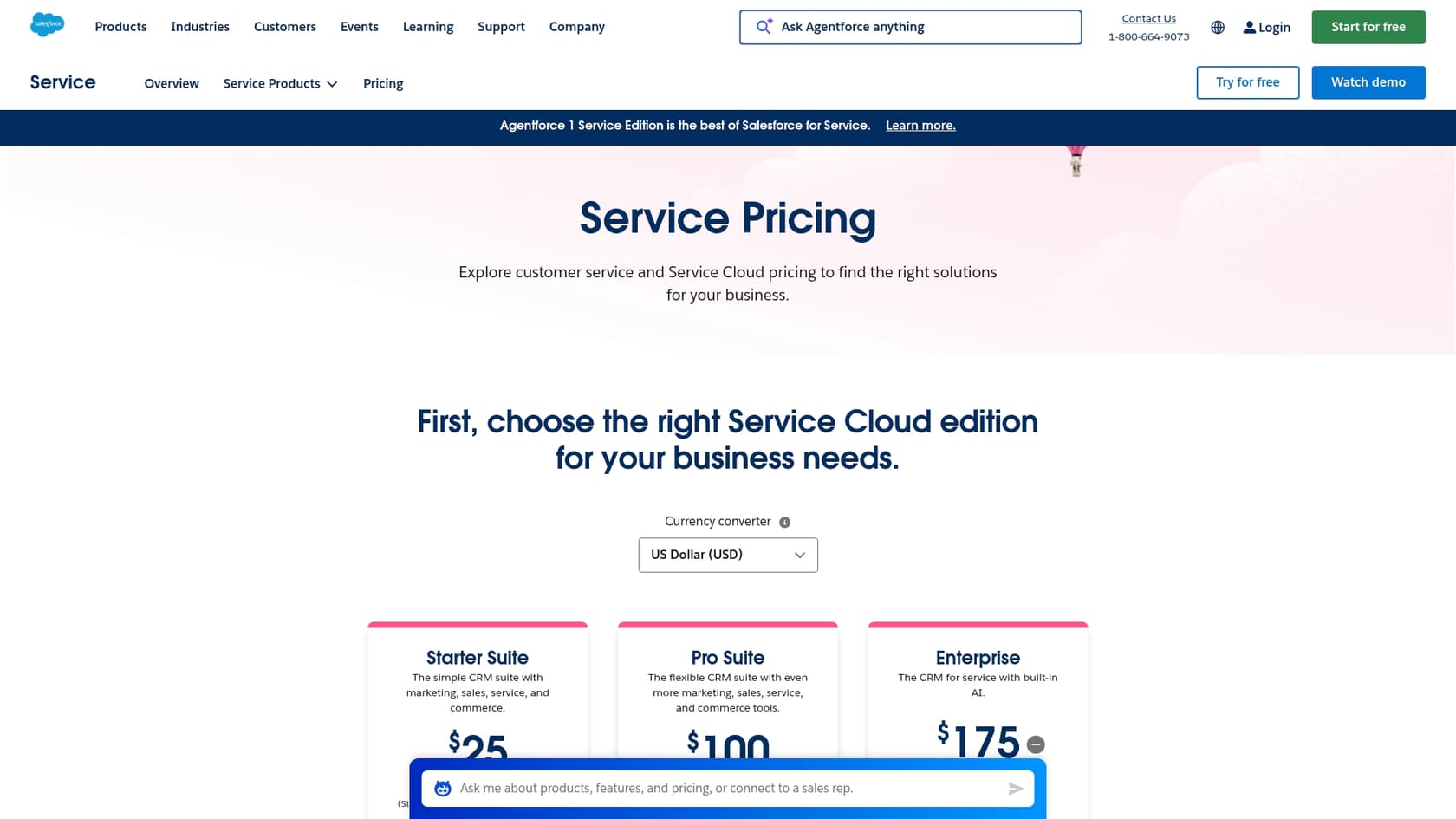
Salesforce's pricing is famously complicated. You almost always have to talk to a sales rep to get a real quote. The pricing is usually per user, per month, and comes in different tiers or "Editions" that unlock more features as you pay more.
For support teams, you'll be looking at Service Cloud. Here’s a quick breakdown of the standard plans:
| Edition | Key Features | Best For |
|---|---|---|
| Starter | Basic case management, knowledge base, simple reporting. | Very small teams getting started. |
| Professional | More complete case management, call center tools. | Growing support teams. |
| Enterprise | Advanced automation, workflows, and API access. | Large teams that need a lot of customization. |
| Unlimited | The full suite of CRM tools, 24/7 support. | Big companies with complex needs. |
Heads up: The shiny new AI features, like Agentforce and Einstein, are almost never included in the base price. They're usually sold as expensive add-ons, which can dramatically increase your final bill.
This pricing model can make it hard to predict your costs. In contrast, eesel AI offers transparent pricing based on how much you use the AI, not how many agents you have. There are no hidden fees for resolutions, so you won't get a surprise bill after a busy month.
The final verdict: Powerful, but a big commitment
No one can deny that Salesforce is a seriously powerful platform. For a huge company that wants to run its entire business on one system and has the budget and staff to manage it, it can be a fantastic choice. That 360-degree customer view is a real advantage.
But for many customer service teams, especially those who already have a helpdesk and other tools they like, Salesforce can feel like trying to crack a nut with a sledgehammer. The complicated setup, rigid structure, and pricing model full of add-ons are real obstacles.
If your main goal is to add smart, flexible AI to the tools you already use without starting a massive migration project, you might be better off with a more open and agile platform.
Ready to see what a simpler AI solution looks like? eesel AI connects to your existing tools like Zendesk and Confluence in minutes. You can even simulate our AI Agent on your past tickets to see the potential ROI before you commit. Give it a try today.

Frequently asked questions
This review highlights that Salesforce can be a significant undertaking. For teams without a dedicated Salesforce expert, the complex setup of features like Salesforce Knowledge can be challenging and time-consuming, potentially making it overkill for their immediate needs.
The review points out that setting up Salesforce Knowledge is a complex project, often taking weeks or months. Teams must manually define article types, page layouts, data categories, and permissions, requiring deep configuration rather than simple migration of existing content.
This review emphasizes that Salesforce AI is designed to work best within its own bubble. [Integrating it with external knowledge sources like Zendesk](https://www.eesel.ai/blog/how-to-set-up-a-salesforce-zendesk-integration-and-make-it-work-for-you), Confluence, or Google Docs is typically difficult, often requiring complicated custom development or additional integration tools.
The review notes that Salesforce pricing is notoriously complex, with costs often increasing significantly beyond base per-user fees. Features like Agentforce AI are usually expensive add-ons, making a precise quote difficult without direct sales consultation.
This review indicates that adopting Salesforce is a "big commitment." It requires significant investment in terms of budget, time for configuration and migration, and often dedicated staff to manage its complex features and ongoing maintenance.
The "Customer 360" concept allows support teams to access a complete view of customer interactions across sales, marketing, and service. This unified data helps agents understand customer history better, leading to more informed and personalized support.
Share this article

Article by
Stevia Putri
Stevia Putri is a marketing generalist at eesel AI, where she helps turn powerful AI tools into stories that resonate. She’s driven by curiosity, clarity, and the human side of technology.
