Running a BigCommerce store is a hustle. Between managing inventory and marketing, the last thing you need is a chaotic support inbox. But that's often what happens, right? Questions pour in from email, chat, and social media, and your team is stuck flipping between a dozen tabs just to find a single order number. It’s a surefire way to slow down replies and leave customers waiting.
That's where the Gorgias BigCommerce integration comes into play. Gorgias is a helpdesk built for the world of ecommerce, and connecting it with BigCommerce is a smart move for merchants who want to get their support under control. This guide will give you a full tour of the integration, from its features and pricing to its growth opportunities, so you can see how it helps your store succeed in 2026.
An introduction to Gorgias BigCommerce
Before we dive into how they work together, let's do a quick intro to each platform.
What is Gorgias?
Think of Gorgias as the command center for your customer service. It's a helpdesk built specifically for ecommerce stores, pulling all your customer chats from email, social media, and your website into one clean inbox. The whole idea is to stop treating support as just a cost and start seeing it as a way to make customers happy, and even drive sales.
What is BigCommerce?
BigCommerce is the engine that powers your online store. It’s a popular platform that gives you everything you need to build and run your shop, from product pages to checkout. It’s known for being pretty robust and can grow with you, whether you’re just starting out or running a massive operation.
How the Gorgias BigCommerce integration works at a high level
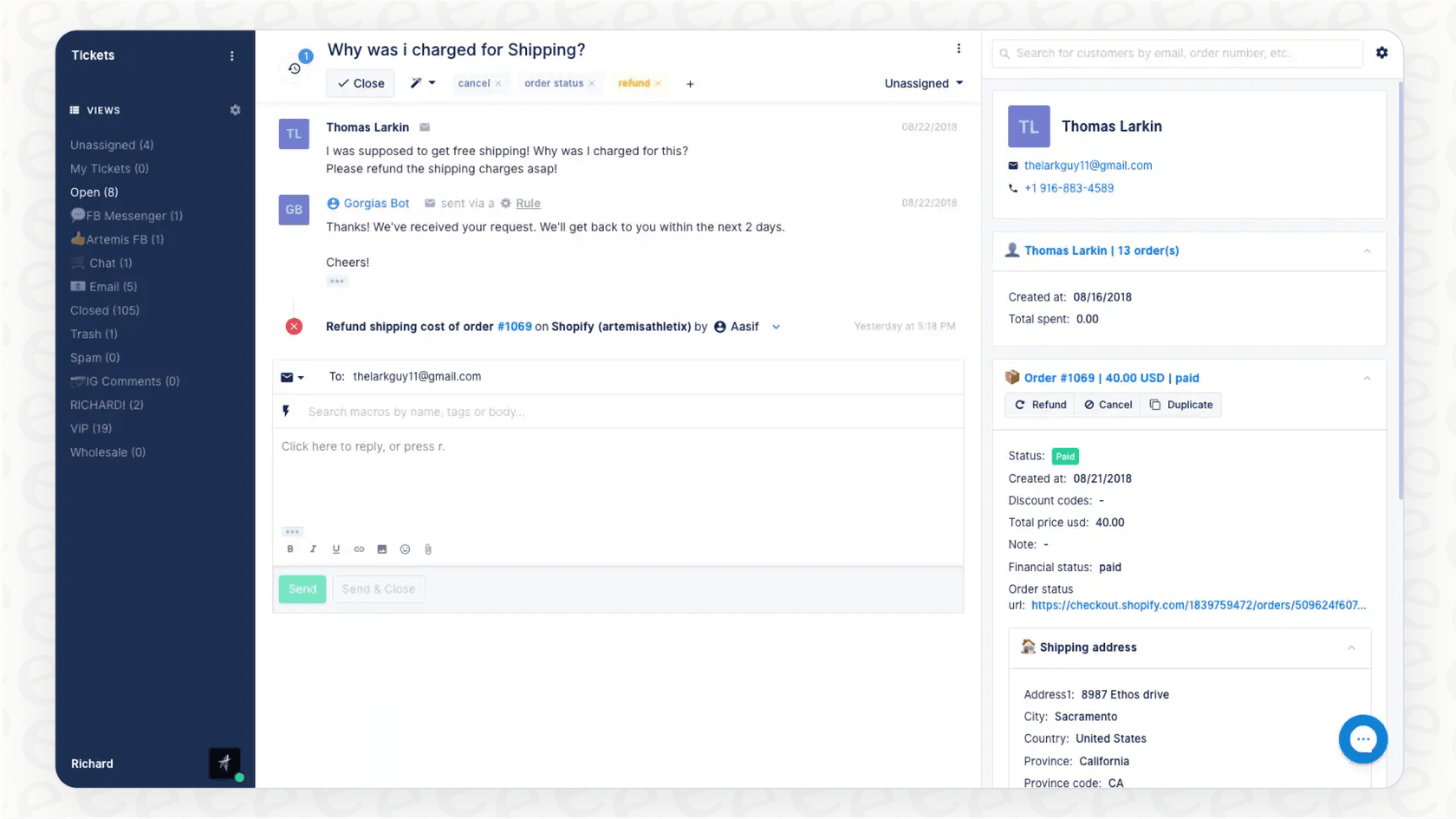
So, what happens when you connect the two? It’s pretty simple, really. The Gorgias BigCommerce integration links your online store right into your helpdesk. The moment a customer gets in touch, their complete profile and order history from BigCommerce pop up right next to their message. This means your support team sees everything they need to know about the customer in one glance, putting an end to frustrating tab-shuffling for good.
Key features and benefits of the Gorgias BigCommerce integration
Hooking up Gorgias and BigCommerce does more than just tidy up your workflow; it gives your team some serious superpowers. Here are some of the best parts.
Centralize customer and order data
The single best thing about this integration is context. As soon as an agent opens a ticket, they see a handy widget with the customer's entire BigCommerce profile and order history. No more asking, "Can I get your order number?" It's all right there:
-
Customer contact info
-
A full list of their orders and current statuses
-
Shipping addresses and live tracking links
-
The specific items they've purchased
Having this information immediately lets your team get straight to the point and solve the actual problem, which is exactly what your customers want.
Manage orders directly
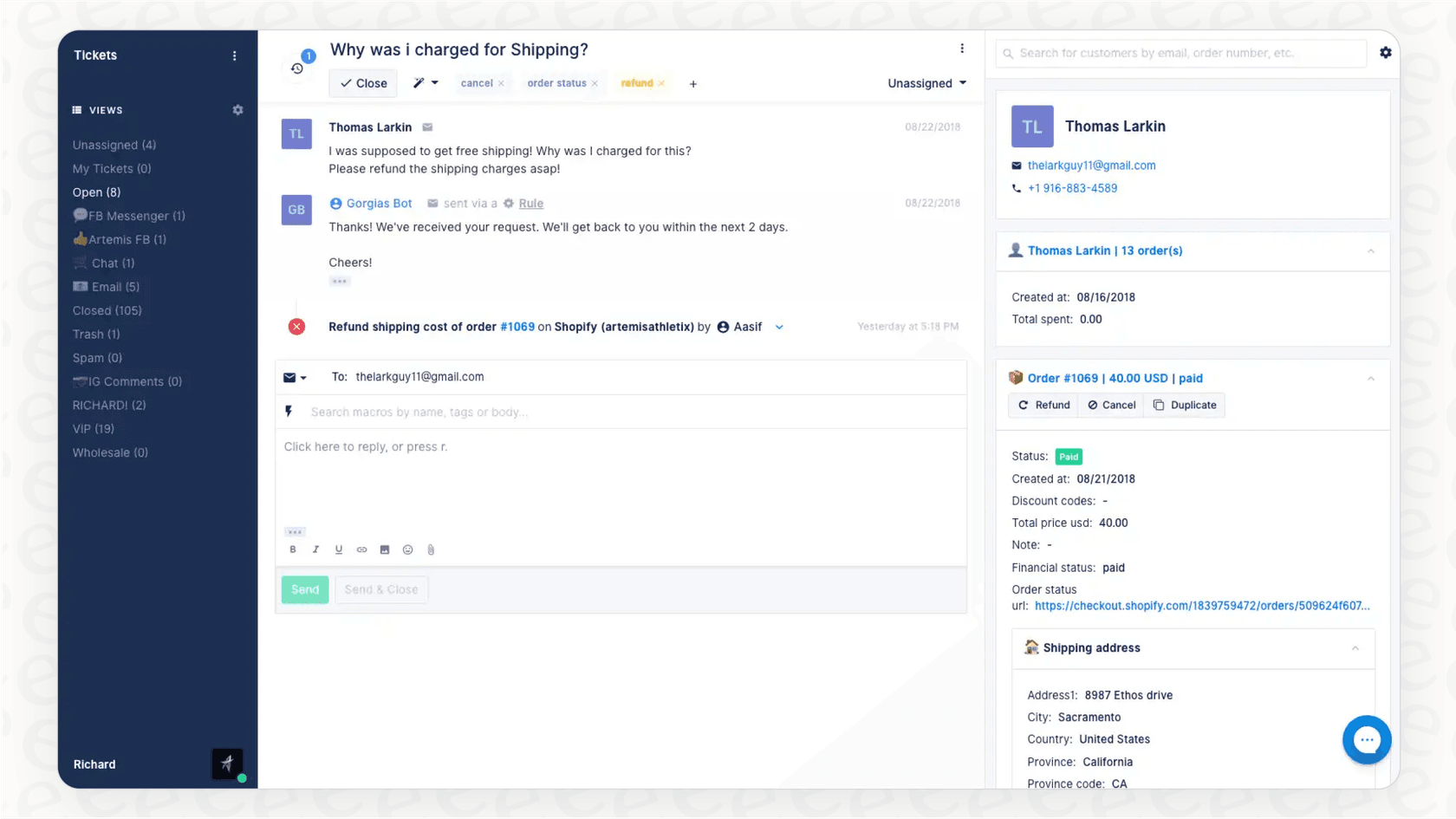
This isn't just a read-only deal; your team can actually get things done. Right from the Gorgias dashboard, they can handle key order tasks without ever having to log into BigCommerce:
-
Refund an order: Process a full or partial refund with a couple of clicks.
-
Duplicate an order: Make a new order for a customer who needs a replacement or exchange.
-
Create a new order: Help a customer complete a purchase directly from the chat.
It’s a huge time-saver. What used to be a multi-step process is now a one-click action, making your support team way more efficient.
Automate common responses using BigCommerce data
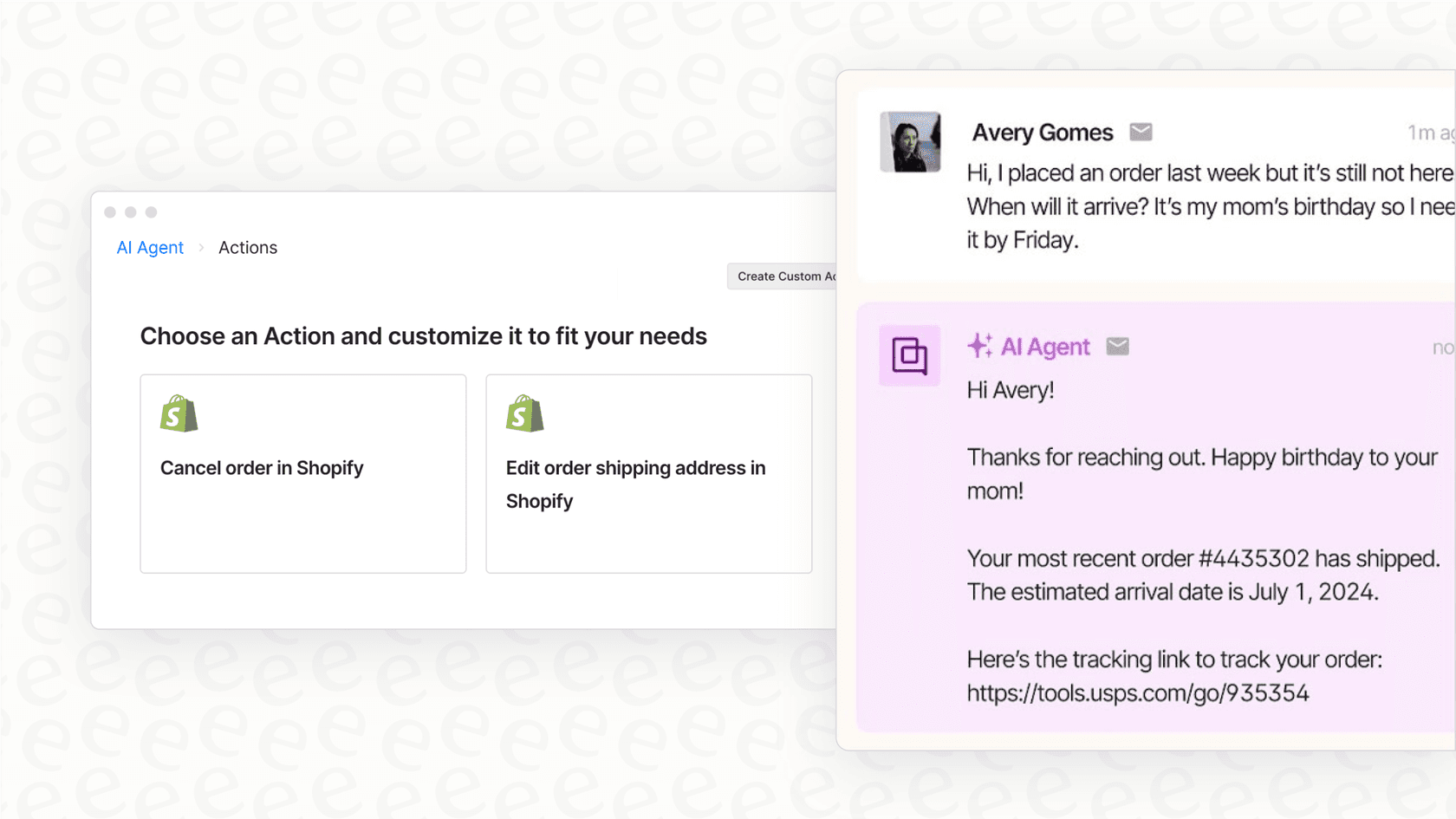
Gorgias lets you automate replies to common questions using "Macros" (which are basically saved replies) and "Rules" (automated workflows). When connected to BigCommerce, these tools can pull in live order information to make the replies personal.
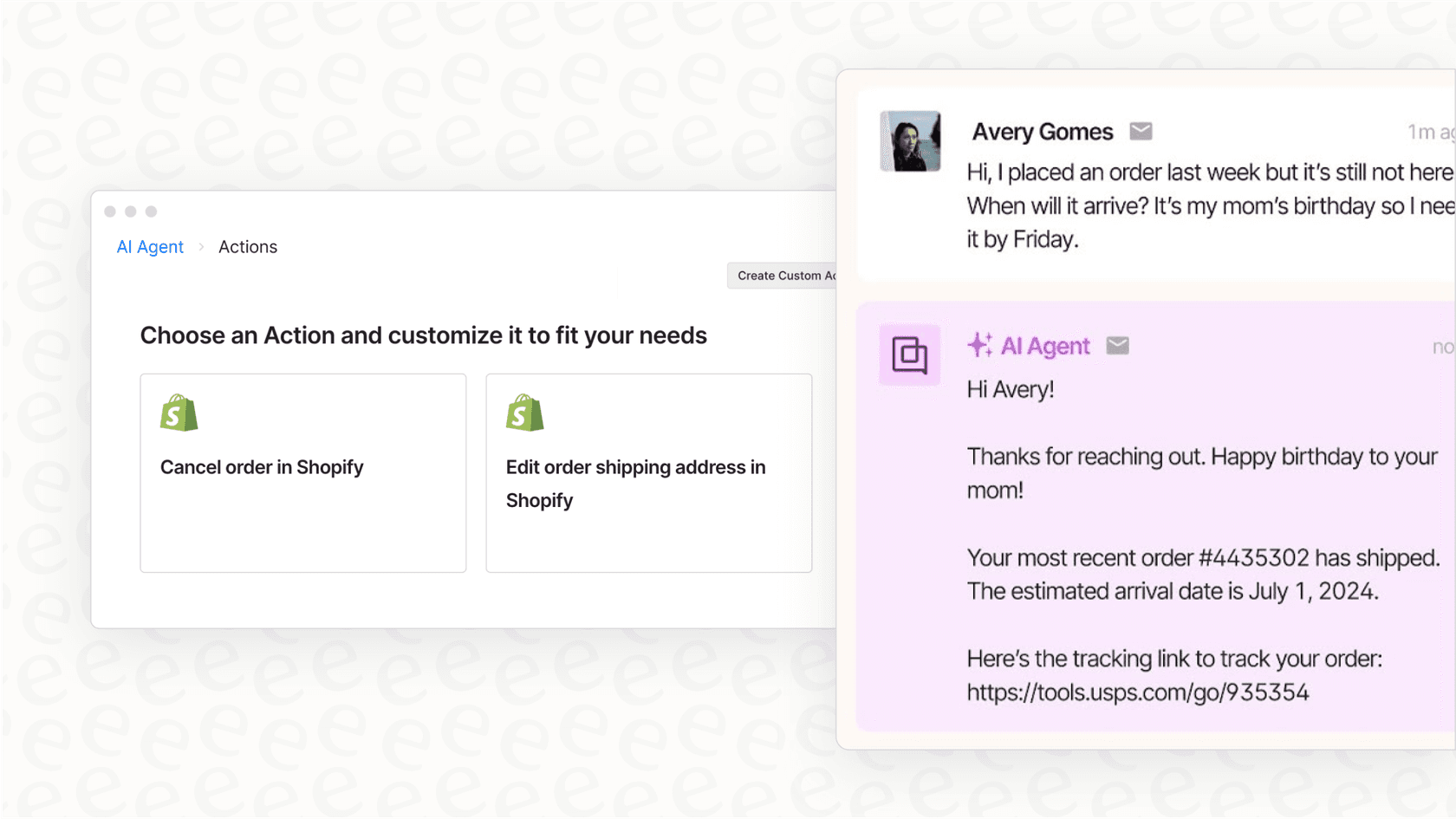
You could, for instance, create a Rule that spots any email with "Where is my order?" in the subject. The rule can then trigger a Macro that automatically replies with the customer's specific tracking link using a variable like {{last_order.tracking_url}}. This can take a massive slice of repetitive tickets off your team's plate, freeing them up for more complex conversations.
Macros are brilliant for standard, templated answers. But they are still just templates. For conversations that need a more human touch, an AI tool like eesel AI can be a great addition. It works within the Gorgias ecosystem, learning from your past conversations and knowledge docs to draft responses that feel personal while keeping the efficiency of Gorgias.
Understanding Gorgias BigCommerce pricing
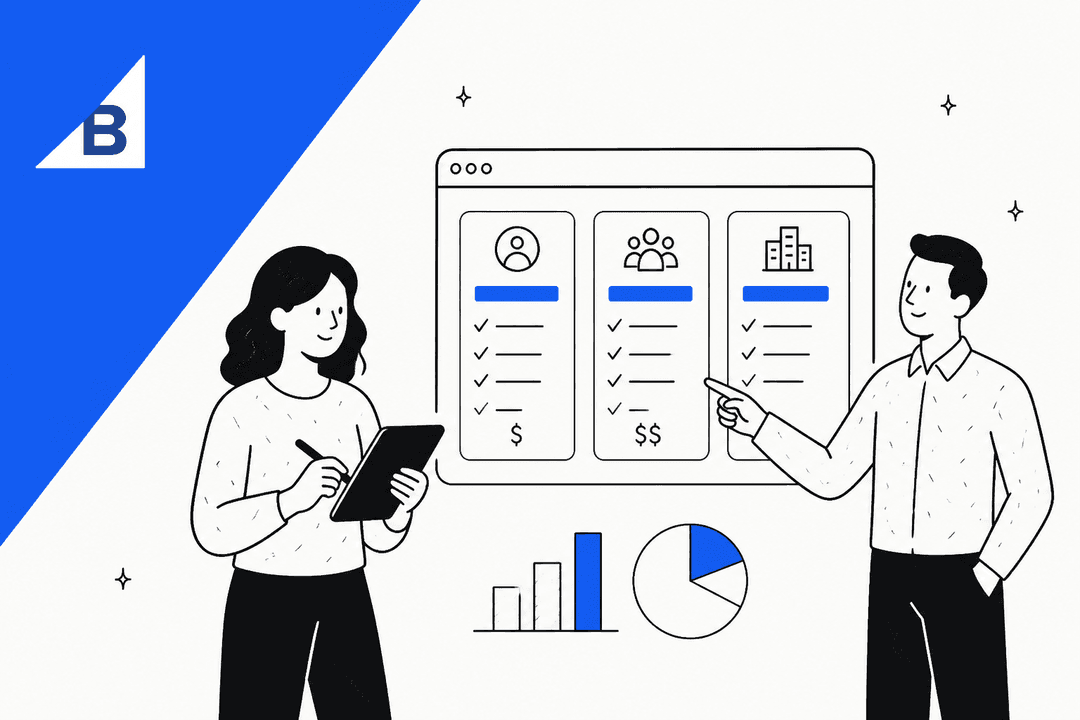
Gorgias does its pricing to match different team sizes. Instead of charging you for each support agent on your team, they charge based on the number of "billable tickets" you handle each month. This can be a great setup if your business has busy and slow seasons, or if you have a lot of part-time help.
A "billable ticket" is any conversation that gets a reply from a human agent, a Rule, or the AI Agent. Spam gets filtered out and doesn't count against you.
Gorgias BigCommerce helpdesk plans
Here's how the main plans shake out, all of which include the BigCommerce integration.
| Plan | Billed Monthly | Included Billable Tickets/mo | Overage Cost |
|---|---|---|---|
| Starter | $10 | 50 | $0.40 / ticket |
| Basic | $60 | 300 | $40 / 100 tickets |
| Pro | $360 | 2,000 | $36 / 100 tickets |
| Advanced | $900 | 5,000 | $36 / 100 tickets |
| Enterprise | Custom | Custom | Custom |
This pricing is based on info from the Gorgias pricing page for 2026.
Gorgias BigCommerce AI agent pricing and considerations
Gorgias also has an AI Agent for handling tickets automatically, which is priced to reflect its high resolution value. The cost is $1.00 for every conversation it fully resolves on a monthly plan.
When the AI Agent handles a ticket, it counts as a resolution fee as well as a "billable ticket" from your main plan. This ensures the AI is fully integrated into your reporting and billing workflow.
For comparison, other tools like eesel AI offer a complementary pricing structure that can be layered on top, where a set monthly fee includes a large number of AI interactions, helping some teams keep their costs predictable as they grow.
Growth considerations for the Gorgias BigCommerce integration
The Gorgias BigCommerce integration is a robust tool, especially when you're establishing your store. As your business grows and customer questions become more diverse, you can enhance the basic setup with additional capabilities. Here are a few ways to build on this strong foundation.
Connecting more knowledge sources
Gorgias is excellent at pulling answers from within its own platform. As your company grows, your knowledge might expand to other areas, such as detailed return policies in a Google Doc or technical specs in Confluence.
This is where a complementary platform like eesel AI comes in handy. It connects to your various apps and knowledge sources, allowing your Gorgias setup to access a complete picture of your business and answer questions accurately across more topics.
Refining advanced automation
Gorgias Rules are powerful for core "if this, then that" tasks. As you build more complex workflows, you may want additional ways to preview or refine these automations.
A tool like eesel AI can complement your setup with a powerful simulation mode. This lets you test AI responses on your past tickets in a safe environment, giving you a forecast of your automation rate before you apply it to live customer interactions. It’s a great way to safely expand on the automation Gorgias already provides.
Customizing your AI experience
Gorgias provides a seamless, built-in AI experience that is easy to manage. For teams that want to dive deeper into custom personalities or specific prompt engineering, eesel AI offers a complementary, customizable workflow builder.
You can use its open prompt editor to fine-tune your AI's voice and create custom AI actions that connect to your internal tools. This allows you to tailor the AI's behavior to match your unique brand identity perfectly.
Gorgias BigCommerce: A powerful duo with room to grow
So, what’s the final word? The Gorgias BigCommerce integration is a fantastic pairing for any ecommerce store in 2026. It’s a huge step forward, cleaning up your inbox, speeding up your agents, and automating your most frequent queries. For most businesses, it's the perfect foundation for a smooth support operation.
As you scale, you can continue to build on this success by layering in more flexibility and automation. When you're ready to expand your capabilities, adding specialized AI tools to your Gorgias setup is a natural next step.
Supercharge your Gorgias BigCommerce store with eesel AI
The great thing about eesel AI is that it’s built to work with the tools you already use. It plugs right into Gorgias in just a few minutes, adding a complementary AI layer to your existing setup.
You can bring in knowledge from all your different apps, test every automation safely with simulations, and work with a predictable pricing model. If you’re ready to see how smarter automation can enhance your Gorgias experience, you can start a free trial of eesel AI or book a quick demo with us.
Frequently asked questions
What are the main advantages of using the Gorgias BigCommerce integration for my online store?
The primary benefits include centralizing all customer and order data, enabling direct order management (like refunds or reorders), and automating common responses. This streamlines your support workflow and improves agent efficiency by providing a unified view.
Can my support team manage orders directly within Gorgias BigCommerce without switching tabs?
Yes, absolutely. Your team can perform actions like refunding orders, duplicating orders, or creating new orders directly from the Gorgias dashboard, eliminating the need to log into BigCommerce separately and saving valuable time.
How does the pricing for Gorgias BigCommerce work, especially regarding billable tickets?
Gorgias charges based on "billable tickets" per month, rather than per agent. A billable ticket is any conversation receiving a reply from a human, a Rule, or the AI Agent. This model allows teams to scale their support capacity as needed with tiered plans.
What are some ways to enhance the standard Gorgias BigCommerce setup as my business grows?
While the standard integration is very powerful, growing businesses often look to integrate external knowledge sources or refine complex automation workflows. Tools within the Gorgias ecosystem can help connect information across different platforms to ensure your support remains comprehensive.
Does the Gorgias BigCommerce integration support automation for common customer inquiries?
Yes, the Gorgias BigCommerce integration allows for robust automation using Macros and Rules. These can pull live order data to personalize automated responses, significantly reducing the volume of repetitive support tickets and providing faster answers to customers.
How does the AI Agent factor into the cost structure when using Gorgias BigCommerce?
The Gorgias AI Agent is priced at $1.00 per conversation it fully resolves. This resolution fee is added to the standard billable ticket, providing a clear value for every interaction that the AI handles completely without human intervention.
Why might I consider additional tools beyond just the basic Gorgias BigCommerce integration for knowledge management?
As your business scales, knowledge about your products and policies often lives in various tools like Google Docs or Confluence. While Gorgias is your central support hub, adding an advanced AI platform can help your team access these external sources directly within their workflow.