The 8 best Flowith alternatives in 2026

Kurnia Kharisma

Katelin Teen
Last edited August 6, 2026

Why people leave Flowith
First, credit to Flowith where it's due. The branching canvas is the real thing, and users like it. It lays out AI work as an inverted tree instead of a scrolling chat, so you can compare model outputs side by side and step back to an earlier version without losing your place. Two G2 reviewers (a small sample, but a consistent one) both single it out:
"Unlike a traditional chat, it features a unique layout that allows for several branching threads, making it easier to manage different tasks at once."

So why go looking elsewhere? Three reasons come up again and again.
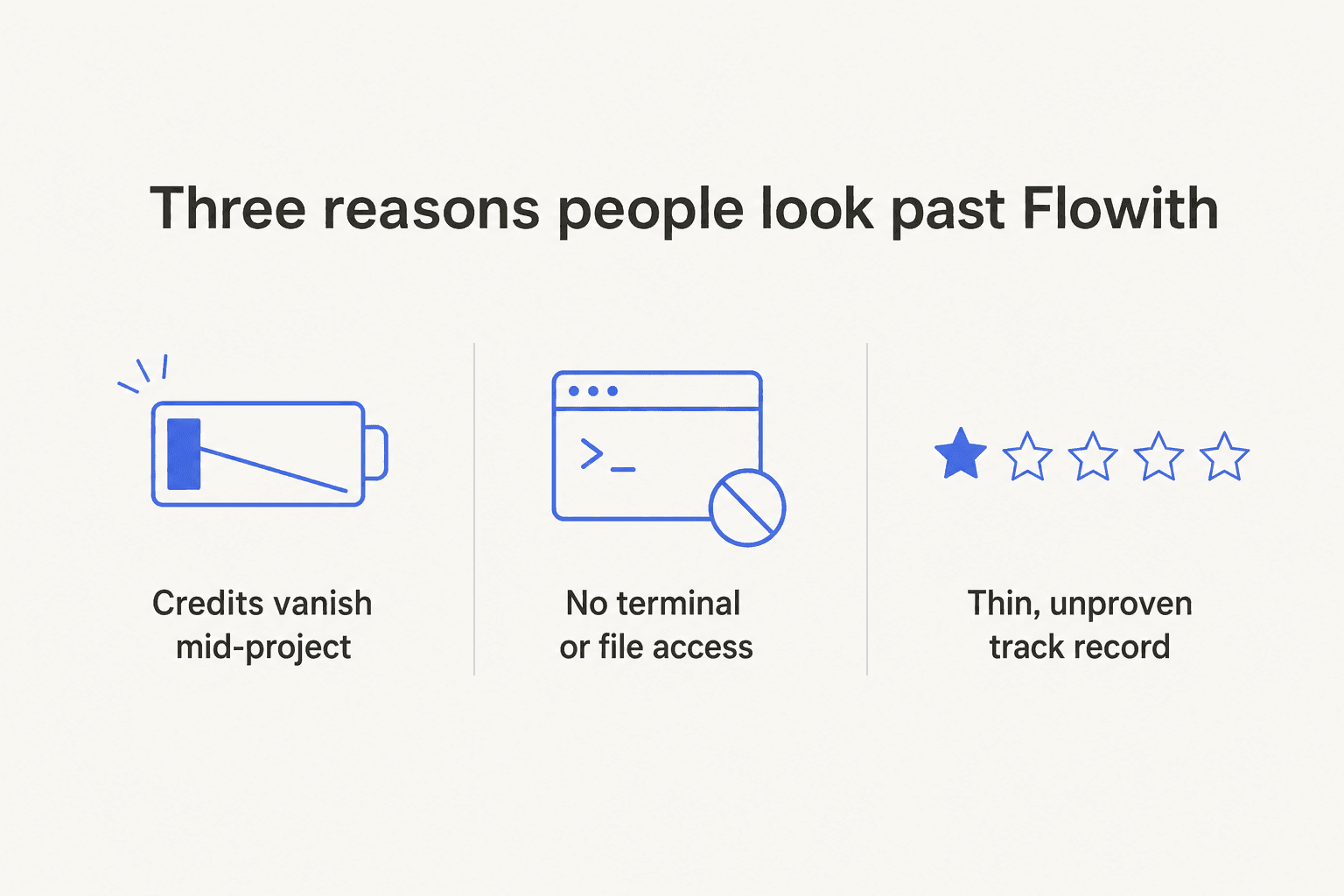
Credits vanish mid-project. Flowith bills in credits shared across text, image and video. They don't roll over, and video is a sink (third-party testing put a single video at roughly 475 to 6,000 credits depending on length). A Trustpilot reviewer reported image cost jumping from about 1 credit to around 160 per image after renewal, with a refund request refused. Flowith's policy only allows refunds within 48 hours and under 200 paid credits used, so "credits run out mid-project" is the recurring worry.
No terminal or file access. For anyone doing developer or systems work, this is the dealbreaker. A named operator who tested Flowith's research output liked the quality but landed his verdict here:
"It lacks a terminal and file access, making Manus AI a superior choice."

A thin track record. Flowith launched in August 2024 and its footprint is still sparse: 4.5/5 from two Product Hunt reviews, 4.0/5 from two G2 reviews. The signal is positive, but it's early signal, not a verdict from thousands of buyers. If you're putting real work through a tool, that matters.
How I picked these Flowith alternatives
I weighted the roundup toward the jobs Flowith is actually used for: agentic multi-step tasks, image and video generation, slides and sites, and general creative work. For each tool I looked at what it does natively, the real pricing and billing unit, the free tier, and where it's genuinely stronger (or weaker) than Flowith. I stuck to primary sources (each vendor's own pricing and product pages) and verifiable community reviews, and I ignored the SEO listicle noise.
The single most useful way to read the list is by the job you're hiring for, not by a leaderboard.
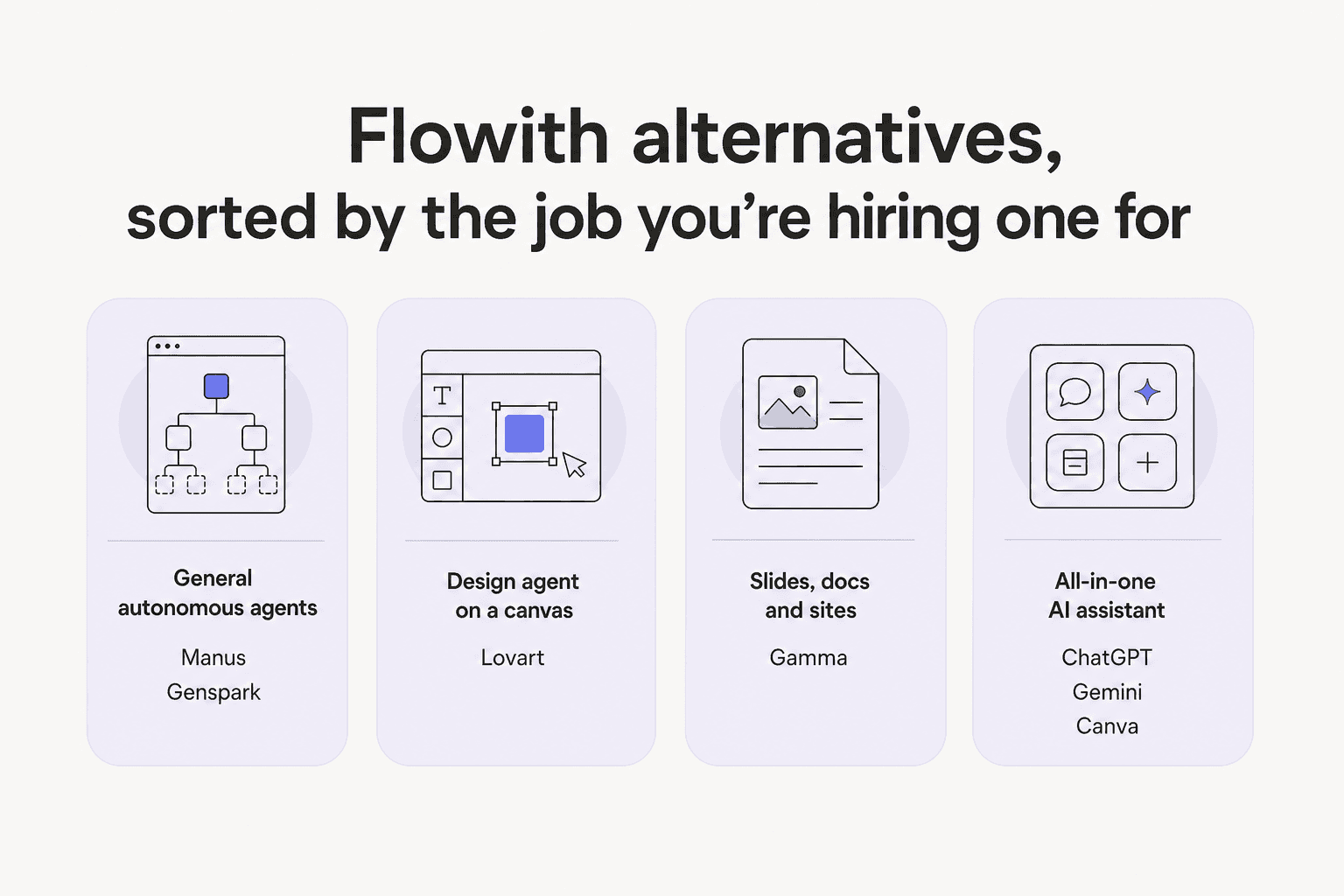
Here's the whole field at a glance before we go tool by tool.
| Tool | Best for | Entry paid price | Billing unit | Free tier | Watch out for |
|---|---|---|---|---|---|
| Flowith (incumbent) | Branching multi-model canvas | $19.90/mo (Pro) | Credits, no rollover | 300 one-time credits | Video credit sink; thin reviews |
| Manus | Autonomous agent that ships software | $20/mo | Credits + 300 daily refresh | Free plan + 1,000 starter credits | Credits still cap heavy runs |
| Genspark | All-in-one "super agent" (office + BI) | $24.99/mo (Plus) | Credits | Free plan | Pricing gated behind login |
| Gamma | Slide decks, docs and one-page sites | $9/seat/mo (Plus) | AI credits, 2x rollover | 400 starter credits | Credits vary by action |
| Lovart | Design agent (full brand/asset sets) | $16/mo (Starter, promo) | Credits, no rollover | Limited free gens | Year-2 renewal jumps |
| Canva | Mass-market design + AI media | ~$15/mo ($144/yr Pro) | Monthly AI credits by tier | Genuinely usable free plan | AI "Ultra" credits are scarce |
| ChatGPT | One generalist assistant for everything | $20/mo (Plus) | Flat sub + usage limits | Capable free tier | Pro headroom costs $100-$200/mo |
| Gemini | Multimodal all-rounder (image, video, research) | $19.99/mo (AI Pro) | Flat sub + limits | Capable free tier | Best models gated to Ultra |
| Napkin | Diagrams and infographics from text | $9/mo (Plus) | Credits (~1/word) | Forever-free, 500 credits/week | Narrow scope (visuals only) |
Now the detail.
1. Manus: best for autonomous agents that actually ship
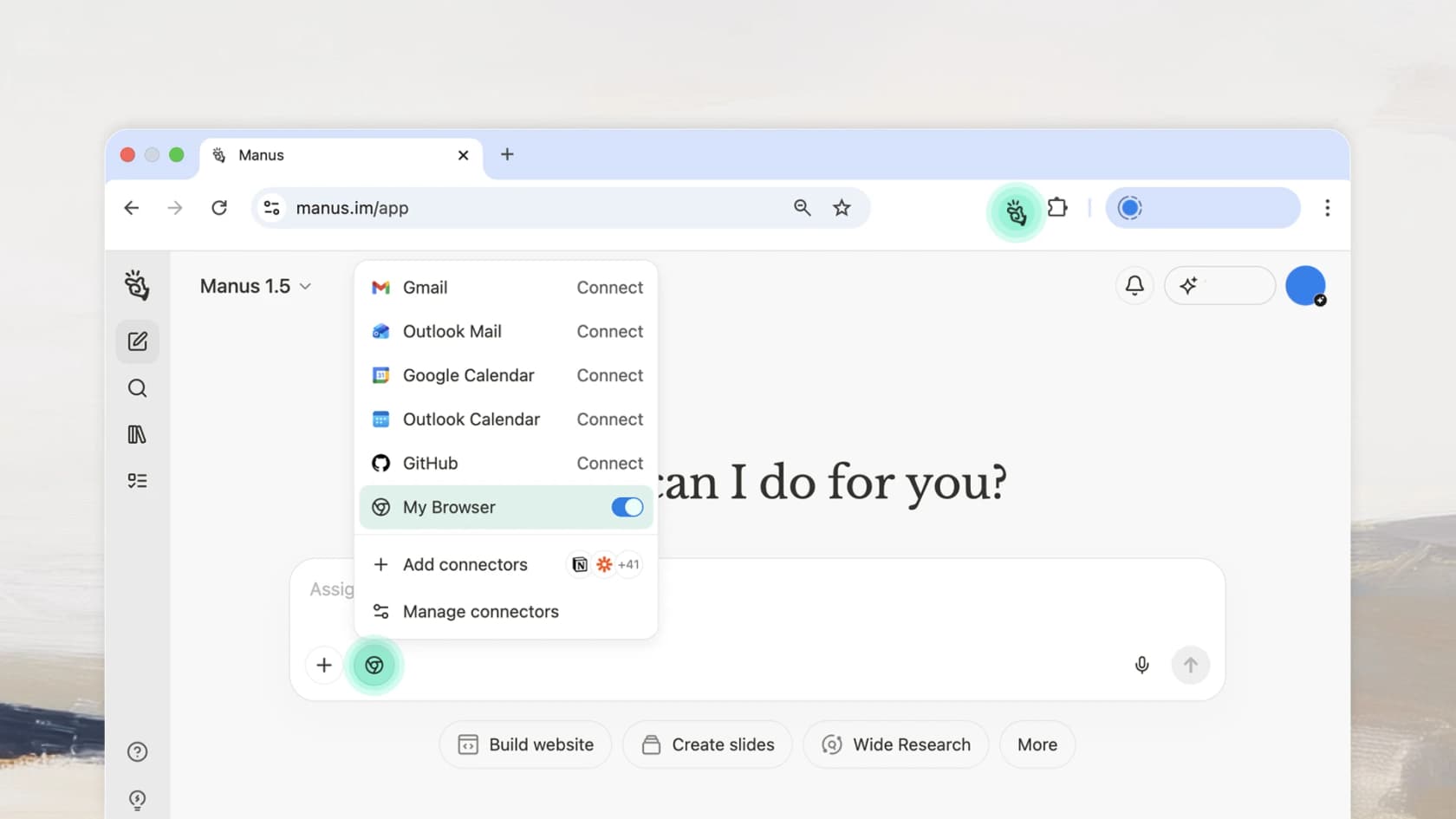
If Flowith's gap is "no terminal, no file access," Manus is the answer to that exact complaint. It's a general-purpose autonomous agent (now part of Meta) that doesn't just chat, it operates: it plans and executes multi-step goals, builds full-stack apps with real backends, runs parallel research, and can drive a browser inside your own session.
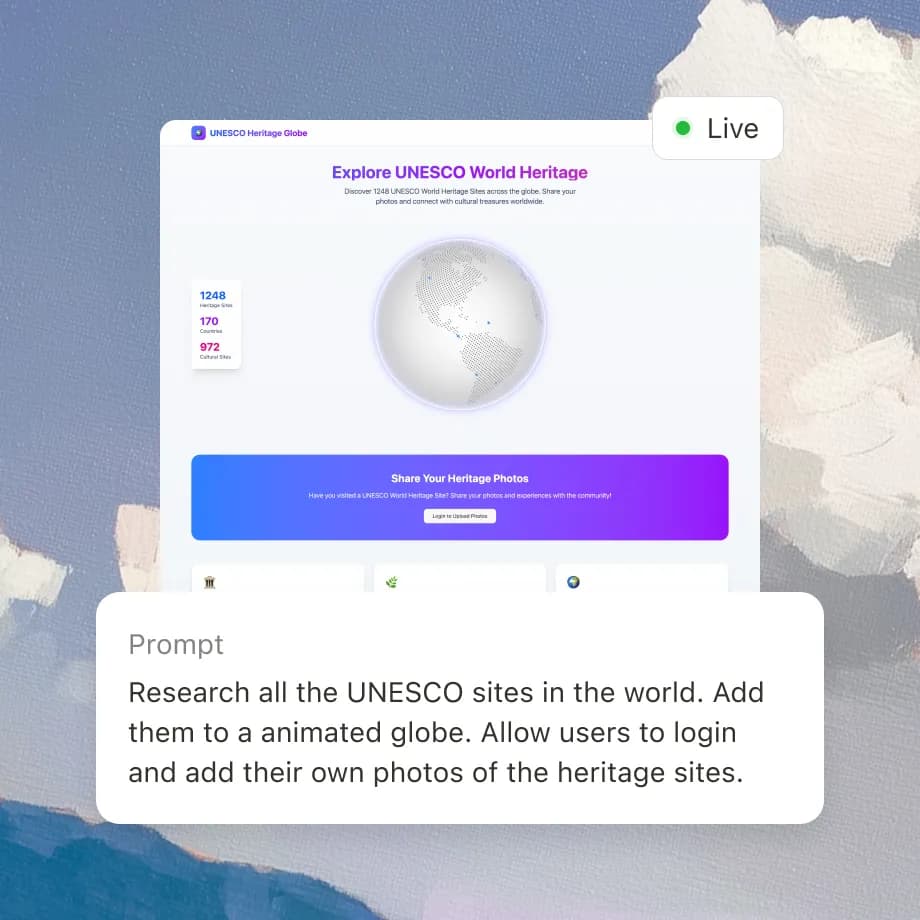
The thing that sets it apart is that its output is working software and real-world action, not just content. Ask it to build a site and it ships a live, hosted app with a real database, exportable code and all.
Pros: true terminal and file access, a cloud execution sandbox, a browser operator that acts with your logins, and 300 daily refresh credits on every paid plan so light use rarely stalls.
Cons: it's still credit-metered, so heavy multi-agent runs eat through the monthly pool; and the animated, benchmark-heavy marketing sets expectations that real runs don't always hit.
Pricing: Free ($0, 300 daily credits plus a 1,000-credit starter pack), then $20/mo for 4,000 credits, $40/mo for 8,000, and $200/mo for 40,000, with Team from $20 per seat.
Verdict: if the reason you're leaving Flowith is that you want an agent that does things rather than makes things, Manus is the pick. See our Manus deep dive and Manus alternatives if you want to compare it further.
2. Genspark: best for an all-in-one "super agent"
Genspark markets itself as "AI Workspace 4.0," a credit-based super-agent bundle. Under one subscription you get an AI employee, an office suite (AI Slides, Sheets, Docs, with Microsoft 365 and Google plugins), a build suite (design, code, dashboards) and content creation (chat, image, video, music). Its signature move is turning a plain-language request into a live data dashboard.
Where Flowith is canvas-native and creative-first, Genspark leans office and business-intelligence, with plugin distribution into the tools you already use. That makes it the better fit if your work is closer to "assemble a deck and a spreadsheet from this data" than "generate a poster set."
Pros: genuinely broad scope, strong office and BI output, and plugins that push results into M365 and Google.
Cons: the pricing page and hard usage numbers sit behind a login wall, which is a transparency miss, and breadth-over-depth means no single capability is best-in-class.
Pricing: a free plan, then Plus at $24.99/mo ($19.99/mo billed annually) for 10,000 credits with unlimited chat and image generation through the end of 2026, plus a higher Pro tier. Confirm the exact numbers when signed in, since the public page gates them.
Verdict: a strong Flowith alternative if you want one credit wallet spanning office, BI and creative work, and you can live with pricing you have to log in to see.
3. Gamma: best for slide decks, docs and sites
If the Flowith modes you actually use are Slides and Website, Gamma does those two jobs far better and with a much bigger track record: over 100 million users and SOC 2 Type II, versus Flowith's handful of reviews.
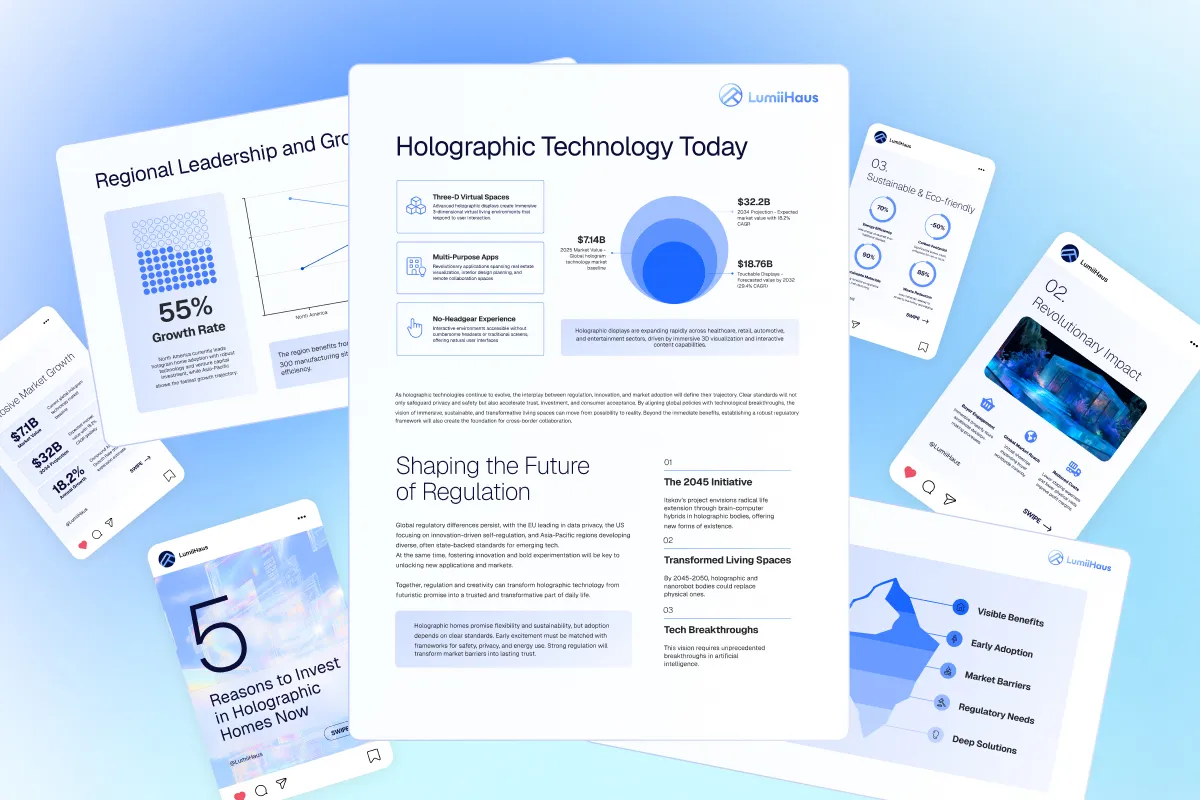
You describe what you want and Gamma generates a polished, on-brand deck, doc or one-page website that you can then edit card by card. It's the tool people reach for when the deliverable is a presentation, not a canvas experiment.
Pros: best-in-class AI decks and sites, credits that roll over up to 2x, a real free tier, and enterprise-grade trust signals.
Cons: it's specialized (no video, no broad agent), and like Flowith it bills in credits whose cost varies by action, so complex generations spend more than you'd expect.
Pricing: Free ($0, 400 starter credits that don't refill), Plus at $9/seat/mo (1,000 monthly credits), Pro at $18/seat/mo, and Ultra at $90/seat/mo.
Verdict: for slides, docs and sites, Gamma is a straight upgrade over Flowith's versions of those modes. The trade is scope: it does three things, extremely well.
4. Lovart: best as a pure design agent
Lovart is the closest head-to-head with Flowith's design-on-a-canvas positioning. It bills itself as an "AI design agent" that produces whole coherent asset sets from one brief: posters, brand kits, product pages, campaign video, all sharing a consistent style.

Like Flowith, it's a model aggregator underneath, but it's built around design outcomes rather than a general canvas, with features like Touch Edit, Style Consistency and brand kits.
Pros: design-native from the ground up, strong style consistency across an asset set, and an "Unlimited Relax" queue on higher tiers so you can generate without burning fast credits.
Cons: credits don't roll over, and the current low prices are a flash-sale annual promo, with year-two renewals jumping (Pro renews around $74/mo, Ultimate around $166/mo). Budget for the real rate.
Pricing: Free ($0), then promo annual rates of Starter $16/mo (2,000 credits), Basic $27/mo (3,500), Pro $45/mo (11,000) and Ultimate $109/mo (27,000).
Verdict: if you liked Flowith specifically for design work, Lovart is the most direct swap. Just read the renewal terms before you commit annually.
5. Canva: best mass-market alternative with AI built in
Not everyone leaving Flowith wants another frontier-model canvas. Sometimes you want a tool your whole team already knows. Canva is that tool, with its Magic Studio AI suite layered on top: Magic Design, Magic Media (image and video generation), Magic Write and more.

The pitch is accessibility: you get AI generation inside a full design editor, template library and brand kit, with a genuinely usable free plan, rather than a blank canvas that assumes you know what to prompt.
Pros: enormous template and asset library, gentle learning curve, real free tier, and AI woven into a tool 6 million-plus teams already use.
Cons: the AI is an add-on to a design app, not the main event, and the highest-quality "Ultra" AI credits are scarce (40/month even on Business), so heavy generative users hit limits.
Pricing: Free, then Pro at roughly $15/mo ($144/year), Business at $250/year per person, and custom Enterprise. AI credits scale by tier (Free 200 standard / Pro 2,000 / Business 4,000).
Verdict: the best pick if you value ease-of-use and a shared tool over cutting-edge generation. It's a different philosophy than Flowith, and for most teams a more practical one.
6. ChatGPT: best generalist that does most of it
Half of what people use Flowith for (chat, research, image generation, light agent work) is now built into ChatGPT. One assistant covers image generation, Canvas for docs and code, agentic tasks, custom GPTs and deep research.
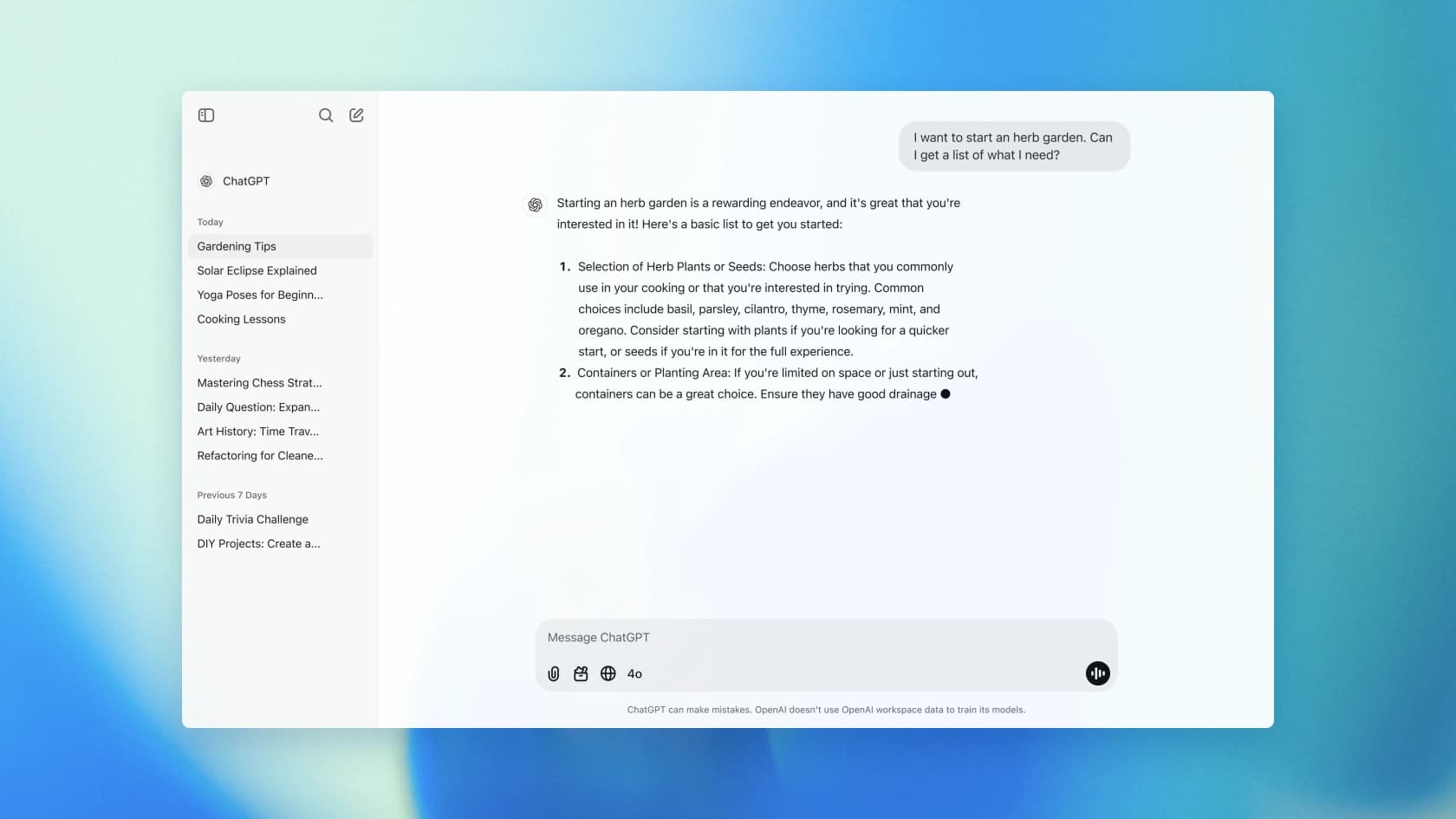
The appeal is consolidation: instead of a multi-model canvas you manage, you get one well-integrated assistant with the frontier models built in. What you give up is Flowith's visual, branching, side-by-side comparison.
Pros: the widest general capability, the most polished experience, a strong free tier, and by far the largest ecosystem and track record.
Cons: no infinite canvas or multi-branch view, and the real usage headroom lives in the expensive Pro tiers.
Pricing: Free ($0), Go $8/mo, Plus $20/mo, Pro at $100/mo and $200/mo (usage headroom, not extra features), and Business at $25-$30/user.
Verdict: for most people the honest answer to "what should I use instead of Flowith" is "you might already have it." If you pay for ChatGPT Plus, try pushing your creative and agent work there first. See where it sits among the best AI agents.
7. Gemini: best multimodal all-rounder
Google's Gemini is the other big-tech generalist, and it's arguably the strongest multimodal one: native image generation (Nano Banana), video (Veo), music (Lyria), Deep Research, Canvas, and agentic browsing that completes real tasks.

Where Flowith aggregates third-party models, Gemini gives you Google's own frontier stack in one place, with generation quality that's genuinely competitive across image and video.
Pros: excellent image and video generation baked in, deep research, agentic task completion, and Google-scale reliability and storage.
Cons: the best models and the highest limits are gated to the pricey Ultra tiers, and it's a personal-account consumer product (businesses route to the Workspace add-on).
Pricing: Free, then AI Pro at $19.99/mo and AI Ultra at $99.99/mo (5x limits) or $199.99/mo (20x limits); a lighter AI Plus sits at $4.99/mo.
Verdict: if your Flowith use is mostly image and video generation plus research, Gemini matches or beats it on quality and comes without the credit-anxiety, as long as you're fine on a consumer account.
8. Napkin: best for diagrams and infographics from text
If the specific thing you loved in Flowith was turning ideas into clean visuals, Napkin does that one job beautifully and cheaply. You paste text and it generates editable diagrams, infographics and charts, no prompting required.
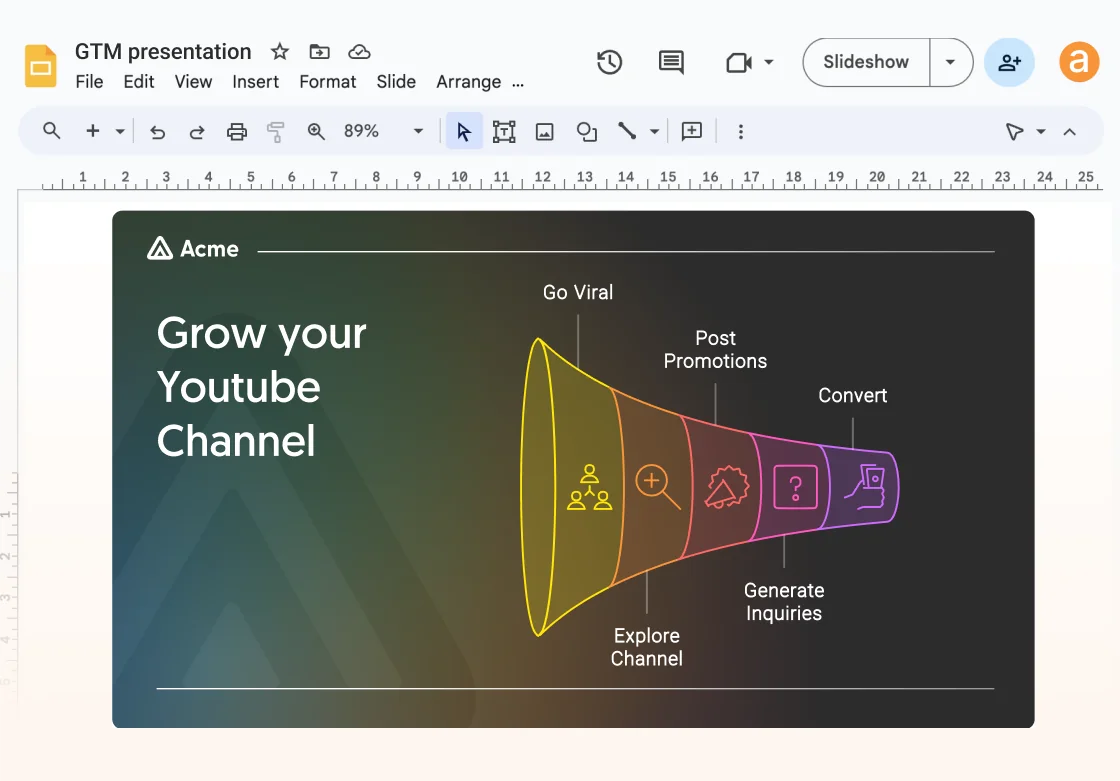
It's deliberately narrow, and that's the point: instead of a sprawling canvas, it's a focused text-to-visual tool with a real forever-free plan.
Pros: genuinely useful free tier (500 credits a week), no-prompt generation, exports to PPT, PNG, SVG and PDF, and 60+ languages.
Cons: it only makes diagrams and visuals, so it's a complement to the bigger tools, not a full Flowith replacement.
Pricing: Free ($0 forever, 500 credits/week), Plus at $9/mo (10,000 credits/month) and Pro at $22/mo (30,000/month). Roughly 1 credit per word.
Verdict: the best low-commitment pick, and a great pairing with a generalist like ChatGPT. If diagrams were your Flowith use case, start here for free.
Try eesel for the support jobs these tools can't do
Every tool above is a creative or general agent. None of them resolves a support ticket, and none pretends to. That's a different job, and a different kind of tool.
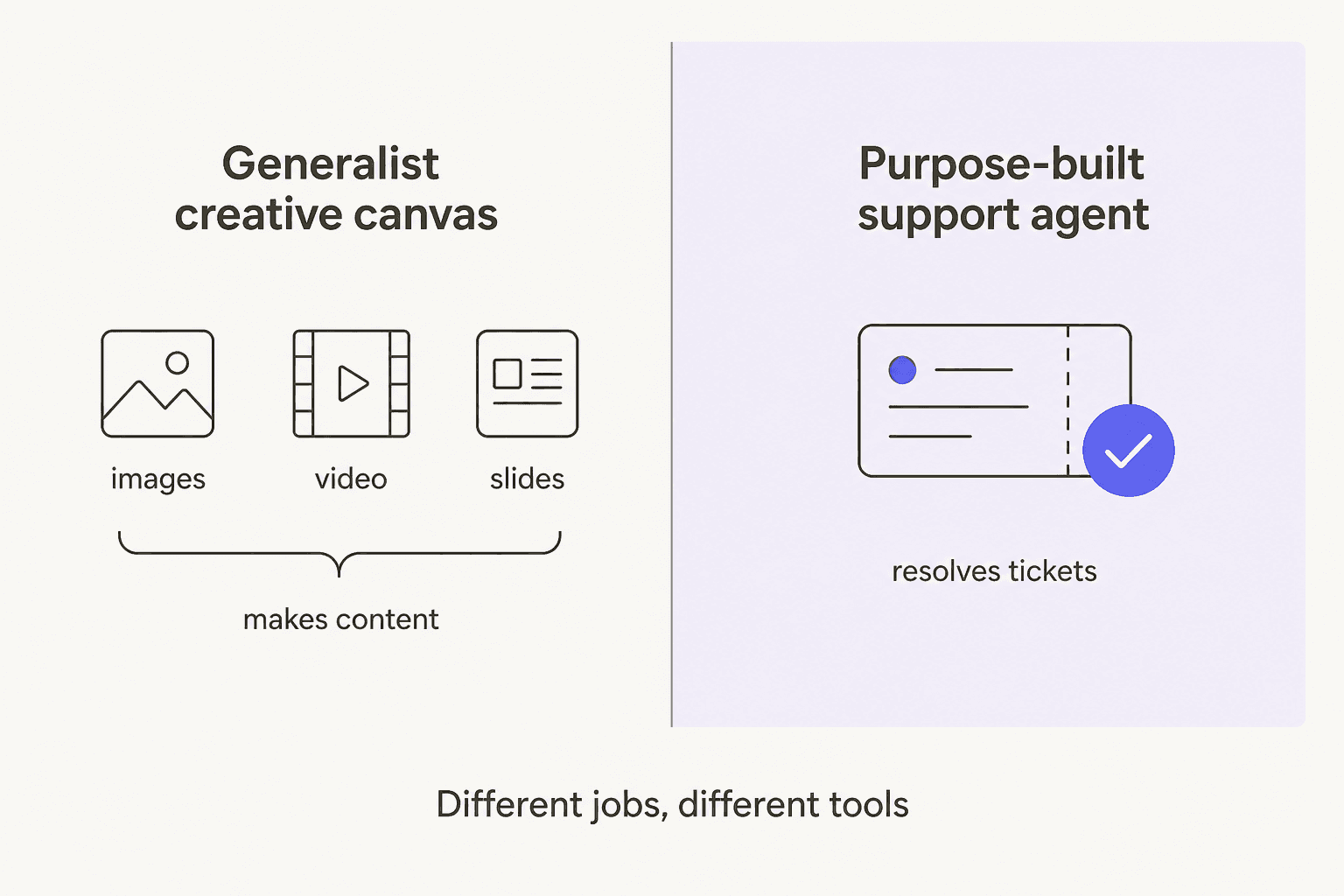
I build at eesel AI, and if what you actually want from an "AI agent" is fewer tickets in your queue rather than more posters in your folder, that's exactly what we do. eesel is a purpose-built AI helpdesk agent that plugs into Zendesk, Freshdesk, Gorgias and the rest, learns from your past tickets and help center, and resolves tier-1 conversations on its own. The part I'd flag most: because we've watched confident-sounding bots quietly give wrong answers, you can simulate eesel on thousands of your historical tickets before it ever replies to a real customer, so you see the resolution rate up front instead of hoping.
It's the opposite trade-off to Flowith: not one canvas that does a hundred creative things adequately, but one agent that does a single high-stakes thing (frontline support) reliably. If that's your real problem, try eesel or book a demo.
Frequently Asked Questions
What is the best Flowith alternative in 2026?
It depends on the job. For autonomous, developer-friendly agent work, Manus is the strongest Flowith alternative. For slide decks and one-page sites, Gamma wins. For pure design output, Lovart is the closest match. If you just want one assistant that does most of it, ChatGPT or Gemini cover the widest ground.
Why do people look for Flowith alternatives?
The three recurring reasons are credit pricing that burns out mid-project (video can cost thousands of credits), no terminal or file access for power users, and a thin, unproven track record (only a handful of public reviews). See our full Flowith breakdown for the detail.
Are there free Flowith alternatives?
Yes. Napkin has a genuine forever-free plan (500 credits a week), Gamma gives 400 starter credits, and both ChatGPT and Gemini have capable free tiers. Flowith's own free Starter plan gives 300 one-time credits, which run out fast on image and video work.
Is Manus or Flowith better for AI agents?
For real agentic work, most power users prefer Manus because it has terminal access, file access, and can ship working software. Flowith is stronger for visual, branching, multi-model image and video generation on a canvas. Our Manus alternatives guide compares both in depth.
Can any of these Flowith alternatives handle customer support automation?
No, they are all general creative or agent tools with no helpdesk positioning. For tier-1 ticket automation you want a purpose-built AI helpdesk agent like eesel AI, which plugs into Zendesk, Freshdesk and Gorgias and resolves tickets rather than generating posters.