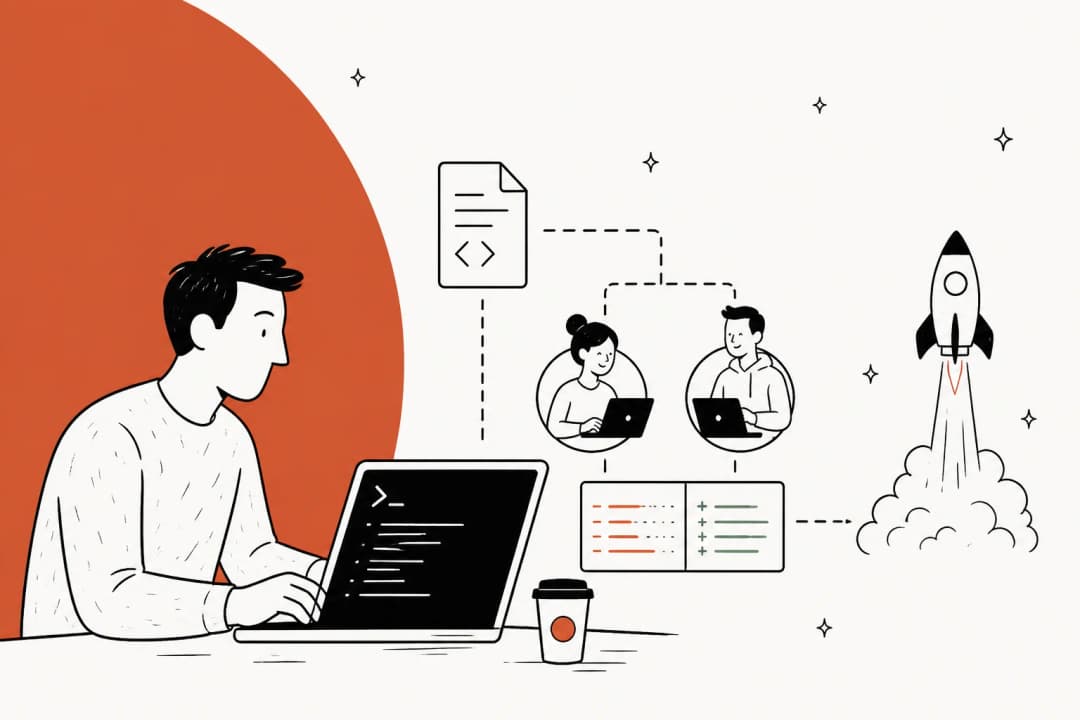
We’ve all been there. You’re deep in a project, things are moving along nicely, and then you hit a brick wall. A stubborn bug pops up that makes no sense, turning a good afternoon into a frustrating hunt through logs and stack traces.
What if you had an assistant for those moments? Not just a glorified autocomplete, but something that can actually reason about your code, investigate problems, and take action with you.
This is what people mean by "agentic AI," a new kind of tool that’s starting to change how developers work. Instead of just suggesting code, these tools act more like collaborators. One of the main players in this space is Claude Code, a powerful command-line assistant from Anthropic.
This guide will walk you through how to "debug with Claude Code". We'll cover some core strategies, workflows that go beyond just fixing bugs, and have an honest look at the limitations of using a general-purpose coding agent.
What is Claude Code?
Claude Code is an AI assistant that works right where you do: in your terminal. It isn't another chat window you have to switch to or an IDE extension that only offers suggestions. It's built to be an active part of your workflow.
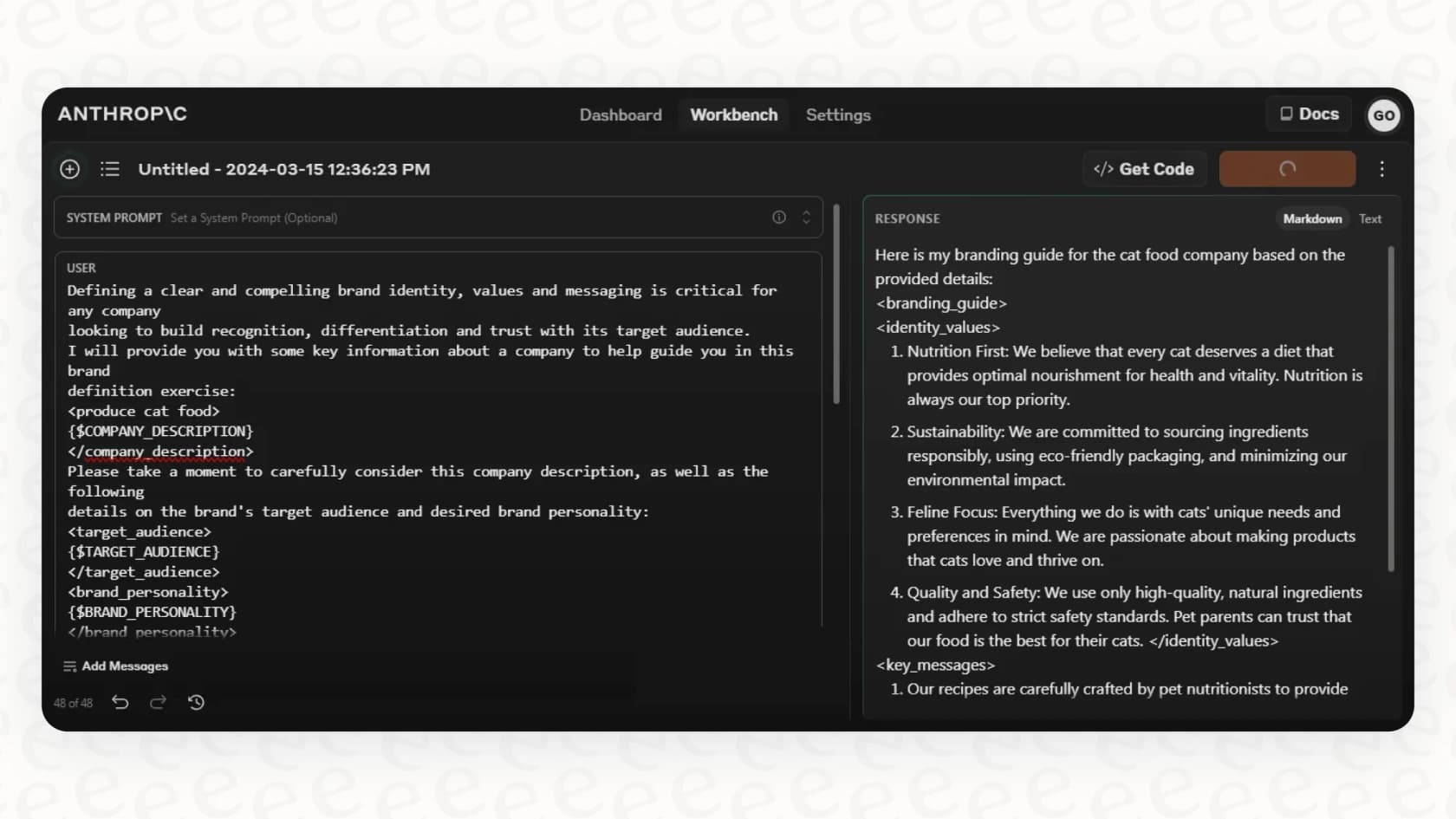
Think of it like this: tools like GitHub Copilot are great for finishing the line of code you're currently writing. Claude Code is a bit different. It can read your entire codebase, not just the file you have open. It can run shell commands, edit files for you, and interact with your git repository. You can have a conversation with it, asking it to look into a problem, come up with a plan, and then carry out that plan.
This "agentic" ability is what makes it stand out. You’re not just getting code snippets; you’re getting an assistant that can help you think through a problem from beginning to end. It's a shift from AI as a suggestion box to AI as a pair programmer.
Key strategies to debug with Claude Code
Just dumping an error message into Claude Code and hoping for the best isn’t going to get you very far. To really get the most out of it, you need a bit of a strategy. It's less about asking a single question and more about starting a collaborative investigation.
Customize your environment for success
Before you start debugging, you need to give Claude the right context. An AI agent is only as good as the information it has access to.
A great first step is creating a "CLAUDE.md" file in your project's root directory. Claude automatically reads this special file to understand your project's setup. You can fill it with common bash commands, links to important utility functions, testing instructions, or code style guides. This simple step saves you from repeating yourself and gives Claude the background knowledge it needs to make better decisions.
You can also create a list of pre-approved tools. By default, Claude will ask for your permission before doing anything that could be risky, like editing a file or running a command. To speed things up, you can pre-approve actions you know are safe. For instance, you could allow it to always edit files or run "git commit" without asking, which makes it feel much more autonomous. If you use GitHub a lot, installing the "gh" CLI gives Claude another handy tool for working with PRs and issues.
Master the interactive debugging loop
This is where things get interesting. The best way to "debug with Claude Code" is to treat it like a real-time partner. A common workflow that developers seem to like starts by simply
Start your conversation with CC asking to add comprehensive loggers to your code and then keep pasting terminal output to model. If it is not seeing the actual issue yet ask to keep adding more loggers until it finds correct core issue.

From there, you can ask it to add detailed loggers to your code. Then, you can keep pasting the terminal output back to Claude as the app runs. If it’s still not spotting the issue, tell it to add even more loggers. This back-and-forth is a really effective way to narrow down the root cause of a problem.
You can make this even smoother by piping your terminal output directly to Claude. A command like "npm run test 2>&1 | tee outfile | claude" creates a live feed, letting Claude analyze errors as they happen.
Leverage advanced tools and integrations
Claude Code can be extended with external tools through something called the Model Context Protocol (MCP). This basically lets it interact with other services and gain new skills.
For example, if you're debugging a web app, you could use an MCP server for Playwright to let Claude interact with a live browser. It could then read developer console logs and debug runtime errors for you, saving you from a lot of copy-pasting.
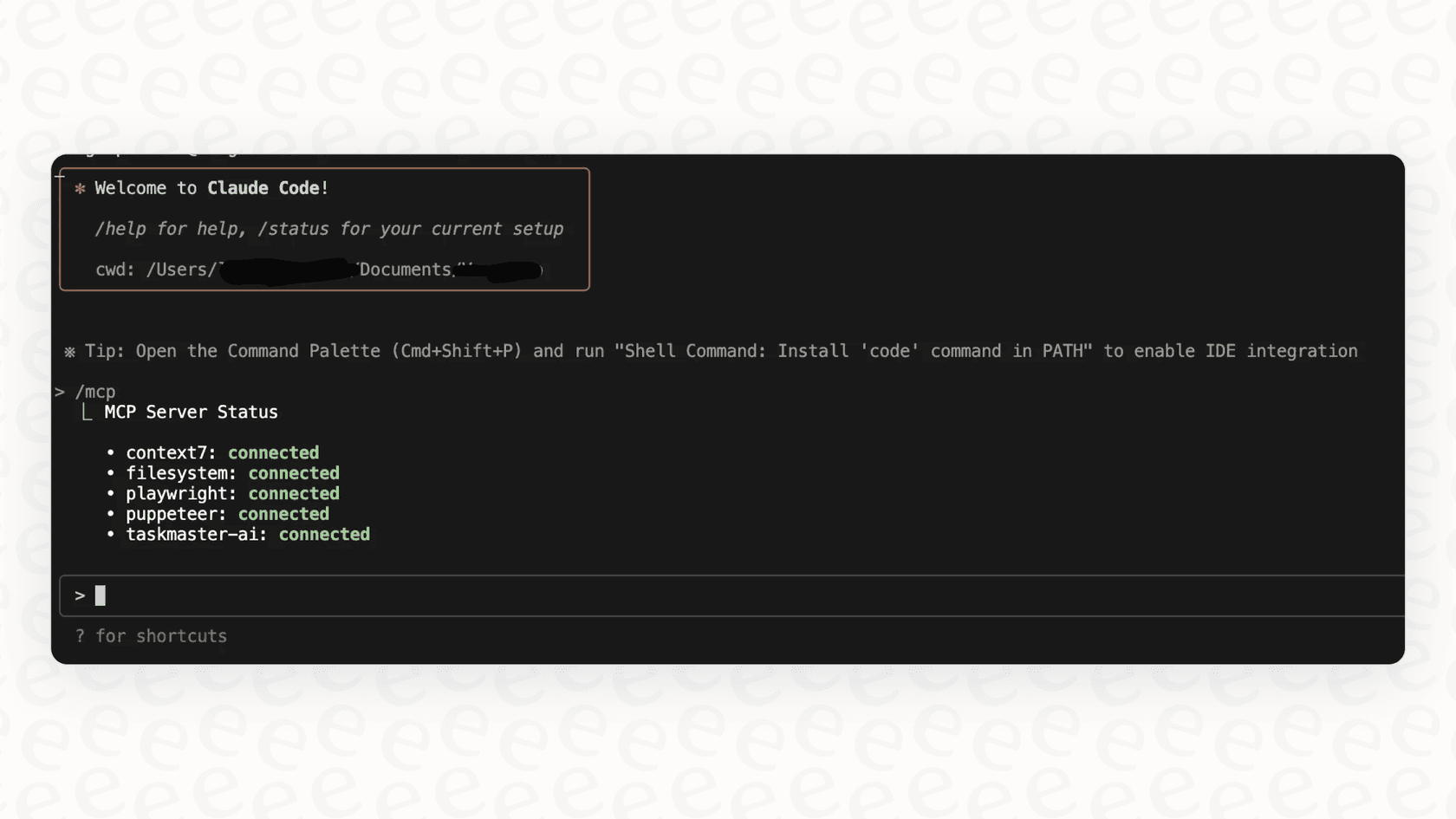
There are also community-built tools, like the "Claude Debugs for You" VS Code extension. It acts as an MCP server that lets Claude set breakpoints, step through your code, and evaluate expressions interactively, which brings traditional debugging power into the AI workflow.
Common workflows beyond debugging
While Claude Code is great at squashing bugs, its agentic abilities are useful for a lot more than that. Using it only for debugging is selling it short.
Refactoring and improving code quality
Once you have working code, you can ask Claude to make it better. A simple prompt like, "Refactor this function to be more readable and efficient," can produce some pretty impressive results. It doesn't just change the code; it can also explain why it made the changes. It might rename variables for clarity, combine operations to improve performance, and add comments to explain the logic.
Generating tests and documentation
Test-Driven Development (TDD) gets a lot faster with an AI agent. You can fall into a simple but effective rhythm:
-
Ask Claude to write a bunch of tests for a new feature, and run them to confirm they fail.
-
Then, tell Claude to write the code needed to make all the tests pass.
This loop helps ensure you have solid test coverage right from the start. In the same way, you can offload the tedious task of writing documentation. Ask Claude to "add a docstring to this function" or "generate a Markdown summary," and it will produce clean, helpful documentation in seconds, letting you move on to the next problem.
Onboarding with codebase Q&A
Jumping into a new or unfamiliar codebase can be overwhelming. Claude Code can act as an expert you can pair with right away. Instead of bothering a senior engineer with basic questions, you can ask Claude directly in your terminal:
-
"How does logging work in this project?"
-
"What's the right way to create a new API endpoint?"
-
"Trace the execution path for user authentication."
It will search through the codebase to find the answers, which can really speed up the onboarding time for new team members.
The cost to debug with Claude Code
It's good to know how the pricing works. The Claude Code command-line tool itself is free to install, and you can use it with a Claude Pro, Max, Team, or Enterprise plan or with an Anthropic API key. On the API, you're billed based on the amount of text you send to the model (input tokens) and the amount it generates in response (output tokens).
Different models come with different price tags. The more powerful models, like Opus, cost more than the faster, more economical models like Haiku. Here's a rough breakdown based on pricing per million tokens:
-
Claude Sonnet 5: $2 for input, $10 for output.
-
Claude Opus 5.5: $4 for input, $20 for output.
-
Claude Haiku 4.5: $1 for input, $5 for output.
Just be sure to check the official Anthropic pricing page for the most up-to-date rates.
Limitations of Claude Code and the need for purpose-built AI
Claude Code is an amazing tool, but it's not going to solve every problem for you. It's a general-purpose coding assistant, and like any tool of its kind, it has limits. Knowing what they are is key to using it well.
The challenge of context in large projects
In huge, complex codebases, Claude can sometimes get lost in the details. It might not grasp all the cross-file dependencies or the subtle business logic that explains why the code is structured in a certain way. It’s fantastic at tactical, in-the-moment tasks, but it still needs a human to guide the overall strategy.
Why developer intuition is still critical
As one developer explained in a post about a nightmare debugging session, AI is an assistant, not a replacement for experience. Your intuition is still vital for forming hypotheses, spotting red red herrings, and steering the investigation. Claude can run tests all day, but you still need to tell it where to look.
The gap: What about non-coding workflows like customer support?
This is probably the biggest limitation: Claude Code is built by developers, for developers. Its entire world revolves around the terminal, code files, and shell commands. That's perfect for engineering tasks, but it's a non-starter for other important parts of a business.
It makes you wonder: what if you could apply that same agentic AI power to debug customer issues, using knowledge from helpdesks, docs, and past tickets instead of code?
eesel AI: A "Claude Code" for your support team
This is where a purpose-built platform like eesel AI fits in. It takes the same ideas that make Claude Code so effective and applies them to customer support and internal helpdesks. It’s an agentic AI built for a different, but equally complex, environment.
The parallels are pretty clear:
-
Unified knowledge: Just like Claude Code reads your entire codebase, eesel AI connects to all your company’s knowledge sources. It learns from past tickets in Zendesk, documentation in Confluence, and internal conversations in Slack to build a complete picture of any customer issue.
-
Confident actions: You guide Claude with specific commands, and eesel AI gives you that same level of control. You can create custom actions to have it look up order information, escalate tricky tickets to the right team, or update a ticket's status. You decide what it can and can't do.
-
Risk-free simulation: You wouldn't push a code fix without testing it. eesel AI brings that same discipline to support automation. You can safely simulate your AI agent on hundreds of historical tickets to see exactly how it would have performed, with each answer scored, before you ever turn it on for live customers, a feature many other tools don't offer.
-
Simple setup: Best of all, you don't need to be a developer to get it working. eesel AI is completely self-serve. You can connect your helpdesk, train your AI, and go live in minutes, not months.
The future is agentic AI
Tools like Claude Code are changing what it means to write and "debug with Claude Code". By acting as intelligent, action-oriented assistants, they're helping developers get more done and solve tougher problems faster than before.
But this agentic AI trend is just getting warmed up. The same principles of providing context, defining actions, and systematically solving problems are now being applied to other complex business areas.
Whether you're fixing a null pointer exception in your code or resolving a customer's shipping issue, the future belongs to AI agents that can understand the situation, make a plan, and take action.
Ready to bring the power of agentic AI to your customer support team? Sign up for eesel AI and build your first AI agent in minutes.
Frequently asked questions
How does an agentic AI like Claude Code change the debugging process?
Claude Code transforms debugging by acting as a proactive, collaborative assistant within your terminal. Instead of just offering suggestions, it can reason about your code, investigate problems by running shell commands, and even edit files directly to help resolve issues. This agentic capability makes it feel more like a pair programmer, guiding you through the debugging process.
What are the best practices for setting up a project to effectively debug with Claude Code?
For optimal results, create a "CLAUDE.md" file in your project's root directory, detailing your project's structure, common commands, and coding guidelines. Additionally, pre-approve safe actions like file editing or "git commit" to allow Claude Code to operate more autonomously and speed up your debugging workflow.
Can you describe a typical interactive debugging session with Claude Code?
A common workflow involves pasting a terminal error into Claude Code, then asking it to insert detailed loggers into your code. You continuously feed updated terminal output back to Claude as your application runs, allowing it to iteratively analyze the situation and help narrow down the root cause. You can even pipe terminal output directly for a live feed.
What should I know about the costs of using Claude Code for debugging?
Claude Code works with a Claude Pro, Max, Team, or Enterprise plan, or with an Anthropic API (Console) key, where you are billed based on the amount of input (your prompts) and output (Claude's responses) tokens. Different models like Haiku, Sonnet, and Opus have varying price points, with more powerful models costing more per token. Always check the official Anthropic pricing page for the most current rates.
What are the primary limitations of debugging with Claude Code, especially in large codebases?
In very large or complex projects, Claude Code can sometimes struggle with understanding deep, cross-file dependencies or subtle business logic. While powerful for tactical fixes, it may still require human intuition to guide the overall debugging strategy, as it's an assistant, not a replacement for developer experience.
Beyond debugging, what other development tasks can Claude Code handle?
Claude Code's agentic abilities extend beyond debugging to tasks like refactoring code for better readability and efficiency, automatically generating tests for new features, and creating documentation. It can also serve as an expert assistant for codebase Q&A, significantly speeding up onboarding for new team members.