Chatbot workflow: how to design one that resolves tickets

Kira

Katelin Teen
Last edited October 6, 2026
What a chatbot workflow actually is
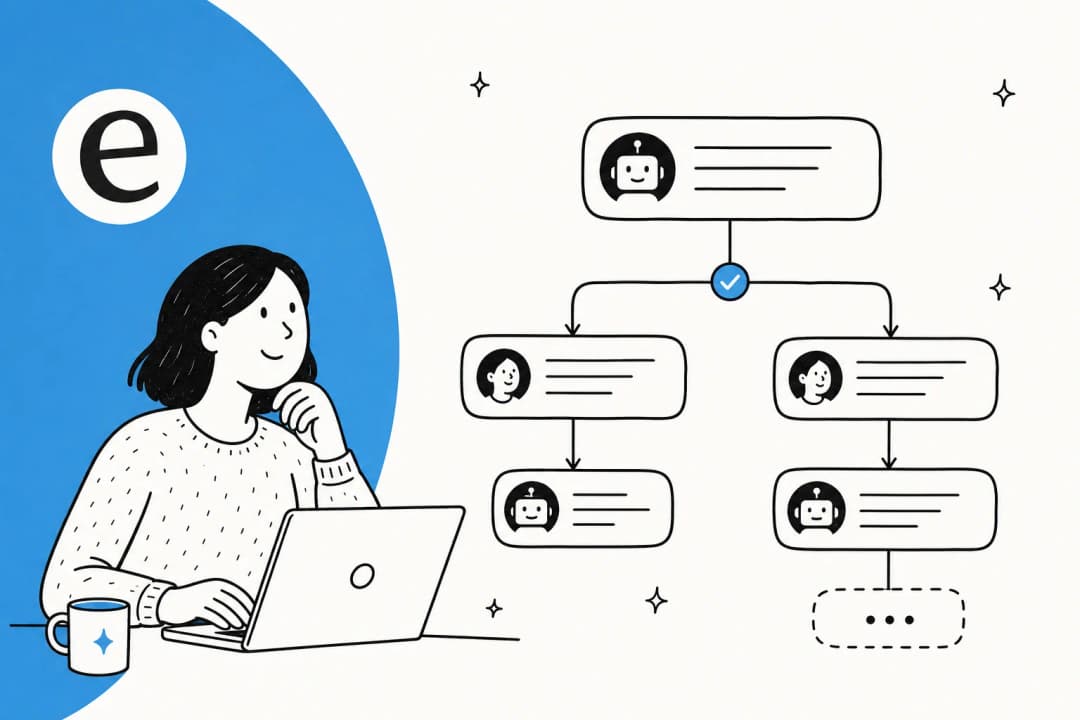
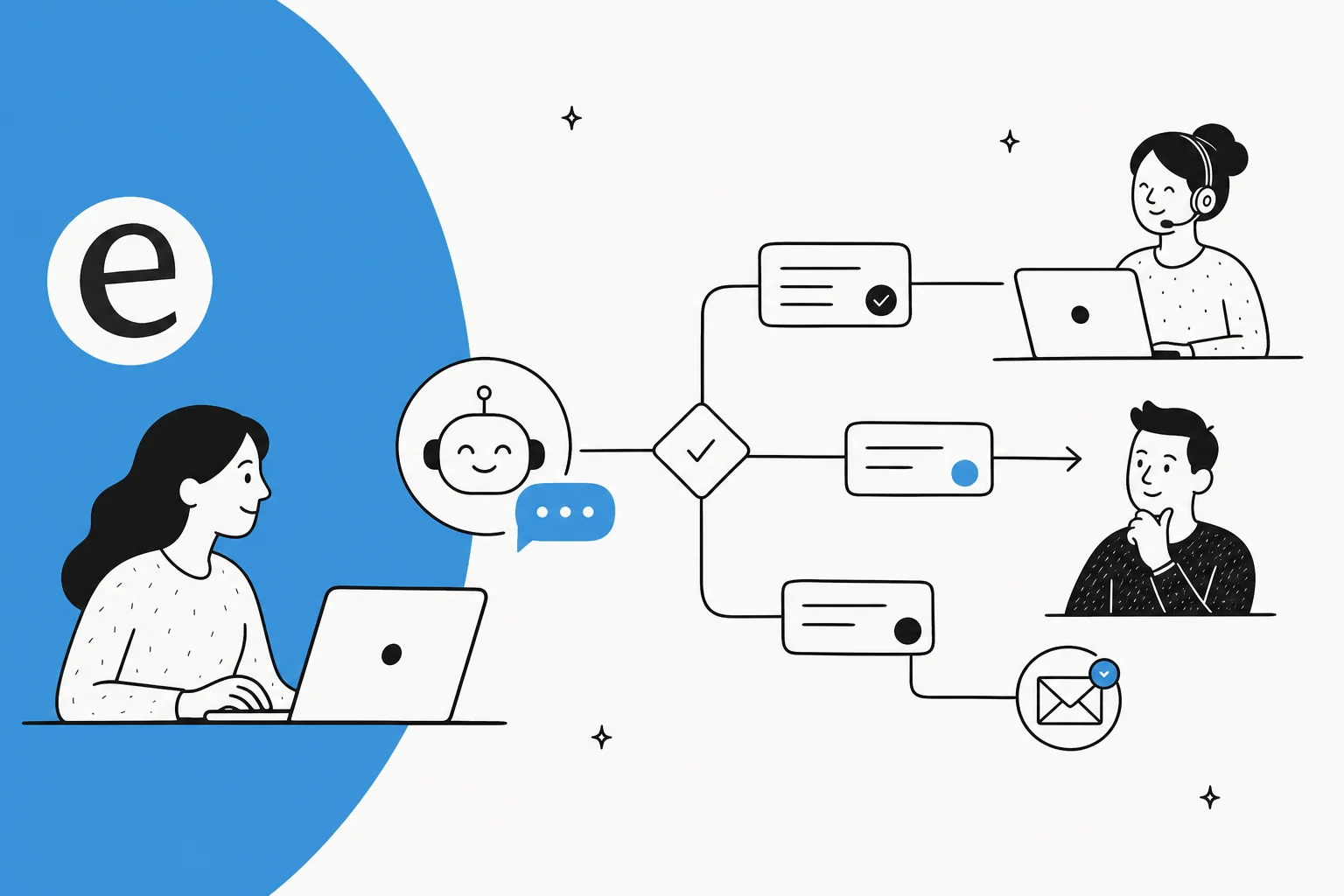
Strip a chatbot down and you're left with two things: a conversational interface, and the logic underneath that decides what happens next. That logic is the workflow, and it's the real engine behind any customer service AI. Tidio puts it plainly in their conversation flowchart guide: chatbots are "little more than decision tree diagrams equipped with a conversational user interface."
That's true of the shape of a workflow, but the interesting part is what fills each node. A workflow isn't just "if the user clicks A, go to B." A good one has to understand a message it's never seen, find the right answer in a knowledge base, and know the difference between a question it can safely close and one it should never touch. The map is the easy part. The judgement inside each step is where a chatbot workflow succeeds or fails.
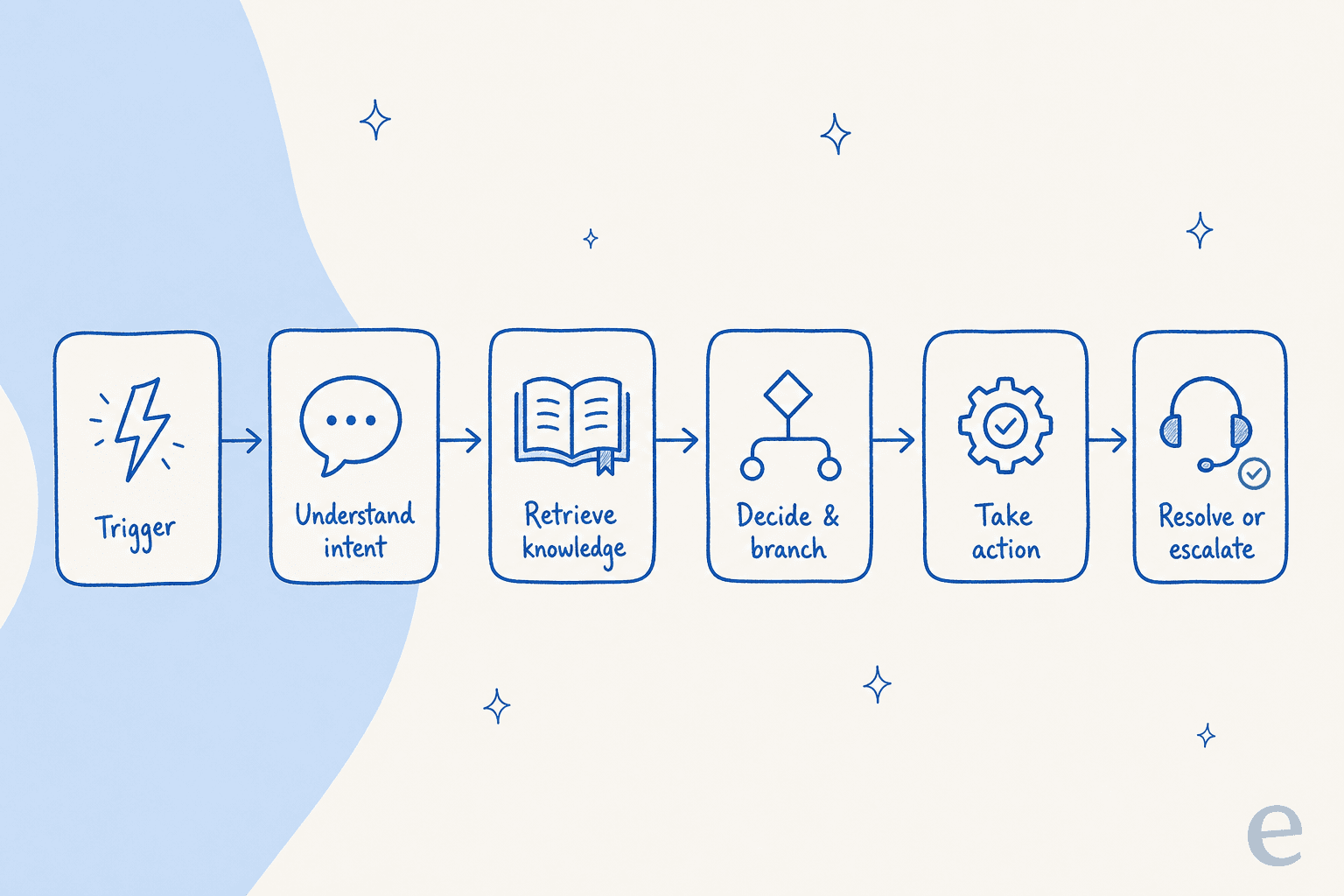
Here's the whole thing at a glance, then I'll walk each stage.
The six stages of a support chatbot workflow
Almost every support chatbot workflow, rule-based or AI, moves through the same six stages. Naming them makes it obvious where yours is thin.
- Trigger. Something kicks the workflow off: a customer opens the chat bubble, sends an email, messages on WhatsApp, or a new ticket lands in the helpdesk. The trigger also carries context you'll want later, like the channel, the customer's order history, or which page they were on.
- Understand intent. The bot works out what the person actually wants. A rule-based flow does this with buttons and keywords; an AI workflow reads the free text directly, so "my parcel still hasn't turned up" and "where's my order" both land on the same intent without you scripting either phrasing.
- Retrieve knowledge. The bot looks up the answer, from a help center, past tickets, internal docs, or a live system like an order database. This is the stage most demos skip and most real workflows live or die on: a bot with no grounding just makes things up.
- Decide and branch. With intent and an answer in hand, the workflow chooses a path: answer directly, ask a clarifying question, take an action, or escalate. This is the brain of the workflow, and it's where the confidence check belongs.
- Take action. For simple questions the "action" is just replying. For real resolutions it's doing something: looking up an order, issuing a refund, tagging and routing the ticket, updating a field. A workflow that can only talk, never act, caps out at deflection and never reaches resolution.
- Resolve or escalate. The conversation ends one of two ways: the bot resolves it, or it hands off cleanly to a human with the full context attached. A handoff that dumps the customer into a fresh queue to re-explain everything isn't a handoff, it's a punishment.
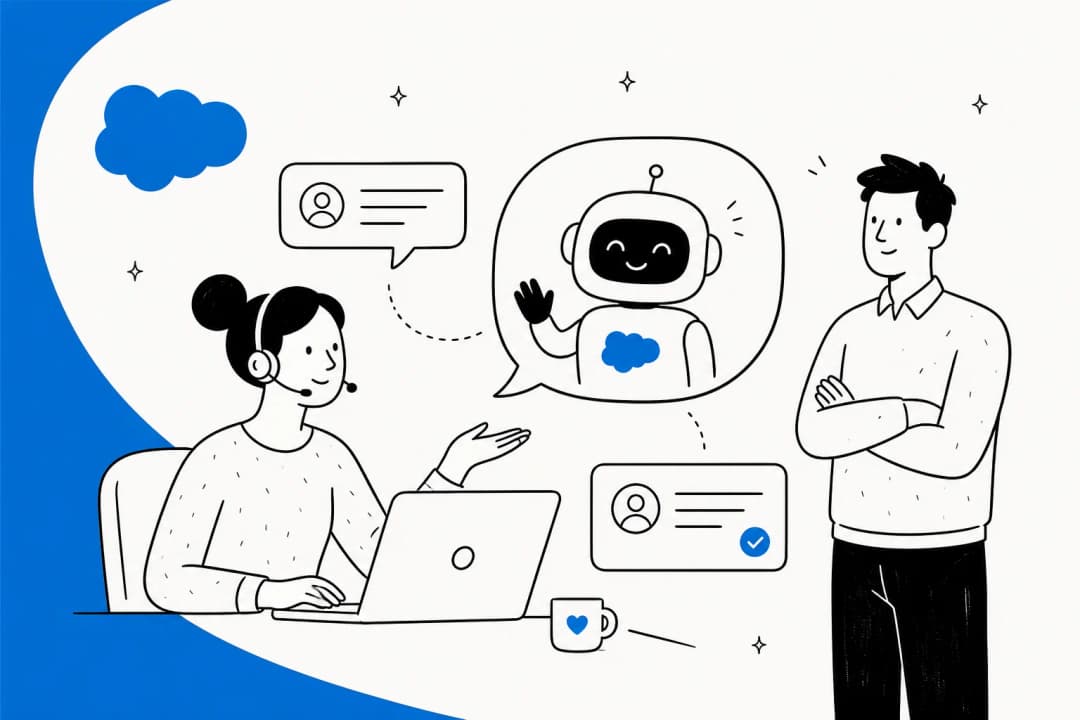
Here's what stages 2 through 6 look like inside a real product rather than on a diagram: the customer asks, the agent answers from connected knowledge, and the moment it can't help it offers a human.

I watched this exact arc play out on a live SEO tool's website chat recently: the bot answered two how-to questions from the docs, and the instant the user typed "can I talk to a human?", it handed off without hesitation. That clean deflect-then-handover is what a healthy workflow looks like in the wild, and it's the pattern worth designing toward.
Rule-based vs AI-agent workflows
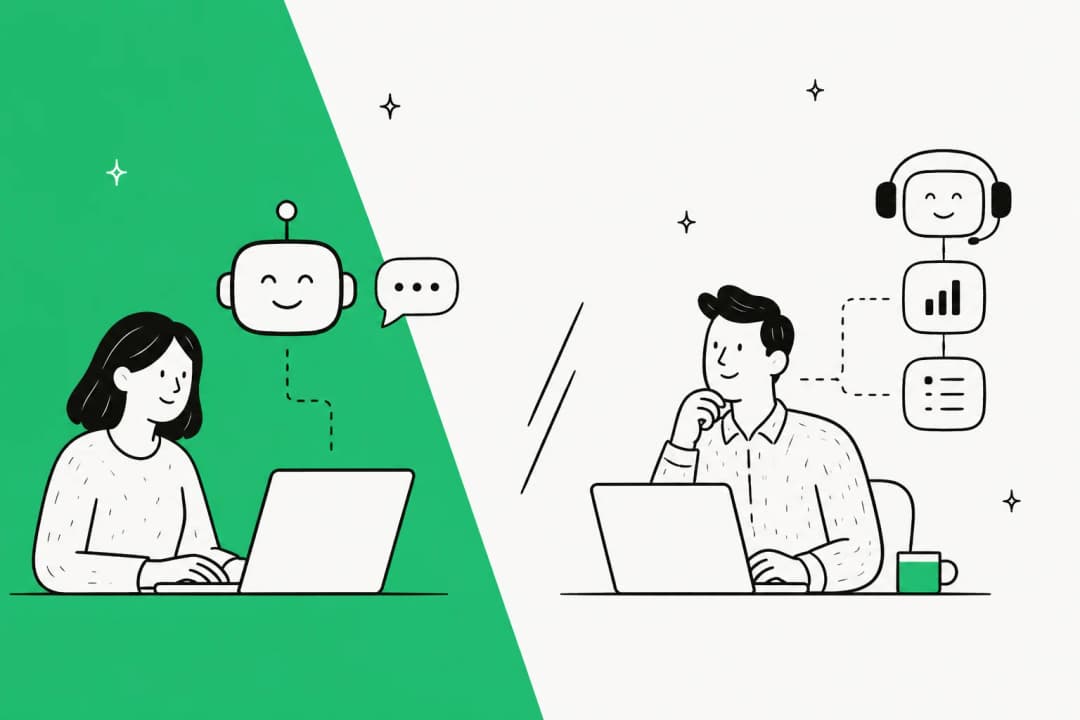
The biggest decision you'll make isn't a stage, it's which kind of workflow you're building. The two look similar on a whiteboard and behave nothing alike in production.
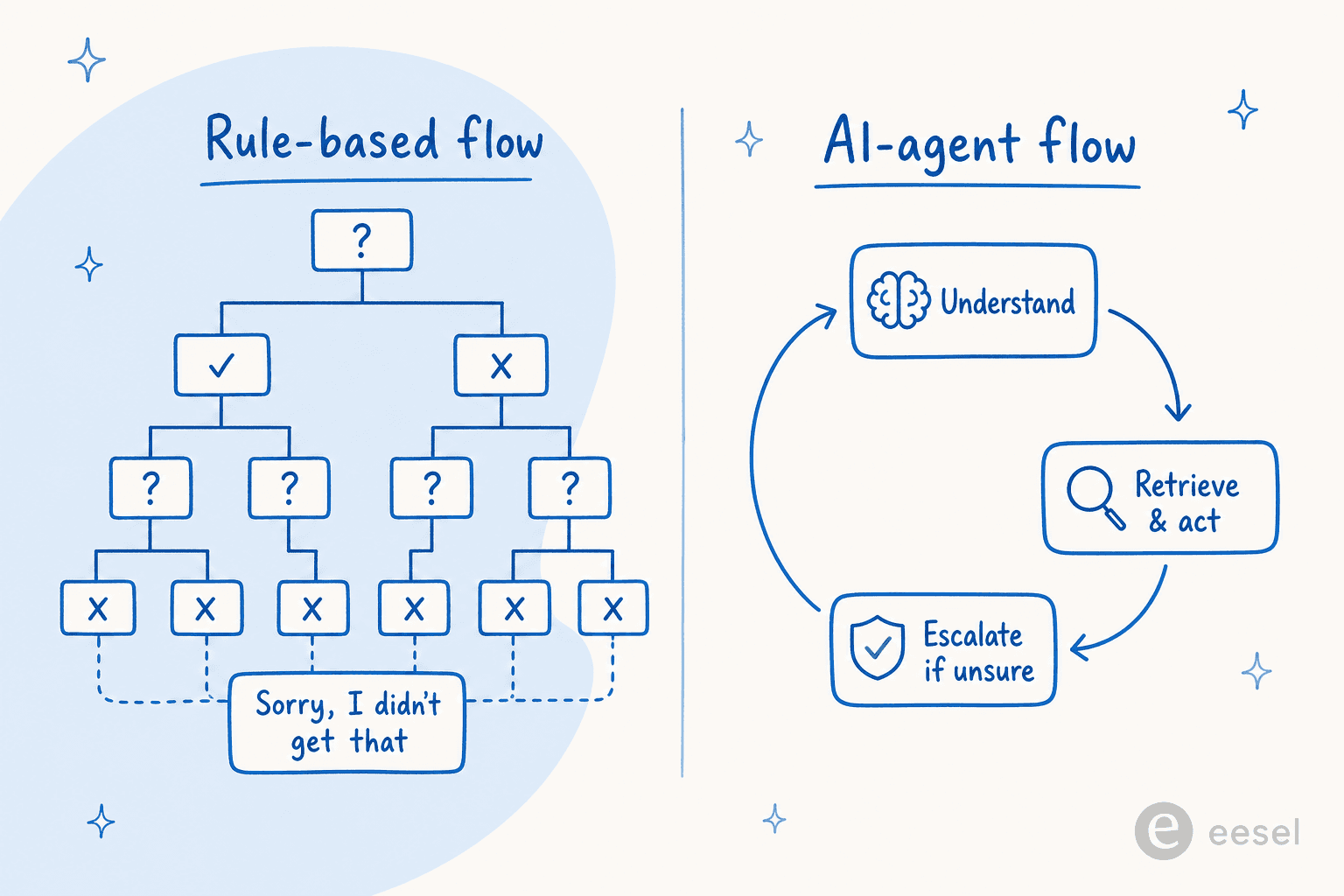
A rule-based workflow is a decision tree you draw by hand. It's predictable and cheap to reason about, and for a narrow, high-volume flow ("check my order status" behind three buttons) it's genuinely fine. The trap is everything off-script, and the maths is brutal: Tidio points out that a "simple" tree of just seven yes/no questions already branches into 128 possible scenarios, which is why their own rule is "one decision bot, one topic." Push past that and the customer types something you didn't anticipate and the bot has nowhere to send them, the classic flowchart dead-end. You end up maintaining an ever-growing tree, adding branches every time a new phrasing shows up, and it still can't keep pace with how people actually write.
An AI-agent workflow inverts the effort. Instead of you enumerating every path, the agent reads intent from free text, retrieves the answer from your knowledge, and decides what to do, including recognizing when it's out of its depth. You're no longer drawing branches; you're setting guardrails.
| Rule-based workflow | AI-agent workflow | |
|---|---|---|
| How paths are defined | You draw every branch by hand | Generated from intent + knowledge |
| Off-script messages | Dead-end or fallback loop | Understood and handled |
| Knowledge source | Hard-coded answers | Help docs, past tickets, live systems |
| Can take actions | Only what you scripted | Order lookups, refunds, tagging, routing |
| Maintenance | Grows with every new phrasing | Re-train on new docs and tickets |
| Best for | Narrow, fixed, high-volume flows | Broad, messy, real-world support |
This isn't a "rules are dead" argument. Plenty of good workflows use rules for the deterministic bits (business hours, a required order number) and hand the fuzzy language understanding to AI. But if you're building a support workflow expecting to handle the full range of what customers write, a pure decision tree will fight you forever. It's the same reason teams move off scripted bots toward a real AI agent as volume grows.
The two decision points that actually matter
Once an AI is doing the language understanding, your design work collapses onto two questions: when should the bot act on its own, and when should it get out of the way? Get these right and the rest of the workflow mostly takes care of itself.
Route on confidence, not keywords
The single most-requested control I hear from support teams is confidence-based routing: let the bot handle only what it's sure about, and leave the rest alone. One CX lead at a DTC supplements brand, running around 7,000 tickets a month on Gorgias, put the fear better than I could. The AI will never answer 100% of questions, she told me, and if it just replies "sorry, I don't know this," she can't go back and check 7,000 tickets to see whether it actually helped. What she wanted was an AI that "is only handling the tickets that it's confident to handle, and all the other ones, leave them alone."
That's the whole case for scoring confidence at the decide-and-branch stage. A workflow that answers everything is a workflow that will confidently get things wrong. A workflow that scores its own certainty can auto-resolve the easy tickets, draft a reply for a human on the medium cases, and never touch the ones it doesn't understand.
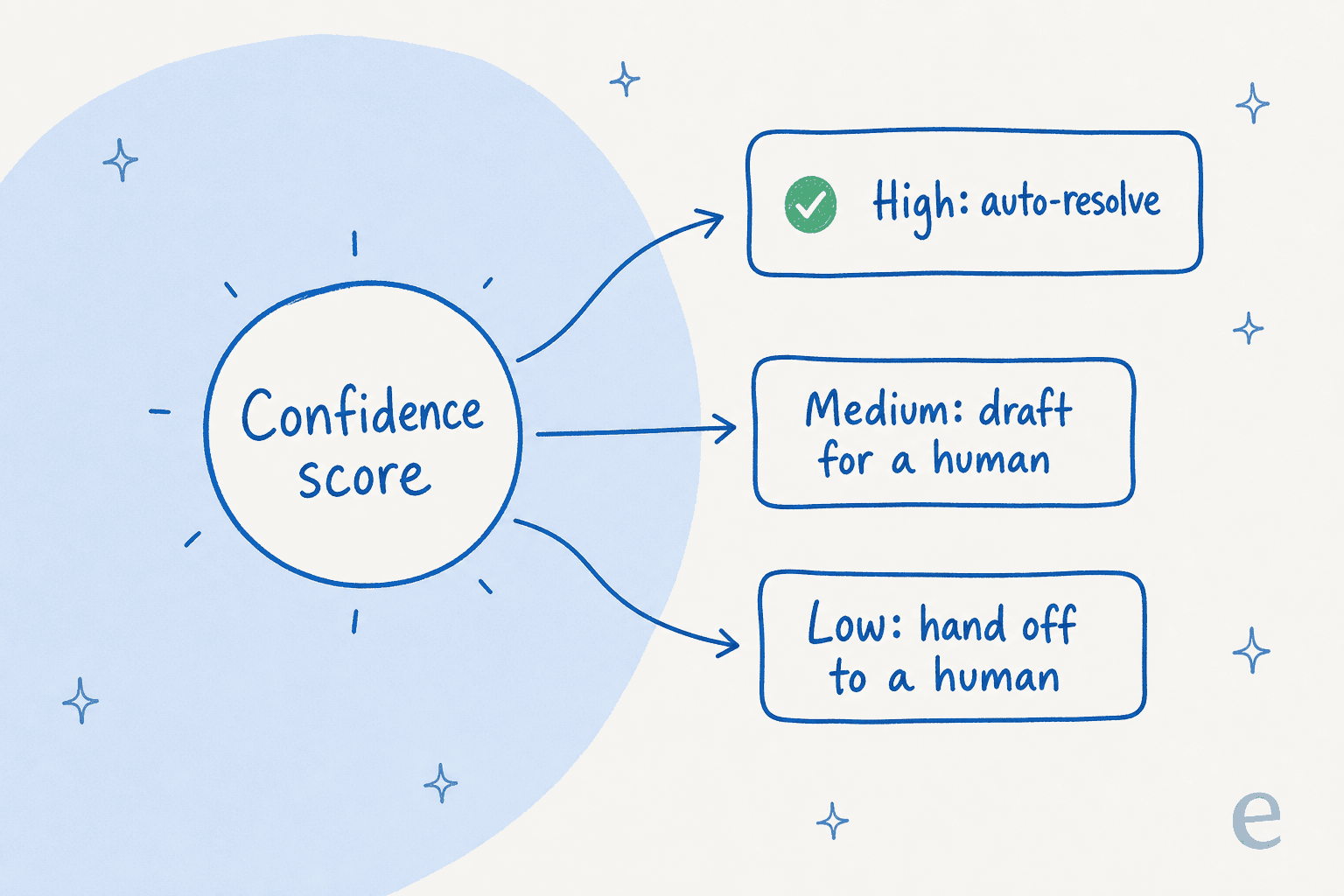
This is also your best defense against hallucination. Instead of hoping the model behaves, you set a floor: below a threshold, the bot drafts rather than sends, or escalates rather than guesses. The intent confidence threshold is a real dial in mature tools, not an abstraction.
Design the escalation, don't bolt it on
The other decision point is the human handoff, and it deserves as much design as the happy path. I hear the goal stated almost identically across sales calls: one support manager at a bus-tracking service, handling 200-250 Zendesk tickets a month, wanted an agent that could "handle 60% of the incoming Zendesk tickets and know when to pull a real person in for better analysis and resolution." The "know when to pull a real person in" half is the important half.
A good escalation carries the full conversation, the customer's context, and the bot's best guess at the issue straight to the right human or queue, so nobody re-explains anything. This is why mature builders treat the handoff as a terminal step with real payload attached: in Zendesk's AI agent builder, "transfer to agent" is an end step that silently creates a ticket carrying the whole conversation history the customer never sees. eesel does the same by leaving a drafted reply and context as an internal note, or handing off to the helpdesk, depending on how you've set it up.
You also want control over what the bot is allowed to touch. Real teams ask for this constantly ("there are certain tickets I don't want to go through AI"), and a workflow that can't exclude a ticket type or only act when explicitly invoked isn't ready for a live queue. Escalation isn't a fallback; it's a first-class branch. Our full take on AI agent escalations goes deeper on the mechanics.
Common chatbot workflow mistakes
Customers can describe a broken workflow better than any spec. One r/automation thread nailed the symptoms:
"the tells: loop you back to FAQ, ask you to rephrase (3 times), refuse to escalate. the fix isn't a smarter chatbot. it's a chatbot that knows when to hand off."
Most broken workflows fail the same handful of ways. Watch for these:
- Dead-ends. The rule-based classic. Every path should lead somewhere, even if "somewhere" is a human. If a branch can trap a customer with no way forward, it's a bug.
- Over-automation. Letting the bot answer everything to chase a deflection number. This is how you get confident wrong answers at scale. Cap the bot to what it's confident about.
- No knowledge grounding. A workflow with a great decision tree and nothing to retrieve from will improvise, and improvised support answers are how you end up in a screenshot on social media. Ground every answer in real docs and past tickets.
- Escalation as an afterthought. Handing off to a cold queue where the customer re-explains everything. Carry the context.
- Shipping it blind. Turning a workflow loose on live customers without ever testing it against the messages it'll actually get. Which brings us to the last, and most-skipped, step.
Test the workflow before it goes live
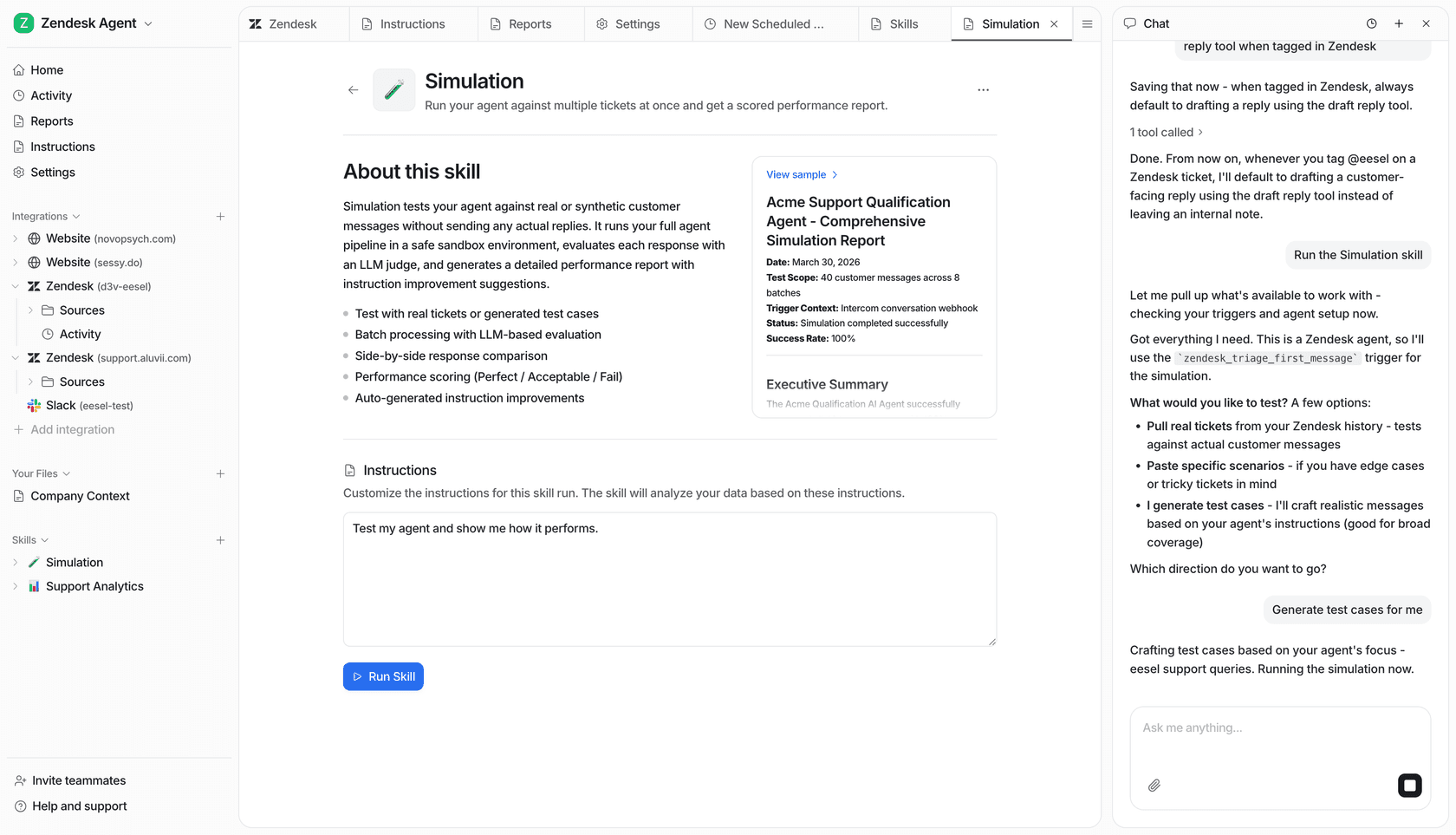
Here's the part almost nobody does, and the reason I build it into every rollout: run the workflow against your real historical tickets before it talks to a customer. I learned this the hard way, watching a confident-sounding bot quietly give wrong answers, so now the first thing any new agent does is a simulation over past tickets, not a live conversation.
A simulation replays thousands of your closed tickets through the workflow and shows you exactly what it would have said, what percentage it would have resolved, and which themes it's weak on, all before it's live. You find the gaps, add the missing docs, adjust the confidence threshold, and re-run. It turns "we hope this works" into a number you can point at, which is roughly the difference between a workflow you trust and one you're nervous about every morning.

The payoff of a tested workflow shows up fast. Gridwise had eesel resolving 73% of its tier-1 requests in the first month, with results visible during a 7-day trial. Smava runs a fully automated eesel agent on its Zendesk queue, one of the highest-volume rollouts I've seen. Neither of those numbers comes from a lucky prompt; they come from a workflow that was tested against real tickets before it shipped.
Try eesel for your chatbot workflow
If you've read this far, you can see the work a chatbot workflow demands: mapping stages, grounding answers, tuning confidence, designing escalation, testing it all. eesel does that work for you. You connect your helpdesk and docs, it builds the workflow from your past tickets and knowledge on day one, you configure when it jumps in and how it hands off in plain language, and you simulate the whole thing against historical tickets before a single customer sees it.
It plugs into Zendesk, Freshdesk, Gorgias, Slack, Shopify, Confluence and dozens of other tools, handles customers in their own language out of the box, and is one fixed monthly price from $299 for 500 credits (1 credit per ticket) with no per-seat fee. That model tends to work out cheaper than headcount once you run the numbers. You can watch a workflow run live inside your helpdesk:
The fastest way to see whether a chatbot workflow fits your queue is to run one against your own tickets. That's a free trial, no card, and the simulation tells you your real resolution rate before you commit to anything.
Frequently Asked Questions
What is a chatbot workflow?
How do I design a chatbot workflow for customer support?
What is the difference between a rule-based chatbot workflow and an AI chatbot workflow?
How does a chatbot workflow decide when to escalate to a human?
How much does it cost to run an AI chatbot workflow?


Article by
Kira
Kira is a writer at eesel AI with a Computer Science background and over a year of hands-on experience evaluating AI-powered customer service tools. She focuses on breaking down how helpdesk platforms and AI agents actually work so that support teams can make better buying decisions.