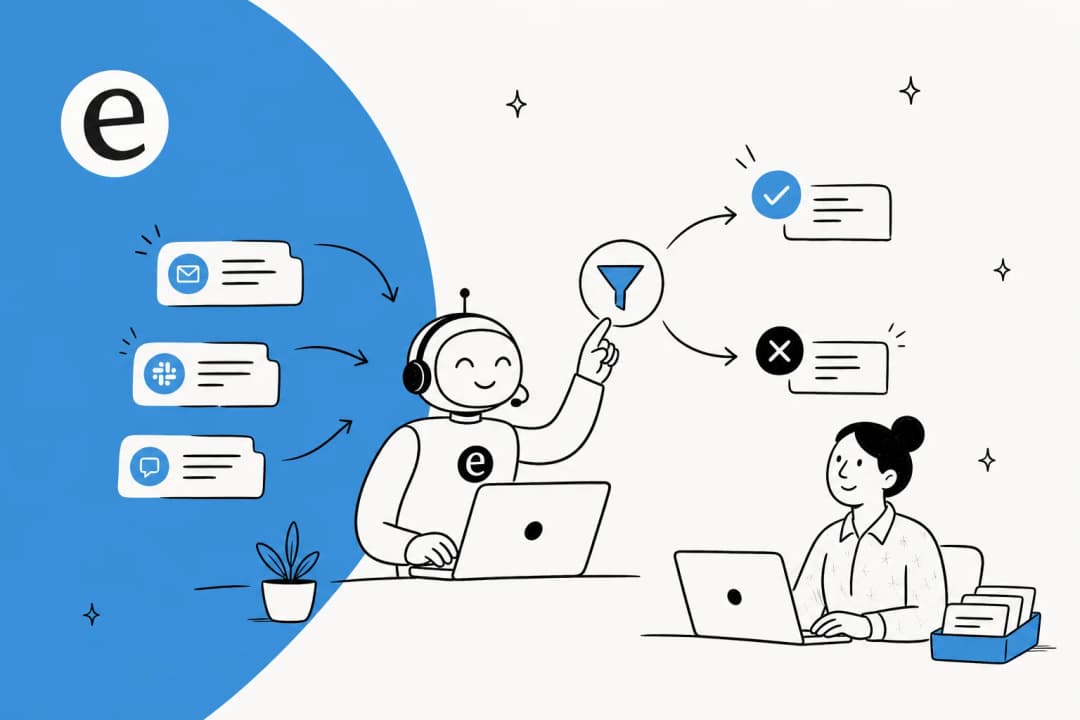
The leads already hiding in your support inbox
I've spent two years writing about what buyers actually search for, and the thing that surprised me most when I started working alongside support teams is how much sales moves through a support inbox without anyone calling it sales. A customer opens a ticket to ask whether the product integrates with their warehouse system. Another asks how billing changes if they double their seat count. A third writes in mid-evaluation, comparing you against the tool they're about to drop. Every one of those is a buying signal. Most of them get a clean, helpful answer and a "resolved" stamp.
eesel has spent years putting AI on live support queues, and I keep seeing the same pattern in the data: the support queue is one of the richest, least-mined lead sources a company has, because the person already cared enough to write in. One support lead at a public-sector IT services firm the team worked with put the opportunity in a single line while the team was mapping their ticket types:
"That's the point where we can switch from support to billing."
He was describing tickets from newly-created accounts, the ones likely to convert from free support into a paid services engagement, and the realization that if the AI could just flag them, the team had a revenue motion hiding in plain sight. That's the whole idea behind lead qualification in support: the conversations are already arriving, you're just not catching the ones worth money.
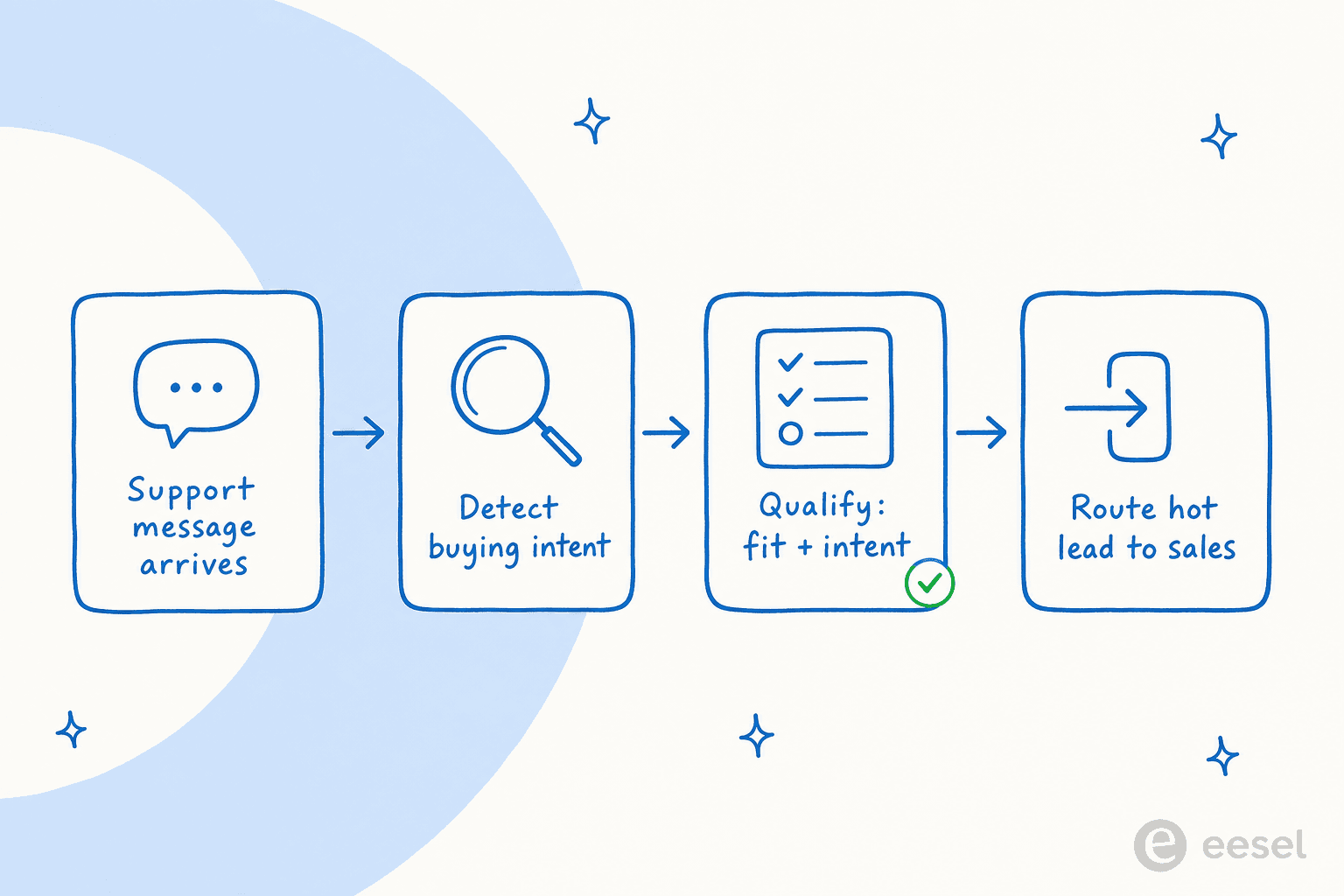
What "lead qualification" actually means in a support context
Classic lead qualification is a sales exercise: a rep works a list and decides who's worth their time, often against a framework like BANT (budget, authority, need, timeline). In a support context the inputs are different, because you're not cold-calling anyone, you're reading a conversation a real person started. So the qualification splits into two questions the AI can answer from the message and the account record:
- Intent: do they want to buy something? Pricing questions, plan comparisons, "how do I upgrade", "can I add seats", demo requests, "we're evaluating you against X". This is the spark.
- Fit: are they worth routing to a human? Company size, the plan they're on, how long the account has existed, past purchase history. This is whether the spark is worth a rep's time.
A great support reply resolves the issue. Lead qualification asks a second question on top: was this a customer with a problem, or a buyer with a wallet open? The reason support teams miss it isn't laziness, it's that a busy agent clearing a queue is optimizing for resolution time, not pipeline. The machine doesn't have that tunnel vision, which is exactly why this is a good job to hand it. If you've read eesel's take on automating lead generation, this is the inbound, support-side cousin of it.
How AI reads buying intent off a support conversation
Strip away the marketing and every tool doing this is running the same play it runs for ticket classification: pull a handful of signals out of free text, combine them into a score, and let that score drive a decision.
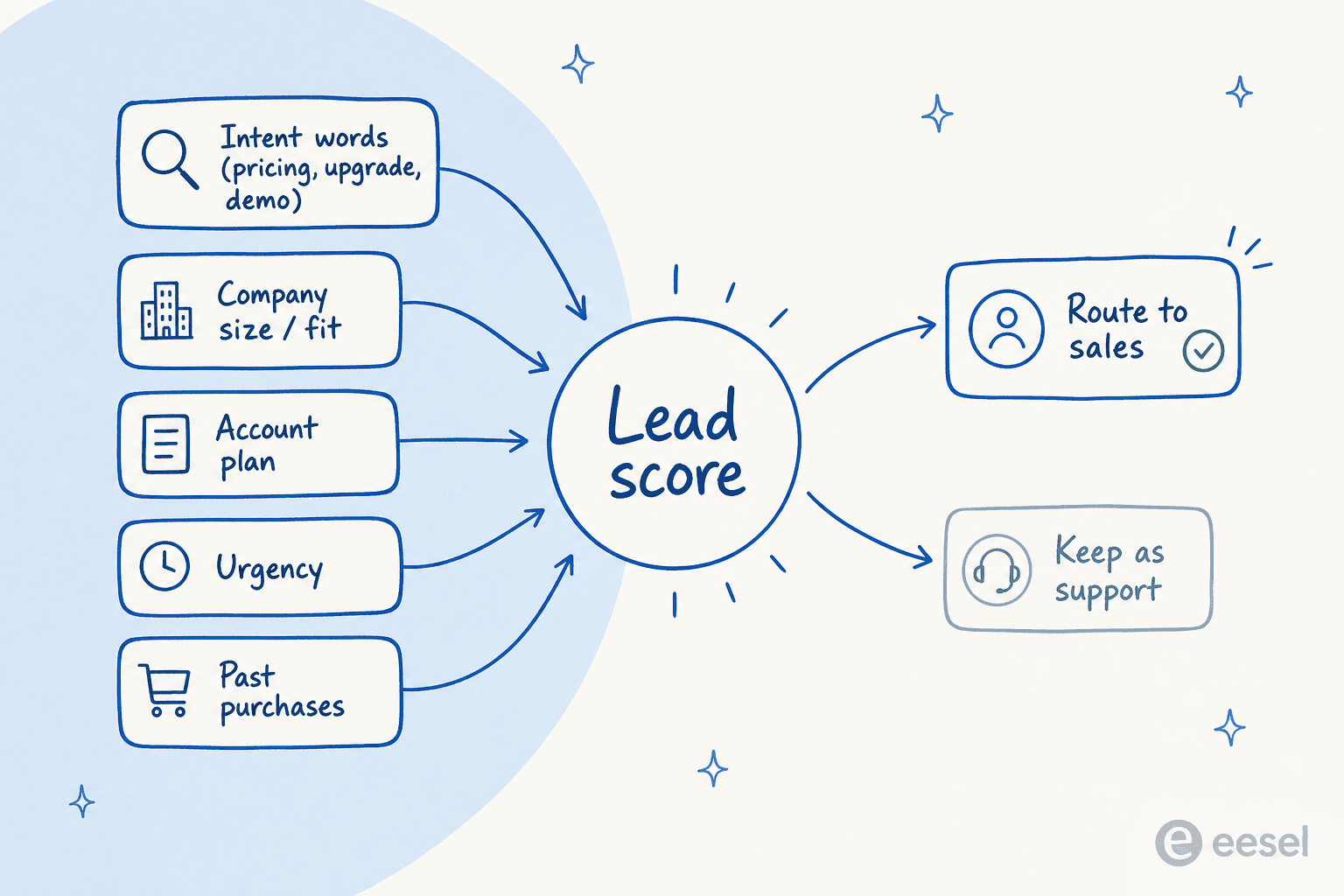
The signals worth knowing:
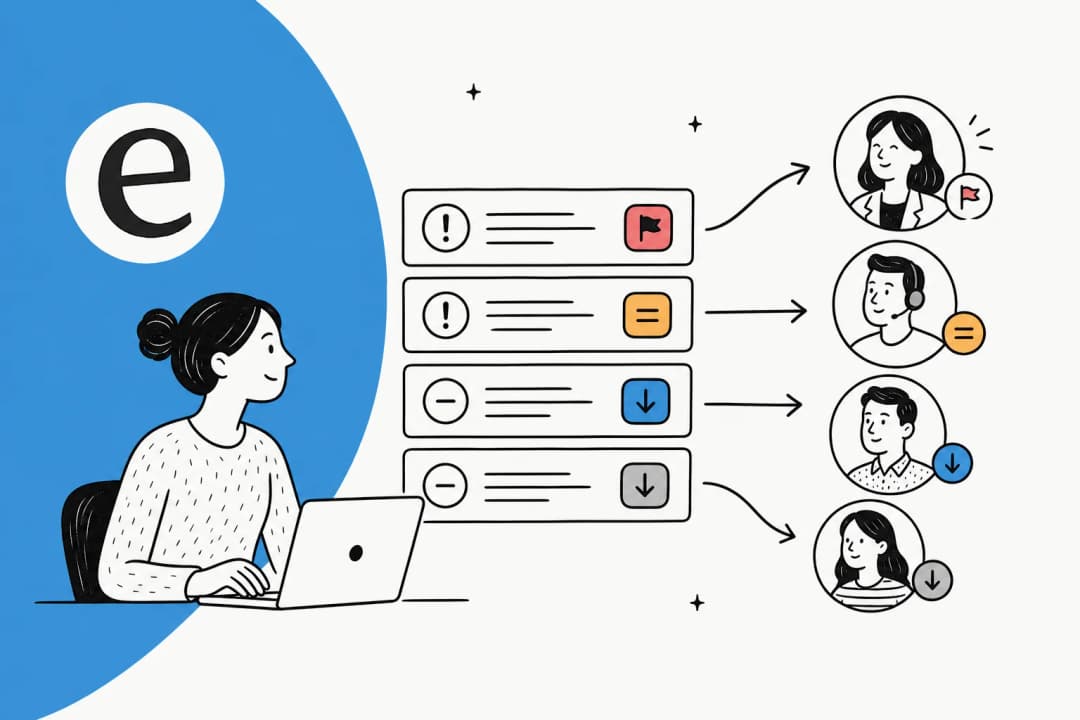
- Intent words. The model matches the message to a buying-intent category instead of a support topic. The same intent detection that sorts "order damaged" from "password reset" can flag "comparing plans" or "wants a demo".
- Fit data. Pulled from the CRM or commerce platform, not the message: plan, company size, lifetime value, account age. This is usually a lookup, not AI, and it's often the strongest lever.
- Urgency and sentiment. A buyer mid-evaluation reads differently from idle curiosity. Sentiment analysis and urgency cues help separate "just looking" from "ready now".
- Behavioral context. What they've viewed, what's in the cart, what they bought before. For ecommerce this is where most of the signal lives.
The buying-intent staircase
The cleanest public model of this comes from Gorgias, whose Shopping Assistant docs describe the AI assessing "buying intent: how likely they are to make a purchase" and updating it in real time across three stages. It generalizes well past ecommerce:
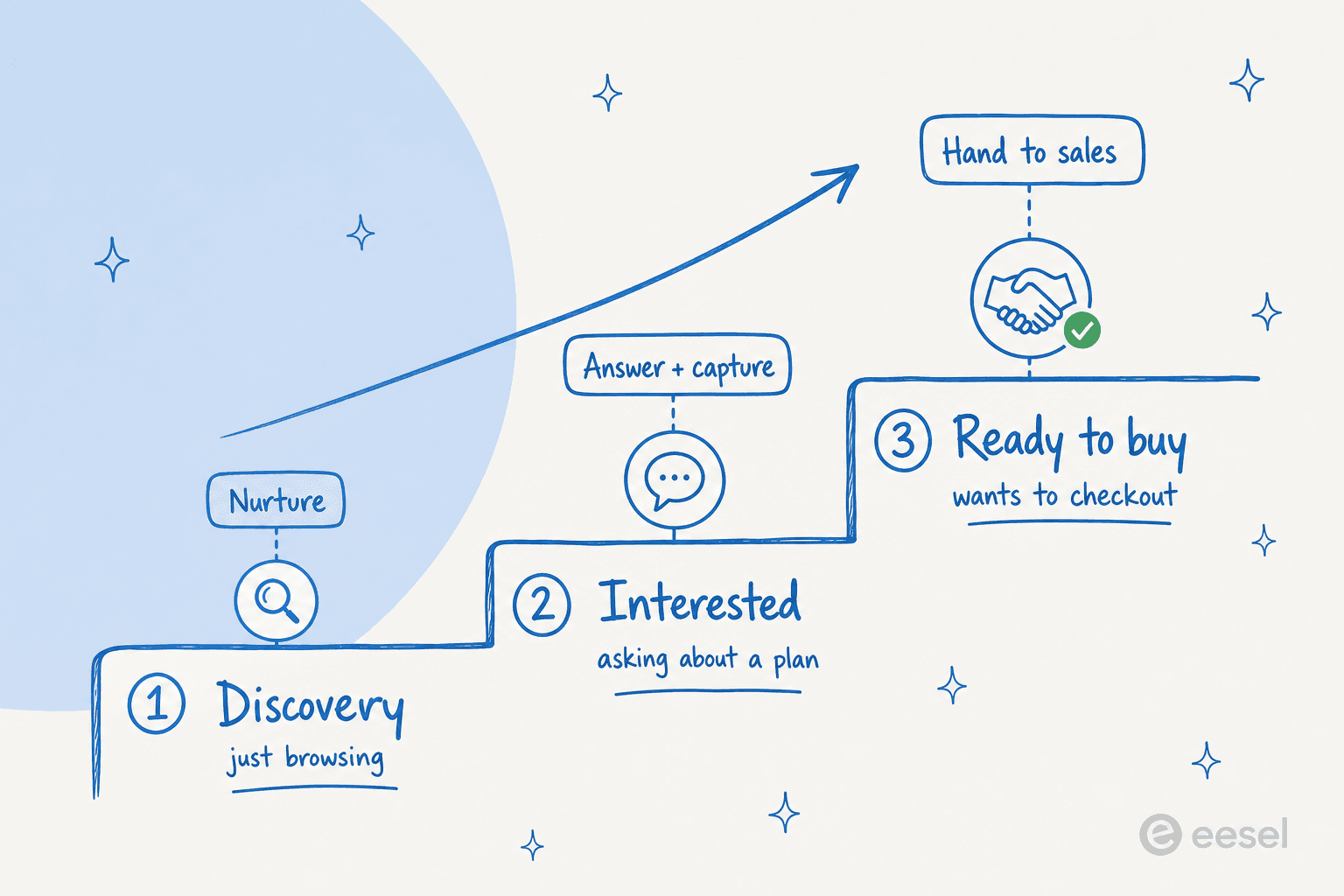
- Discovery. "The shopper is browsing with no clear purchase signal," in Gorgias's words. Vague questions, broad exploration. The right move is to help and nurture, not pounce.
- Interested. They've named a specific product or plan and are asking about variants, sizing, or limits. Answer the question well and quietly capture who they are.
- Ready to buy. Strong intent: a full cart, checkout questions, "how do I sign up". This is the one you hand to a human fast.
The point of staging it is that the action changes with the step. Treating a Discovery question like a Ready-to-buy lead is how you annoy people; treating a Ready-to-buy question like a routine ticket is how you lose the sale.
How the major tools do it today
Here's the landscape, pulled from each vendor's own docs. The shorthand worth keeping: most of these are good at detecting intent, and they differ mostly on how far they'll carry the lead afterward.
| Tool | Feature | What it detects / does | Routes the lead via | Pricing note |
|---|---|---|---|---|
| Gorgias | Shopping Assistant | 3-stage buying intent in chat/email/SMS; recommends products, surfaces discount codes | Adapts in real time; selling styles (Educational/Moderate/Promotional) | Included with AI Agent |
| HubSpot | Chatflows + AI Customer Agent | Asks qualifying questions, saves answers to contact properties, branches on answers | "Send to team member" / contact owner | Advanced routing needs Service Hub Pro+ |
| Tidio | Lyro Smart Actions | Captures and scores leads, books meetings, triggers follow-ups | Pushes qualified leads to the CRM | Lyro AI Agent tiers |
| Zendesk | Intelligent Triage | Classifies topic/intent, sentiment, language on every ticket | Triggers and views you build | Copilot add-on |
| Crisp | Workflows + Hugo | Structured qualification, lead-form chatbot, segment detection | Message routing rules by segment | Bundled in plans |
| Qualified | Piper (AI SDR) | Qualifies buyers, answers questions, books meetings | Hands off to an available SDR | Demo-only, no public price |
A few details that change how you'd choose:
Gorgias is the most explicit about reading intent inside the support chat itself, which makes sense given its ecommerce roots, and its Shopping Assistant ships with the AI Agent. If you're on Shopify, it's the most native fit.
HubSpot is the natural pick if your CRM is already HubSpot. Its chatbot actions say it plainly: "A rule-based chatbot can help qualify leads, book meetings, or create support tickets." The catch is that the genuinely useful routing (if/then branches, "send to team member") sits behind Service Hub paid tiers, and HubSpot leans hard on its own buyer intent signals.
Tidio's Lyro is the cleanest "capture, qualify, push to CRM, book a meeting" loop for smaller teams. Tidio publishes that Lyro automates 67% of inquiries, and its lead actions are pitched at turning "passive visitors into active sales prospects."
Zendesk isn't a sales tool, but its Intelligent Triage classifies intent on every ticket, and you wire the routing yourself. Worth noting: its prebuilt intent taxonomy already leans commercial. A support manager flagged exactly that in the docs comments:
"A lot of the predefined ones seem sales oriented and we do not do sales at all."
Trae McConniel, Zendesk help center
Which is a nice tell: the platforms assume your inbox has buying intent in it, even when you don't.
The part nobody mentions: detecting is easy, routing is hard
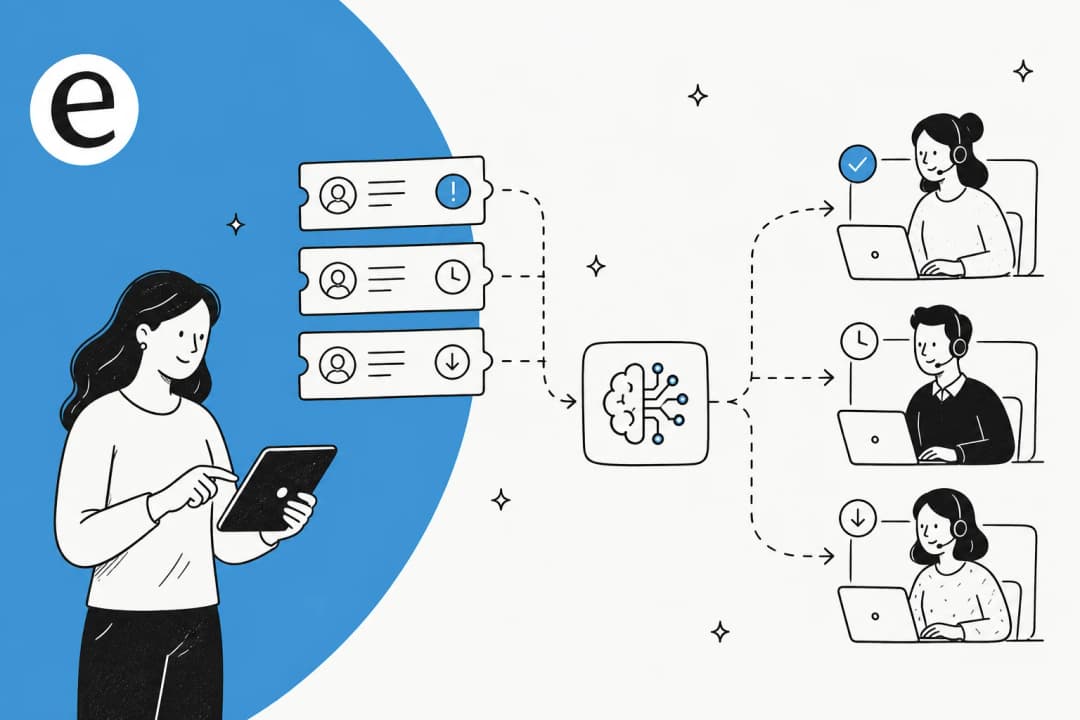
If you take one idea from this post, take this one. Every tool above can detect a lead. The thing that separates a setup that drives pipeline from a dashboard nobody looks at is what happens in the next ten seconds. A flag that doesn't reach a human, or reaches the wrong one, or lands without the context the rep needs, is worse than no flag, because it trains everyone to ignore the flags.
This is where speed matters. Sales people have repeated the "respond within five minutes" rule for a decade; one operator's LinkedIn breakdown frames it as "21x more likely to qualify vs waiting 30 minutes" (treat the exact multiplier as folklore, but the direction is real). A support queue that catches a hot lead and routes it instantly is the difference between a closed deal and a "thanks, we already signed with someone else" three days later.
So the real question to ask any tool isn't "can it spot a lead?" It's: can it tag the ticket, notify the right rep or channel, and write the captured details into the CRM, without a human re-typing anything? That's the line between a flag and a handoff. The G2 reviews on these tools cluster around exactly this payoff when it works:
"It's a great way to immediately answer your customers questions to not lose the sale. People want quick answers these days and this is the way to do it."
Kristy W., G2

What "done right" actually looks like
So what separates the teams getting pipeline from this from the ones who switched it on and forgot it? From what I've seen working with support teams, it comes down to four things:
- Detection that's tuned to your business, not a generic intent list. A B2B SaaS "lead" and an ecommerce "lead" look nothing alike. The model has to know what your buying signals sound like, which means training it on your own conversations, not a stock taxonomy.
- A real route, not just a tag. Notify a person or a channel, attach the context, log it to the CRM. The handoff is the product.
- A human in the loop early. Start with the AI suggesting "this looks like a lead" as an internal note, with a person confirming, until the precision earns the right to act on its own. This is the same discipline that makes ticket triage trustworthy.
- Measurement. How many leads did it catch, how many converted, how many were false alarms? Lead qualification you can't measure is just a guess with extra steps.
What it does not look like is "turn on AI, trust the magic." A support manager whose AI keeps flagging refund requests as hot leads will turn the whole thing off inside a week, and they'll be right to.
How I'd set up AI lead qualification on a support queue
This is the part I can speak to from the inside. eesel has spent years putting AI on live support queues, and the lesson that shows up over and over is the one from the routing section: detection is the easy 20%, and the trust is the hard 80%. I've watched confident-sounding bots quietly misclassify tickets, which is why eesel simulates every rollout against a customer's real ticket history before a single live action fires.
That simulation is the difference between a demo number and a real one. On one trial with a German online jewelry retailer running about 1,000 tickets a month, simulating against their actual traffic showed 93% triage accuracy before anything touched a customer. You get the same confidence with lead qualification: run the classifier over tickets you've already handled, see which ones it would have flagged as leads, and grade it before you let it route anything.

The setup I'd actually run, on any AI helpdesk:
- Connect the helpdesk and learn from solved tickets, not just help-center articles. Your past conversations are where the real buying-signal patterns live.
- Define what a lead means in plain English. Instead of a rules engine, I'd just tell the AI: "if a ticket asks about pricing, plan upgrades, or seat counts, tag it as a lead and leave an internal note for sales." Changing the behavior should be a sentence, not a project.
- Simulate, then start supervised. Let it flag leads as internal notes with a human confirming, until the precision earns more autonomy.
- Wire the handoff. Use a custom action to push the qualified lead into your CRM or ping a sales channel, so nothing gets re-keyed and nothing goes silent. Keep the business-critical routing deterministic.

Then you watch it. The reporting matters as much as the routing, because a lead motion you can't measure won't survive its first skeptical sales meeting.

Try eesel for lead qualification in support
If you're weighing this, the thing that should decide it isn't a feature list, it's whether you can prove the accuracy on your own queue before you commit. eesel AI plugs into Zendesk, Gorgias, HubSpot, Shopify and more, learns from your solved tickets on day one, and lets you simulate against your ticket history so you see exactly which conversations it would flag as leads before anything goes live. It triages, drafts, tags, and routes, and a custom action can push a qualified lead straight into your CRM or sales channel, with you holding the deterministic rules for who gets what.

The model is the reason this is an easy add: it's usage-based at $0.40 per ticket with no per-seat fees, so pointing your AI at the leads hiding in the queue doesn't add a seat bill, it just turns a cost center into one that occasionally pays for itself. If your inbox is quietly full of people asking how to give you money, that's the fastest way to find out how many. Try eesel.
Frequently asked questions
What is AI lead qualification for support?
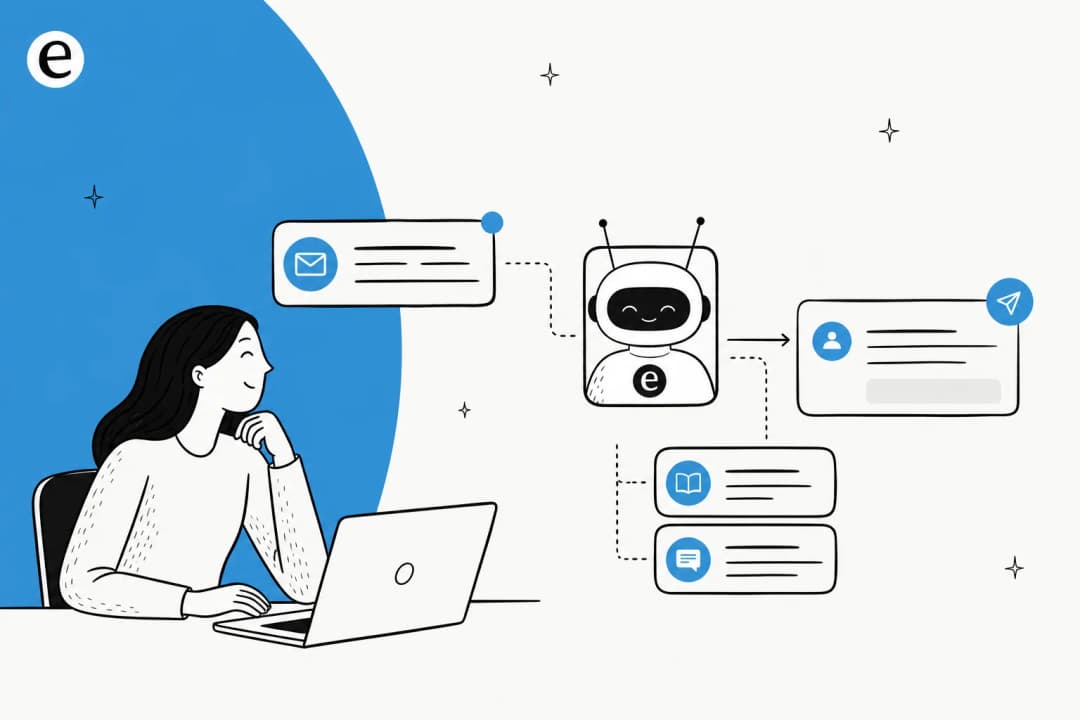
AI lead qualification for support is using an AI agent inside your support inbox or chat to spot messages that carry buying intent, score how good a fit they are, capture the key details, and route the hot ones to sales instead of closing them as a normal ticket. It sits on top of the same ticket triage engine that classifies the rest of your queue, just pointed at revenue instead of resolution. It overlaps with classic lead qualification tools, but it works on the conversations you already get.
How does AI tell a sales lead from a normal support ticket?
It reads the message and classifies intent the same way modern AI ticket classification does, then watches for buying signals: pricing questions, plan comparisons, upgrade or demo requests, "how many seats" wording. A refund request is support; "what's the difference between your Pro and Enterprise plan?" is a lead. The same model that detects sentiment can detect buying intent.
Can a support AI agent qualify leads without a separate sales tool?
Yes, if it can act on what it finds. The qualifying part is easy; the value is in the routing. A capable AI helpdesk agent can tag the ticket, notify the right sales rep, and push the captured details to your CRM through a custom action, so the lead never has to be re-keyed. That's the difference between a flag and a handoff.
What signals does AI use to qualify a lead from a support conversation?
Two buckets: intent signals (pricing words, upgrade language, demo requests, urgency) and fit signals (company size, current plan, past purchases, account age). Gorgias's Shopping Assistant stages it as Discovery, Interested, and Ready to buy. HubSpot leans on buyer intent signals. The combined score is what decides route-to-sales versus keep-as-support.
Does AI lead qualification for support work for small teams, and what does it cost?
It works well for small teams, because it catches revenue a stretched support queue would otherwise miss. Cost depends on the model: bolt-ons like HubSpot's advanced routing need a Service Hub paid tier, and sales-AI tools like Qualified are demo-only on price. eesel AI is usage-based at $0.40 per ticket with no per-seat fees, so adding lead routing doesn't add a seat bill.


Article by
Kurnia Kharisma Agung Samiadjie
Kurnia is a software engineer and writer at eesel AI with two years of SEO experience, writing about AI tools, helpdesk software, and customer support. He pairs a developer's understanding of how these products are built with search-driven research into what actually ranks and resonates with the people searching for them.