What "first response automation" actually means
I work the support queue, and the phrase gets thrown around loosely, so let me draw the line clearly. There are three different things people call "automating the first response," and they are not the same:
| Approach | What the customer gets | Does it resolve anything? |
|---|---|---|
| Autoresponder / canned acknowledgement | "Thanks, we've received your ticket #4821" | No, it just sets expectations |
| Macro or saved reply (agent-triggered) | A templated answer a human picks and sends | Sometimes, but a human still does the work |
| AI first response automation | A real answer to the actual question, drafted or sent by AI | Yes, on the first touch |
The first one is the oldest trick in support. An autoresponder buys you time, but it resolves nothing, and customers have learned to ignore it. Macros are better because the reply is real, but a human still has to read the ticket, pick the right macro, and tweak it, so your first response time is still gated by how busy your agents are. This is the leap that proper support ticket automation makes.
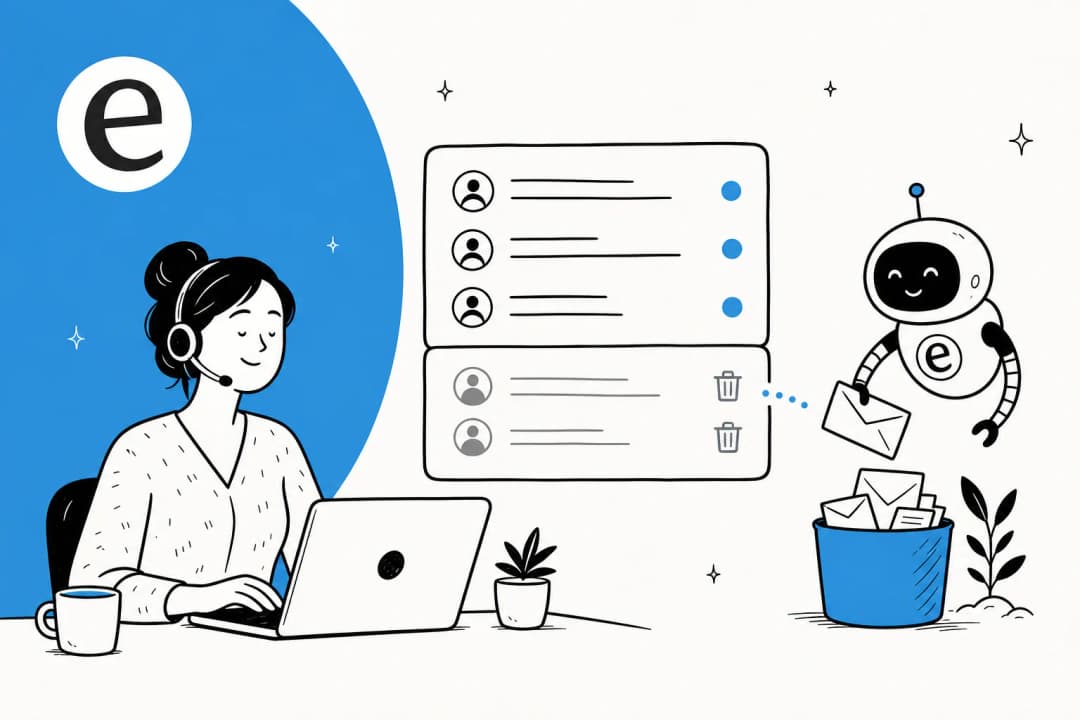
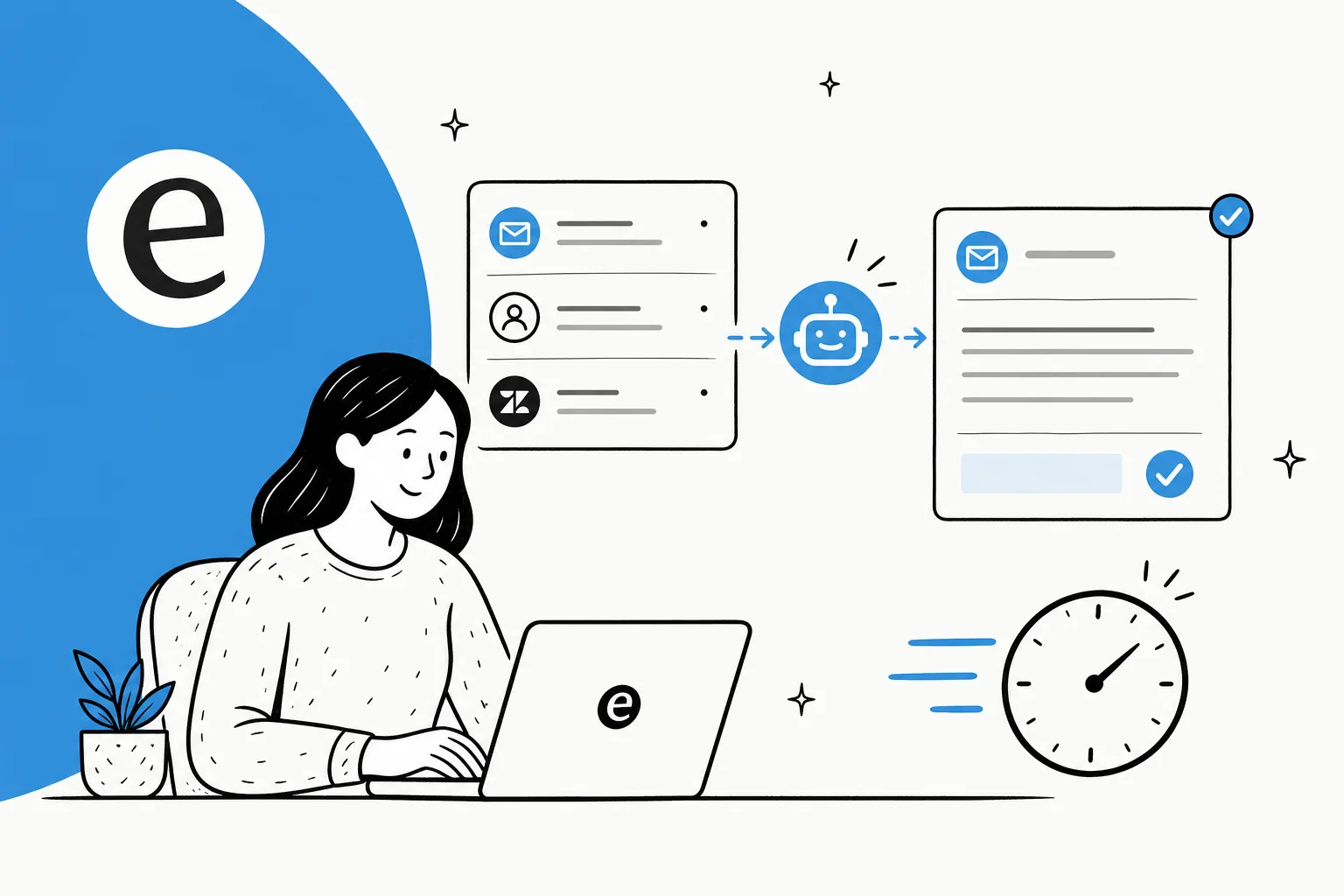
AI first response automation is the only one of the three that actually answers the question without a person in the loop. The AI reads the ticket, understands what's being asked, retrieves the relevant answer from your knowledge base and historical tickets, and produces a specific reply. That's the whole game, and it's why it's a different category from the AI customer service chatbot bolted onto a website five years ago.
Why first response time is the metric worth automating
Of all the support metrics, first response time (FRT) is the one customers react to emotionally. A slow resolution on a genuinely hard problem is forgivable. Silence for six hours on a "where's my order" question is not. It's also the metric that quietly drives your other numbers: tickets that sit unanswered get re-opened, escalated, and chased, so a bad FRT inflates your total ticket volume and your handle time at the same time.
The brutal part is that FRT is almost entirely a staffing problem. You can only respond as fast as you have agents online, which is why it falls apart at night, on weekends, during a product incident, and every Black Friday. Throwing headcount at it is expensive and it doesn't scale to spikes, which is why so many teams start comparing the best customer service AI the moment a busy season exposes the gap.
This is exactly the gap customer service automation fills. A big chunk of any queue is repetitive, answerable questions, the kind where the answer already exists in your docs. Having spent the last few years putting AI agents on live support queues, the pattern I see again and again is that the same 30-50% of tickets are variations on a dozen questions. Those are the tickets where first response time should be seconds, not hours, and they're the ones AI should be handling so your team can spend its time on the genuinely hard cases. If you want the deeper version of this argument, we wrote a whole guide on reducing ticket volume with AI.
How AI first response automation works
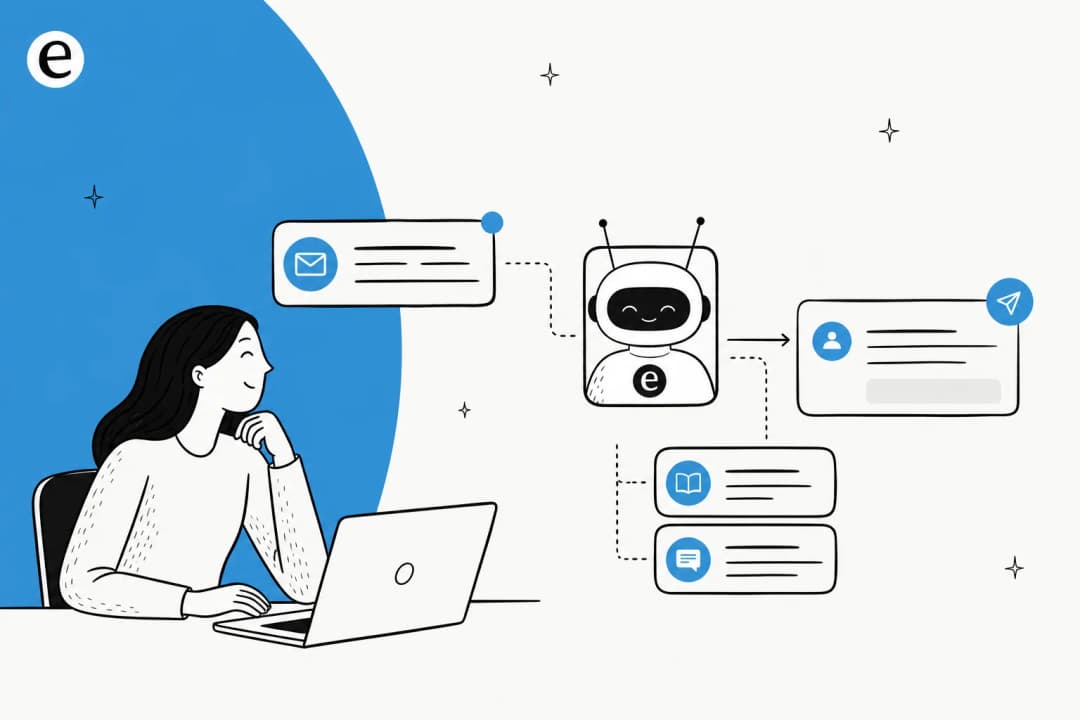
Under the hood it's less mysterious than the marketing makes it sound. Here's the actual flow a ticket goes through:
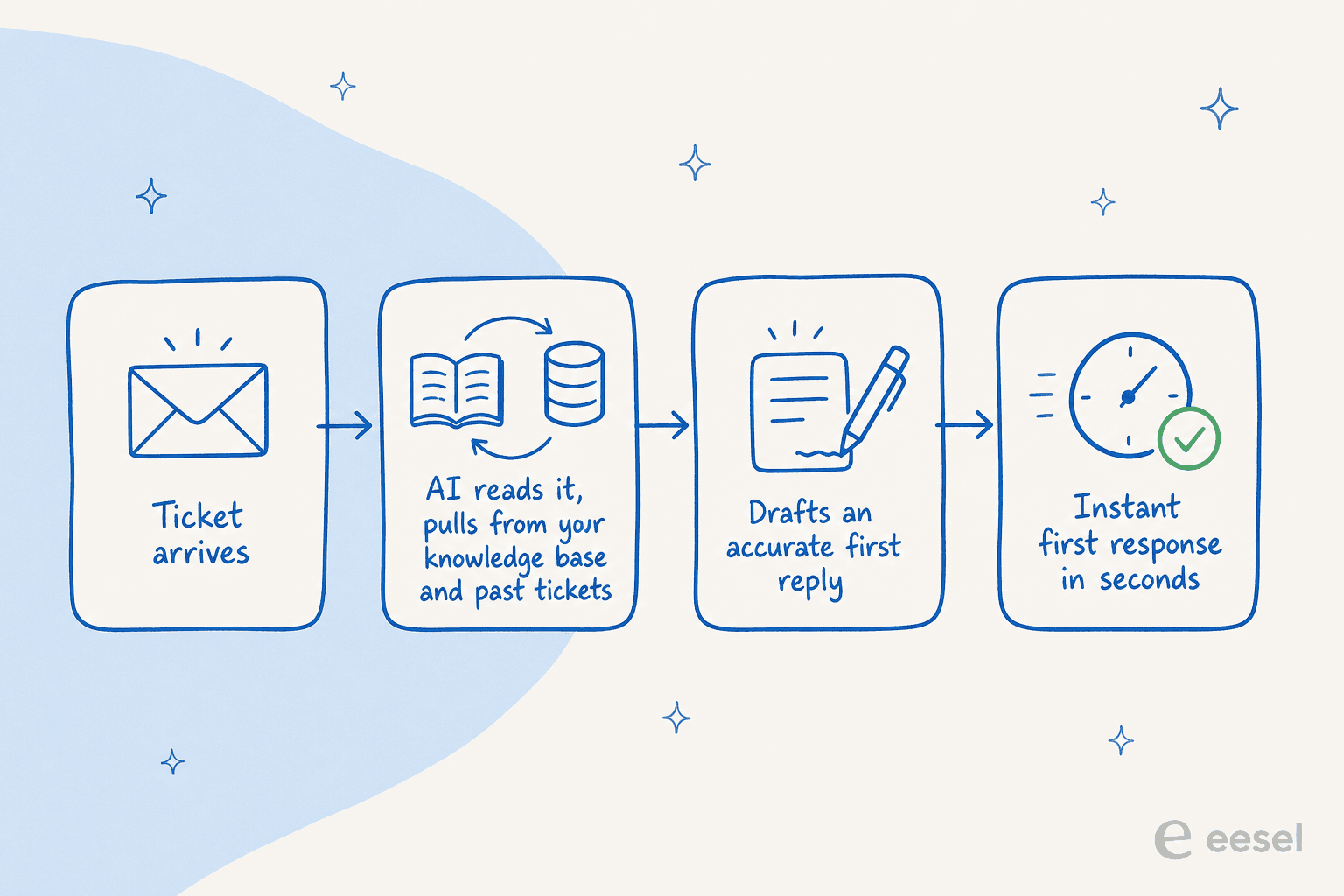
- A ticket arrives through any channel: email (where it overlaps with AI email triage), live chat, a contact form, WhatsApp.
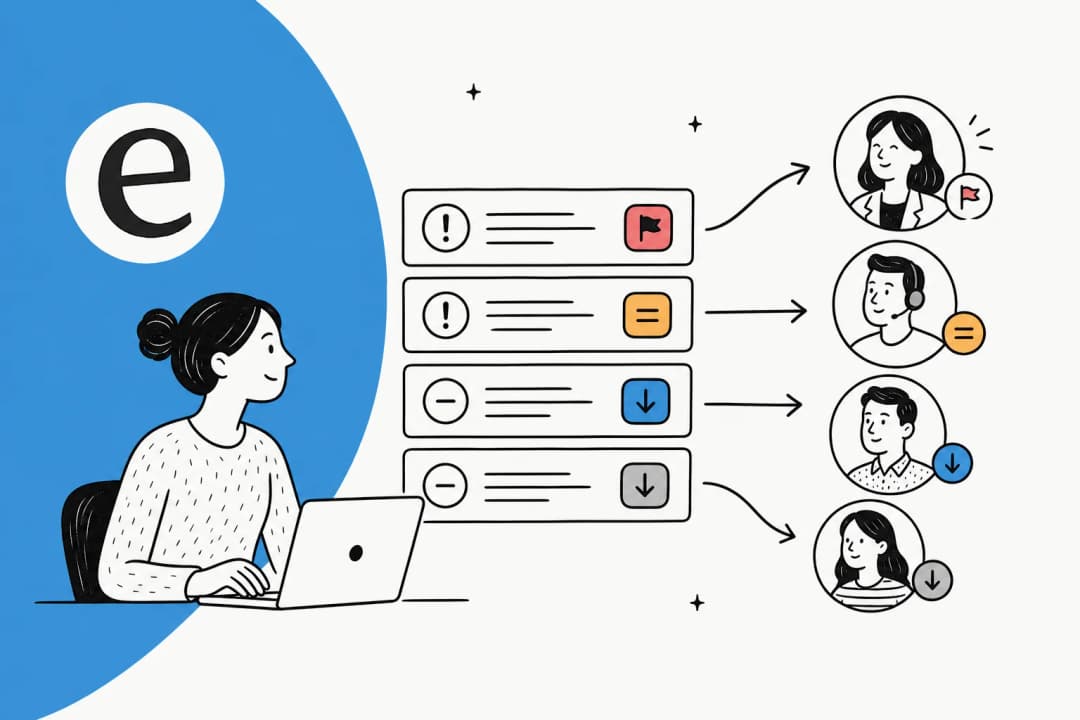
- The AI reads and understands it, classifying the intent the same way a good AI ticket classification system would.
- It retrieves the answer from your connected sources: your help center, past resolved tickets, internal docs in Confluence or Google Docs, order data from Shopify. Training the agent on your own knowledge base is what separates a useful answer from a generic one.
- It drafts a specific reply, in your brand voice, with the relevant detail filled in.
- It either sends or holds, based on how confident it is. This last step is the one that matters most, and it's where most teams get it wrong.
The retrieval step is the part worth obsessing over. An AI that answers from a thin or out-of-date help center will be confidently wrong, which is worse than slow. The teams that get the most out of this are the ones whose agents can stop digging through scattered docs entirely. One support team I know on a meeting-productivity product put it simply: their agents draft replies instantly now instead of hunting through Notion and Google Docs for every answer, because the AI does that part for them.
The part everyone gets wrong: confidence, not coverage
Here's the mistake I see teams make over and over: they flip on full automation, the AI tries to answer 100% of tickets, it gets some of them wrong, a customer screenshots a bad reply, and the whole program gets shut down inside a month. The goal was never 100% coverage. The goal is to answer the answerable tickets perfectly and not touch the rest.
A CX lead at a DTC supplements brand running about 7,000 tickets a month on Gorgias said this to me in a way that stuck: the AI will never answer every question, but if it just replies "sorry, I don't know" to the hard ones, that's useless, because nobody can go back and audit 7,000 tickets to catch the bad answers. What they actually needed was an AI that only handles the tickets it's confident about and leaves everything else alone. That's the whole thesis. Confidence-based routing, not coverage, is what makes first response automation safe.
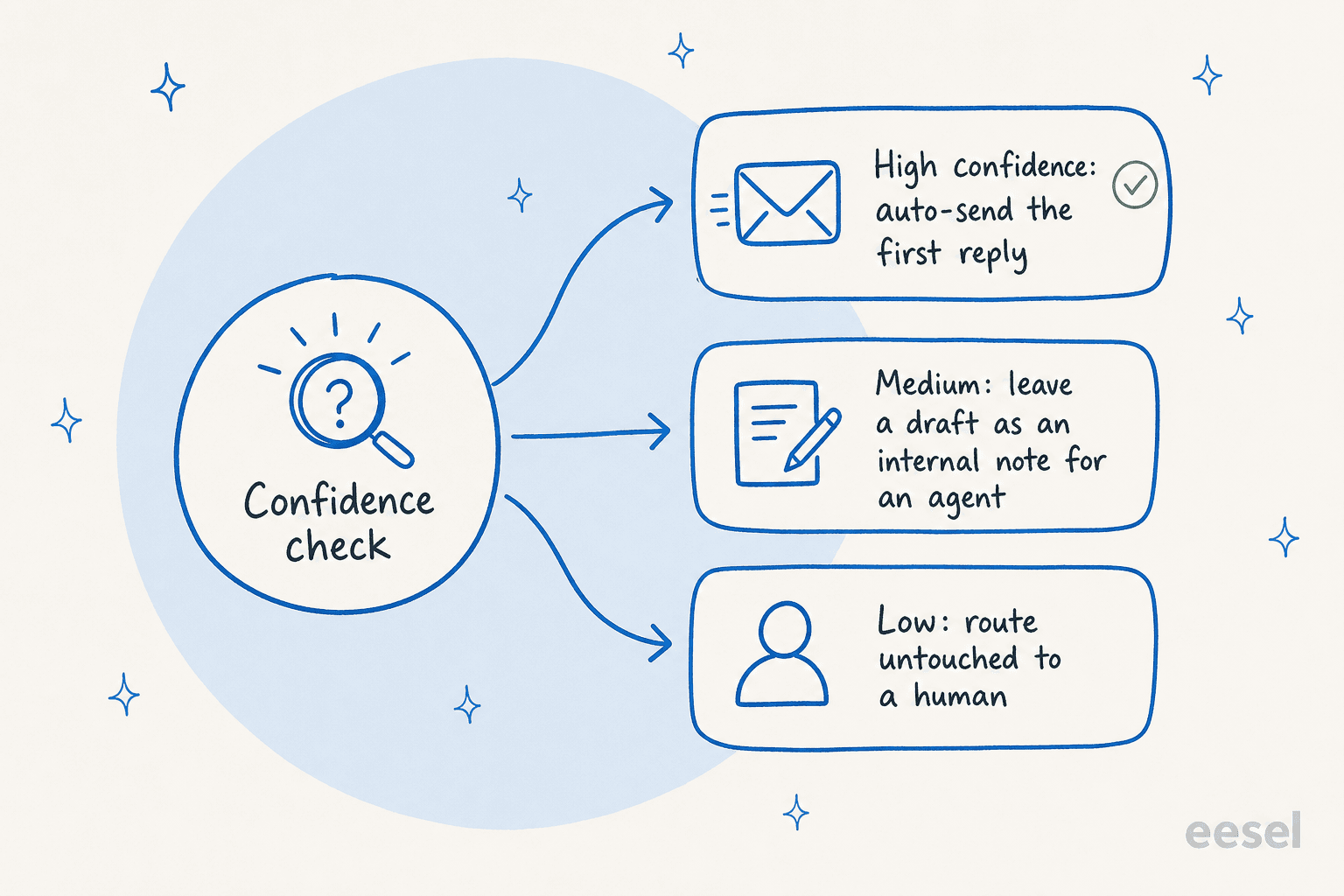
In practice that means three lanes:
- High confidence → the AI sends the first reply automatically. Password resets, order status, return policy, the stuff with one right answer.
- Medium confidence → the AI leaves a drafted reply as an internal note, and a human approves or edits before it goes out.
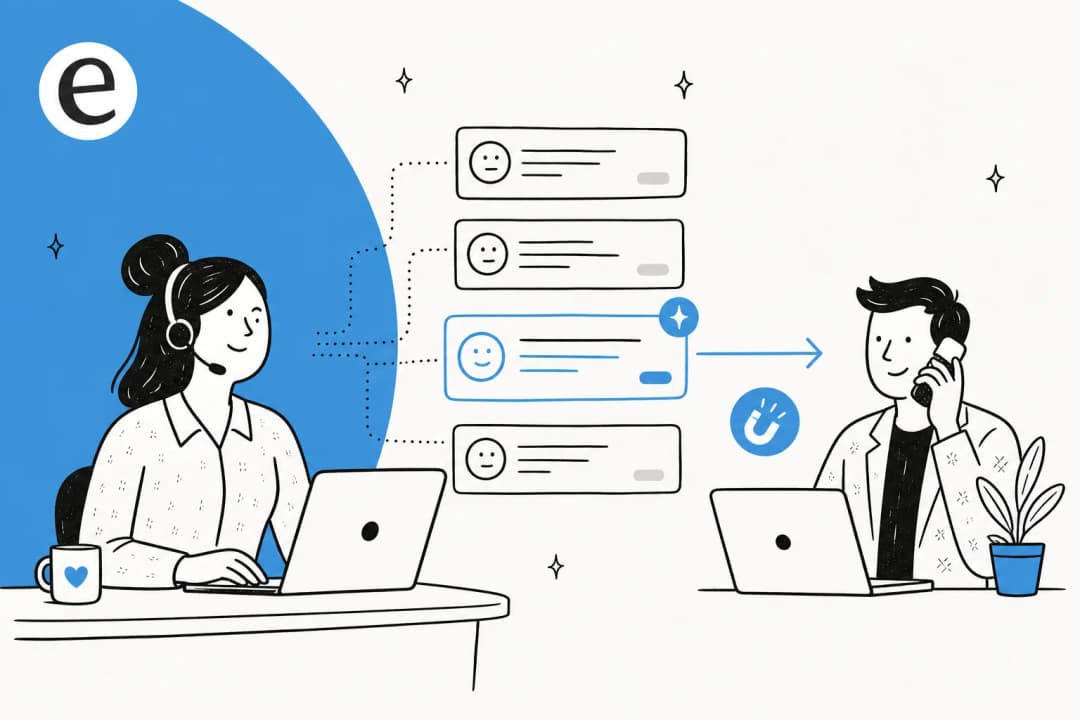
- Low confidence → the AI doesn't touch it. The ticket goes straight to a human, ideally with AI triage already tagging and routing it to the right team.
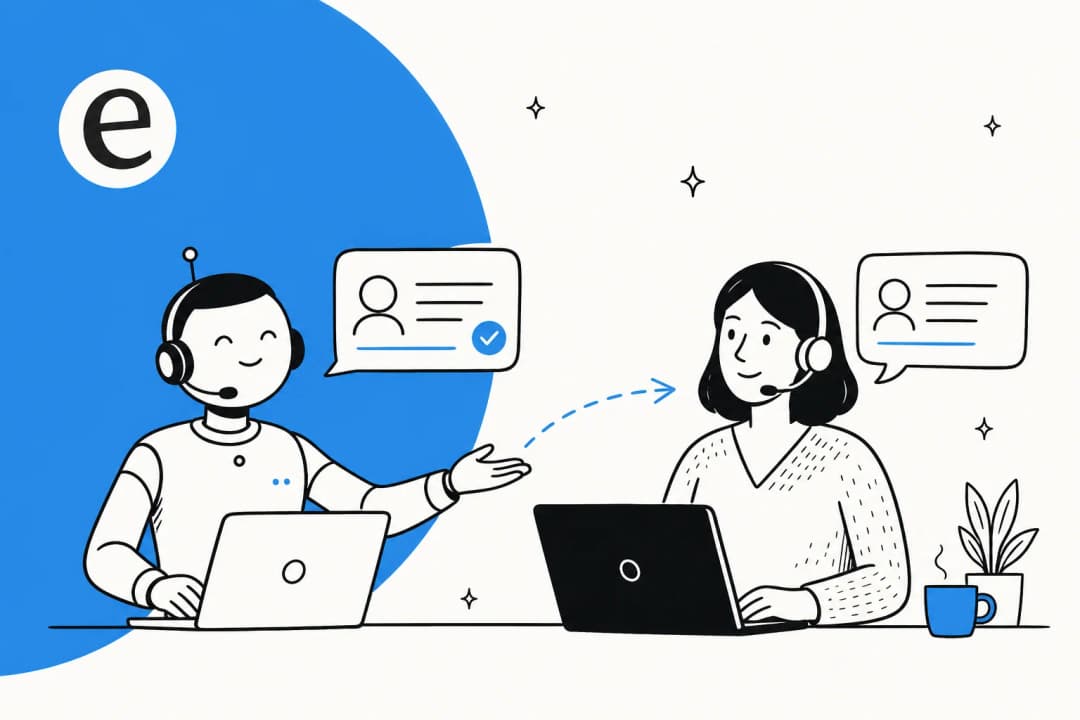
The control to demand from any tool here is a confidence threshold you can actually set, plus the ability to exclude whole ticket types from automation. Buyers ask us for exactly this constantly, things like "there are certain tickets I don't want to go through AI" and "I only want the agent to respond when I @-mention it." If a tool can't give you that level of control, it's not ready for your live queue. The same logic applies to clean handoff and escalation rules: the AI should know when to step back as confidently as it knows when to step in.
How to roll it out without torching customer trust
You don't go from zero to fully autonomous on day one. The teams that succeed climb a ramp, and they earn each step.
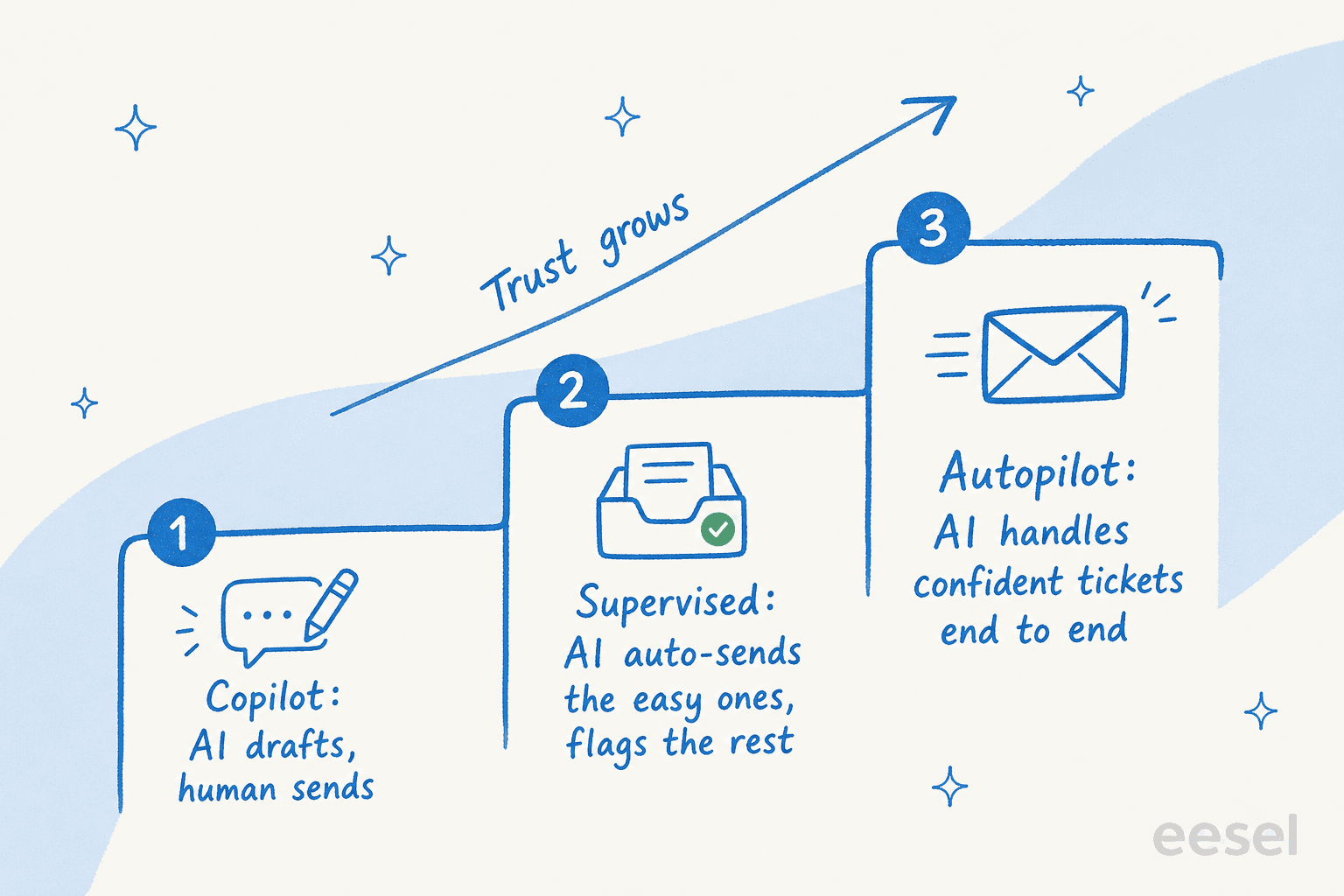
Step 1 - Copilot mode. The AI drafts every reply, a human reviews and sends. Nothing reaches a customer without a person seeing it. This is the safest place to start, and it's genuinely useful from day one: a records-and-data-governance SaaS team running their support on Zendesk used eesel as a copilot drafting replies trained on their past tickets, and it noticeably sped up how fast their agents could respond. You get the speed benefit while you build trust.

Step 2 - Supervised auto. Once you trust the drafts on a category (say, order status), let the AI auto-send those and keep drafting the rest. You're widening the high-confidence lane one ticket type at a time.
Step 3 - Autopilot. The AI handles confident tickets end to end, humans own the hard cases, and you're monitoring the resolution rate rather than reviewing every reply.
This copilot-first, autopilot-later arc is the single most common adoption pattern I see, and it's not a coincidence. It's how trust actually gets built: you watch the AI be right a few hundred times before you let it speak for you. The one thing I'd add from hard experience is to simulate before you launch. We learned the hard way that a confident-sounding bot can quietly give wrong answers, which is why we now run every rollout against a customer's historical tickets first, so you can see exactly how the AI would have replied to real past conversations before a single live customer is involved.
What good actually looks like
When confidence routing and a solid knowledge base come together, the numbers move in a way teams notice. A chief innovation officer at a payments company using AI for fast answers and onboarding reported up to 80% time savings on getting to an answer. In a well-set-up deployment, an AI helpdesk agent commonly resolves a large share of tier-1 requests within the first month, which is exactly the repetitive volume that was dragging your first response time down.
The point isn't the headline percentage, it's where the time goes. Every ticket the AI answers instantly is one your team didn't have to triage, and every draft it writes is research your agents didn't have to do. That's the real return: not replacing the team, but giving them back the hours that repetitive first responses were eating. If you're trying to put a dollar figure on it, our breakdown of AI agent versus human agent cost is a good place to start, and it's worth watching out for per-resolution pricing that charges you more precisely when the AI does its job well or when volume spikes during a busy season.

Common mistakes to avoid
A few patterns reliably sink first response automation. I've seen all of them:
- Automating on a thin knowledge base. If the answer isn't in your docs, the AI will either dodge or guess. Fix the knowledge base first, or train the AI on past tickets so it learns from real resolved answers. Smaller teams especially should weigh the best AI helpdesk tools for small teams here.
- Chasing coverage over confidence. Trying to answer everything is how you ship wrong answers. Narrow the high-confidence lane until you trust it, then widen it.
- No clean handoff. An AI that can't gracefully escalate to a human just frustrates customers twice. Handoff is a feature, not an afterthought.
- Skipping the simulation step. Launching live without testing against historical tickets is launching blind. Always dry-run it first.
- Picking a tool you can't control. If you can't set a confidence threshold, exclude ticket types, or start in draft mode, the tool is making your risk decisions for you.
Avoid those five and you're most of the way there. The rest is iteration: watch what the AI gets wrong, feed those cases back, and let the high-confidence lane grow on its own. For the broader operating picture, our guide to building an AI customer service workflow ties these pieces together.
Try eesel for first response automation
If you want first response automation that starts safe, eesel is built around exactly the confidence-first approach above. It plugs into Zendesk, Freshdesk, and Gorgias, trains on your help center and past tickets out of the box, and lets you start in draft-only mode so you watch it work before it ever replies to a customer. The thing I'd point to first: you can simulate it against your historical tickets and see its projected resolution rate before going live, instead of finding out in production.

You set the confidence threshold, you decide which ticket types it touches, and it's free to try. If you've been burned by an over-eager bot before, this is the version that doesn't repeat that mistake.
Frequently Asked Questions
What is AI first response automation?
How does AI first response automation reduce first response time?
Will AI first response automation send wrong answers to customers?
How much does AI first response automation cost?
How do I set up first response automation in Zendesk or Freshdesk?
What's the difference between an autoresponder and AI first response automation?
Does AI first response automation work across email, chat, and WhatsApp?


Article by
Riellvriany Indriawan
Riell is a designer and writer at eesel AI with about two years of experience researching CX platforms, AI chatbots, and helpdesk software. She combines her design background with a sharp eye for how these tools actually look and feel in practice — making her comparisons unusually visual and user-focused.